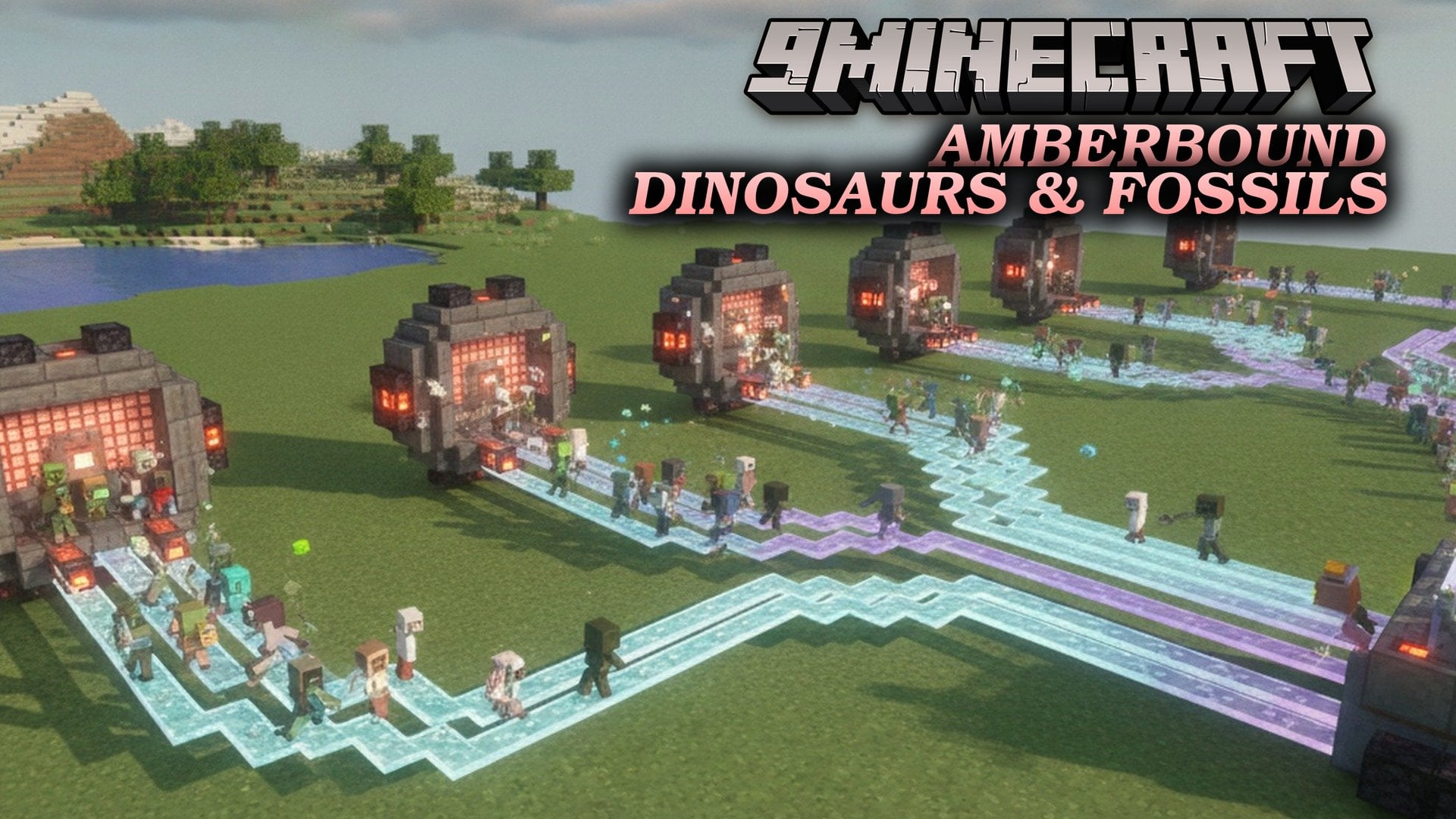
Amberbound Dinosaurs & Fossils Mod (1.21.11, 1.21.1) – Clone Dinosaurs
Java mod listed for Minecraft 1.21. Downloads from the MC Java Mods app on Android.
Amberbound Dinosaurs & Fossils Mod brings paleontology, dinosaur cloning, and park building into Minecraft. It generates Fossil Ore and Amber Ore…
⬇ Download
Amberbound Dinosaurs & Fossils Mod brings paleontology, dinosaur cloning, and park building into Minecraft. It generates Fossil Ore and Amber Ore underground, and equips you with specialized excavation tools, a Preparation Table, a Field Journal, and museum Display Stands. Players can collect 32 bones across prehistoric species like Tyrannosaurus, Brachiosaurus, and Stegosaurus, or extract DNA in a powered lab to incubate eggs and raise living dinosaurs. You can also build secure enclosures with feeders, electric fences, and tranquilizer guns to manage your creatures. The mod requires installation on both the client and server, with no extra mod dependencies needed.
Features:
- Underground Excavation: Adds Fossil Ore, Deepslate Fossil Ore, Amber Ore, and Deepslate Amber Ore underground, with extra fossils generating in deserts and badlands and extra amber appearing in jungles.
- Fossil Cleaning System: Lets you place mined fossils onto a Preparation Table to clean them using bare hands for fast but risky extraction, or a brush for safe and careful cleaning that wears down the tool.
- 32 Collectible Bones: Splits each land species into four distinct bone parts-skull, vertebra, rib, and limb bone-where vertebrae are common finds and skulls are rare.
- Life-Size Museum Displays: Includes a Display Stand for assembling small scale models and a Grand Display Stand for mounting life-size skeletons, such as an 11-block Tyrannosaurus or a 13-block-tall Brachiosaurus.
- DNA Lab and Cloning: Provides a DNA Analyzer, DNA Synthesizer, Test Tubes, and an Incubator to extract DNA samples from fossils and Mosquito in Amber items, synthesize dinosaur eggs, and hatch living animals from hatchling to adult.
- Park Management and Security: Equips you with Concrete Walls, Electric Fences, Herbivore Feeders, an Enclosure Terminal, Searchlights, Sirens, Tranquilizer Darts, and transport cages to keep dinosaurs fed and handle escapes.
- Gives players a Field Journal upon joining the world (or by crafting a book with a fossil fragment) that shows undiscovered species as silhouettes and unlocks pages with era, diet, size, weight, and real paleontology facts as you find bones.
- Tracks which of the four bones you still need for each species in the Field Journal, awards a STUDIED stamp when a set is complete, and marks species that you have mounted on stands.
- Features unique skull shapes and distinct fossil colors for every species so you can identify your finds easily.
- Supplies power to your lab and park machines using a Solar Panel, Wind Turbine, Biogenerator, Geothermal Generator, Battery, and Power Cables.
- Includes English and Russian language translations.
Excavation Tools & Resources:
- Paleontologist’s Compass: Points toward the nearest fossils within about 100 blocks, plays a chime sound when you get close, and shakes its needle when you stand directly above them.
- Paleontologist’s Pickaxe: Extracts fossils intact every time, whereas normal pickaxes risk shattering the ore into Fossil Fragments.
- Mosquito in Amber: A rare drop found inside amber that holds ancient DNA from its last meal.
- Block of Amber: A storage and decorative block crafted from raw amber.
Prehistoric Species:
- Tyrannosaurus: A Cretaceous carnivore whose complete skeleton reaches 11 blocks in length on a Grand Display Stand.
- Velociraptor: A Cretaceous carnivore with collectible bones and DNA samples.
- Triceratops: A Cretaceous herbivore that can be assembled as a skeleton or raised in an enclosure.
- Parasaurolophus: A Cretaceous herbivore with its own distinct skull and fossil color.
- Stegosaurus: A Jurassic herbivore with four collectible bone parts and cloning options.
- Brachiosaurus: A Jurassic herbivore whose life-size skeleton reaches 13 blocks tall on a Grand Display Stand.
- Dilophosaurus: A Jurassic carnivore that attacks using Dilophosaurus Venom.
- Pteranodon: A Cretaceous fish-eater with collectible bones for museum mounting.
- Mosasaurus: A prehistoric marine species included in the mod’s creature lineup.
- Plesiosaurus: An aquatic prehistoric reptile available alongside the land dinosaurs.
- Ichthyosaurus: A marine prehistoric species found in the mod.
How to Use:
- Hold the Paleontologist’s Compass while exploring underground (especially in deserts, badlands, and jungles) and follow the needle and chime sounds until the needle trembles over a fossil.
- Mine the Fossil Ore or Amber Ore using the Paleontologist’s Pickaxe so the fossil drops intact instead of breaking into fragments.
- Place the raw fossil onto a Preparation Table and clean it with a brush to safely uncover a random skull, vertebra, rib, or limb bone, or use bare hands for faster cleaning with a risk of cracking it.
- Open your Field Journal (received on world join or crafted from a book and a fossil fragment) to check which bones you have found and read facts about each unlocked species.
- Place all four bone types of a single species onto a Display Stand for a scale model or a Grand Display Stand for a life-size skeleton.
- Look directly at a mounted stand to view the species name, or hold sneak and right-click the stand with an empty hand to rotate the skeleton.
- Set up power generators (such as Solar Panels or Wind Turbines) connected with Power Cables and a Battery to run the DNA Analyzer, DNA Synthesizer, and Incubator, then use Test Tubes with fossils or Mosquito in Amber to hatch Dinosaur Eggs.
Amberbound Dinosaurs & Fossils Mod Download Links
- Edition: Minecraft Java
- File type: .jar
- Minecraft versions listed: 1.21.11, 1.21.1
- How to install: Install the matching mod loader (Forge, Fabric or NeoForge) for your Minecraft version. → Download the .jar. → Put it in the .minecraft/mods folder and launch that loader profile.
- Where to get it: In MC Java Mods, or directly above on this page.
Install steps are the general flow for this file type — How to install Minecraft Java mods & modpacks walks through it step by step.
- Downloads as 554322.mcaddon
- Download size: 3.6 MB
- Download link checked 22 Nov 2026 — working
- Mirrored on our own servers — the download does not depend on the original host
These come from our own check of the pack file, not from the source page.