Confee Mod (26.3, 1.20.1) – Edit Any Mod Settings Directly Inside the Game Menu
Java mod listed for Minecraft 1.20–26.x. Downloads from the MC Java Mods app on Android.
⬇ Download


Confee Mod adds a Bedrock-style config menu to mods that do not have their own settings screen. It reads TOML, JSON, JSONC, JSON5, YAML, HOCON, properties, INI, and Forge .cfg files so you can change values directly in the game without opening text folders. The mod also acts as a config library that builds settings screens and writes config files automatically from a single code class. It runs on Fabric, Quilt, Forge, and NeoForge, and requires Mod Menu on Fabric or Quilt to display the config buttons.
Features:
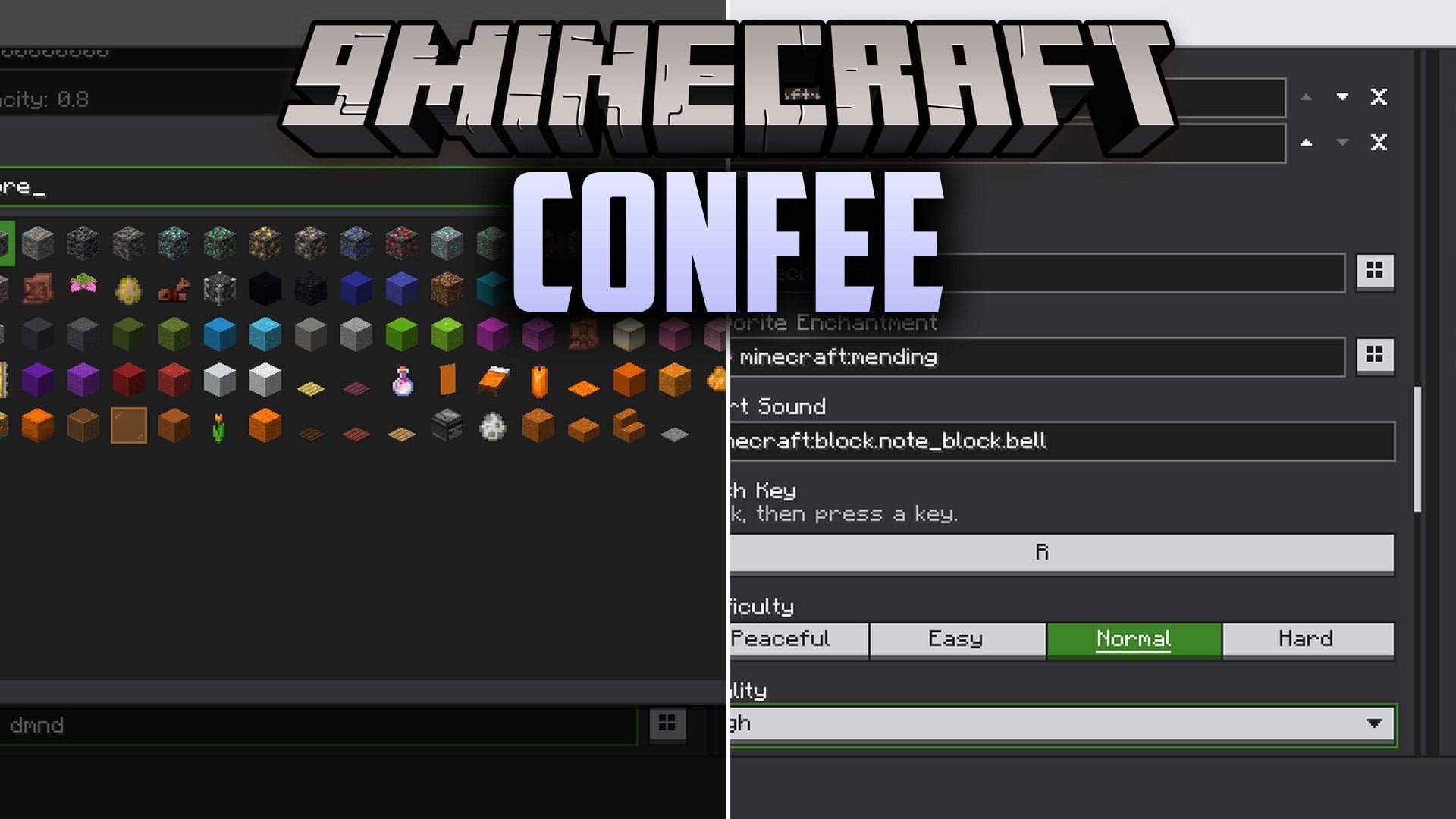
- In-Game Config Editor: Adds a working Config button to mods that lack a settings menu, letting you edit TOML, JSON, JSONC, JSON5, YAML, HOCON, properties, INI, and Forge .cfg files right from the mod list.
- Safe File Editing & Backups: Rewrites only the specific values you change while keeping original comments, line order, and formatting intact. It saves a backup copy in
config/confee/backups/before saving and prevents broken files from crashing your game. - Visual Pickers & Icons: Displays matching icons for item, block, and mob IDs alongside auto-suggestions and a searchable picker menu, plus a visual color picker for color values.
- Opens lists of objects and deeply nested lists in JSON, JSON5, YAML, and TOML files one element per screen so you can add, move, or remove entries cleanly.
- Edits and applies client settings built with the Forge or NeoForge config system while the game is still running, while keeping server configs read-only.
- Keeps existing config screens for mods that already have one, with an option to force this mod’s editor instead by adding mod IDs to
forceConfeeEditorwithout restarting. - Includes full language translations for both English and French.
Library Tools & Widgets:
- Generates config files with comments, value ranges, and allowed values alongside a Bedrock-style settings screen using Java annotations or a builder class.
- Provides built-in UI controls for toggles, sliders, steppers, dropdowns, check boxes, text fields, multi-line fields, colors, key binds, lists, maps, and object lists.
- Supports registry options and tags for items, blocks, mobs, biomes, dimensions, structures, enchantments, effects, sounds, fluids, and custom registries from other installed mods.
- Offers option conditions, descriptions, measurement units, category icons, layout controls, custom themes, and visual decorations like titles, info blocks, images, and buttons.
- Displays image previews, live rendering previews, or text previews inside the config screen, and accepts custom widgets that also work when editing other mods’ files.
- Reports all errors found in a config class at once with clear instructions on how to fix each mistake.
Configuration:
forceConfeeEditor: Forces selected mods to open in this mod’s config editor instead of their own built-in settings screen without needing a game restart.config/confee/backups/: Stores automatic backup copies of original config files before any in-game edits are saved.
How to Use:
- Open Mod Menu on Fabric or Quilt, or open the main mod list on Forge or NeoForge.
- Select any mod from the list and click the Config button to open its config files in the game.
- Use the visual pickers, sliders, toggles, or list screens to change your settings; your changes save directly to the file while a backup is stored in
config/confee/backups/. - To use this editor on a mod that already has its own settings screen, open this mod’s own settings and add that mod to
forceConfeeEditor.
Screenshots:
Confee Mod Download Links
- Edition: Minecraft Java
- File type: .jar
- Minecraft versions listed: 26.3, 1.20.1
- How to install: Install the matching mod loader (Forge, Fabric or NeoForge) for your Minecraft version. → Download the .jar. → Put it in the .minecraft/mods folder and launch that loader profile.
- Where to get it: In MC Java Mods, or directly above on this page.
Install steps are the general flow for this file type — How to install Minecraft Java mods & modpacks walks through it step by step.
- Downloads as 554323.mcaddon
- Download size: 894 KB
- Download link checked 22 Nov 2026 — working
- Mirrored on our own servers — the download does not depend on the original host
These come from our own check of the pack file, not from the source page.