
Effects Left Mod (1.19.2, 1.18.2) – Keep Potion Icons Off Your Recipe Lists
Java mod listed for Minecraft 1.18–1.19. Downloads from the MC Java Mods app on Android.
⬇ Download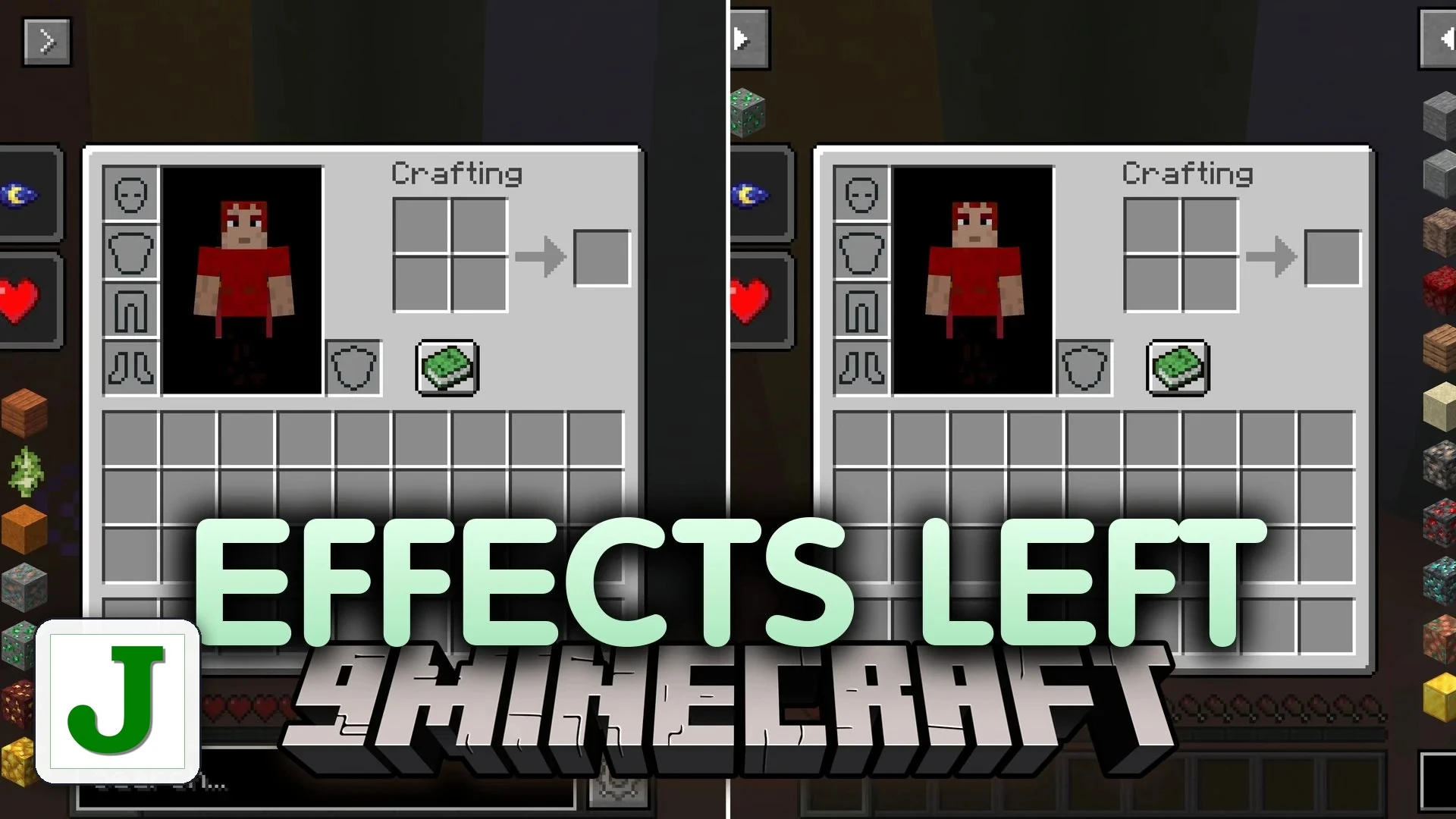


Effects Left Mod moves your active potion effects in the inventory screen back to the left side instead of the right. This returns the display layout to how it looked before Minecraft 1.18. By shifting the icons over, the mod stops potion effects from getting in the way of recipe viewers like Just Enough Items (JEI) and Roughly Enough Items (REI). It runs completely on the client side, so you can use it on any multiplayer server without needing the server to install it.
Features:
- Left-Side Effect Display: Uses Mixin to shift active potion effect icons from the right side of the inventory screen back to the left side.
- JEI and REI Compatibility: Adjusts the exclusion zones for both JEI and REI so potion icons and item lists do not overlap.
- Removes the empty gap on the right side of the screen where potion effects normally sit in JEI and REI.
- Adds proper spacing on the left side when you have favorited items in JEI or when your REI panel is set to the left, including adjustments for small effect icons.
- Adds the 1.18 small effect icon texture to the built-in Programmer Art Resource Pack so classic textures display properly.
- Runs entirely on the client side, which means it works on any multiplayer server and does nothing if placed in a server mod folder.
- Includes a built-in update checker to notify you when a new version is available.
Screenshots:
Effects Left Mod Download Links
- Edition: Minecraft Java
- File type: .jar
- Minecraft versions listed: 1.19.2, 1.18.2, 1.18
- How to install: Install the matching mod loader (Forge, Fabric or NeoForge) for your Minecraft version. → Download the .jar. → Put it in the .minecraft/mods folder and launch that loader profile.
- Where to get it: In MC Java Mods, or directly above on this page.
Install steps are the general flow for this file type — How to install Minecraft Java mods & modpacks walks through it step by step.
Effects Left Mod (1.19.2, 1.18.2) – Keep Potion Icons Off Your Recipe Lists is a free Minecraft Java mod. Compatible with Minecraft 1.19.2, 1.18.2, 1.18. Download it and open it directly in the game.