
ModsJava
Menu Tabs Mod (26.3) – Tweak Your Settings Without Backing Out to the Pause Menu
Java mod listed for Minecraft 26.x. Downloads from the MC Java Mods app on Android.
⬇ Download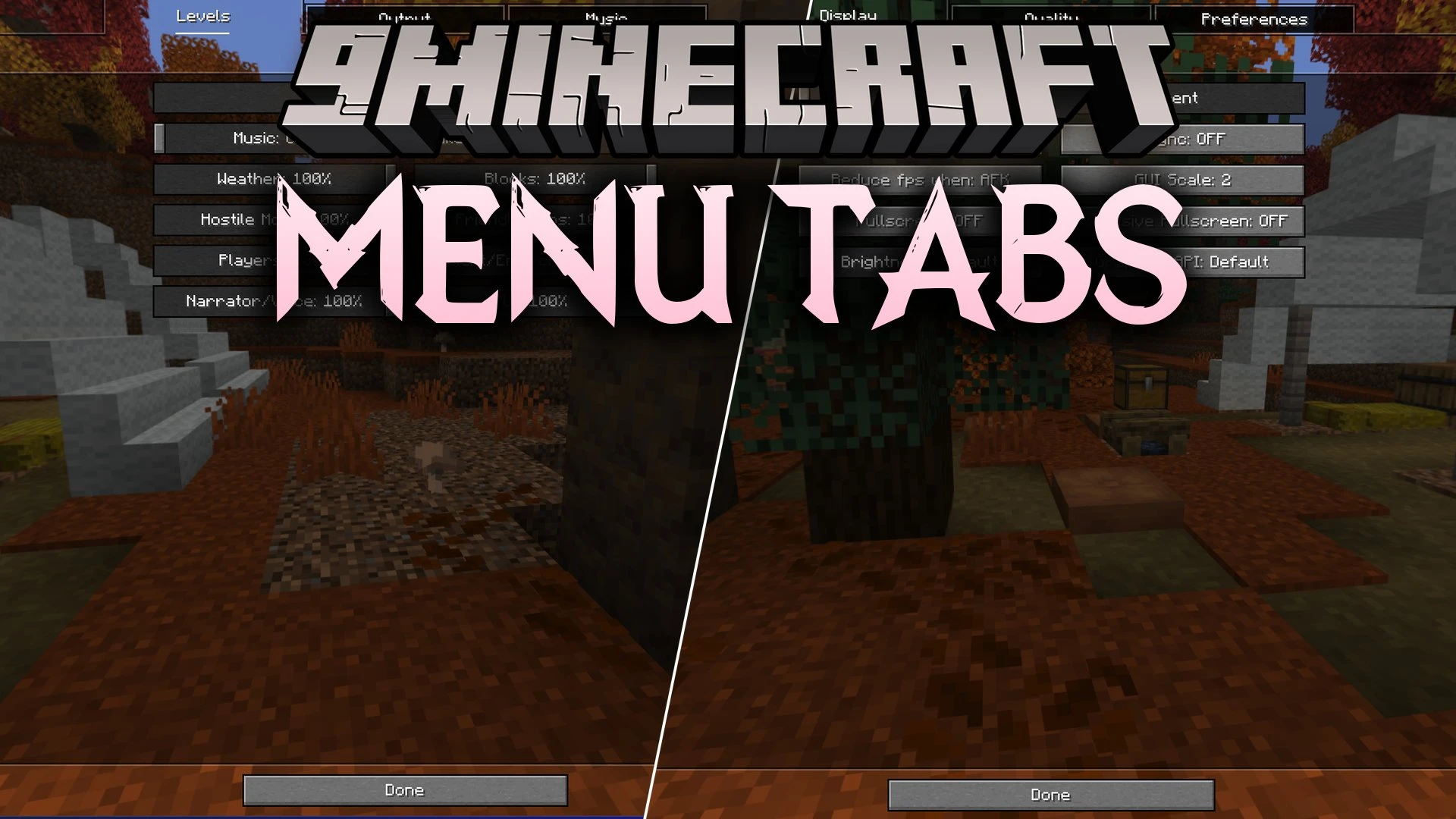


Menu Tabs Mod adds clean tabs across Minecraft settings screens. It splits options into tidy sections so you can jump between categories quickly. The layout keeps the classic vanilla look, so every screen feels familiar. You can flip through video sliders, music controls, and other preferences without backing out to the main pause menu each time.
Features:
- Native Interface: Places tabs directly at the top of settings screens while preserving the vanilla Minecraft art style.
- Organized Categories: Splits settings into distinct sections so you can locate specific options much faster.
- Fast Switching: Lets you click between available tabs instantly without exiting back to previous screens.
- Uncluttered Menus: Keeps the default visual layout clean and recognizable for any player.
- Works across common settings windows such as Video Settings and Music controls.
How to Use:
- Open the game and pause your world or stay on the title screen.
- Click into the Options menu.
- Click any tab at the top of the screen to switch straight to that settings section.
Screenshots:
Menu Tabs Mod Download Links
Quick facts
- Edition: Minecraft Java
- File type: .jar
- Minecraft version listed: 26.3
- How to install: Install the matching mod loader (Forge, Fabric or NeoForge) for your Minecraft version. → Download the .jar. → Put it in the .minecraft/mods folder and launch that loader profile.
- Where to get it: In MC Java Mods, or directly above on this page.
Install steps are the general flow for this file type — How to install Minecraft Java mods & modpacks walks through it step by step.
File checked by MCModsHub
- Downloads as 556454.mcaddon
- Download size: 118 KB
- Download link checked 25 Nov 2026 — working
- Mirrored on our own servers — the download does not depend on the original host
These come from our own check of the pack file, not from the source page.