
AddonsBedrock
Oresync Addon (26.x, 1.21) – MCPE/Bedrock
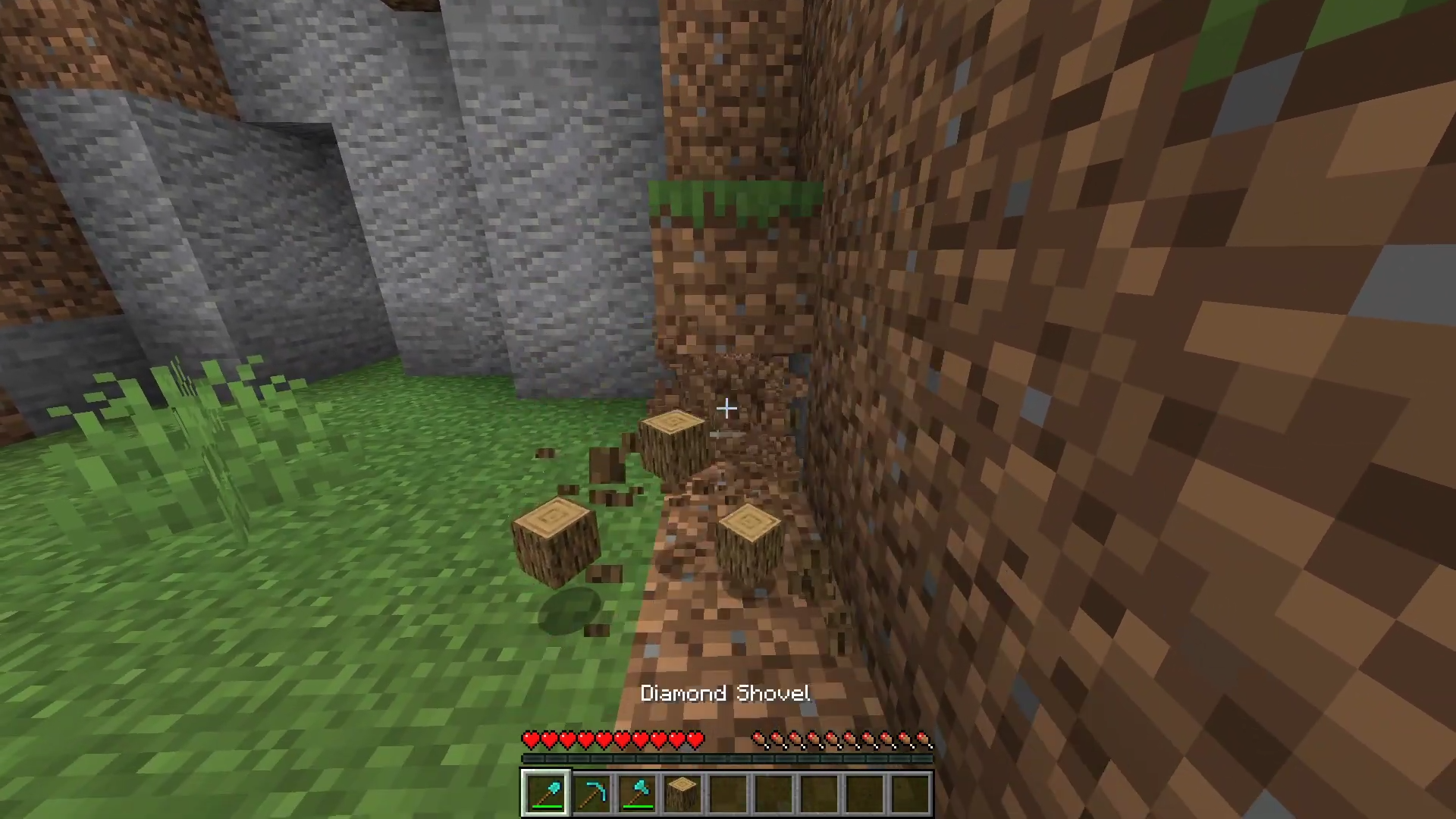
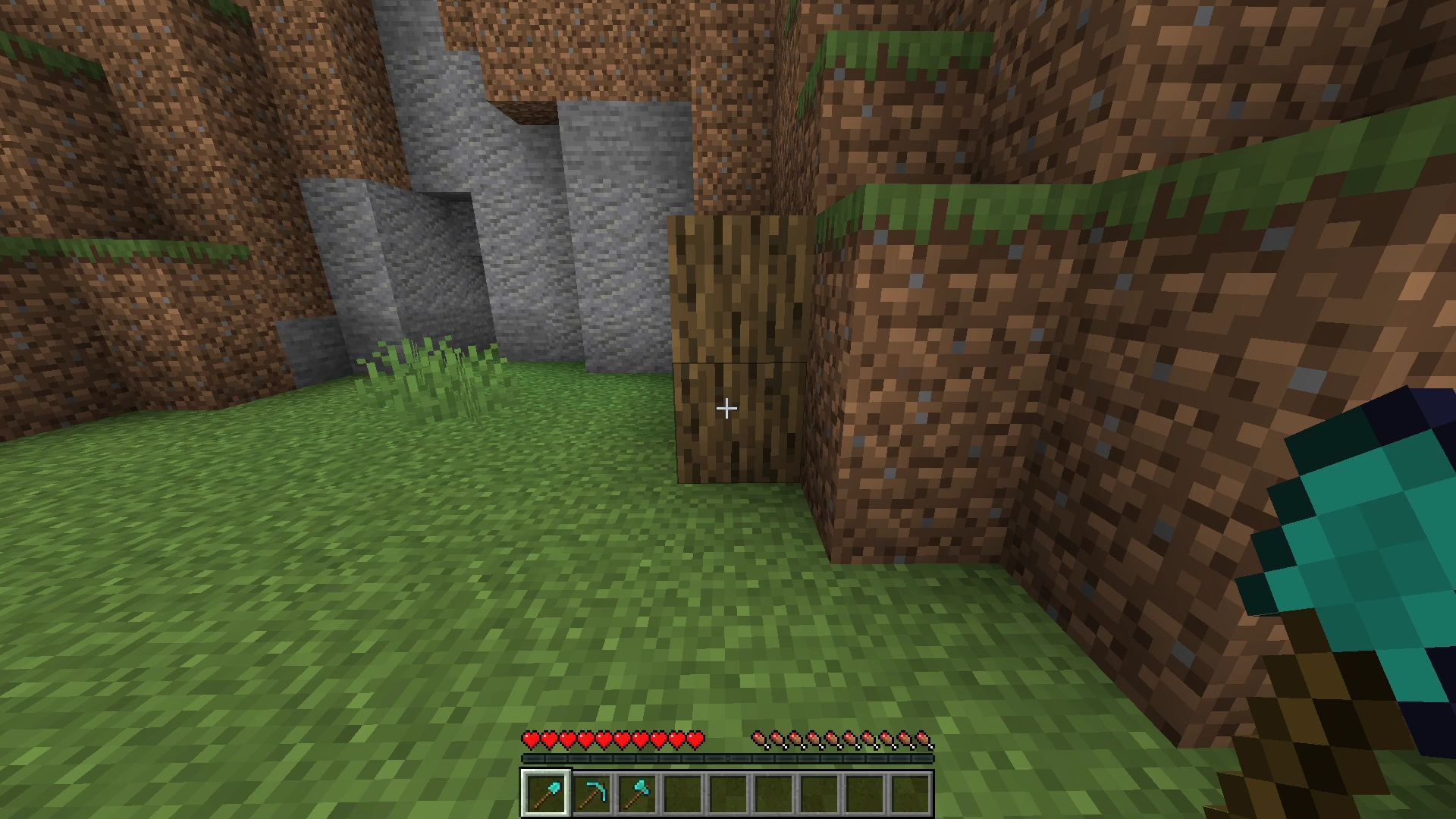
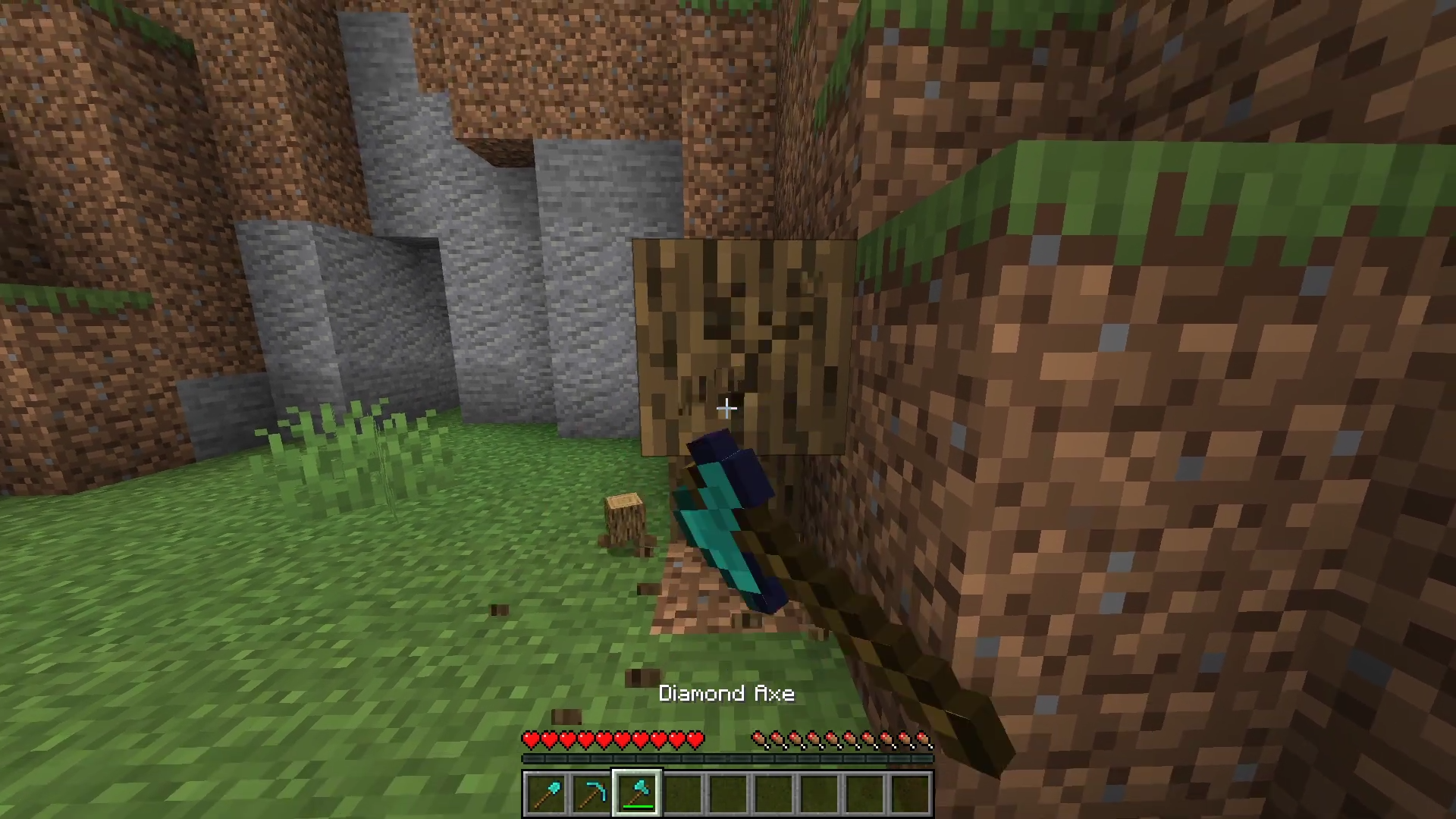
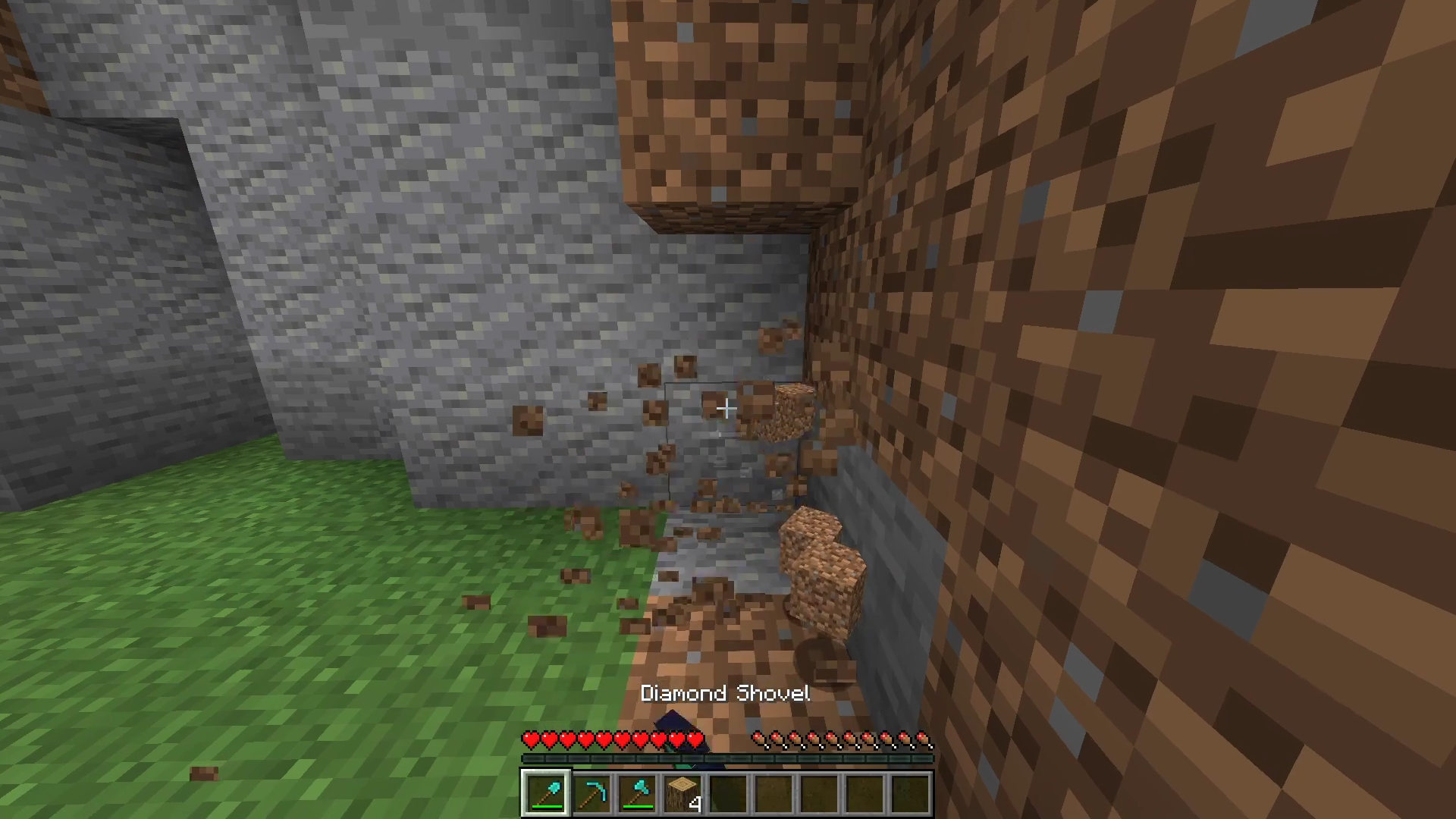
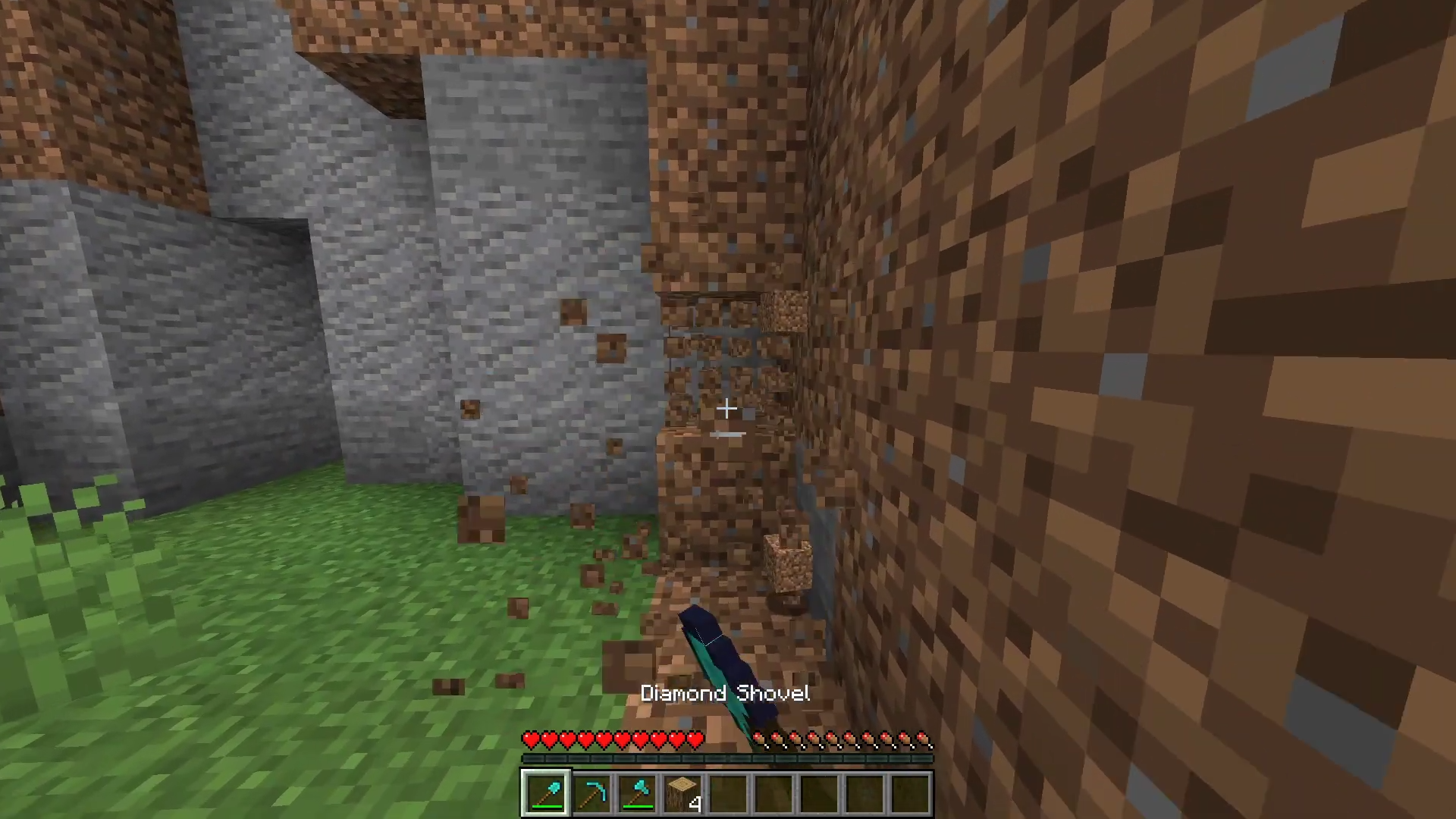
Oresync Addon supports automating mining, building, and inventory management. The system reduces repetitive tasks without requiring experimental features…
⬇ DownloadOpen in MCModsHubGet it on Google Play →Oresync Addon supports automating mining, building, and inventory management. The system reduces repetitive tasks without requiring experimental features. The smart mining function works by pressing the Shift key to break nearby blocks of the same type.
Features:
- Automatic mining.
- Fast mining with Shift key.
- Breaking blocks of the same type.
- Deducting tool durability.
- Automatically replacing broken tools.
- Finding items in inventory.
- Automatic material filling.
- Continuous building.
Screenshots:
Installation Note:
- You don’t need to enable the Experimental Settings if the addon does not work.
Oresync Addon Download Links
For Minecraft PE/Bedrock 26.x
mcaddon: Download from Server 1 – Download from Server 2
For Minecraft PE/Bedrock 1.21
mcaddon: Download from Server 1 – Download from Server 2
Verified by MCModsHub
- Pack type: .mcpack — a single pack
- Manifest requires Minecraft 1.26.0 or newer
- Complete pack — everything it depends on is inside the file
- Download link checked 17 Jun 2026 — working
- Mirrored on our own servers — the download does not depend on the original host
These come from our own check of the pack file, not from the source page.
Explore more