Sun Guardian CTM Map (26.2, 1.20.1) – Bring Back The Light
Java map listed for Minecraft 1.20. Download on the author's site.
⬇ Download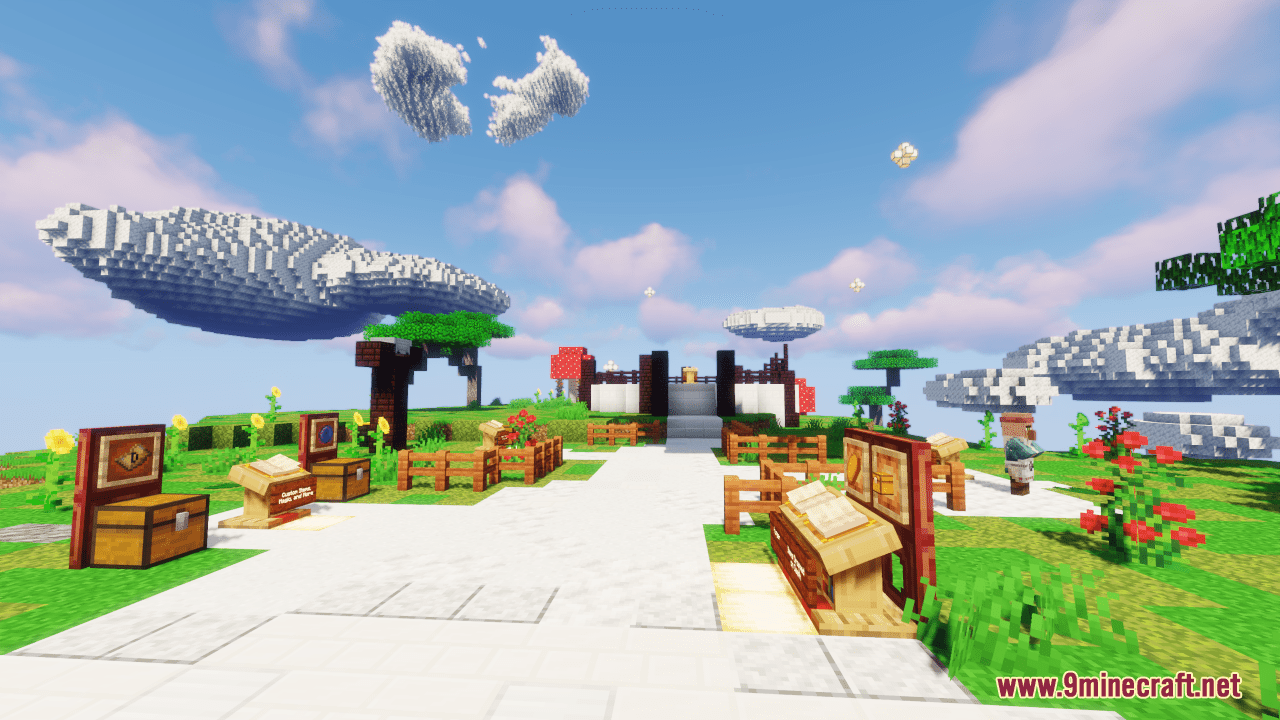
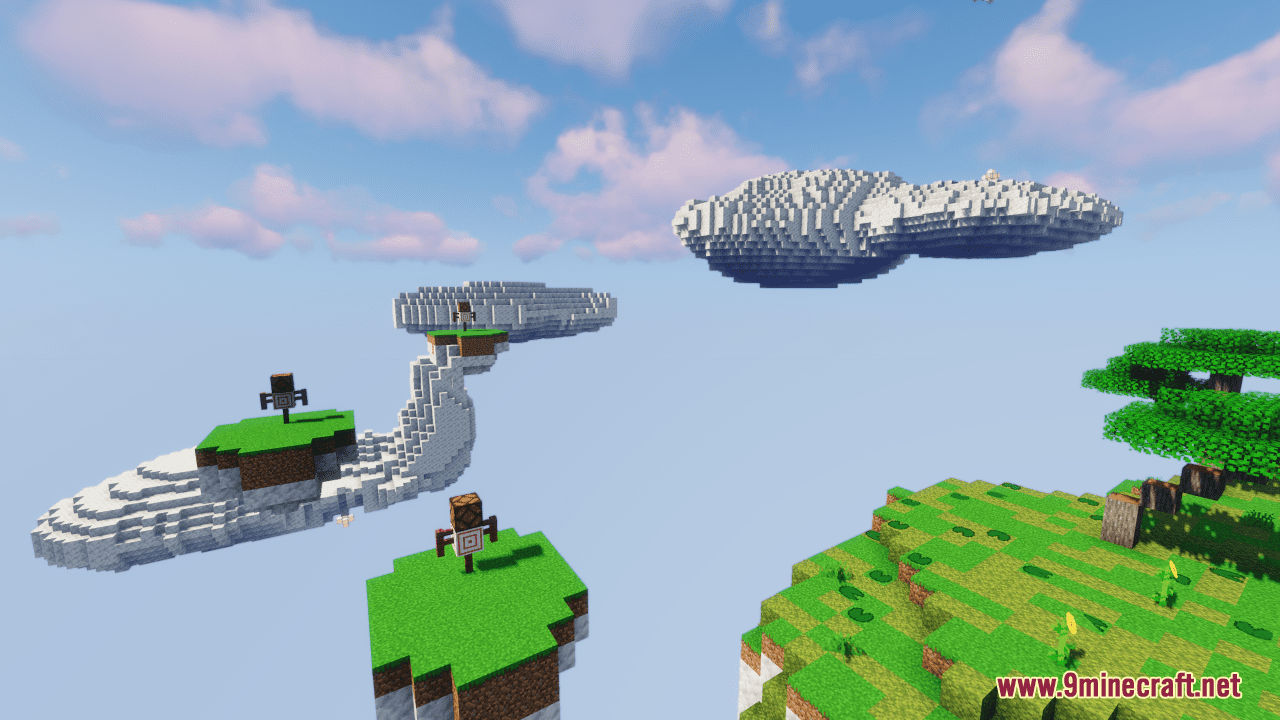
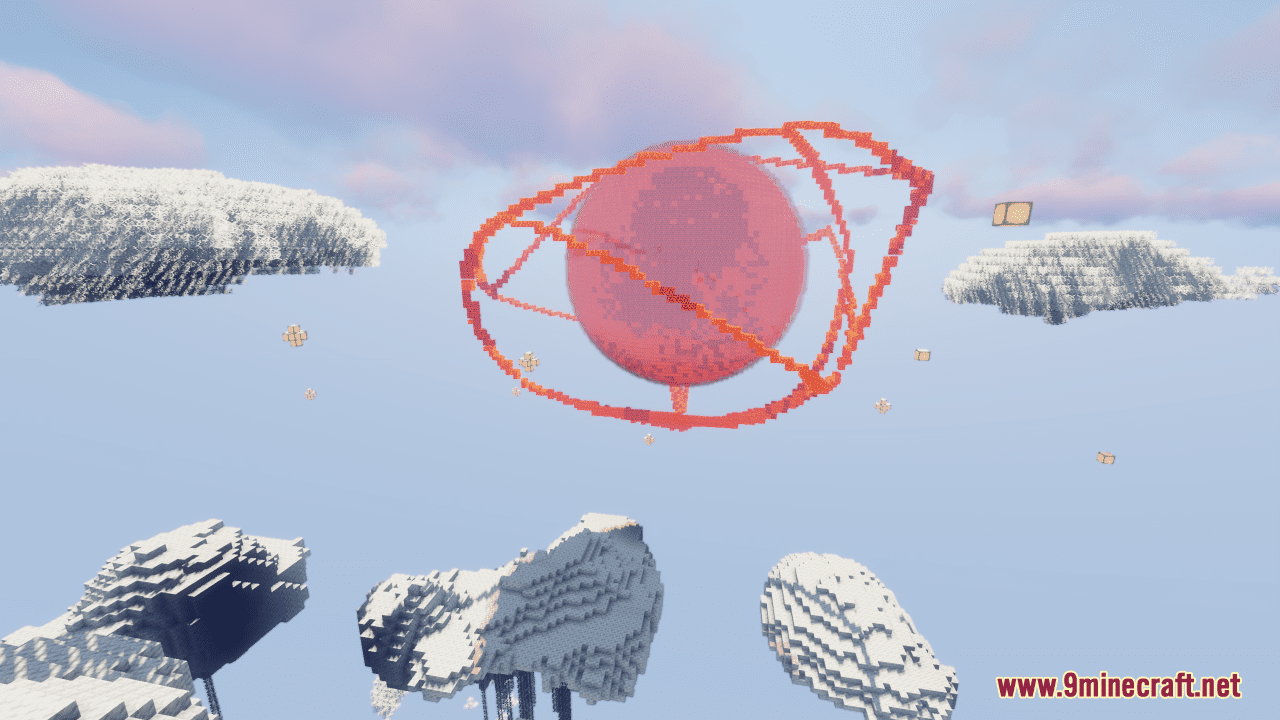
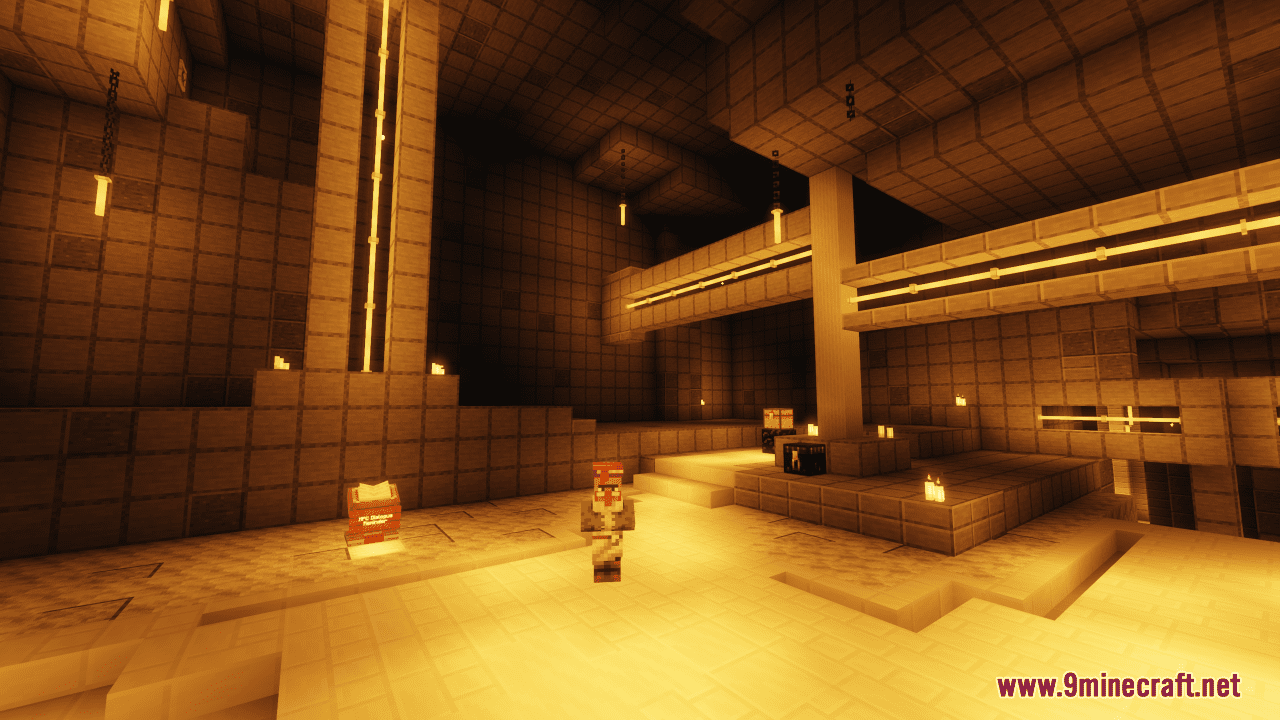
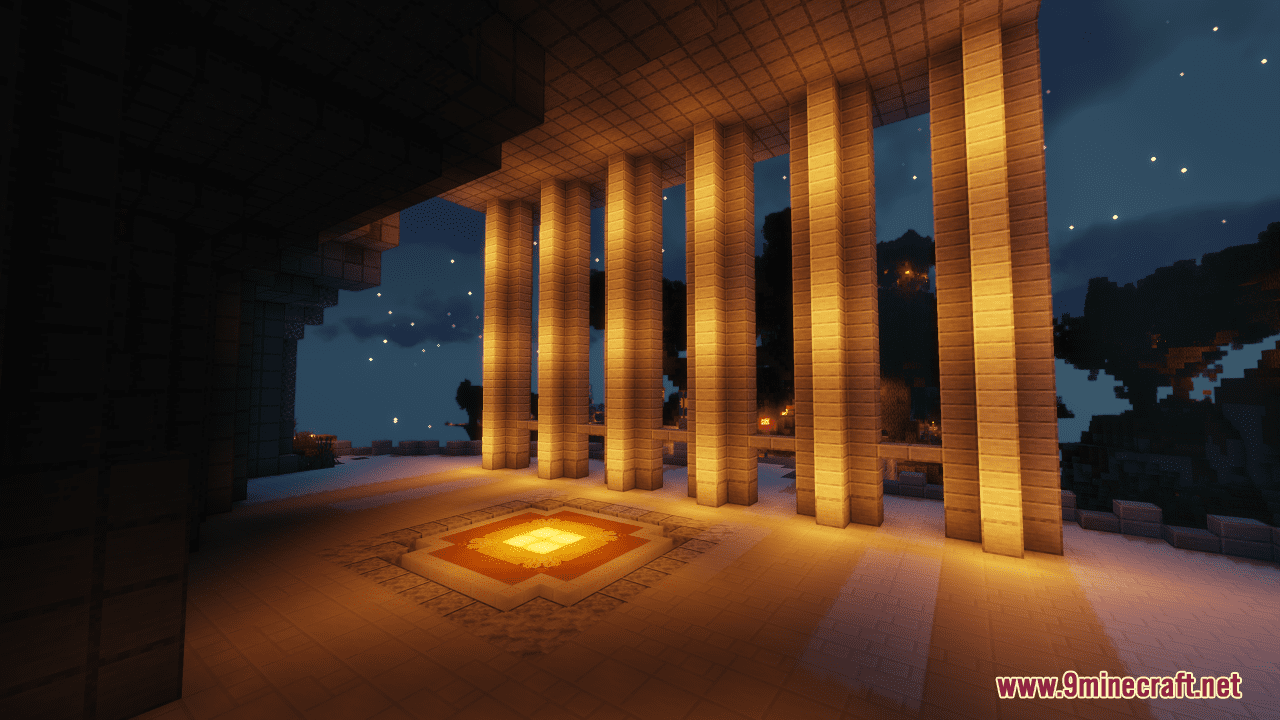
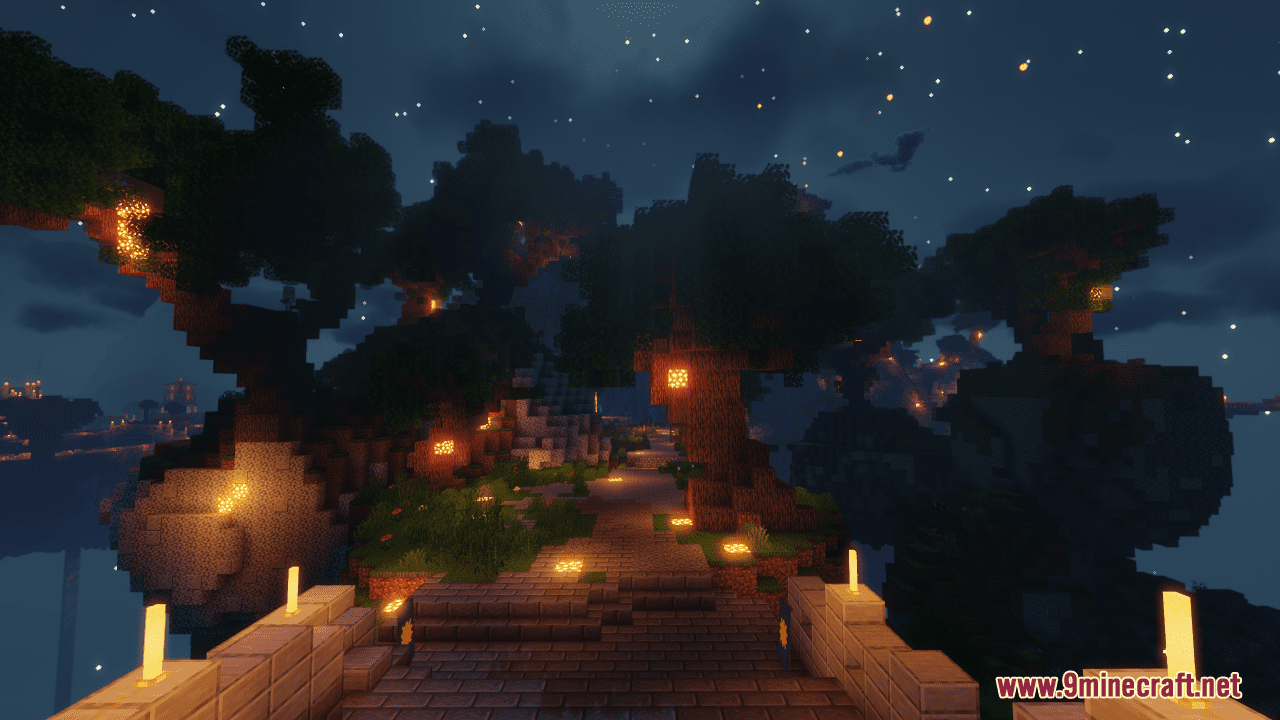
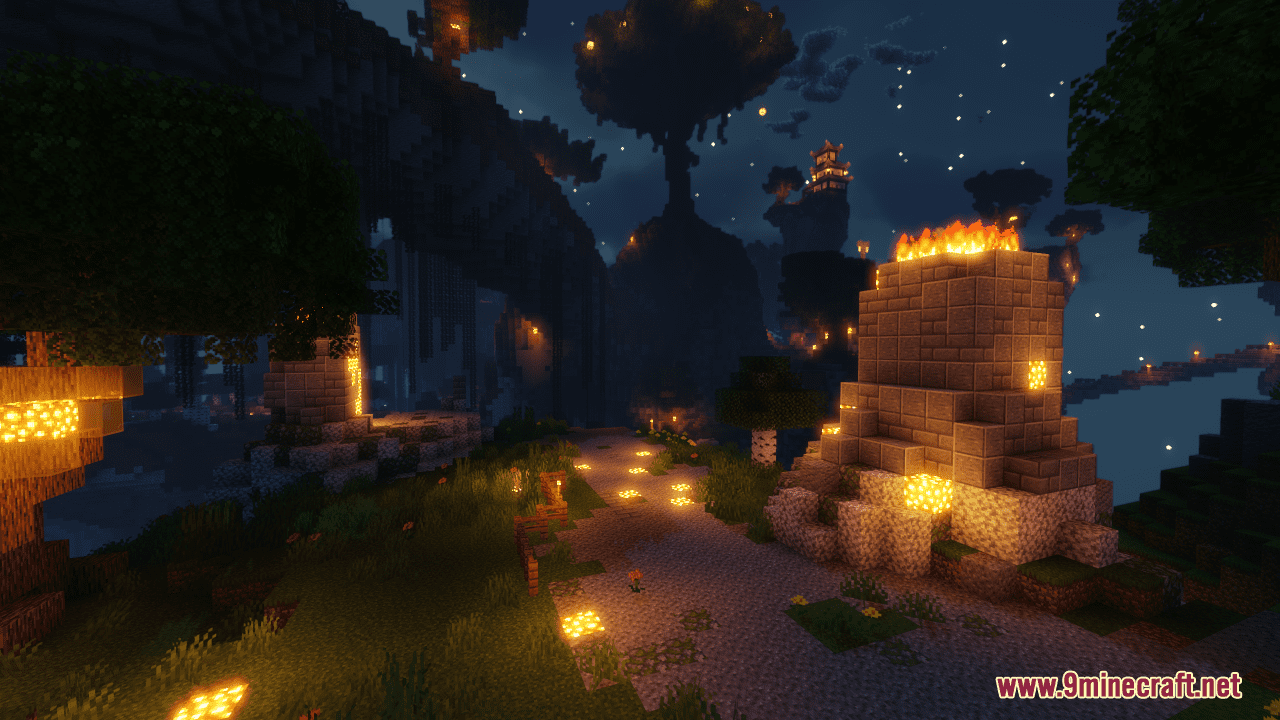
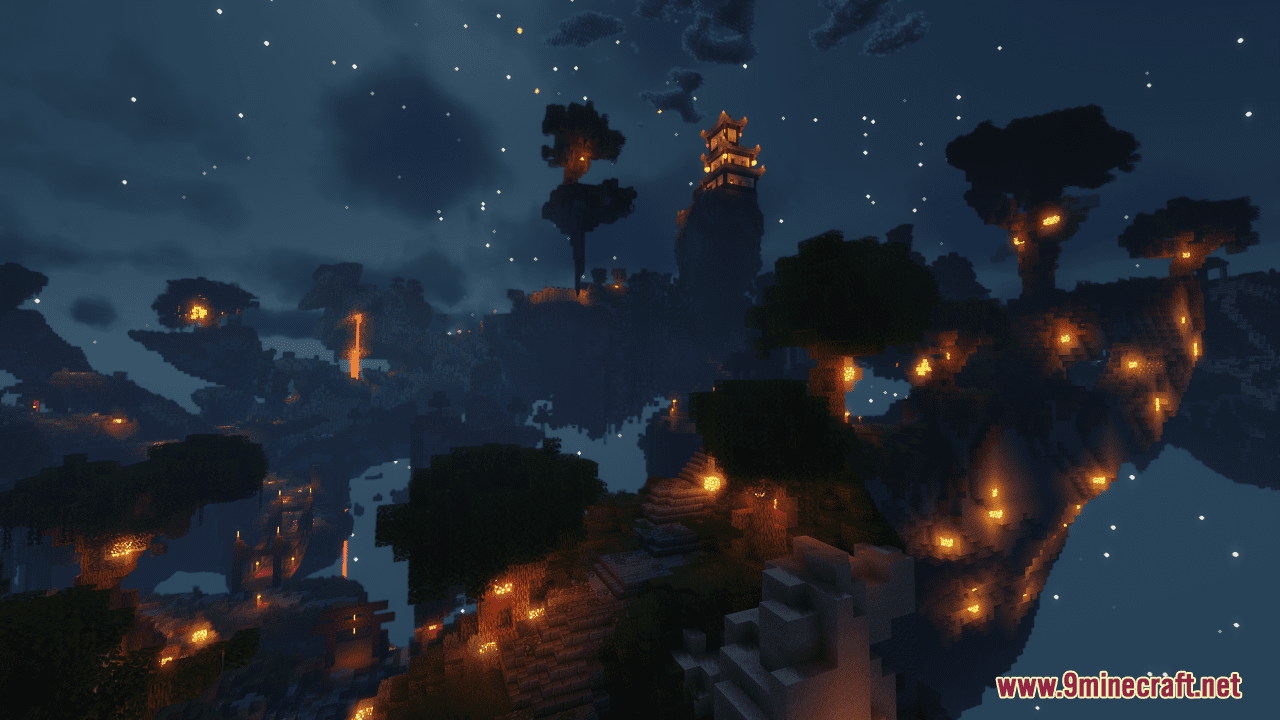
Sun Guardian CTM Map is a CTM map created by SwarmOfBears. Sun Guardian CTM is a massive survival island adventure map with loads of data pack magic. Starting the journey, you will enter a strange land filled with crazy loot and even crazier enemies that defy vanilla behavior. Bring light back to a dark world by employing custom swords, magic scrolls, and even mechanical crossbows. Starting a new CTM map is a major time investment, that’s why this map features a good deal of the custom content in the tutorial area. Just give this one a try and see if you can finish it!
Screenshots:
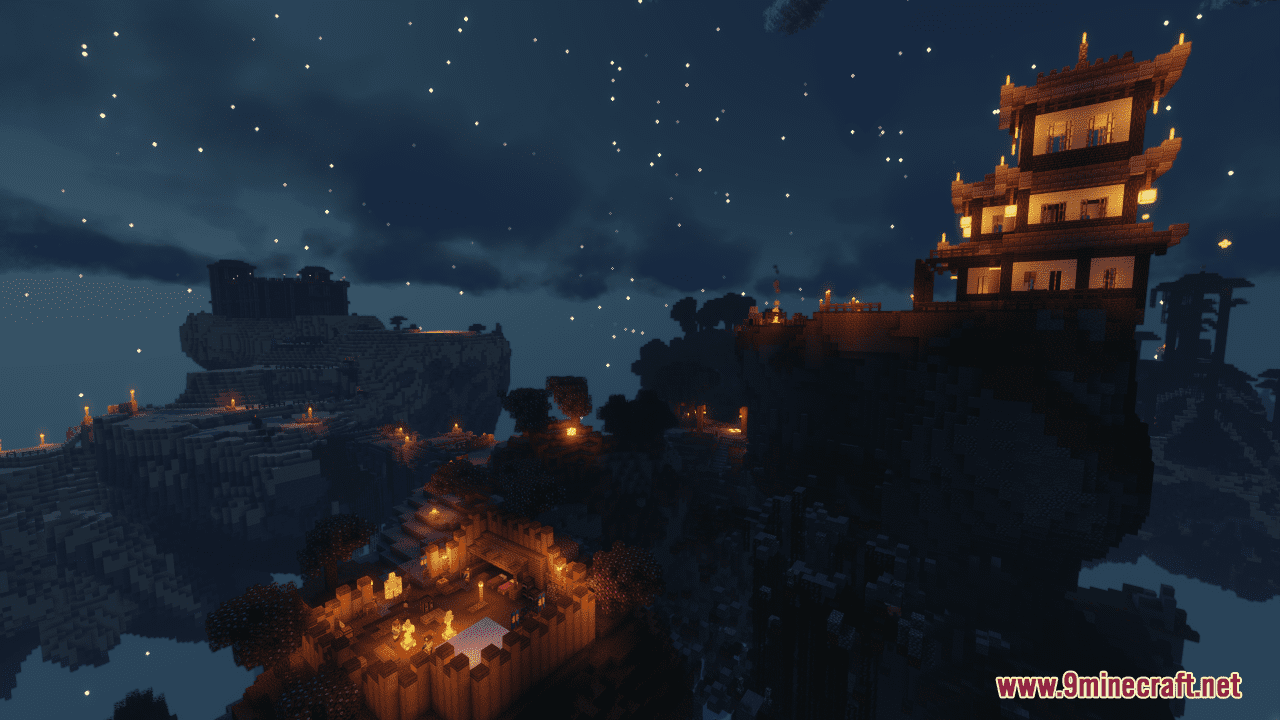
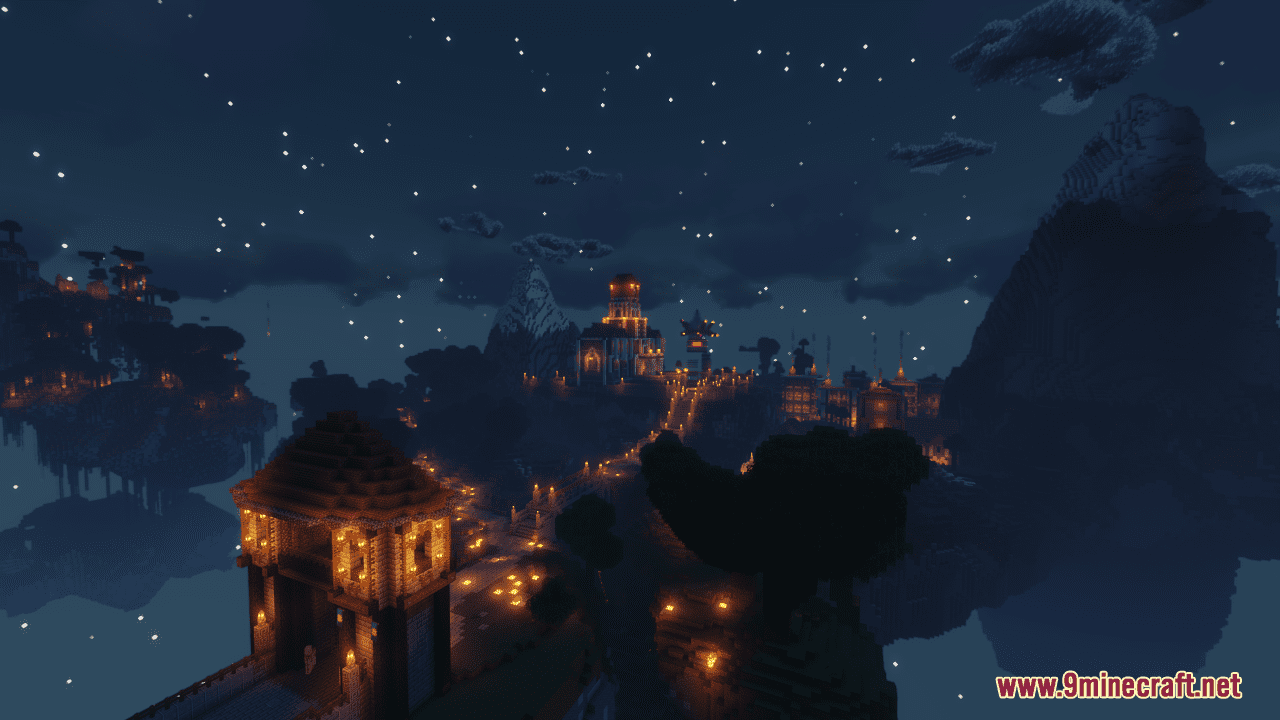
Features:
- 12 Distinct Areas/Dungeons
- 8 Scripted Boss Fights
- Interactive World: Two-way dialogue NPCs, towns, shops, and lore
- Mechanical Crossbows: Unique weapons distinct from vanilla bows/crossbows featuring a reload system
- Magical Scrolls: Summon fireballs, lightning, and more
- Strange Enemies: Zombies might shoot arrows, skeletons throw tridents – cheeky skeletons snipe you from across the map
- Secrets Galore: Loads of optional areas, quests, and hidden treasures
For Multiplayer:
- When starting a multiplayer run, try to get everyone in before starting the map
- Remember to enable command block functionality in your server.properties file (or equivalent if running on papermc, spigot, etc)
Sun Guardian CTM Map Download Links
- Edition: Minecraft Java
- File type: .zip (world save)
- Minecraft version listed: 1.20.1
- How to install: Download the .zip world. → Unzip it. → Move the folder into .minecraft/saves.
- Where to get it: Opens on the file's original source — not every file is mirrored on our own servers.
Install steps are the general flow for this file type — How to install Minecraft Java maps & worlds walks through it step by step.
Sun Guardian CTM Map (26.2, 1.20.1) – Bring Back The Light is a free Minecraft Java map. Compatible with Minecraft 1.20.1. Download it and open it directly in the game.