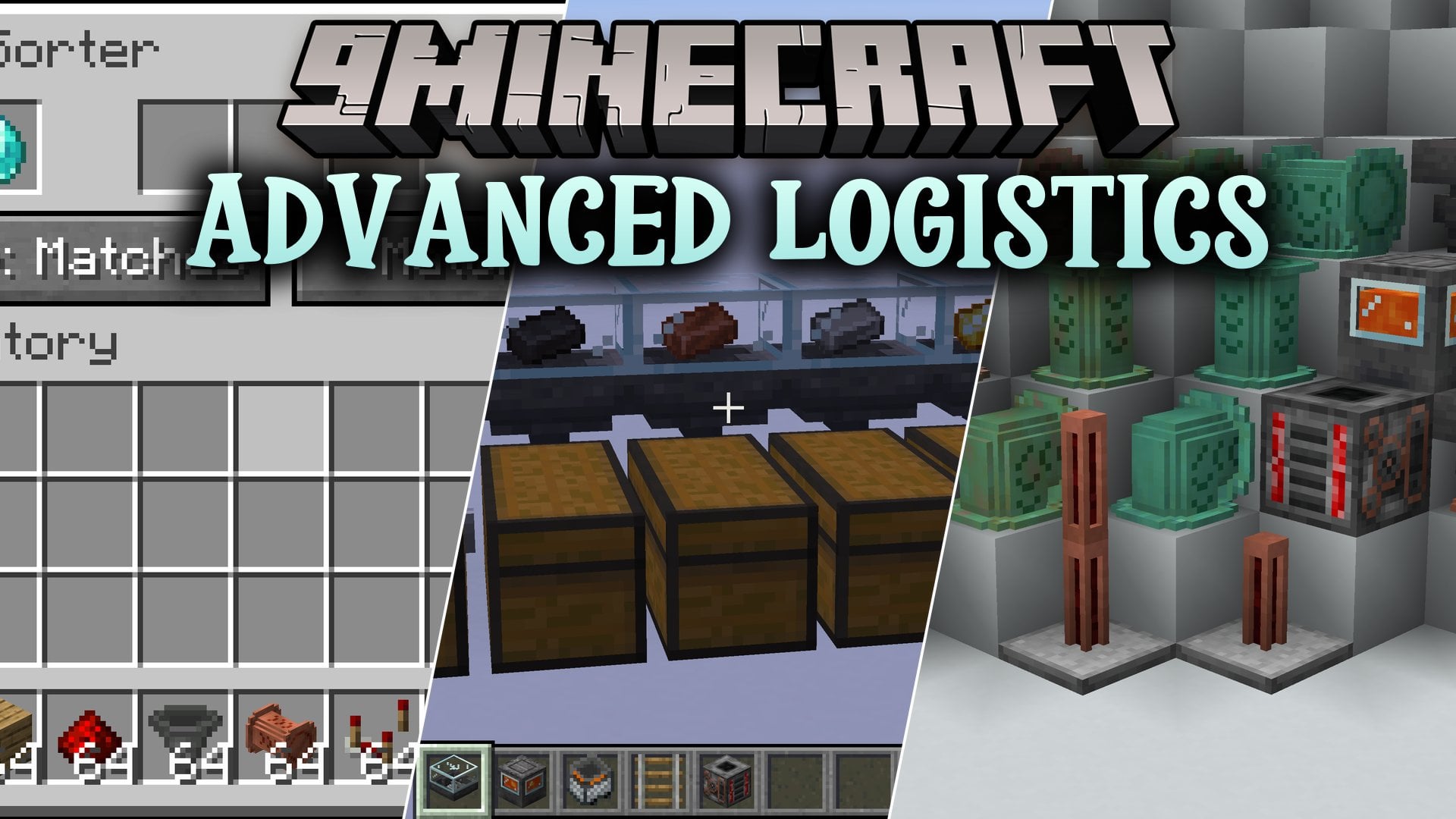
Advanced Logistics Mod (26.3, 1.21.11) – Move Items Fast Without Messy Redstone
Java mod listed for Minecraft 1.21–26.x. Downloads from the MC Java Mods app on Android.
⬇ Download


Advanced Logistics Mod introduces practical pipe blocks and sorting tools to speed up item transport in your automated builds. It brings copper pipes, item splitters, vertical elevators, and overflow valves that help you organize large farm outputs. Everything in the mod focuses on saving space and keeping item flow steady without complex vanilla redstone layouts. You can filter unwanted drops, route goods to different chests, and dispose of excess items safely.
Features:
- Copper Pipe: Moves items at hopper minecart speeds without pulling items automatically from containers above it.
- Item Sorter: Filters specific items out of a pipeline into a chest below or lets them pass forward.
- Relief Valve: Passes items along normally and drops overflow drops when the destination inventory becomes full.
- Incinerator: Deletes any unwanted item fed into its inventory to keep sorting pipes from clogging.
- Item Elevator: Pushes items upward while simultaneously transmitting a redstone power signal vertically.
- Splitter: Takes a single incoming item stream and splits outgoing items between two separate paths.
- Copper Tee connects multiple pipe or hopper lines together into a single pipeline.
- Minecart with Incinerator rolls along rails to destroy junk items along minecart tracks.
- Redstone Rod conducts redstone signals straight up with the same power limits as standard redstone dust.
- Copper pipes and tees feature complete oxidation stages, including exposed, weathered, oxidized, and waxed versions.
- The item sorter user interface lets you filter items by registry ID or display name and toggle between normal and inverted modes.
Screenshots:
Advanced Logistics Mod Download Links
- Edition: Minecraft Java
- File type: .jar
- Minecraft versions listed: 26.3, 1.21.11
- How to install: Install the matching mod loader (Forge, Fabric or NeoForge) for your Minecraft version. → Download the .jar. → Put it in the .minecraft/mods folder and launch that loader profile.
- Where to get it: In MC Java Mods, or directly above on this page.
Install steps are the general flow for this file type — How to install Minecraft Java mods & modpacks walks through it step by step.
- Downloads as 557740.mcaddon
- Download size: 336 KB
- Download link checked 27 Nov 2026 — working
- Mirrored on our own servers — the download does not depend on the original host
These come from our own check of the pack file, not from the source page.