ModsJava
Transparent Item Model Mod (26.3, 1.21.11) – Fade Shields and Totems Mid-Fight
Java mod listed for Minecraft 1.21–26.x. Downloads from the MC Java Mods app on Android.
⬇ Download


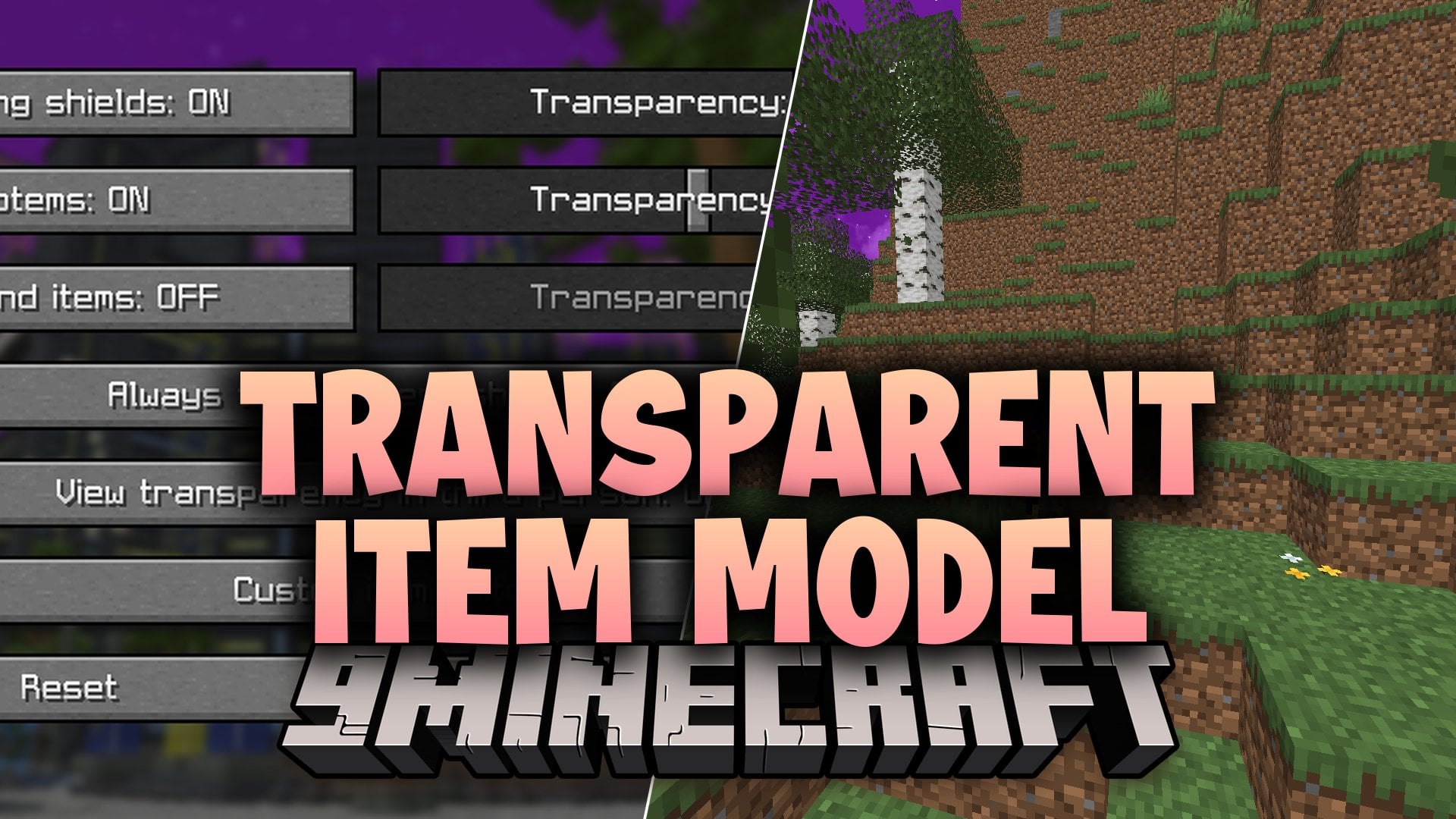
Transparent Item Model Mod lets you change how see-through your held items look in your hands. This lightweight client-side mod stops bulky gear from blocking your screen while you build or fight in PvP. By default, it fades out totems and blocking shields right away. You can also set up custom rules for any individual item and choose if it fades in your main hand, offhand, or during specific actions like shield blocking.
Features:
- Custom Item Profiles: Set up separate rules for each item to choose if it becomes see-through in the main hand, offhand, or both hands at once.
- Smart Shield Blocking: Make shields turn see-through only when you hold right-click to block, or set them to stay faded at all times by ignoring the block check.
- Adjust the transparency level of any held item in the game to match your personal preference.
- Turns transparency on by default for totems and blocking shields so you get a clearer screen right away.
- Includes a toggle to show or hide transparent item models when you switch to other camera perspectives.
- Provides a built-in search bar in the settings menu to quickly find and add specific items you want to edit.
How to Use:
- Open your settings through the Mod Menu screen in-game, or open the mod’s config file directly.
- Use the built-in search bar in the custom item settings menu to find the specific item you want to change.
- Add the item to your list and adjust its transparency slider to pick how much it fades.
- Select whether the transparency applies to your main hand, offhand, or both, and toggle extra rules like fading only while blocking with a shield.
Screenshots:
Transparent Item Model Mod Download Links
Quick facts
- Edition: Minecraft Java
- File type: .jar
- Minecraft versions listed: 26.3, 1.21.11
- How to install: Install the matching mod loader (Forge, Fabric or NeoForge) for your Minecraft version. → Download the .jar. → Put it in the .minecraft/mods folder and launch that loader profile.
- Where to get it: In MC Java Mods, or directly above on this page.
Install steps are the general flow for this file type — How to install Minecraft Java mods & modpacks walks through it step by step.
File checked by MCModsHub
- Downloads as 557745.mcaddon
- Download size: 584 KB
- Download link checked 27 Nov 2026 — working
- Mirrored on our own servers — the download does not depend on the original host
These come from our own check of the pack file, not from the source page.