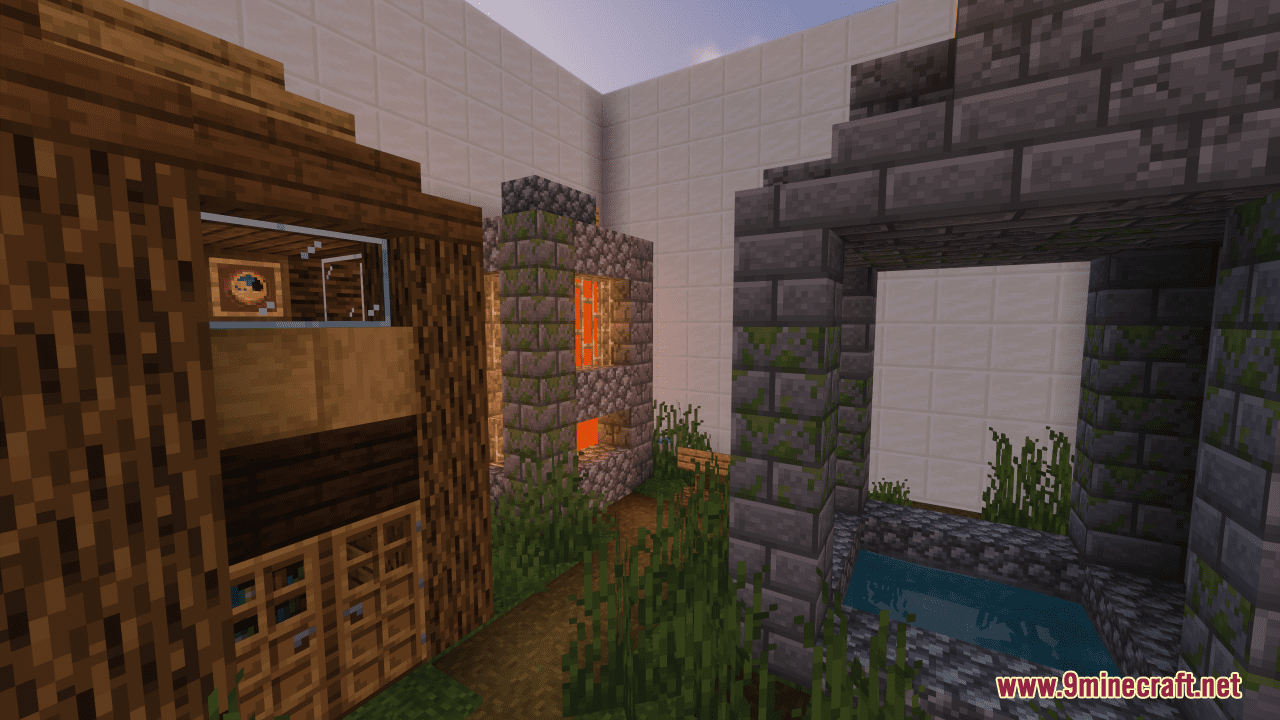
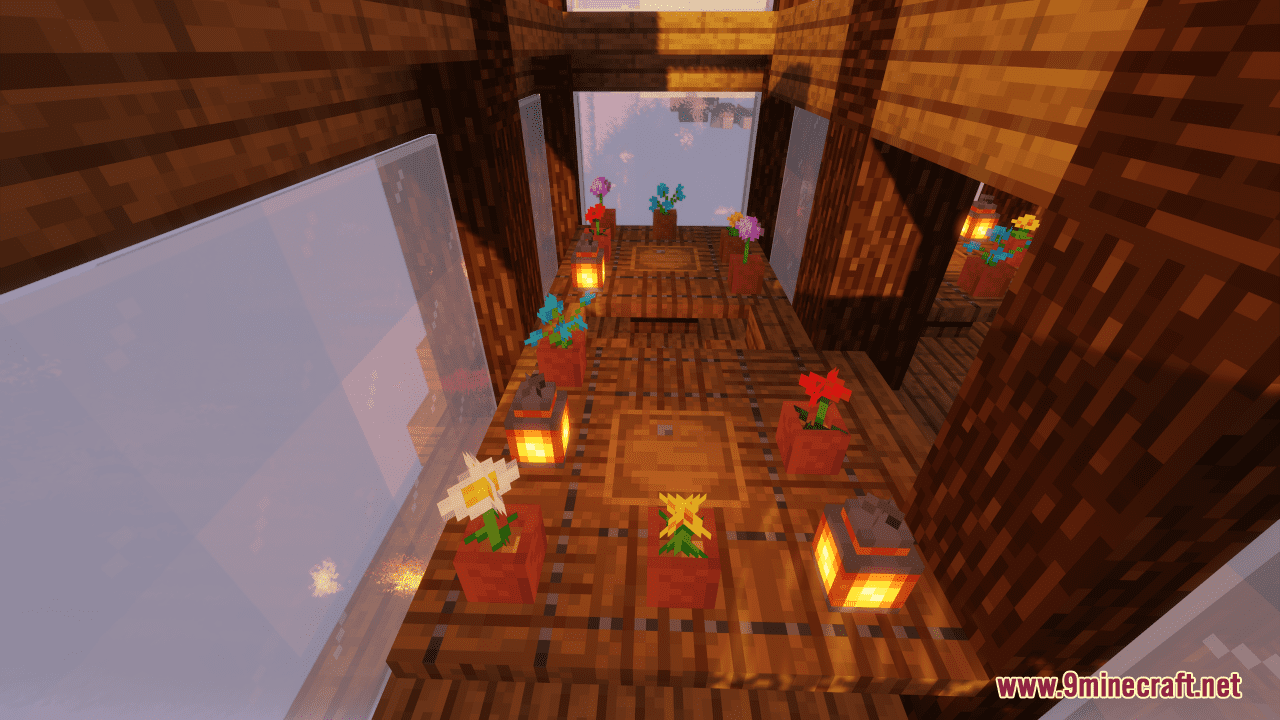
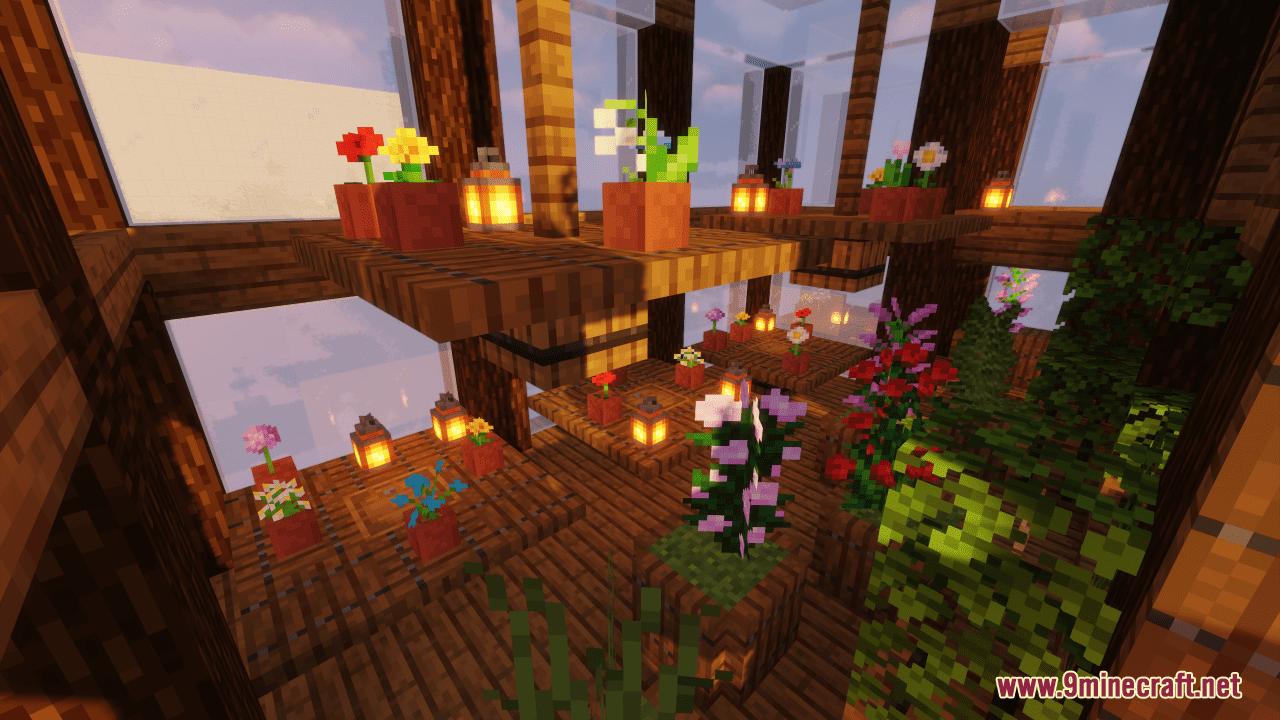
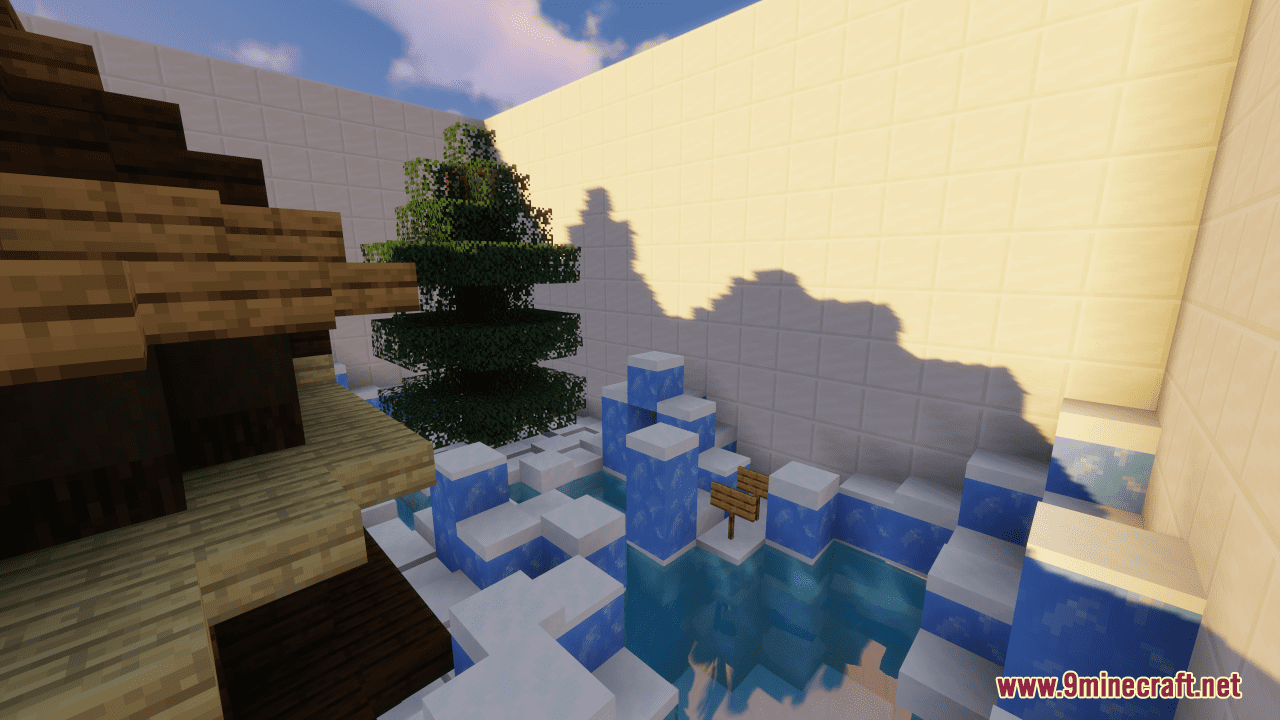
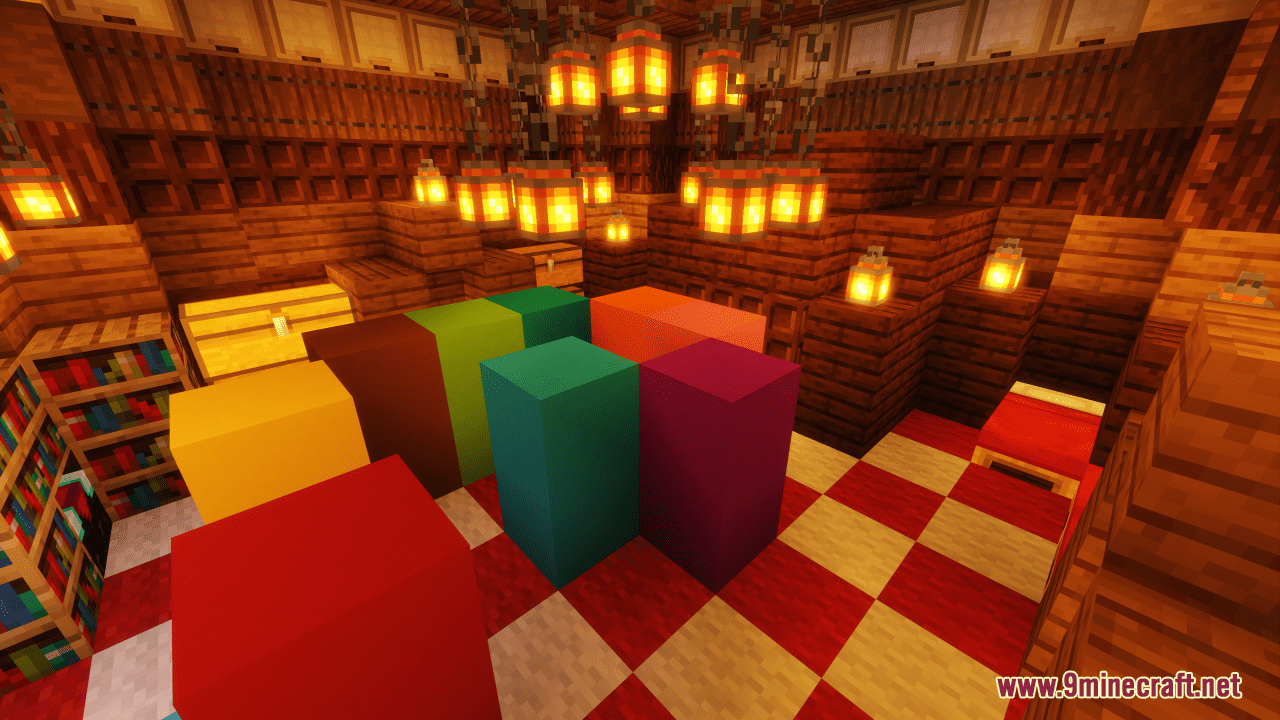
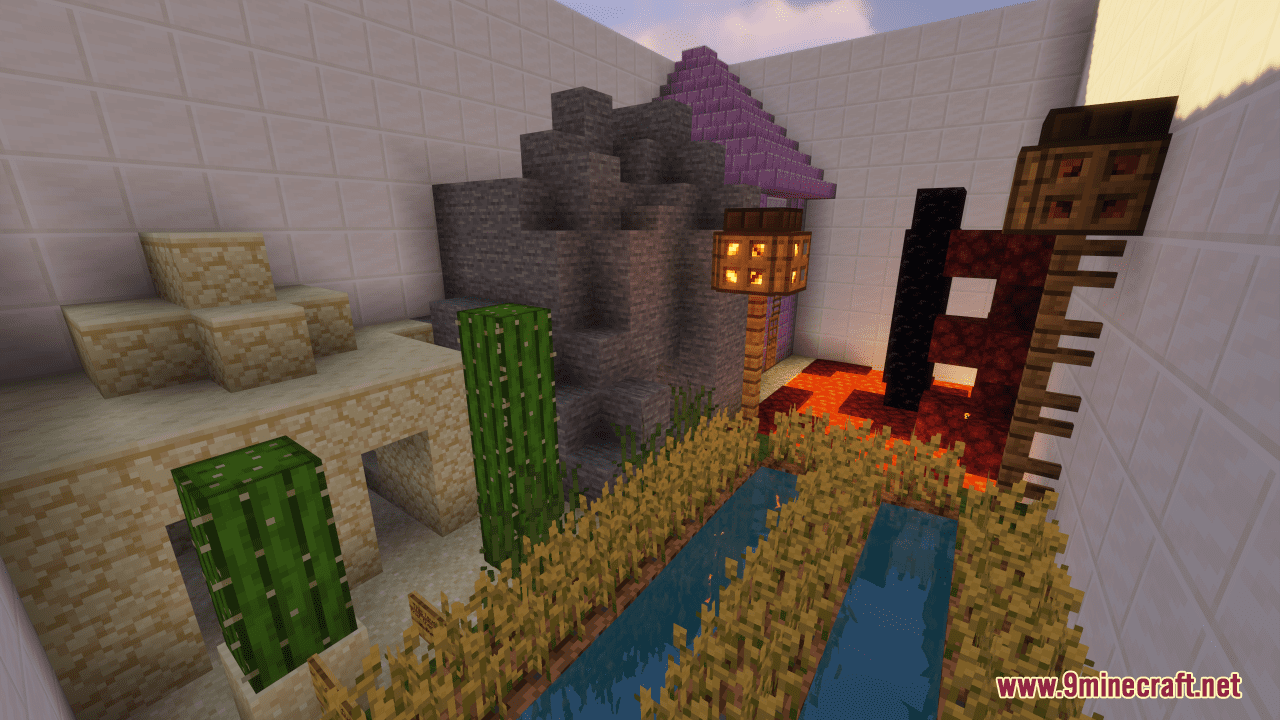
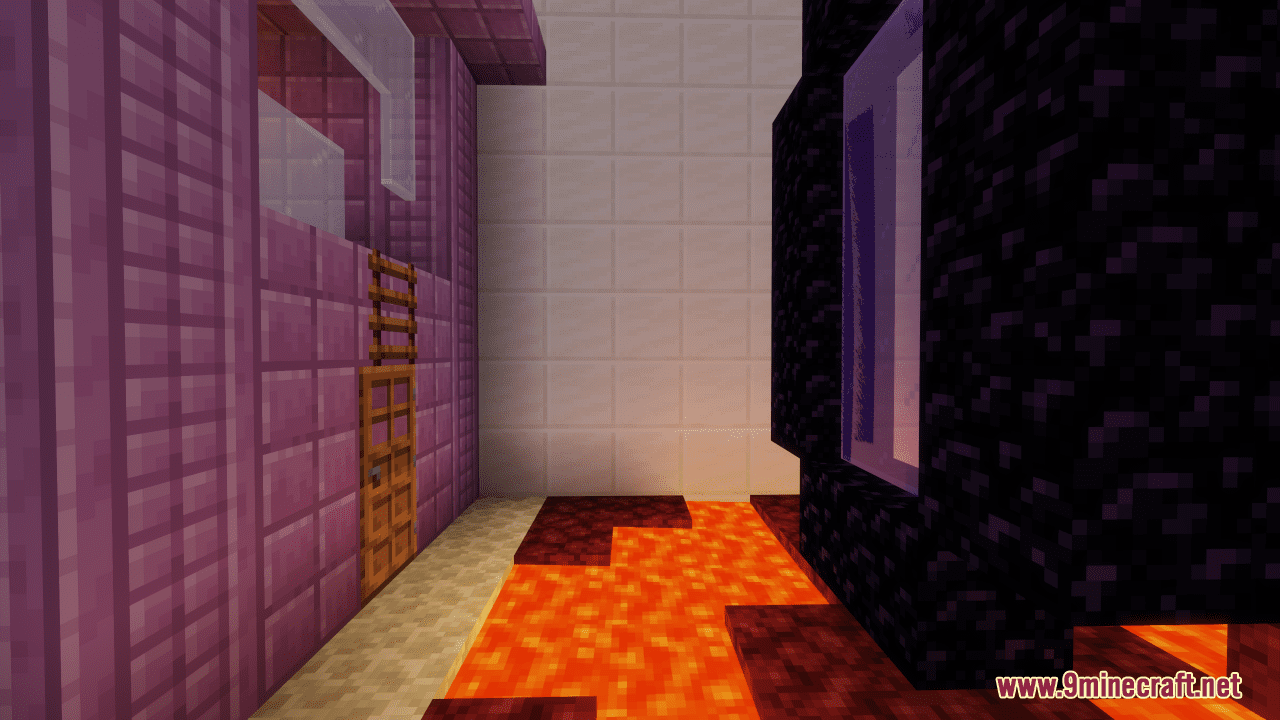
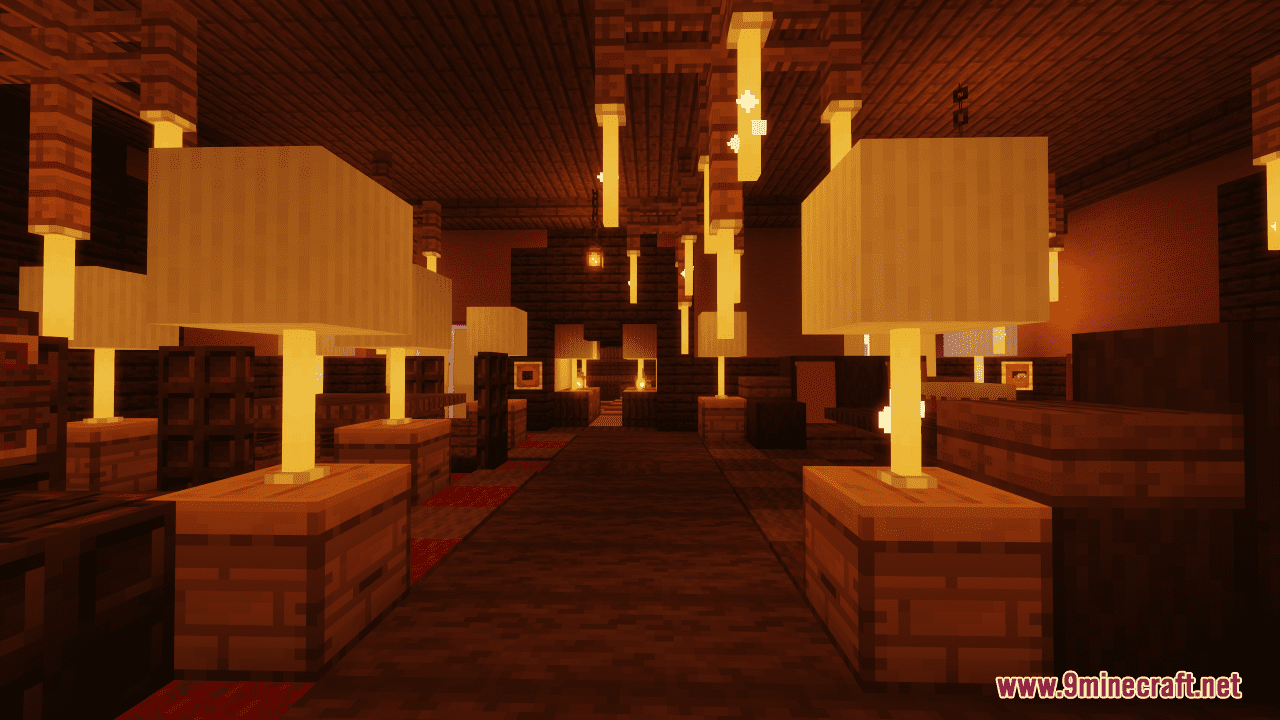
Find The Button: Nightmare Map is a finding map created by NOOB2333. As hard as the map may sound, it is actually very friendly for new players! This Find The Button map includes 5 levels of challenges built in different terrains and biomes, each has five buttons in it. If you ever feel lost, don’t worry, each level will have some tips to help you find the button, just like signs, papers, and flowers. If you can’t click the button, you can try pressing F3 to click it again. Enjoy!
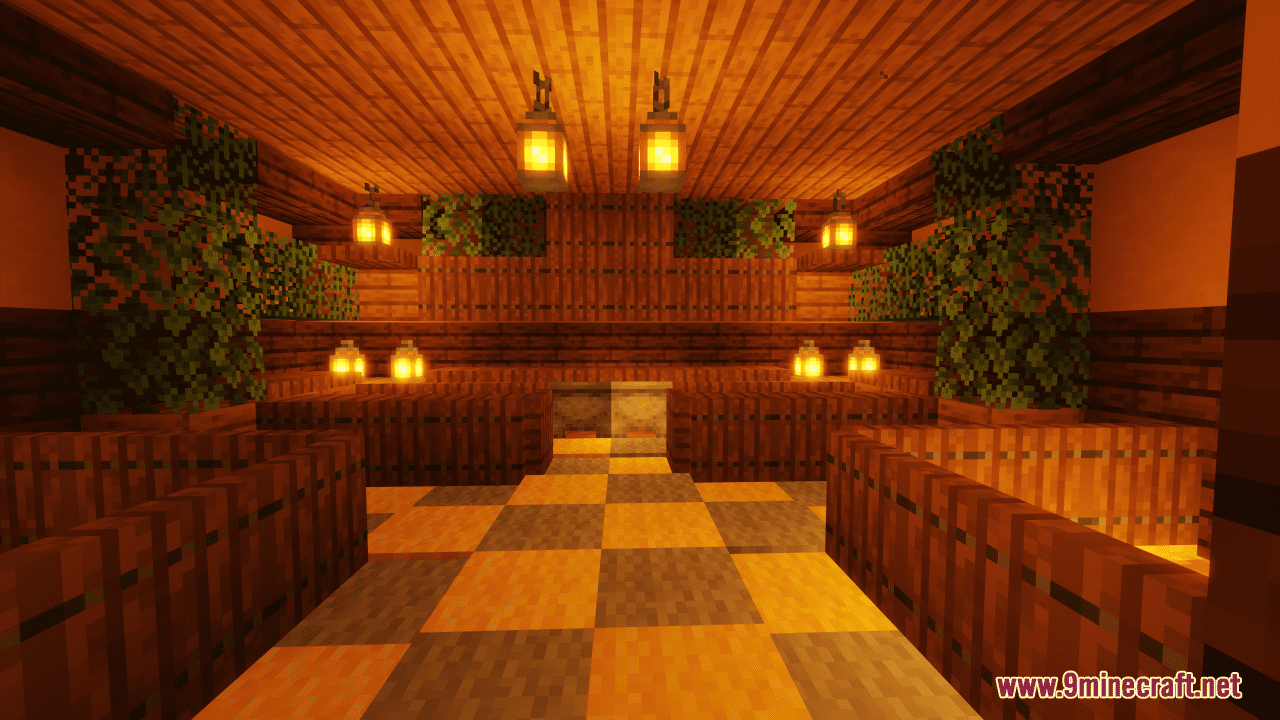
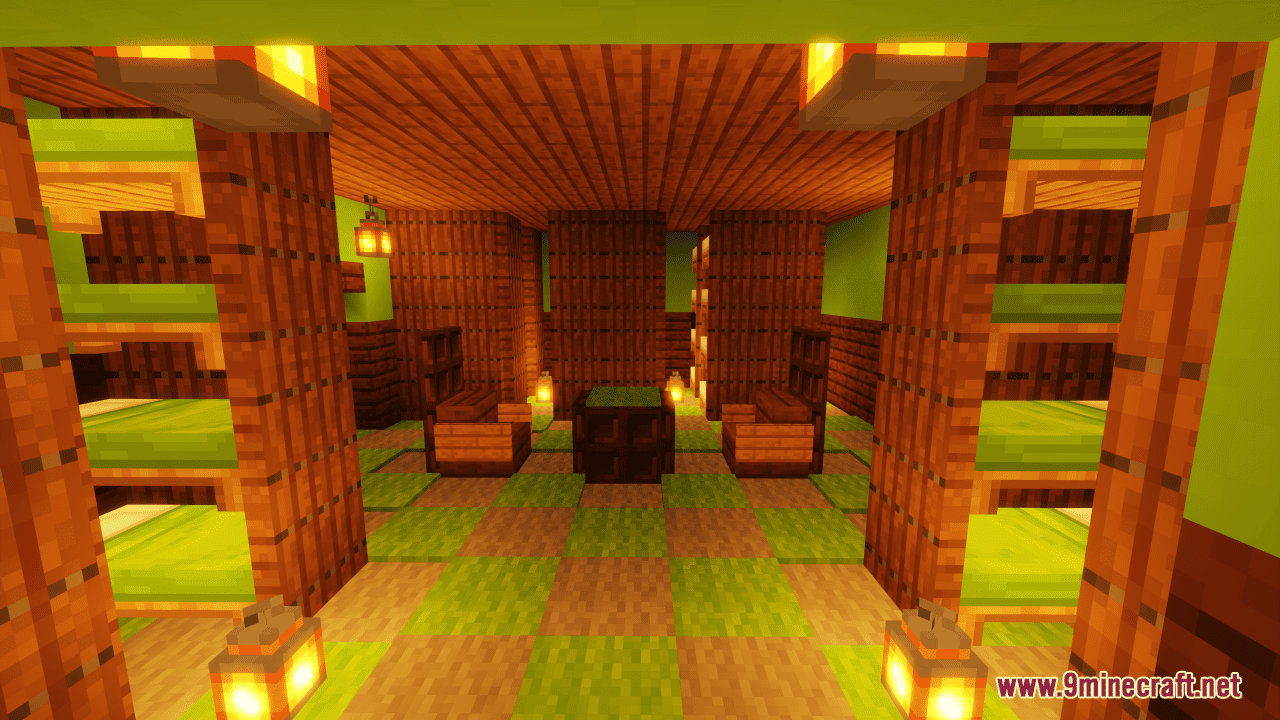
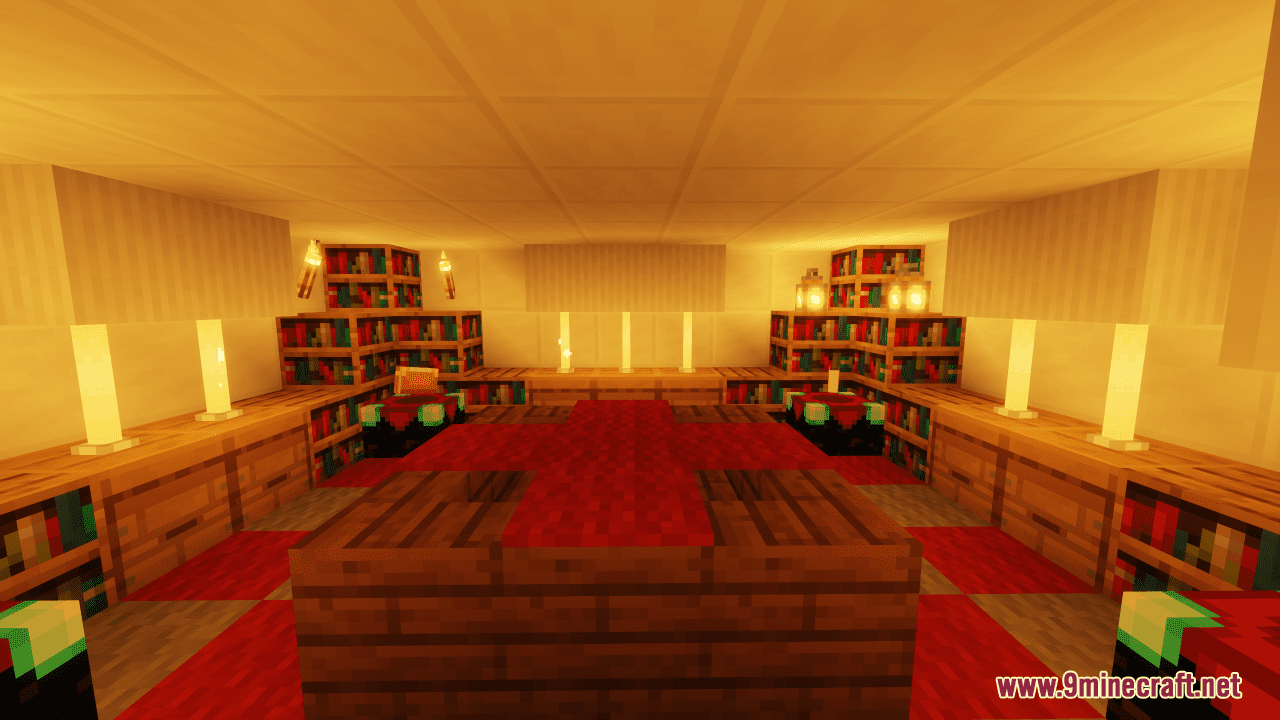
Screenshots:
Find The Button: Nightmare Map Download Links
- Edition: Minecraft Java
- File type: .zip (world save)
- Minecraft version listed: 1.20.1
- How to install: Download the .zip world. → Unzip it. → Move the folder into .minecraft/saves.
- Where to get it: In MC Java Mods, or directly above on this page.
Install steps are the general flow for this file type — How to install Minecraft Java maps & worlds walks through it step by step.
Find The Button: Nightmare Map (26.2, 1.20.1) – Challenge Yourself is a free Minecraft Java map. Compatible with Minecraft 1.20.1. Download it and open it directly in the game.