
Telemap Core Mod (26.3, 1.20.1) – Share Pins, Track Teammates
Java mod listed for Minecraft 1.20–26.x. Downloads from the MC Java Mods app on Android.
Telemap Core Mod turns Diorama, JourneyMap, or Xaero's World Map into a clickable fullscreen travel and marker overlay. This mod adds interactive map…
⬇ Download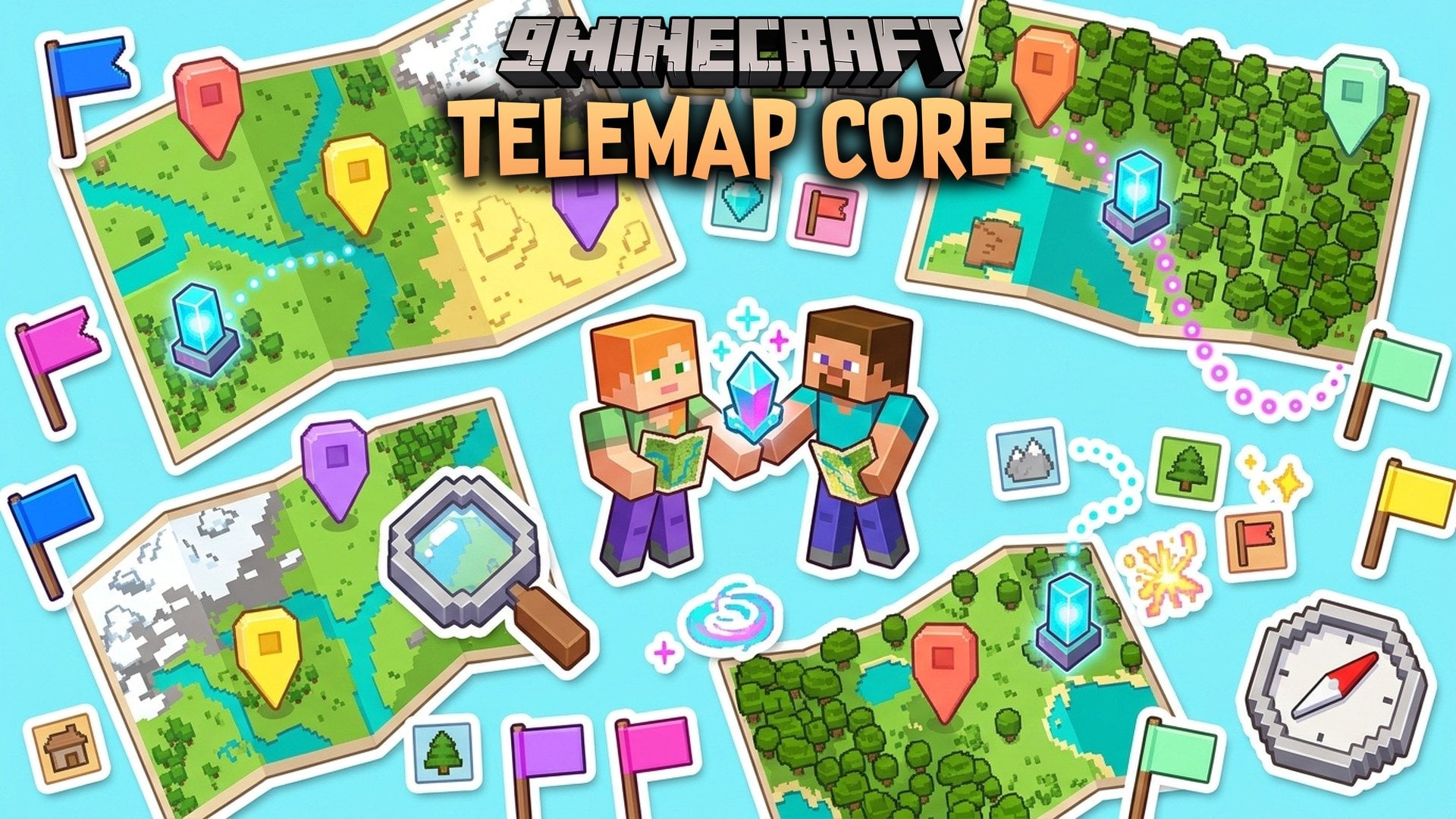
Telemap Core Mod turns Diorama, JourneyMap, or Xaero’s World Map into a clickable fullscreen travel and marker overlay. This mod adds interactive map pins, a searchable legend, a players list, multi-dimension previews, an event feed, and HUD target arrows on top of the map mod you already run. Because it acts as a shared foundation, it needs at least one map mod on the client and pairs with companion addons for Waystones, rail lines, or built-in Soul Projector tracking to populate places on your screen. When you also add it to a server, this mod unlocks color-coded teams, live teammate markers with health tooltips, and one-click pin sharing across your group. Server admins can also turn on map teleporting outside Creative mode and lock shared rules through a simple server file.
Features:
- Multi-Map Mod Foundation: Runs on top of Diorama, JourneyMap, or Xaero’s World Map (requiring at least one on the client), and displays a Map: button on the top bar to switch between maps if several are installed.
- Interactive Map Pins and Hover Tooltips: Places clickable icons from companion addons directly onto the fullscreen map with pan-by-drag and scroll-to-zoom controls.
- Searchable Collapsible Legend: Organizes every marker type into a collapsible tree where you can search by place name or mod ID (
@modname), click to center the map, or clear an entire category at once while keeping favorites safe. - Map Teleporting: Lets you teleport straight from map pins at any time in Creative and Spectator modes, and in Survival or Adventure modes whenever the
mapteleporteroption is turned on. - Event Feed and Chat Alerts: Tracks team invites and shared markers in a compact feed panel with optional chat echoes and clickable Accept or Dismiss buttons.
- Safe Fallback Handling: Automatically disables only the missing piece and writes a log note instead of crashing if an underlying map mod changes in an update.
- Shows your own skin’s head with your live facing direction, plus a Players group for searching nicknames and centering the map on other players.
- Imports JourneyMap waypoints as markers (with confirmation) and converts any marker back into a JourneyMap waypoint whenever you want.
- Previews the Nether, the End, or other dimensions from the top bar wherever your map mod stores terrain data (Xaero’s World Map Nether view requires a saved cave layer).
- Optionally displays addon icons on JourneyMap’s fullscreen map and minimap, as well as on Xaero’s World Map when opened with its own key (not Xaero’s Minimap).
- Provides an in-game Settings screen where every option includes a plain description and server-locked rules show a lock note.
- Adds an overlay with matching side panels on top of Xaero’s World Map so controls stay uniform across map mods.
- Hides a couple of secret player-name easter eggs for players to find in-game.
Compatible Addons and Mods:
- Telemap: Waystones: adds a Map button inside the Waystones menu, clickable waystone travel points, and a Show on map button on the Waystones list (needs Waystones and Balm).
- Telemap: Rails: maps Minecraft rails, Create tracks, and Steam ‘n’ Rails lines automatically as you ride, displaying colored routes, named stations, Between: A – B tooltips, and team sharing.
- Soul Projector (built-in, no addon needed): pins Soul Projectors in their matching color and shows a second tinted marker (Soul of [player] in the legend) tracking your soul while your body marker stays put.
Right-Click Pin Actions:
- Change Icon and Rename: customize how any pin looks and reads on the map.
- Favorites and Groups: star key locations (protecting them from bulk category clears) and sort pins into groups.
- Set as Target: puts a directional arrow on your HUD and creates a temporary JourneyMap waypoint.
- Also Add as a Waypoint: copies a pin directly into your map mod’s waypoints.
- Share with Team: sends the pin to teammates through the event feed when connected to a server running this mod.
- Teleport and Remove: jump straight to the marker when map teleporting is active, or delete unwanted pins.
Optional Server Teams and Sharing:
- Team Management: create open or password-protected teams, join multiple teams at once, invite players, ignore invites, and assign each team its own color.
- Live Teammate Tracking: view teammates live on the map with their player head, hearts shown on hover, and an outline in the team color.
- Marker Sharing: teammates receive shared pins in the event feed and click Add or Dismiss, while unvisited shared places appear greyed out until visited.
- Optional Server Install: vanilla clients and clients without this mod can still join servers running it, dedicated servers need no map mod, and single-client players keep every non-team feature even when a server lacks it.
Commands:
/telemap mapteleporter true|false: Turns teleporting from map pins on or off outside Creative and Spectator modes (adds the Teleport entry to a pin’s right-click menu)./telemapserver reload: Reloadsconfig/telemap_server.jsonon the server (operators only).
Configuration:
config/telemap_server.json: Server settings file that sets player-changeable defaults usingtrueorfalse, or admin-locked rules using"true_hard"or"false_hard"(displayed with a lock note in each player’s Settings screen).mapTeleporter: Setting insideconfig/telemap_server.jsoncontrolling whether players can teleport from pins outside Creative and Spectator modes.data/telemap_teams.json: World data file storing all server teams, members, and team colors.
How to Use:
- Install at least one map mod on your client (Diorama, JourneyMap, or Xaero’s World Map) alongside a companion addon such as Telemap: Waystones, Telemap: Rails, or Soul Projector, since this core library adds no places by itself.
- Press M (default key in the Telemap Controls category) to open the fullscreen map; drag to pan, scroll to zoom, and press Esc, M, or the X button to close it.
- Use the top bar to switch between installed map mods via the Map: button or preview other dimensions such as the Nether and the End wherever map data exists.
- Open the collapsible Legend to filter icons by name or
@modname, click any entry or a nickname in the Players group to center the map on it, or clear all non-favorite pins of one type after confirming. - Right-click any pin to change its icon, rename it, favorite or group it, set a HUD target arrow with a temporary JourneyMap waypoint, add it as a permanent waypoint, teleport (when active), or remove it.
- Open the Settings screen to read short option descriptions, import or convert JourneyMap waypoints, and toggle optional icons on JourneyMap or Xaero’s World Map.
- On servers that also run this mod, create or join color-coded teams (with or without a password), see teammates’ live heads and health on hover, and right-click pins to share them so teammates can click Accept or Dismiss in the event feed or chat.
- Server operators can run
/telemap mapteleporter trueto allow survival map teleporting, or edit and lock options insideconfig/telemap_server.jsonand apply changes immediately with/telemapserver reload.
Telemap Core Mod Download Links
- Edition: Minecraft Java
- File type: .jar
- Minecraft versions listed: 26.3, 1.20.1
- How to install: Install the matching mod loader (Forge, Fabric or NeoForge) for your Minecraft version. → Download the .jar. → Put it in the .minecraft/mods folder and launch that loader profile.
- Where to get it: In MC Java Mods, or directly above on this page.
Install steps are the general flow for this file type — How to install Minecraft Java mods & modpacks walks through it step by step.
- Downloads as 558605.mcaddon
- Download size: 376 KB
- Download link checked 28 Nov 2026 — working
- Mirrored on our own servers — the download does not depend on the original host
These come from our own check of the pack file, not from the source page.