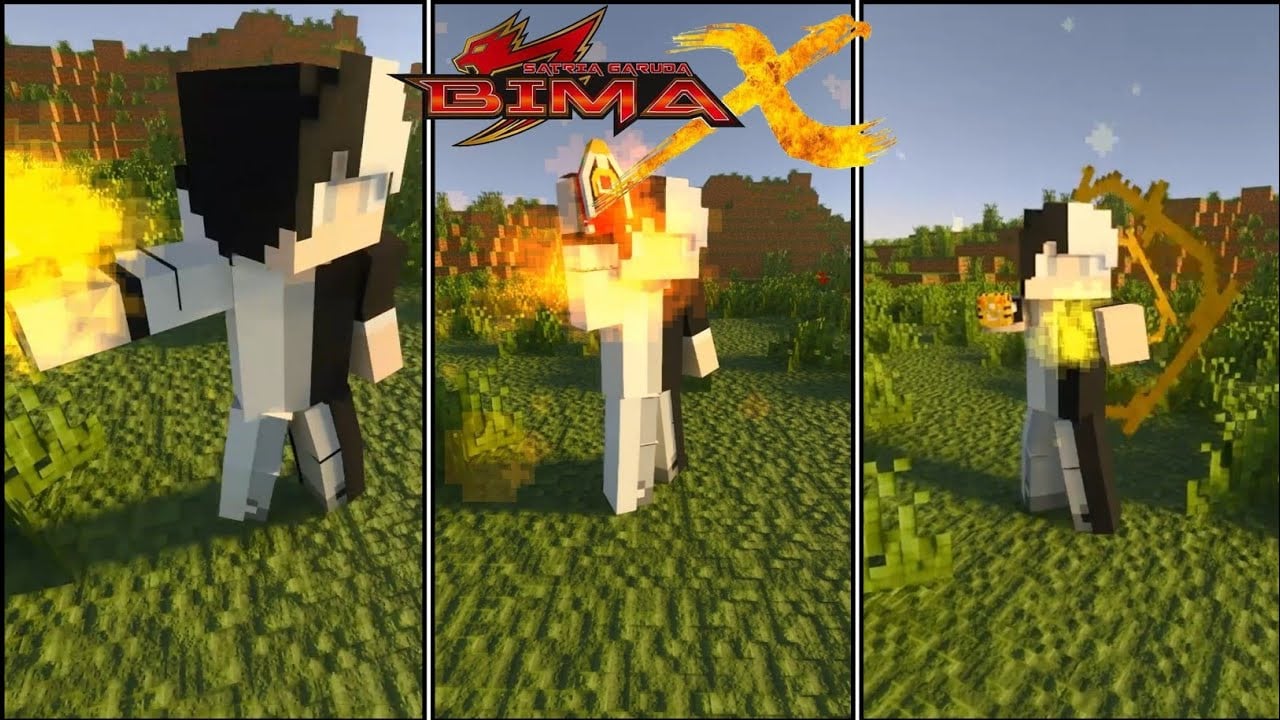
Satria Garuda Bima X Addon (1.21+) – MCPE/Bedrock
Bedrock add-on listed for Minecraft 1.21 (behavior + resource pack). File opened and checked on 21 Oct 2026; installs from the MC Bedrock Mods app on Android.
⬇ Download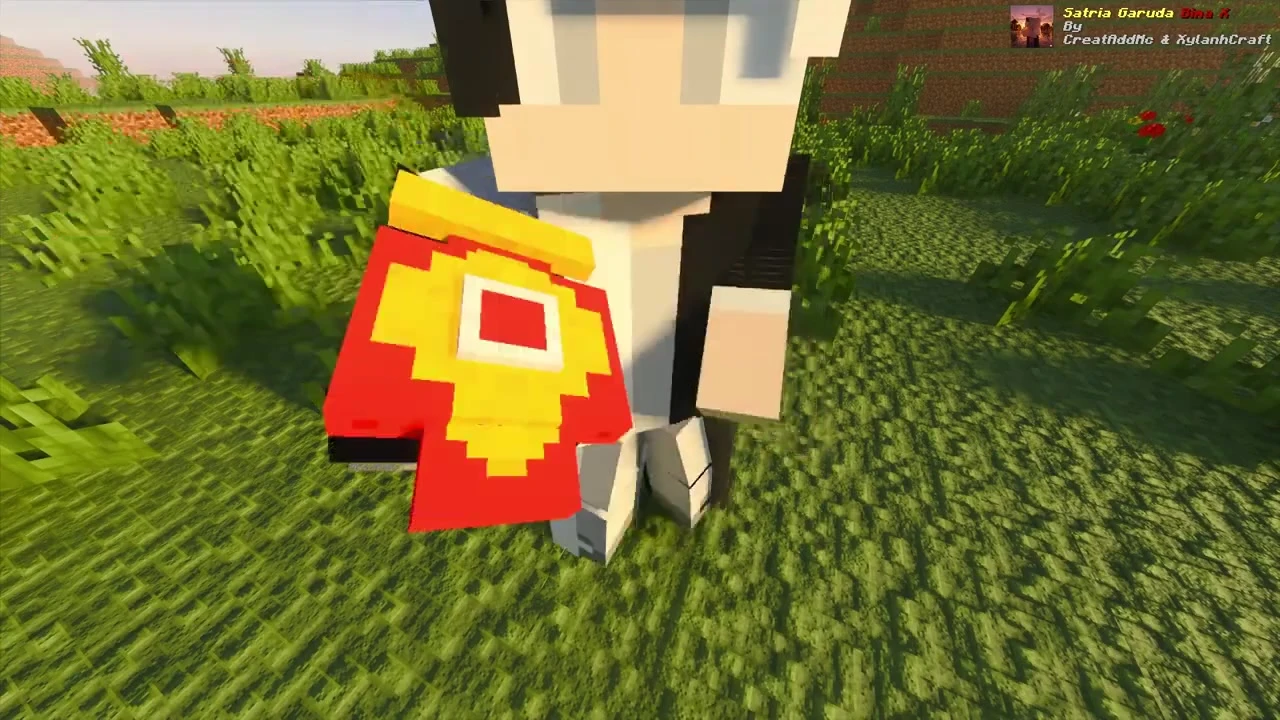
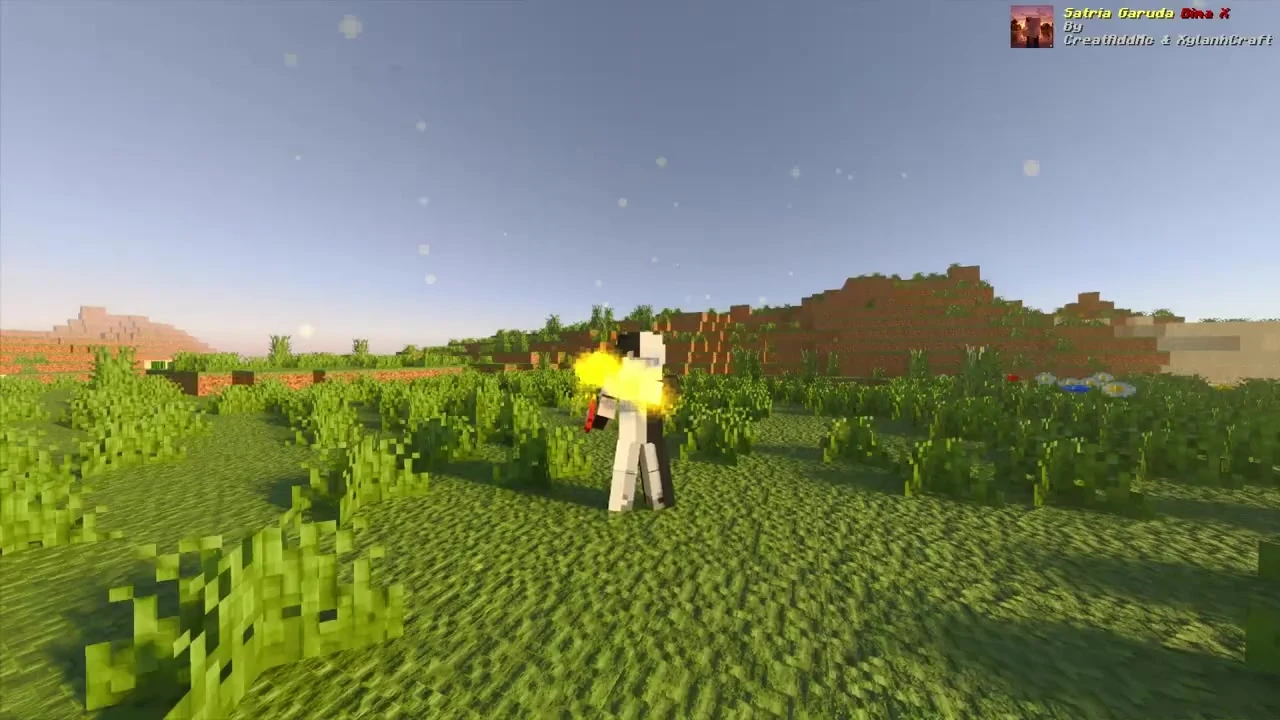
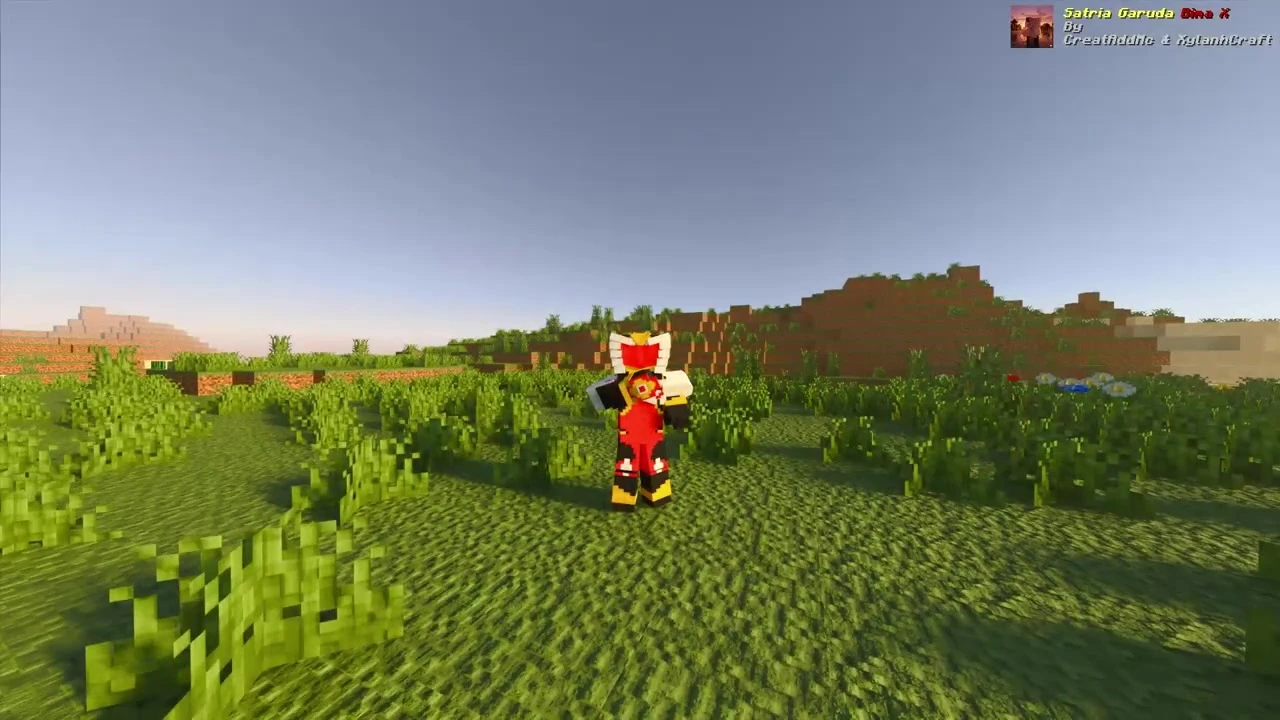
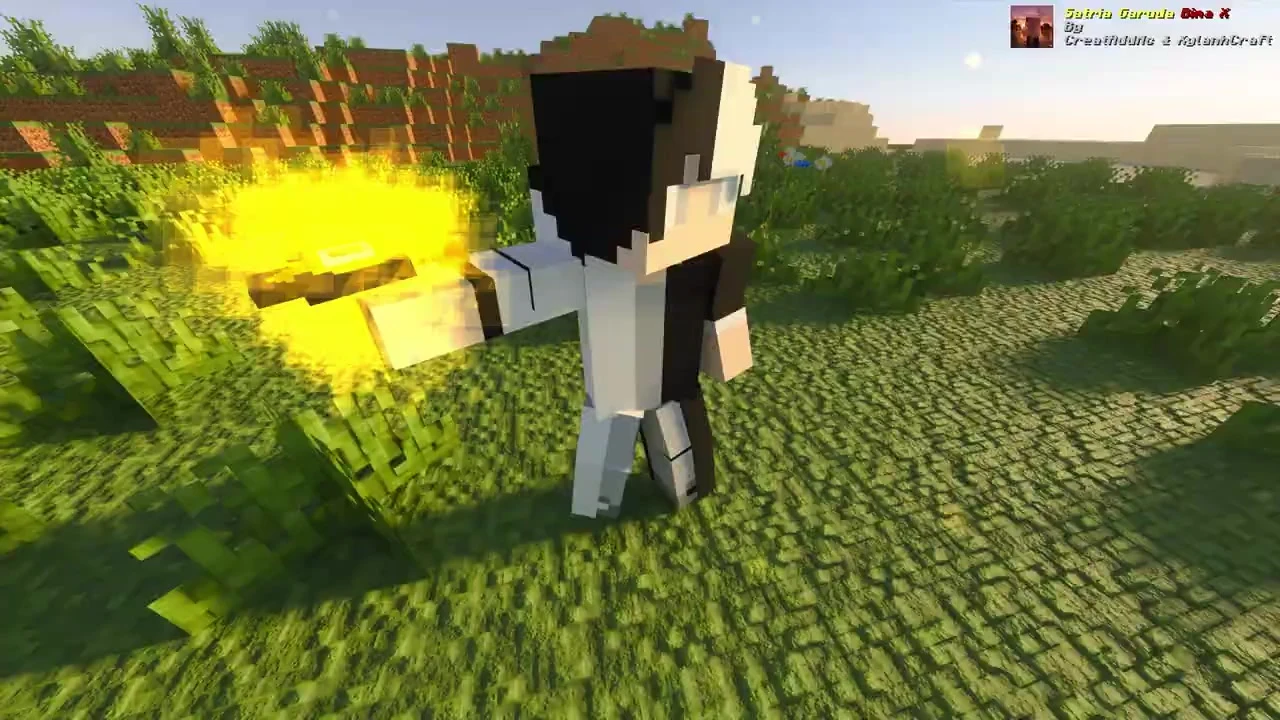
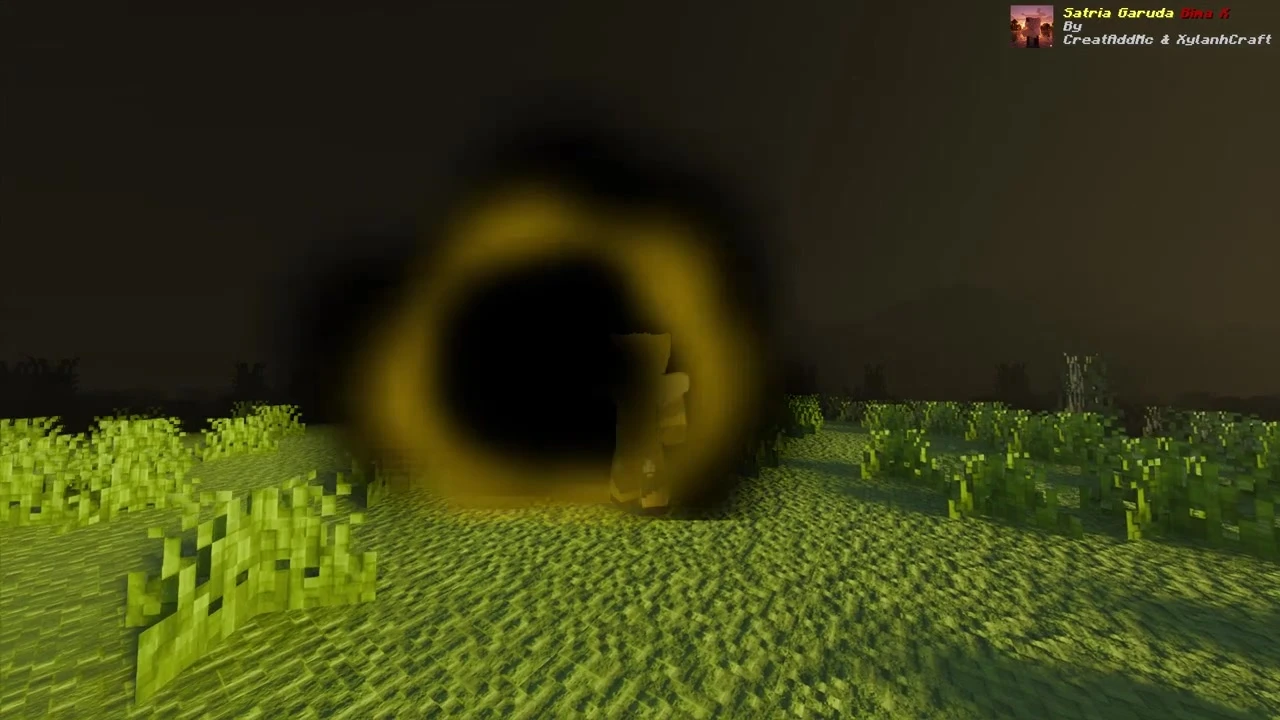
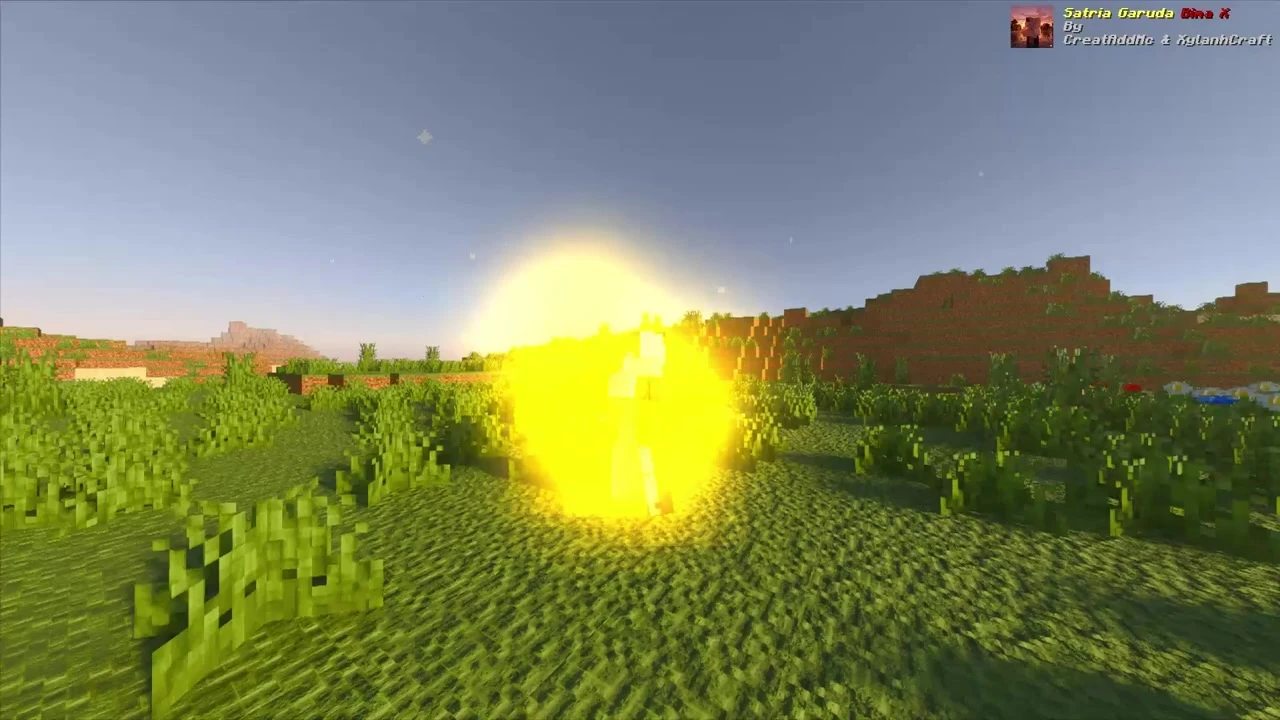
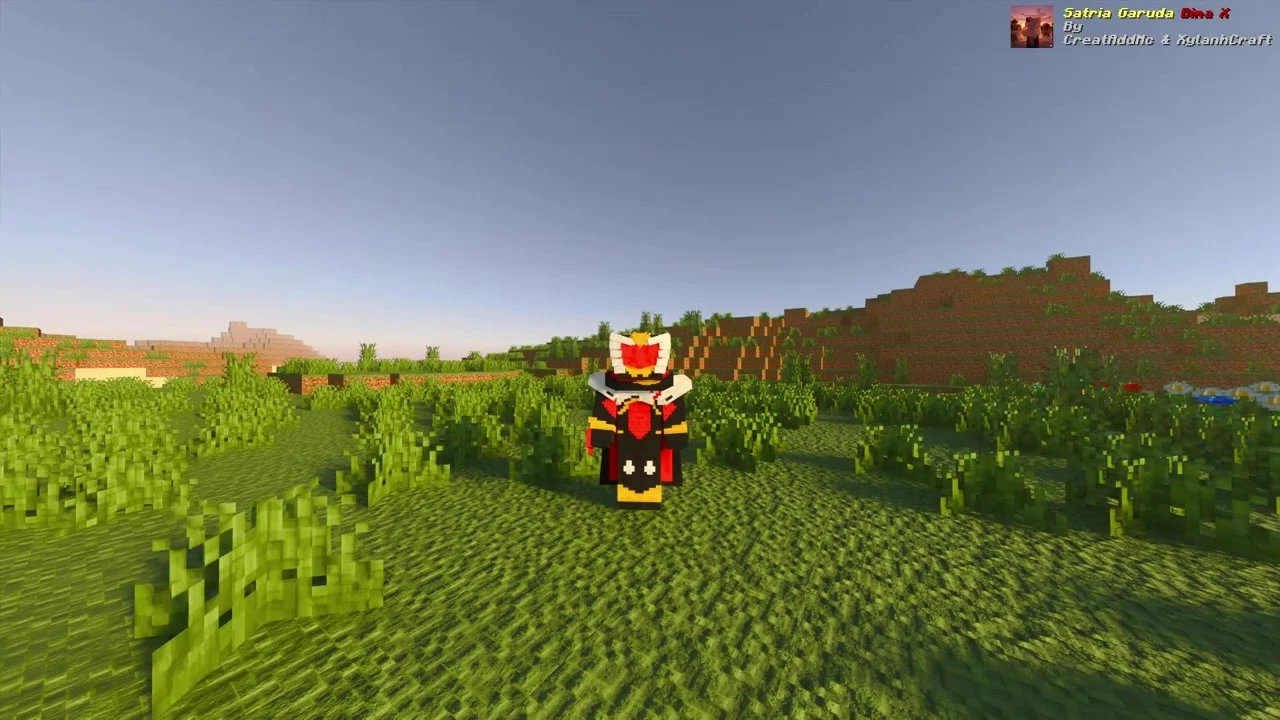
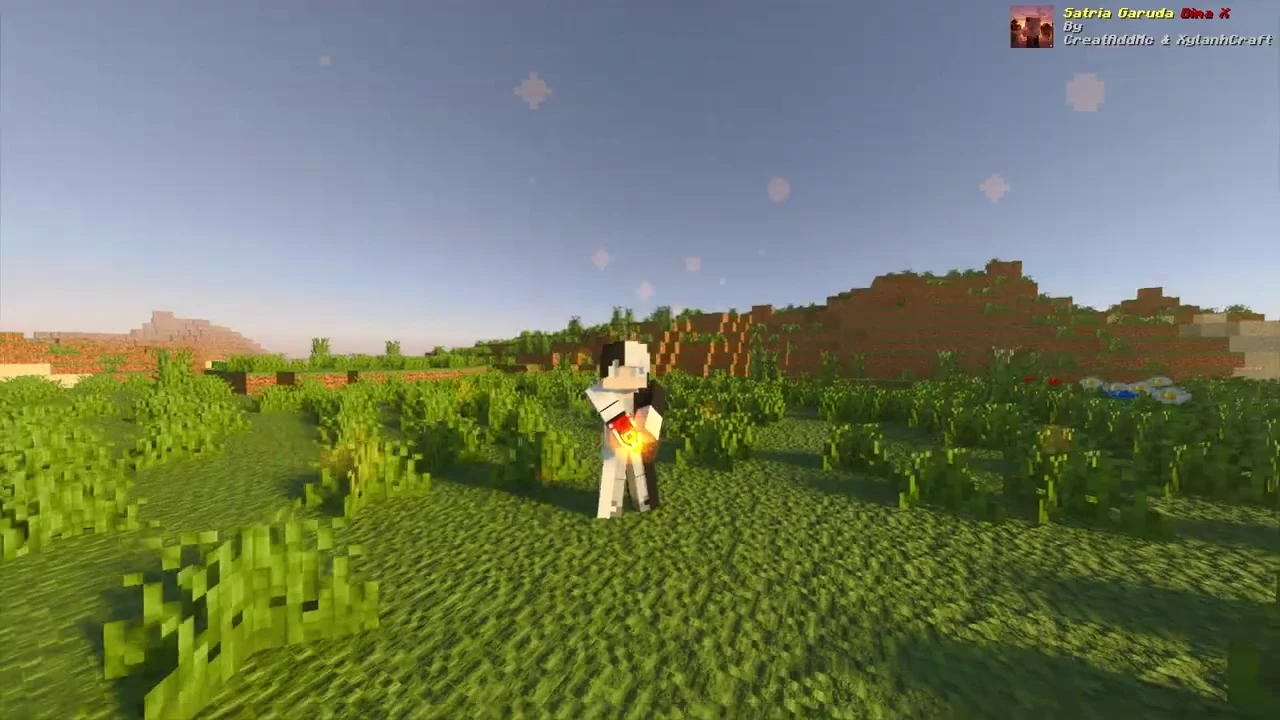
Satria Garuda Bima X Addon (1.21+) brings the Indonesian tokusatsu superhero series Satria Garuda Bima X into Minecraft – exactly like a Kamen Rider / Power Rangers addon. You can henshin (transform) into Bima X with full custom suits, multiple forms, special weapons, particle slash attacks, and real show-accurate sounds & effects.
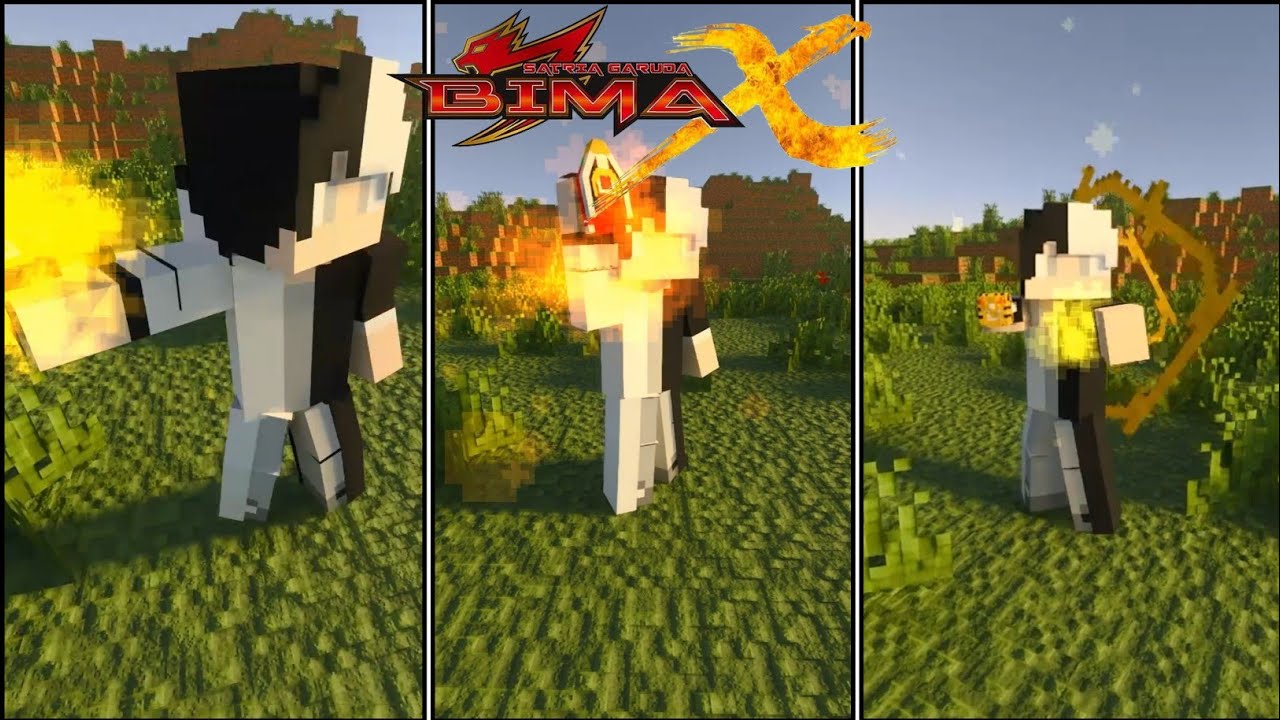
Features:
- Henshin Transformation System – Use special items to transform into Bima X and Bima Legend forms with animated sequences.
- Custom Armor & Suits – Full hero armor sets (all forms included in newer updates).
- Weapons & Combat – Helios Sword (with cool particle slash effects), blasters, and other signature weapons from the series.
- Abilities & Effects – Show-accurate attacks, particles, sounds, and combat mechanics.
Screenshots:
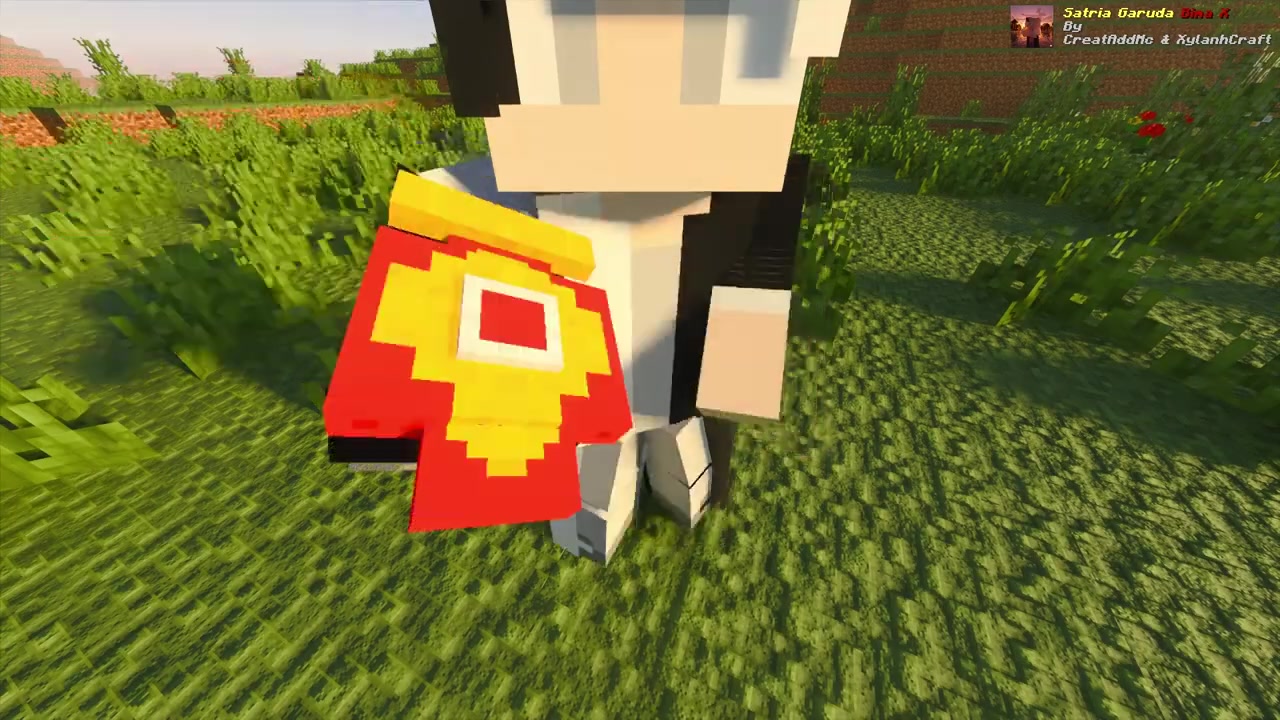
Charging the initial flame power stone
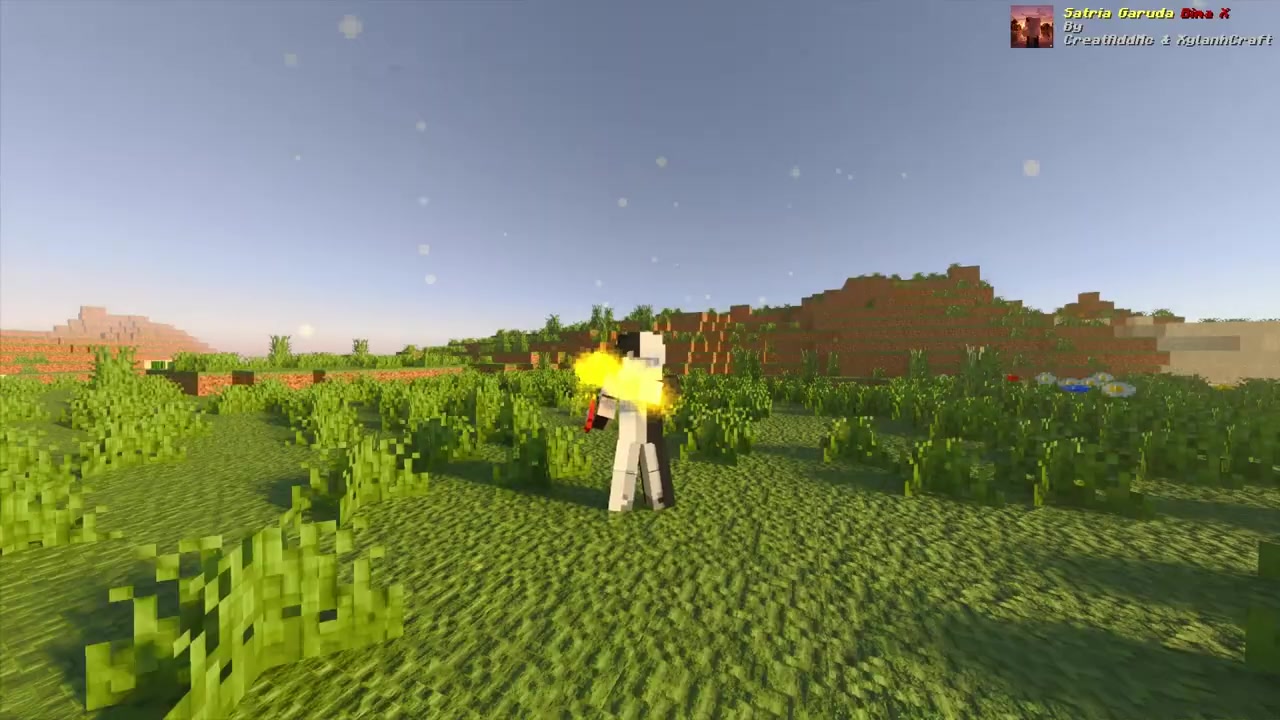
Fiery explosion effect for the transformation
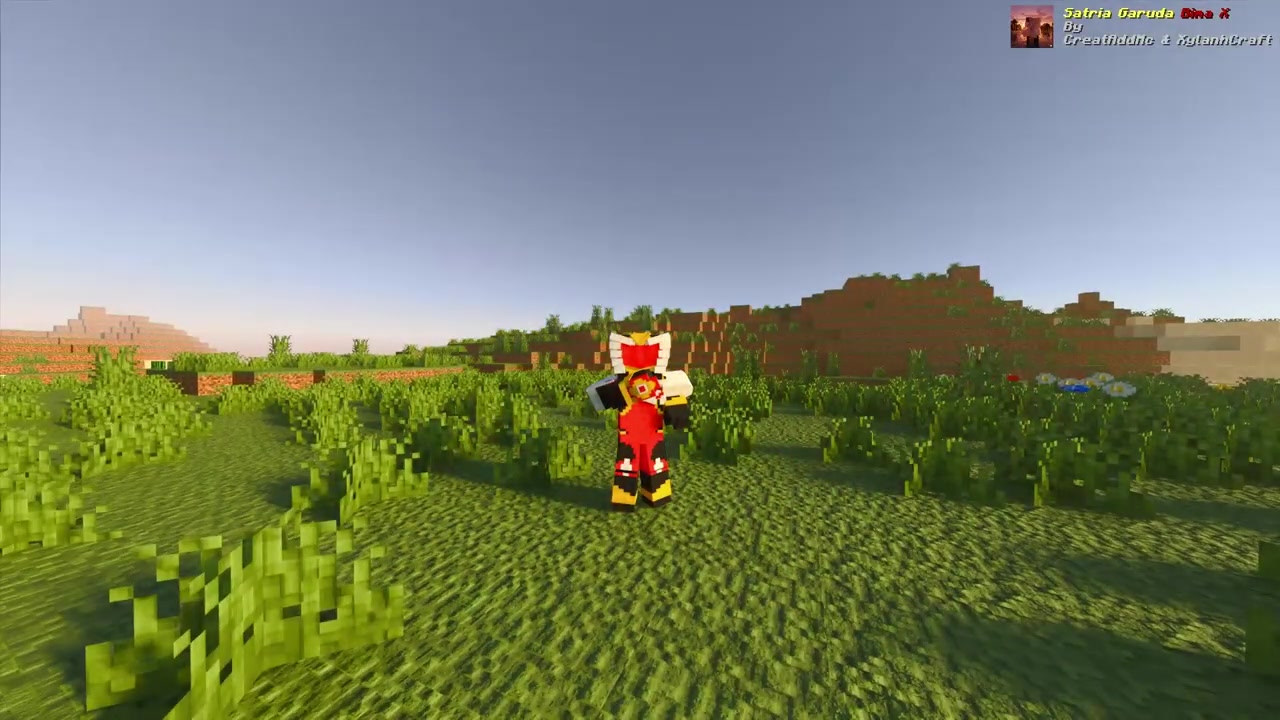
Reveal of the Bima X Flame form
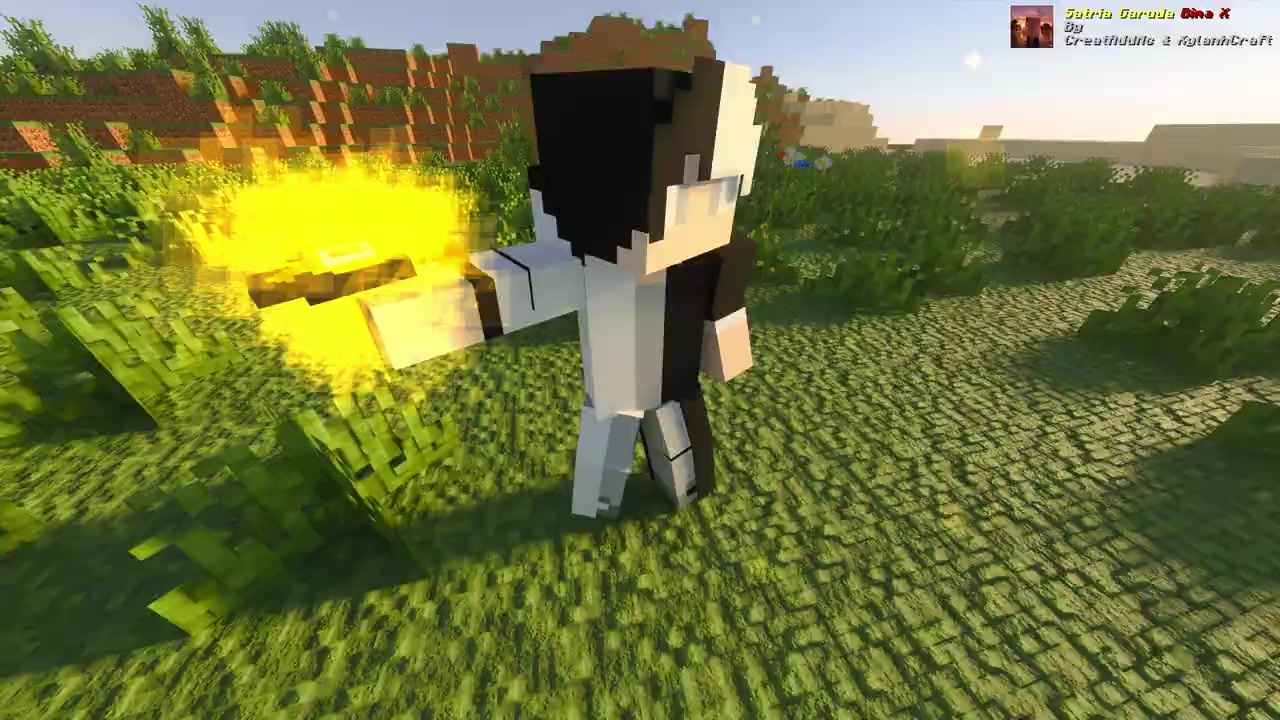
Swirling dark energy effect
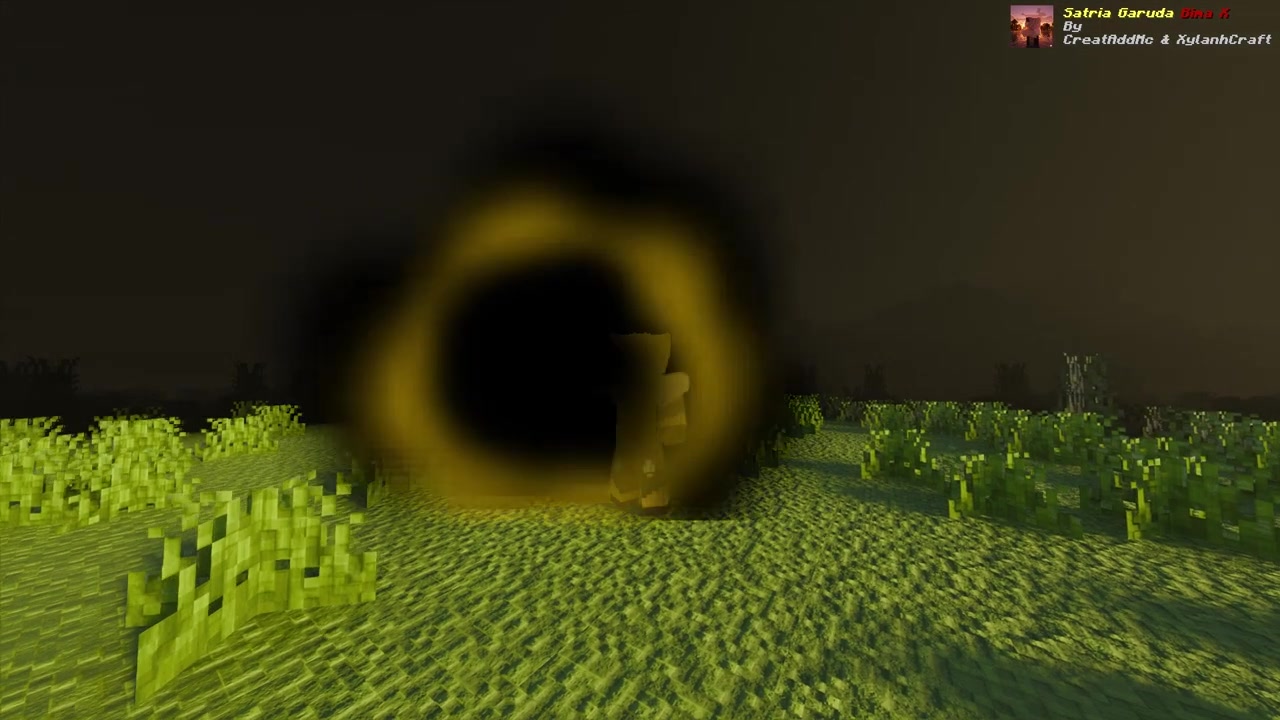
Transformation back to the base character
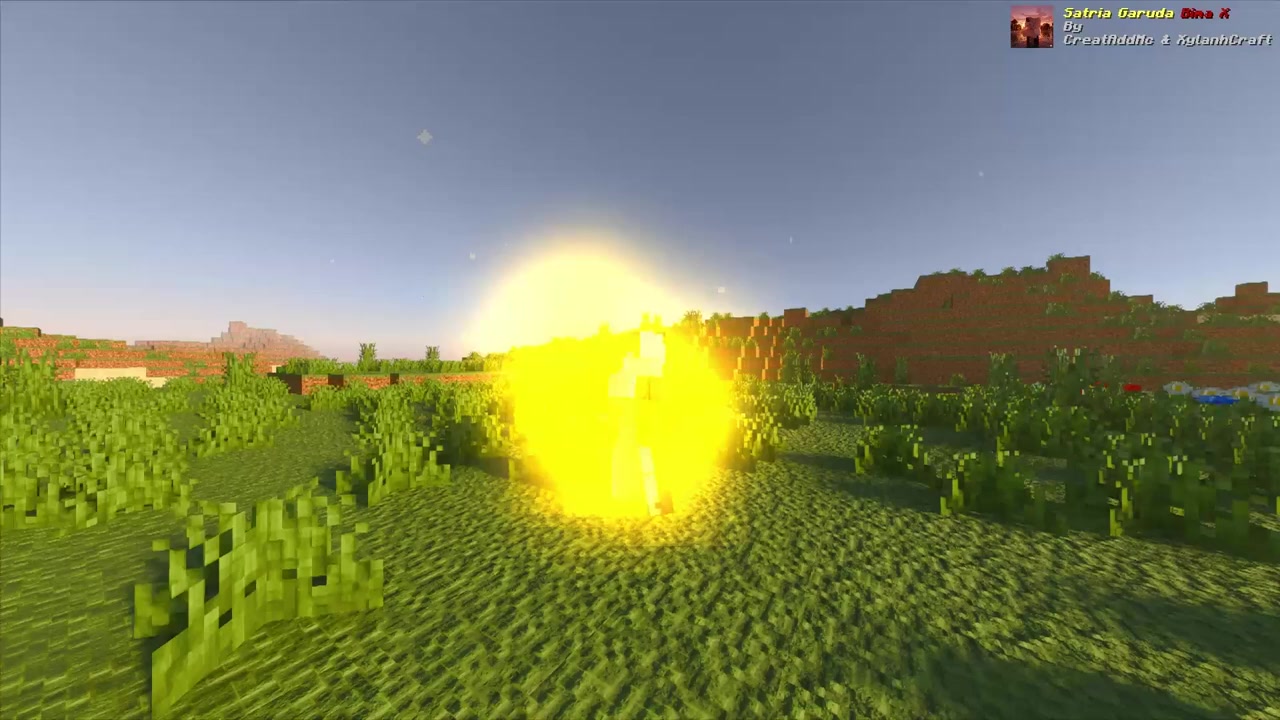
Radiant yellow energy blast animation
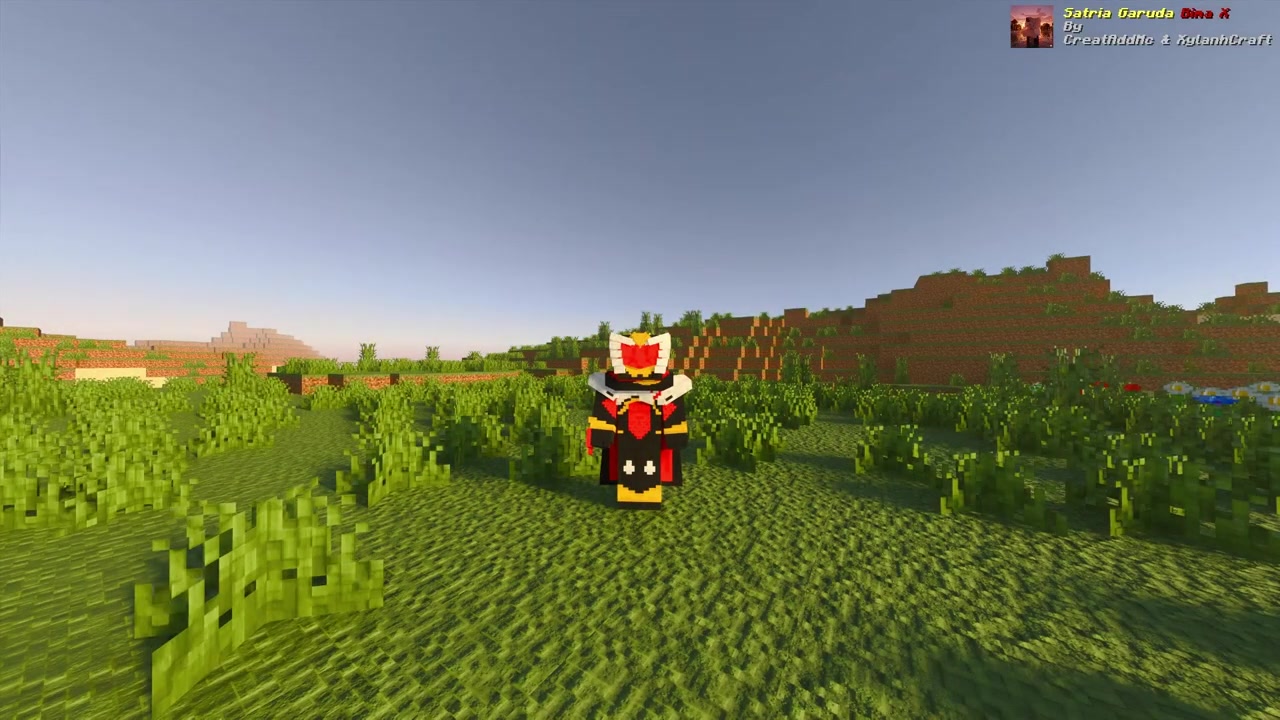
Full red armor combat stance
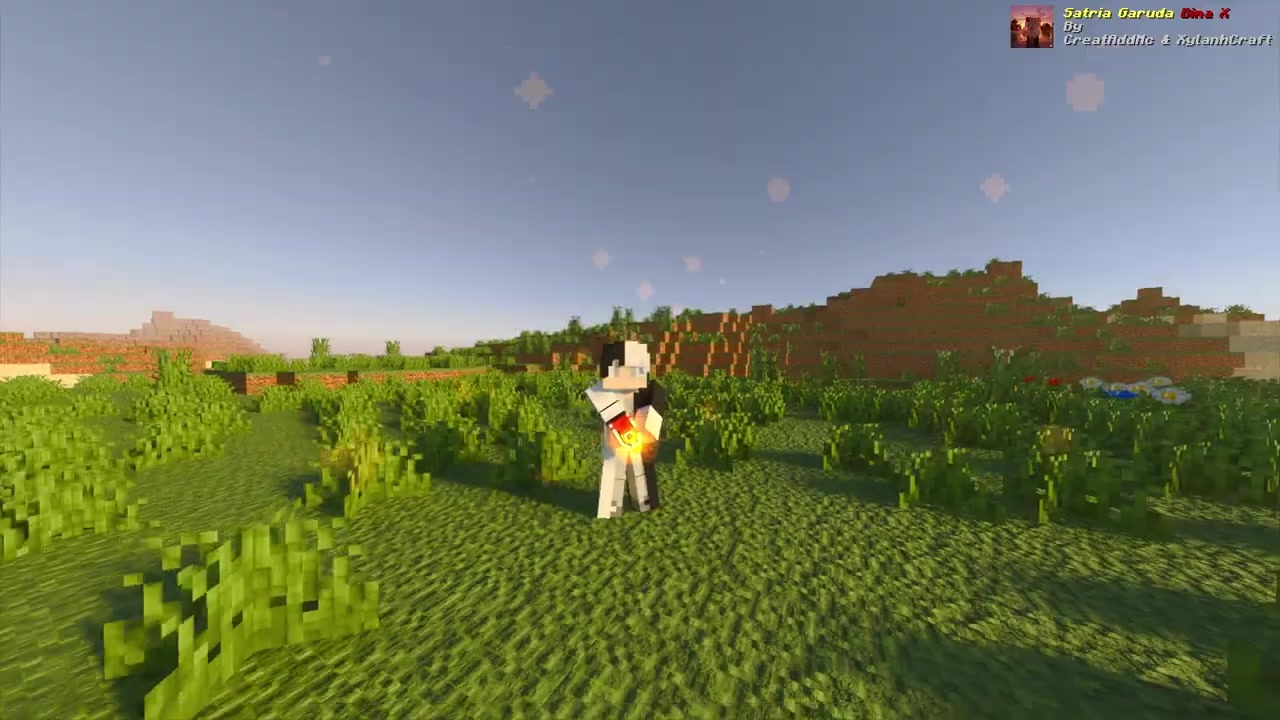
Igniting the secondary flame aura
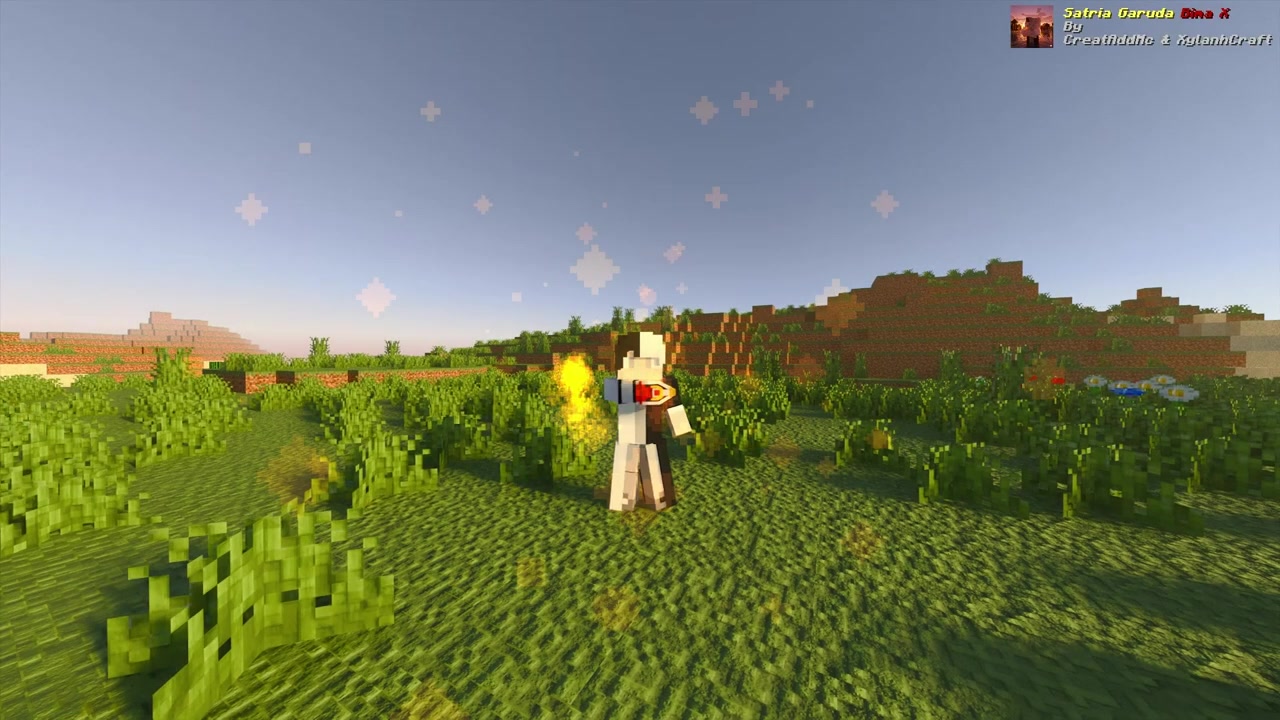
Character surrounded by a intense fiery glow
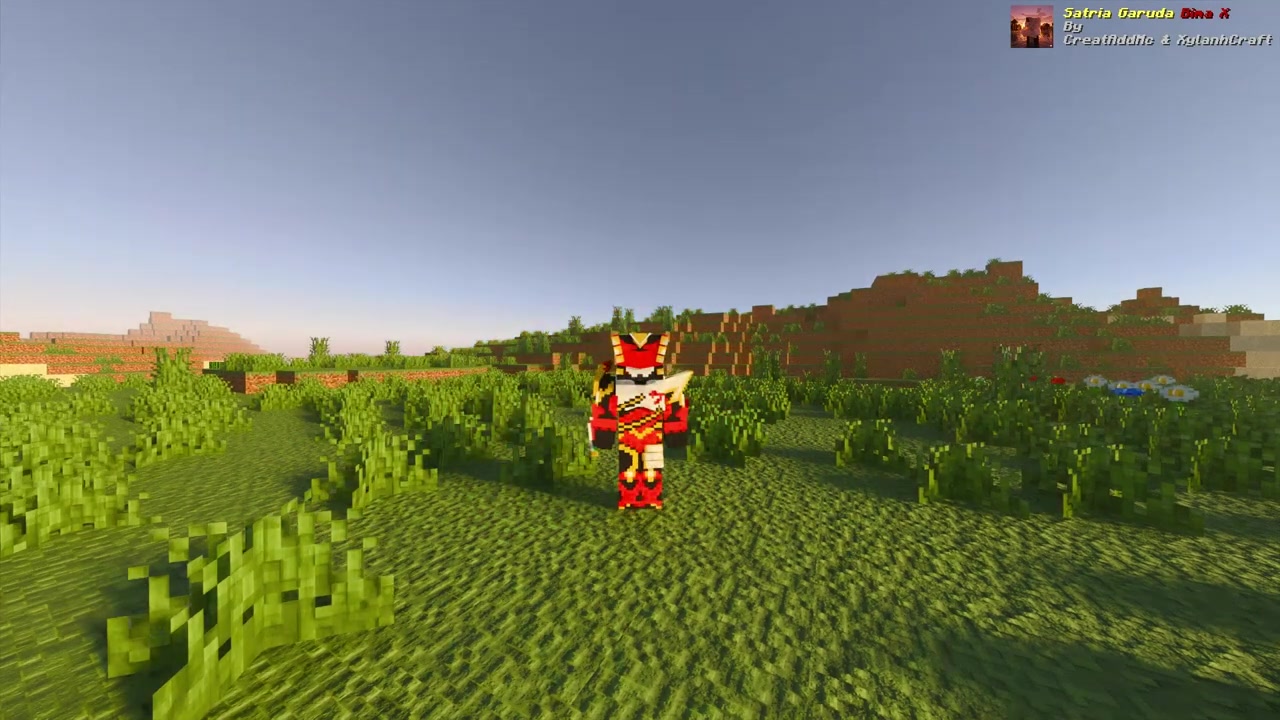
Final Bima X Flame pose
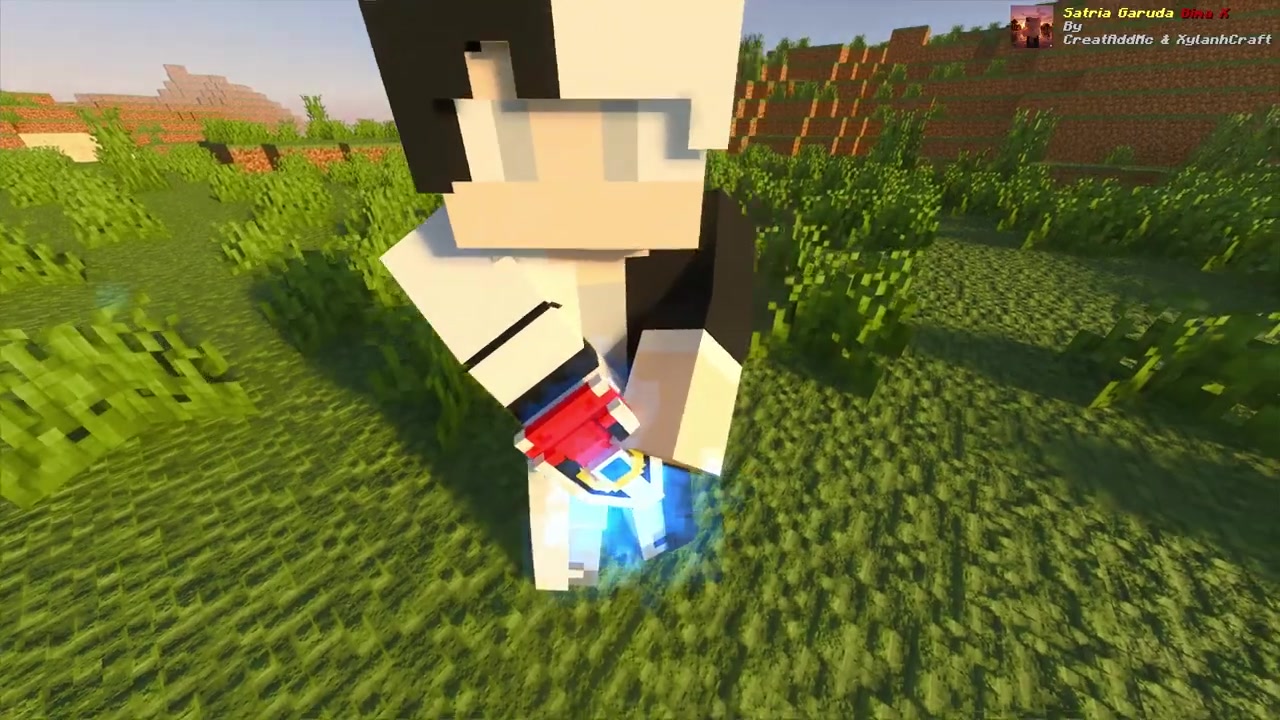
Gathering blue wind and storm energy
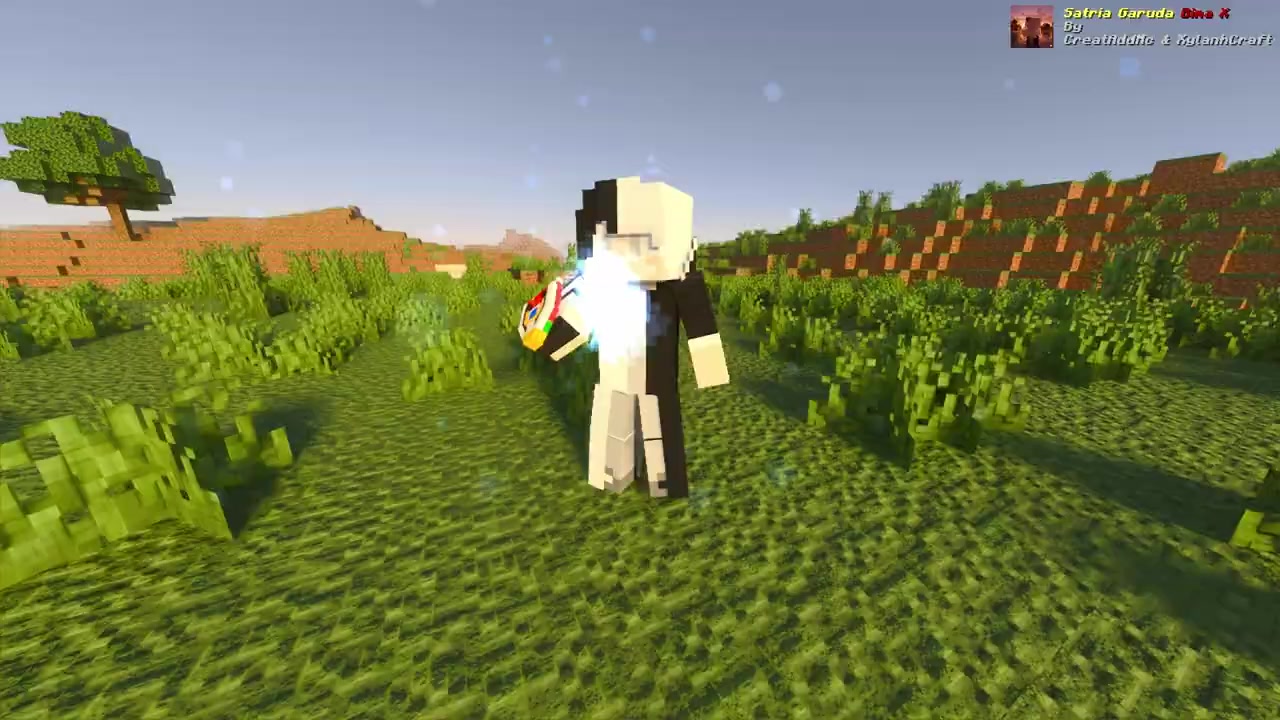
Summoning blue energy wings
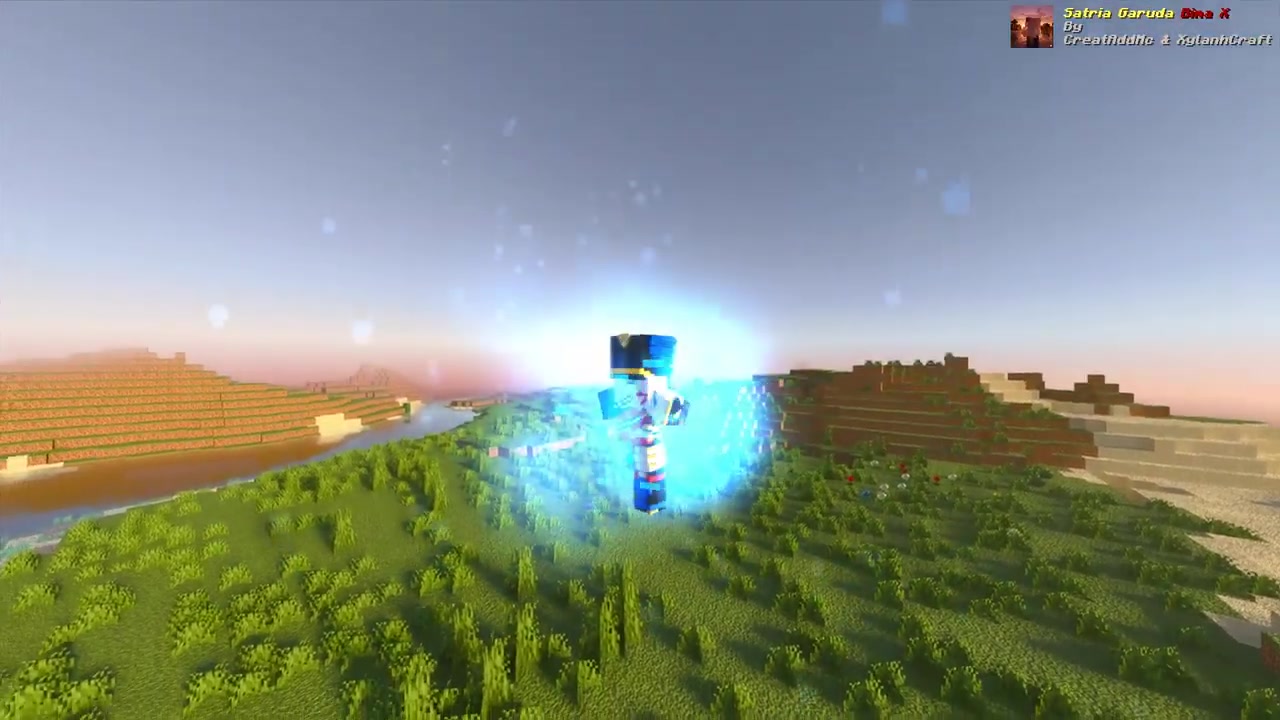
Bima X Storm form transformation complete
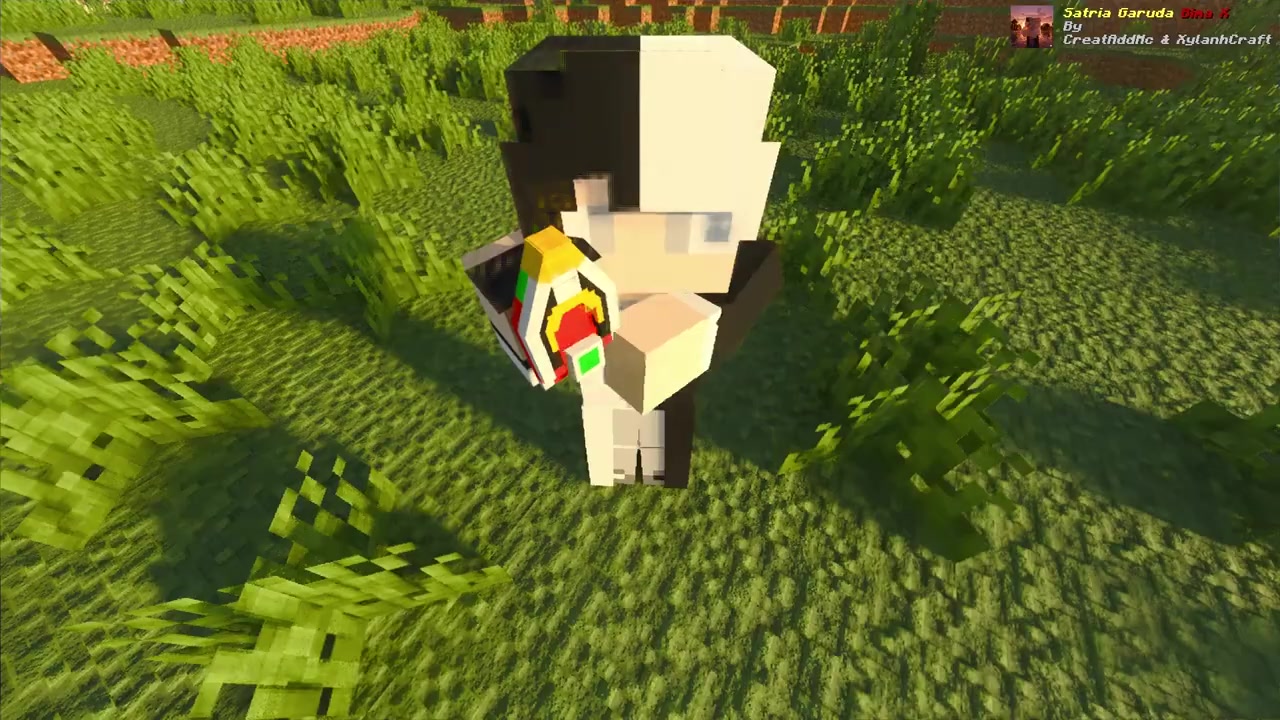
Pulsing green earth energy activation
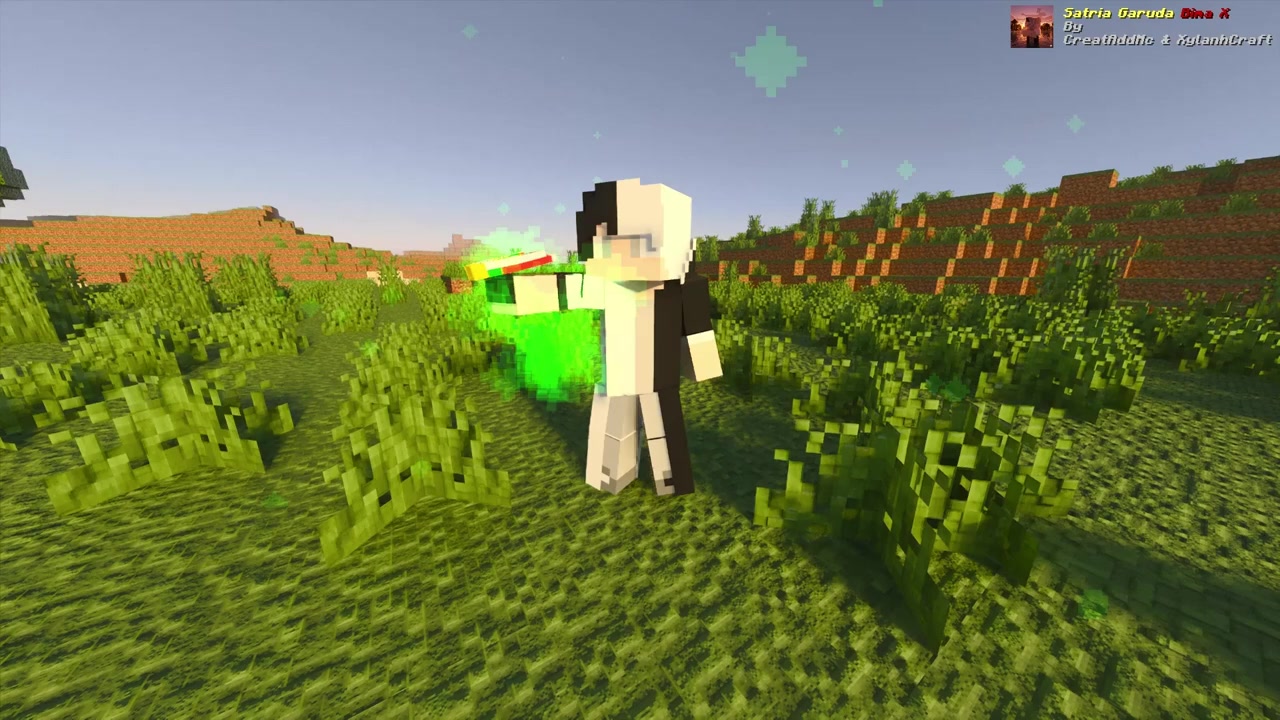
Gathering green particles for Earth mode
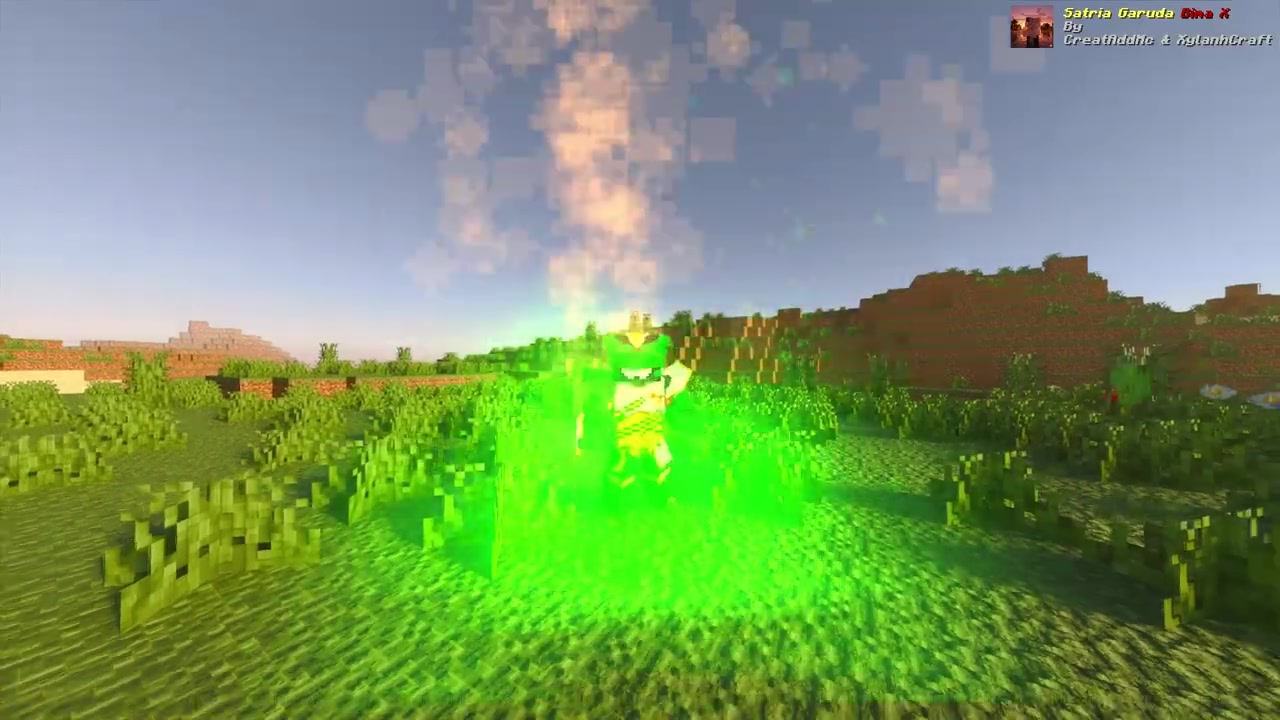
Bima X Earth armor reveal
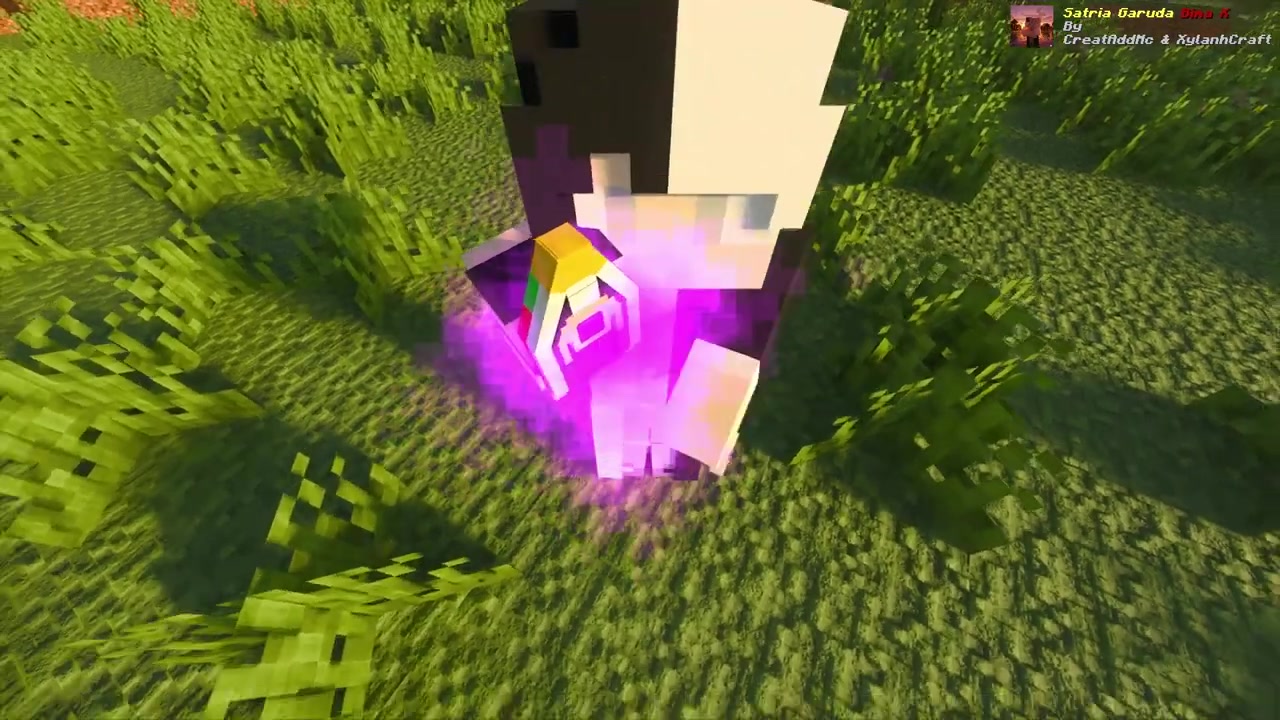
Purple magnetic energy vortex effect
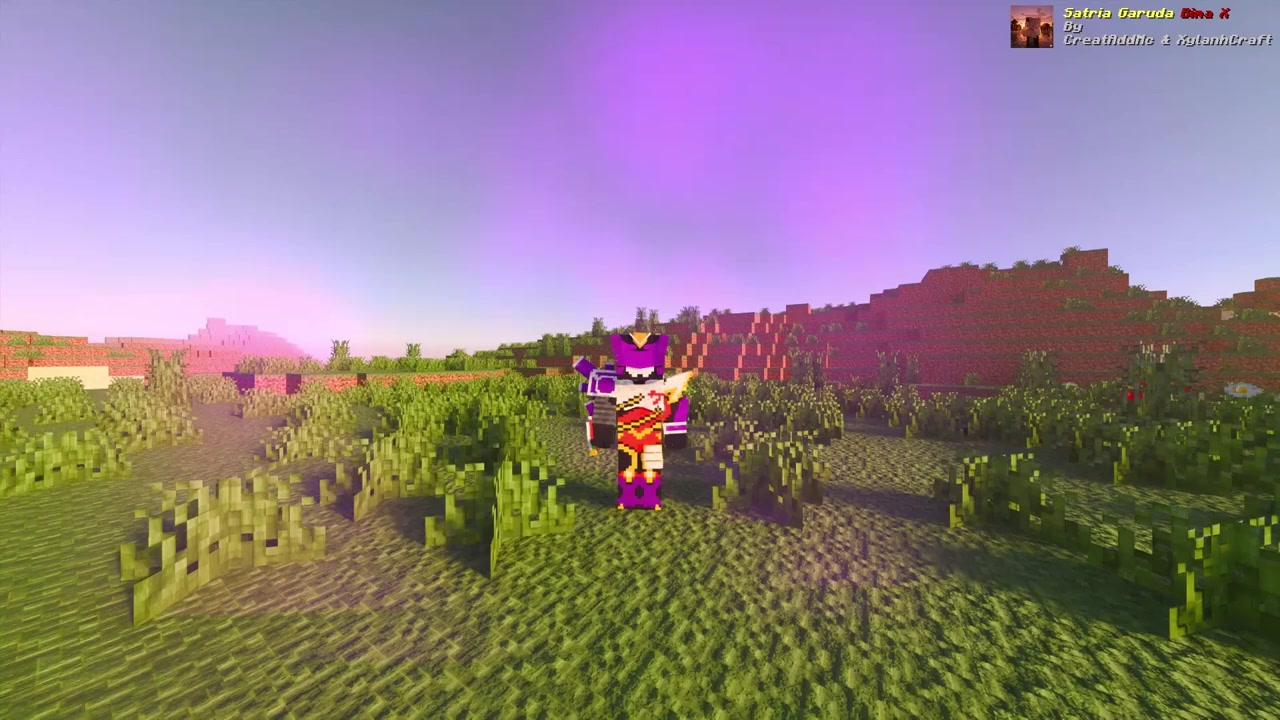
Bima X Magnetic form appearance
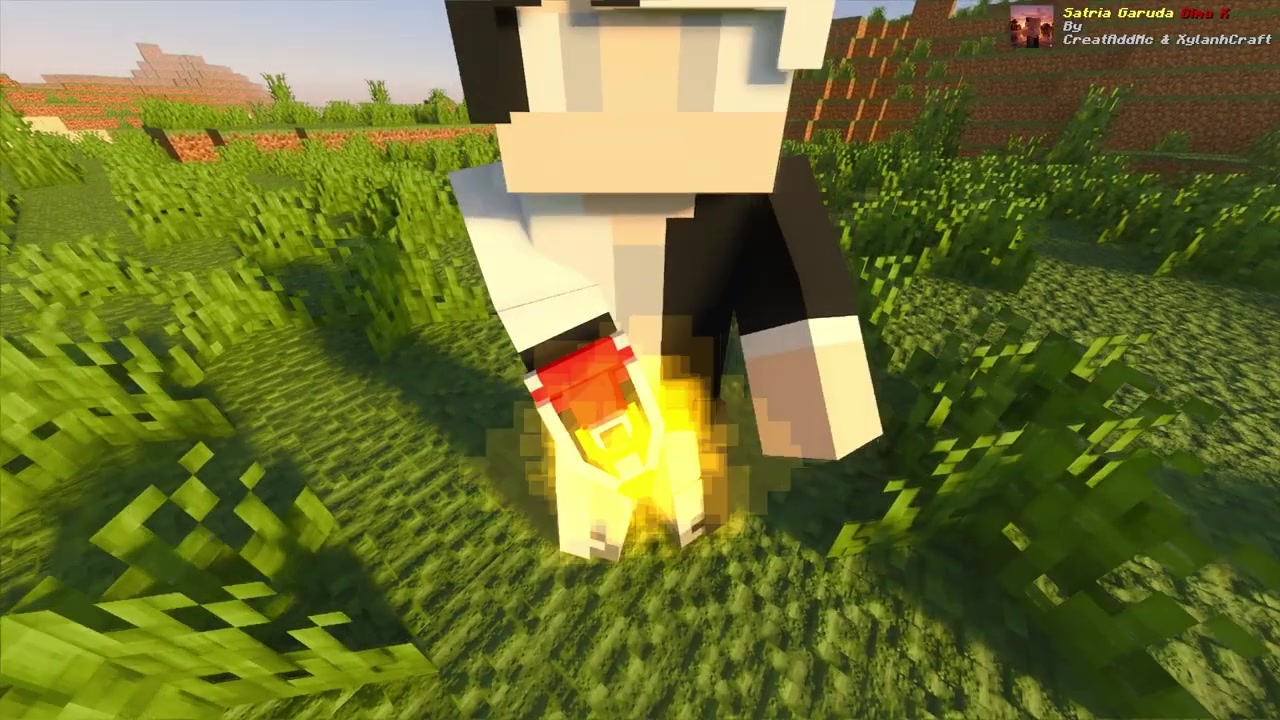
Charging dark and gold power levels
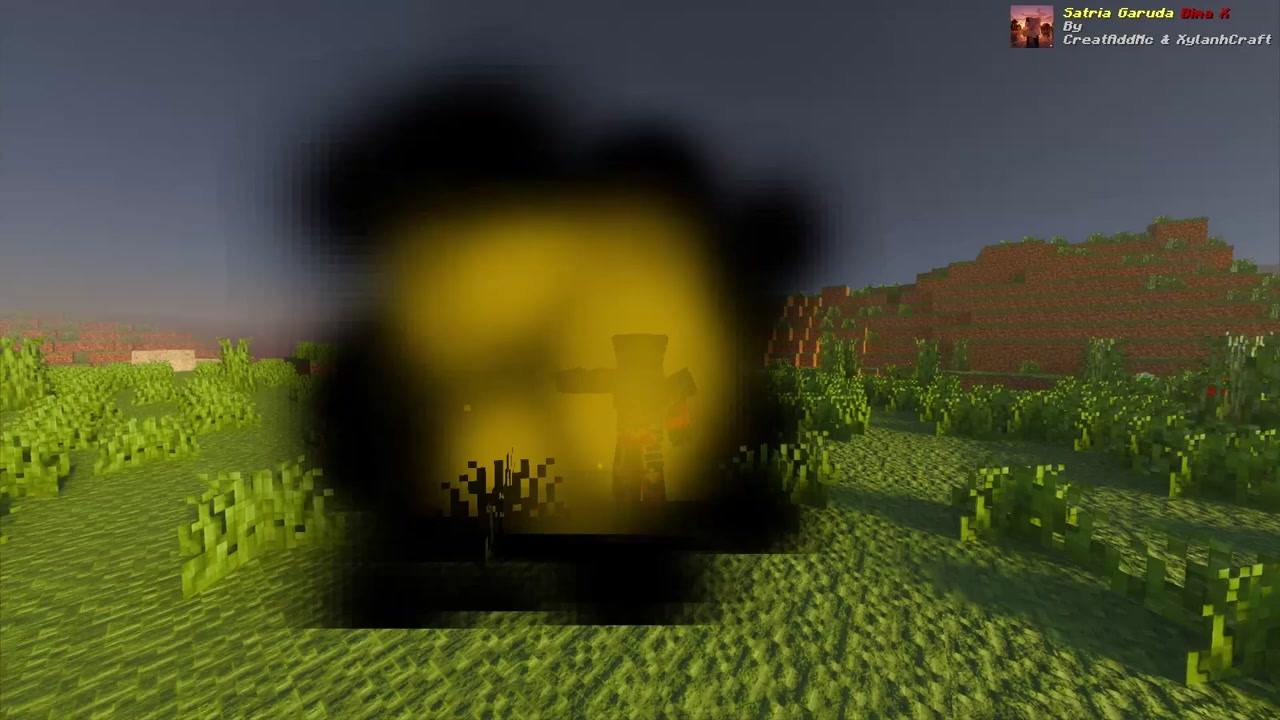
Azazel armor transformation sequence
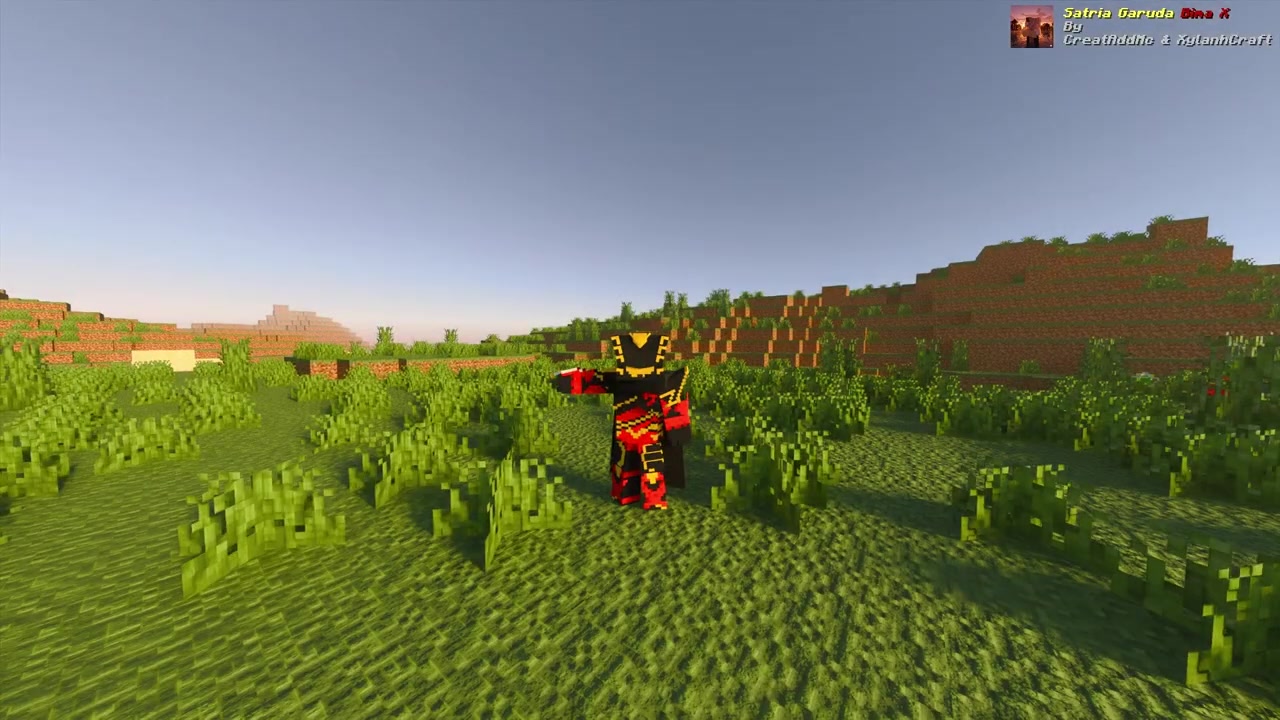
Azazel combat-ready pose
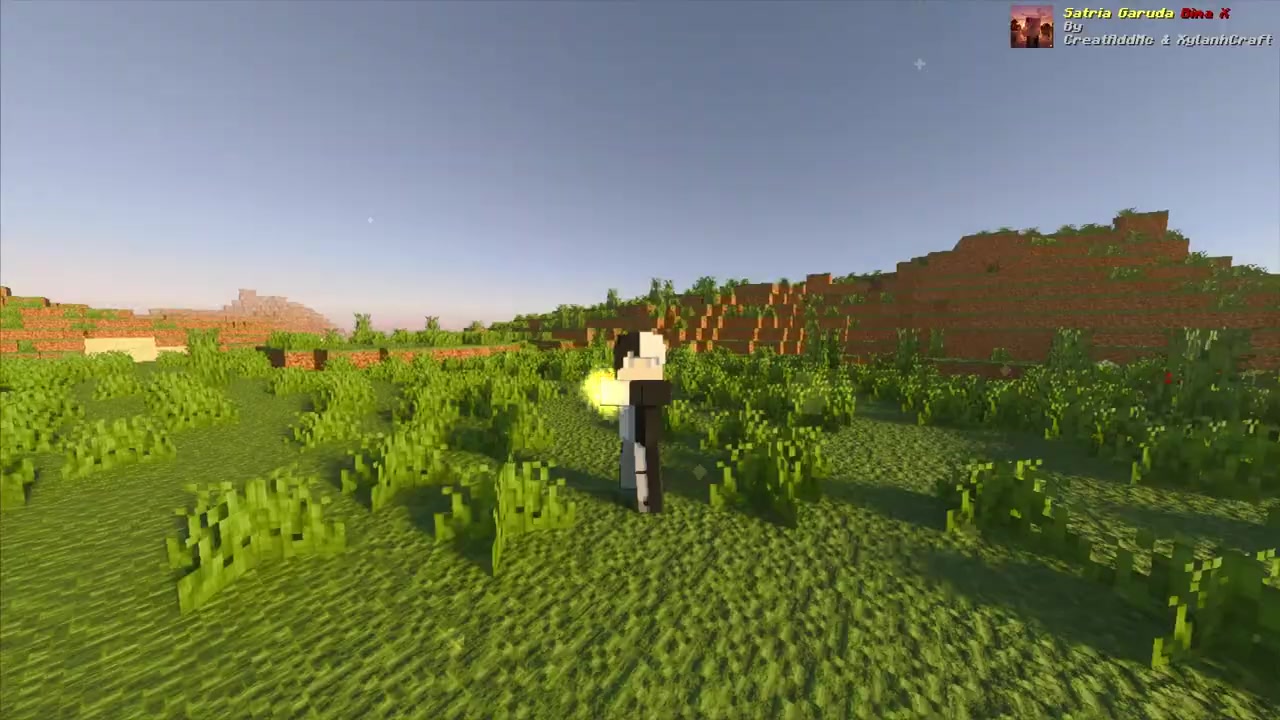
Activating yellow tiger-themed energy
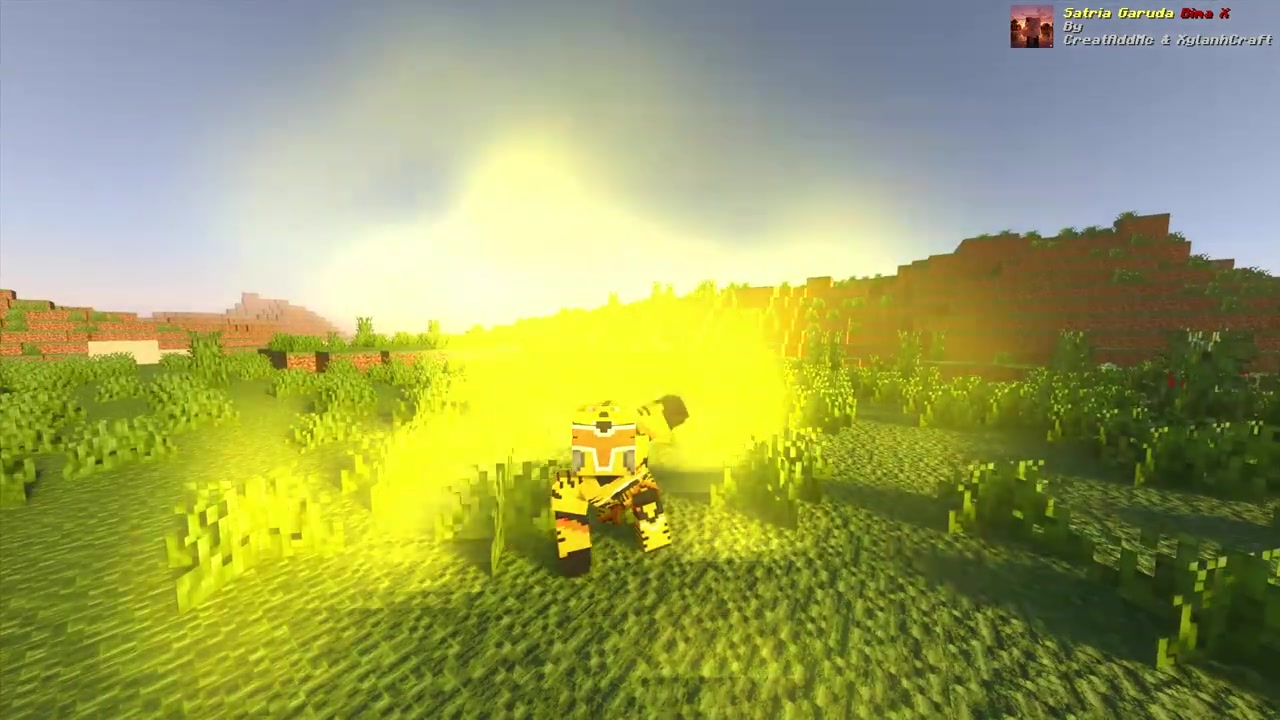
Torga Tiger form transformation reveal
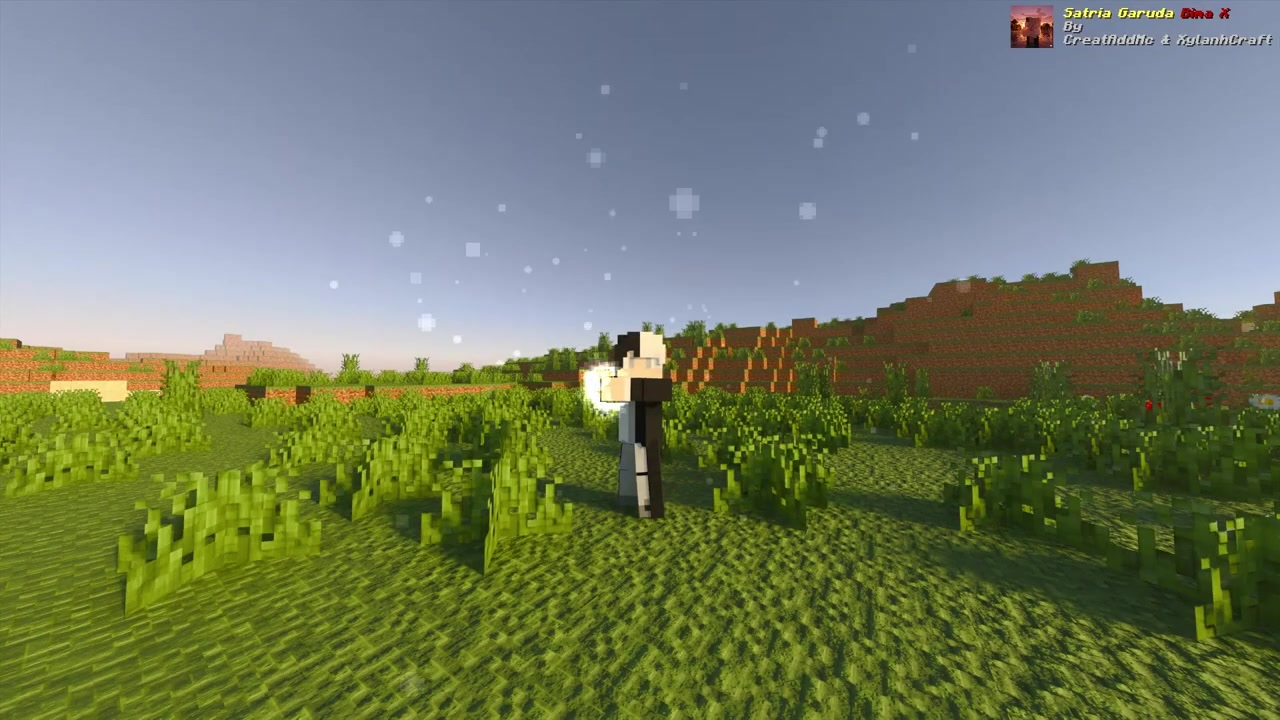
Gathering bright white light energy
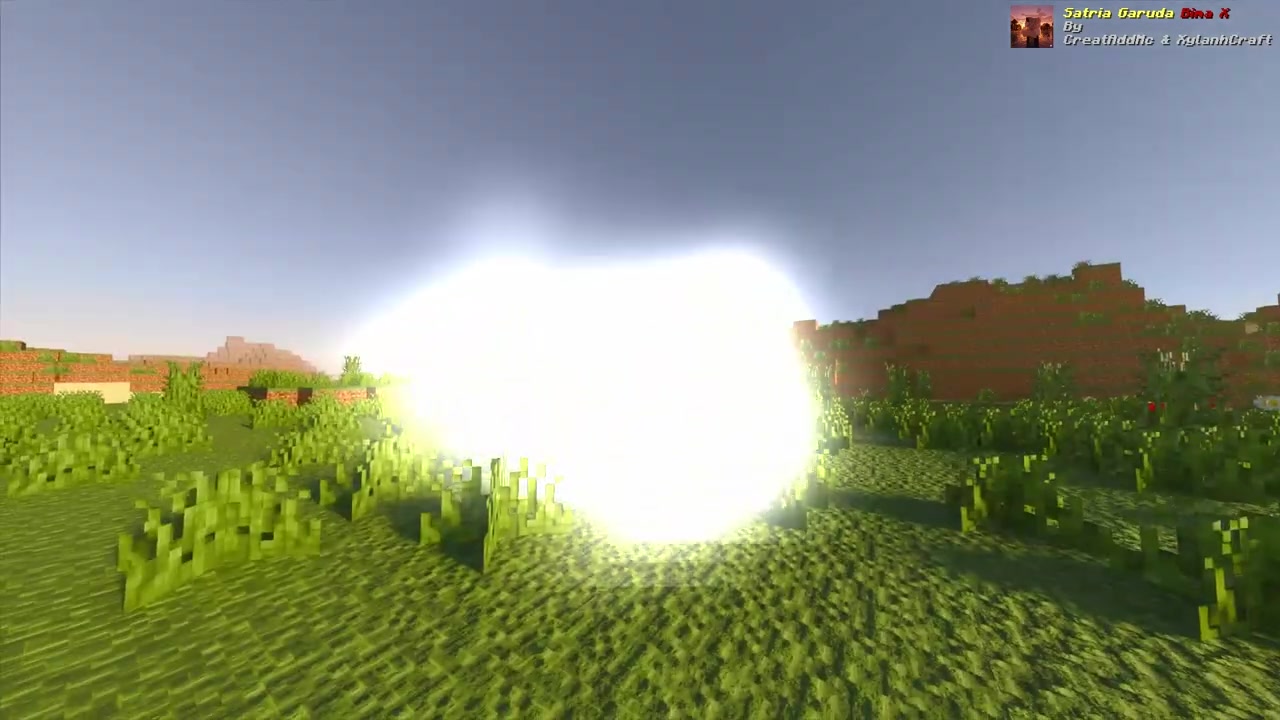
Blinding flash for the Torga armor swap
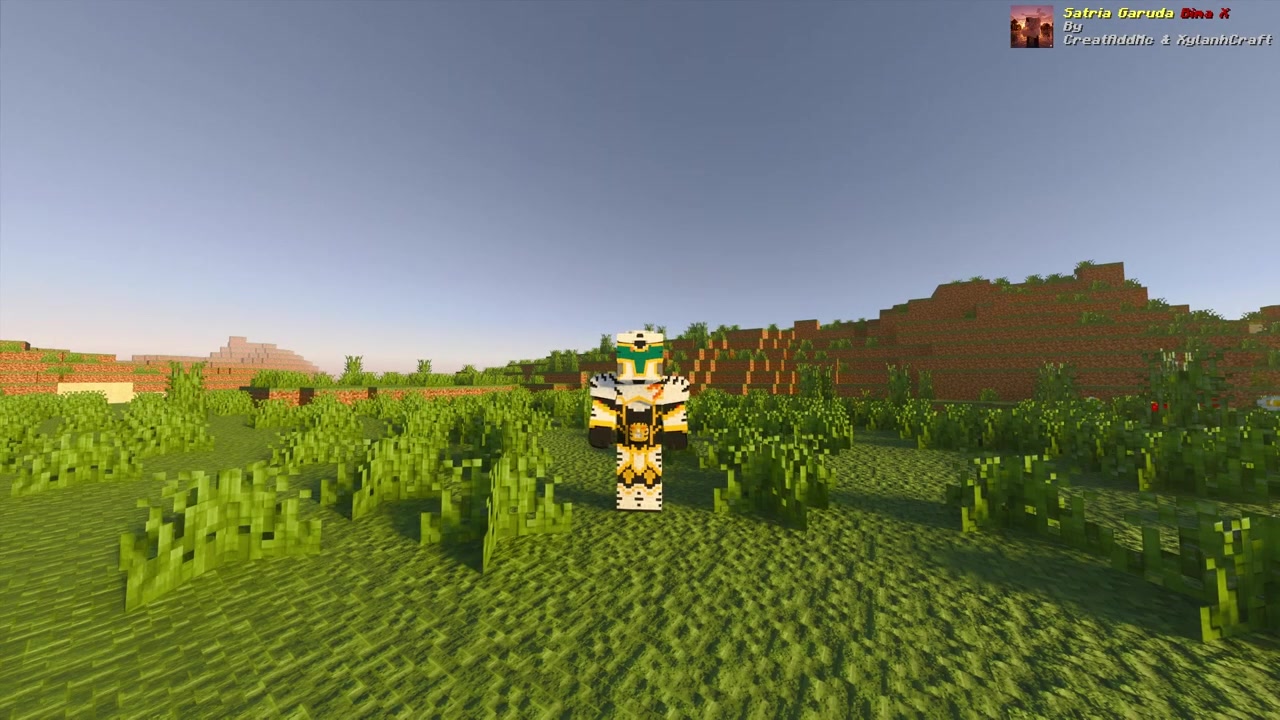
Torga White/Gold armor reveal
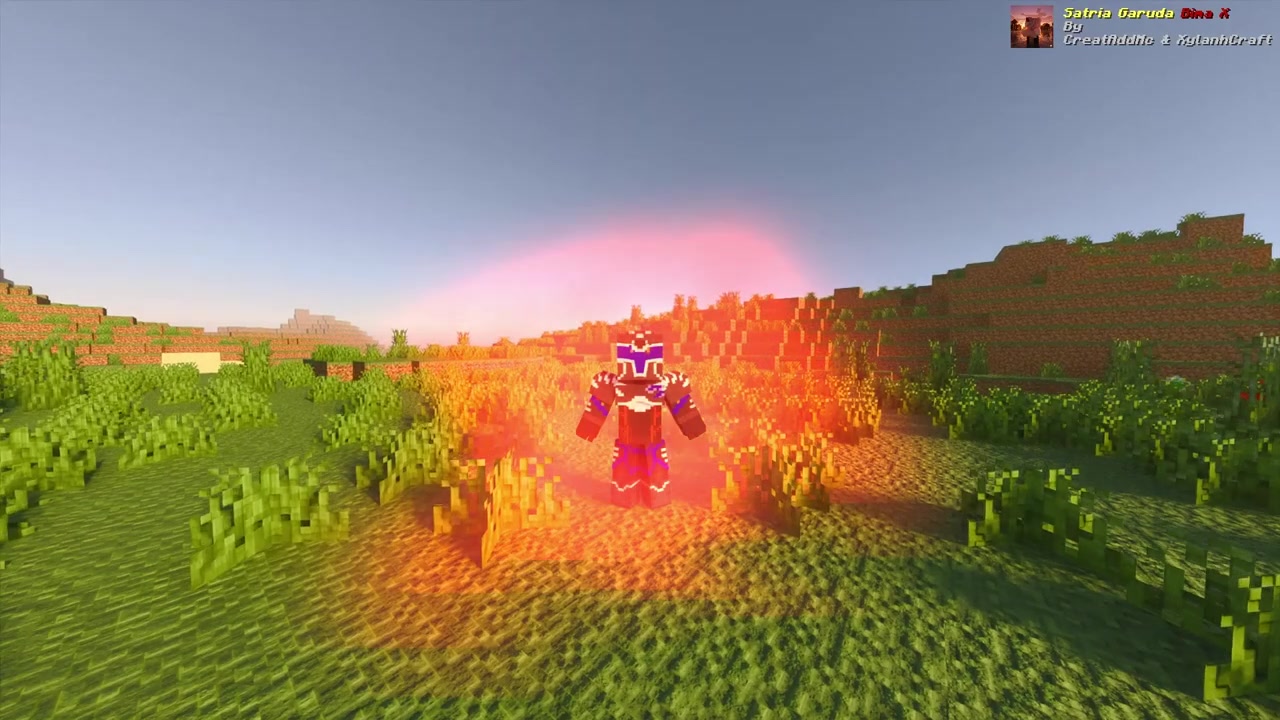
Ultimate Bima X form transformation completion
Installation Note:
- You need to enable the Experimental Settings if the addon does not work properly.
Satria Garuda Bima X Addon Download Links
For Minecraft PE/Bedrock 1.21+
Behavior: Download from Server 1 – Download from Server 2
Resource: Download from Server 1 – Download from Server 2
- Edition: Minecraft Bedrock
- File type: .mcpack or .mcaddon
- Minecraft version listed: 1.21
- How to install: Download the .mcpack or .mcaddon file. → Open it — Minecraft imports it. → In your world: Behavior Packs → Available → Activate, then the same under Resource Packs.
- Where to get it: In MCModsHub, or directly above on this page.
Install steps are the general flow for this file type — How to install Minecraft Bedrock addons & mods walks through it step by step.
- Pack type: .mcaddon — behaviour and resource pack in one file
- Complete pack — everything it depends on is inside the file
- Download size: 4.5 MB
- Download link checked 17 Jun 2026 — working
- Mirrored on our own servers — the download does not depend on the original host
These come from our own check of the pack file, not from the source page.