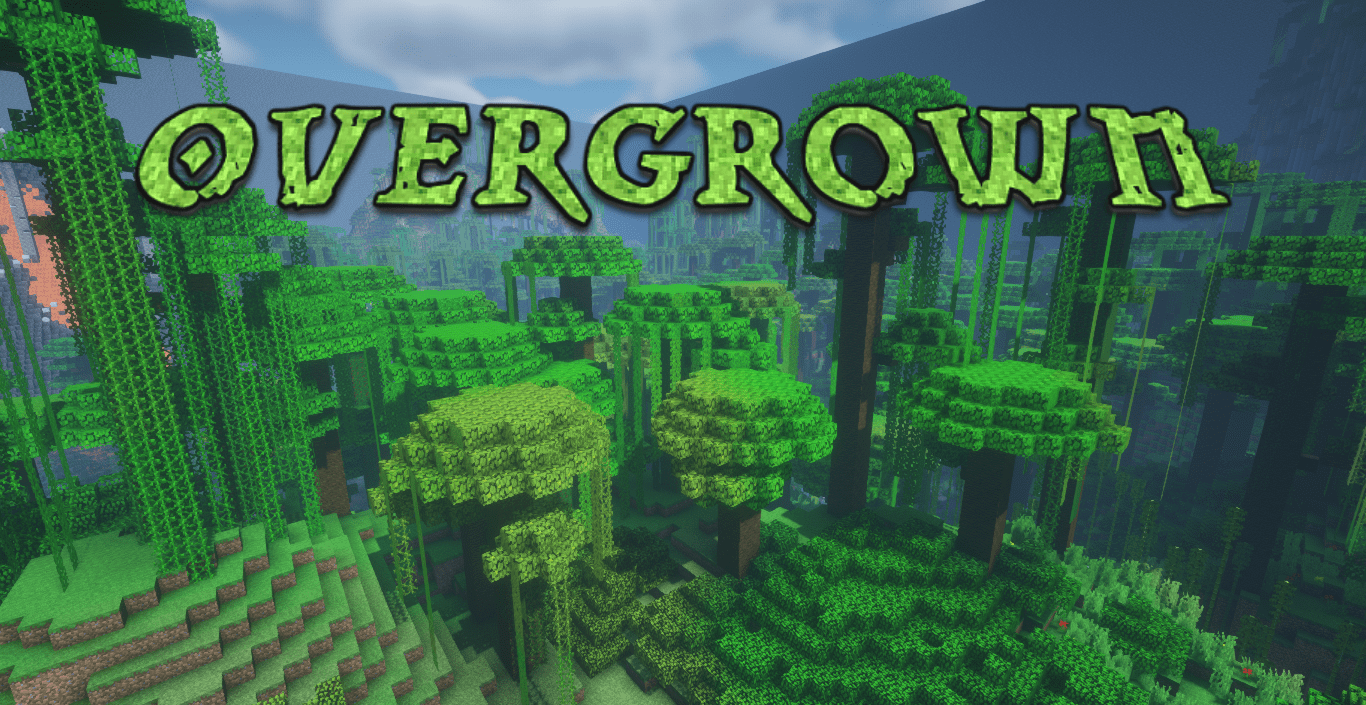
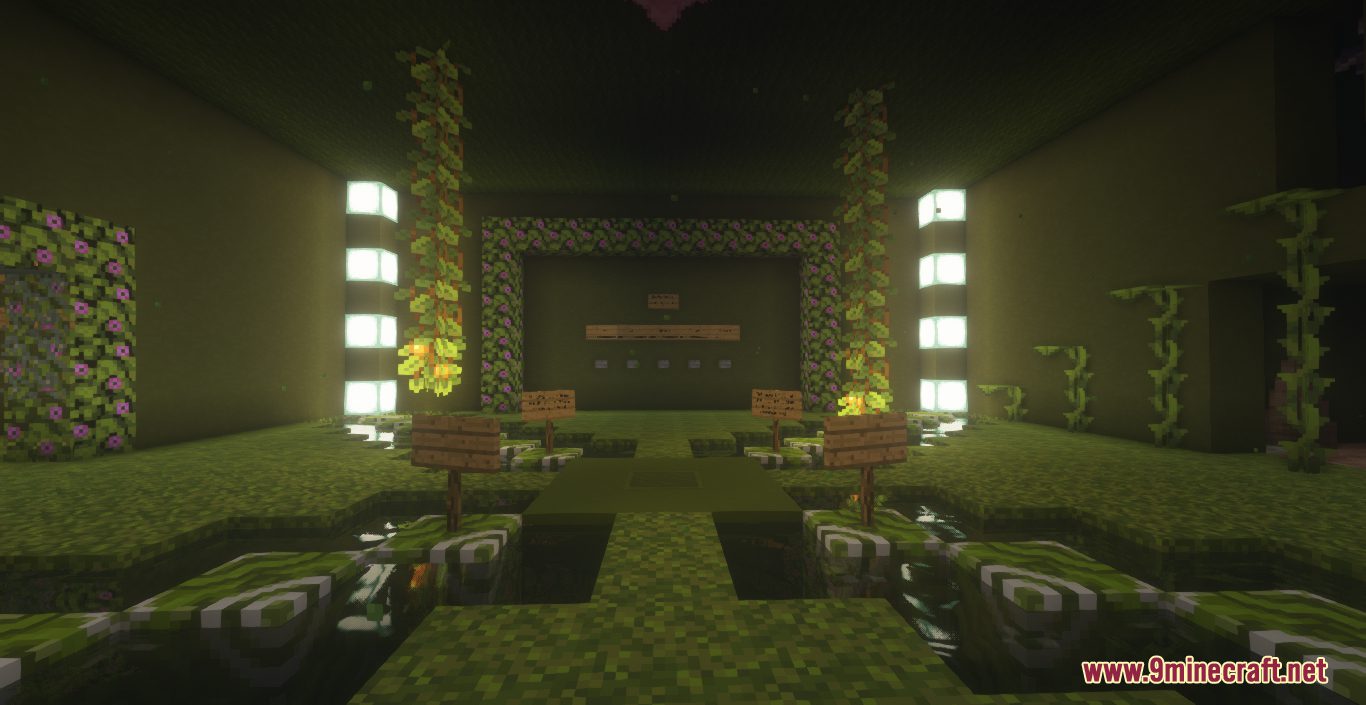
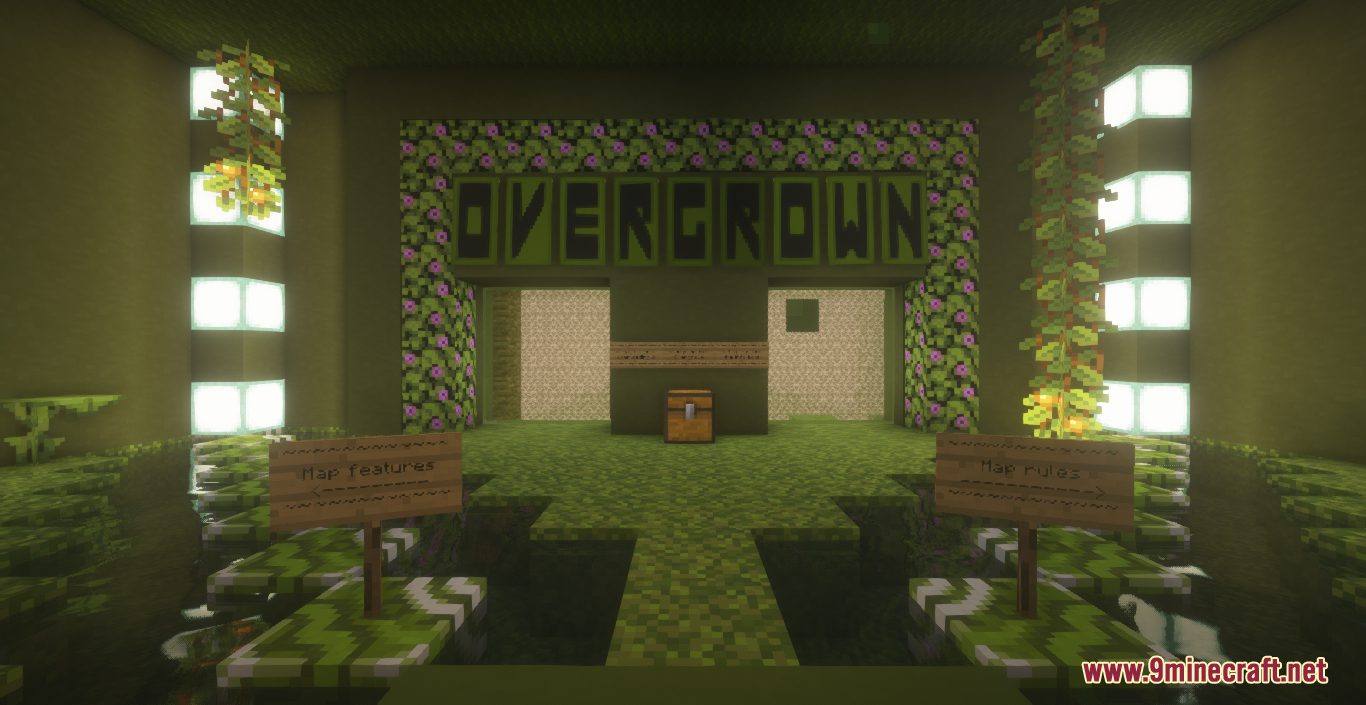
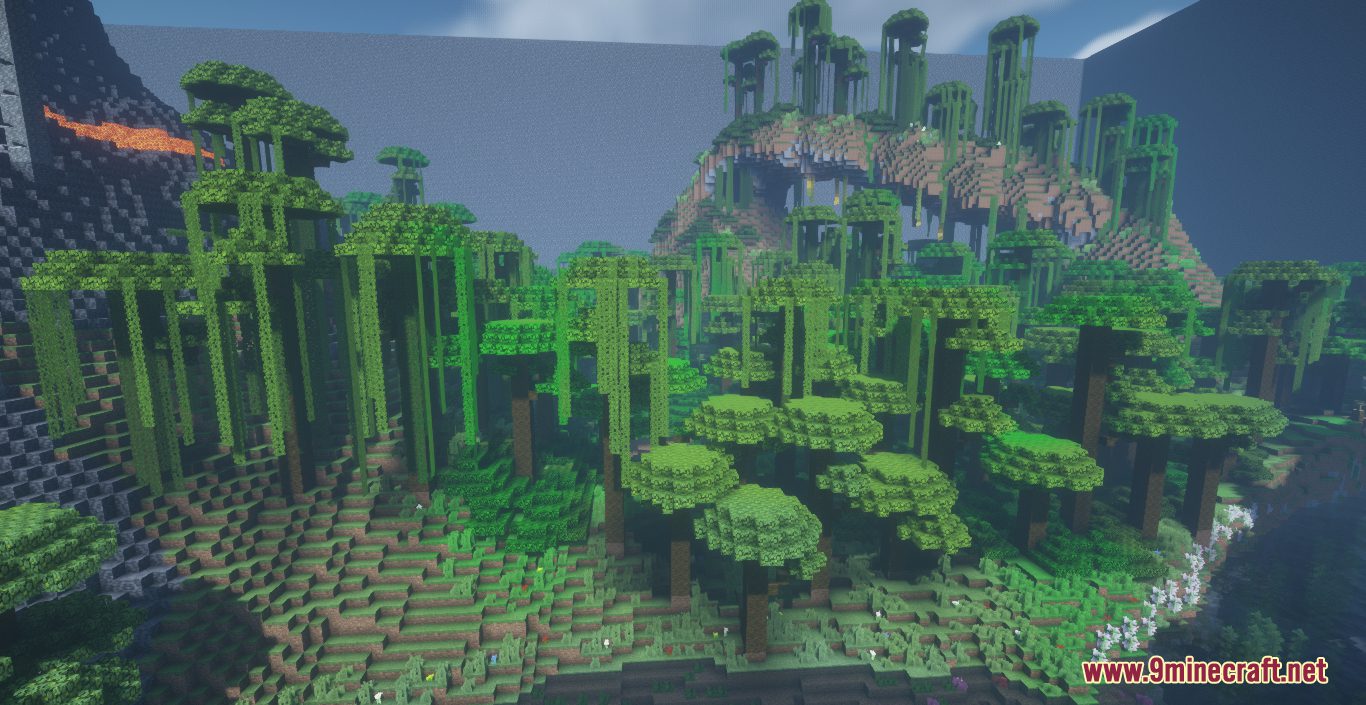
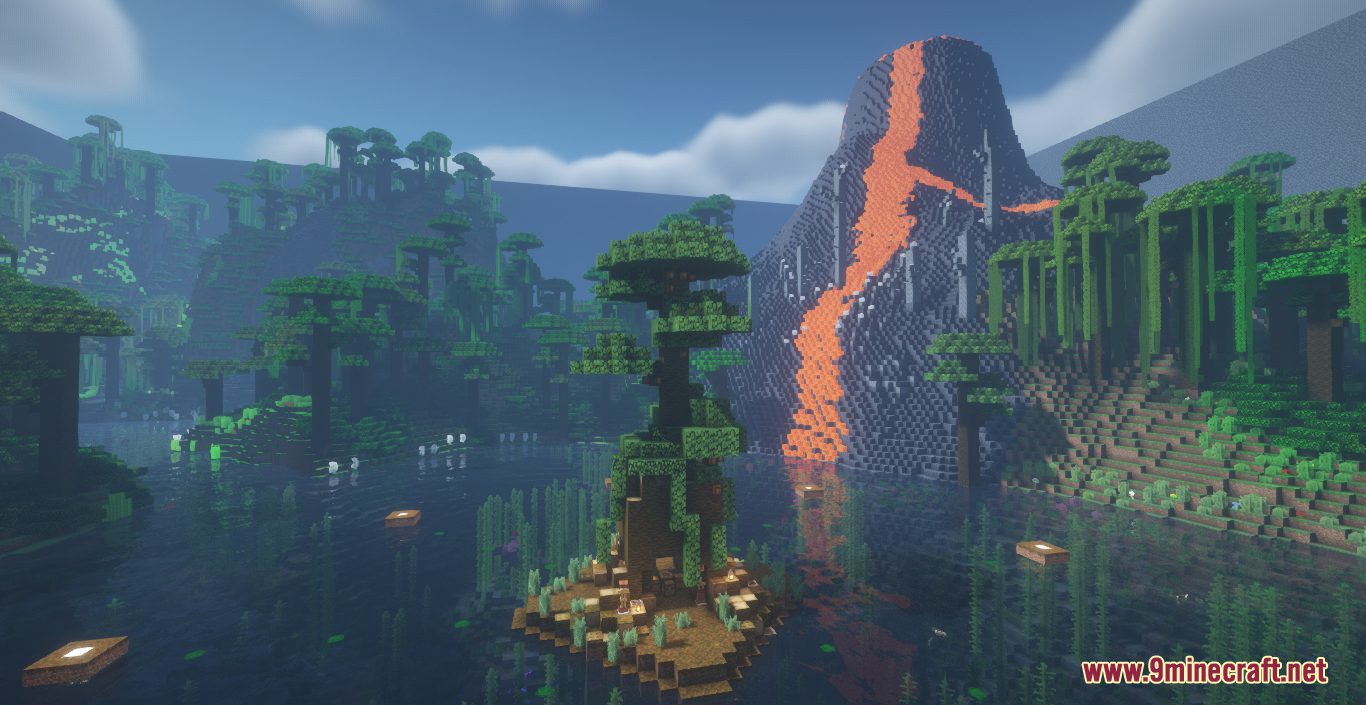
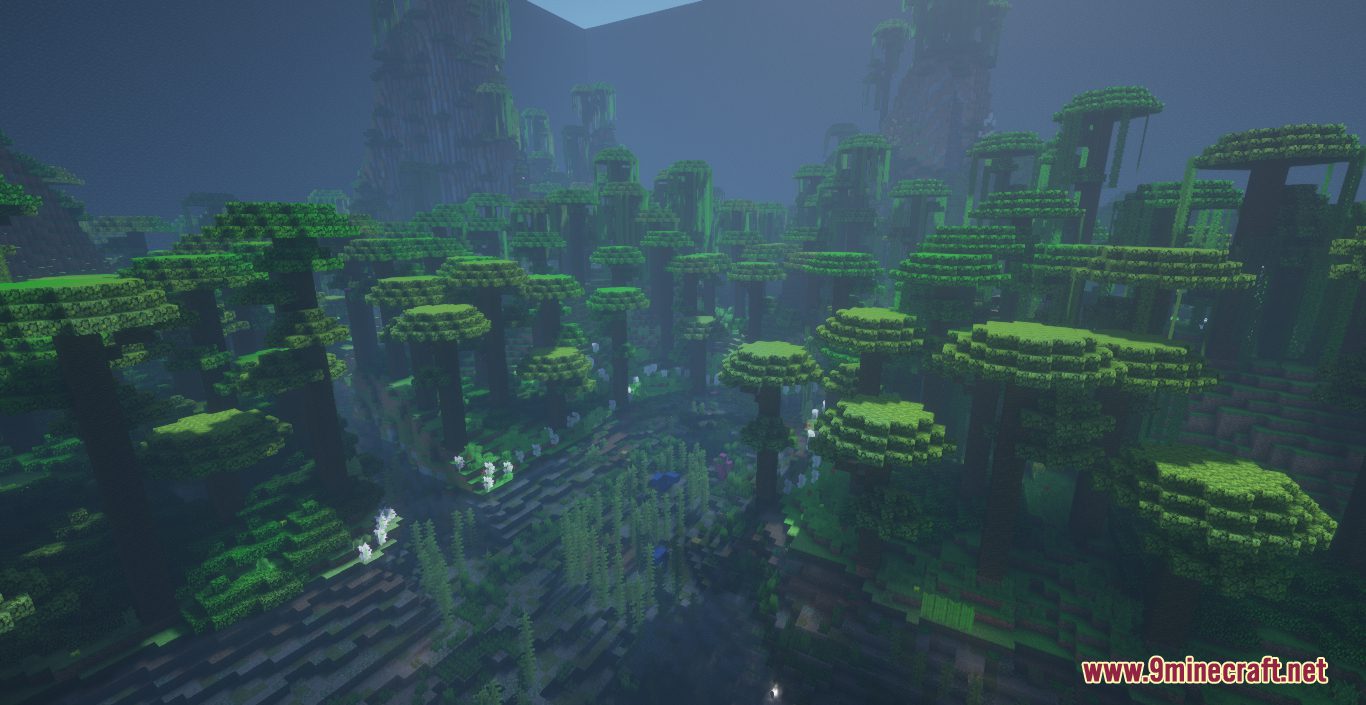
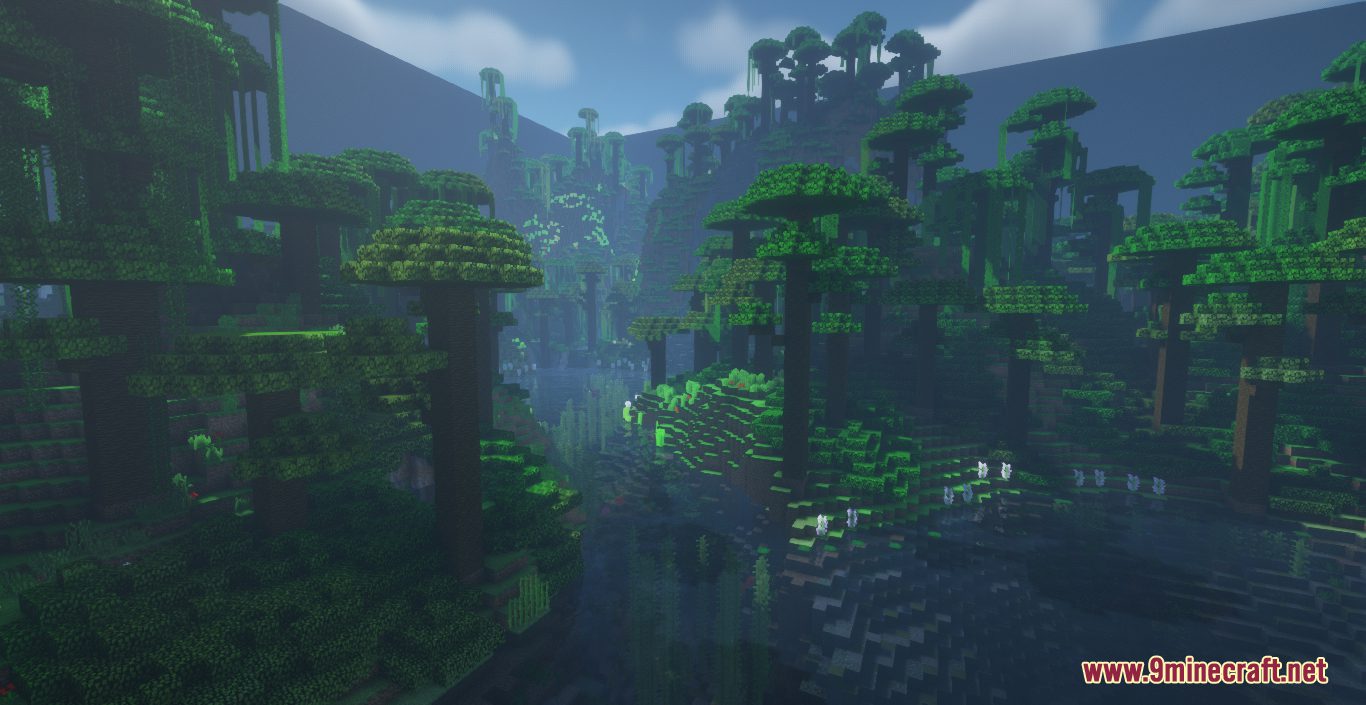
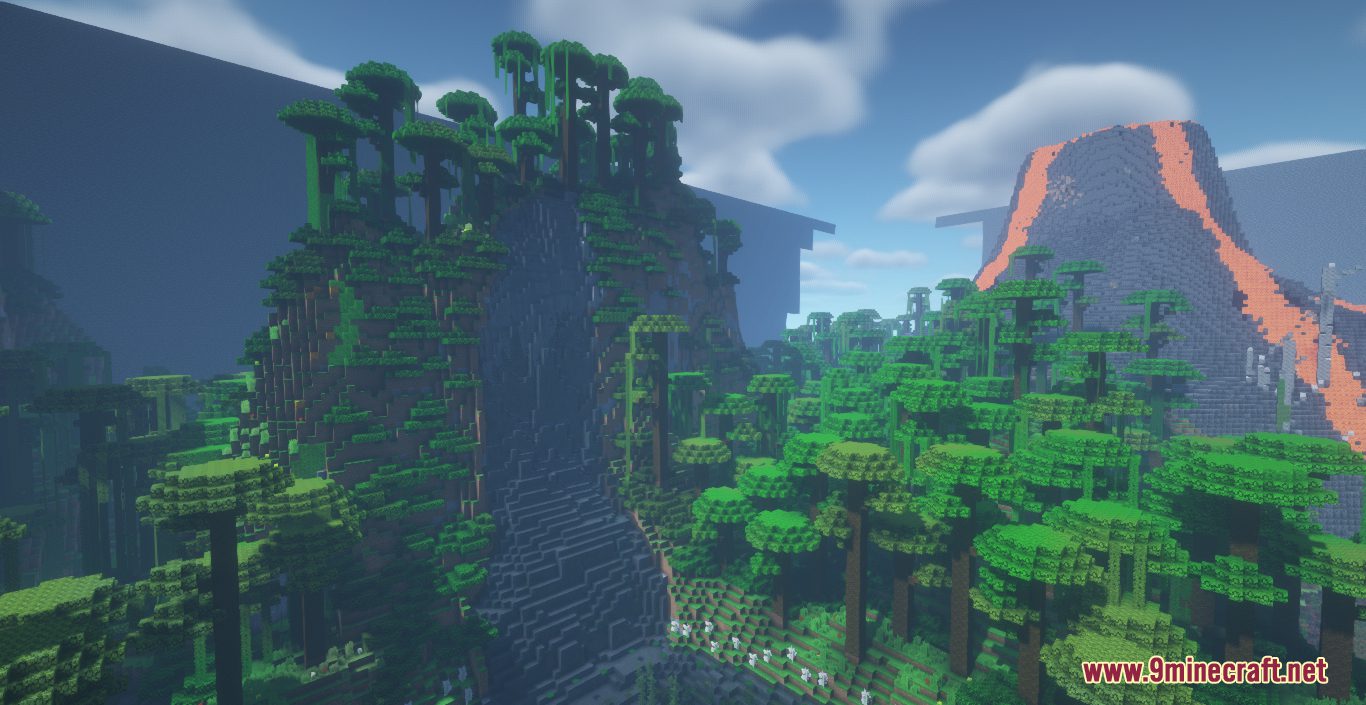
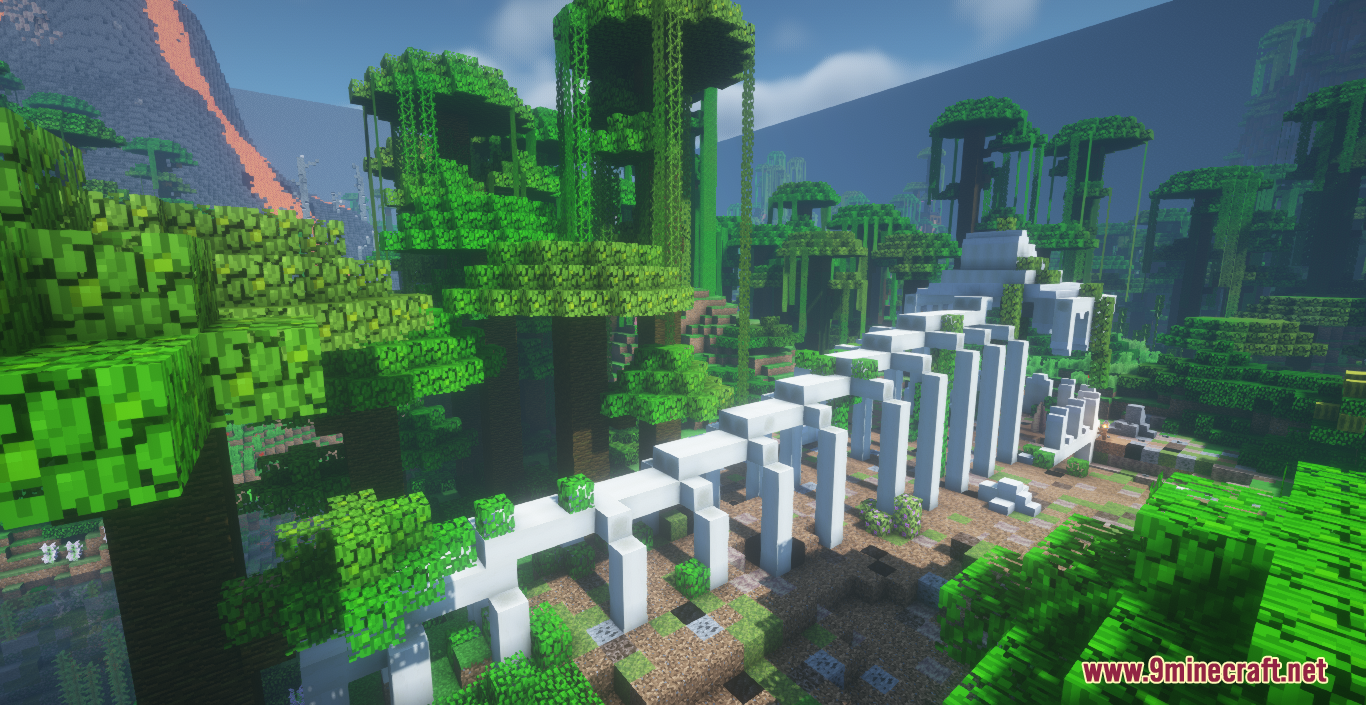
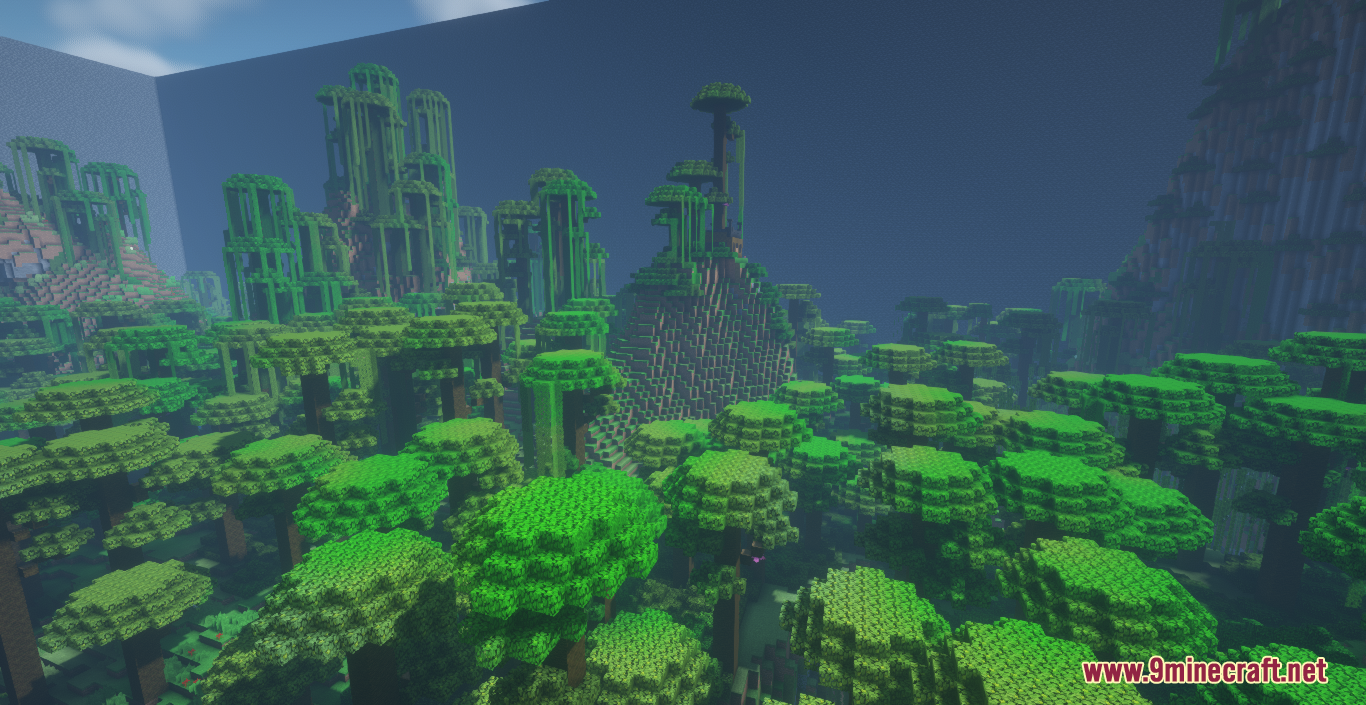
Overgrown Map is a game map created by DoctorChosen. Welcome adventurous players, it’s time to start the hunger game! Specifically, Overgrown is a massive jungle-themed hunger game arena created in a 250×250 region with a world border that narrows through time. The map is designed for 8 players with dozens of hidden chests containing enchanted gear and useful items for lucky participants to find. You will start off in the center of the map and have time to prepare for the thrilling adventure ahead. Download this map from the links below and enjoy!
Screenshots:
How to play:
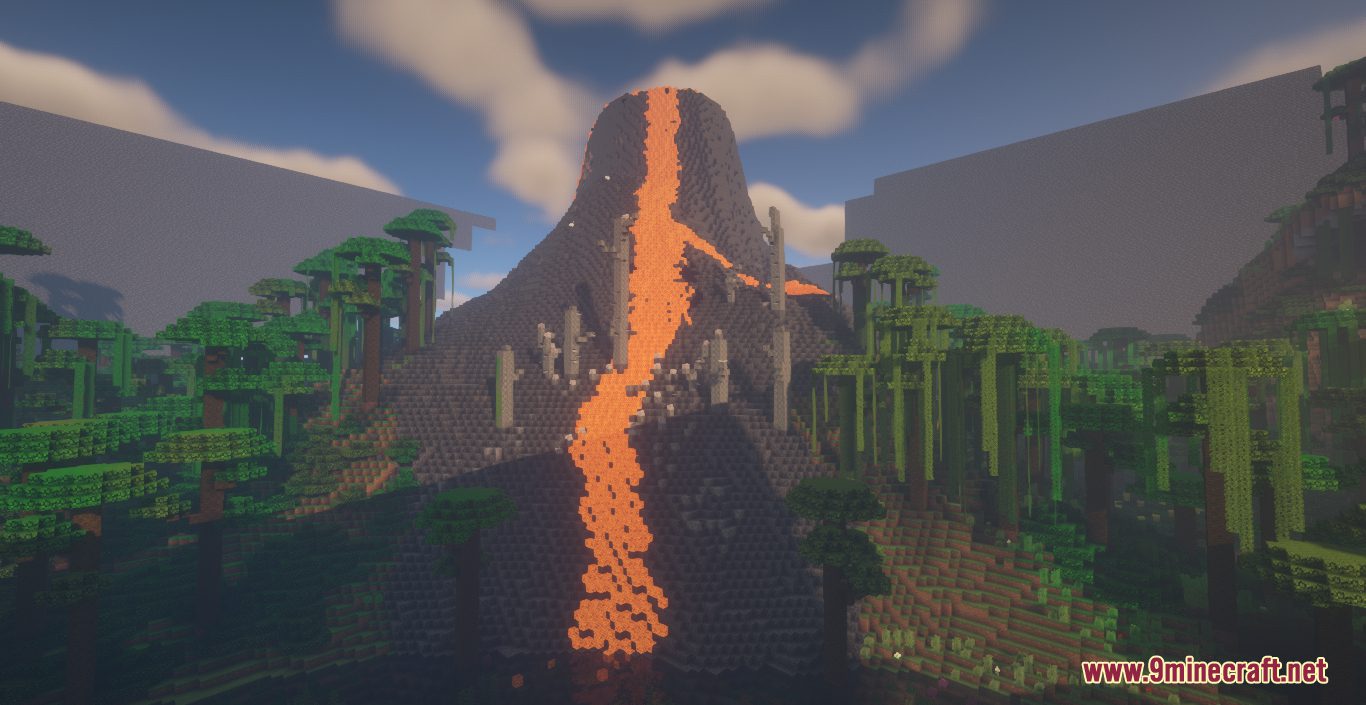
All players spawn in the center of the map at the base of a massive volcano in the middle of a giant lake. After 45 seconds, they are all released to either run for cover or loot the center cornucopia where various potions, weapons, and other items can be found.
Overgrown Map Download Links
- Edition: Minecraft Java
- File type: .zip (world save)
- Minecraft version listed: 1.20.1
- How to install: Download the .zip world. → Unzip it. → Move the folder into .minecraft/saves.
- Where to get it: In MC Java Mods, or directly above on this page.
Install steps are the general flow for this file type — How to install Minecraft Java maps & worlds walks through it step by step.
Overgrown Map (26.2, 1.20.1) – A Hunger Game Into the Jungle is a free Minecraft Java map. Compatible with Minecraft 1.20.1. Download it and open it directly in the game.