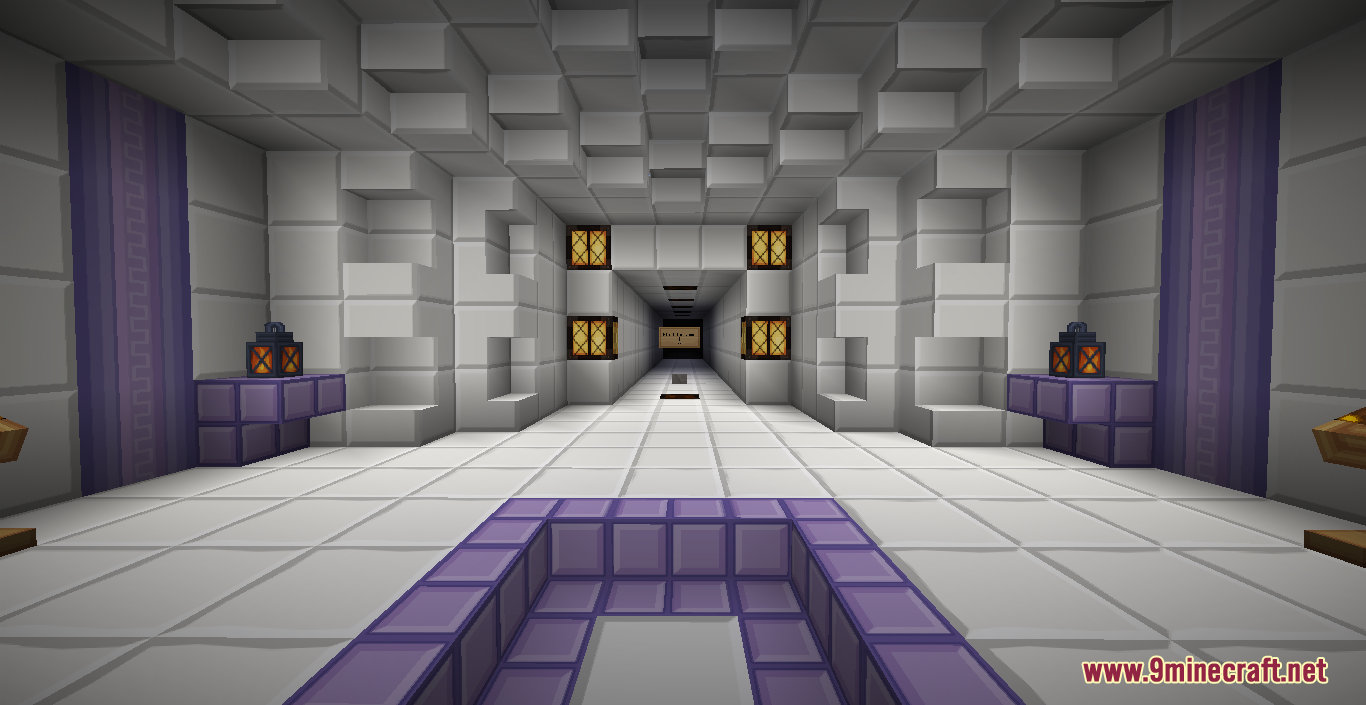
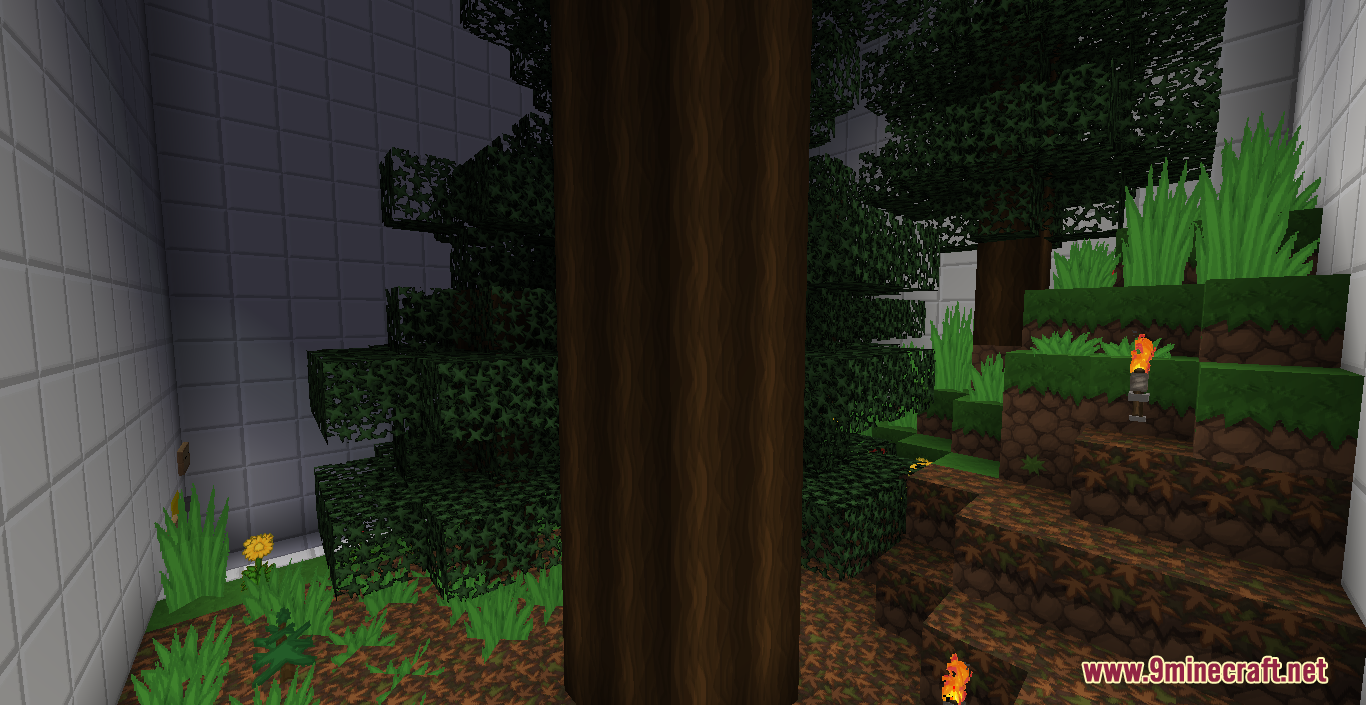
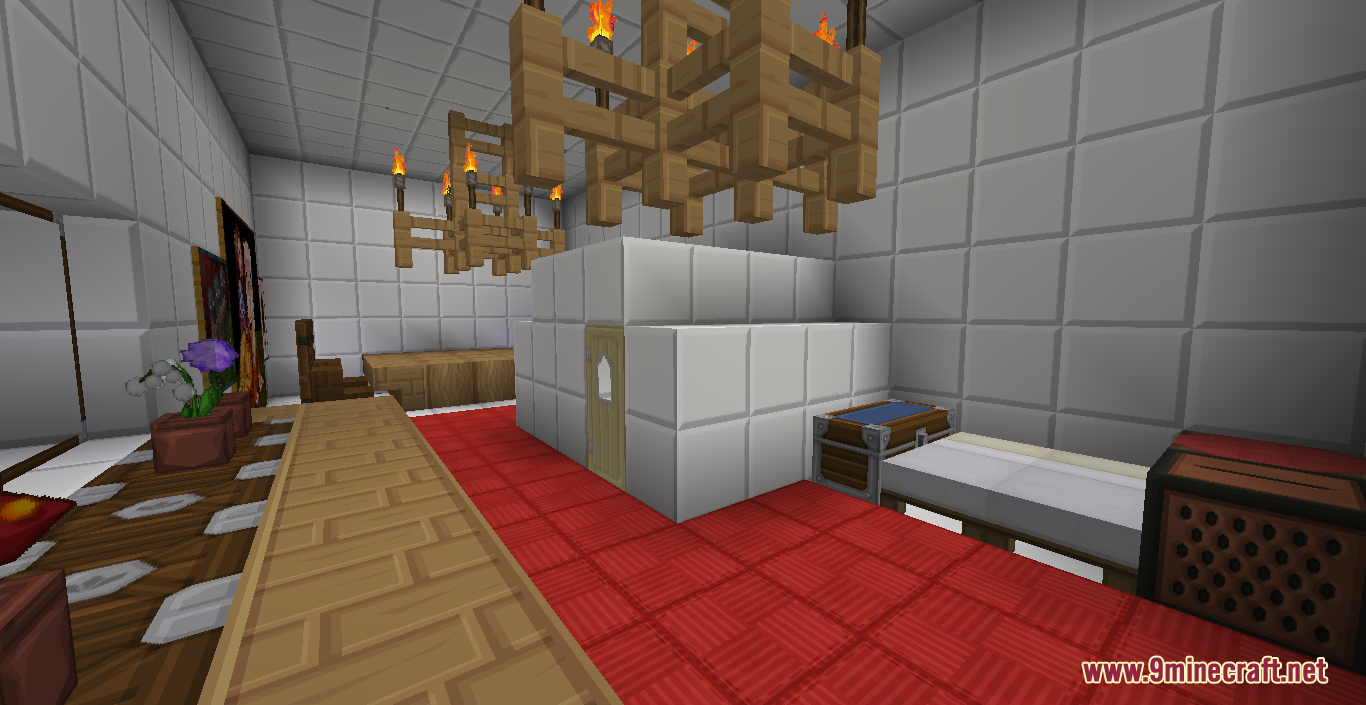
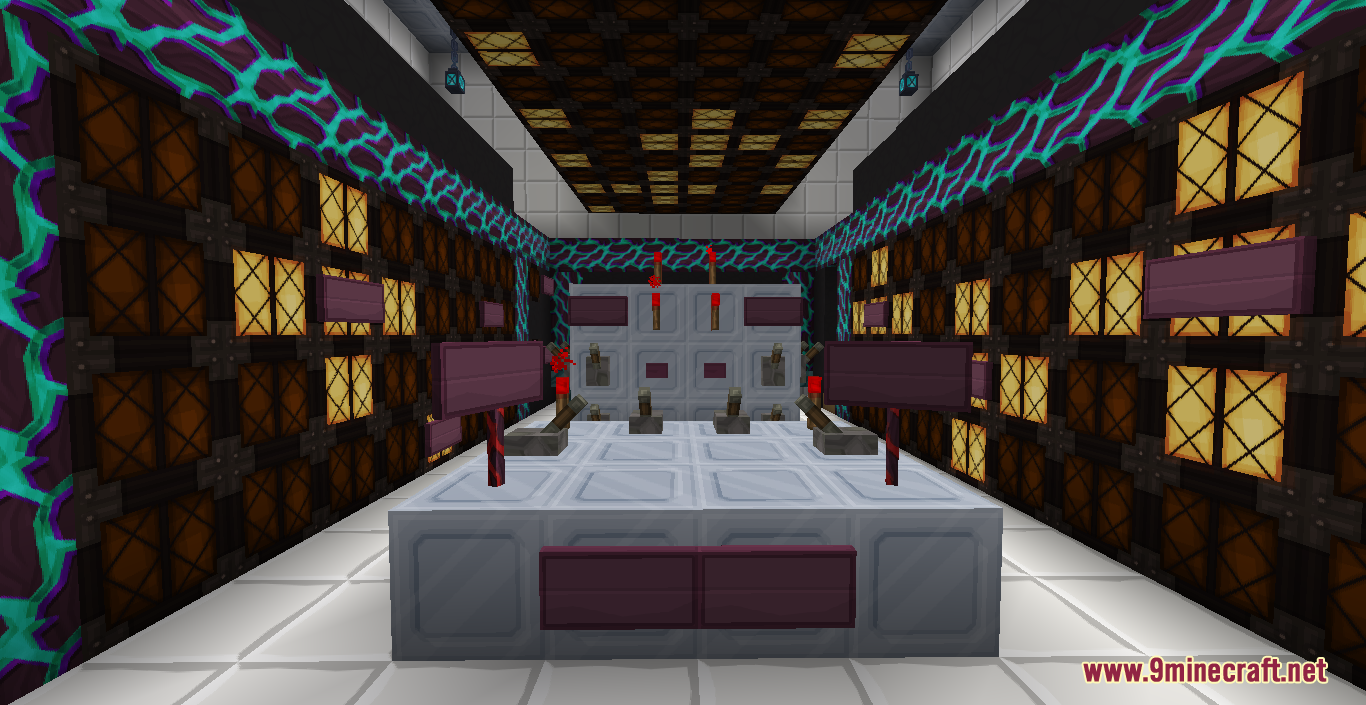
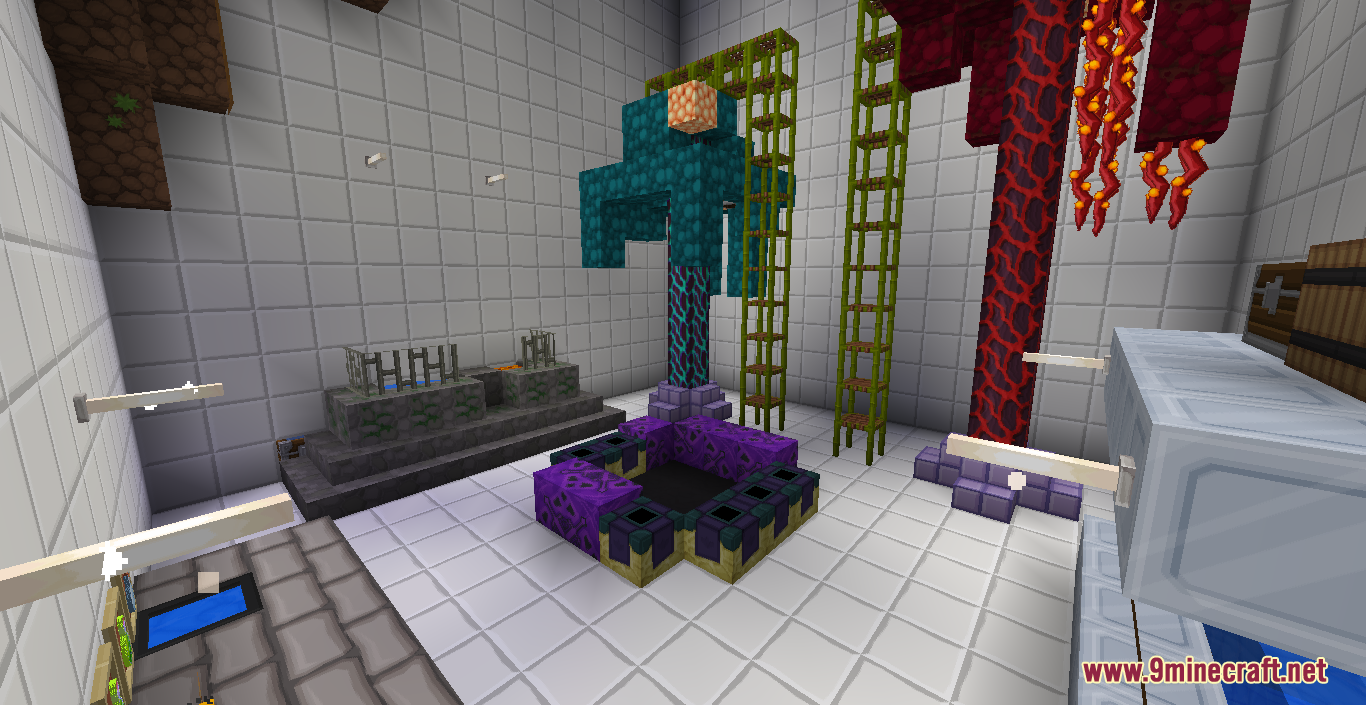
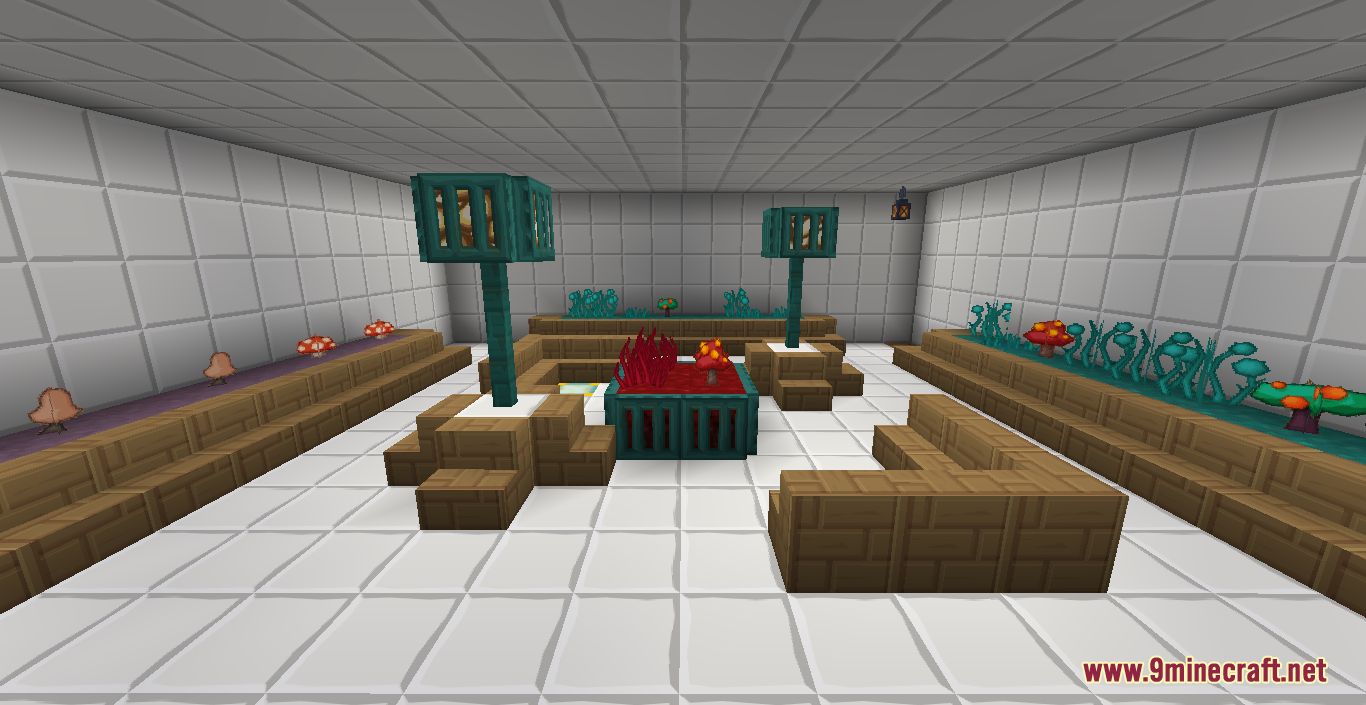
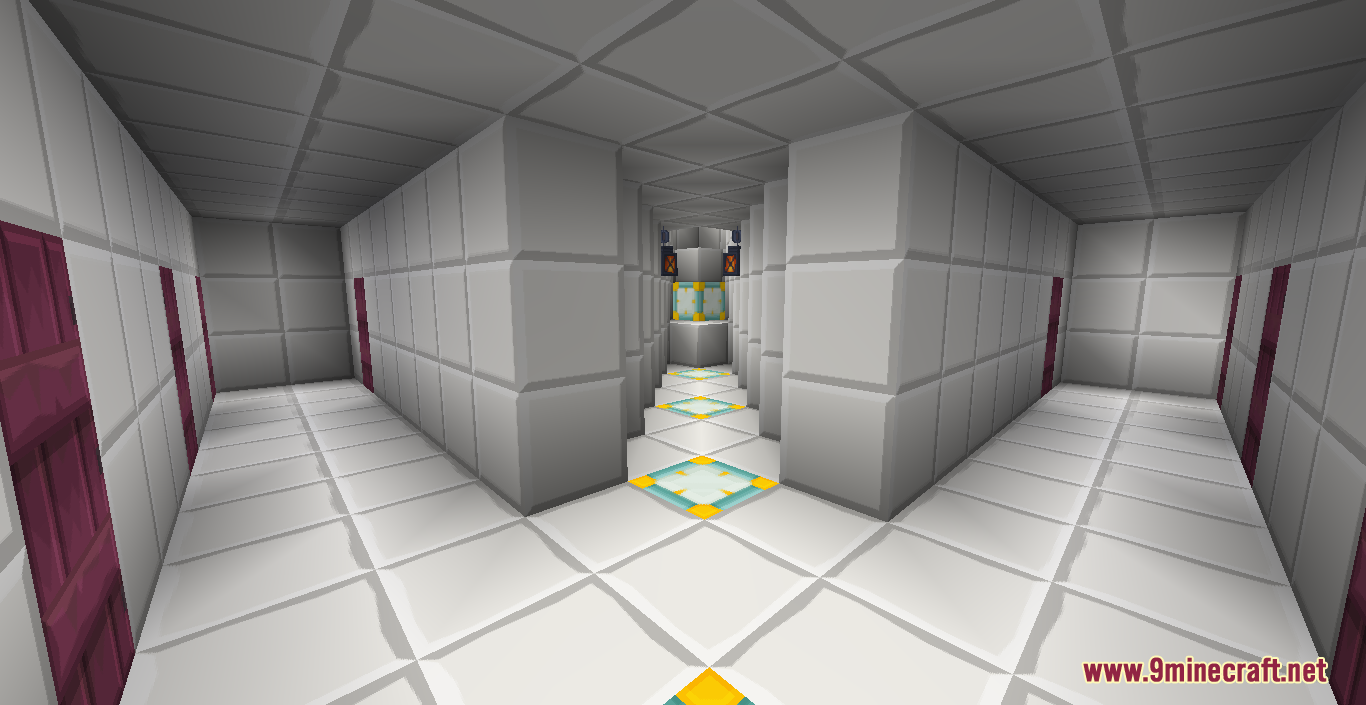
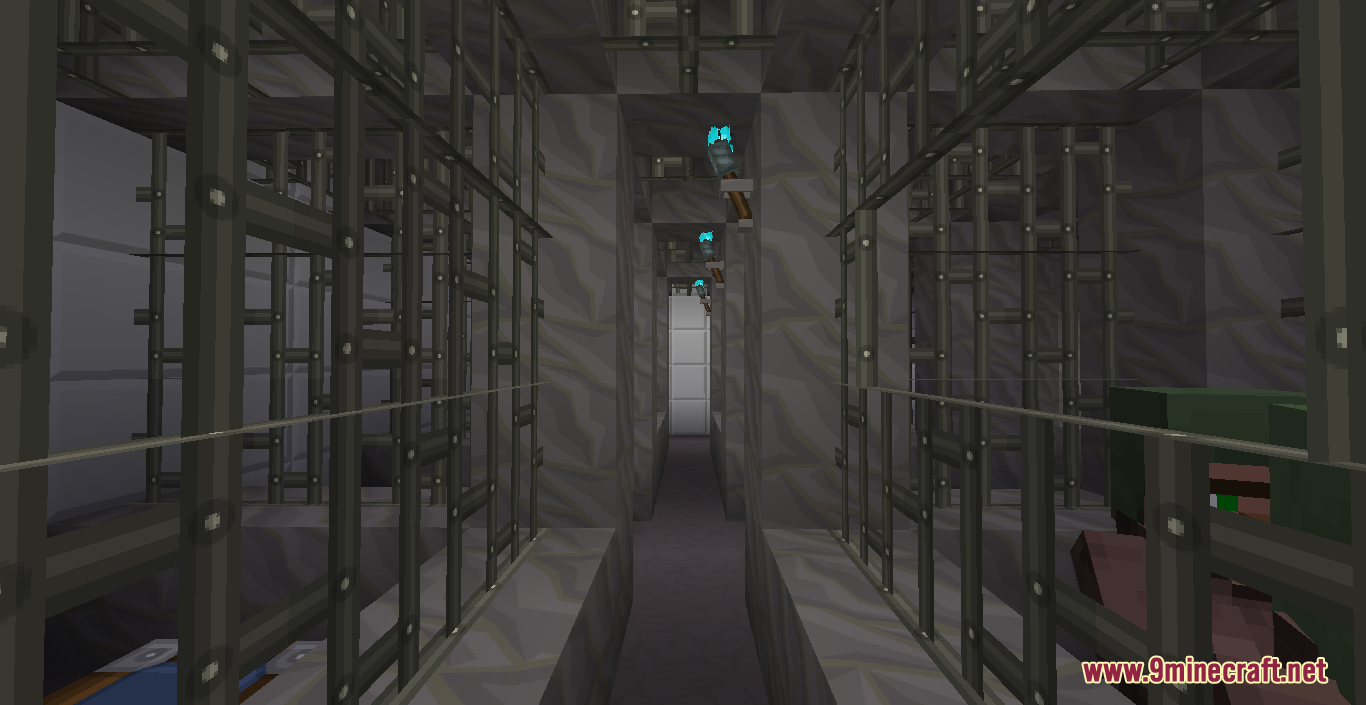
Lost Spaceship Map is a finding map designed by Benben377. Welcome to Lost Spaceship, an exciting finding/ adventure map! In this map, your captain got lost on the planet Minecraft and needs your help to start the emergency engine. What you need to do is to find is the lost buttons to activate it to save the spaceship and your Captain. While the first button is right in front of you as soon as you spawn, you will need to follow the Captain’s instructions to find the others. It is recommended that players should play the map with Sapicraft’s resource pack for the best experience, make sure to download it from the links below!
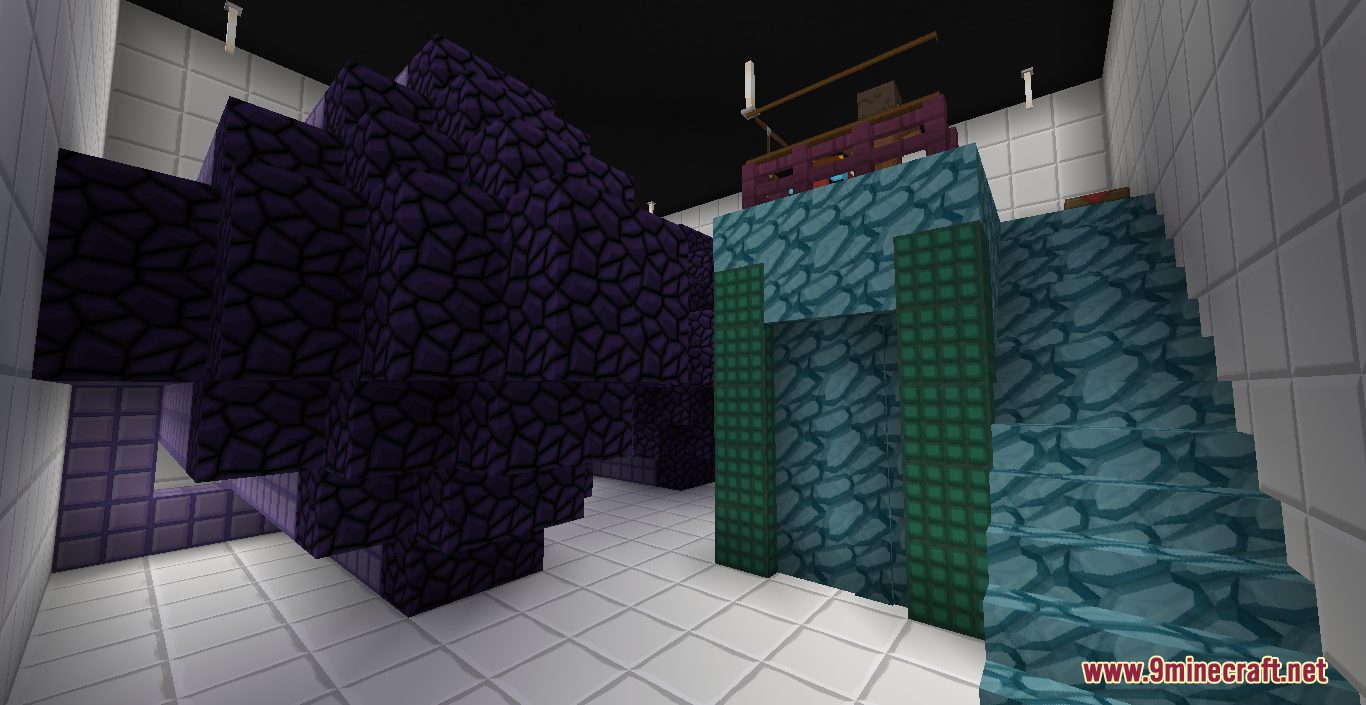
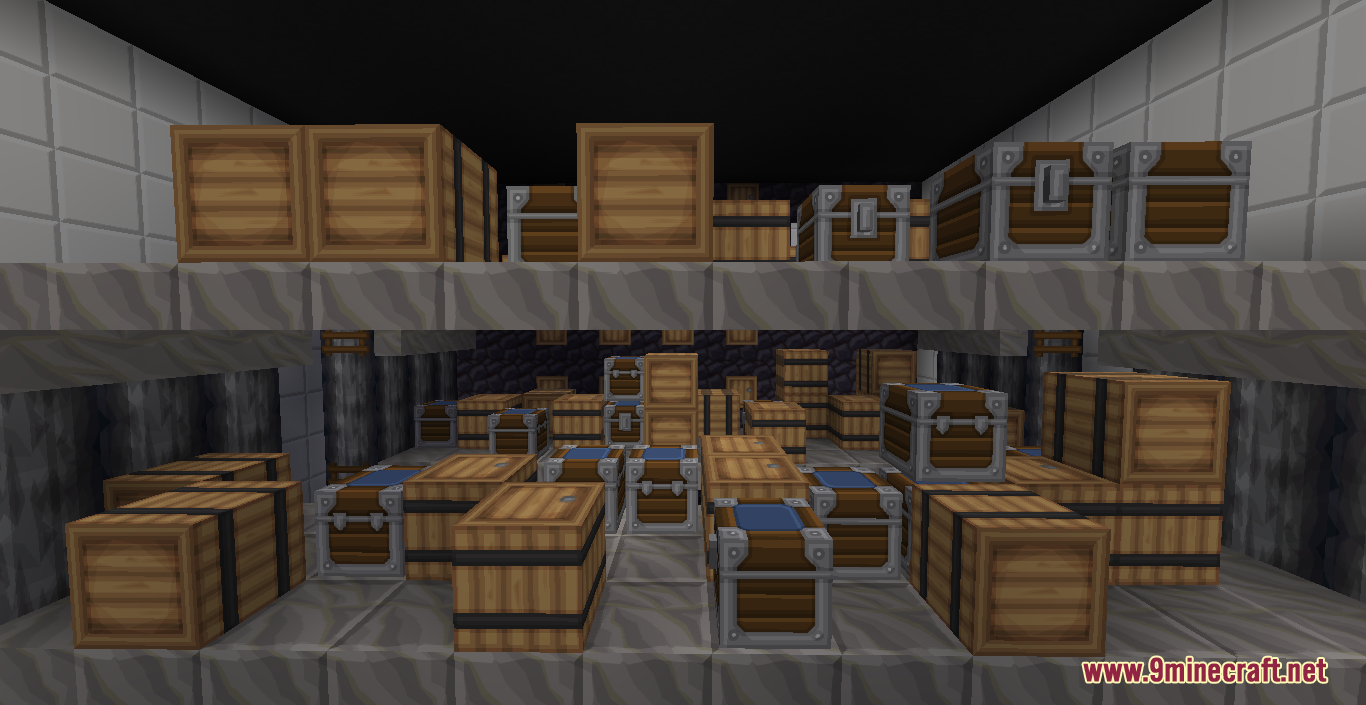
Screenshots:
Lost Spaceship Map Download Links:
Sapicraft Resource Pack Download Links:
- Edition: Minecraft Java
- File type: .zip (world save)
- Minecraft version listed: 1.20.1
- How to install: Download the .zip world. → Unzip it. → Move the folder into .minecraft/saves.
- Where to get it: In MC Java Mods, or directly above on this page.
Install steps are the general flow for this file type — How to install Minecraft Java maps & worlds walks through it step by step.
Lost Spaceship Map (26.2, 1.20.1) for Minecraft is a free Minecraft Java map. Compatible with Minecraft 1.20.1. Download it and open it directly in the game.