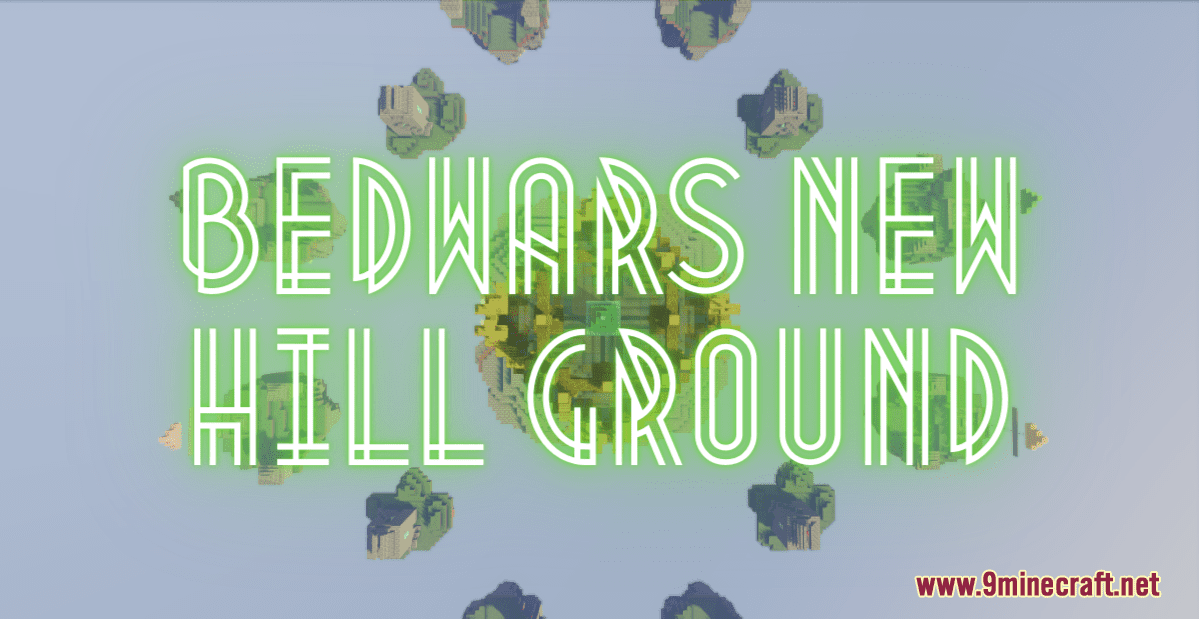
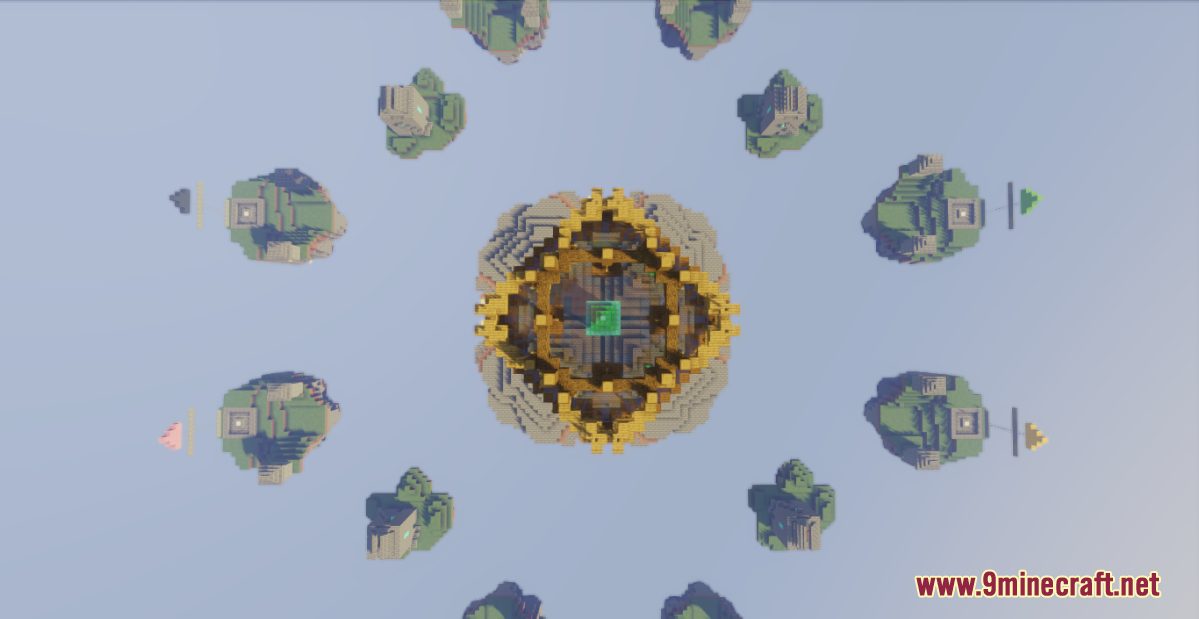
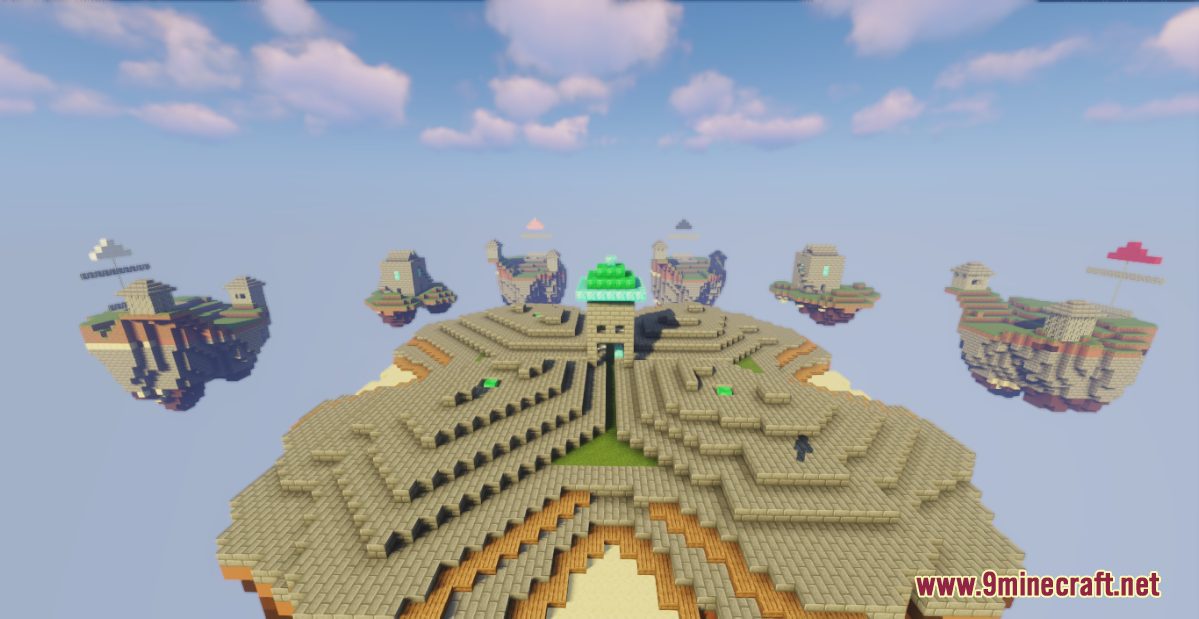
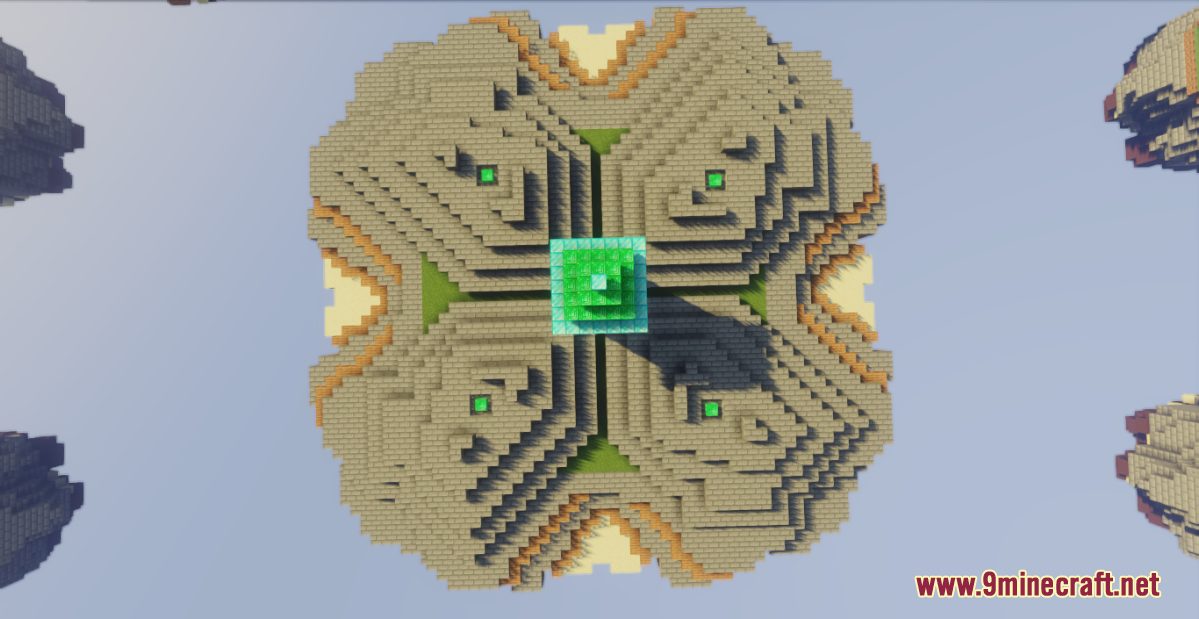
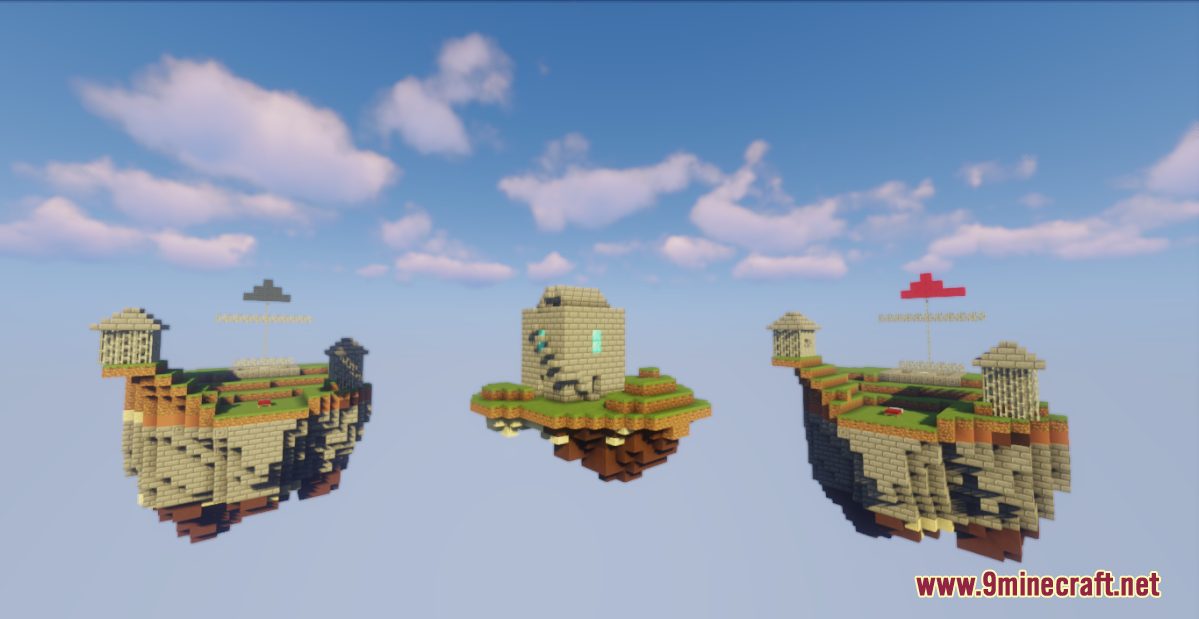
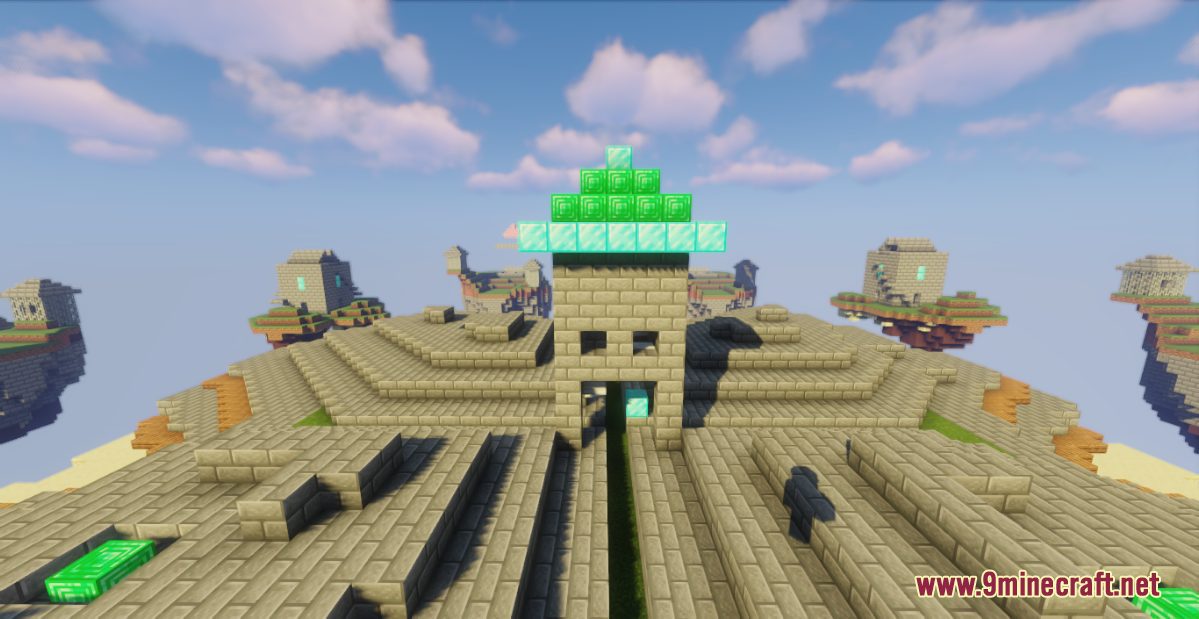
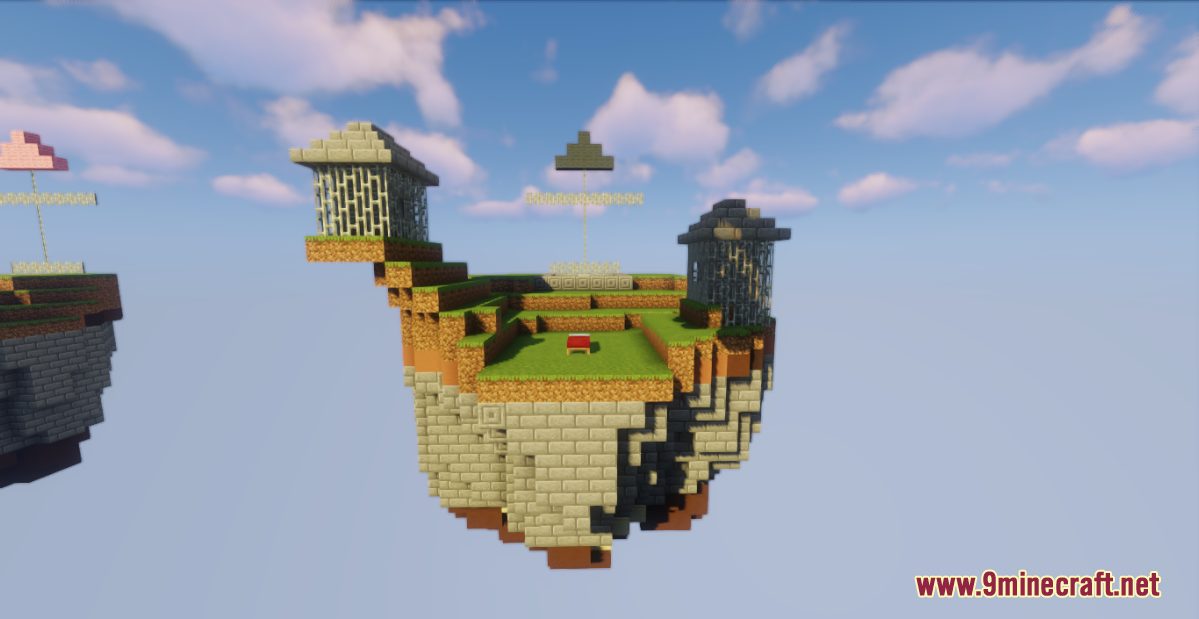
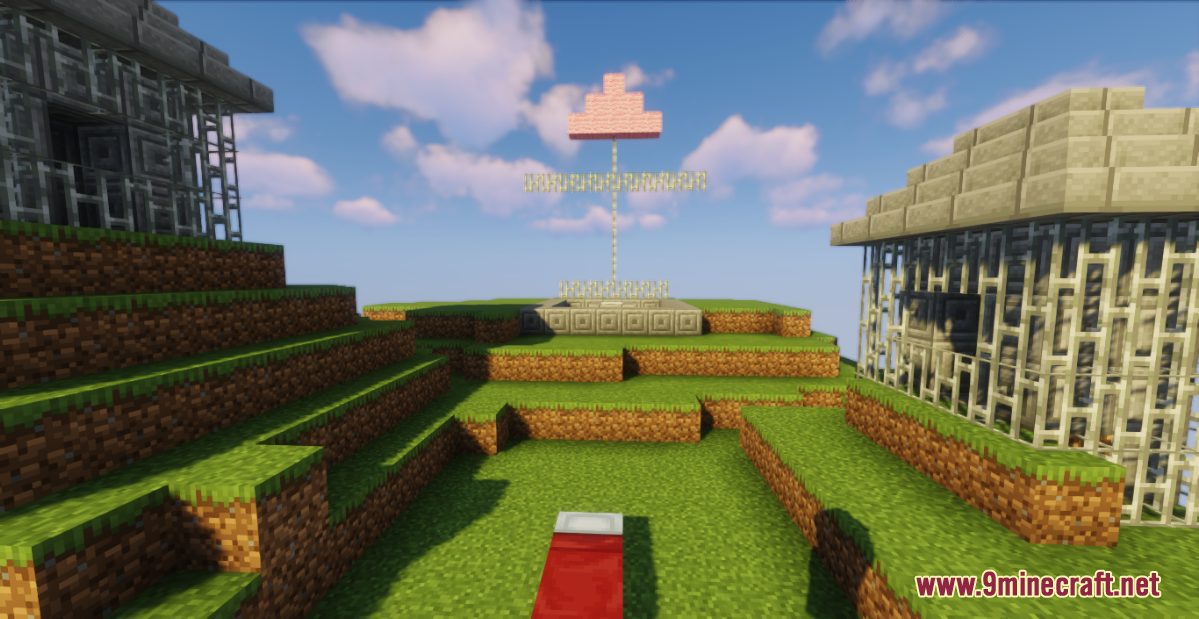
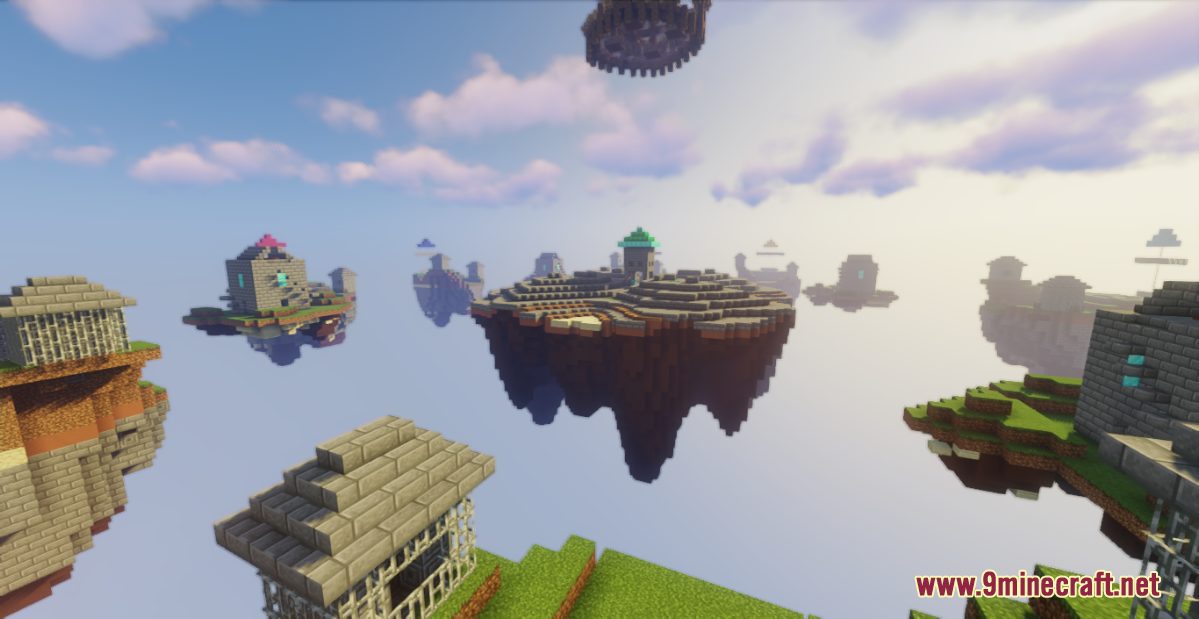
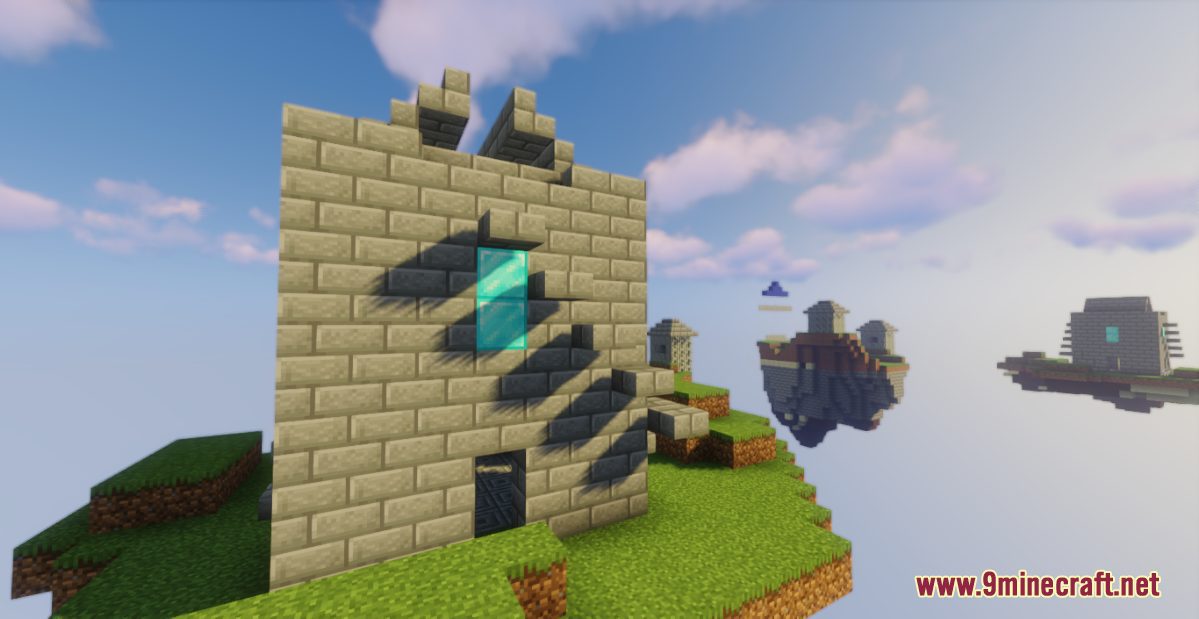
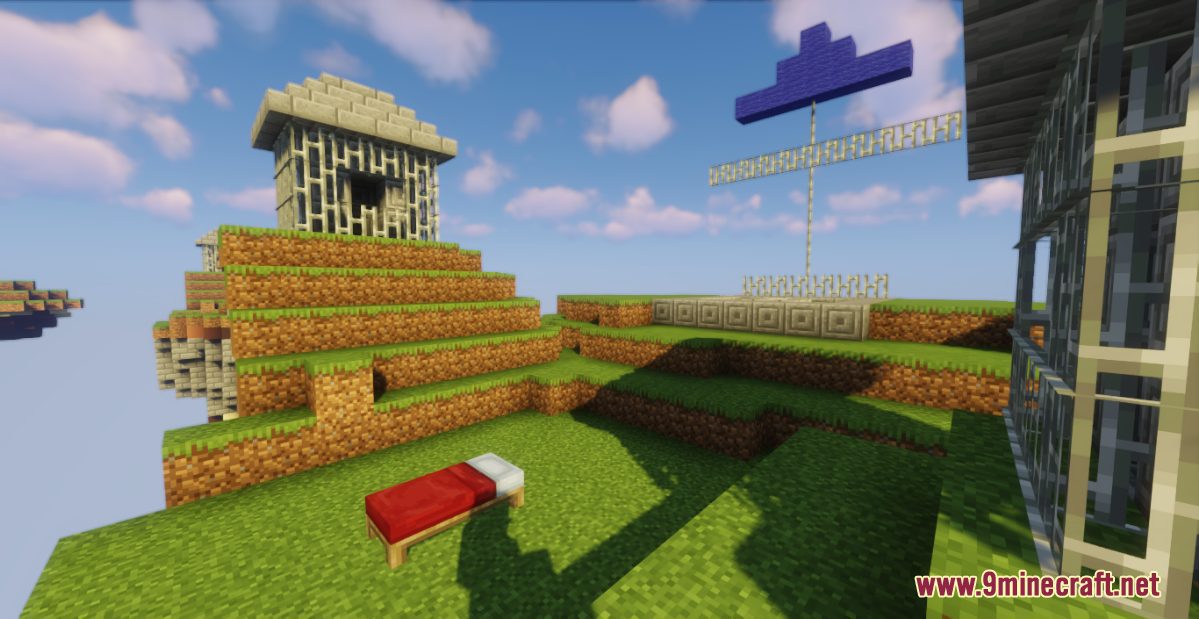
BedWars New Hill Ground Map is a PvP map created by mbagaming. Welcome to another stunning creation in the series of bedwars maps! In this PvP game, you will be battling your opponents on islands in the sky, each of the islands is marked with different color for distinction and is used to place the players’ beds. Your goal is to protect your bed while trying to destroy others’ to prevent them from respawning, beat all the opponents to win the game! Download this map from the links below and have fun!
Screenshots:
BedWars New Hill Ground Map Download Links:
- Edition: Minecraft Java
- File type: .zip (world save)
- Minecraft version listed: 1.20.1
- How to install: Download the .zip world. → Unzip it. → Move the folder into .minecraft/saves.
- Where to get it: In MC Java Mods, or directly above on this page.
Install steps are the general flow for this file type — How to install Minecraft Java maps & worlds walks through it step by step.
BedWars New Hill Ground Map (26.2, 1.20.1) for Minecraft is a free Minecraft Java map. Compatible with Minecraft 1.20.1. Download it and open it directly in the game.