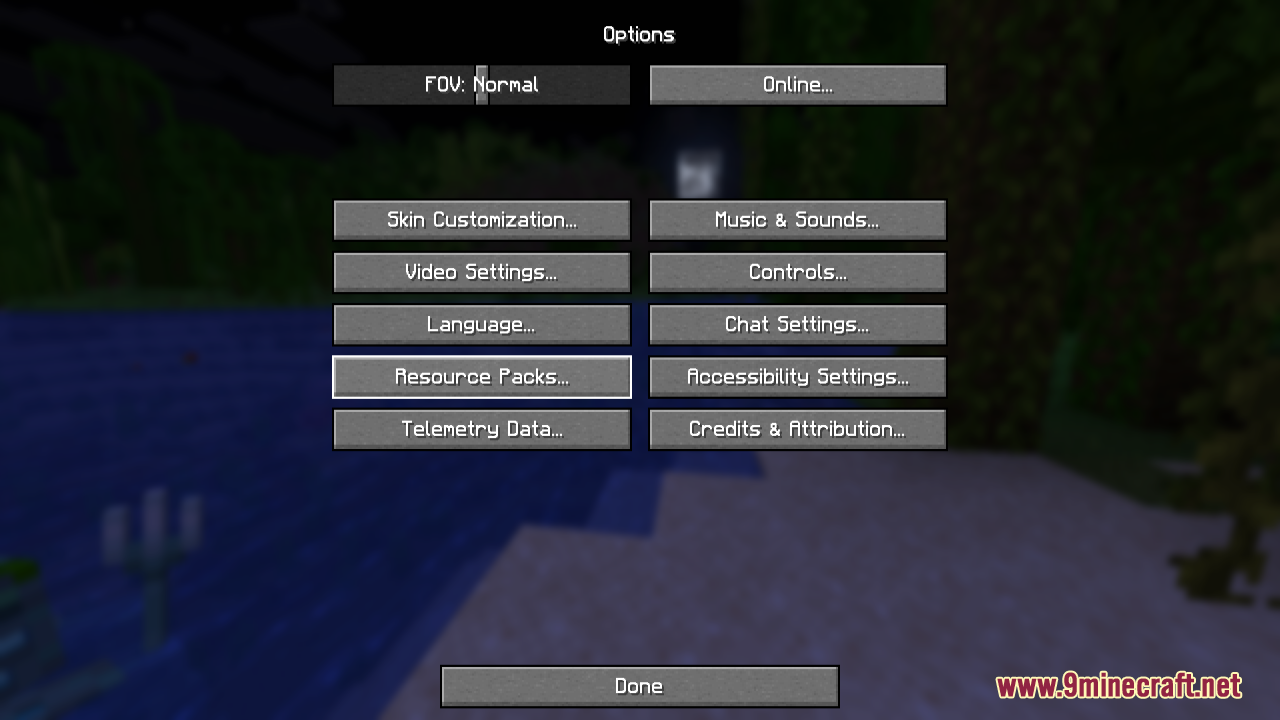
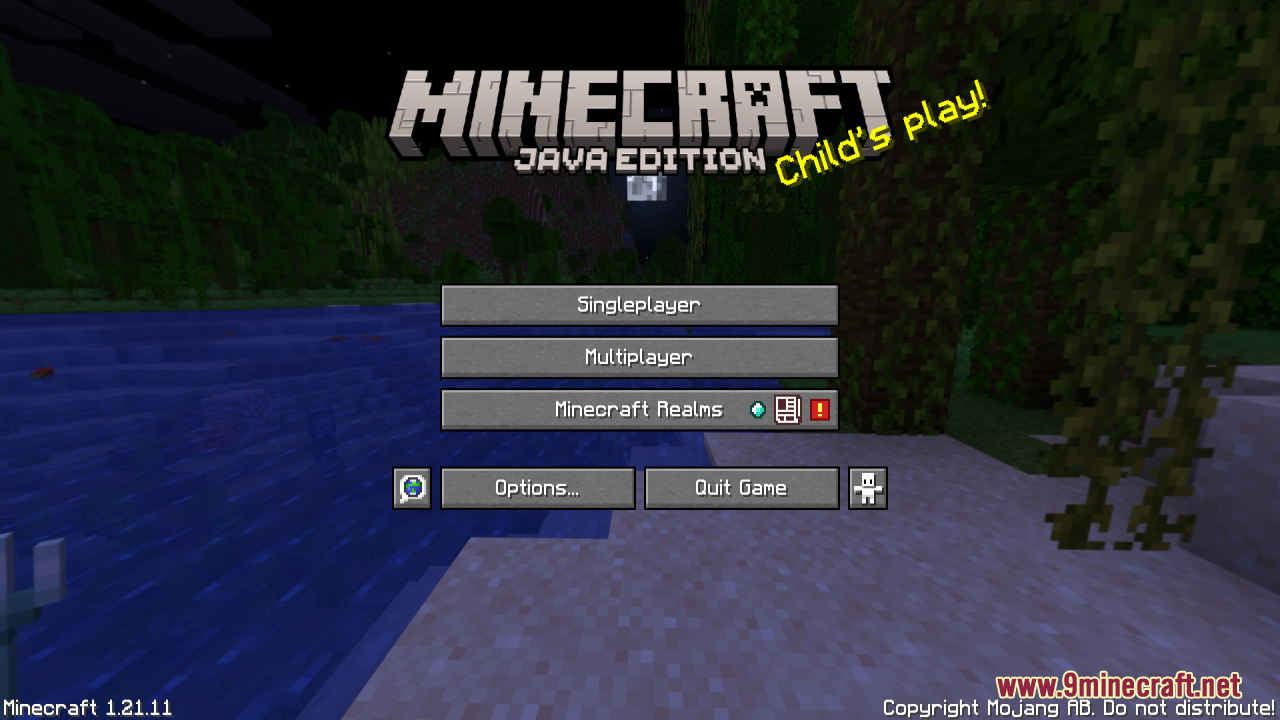
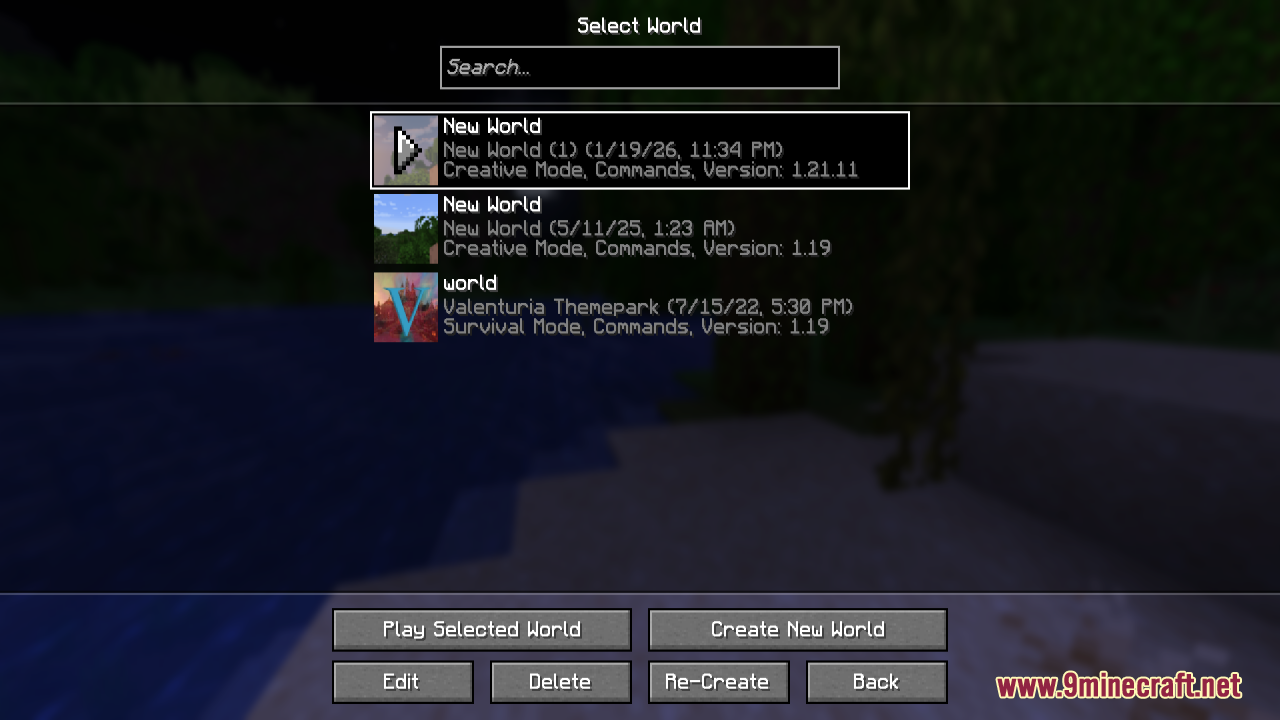
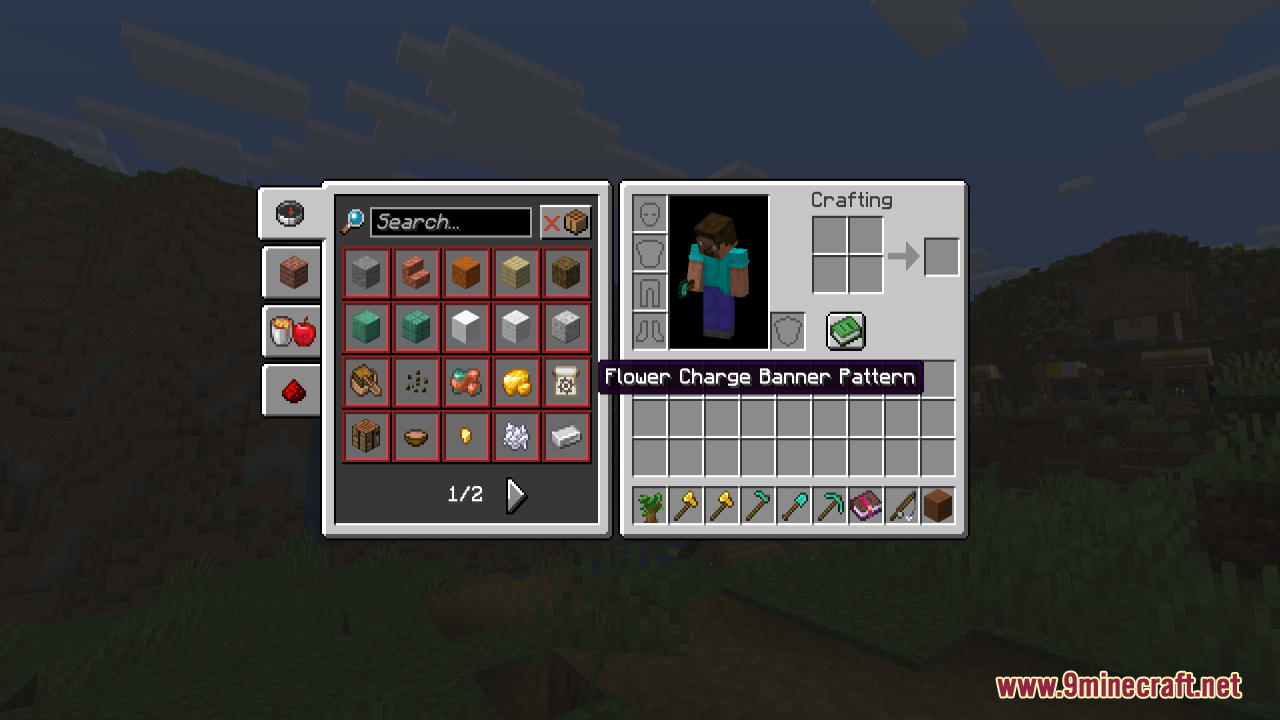
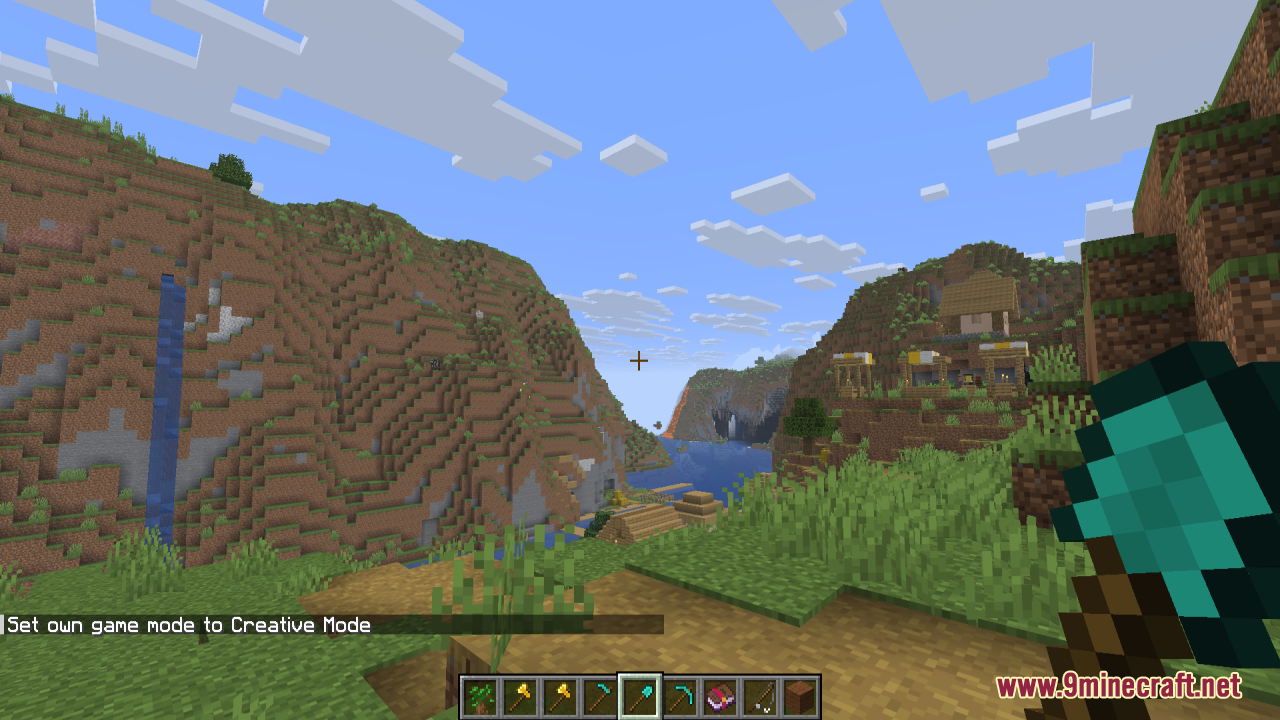
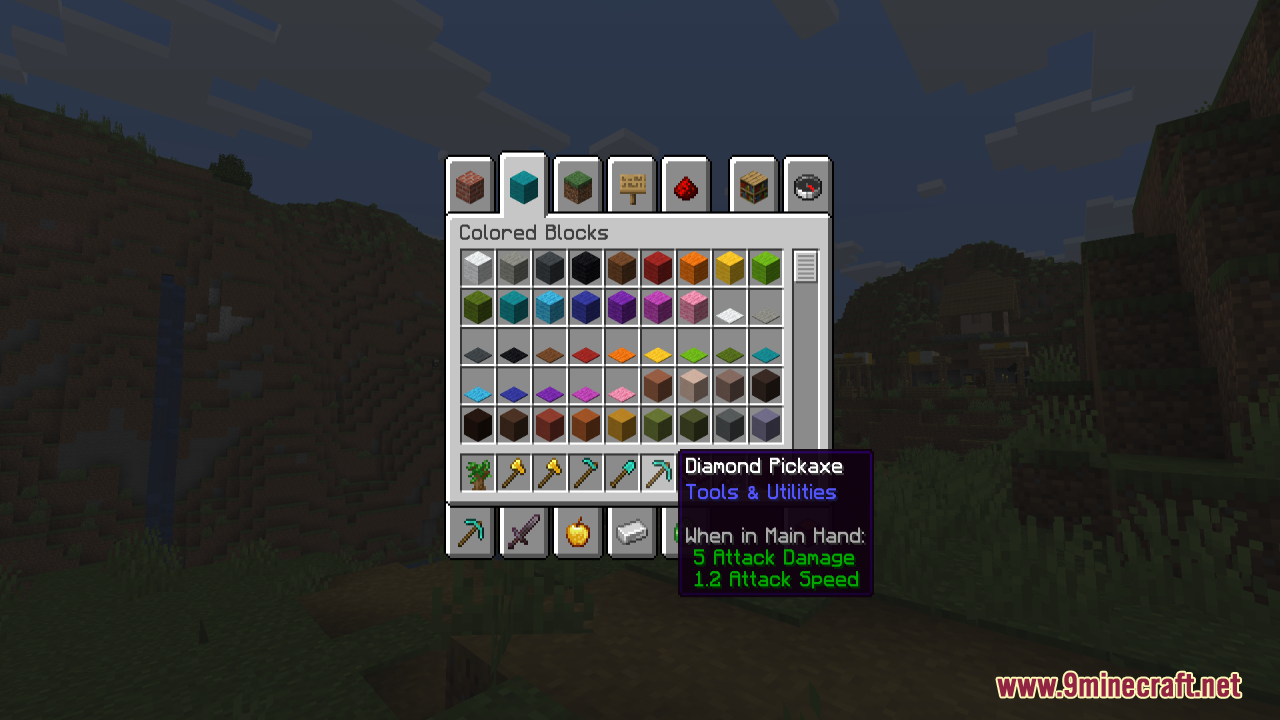
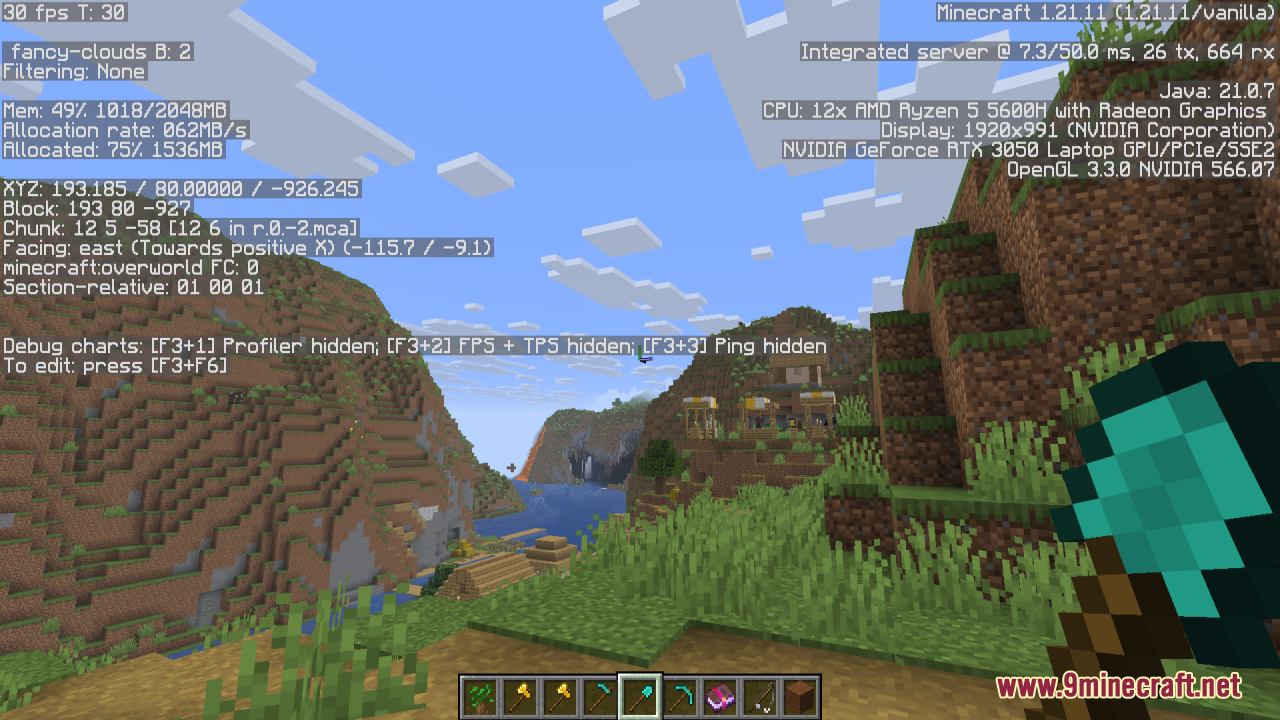
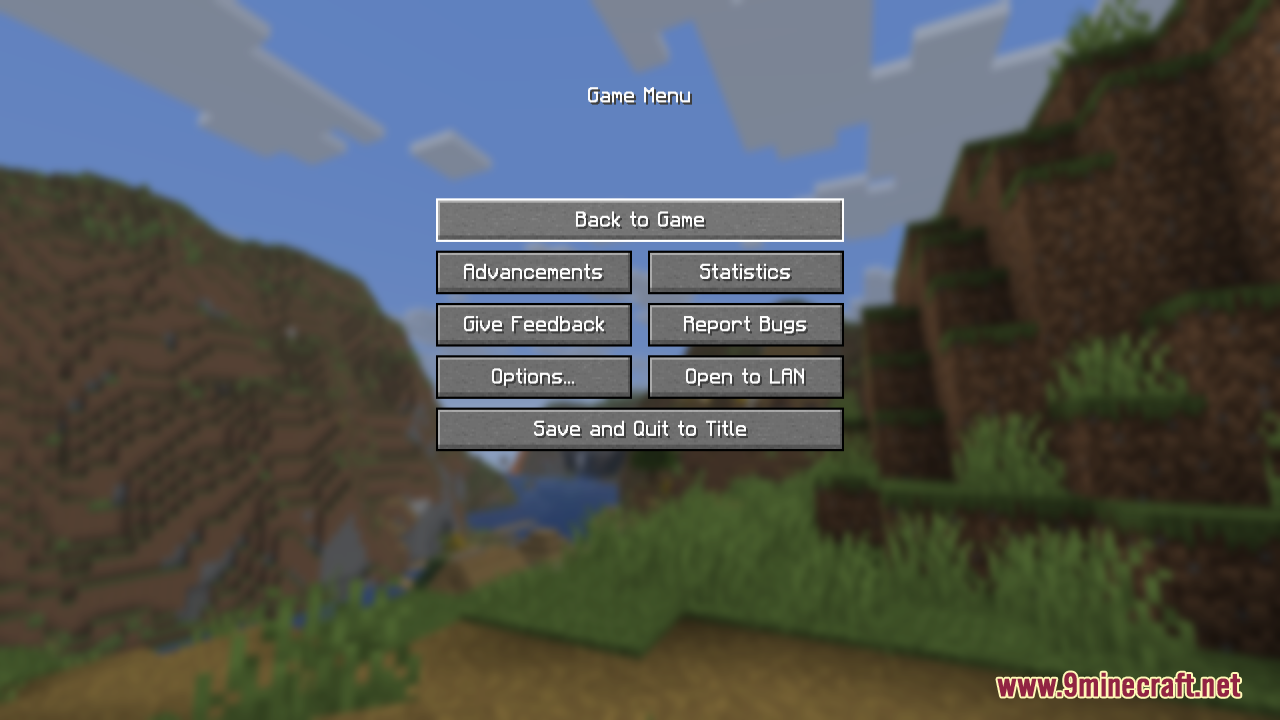
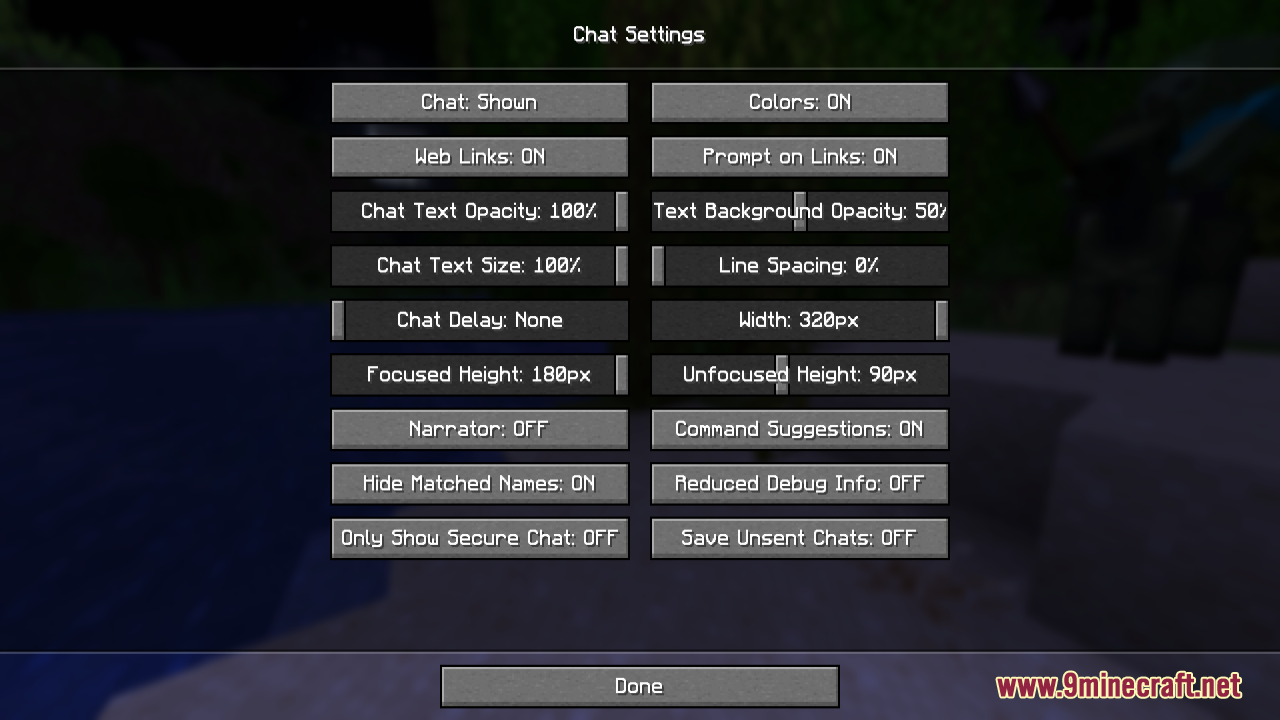
Smooth Font Resource Pack is a simple yet impactful Minecraft resource pack that improves the game’s readability by replacing the default pixelated font with a smoother, more polished version. By softening edges and refining letter shapes, it makes text across menus, chat, and in-game interfaces clearer and more comfortable to read. This visual enhancement does not affect gameplay mechanics, but it significantly improves overall UI clarity and gives the game a cleaner, more modern feel. It is ideal for players who value readability, accessibility, and a refined interface during both casual and extended gameplay sessions.
Screenshots:
Smooth Font Resource Pack Download Links
For Minecraft 1.21.x and Minecraft 1.20.x
- Edition: Minecraft Java
- File type: .zip (resource pack)
- Minecraft versions listed: 1.21.1, 1.20.1
- How to install: Download the .zip resource pack — do not unzip it. → Put it in .minecraft/resourcepacks. → Enable it in Options → Resource Packs.
- Where to get it: In MC Java Mods, or directly above on this page.
Install steps are the general flow for this file type — How to install Minecraft Java resource packs walks through it step by step.
Smooth Font Resource Pack (1.21.1, 1.20.1) – Texture Pack is a free Minecraft Java resourcepack. Compatible with Minecraft 1.21.1, 1.20.1. Download it and open it directly in the game.