
AddonsBedrock
Hide Nametags Addon (26.x, 1.21) – MCPE/Bedrock
Bedrock add-on listed for Minecraft 1.21 (behavior pack only). File opened and checked on 30 Sep 2026; installs from the MC Bedrock Mods app on Android.
⬇ Download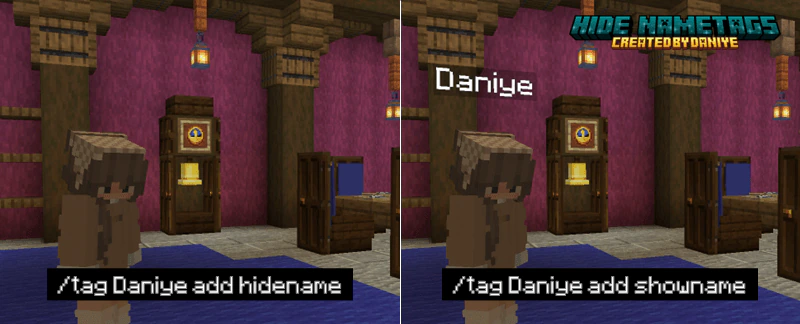
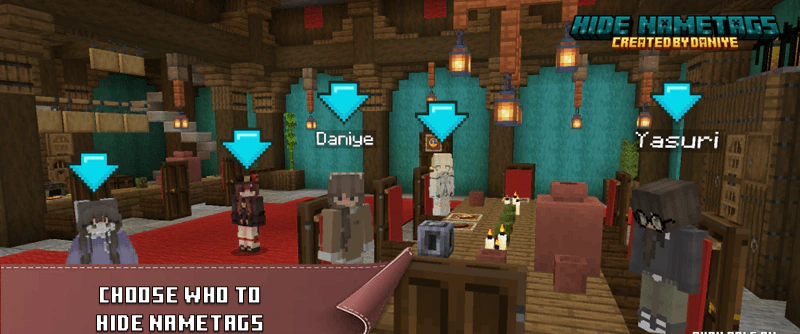
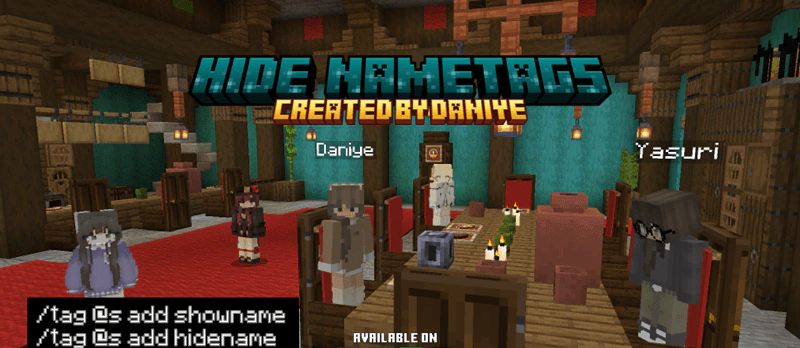
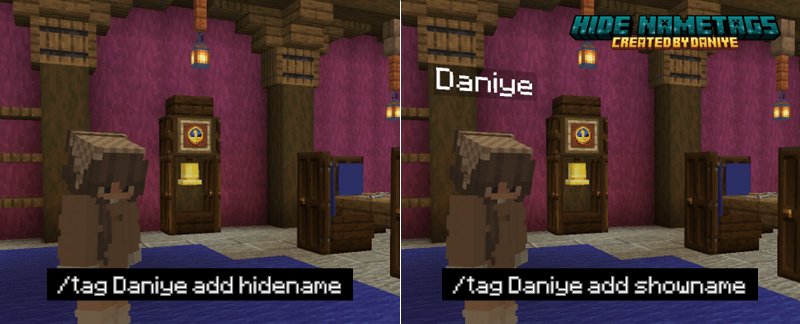
Hide Nametags Addon allows you to hide player names using the /tag command. Hiding names makes the screen look cleaner when creating maps or organizing games. Administrators can use the command to hide or show names at any time. This feature removes the text above the character’s head to change the display.

Features:
- Hide player names.
- Show player names.
- Use the tag command.
- For map creators.
- For servers.
- Cleaner interface.
Screenshots:

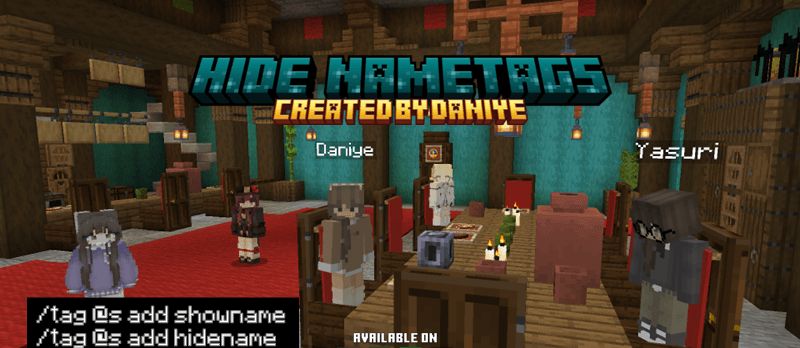
Installation Note:
- You need to enable the Experimental Settings if the addon does not work.
Hide Nametags Addon Download Links
For Minecraft PE/Bedrock 1.21
mcaddon: Download from Server 1 – Download from Server 2
Quick facts
- Edition: Minecraft Bedrock
- File type: .mcpack or .mcaddon
- Minecraft version listed: 1.21
- How to install: Download the .mcpack or .mcaddon file. → Open it — Minecraft imports it. → In your world: Behavior Packs → Available → Activate, then the same under Resource Packs.
- Where to get it: In MCModsHub, or directly above on this page.
Install steps are the general flow for this file type — How to install Minecraft Bedrock addons & mods walks through it step by step.
File checked by MCModsHub
- Pack type: .mcaddon — behaviour and resource pack in one file
- Manifest requires Minecraft 1.21.70 or newer
- Complete pack — everything it depends on is inside the file
- Download size: 119 KB
- Download link checked 17 Jun 2026 — working
- Mirrored on our own servers — the download does not depend on the original host
These come from our own check of the pack file, not from the source page.