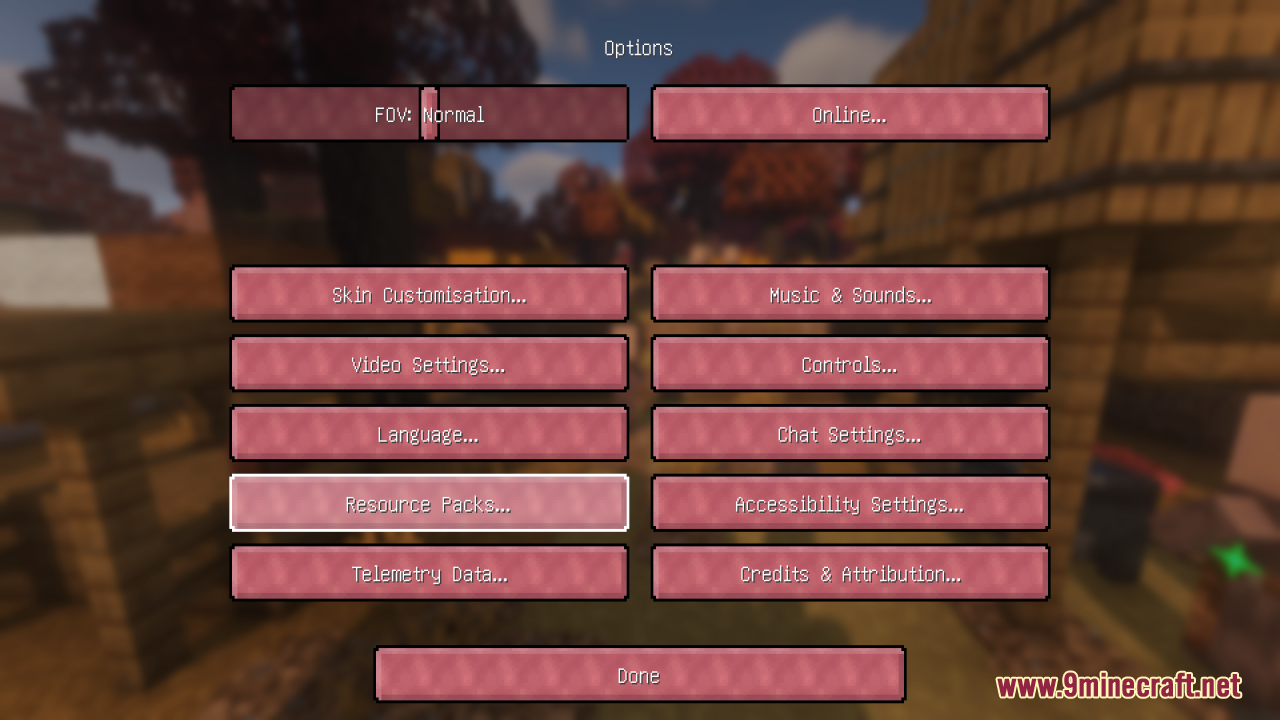
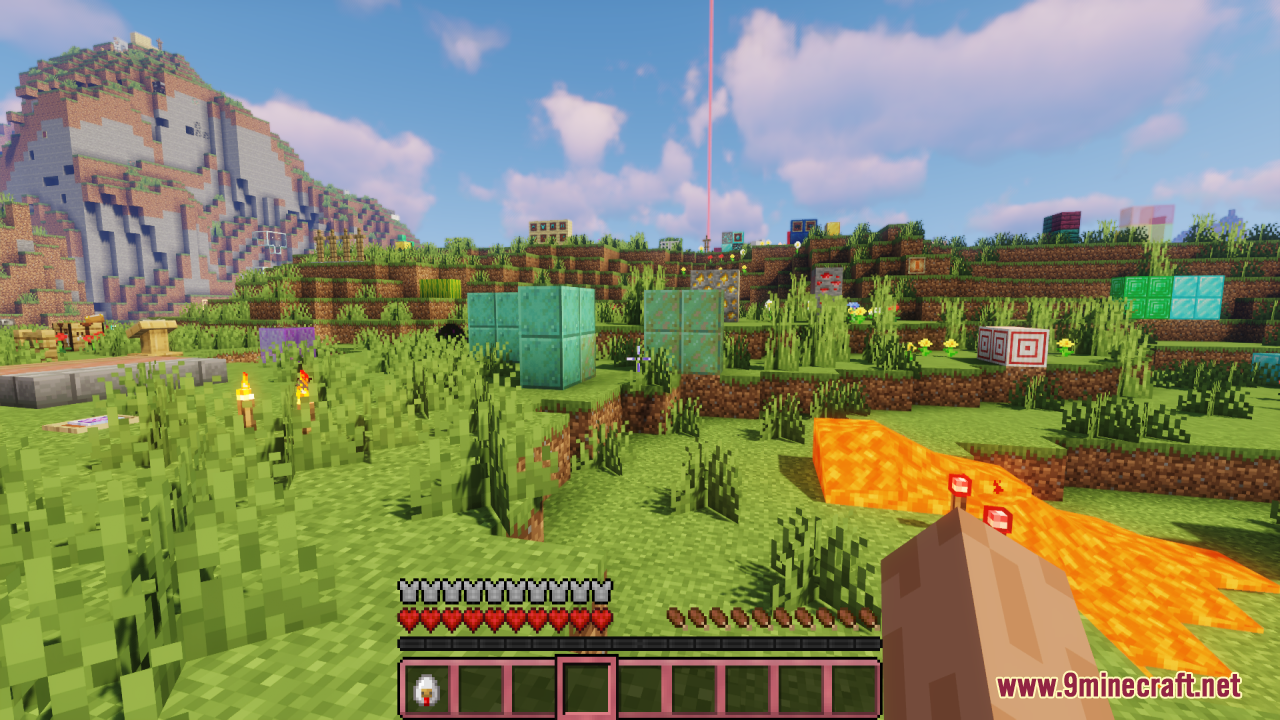
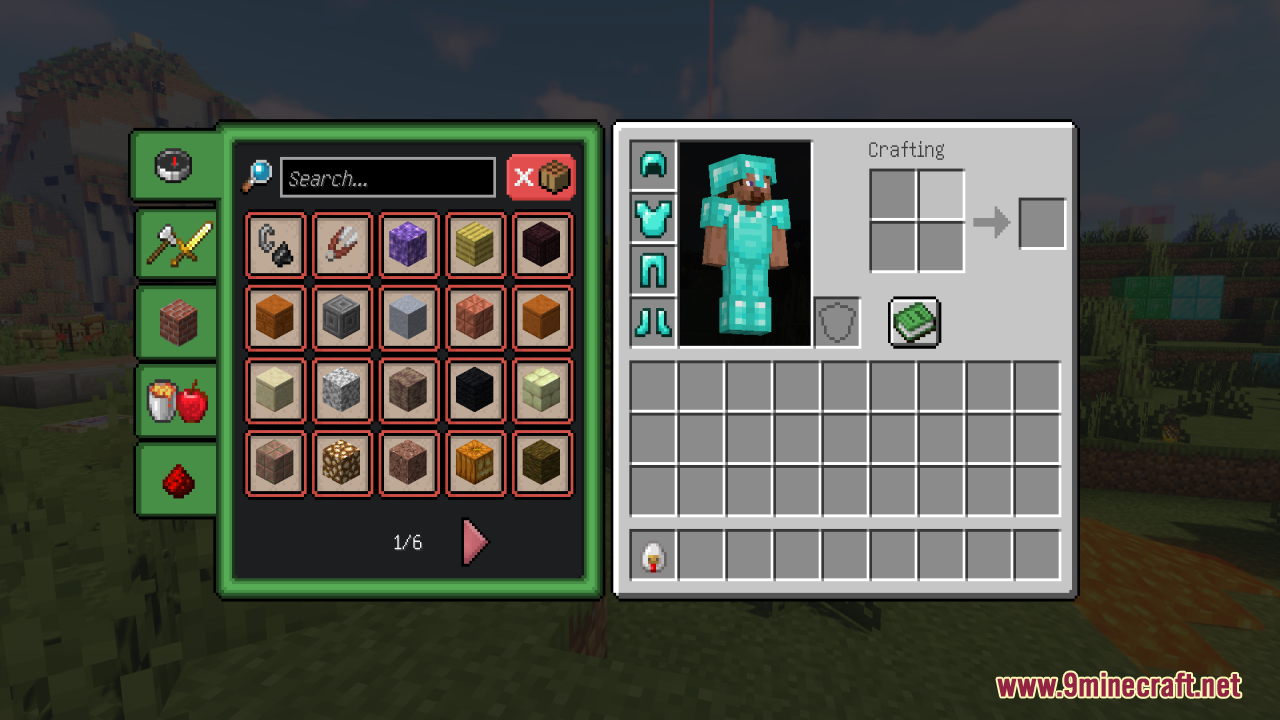
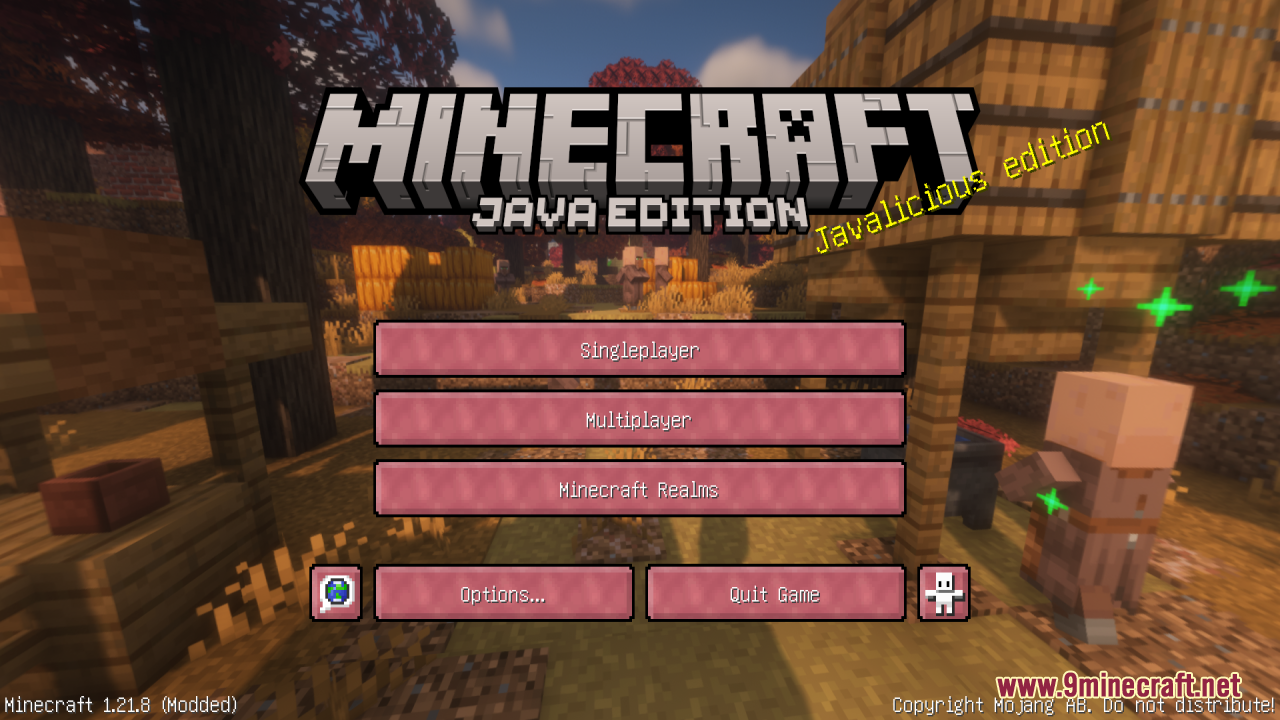
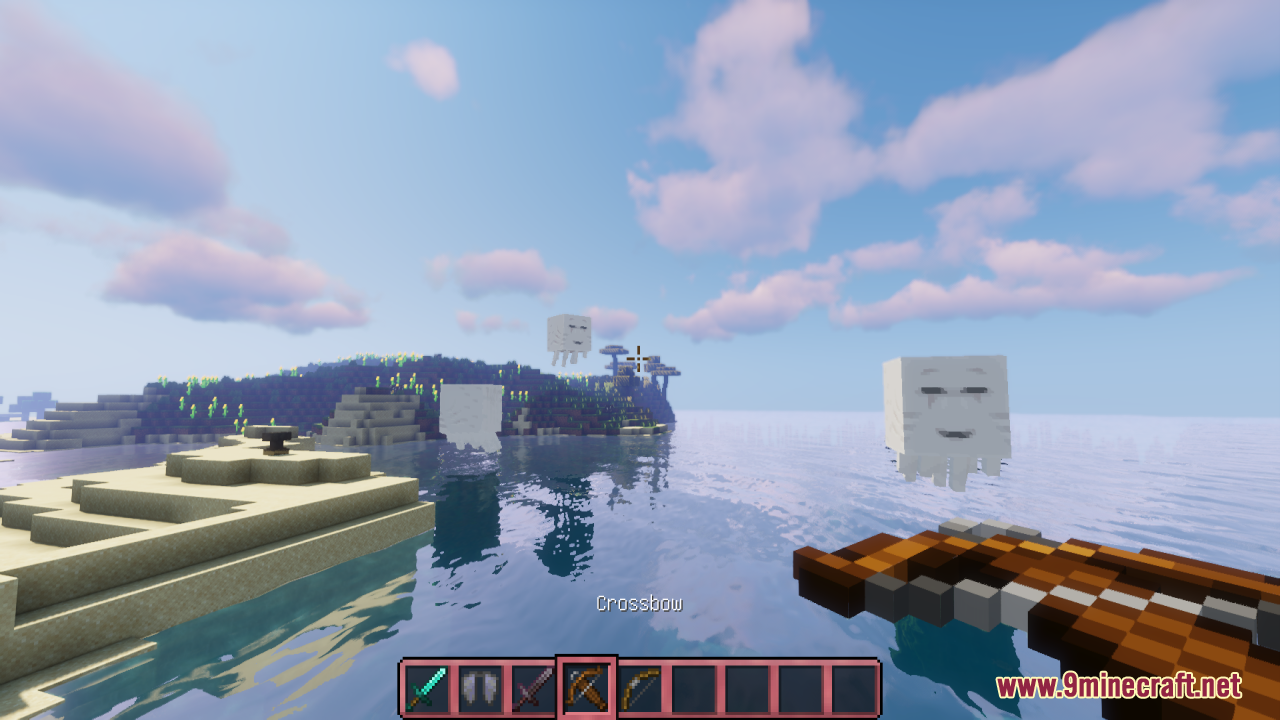
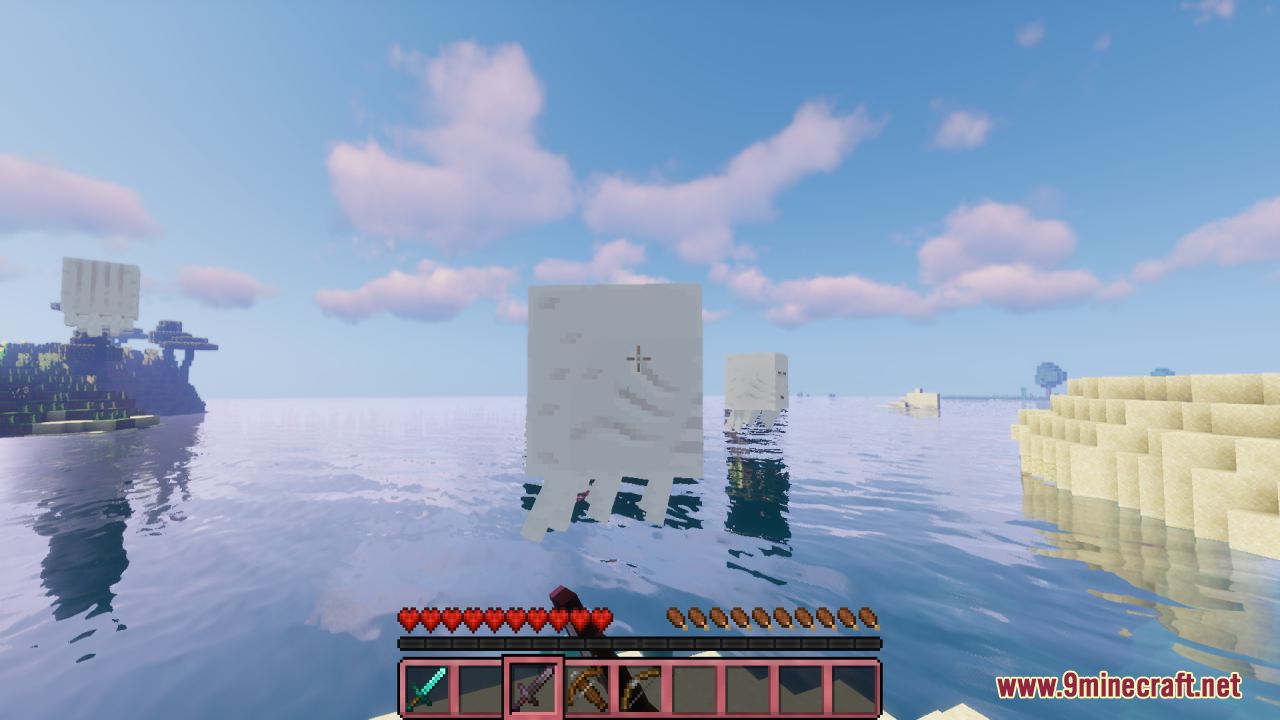
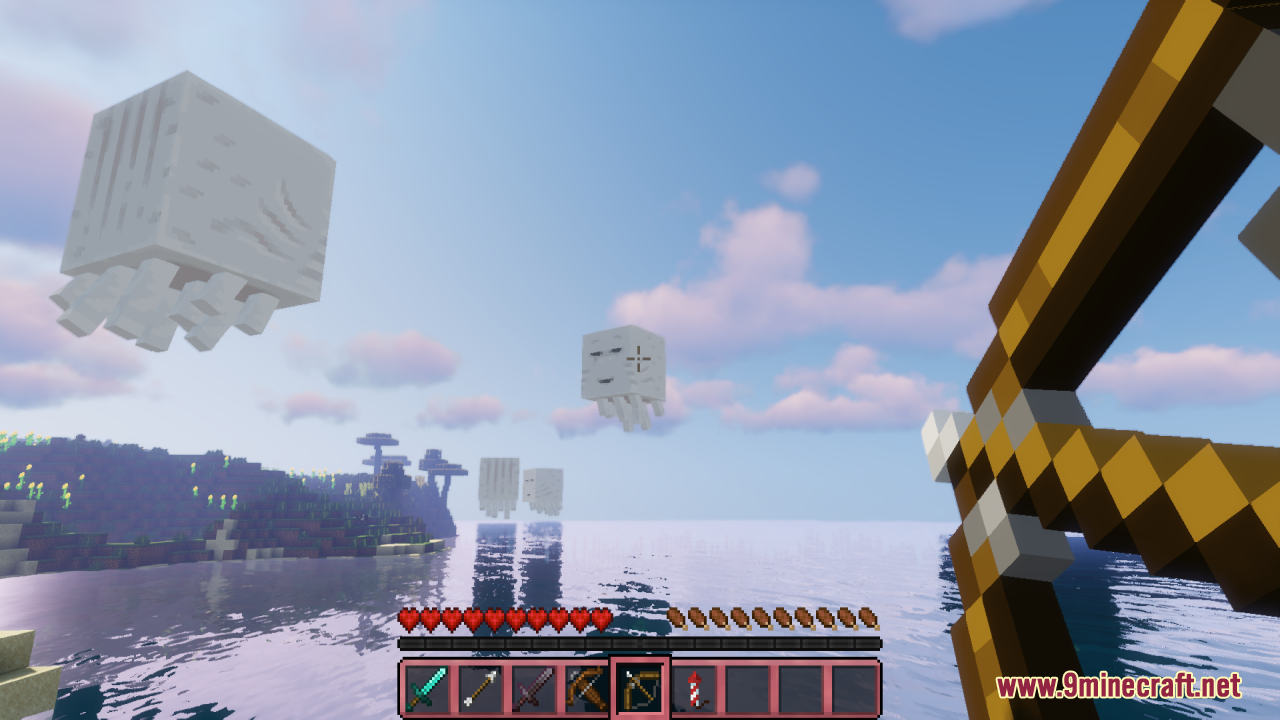
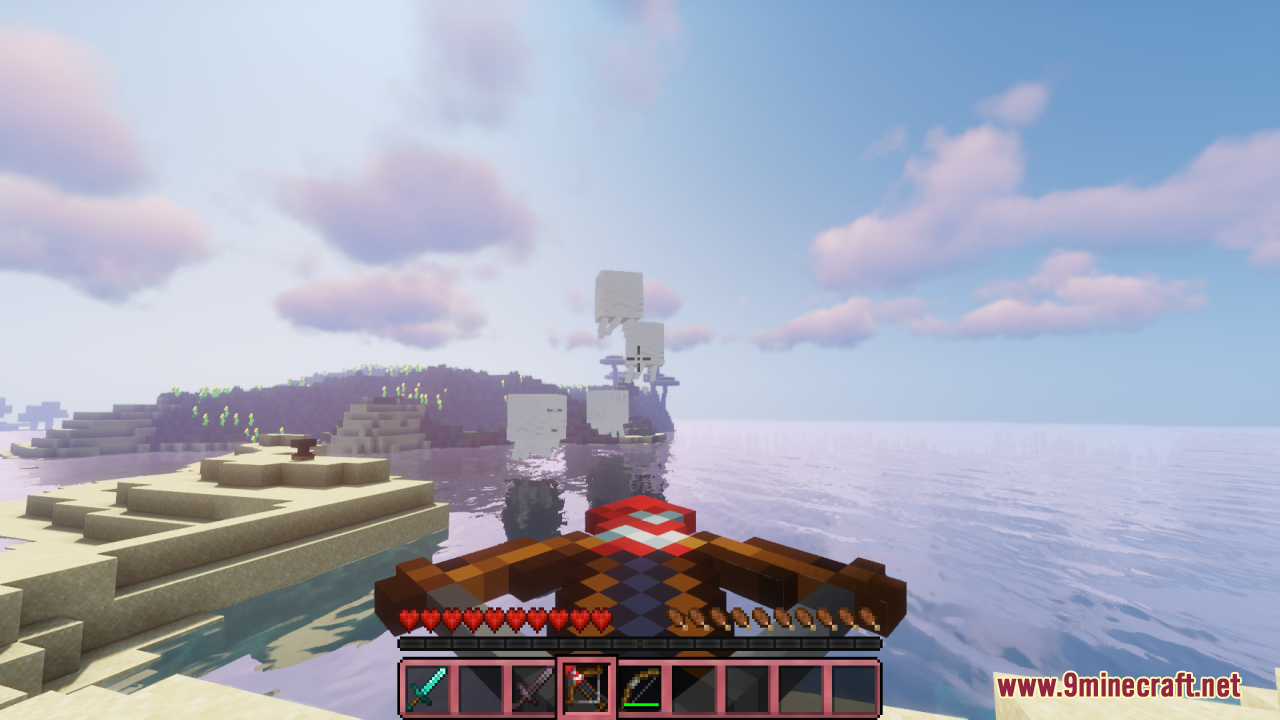
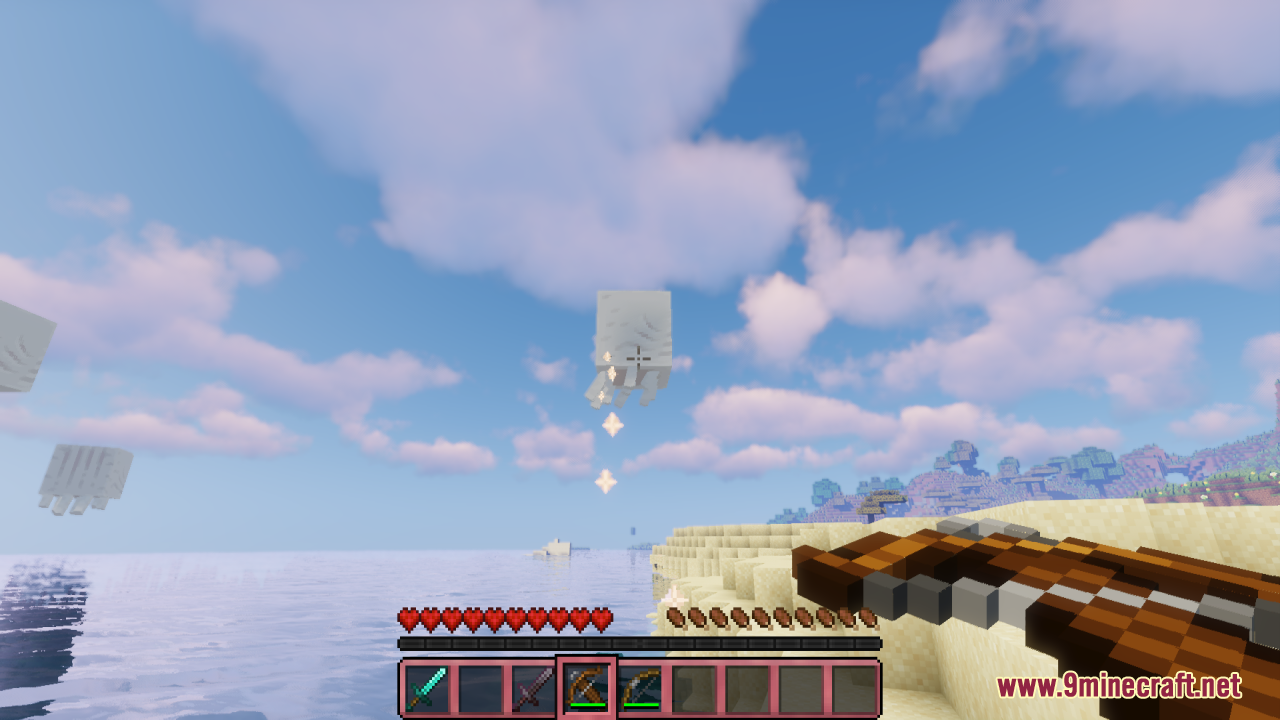
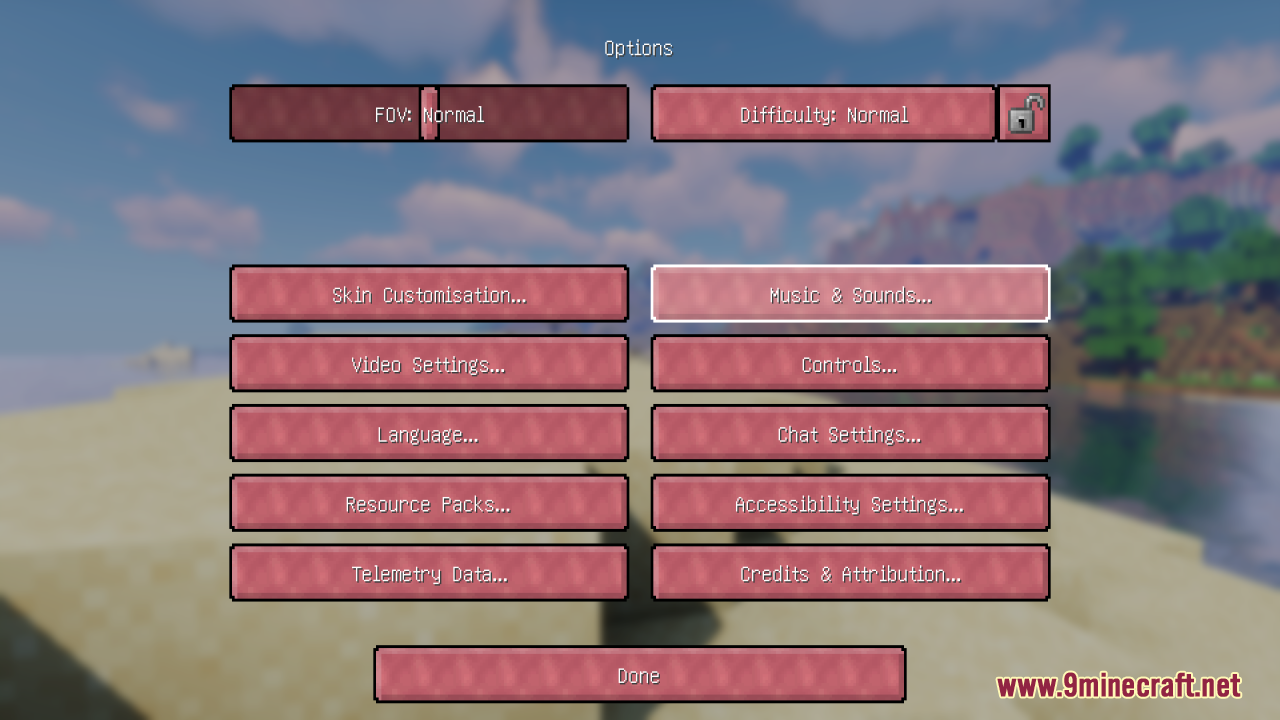
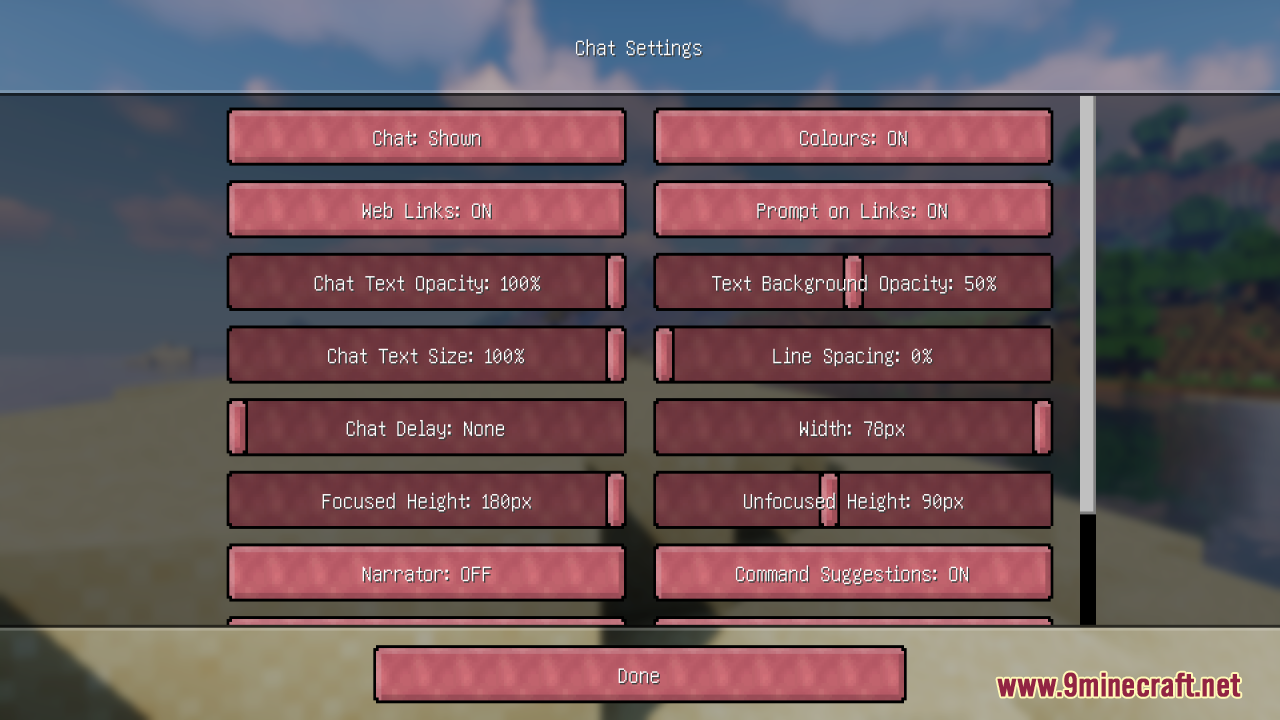
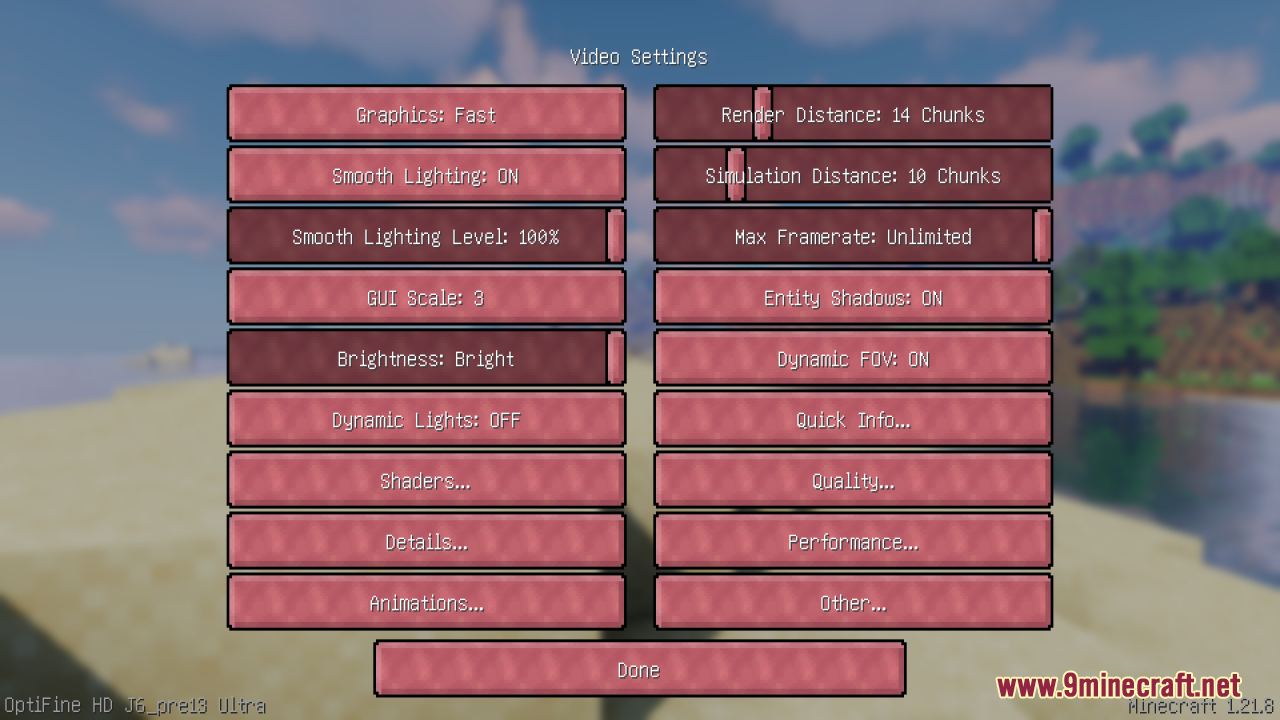
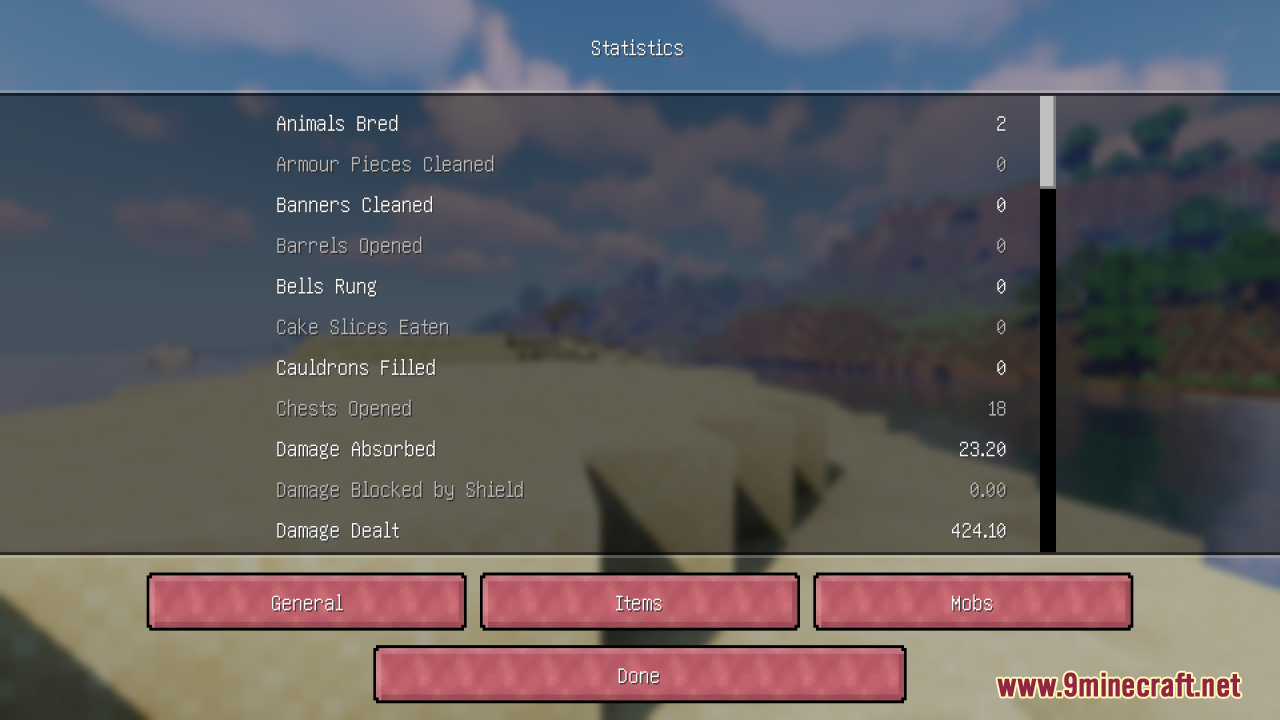
Amethyst Theme Resource Pack overhauls the game’s menus, interface elements, icons, health/hunger bars, and other UI textures with a cohesive amethyst-inspired color palette and design, giving everything a rich purple aesthetic that’s both stylish and eye-catching. The pack goes beyond simple recoloring – it also updates GUIs from some popular mods and systems (like spellbooks and quest interfaces when used with compatible modpacks), making menus feel more polished and unified. Amethyst Theme keeps gameplay unchanged and remains lightweight, making it a great choice for players who want a modern, cohesive UI refresh that still feels familiar and integrates nicely with other resource packs.
Screenshots:
Amethyst Theme Resource Pack Download Links
For Minecraft 1.21.x and Minecraft 1.20.x
- Edition: Minecraft Java
- File type: .zip (resource pack)
- Minecraft versions listed: 1.21.1, 1.20.1
- How to install: Download the .zip resource pack — do not unzip it. → Put it in .minecraft/resourcepacks. → Enable it in Options → Resource Packs.
- Where to get it: In MC Java Mods, or directly above on this page.
Install steps are the general flow for this file type — How to install Minecraft Java resource packs walks through it step by step.
Amethyst Theme Resource Pack (1.21.1, 1.20.1) – Texture Pack is a free Minecraft Java resourcepack. Compatible with Minecraft 1.21.1, 1.20.1. Download it and open it directly in the game.