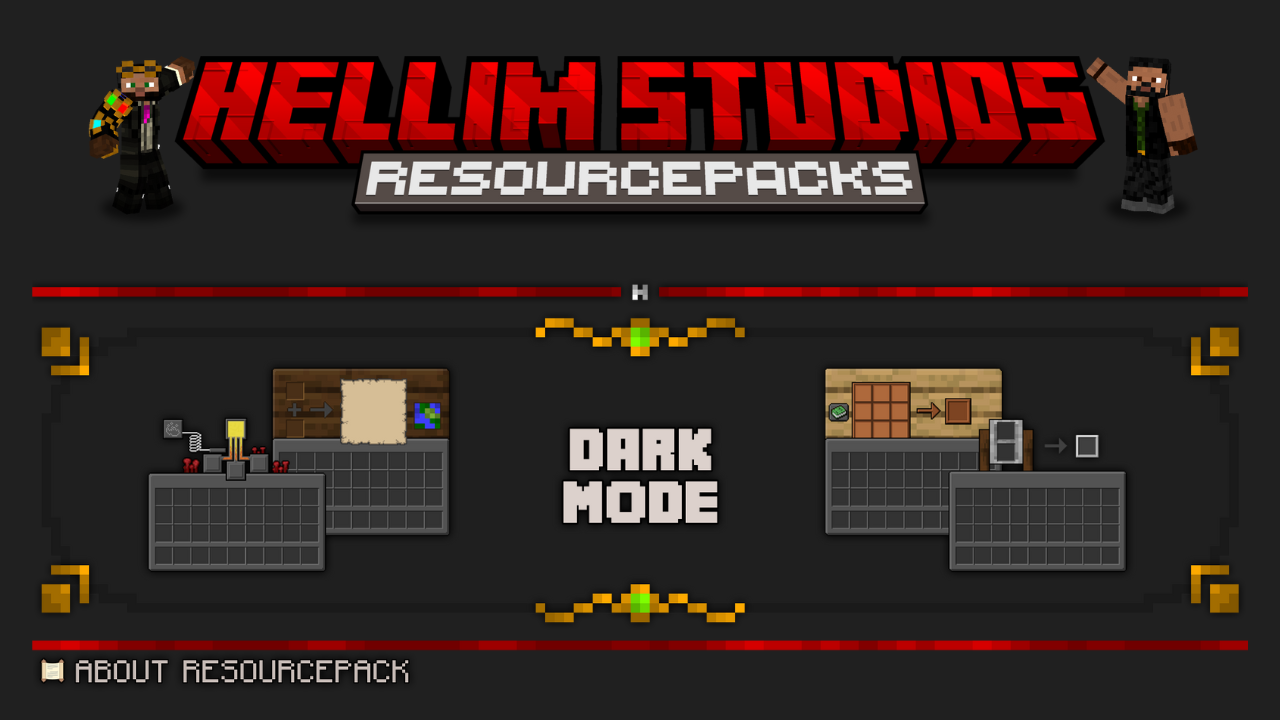
Hellim's Dark Mode Resource Pack (1.21.1, 1.20.1) – Texture Pack
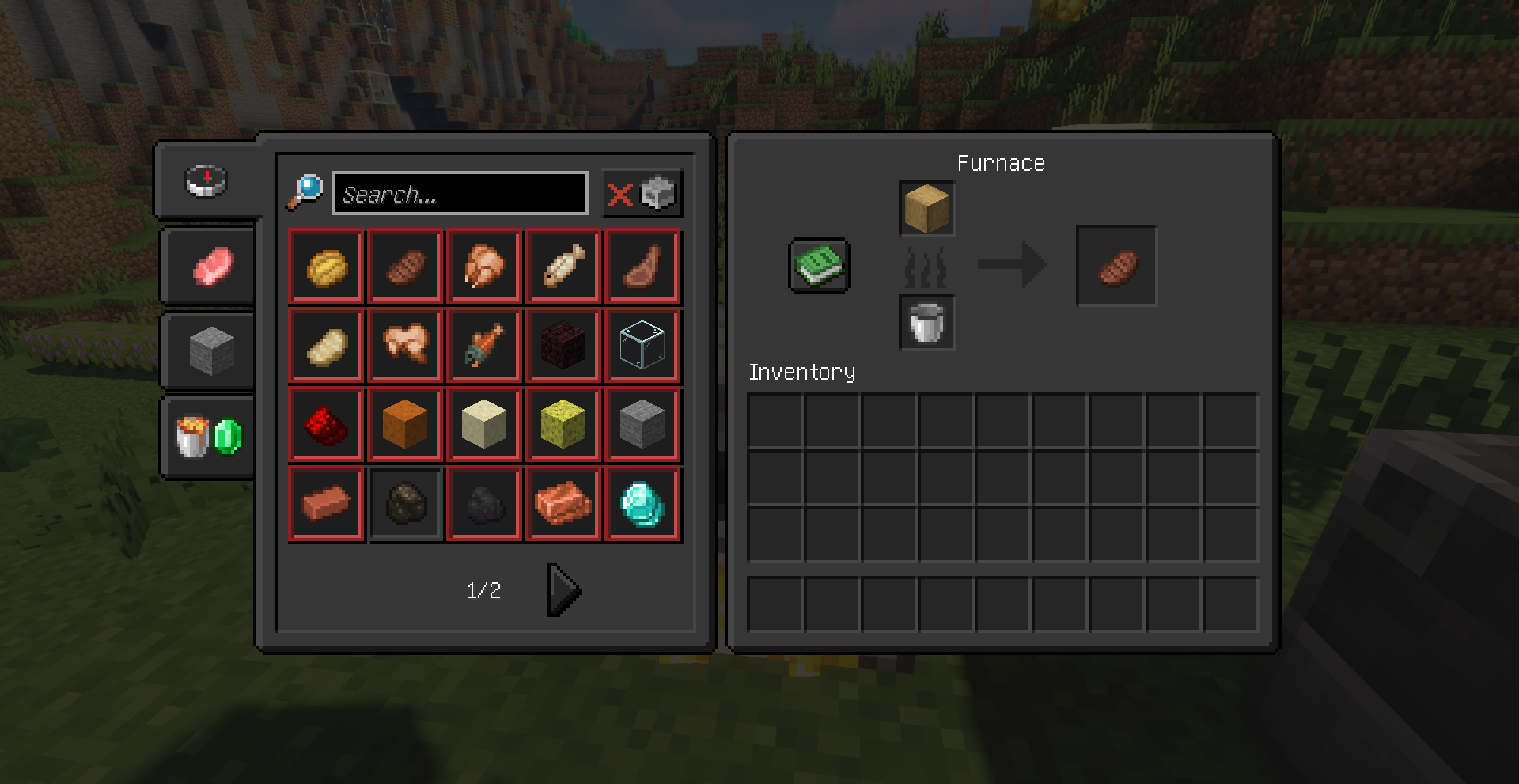
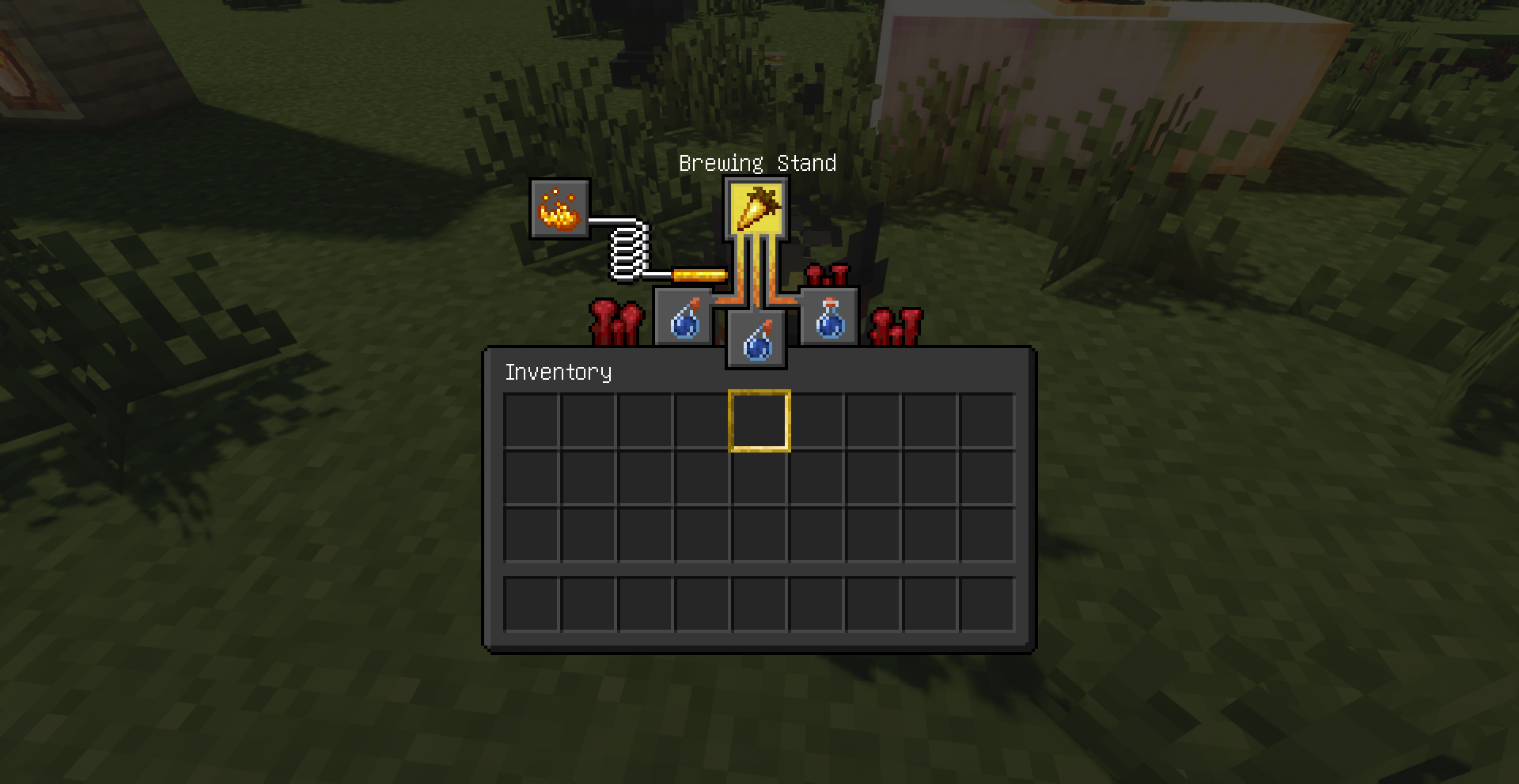
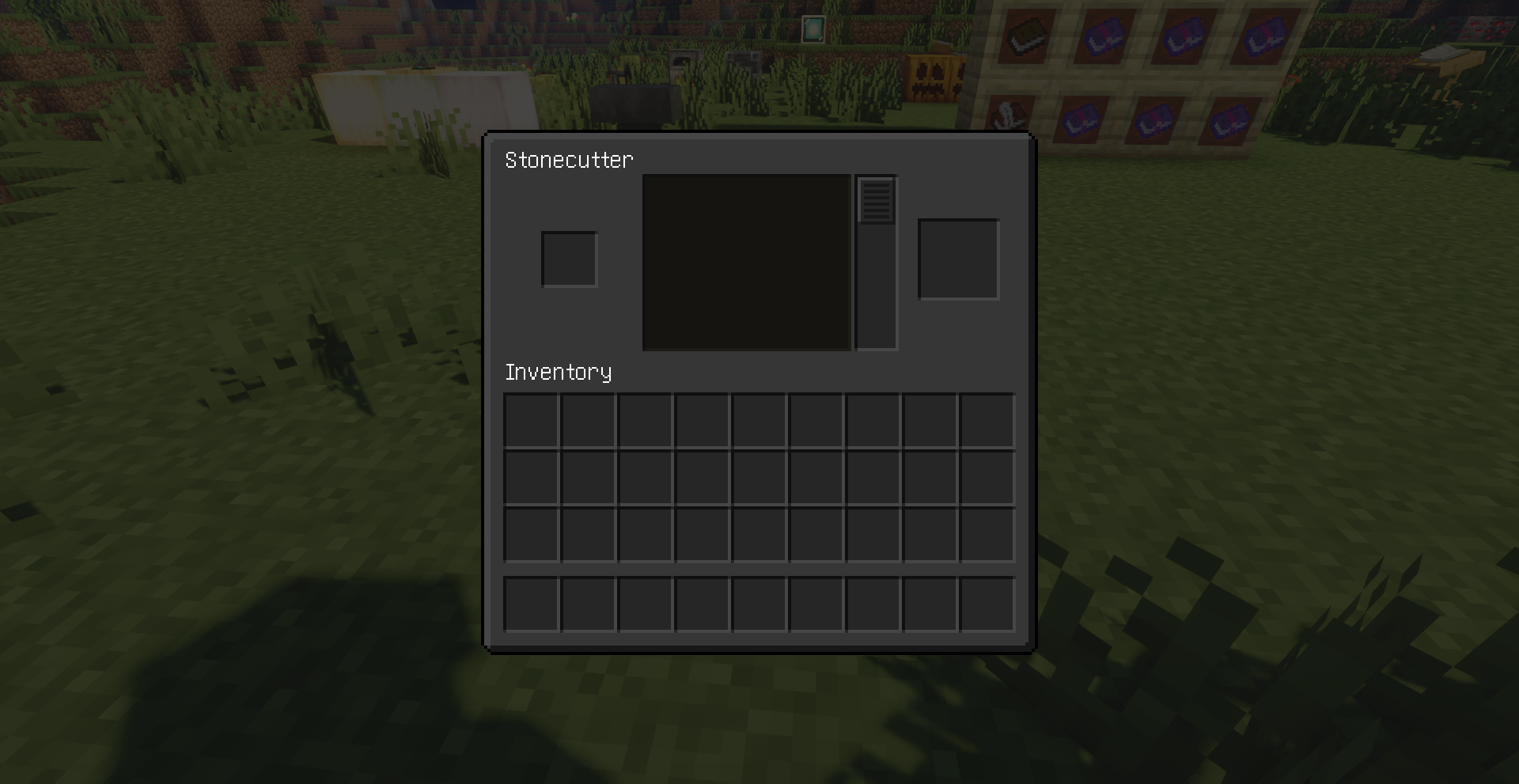
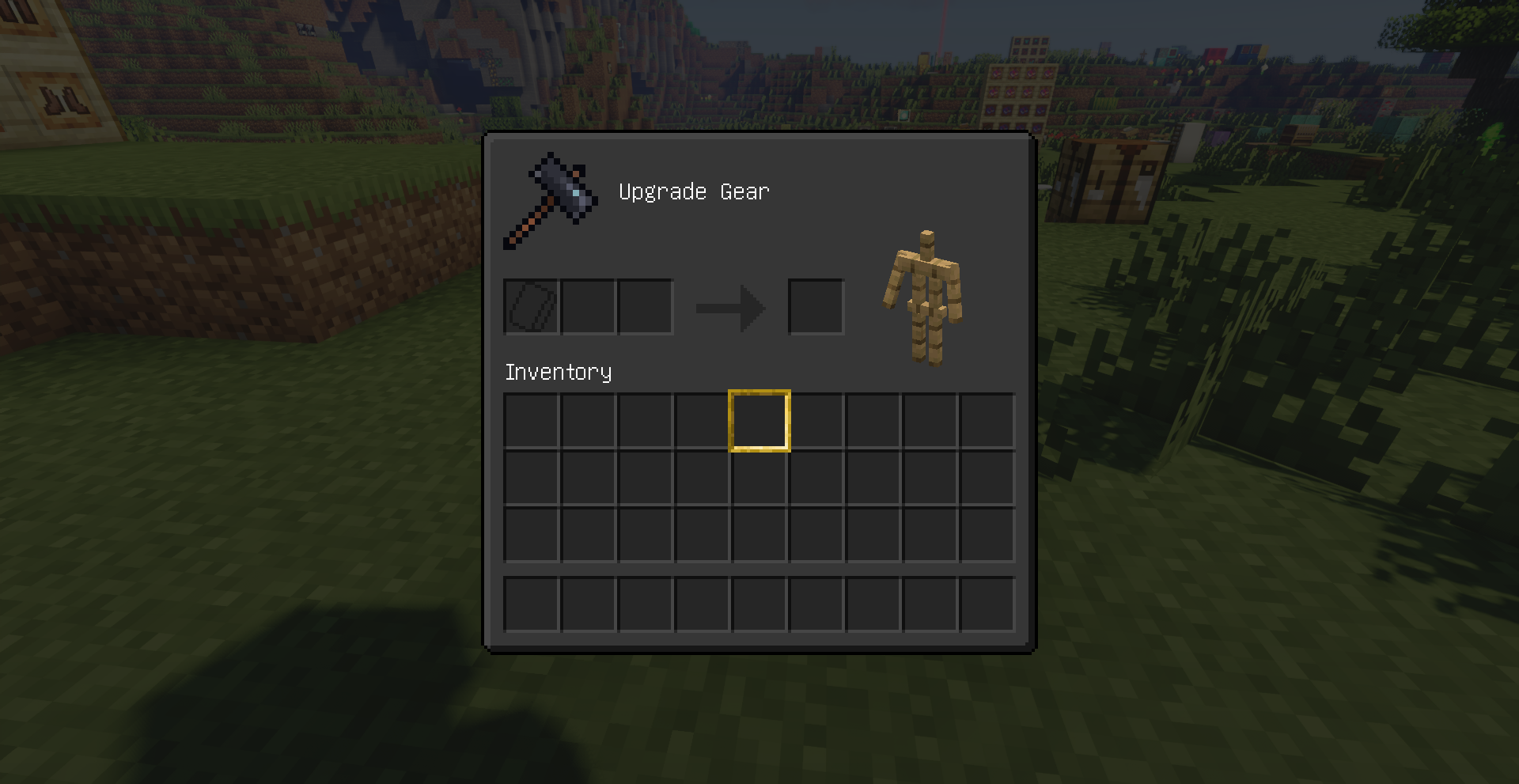
Hellim's Dark Mode Resource Pack simply gives your GUI (menus, inventory screens, HUD, buttons, icons, and interface elements) a dark, sleek redesign…
⬇ Download
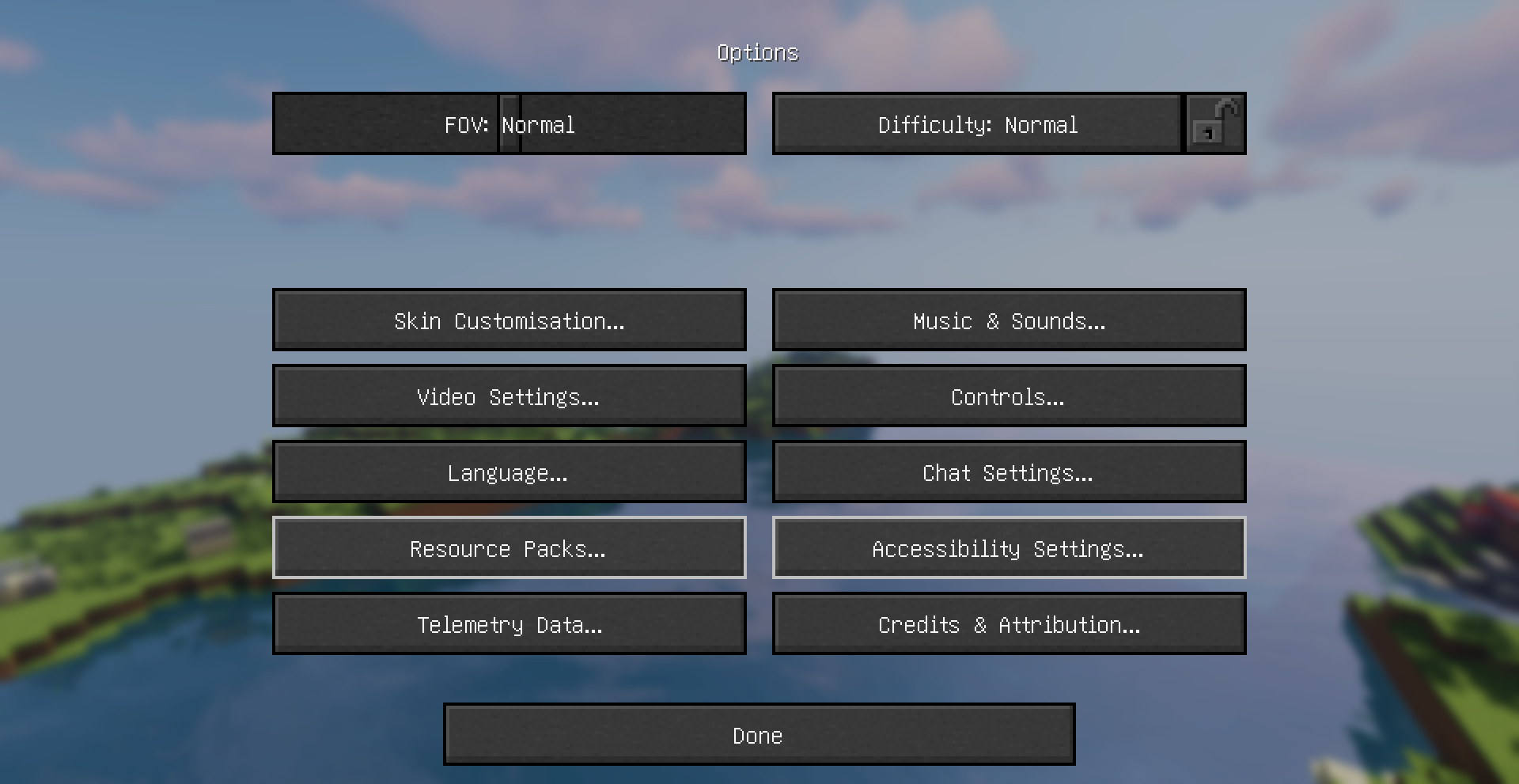
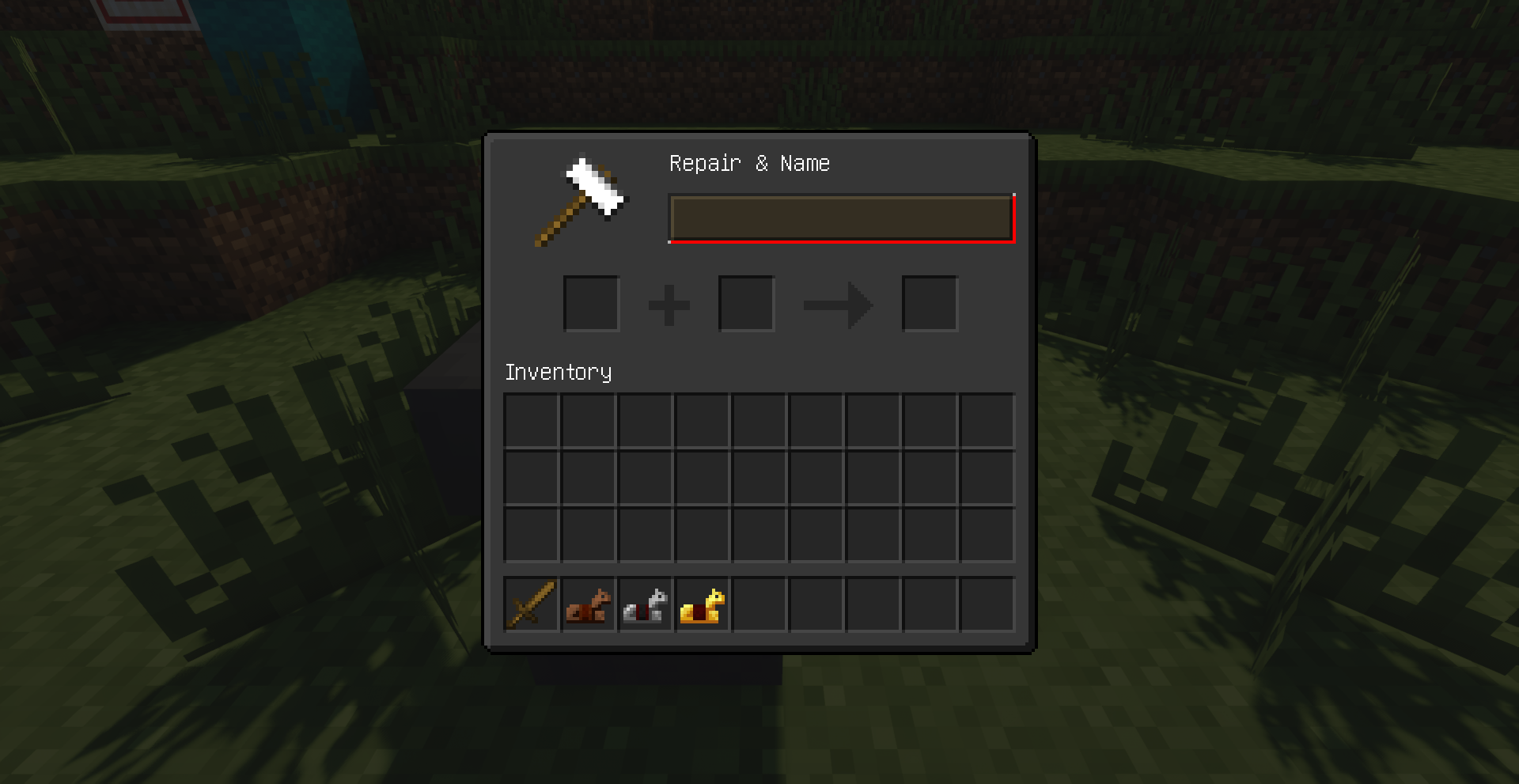

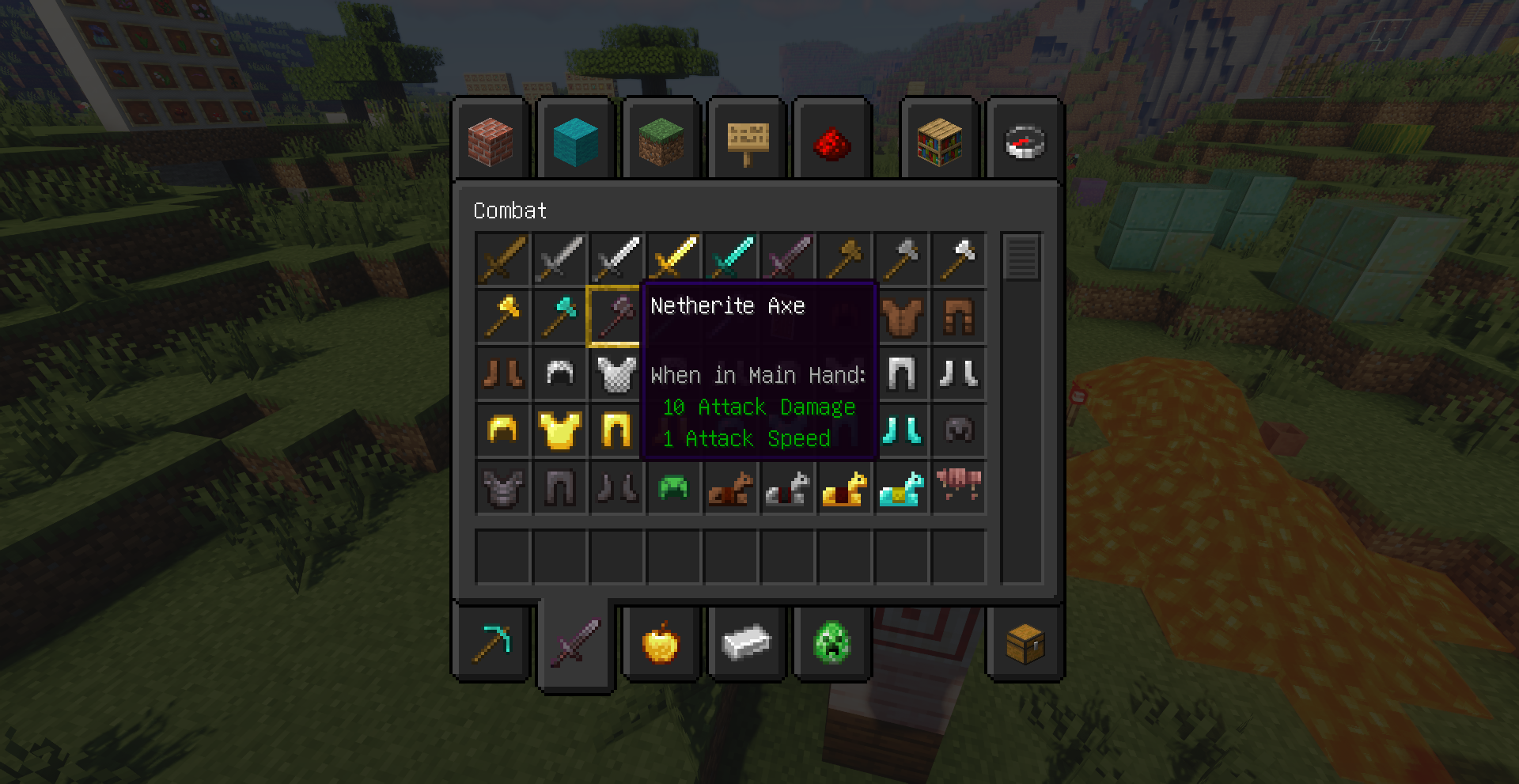
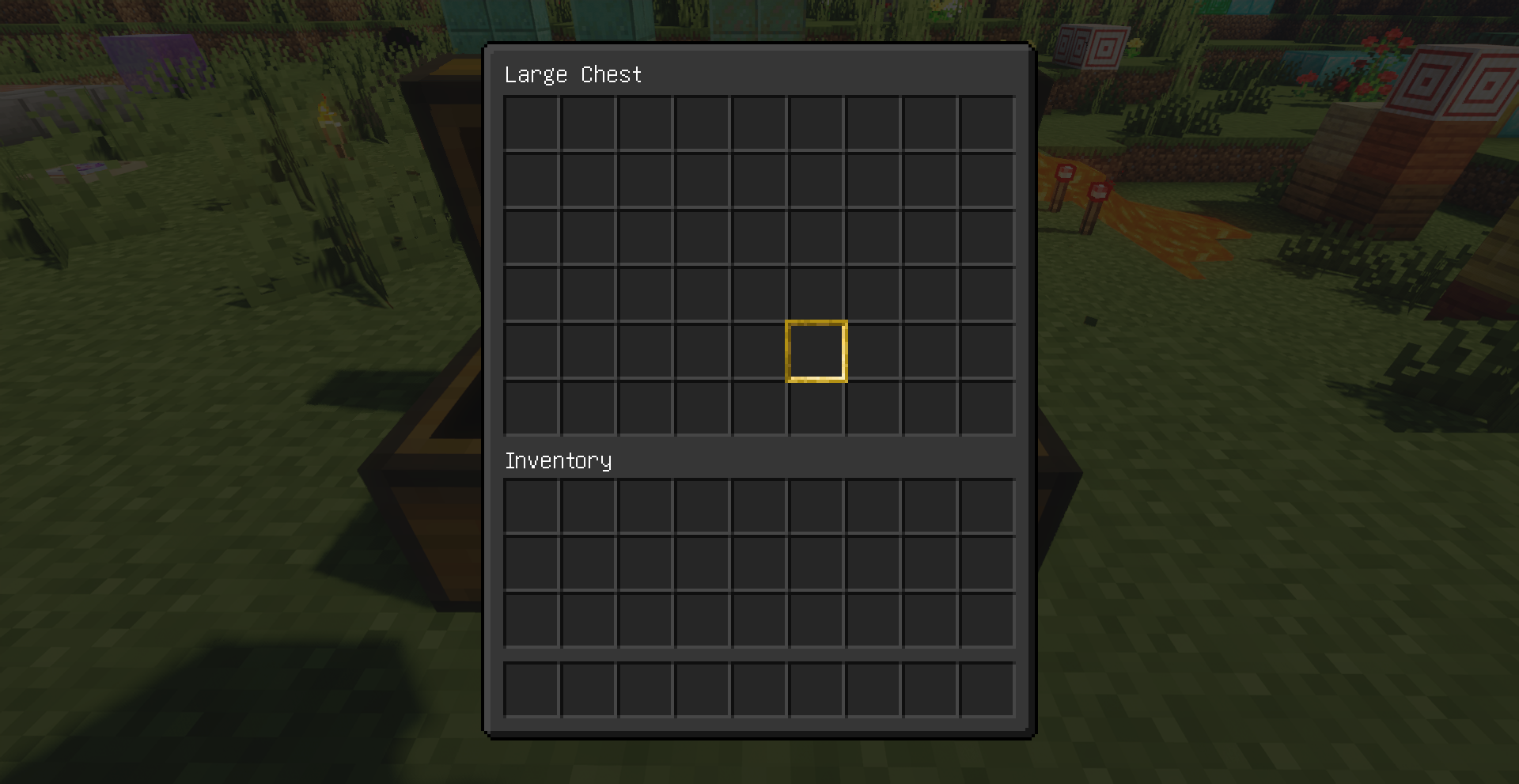

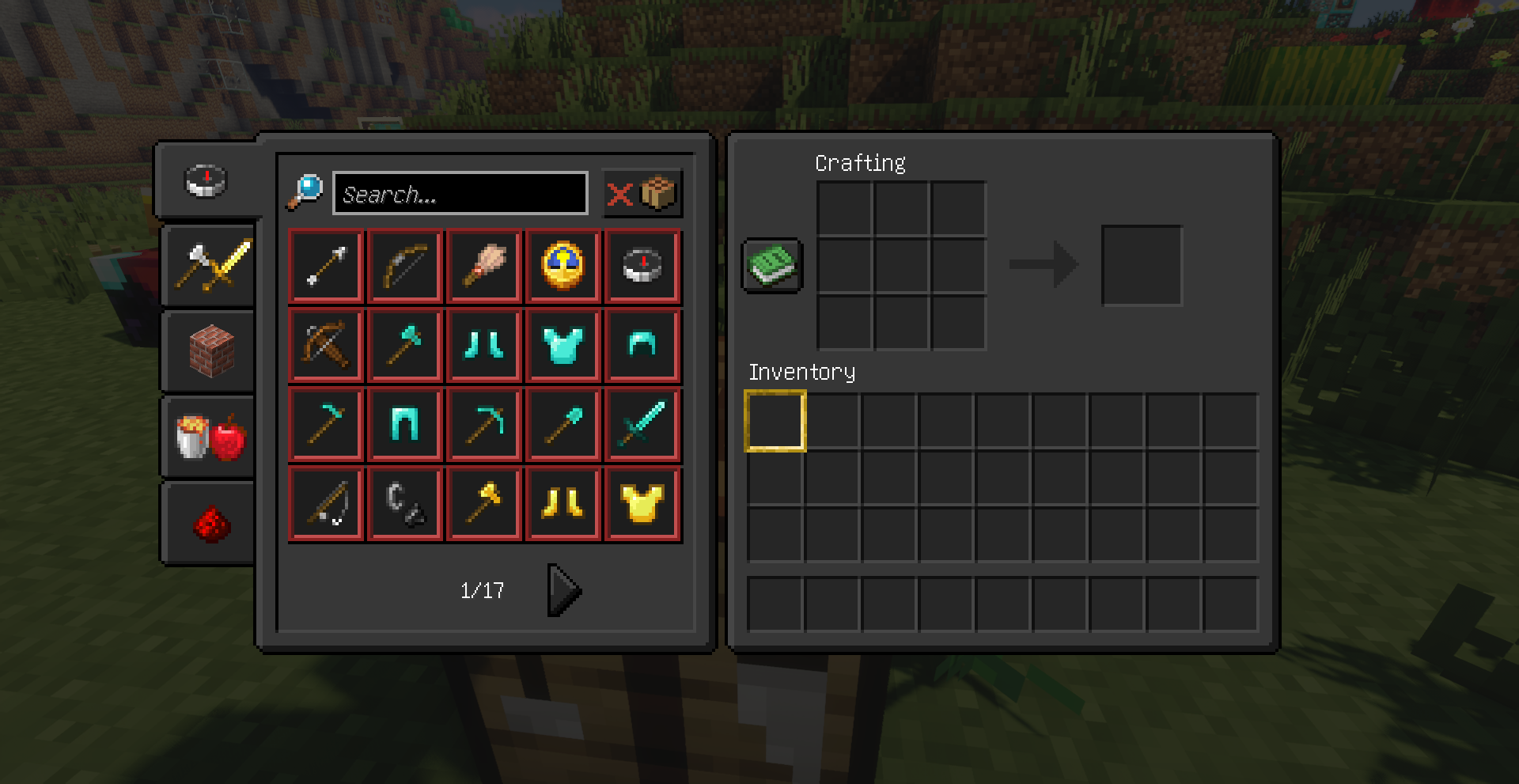
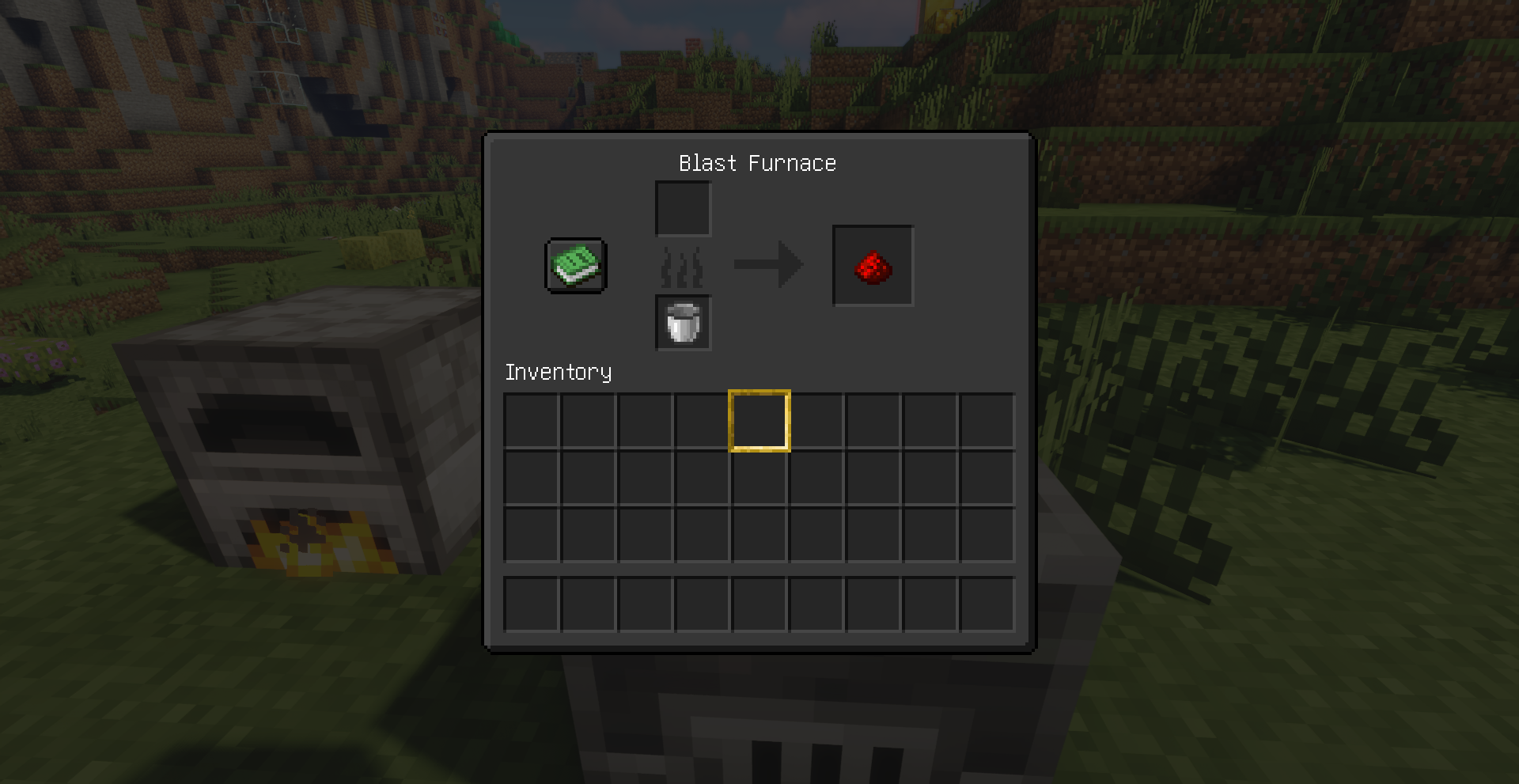
Hellim’s Dark Mode Resource Pack simply gives your GUI (menus, inventory screens, HUD, buttons, icons, and interface elements) a dark, sleek redesign, making the interface easier on the eyes – especially during night play or long sessions – by replacing bright default textures with darker, more comfortable tones. It stays lightweight and focuses purely on improving the look and feel of the UI, offering a cohesive dark theme that enhances visibility and aesthetics without changing gameplay mechanics.
Screenshots:

Hellim’s Dark Mode Resource Pack Download Links
For Minecraft 1.21.x and Minecraft 1.20.x
- Edition: Minecraft Java
- File type: .zip (resource pack)
- Minecraft versions listed: 1.21.1, 1.20.1
- How to install: Download the .zip resource pack — do not unzip it. → Put it in .minecraft/resourcepacks. → Enable it in Options → Resource Packs.
- Where to get it: In MC Java Mods, or directly above on this page.
Install steps are the general flow for this file type — How to install Minecraft Java resource packs walks through it step by step.
Hellim's Dark Mode Resource Pack (1.21.1, 1.20.1) – Texture Pack is a free Minecraft Java resourcepack. Compatible with Minecraft 1.21.1, 1.20.1. Download it and open it directly in the game.