
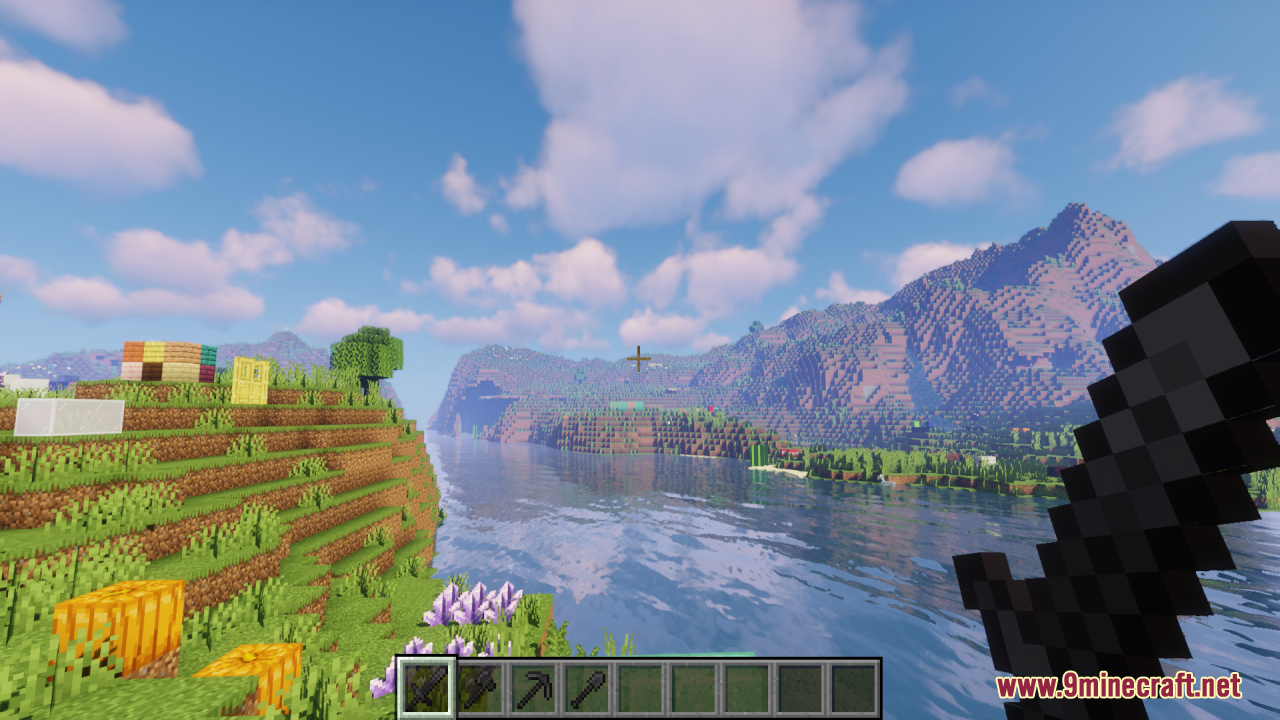


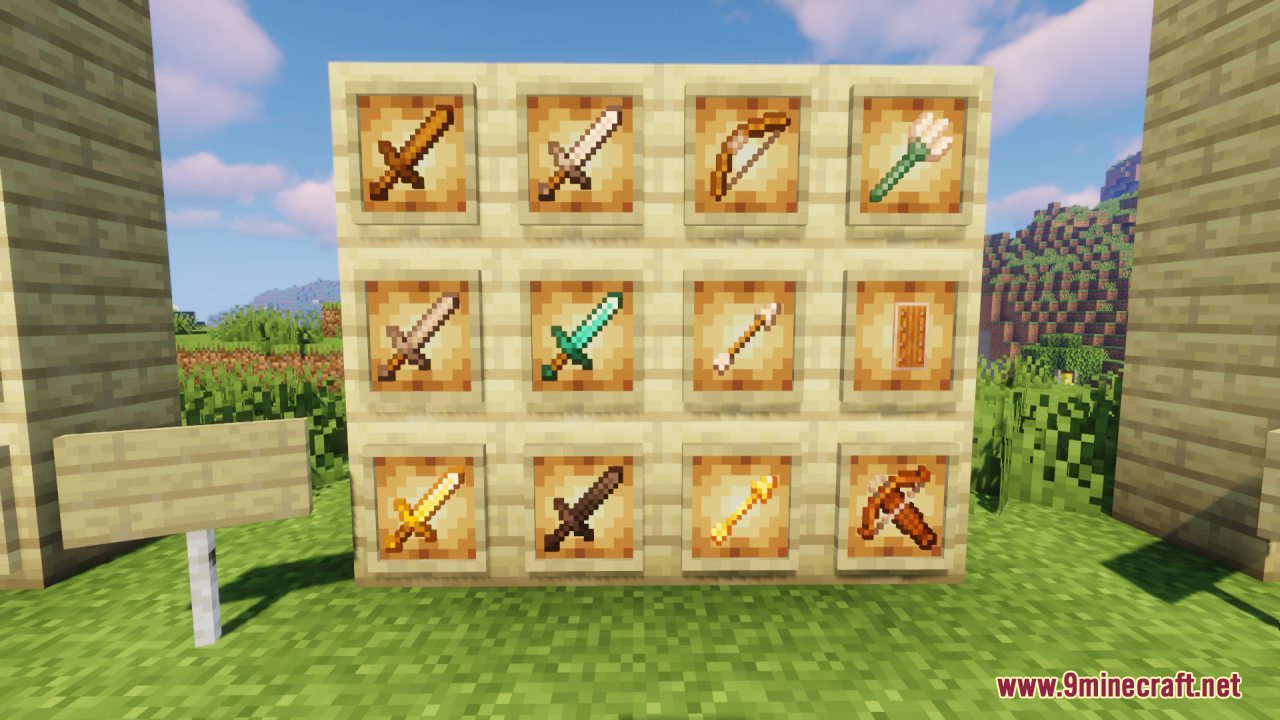
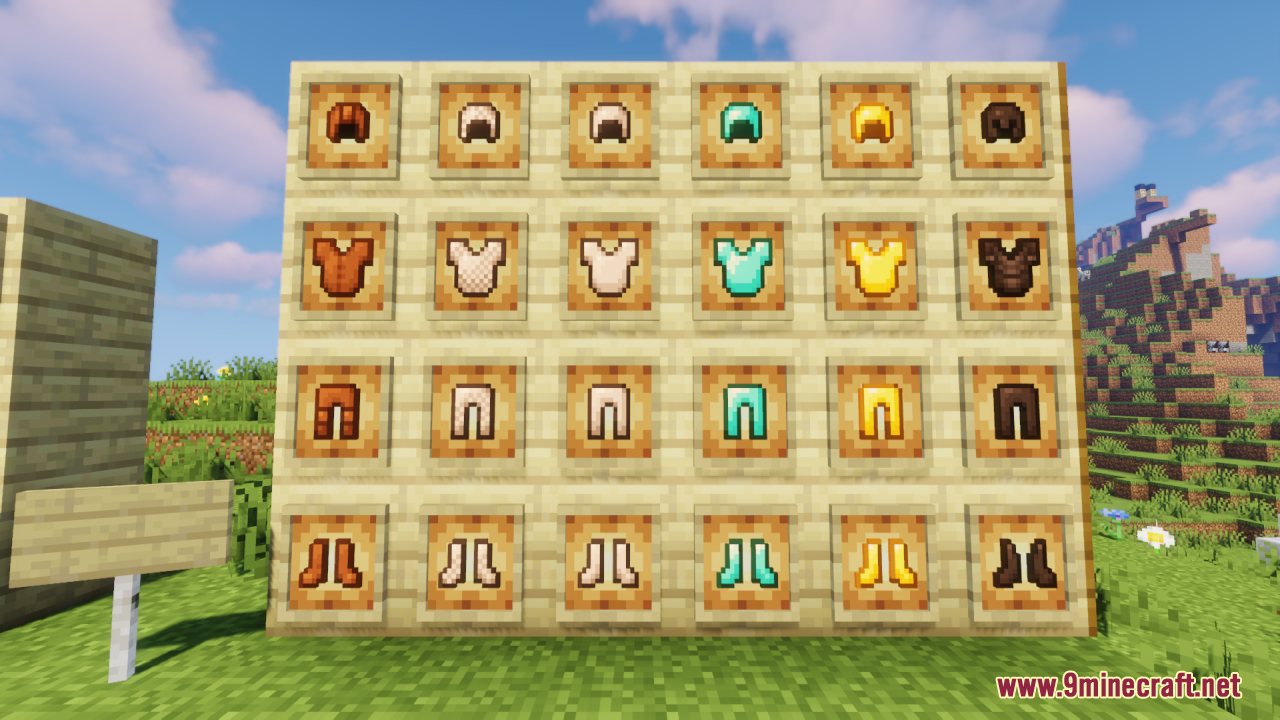
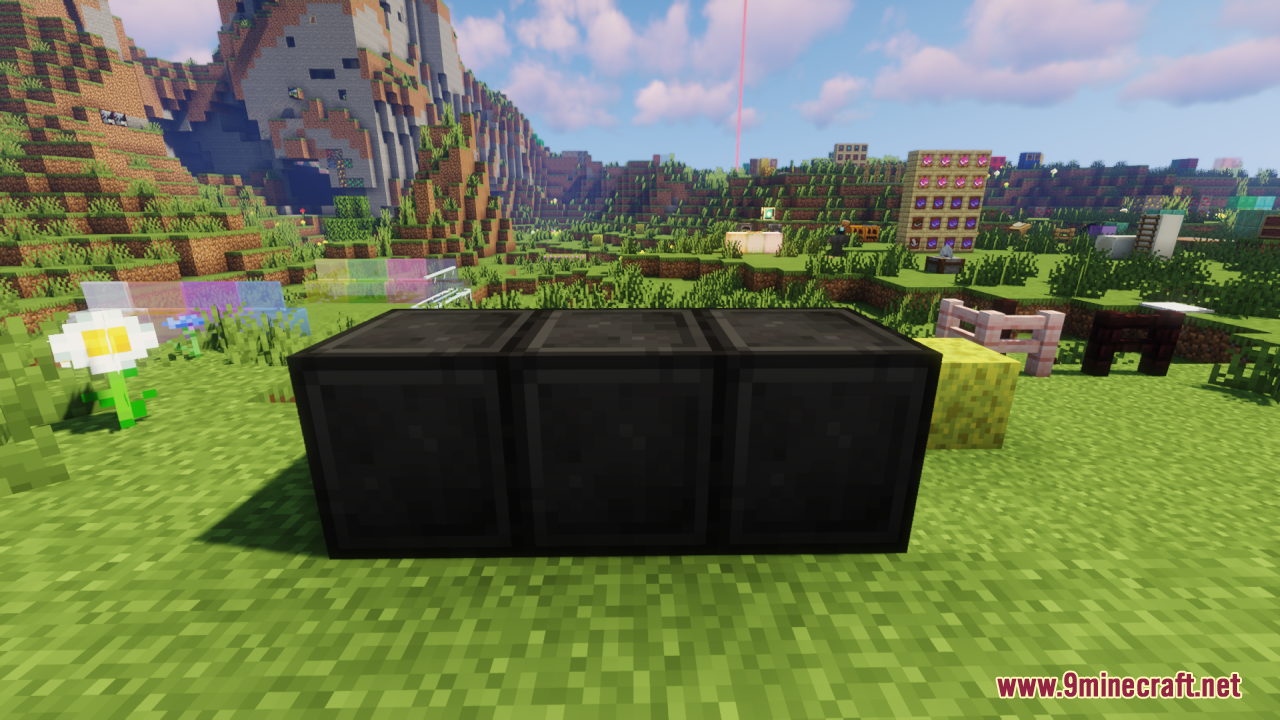
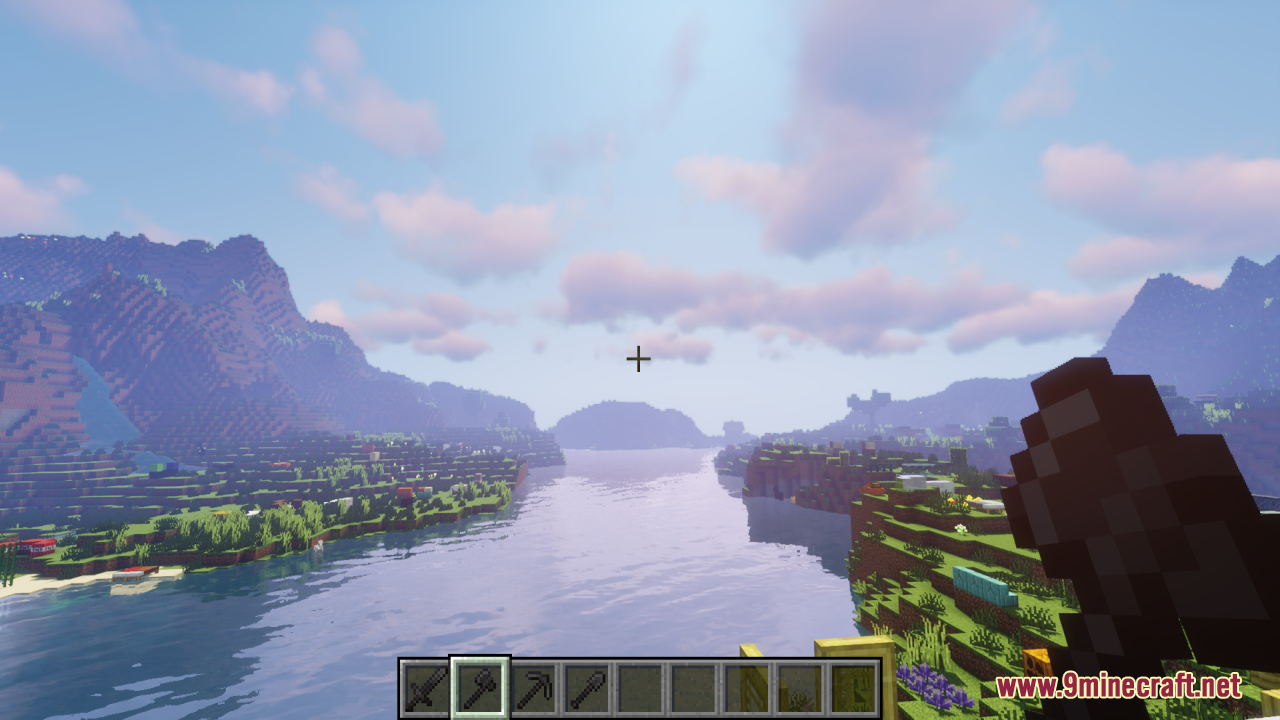
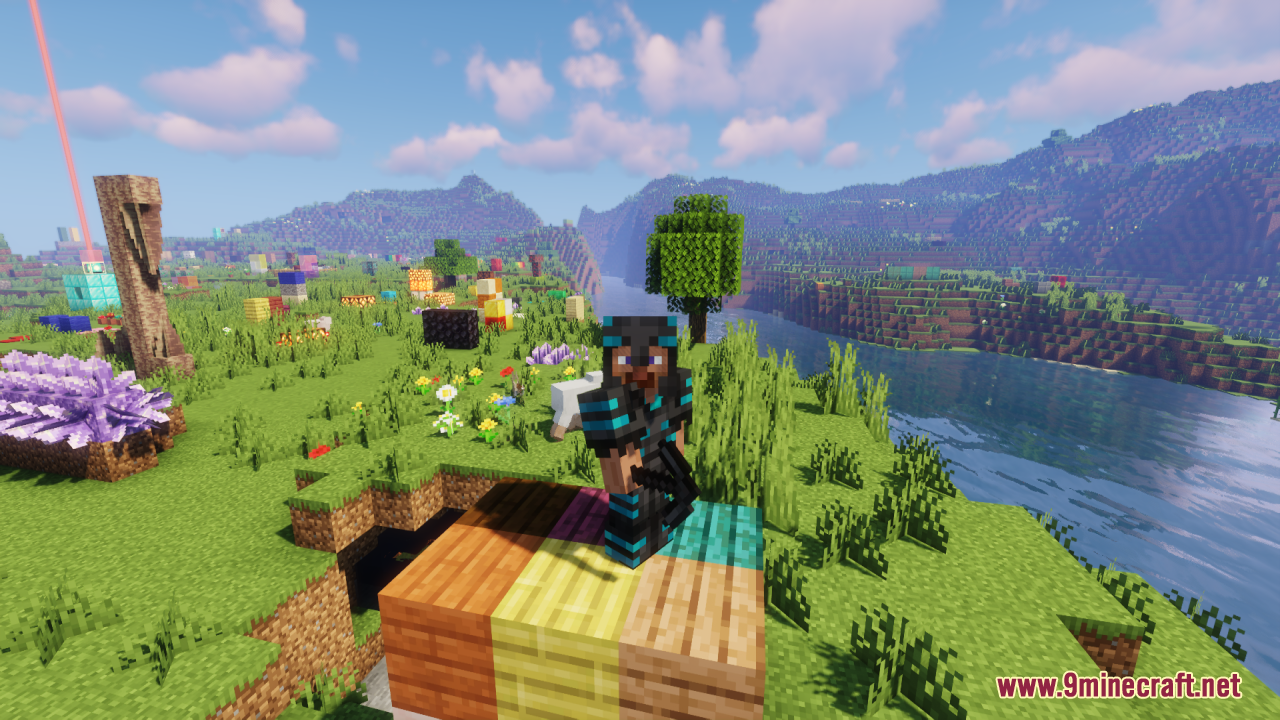
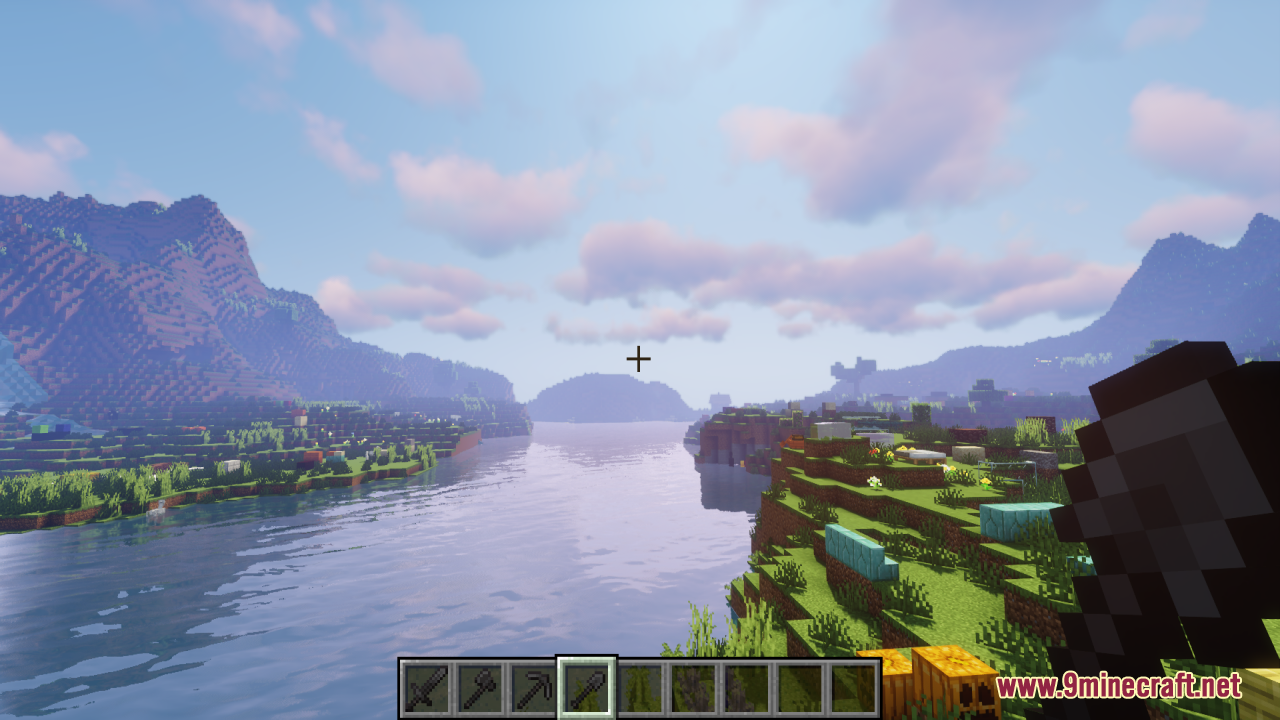
Blackened Netherite Resource Pack simply gives all Netherite gear – including helmets, chestplates, leggings, boots, swords, axes, pickaxes, shovels, hoes, and tools – a sleek, darkened makeover with deeper blacks, sharper contrast, and a bold, polished look. It keeps the classic 16×16 resolution and vanilla-friendly feel while making Netherite equipment feel more intimidating, mysterious, and stylish in your inventory and when worn. It is perfect for players who want their endgame gear to look more dramatic and premium without straying far from Minecraft’s original aesthetic, giving Netherite a more striking presence in both survival and showcase builds.
Screenshots:

Blackened Netherite Resource Pack Download Links
For Minecraft 1.21.x and Minecraft 1.20.x
- Edition: Minecraft Java
- File type: .zip (resource pack)
- Minecraft versions listed: 1.21.1, 1.20.1
- How to install: Download the .zip resource pack — do not unzip it. → Put it in .minecraft/resourcepacks. → Enable it in Options → Resource Packs.
- Where to get it: In MC Java Mods, or directly above on this page.
Install steps are the general flow for this file type — How to install Minecraft Java resource packs walks through it step by step.
Blackened Netherite Resource Pack (1.21.1, 1.20.1) – Texture Pack is a free Minecraft Java resourcepack. Compatible with Minecraft 1.21.1, 1.20.1. Download it and open it directly in the game.