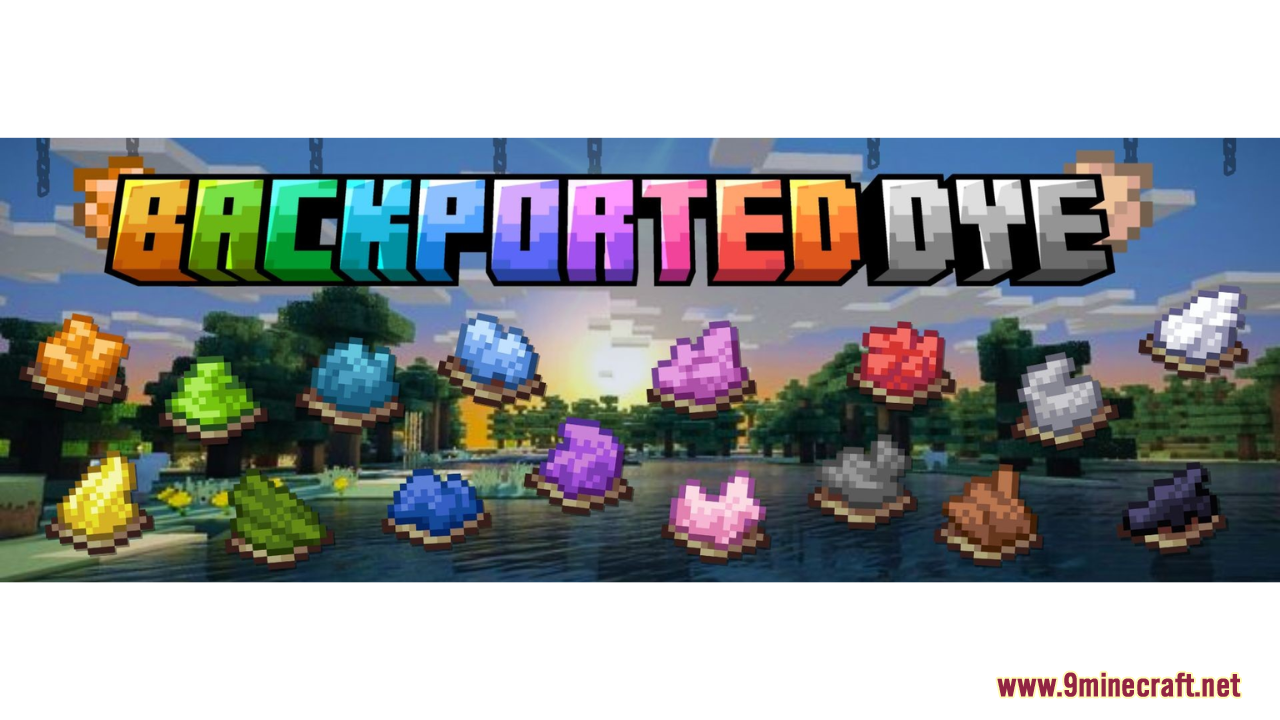
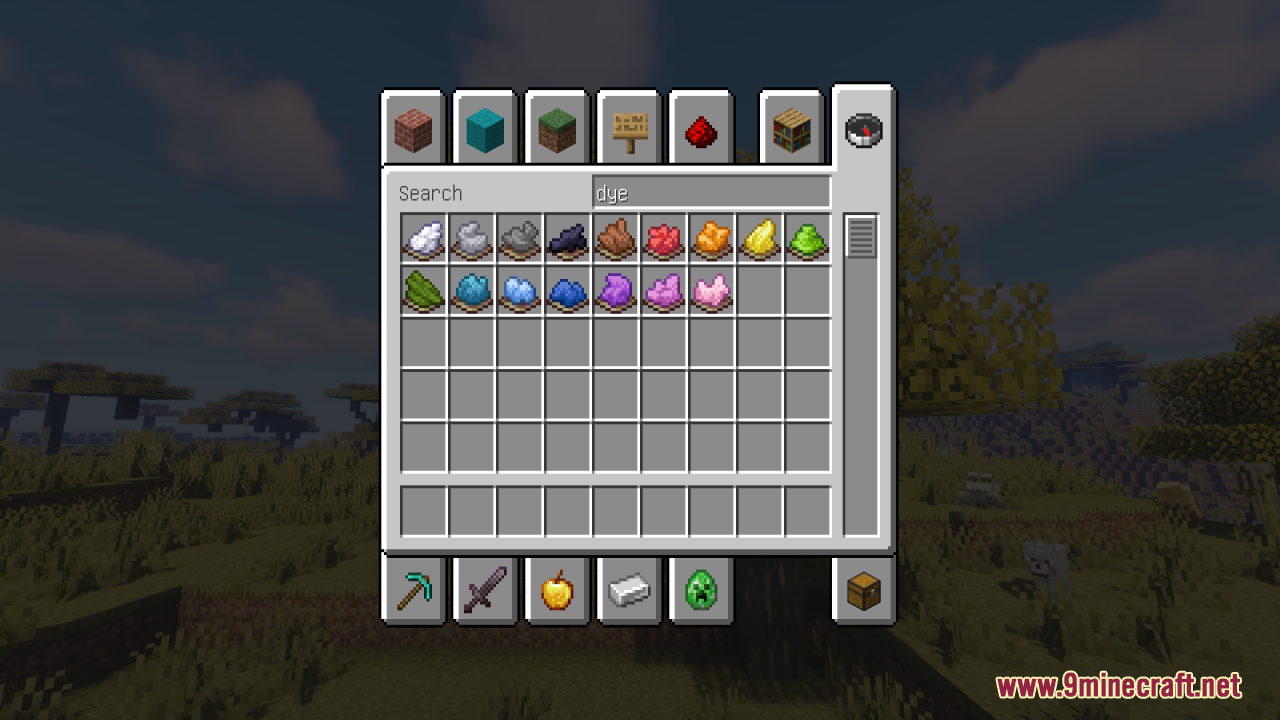
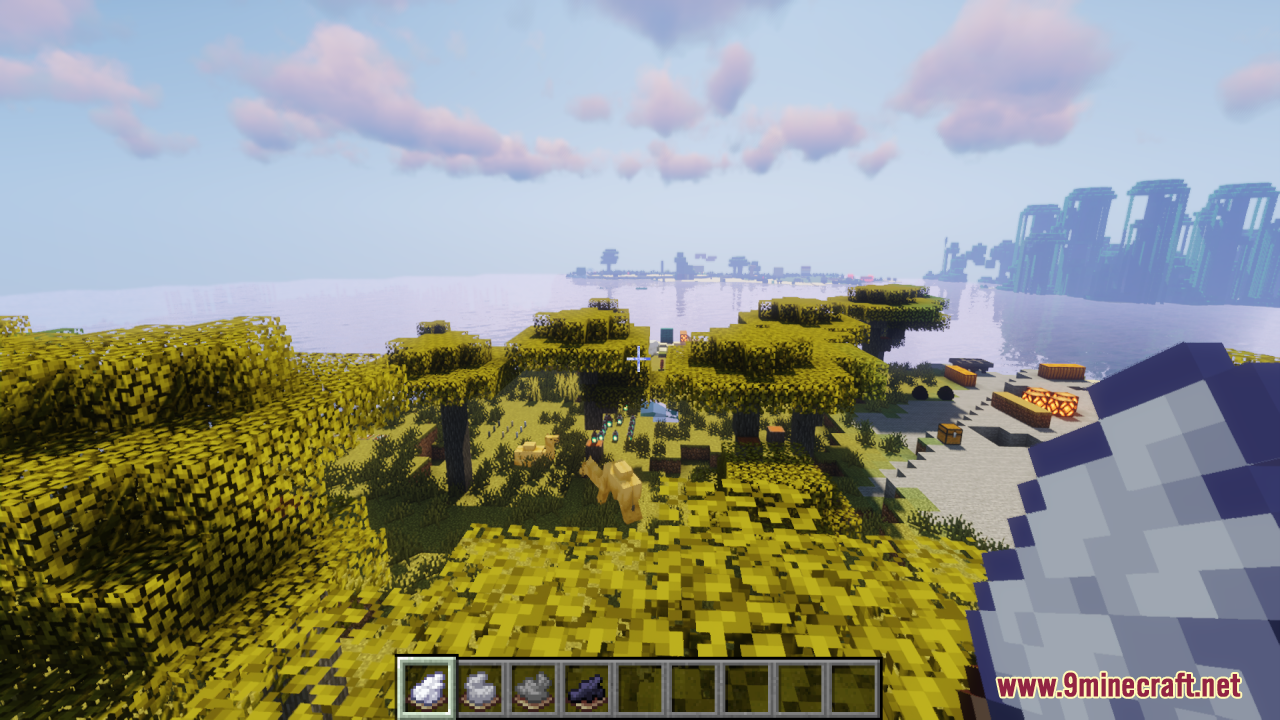
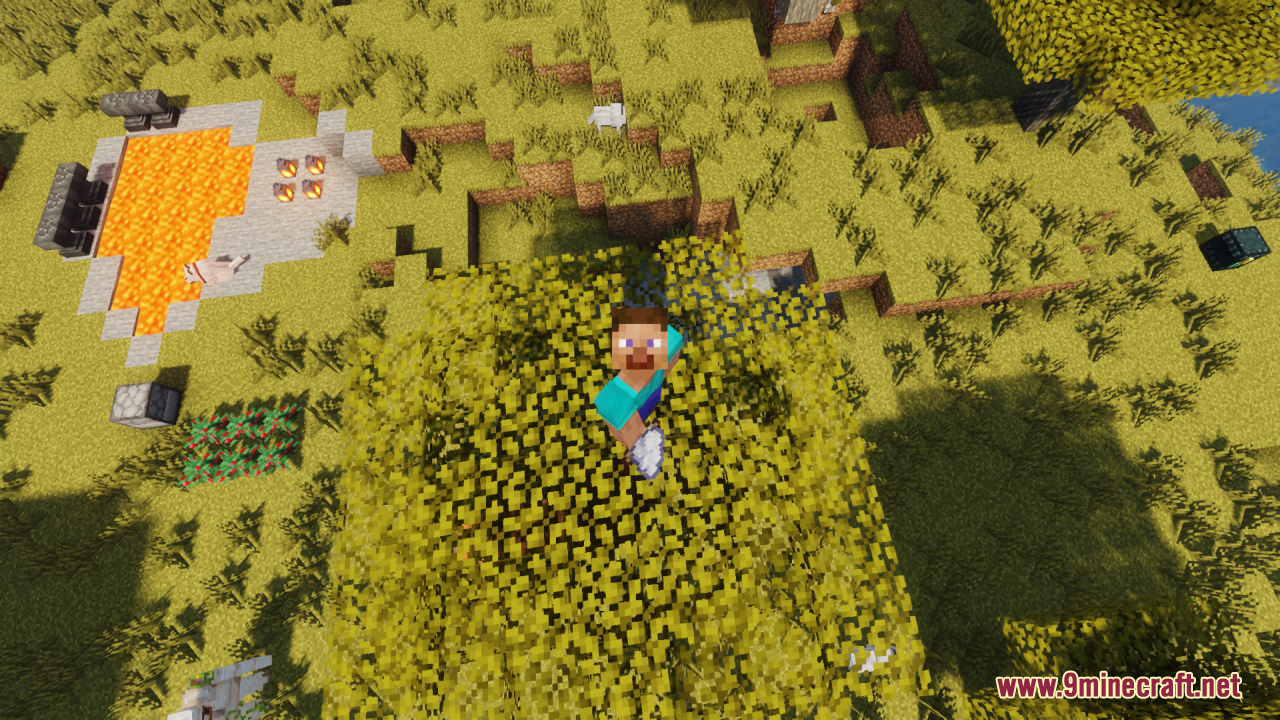
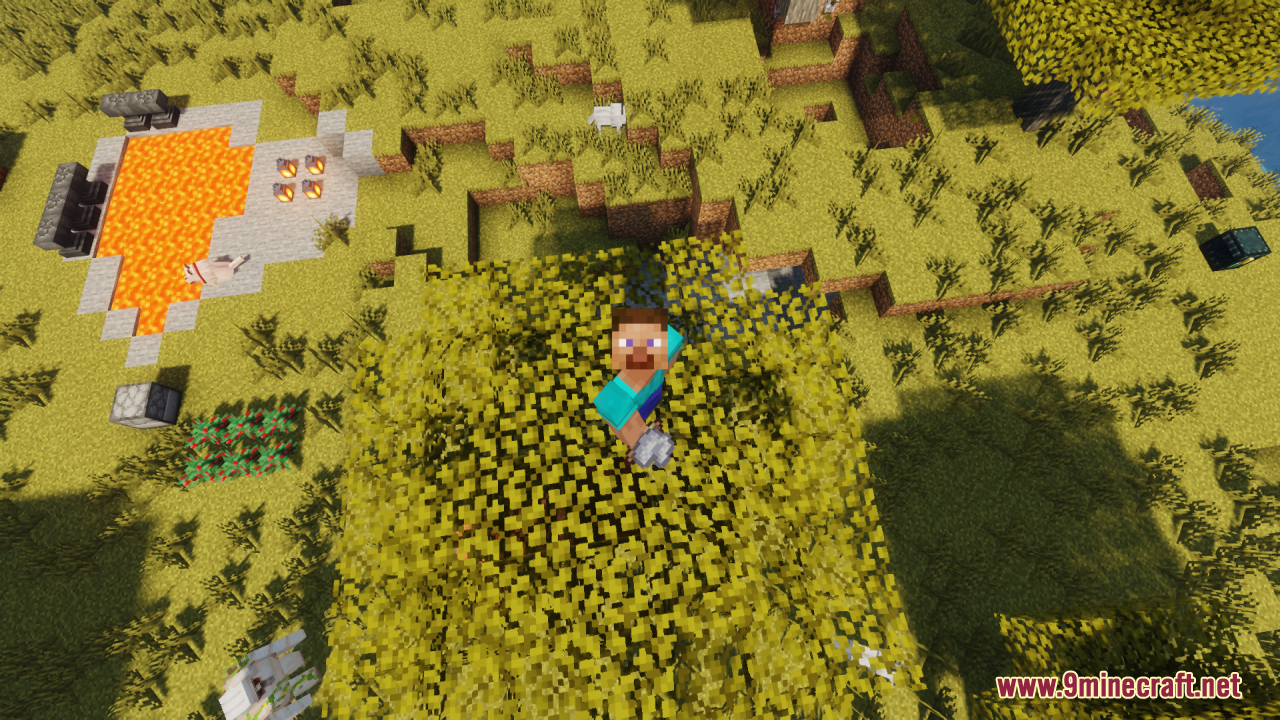
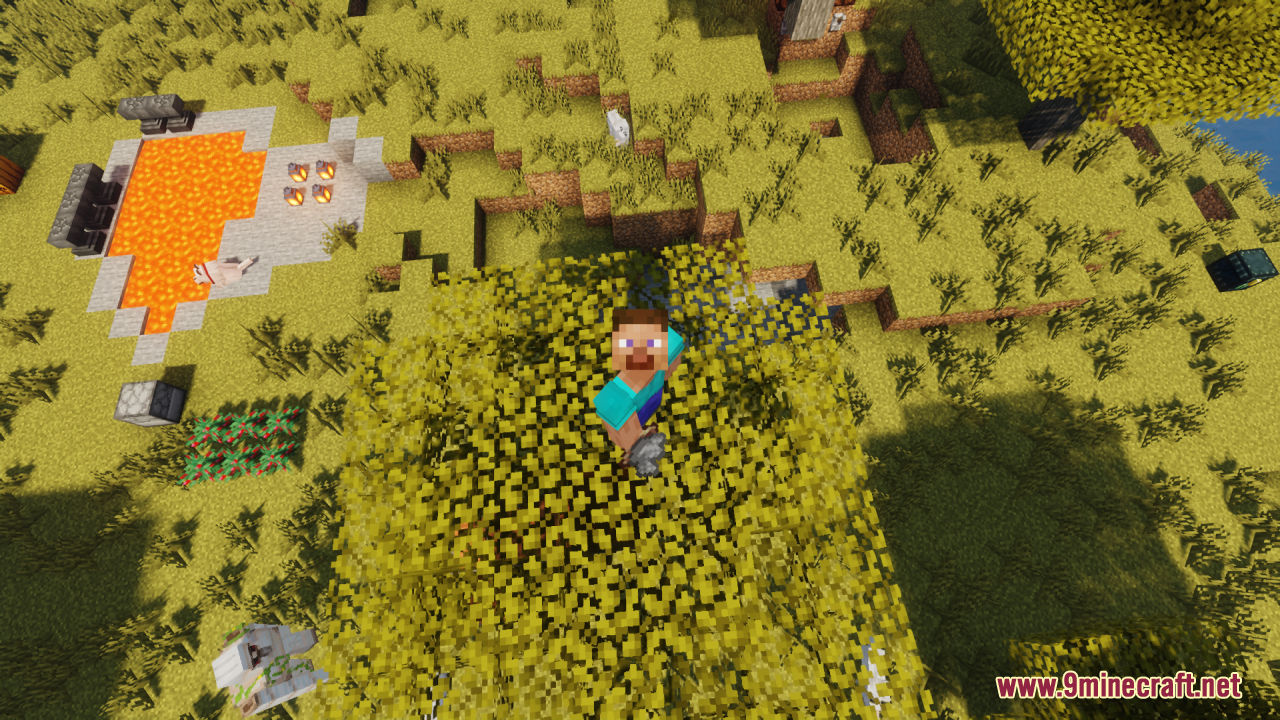
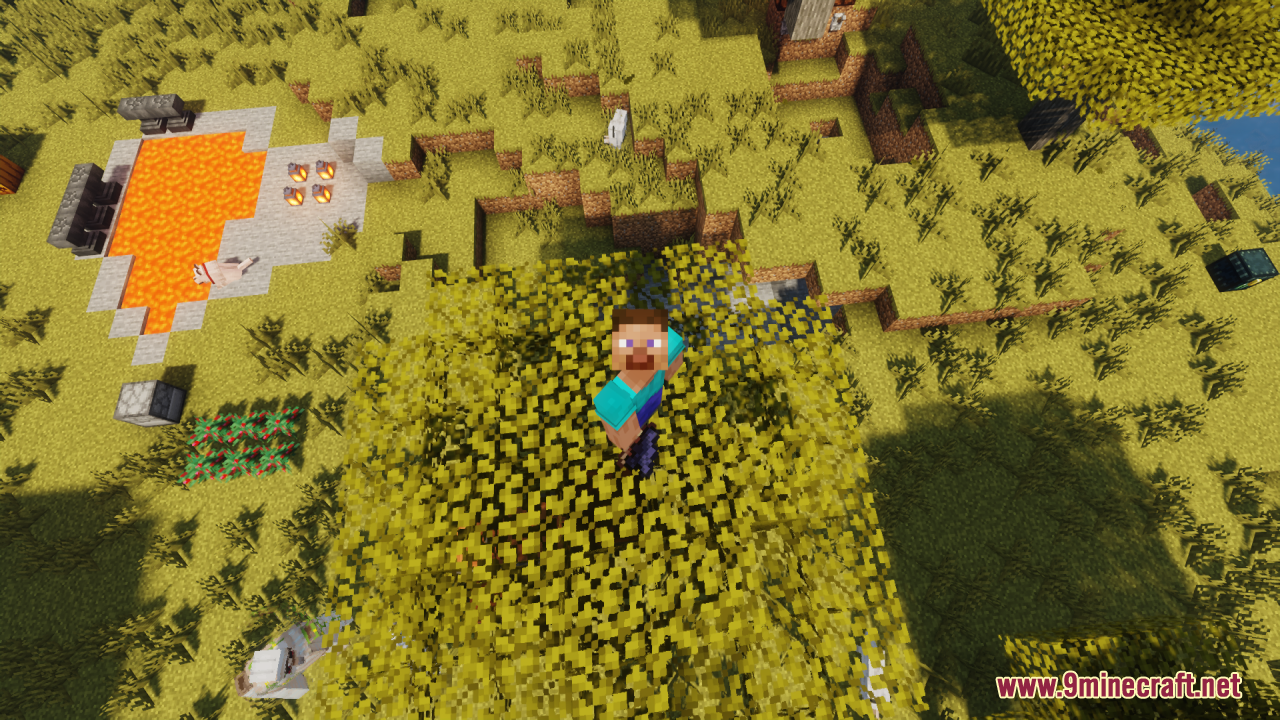
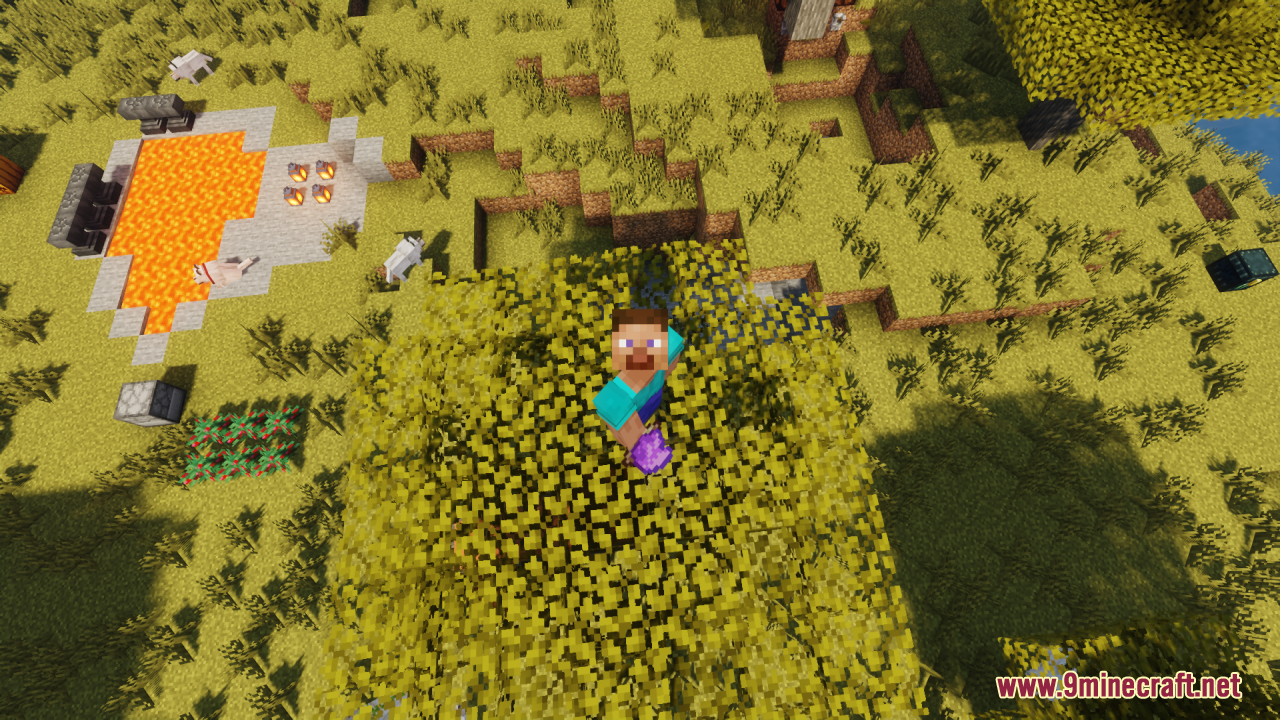
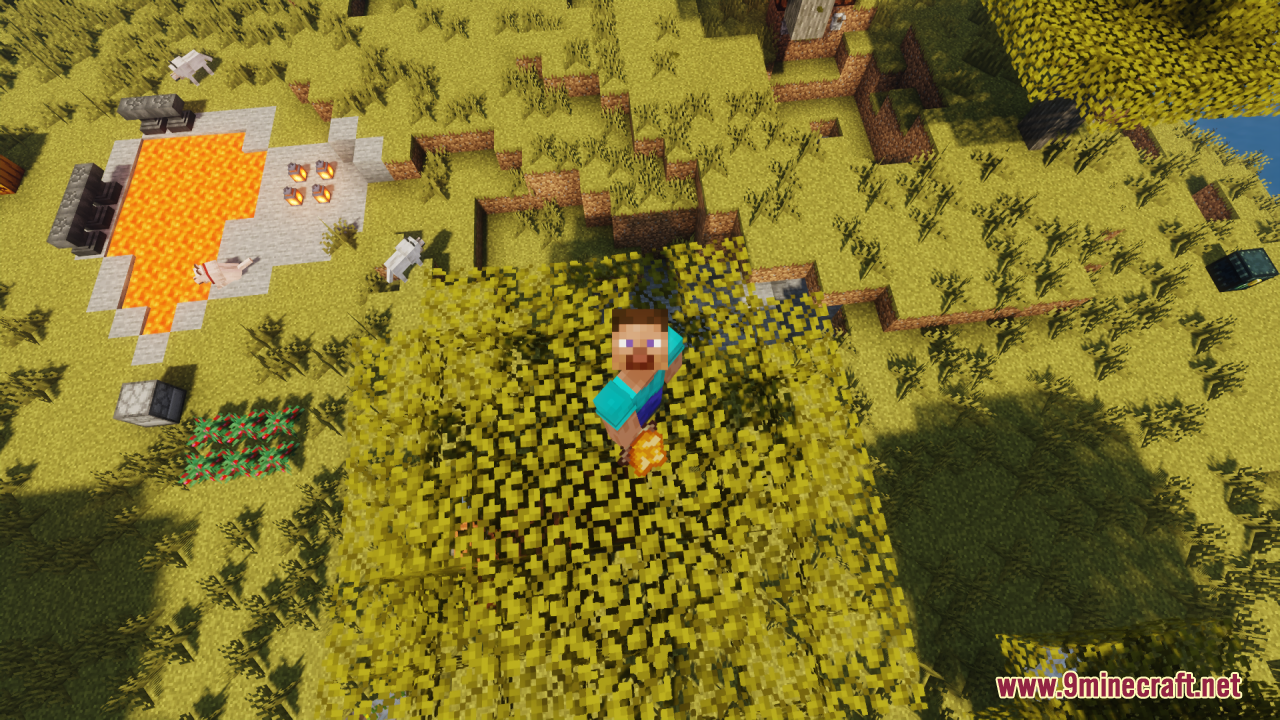
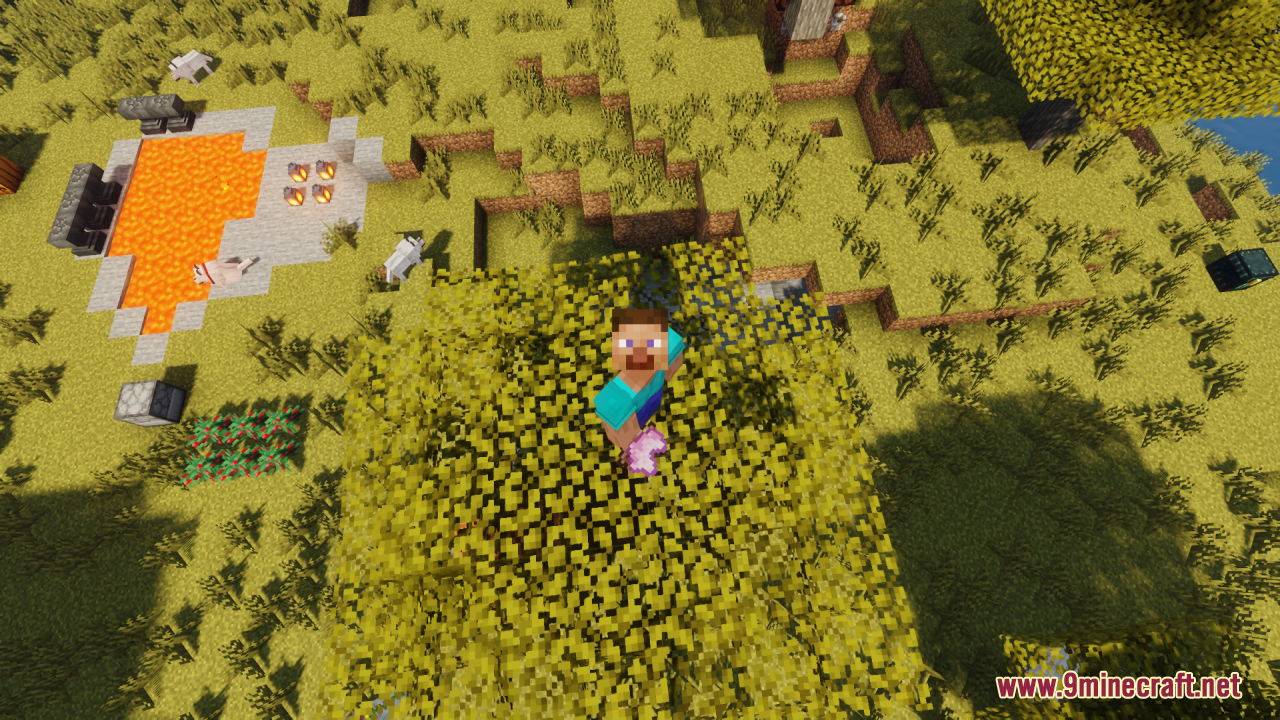
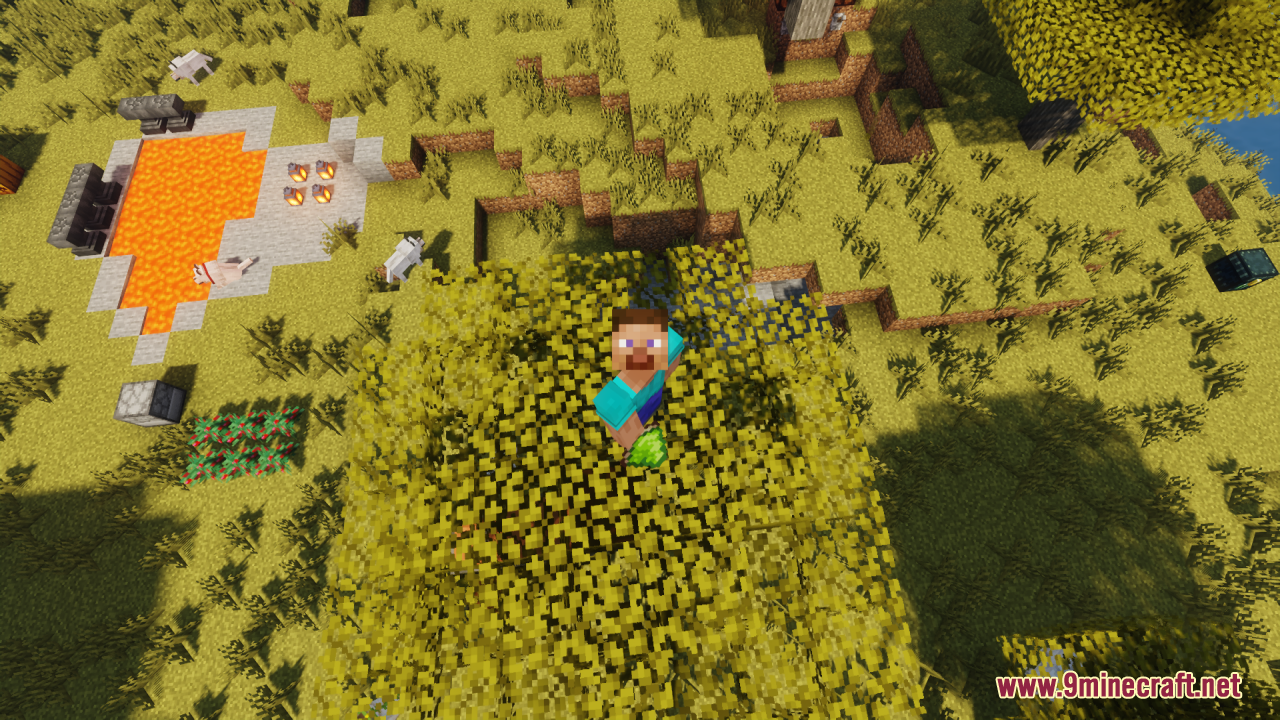
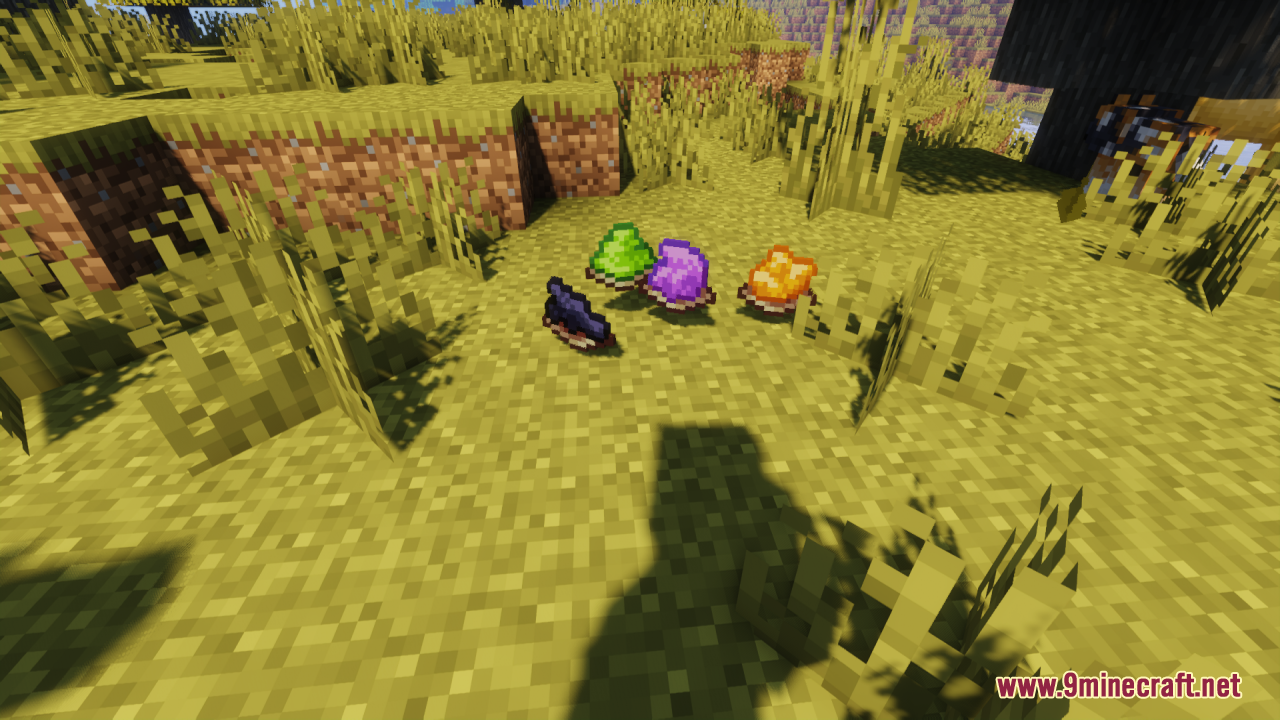
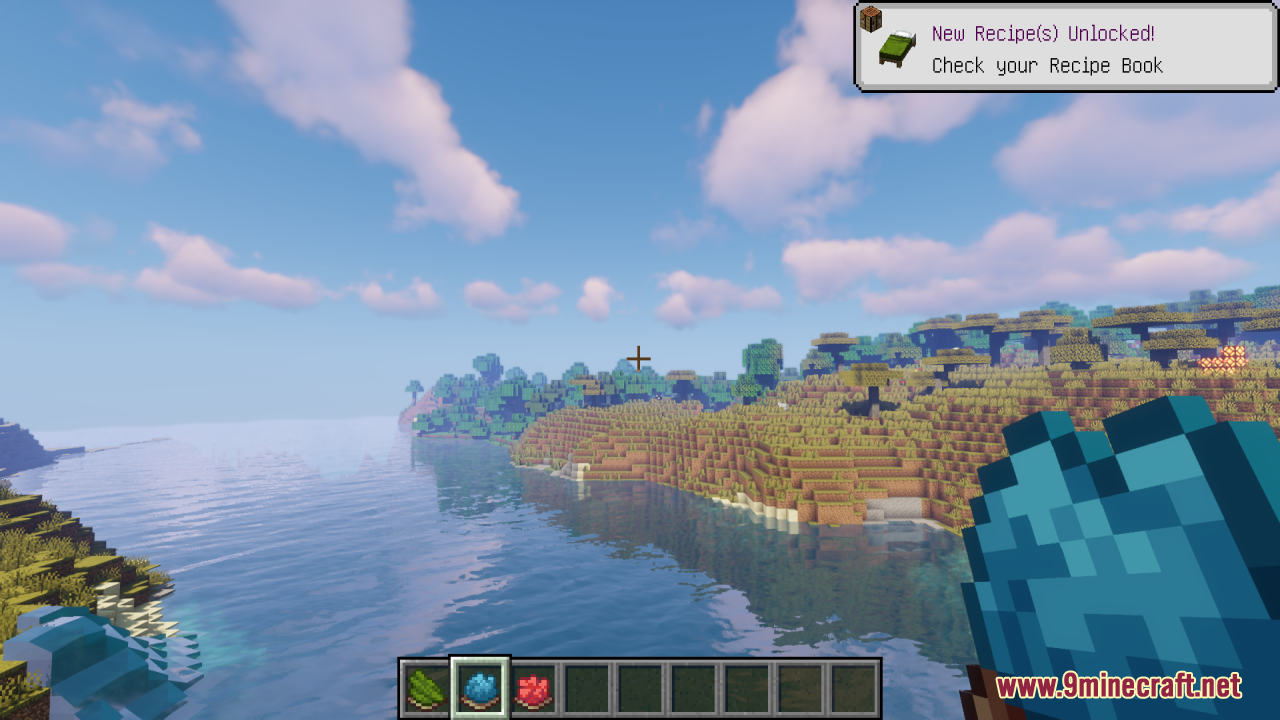
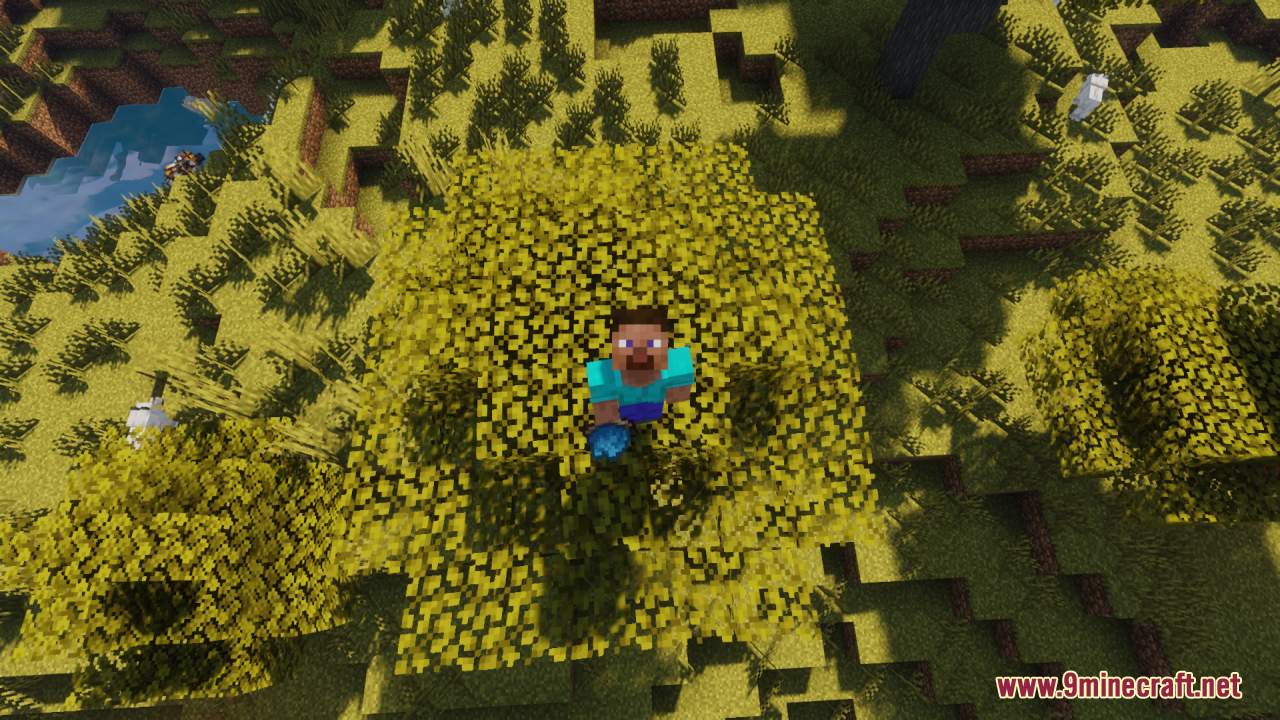
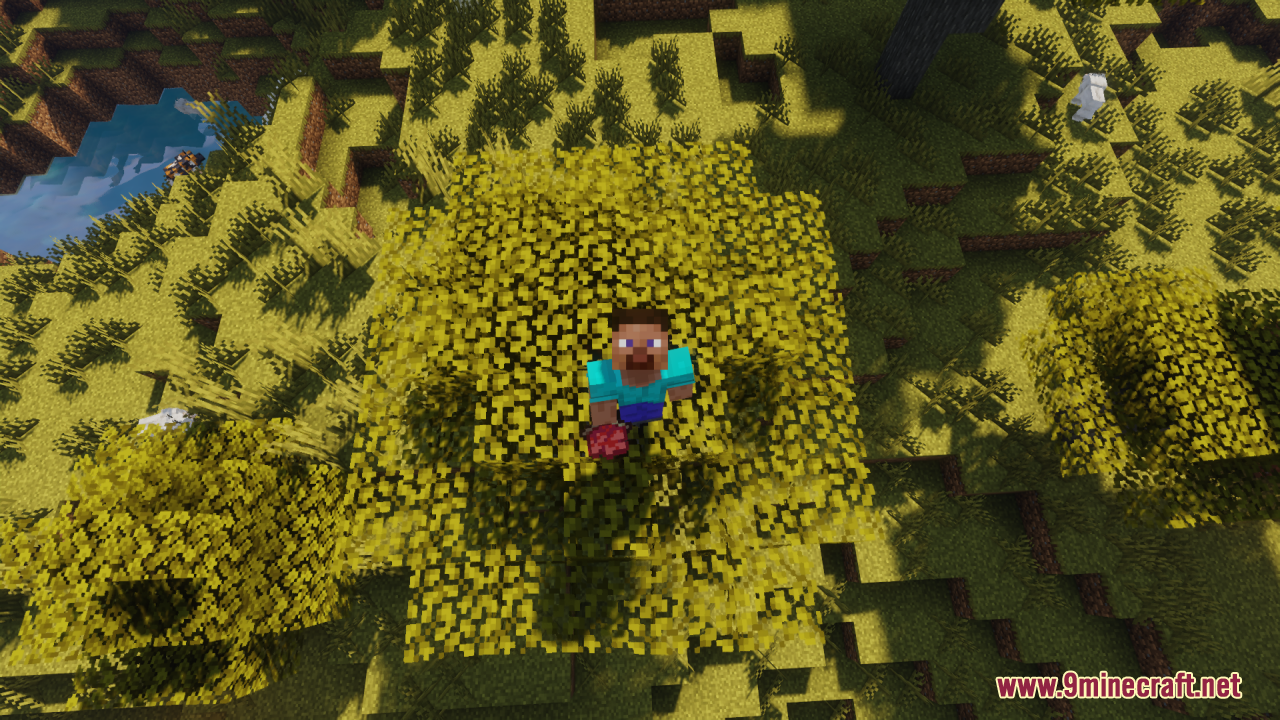
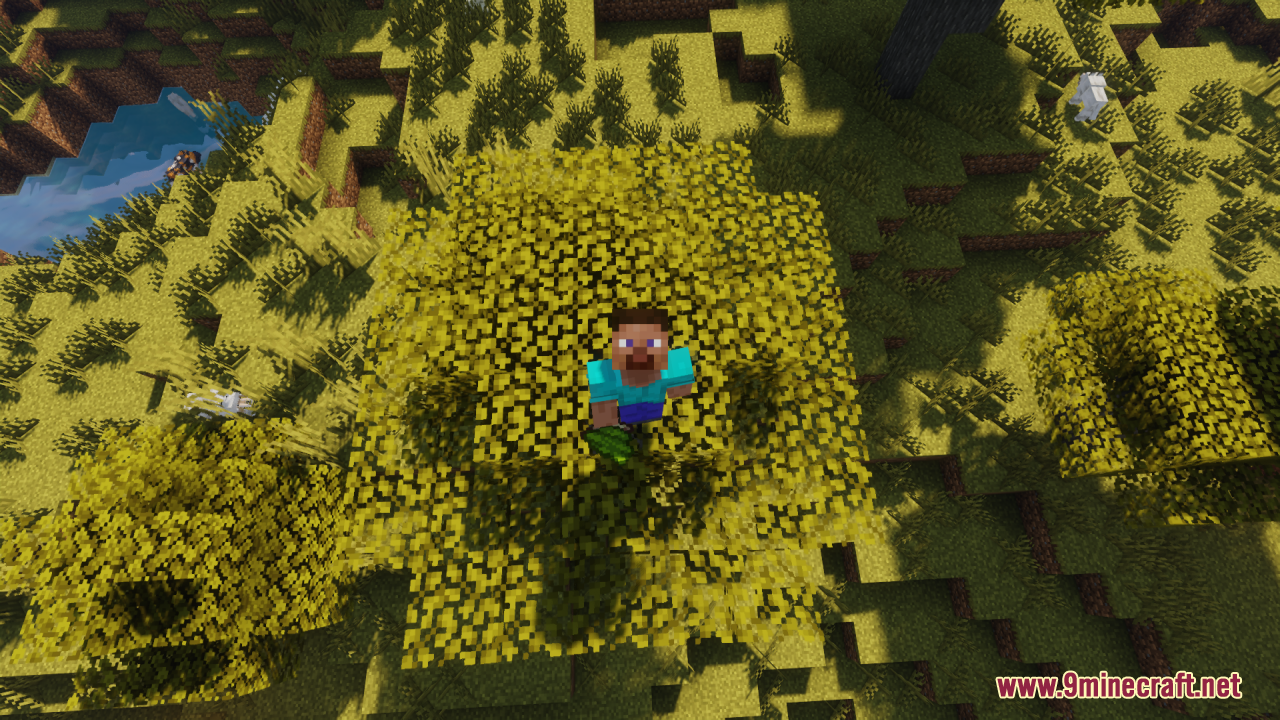
Backported Dye Resource Pack brings the latest dye item textures (from newer Minecraft Preview/updates) back into older versions of the game – covering versions from 1.13 up to 1.21.8 – so players can use and enjoy the updated, modern dye visuals even if they’re playing on an earlier Java Edition. It stays true to the vanilla style, only changing the dye item textures themselves, and doesn’t affect other blocks or gameplay mechanics, making it easy to pair with other packs without visual clashes. If you love the new, more polished dye icons from recent updates but want them available in older worlds or versions, Backported Dye gives you that modern aesthetic without sacrificing performance or the classic Minecraft feel.
Screenshots:
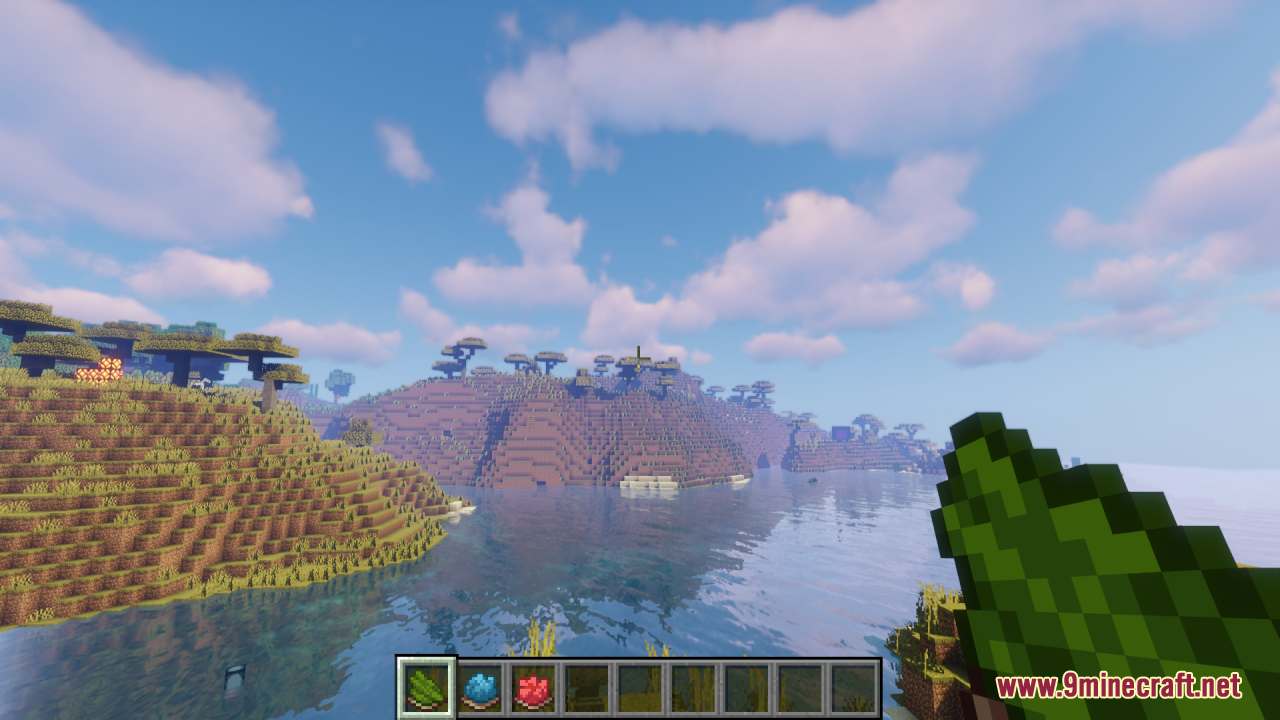
Backported Dye Resource Pack Download Links
For Minecraft 1.21.x and Minecraft 1.20.x
- Edition: Minecraft Java
- File type: .zip (resource pack)
- Minecraft versions listed: 1.21.1, 1.20.1, 1.21.8
- How to install: Download the .zip resource pack — do not unzip it. → Put it in .minecraft/resourcepacks. → Enable it in Options → Resource Packs.
- Where to get it: In MC Java Mods, or directly above on this page.
Install steps are the general flow for this file type — How to install Minecraft Java resource packs walks through it step by step.
Backported Dye Resource Pack (1.21.1, 1.20.1) – Texture Pack is a free Minecraft Java resourcepack. Compatible with Minecraft 1.21.1, 1.20.1, 1.21.8. Download it and open it directly in the game.