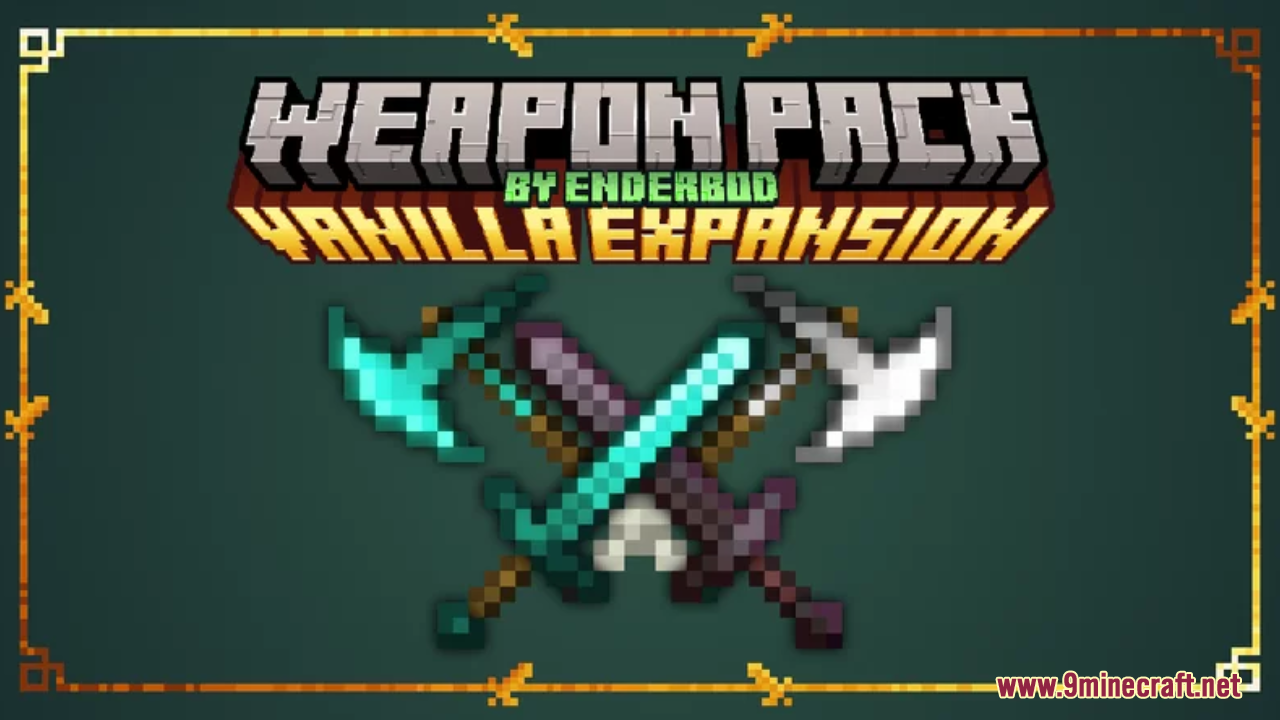
Vanilla Weapon Expansion Resource Pack (1.21.1, 1.20.1) – Texture Pack
Java resource pack listed for Minecraft 1.20–1.21. Downloads from the MC Java Mods app on Android.
⬇ Download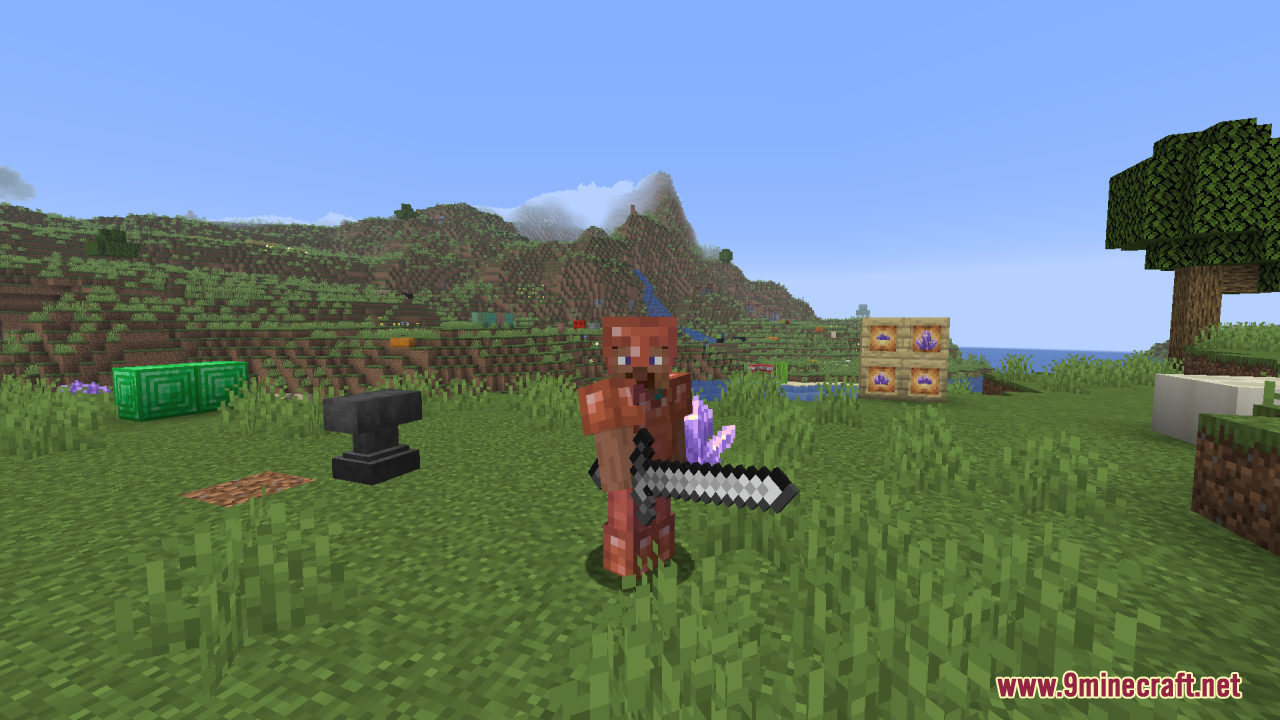
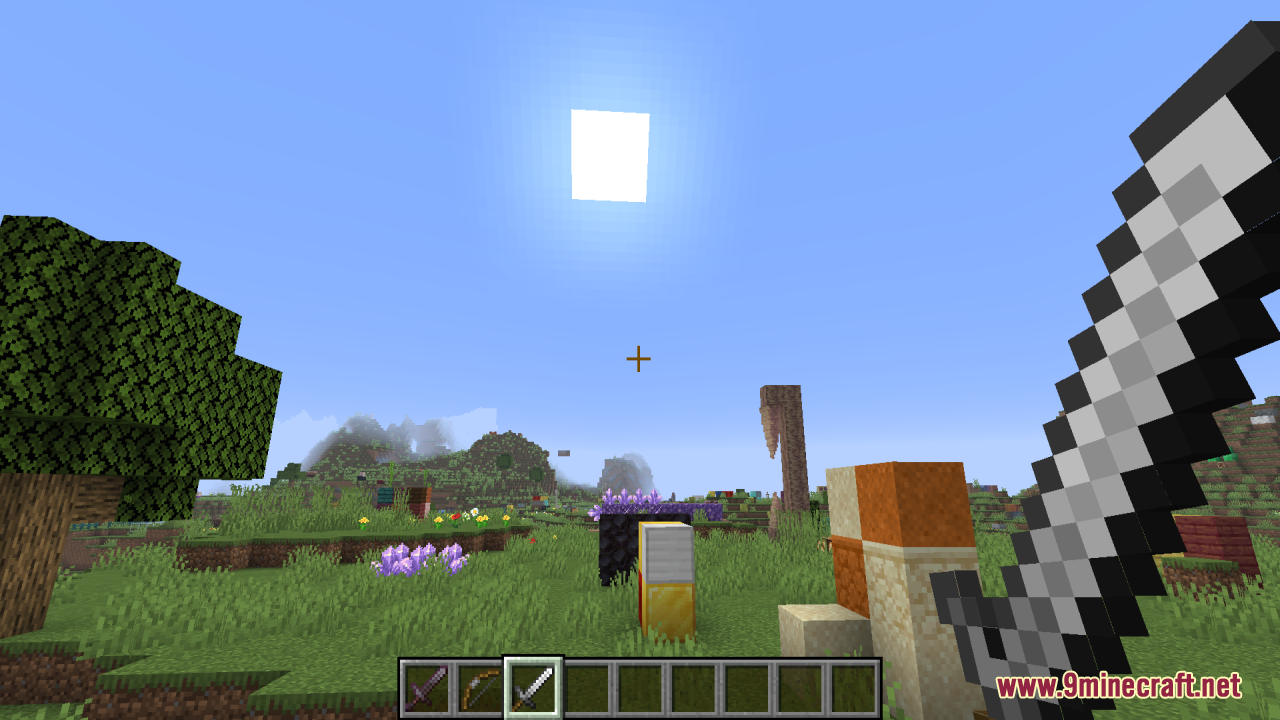
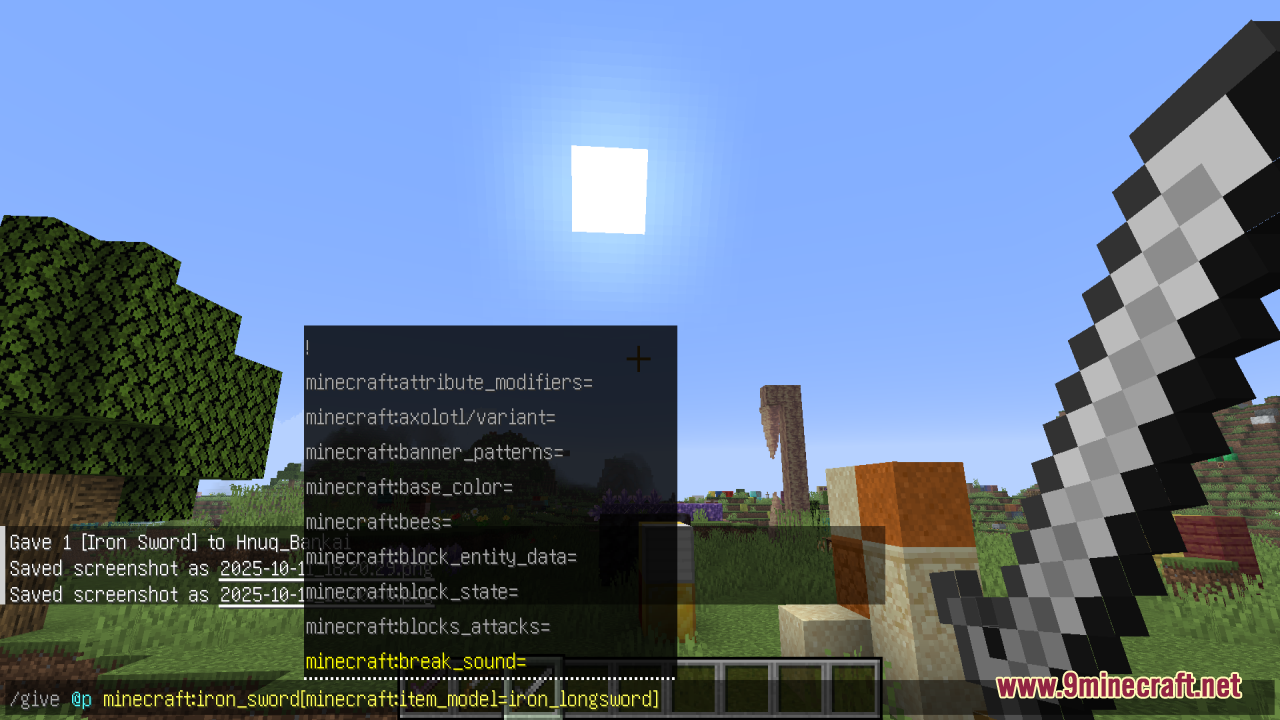
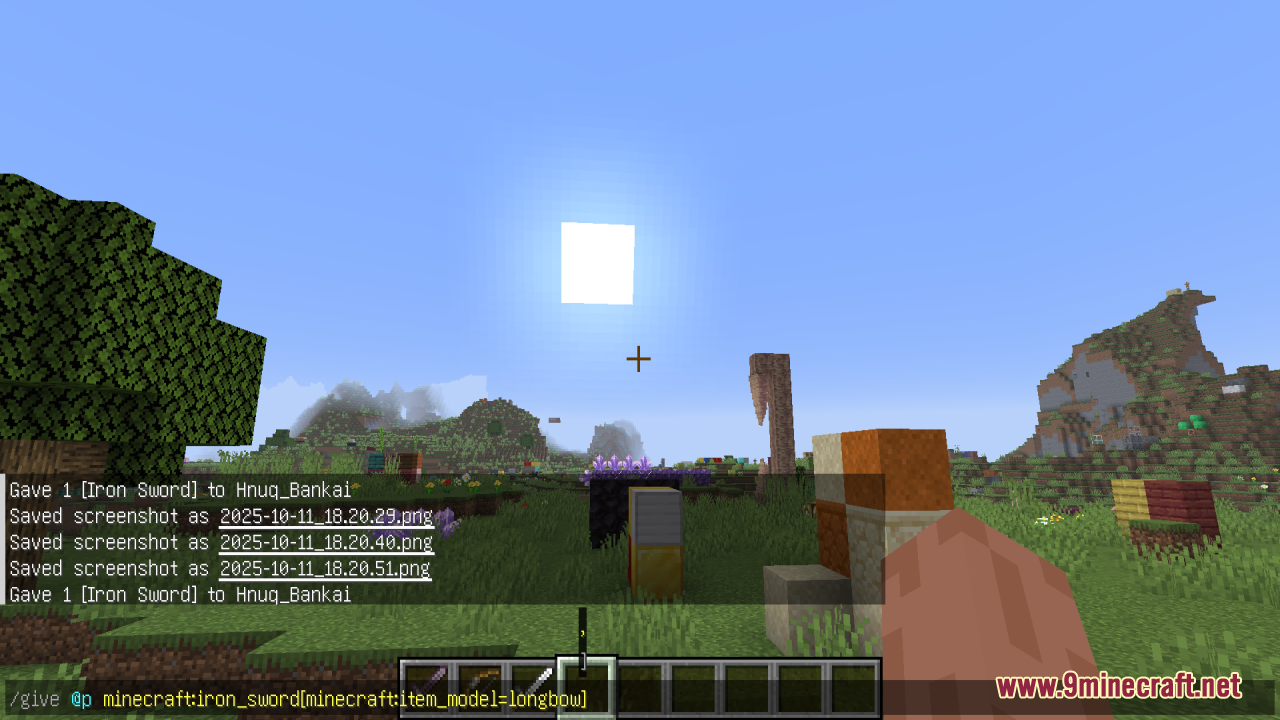
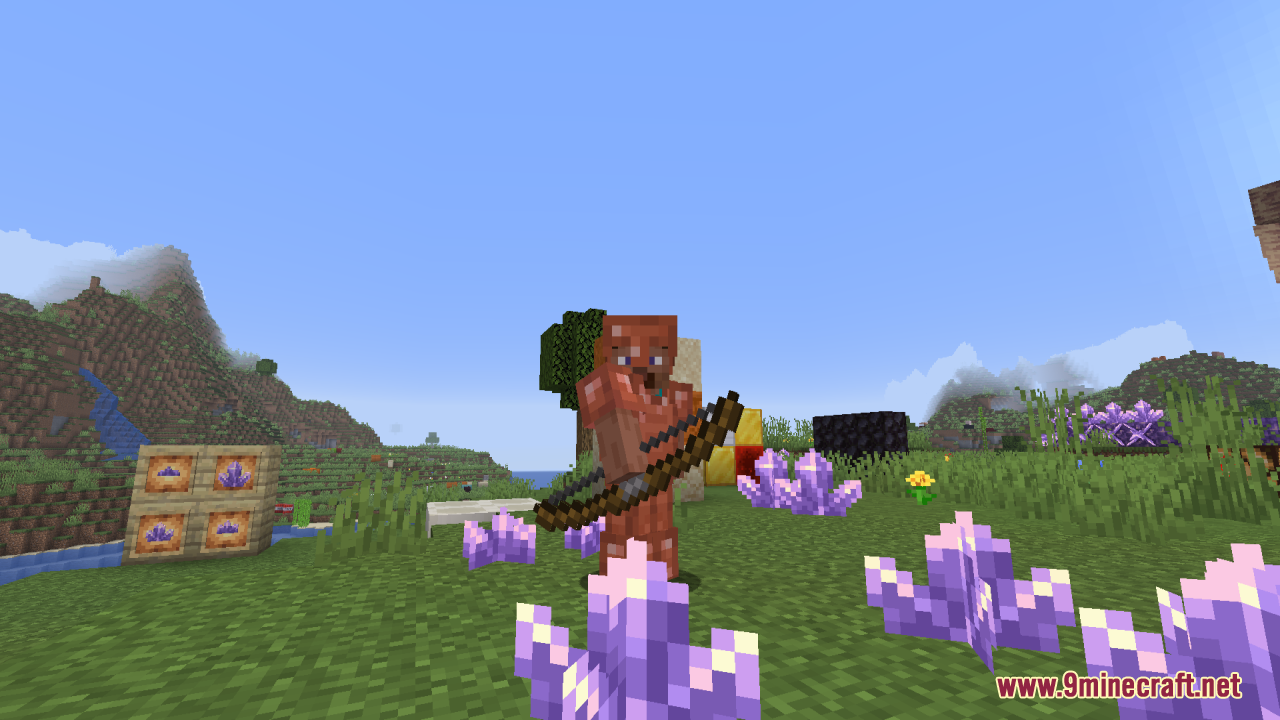
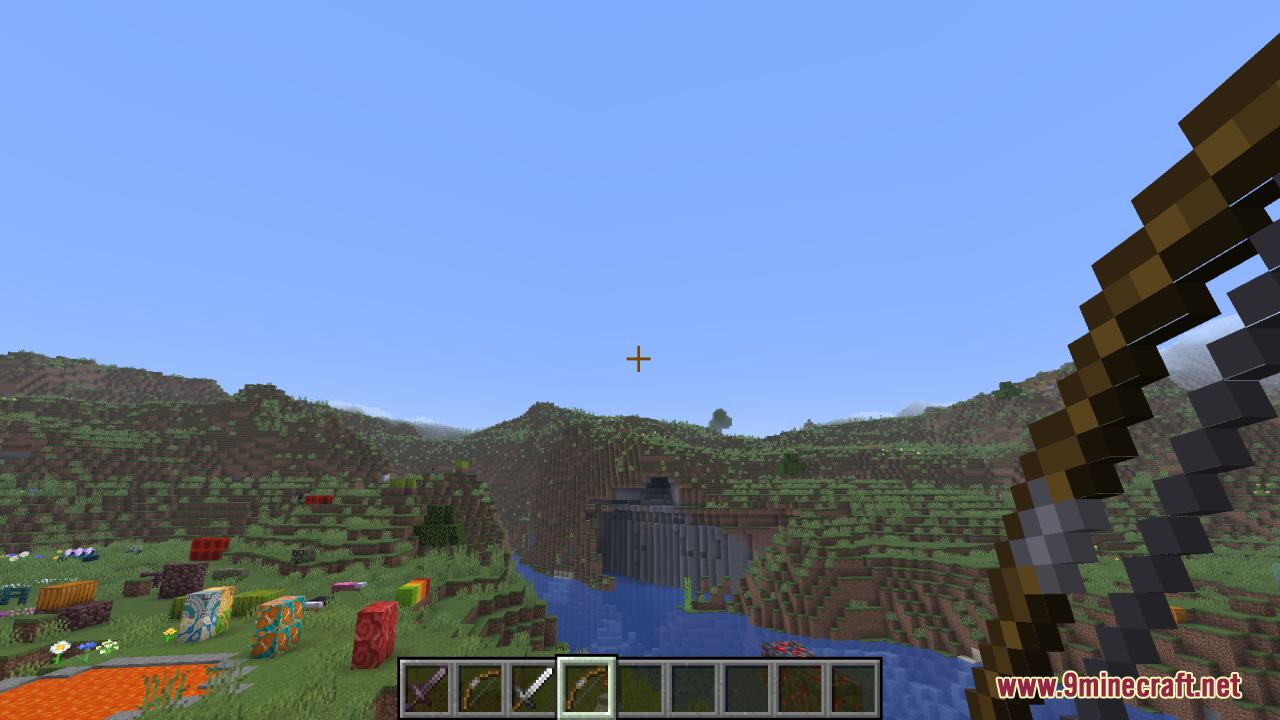
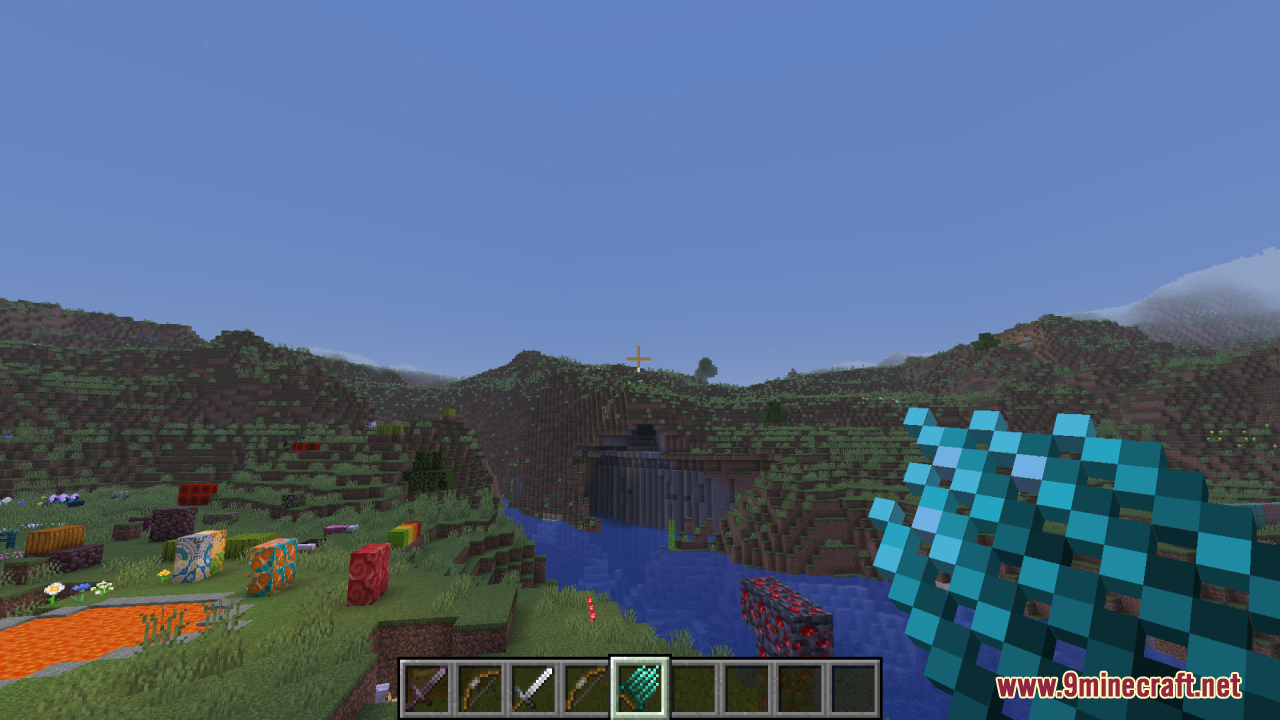
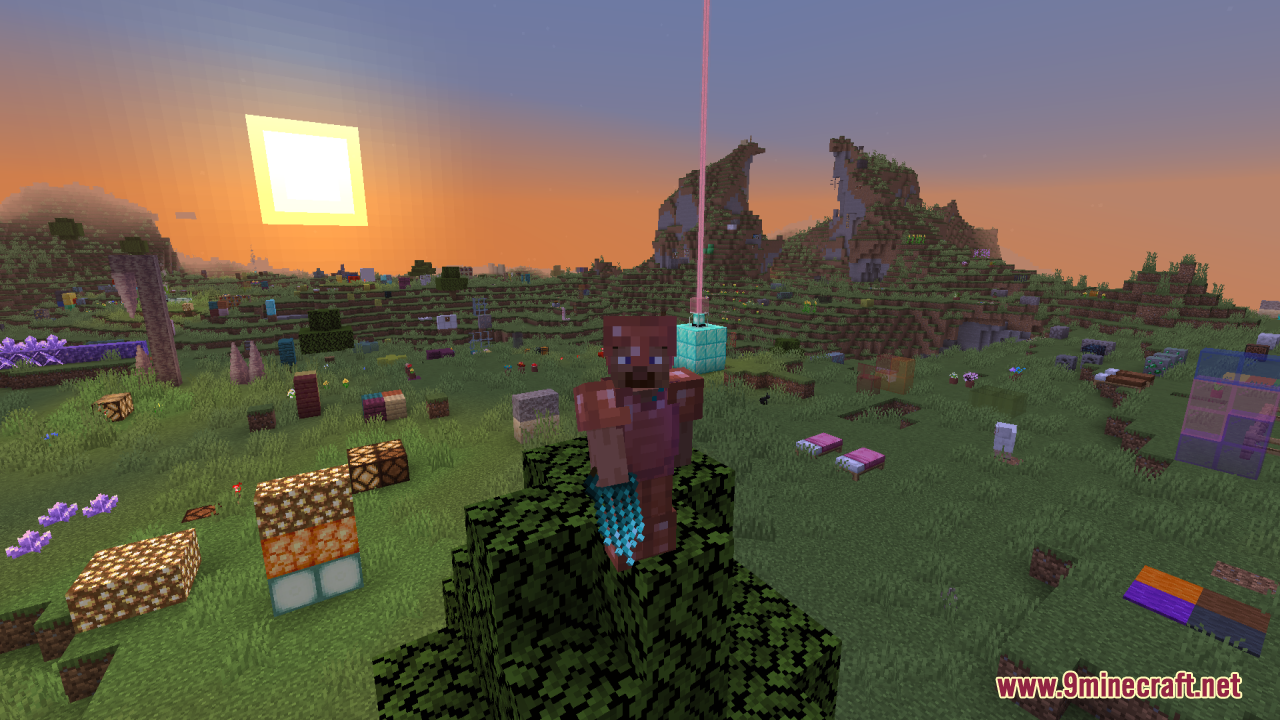
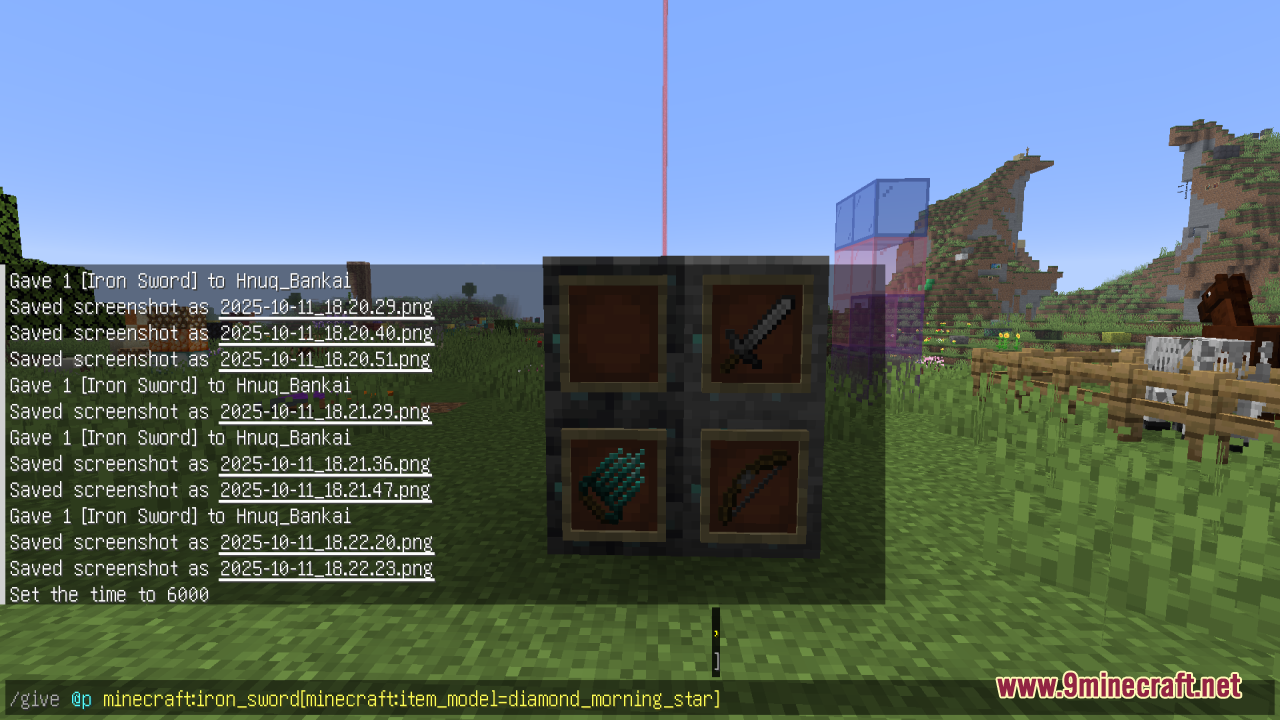
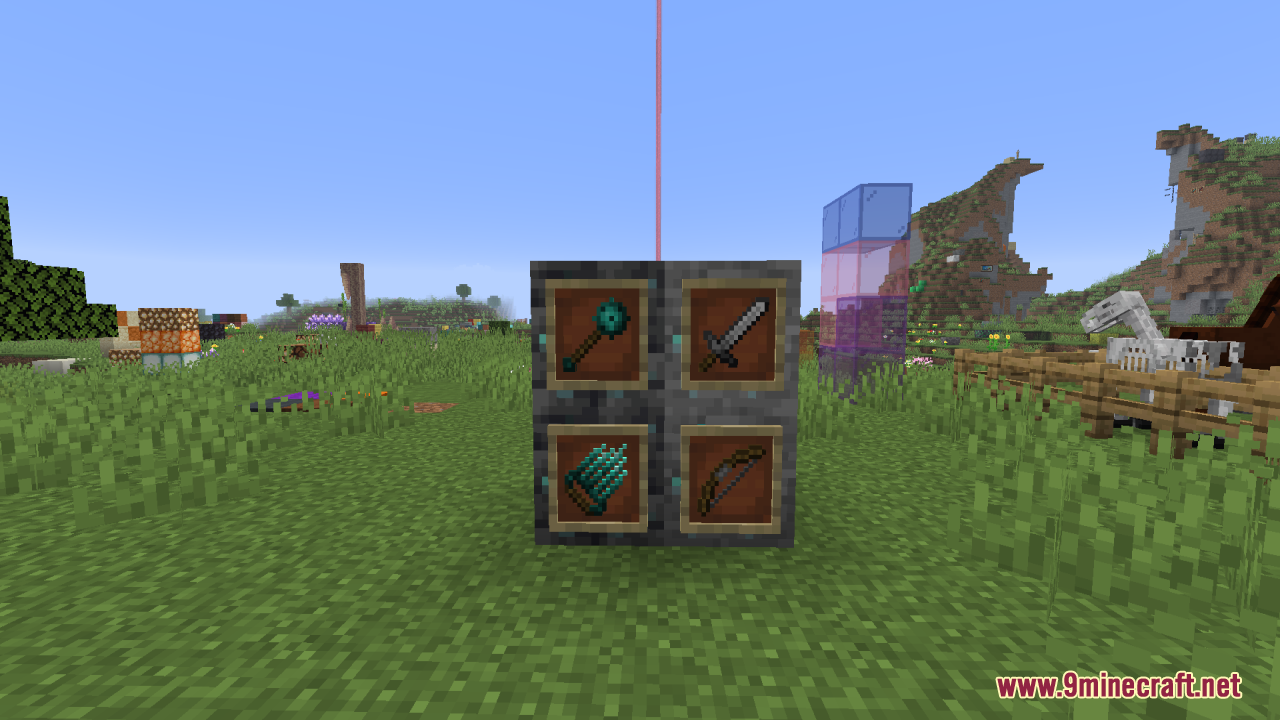
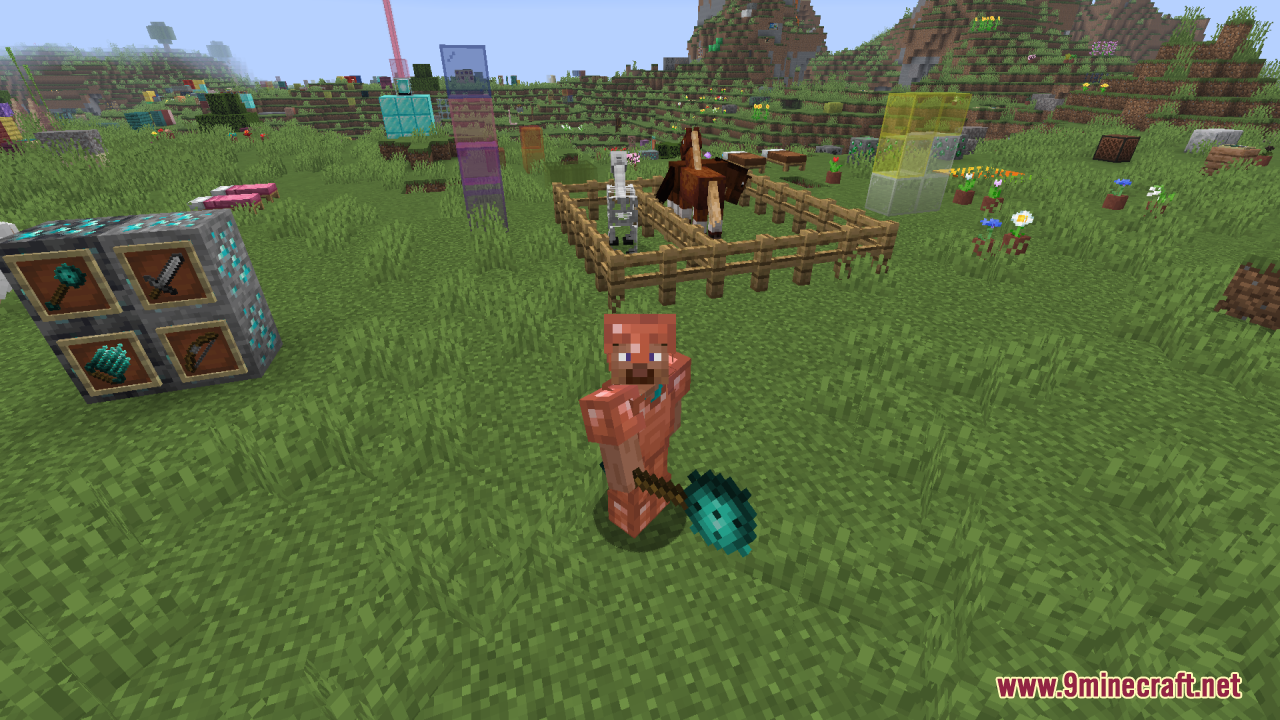
Vanilla Weapon Expansion Resource Pack simply enhances Minecraft’s arsenal by adding a rich variety of new weapon textures that fit naturally into the base game. Instead of introducing exotic or wildly out-of-theme gear, it uses the item model system so that any existing item (like an iron sword) can be given a new model variant (e.g. “iron_longsword”) via commands like /give @p minecraft:iron_sword[minecraft:item_model=iron_longsword]. Because it’s purely cosmetic, Vanilla Weapon Expansion does not alter weapon mechanics-only how weapons look-giving players more visual variety without impacting balance.
Screenshots:
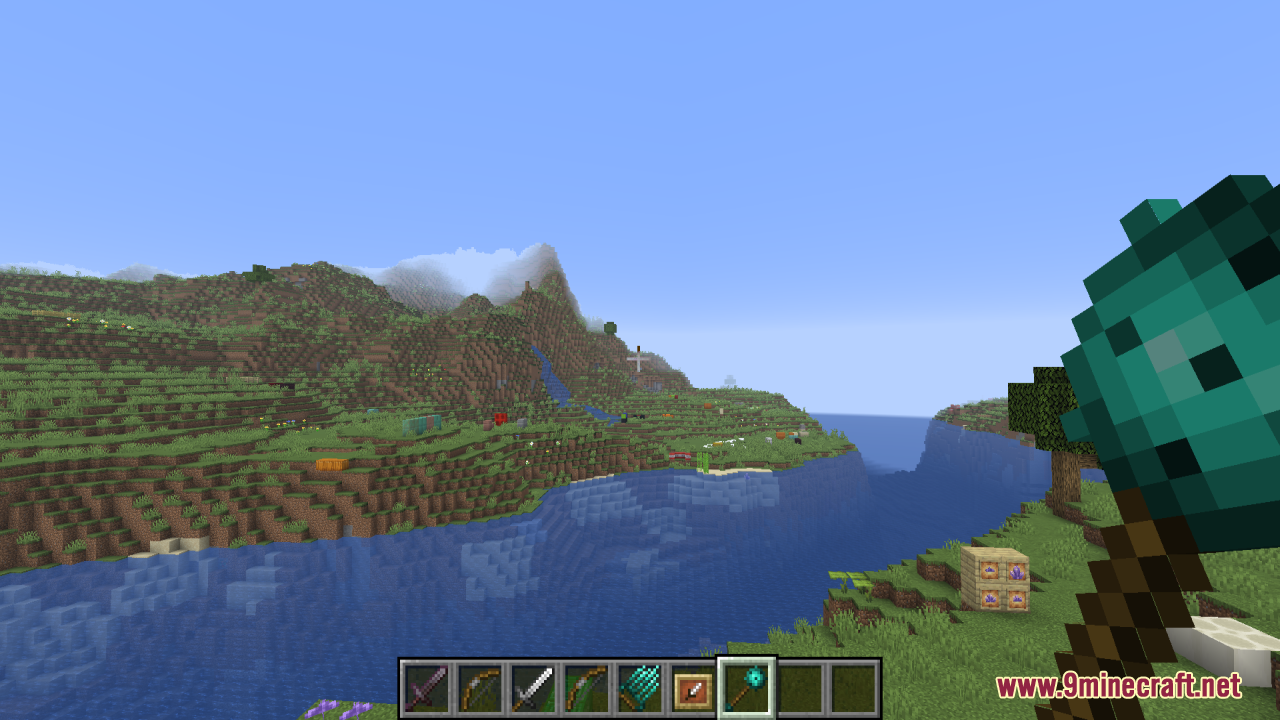
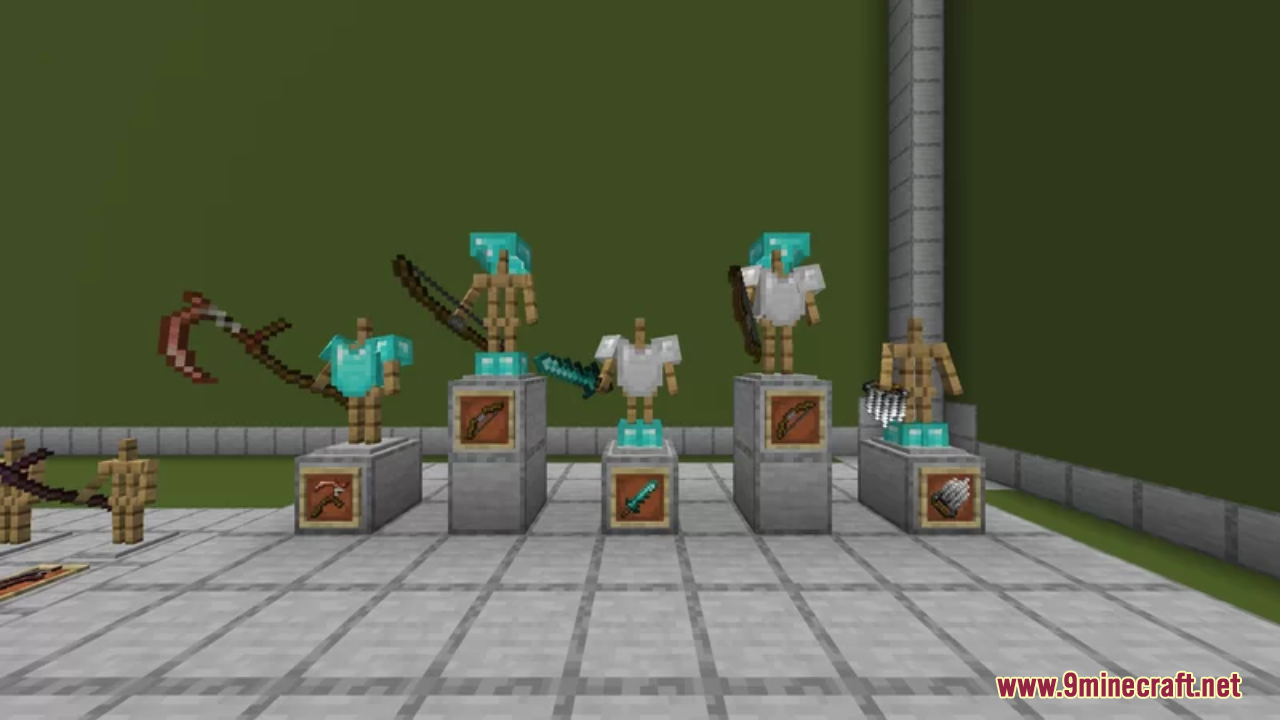
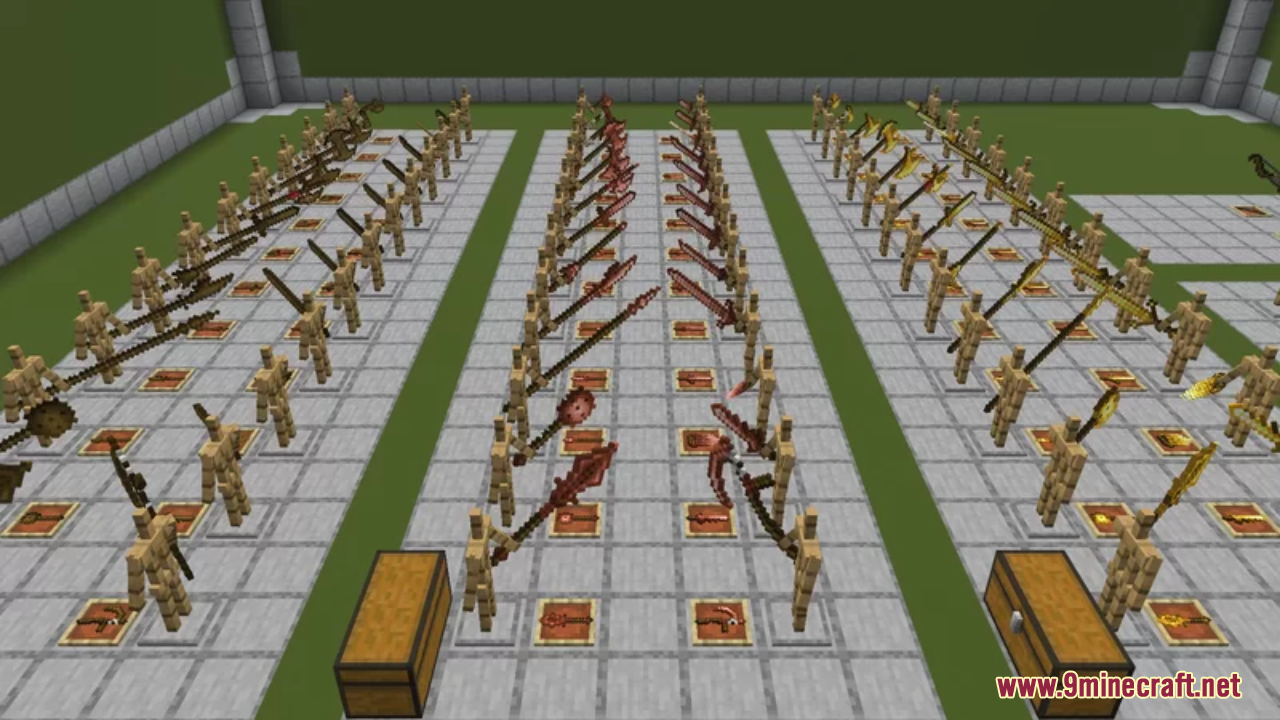
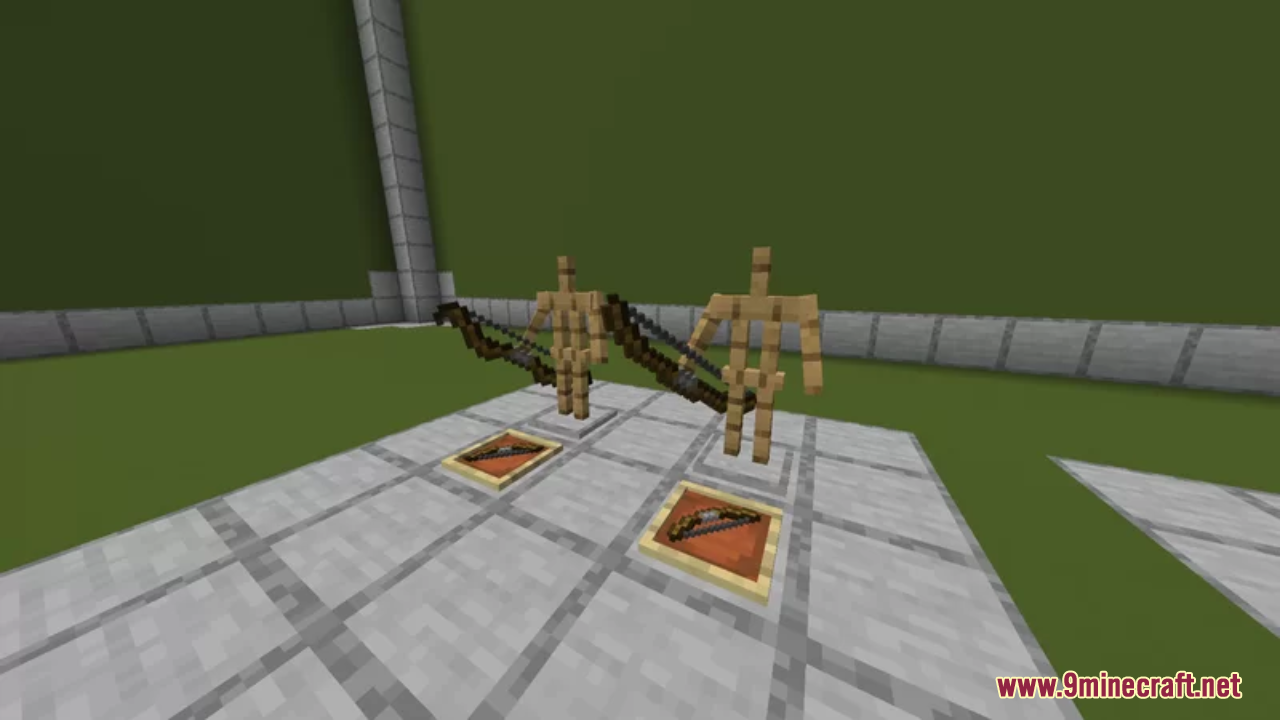
Vanilla Weapon Expansion Resource Pack Download Links
For Minecraft 1.21.x
For Minecraft 1.20.x
- Edition: Minecraft Java
- File type: .zip (resource pack)
- Minecraft versions listed: 1.21.1, 1.20.1
- How to install: Download the .zip resource pack — do not unzip it. → Put it in .minecraft/resourcepacks. → Enable it in Options → Resource Packs.
- Where to get it: In MC Java Mods, or directly above on this page.
Install steps are the general flow for this file type — How to install Minecraft Java resource packs walks through it step by step.
Vanilla Weapon Expansion Resource Pack (1.21.1, 1.20.1) – Texture Pack is a free Minecraft Java resourcepack. Compatible with Minecraft 1.21.1, 1.20.1. Download it and open it directly in the game.