Bare Bones Resource Pack (1.21.1, 1.20.1) – Texture Pack
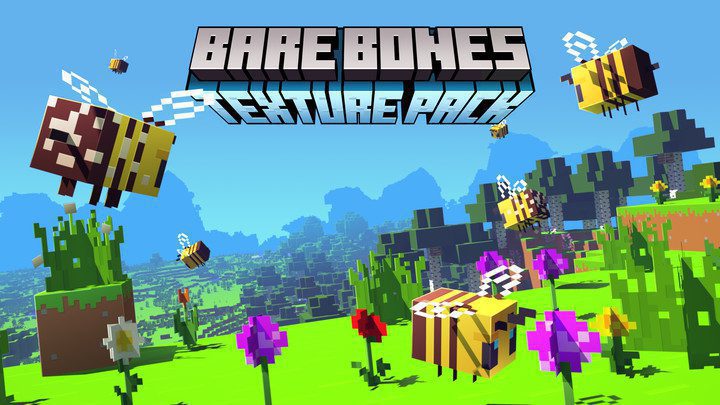
Bare Bones Resource Pack for Minecraft is as straightforward as its name, to be able to bring a 'bare bones' experience into your bland default world. It…
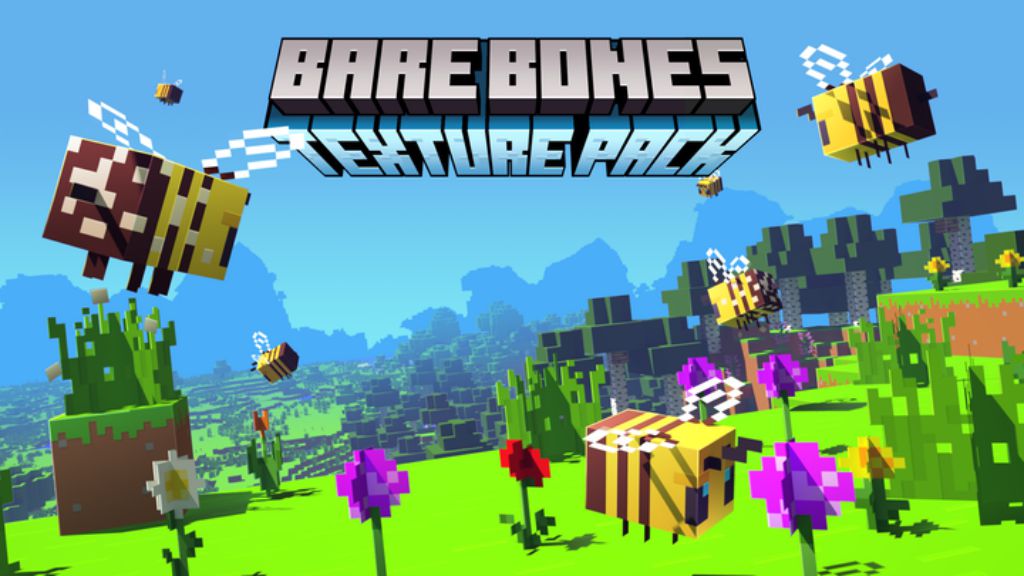
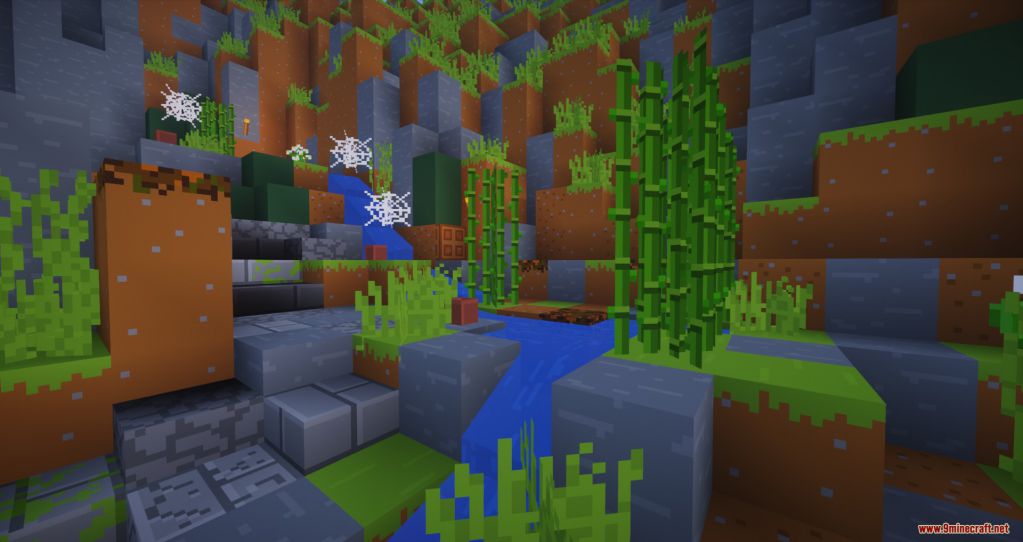
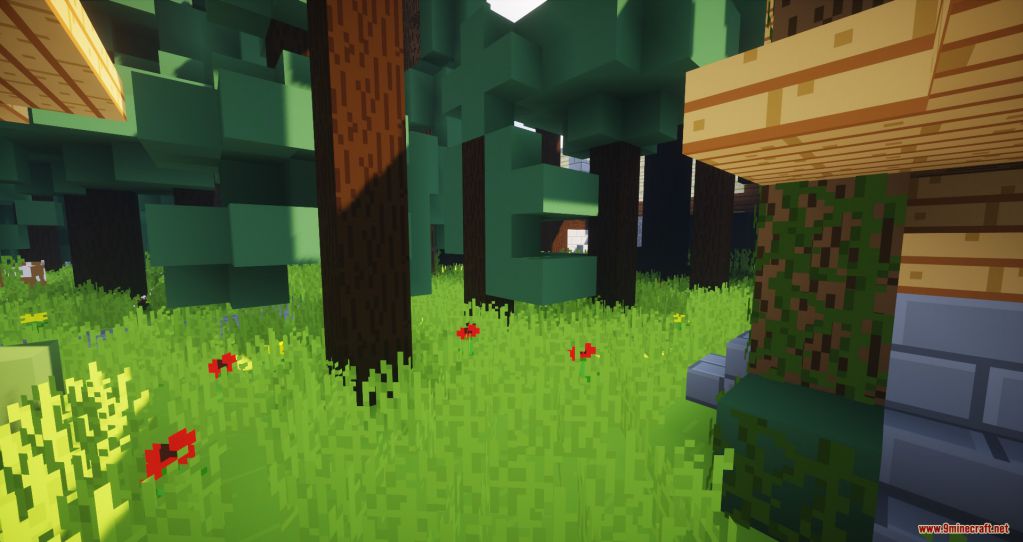
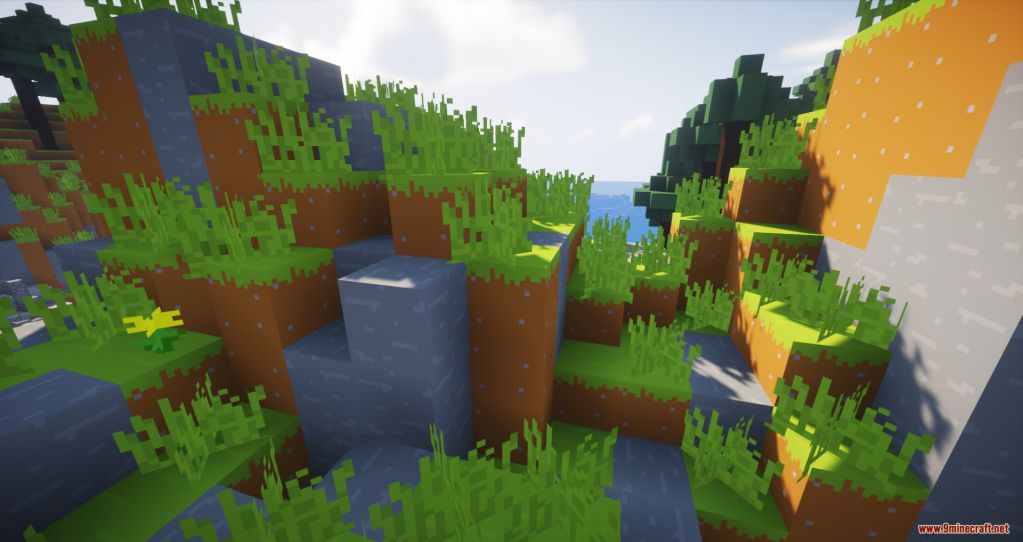
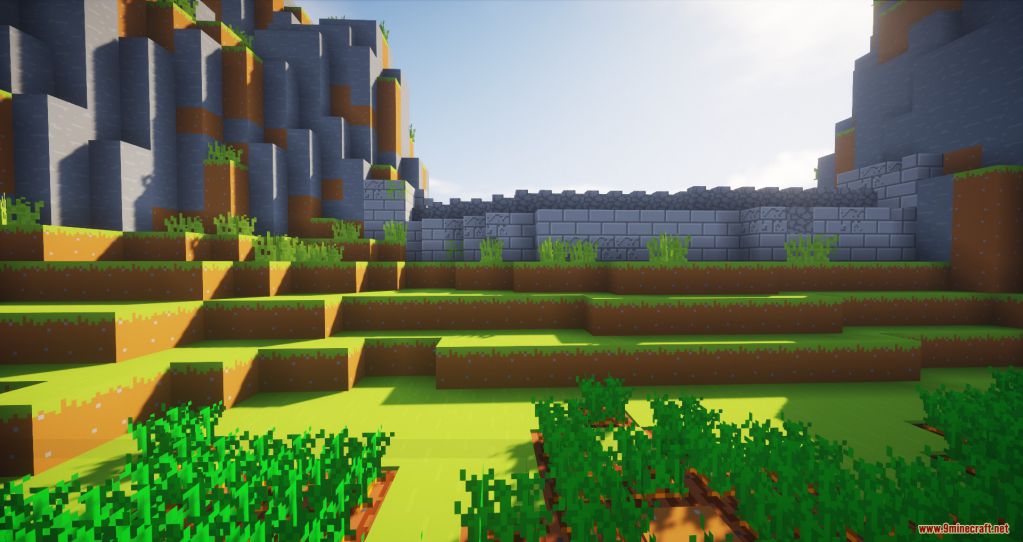
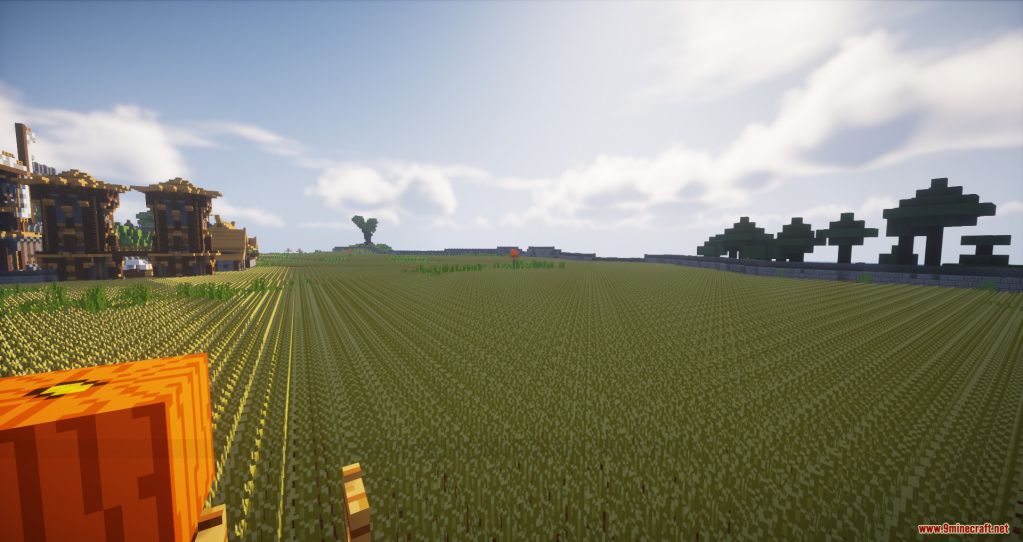
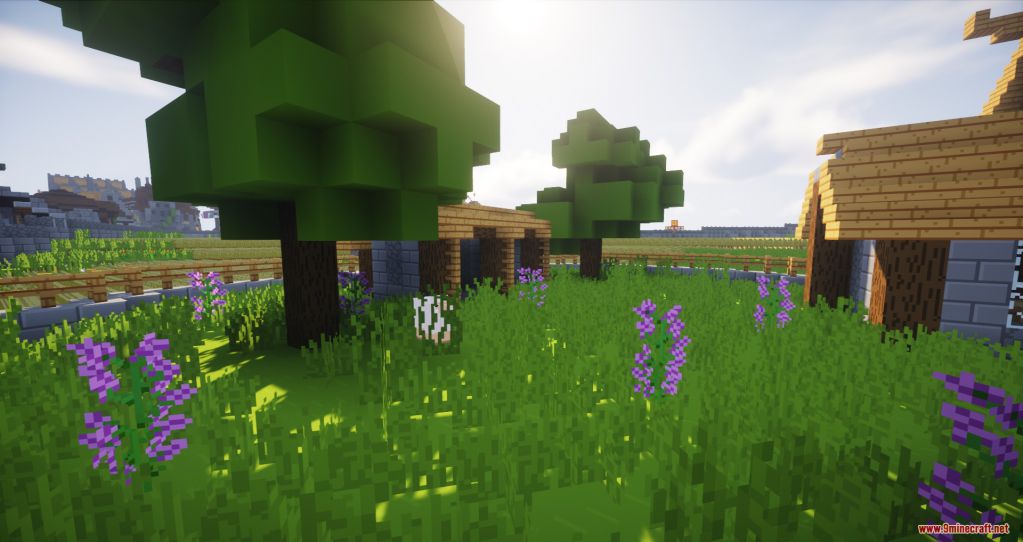
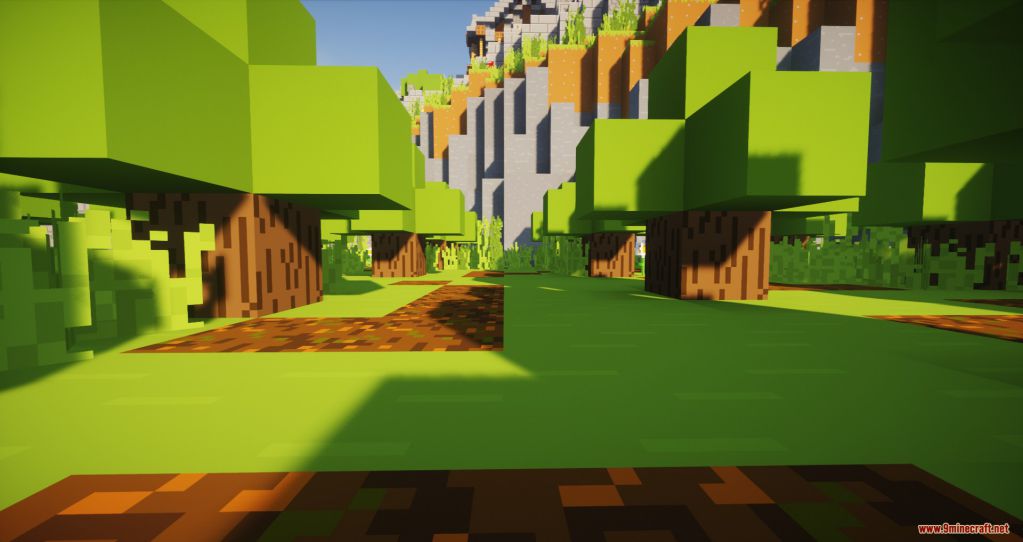
⬇ DownloadOpen in MCModsHubGet it on Google Play →Bare Bones Resource Pack for Minecraft is as straightforward as its name, to be able to bring a ‘bare bones’ experience into your bland default world. It is simple yet very well executed in terms of smoothness and optimization. The color patterns are vibrant, blending with the whole cartoonish theme making the world overall a lot more colorful and comfortable to the eye. If you’re a big fan of those Minecraft animation series, you will soon fall in love with Bare Bones as well due to the fact that its foundation is based on making the world of Minecraft essentially close to being animated as possible. The making of the Pack is rather simple thus the resolution is only 16×16, there won’t be any issues running the Pack as long as you can placidly run the standard version.
Screenshots:
Bare Bones Resource Pack Download Links
For Minecraft 1.21.x
For Minecraft 1.20.x
For Minecraft 1.19.x
For Minecraft 1.18.2, 1.18.1
For Minecraft 1.17.1
For Minecraft 1.16.5
For Minecraft 1.15.2
For Minecraft 1.14.4, 1.13.2
For Minecraft 1.12.2, 1.11.2
For Minecraft 1.10.2, 1.9.4
For Minecraft 1.8.9
Bare Bones Resource Pack (1.21.1, 1.20.1) – Texture Pack is a free Minecraft Java resourcepack. Compatible with Minecraft 1.21.1, 1.20.1. Download it and open it directly in the game.