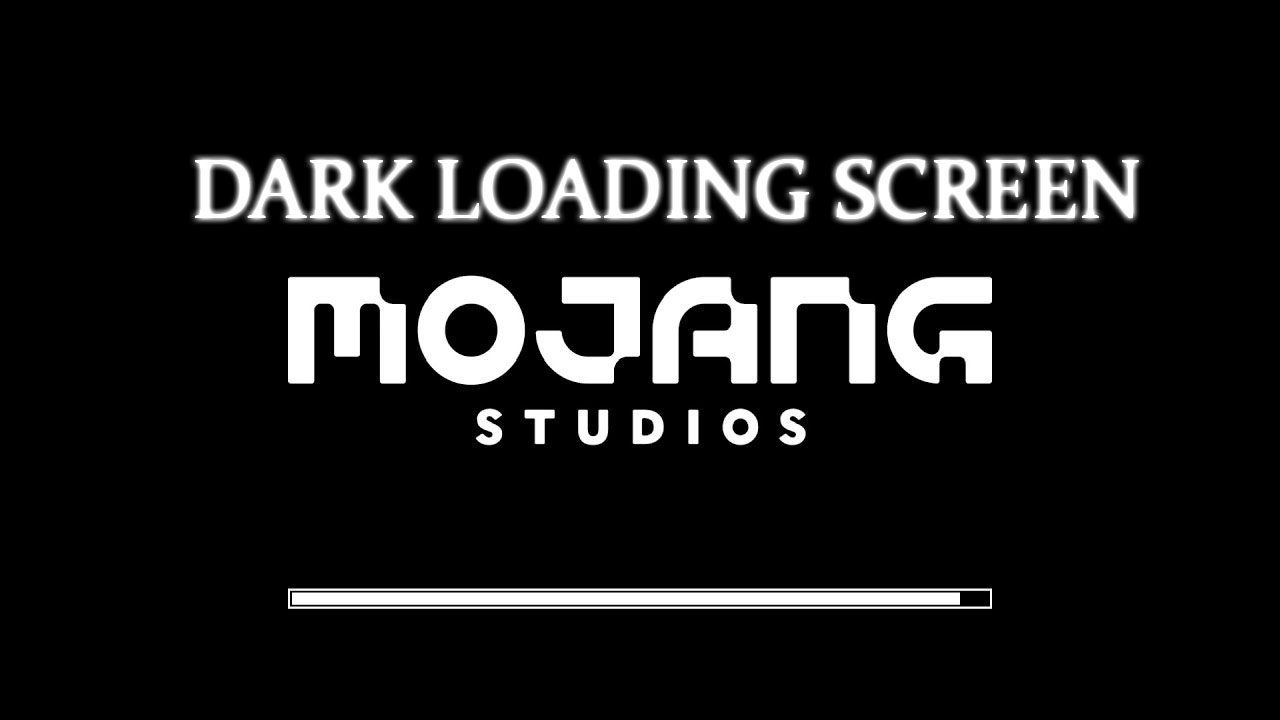
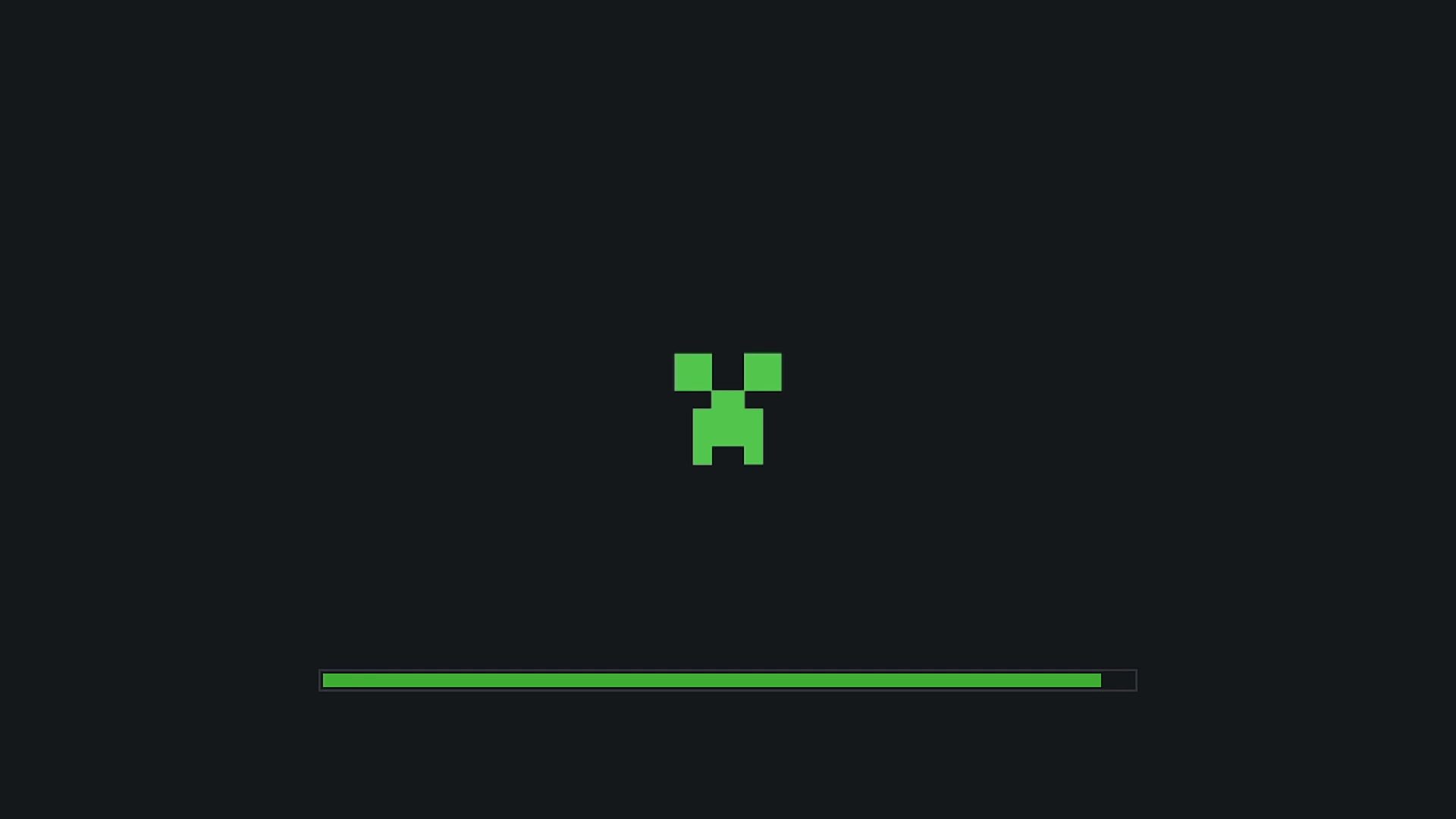
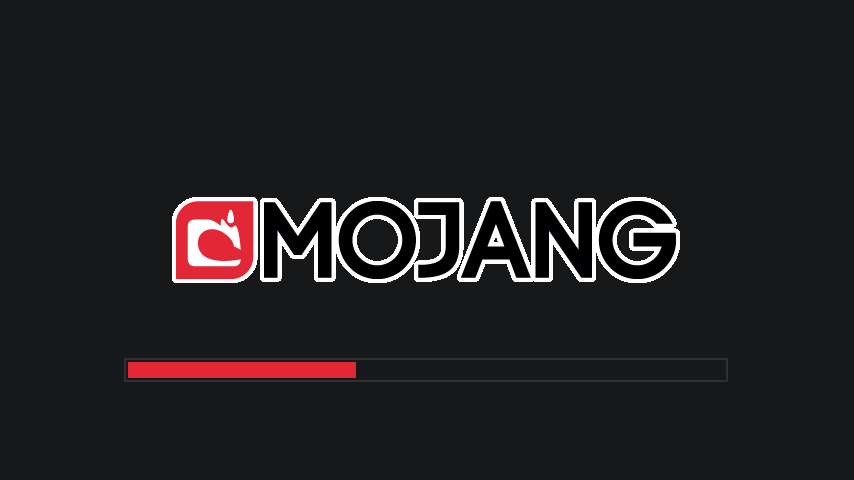
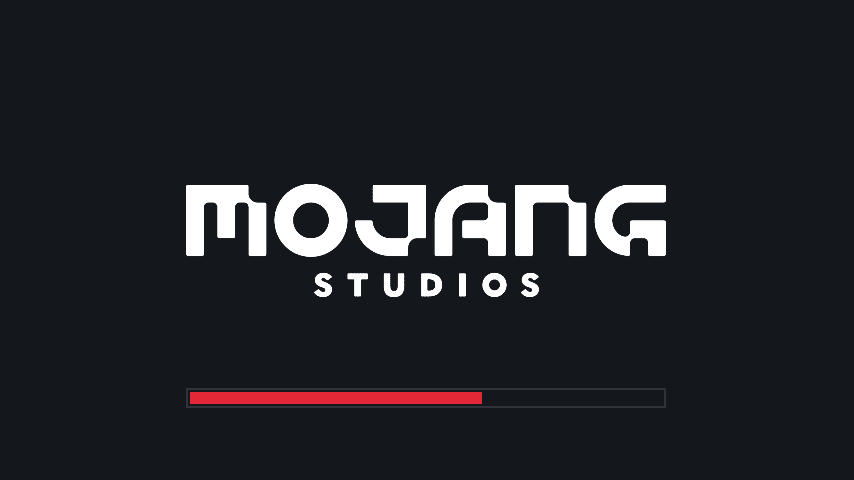
Dark Loading Screen Resource Pack makes the loading screen darker. You can change the colors by editing Dark_Loading_Screen.zip/assets/minecraft/optifine/color.properties. If you can’t / don’t want to use OptiFine, you can try the Fabric mod version of this pack. This pack requires OptiFine HD.
Screenshots:
Dark Loading Screen Resource Pack Download Links
For Minecraft 1.21.x
For Minecraft 1.20.x
For Minecraft 1.19.x
For Minecraft 1.18.2
For Minecraft 1.17.1
For Minecraft 1.16.5
Quick facts
- Edition: Minecraft Java
- File type: .zip (resource pack)
- Minecraft versions listed: 1.21.1, 1.20.1, 1.21
- How to install: Download the .zip resource pack — do not unzip it. → Put it in .minecraft/resourcepacks. → Enable it in Options → Resource Packs.
- Where to get it: In MC Java Mods, or directly above on this page.
Install steps are the general flow for this file type — see the MC Java Mods guides for the full walkthrough.
Dark Loading Screen Resource Pack (1.21.1, 1.20.1) – Texture Pack is a free Minecraft Java resourcepack. Compatible with Minecraft 1.21.1, 1.20.1, 1.21. Download it and open it directly in the game.