V8X Resource Pack (1.21.1, 1.20.1) – Texture Pack
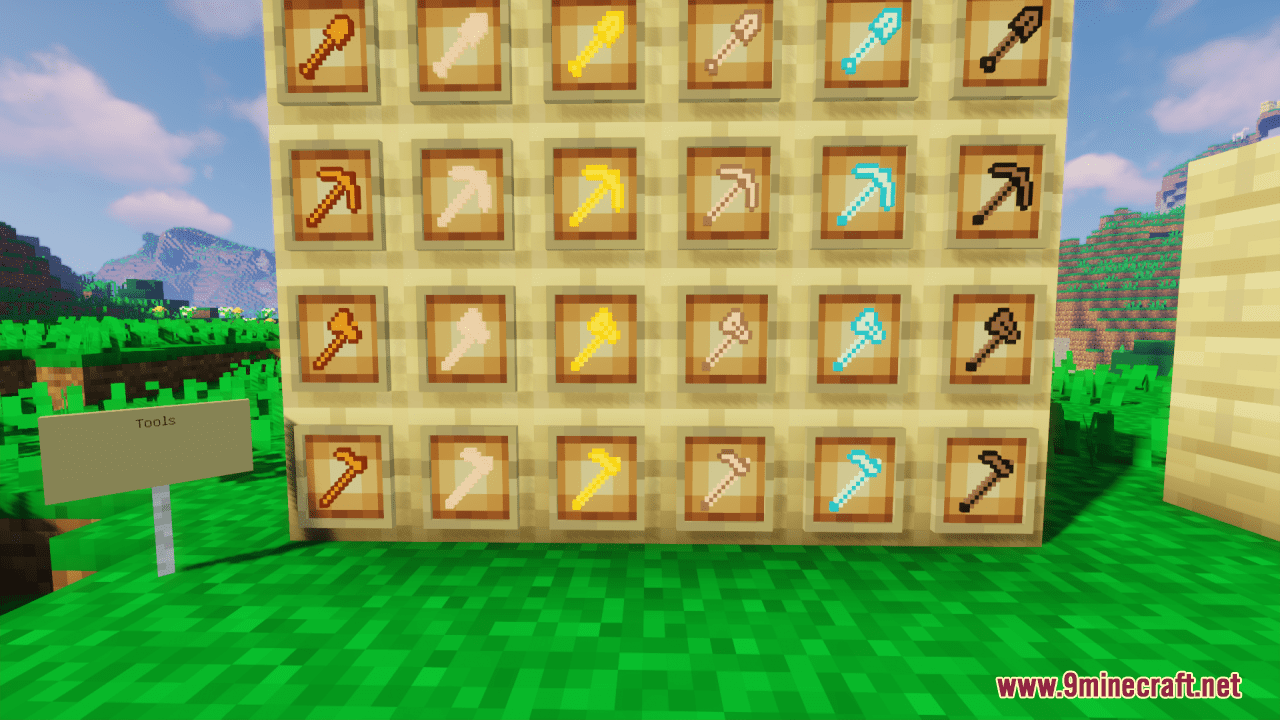
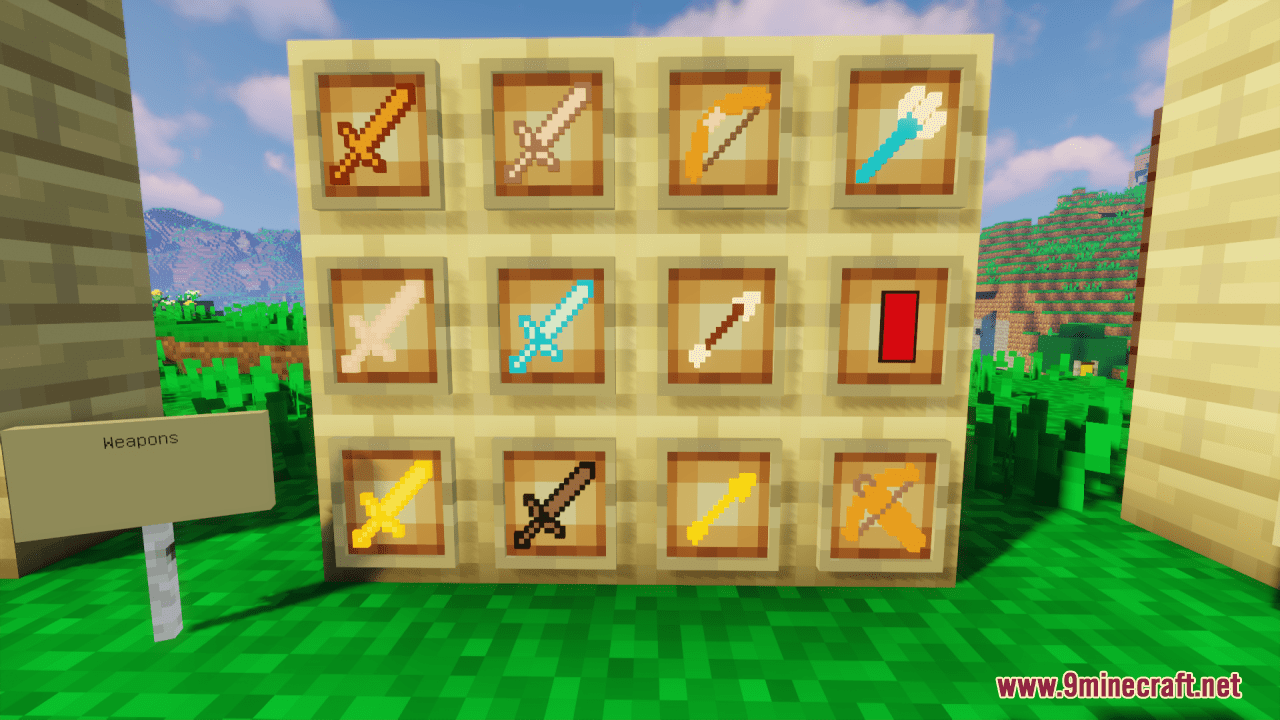
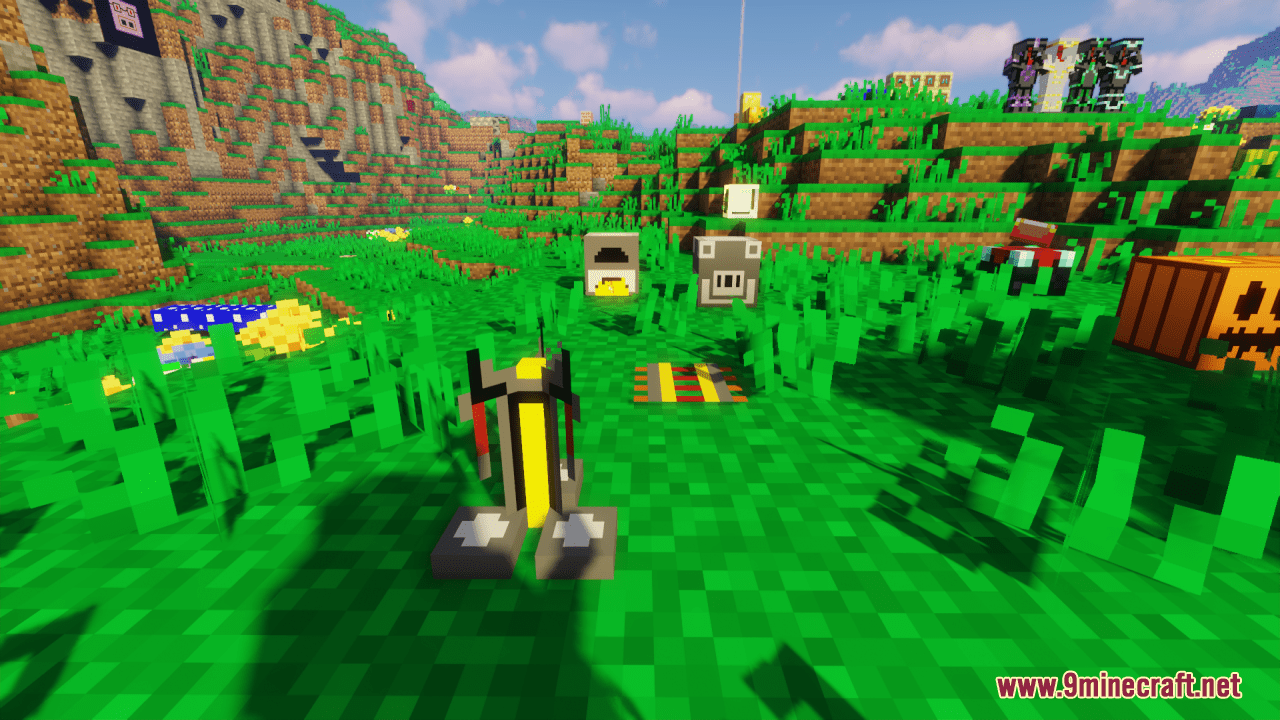
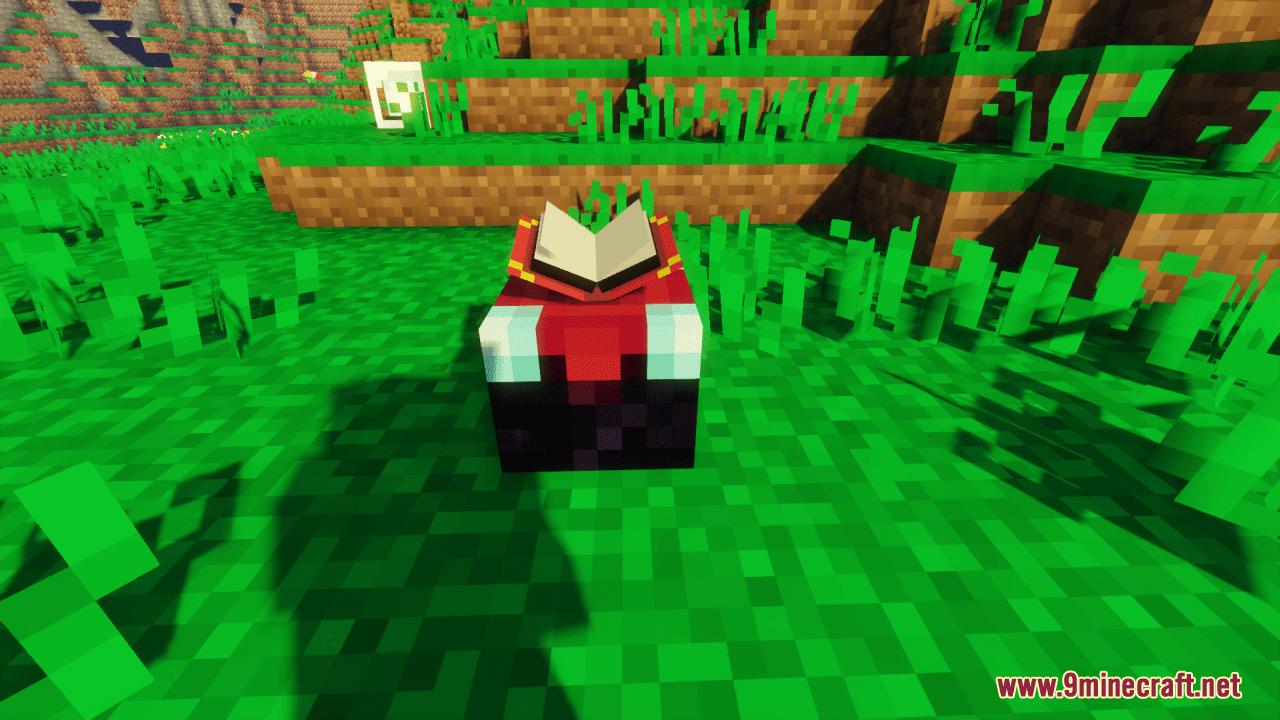
V8X Resource Pack takes the default 16-pixel textures used in Minecraft and reduces them to 8 pixels, effectively halving the resolution. This reduction…
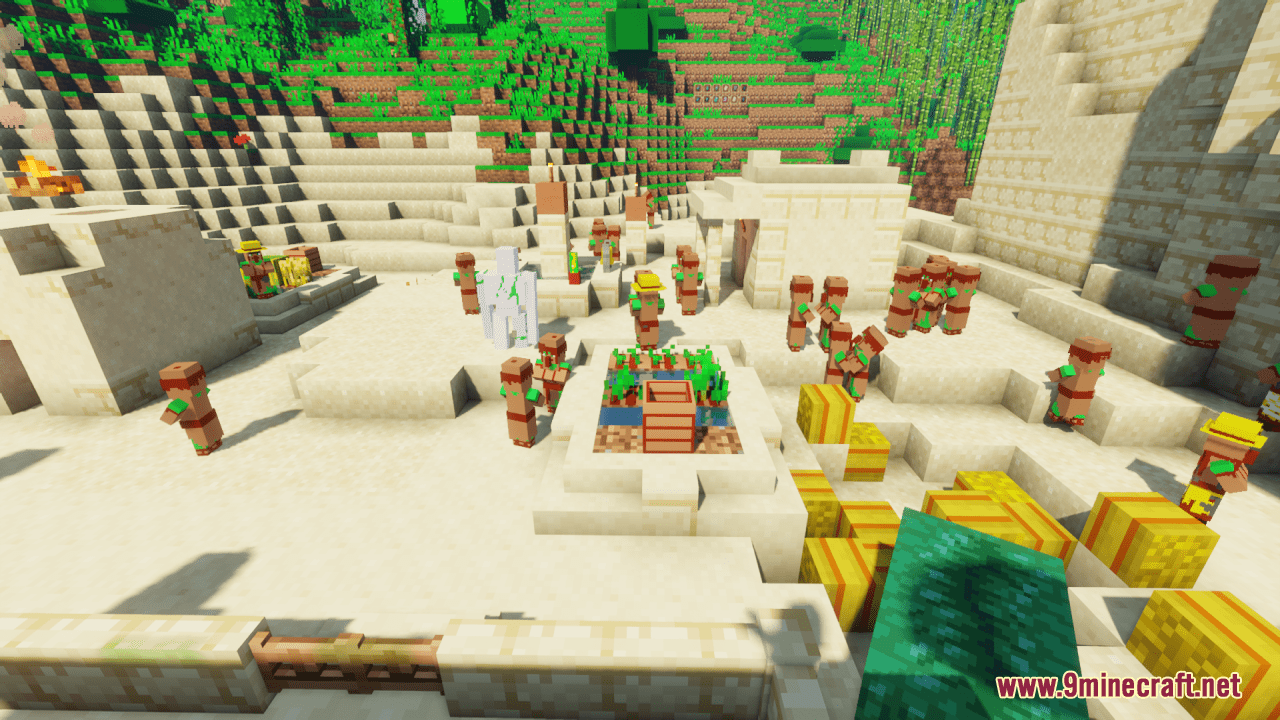
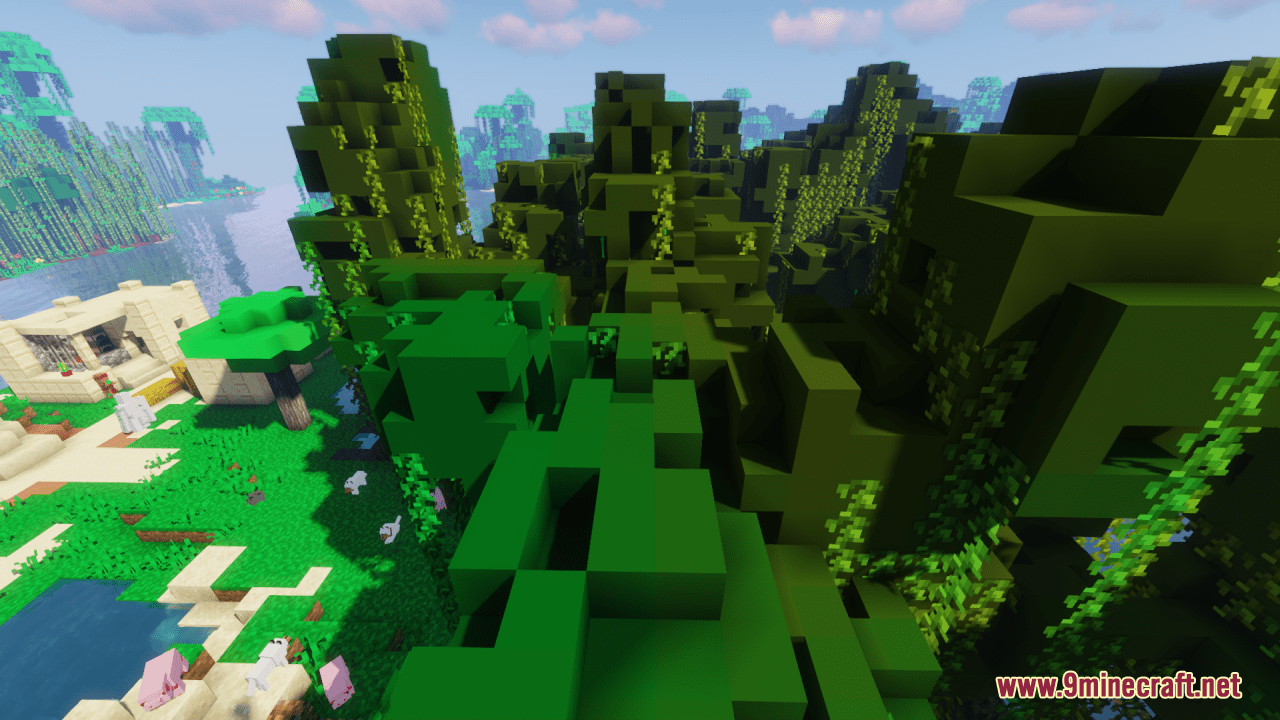
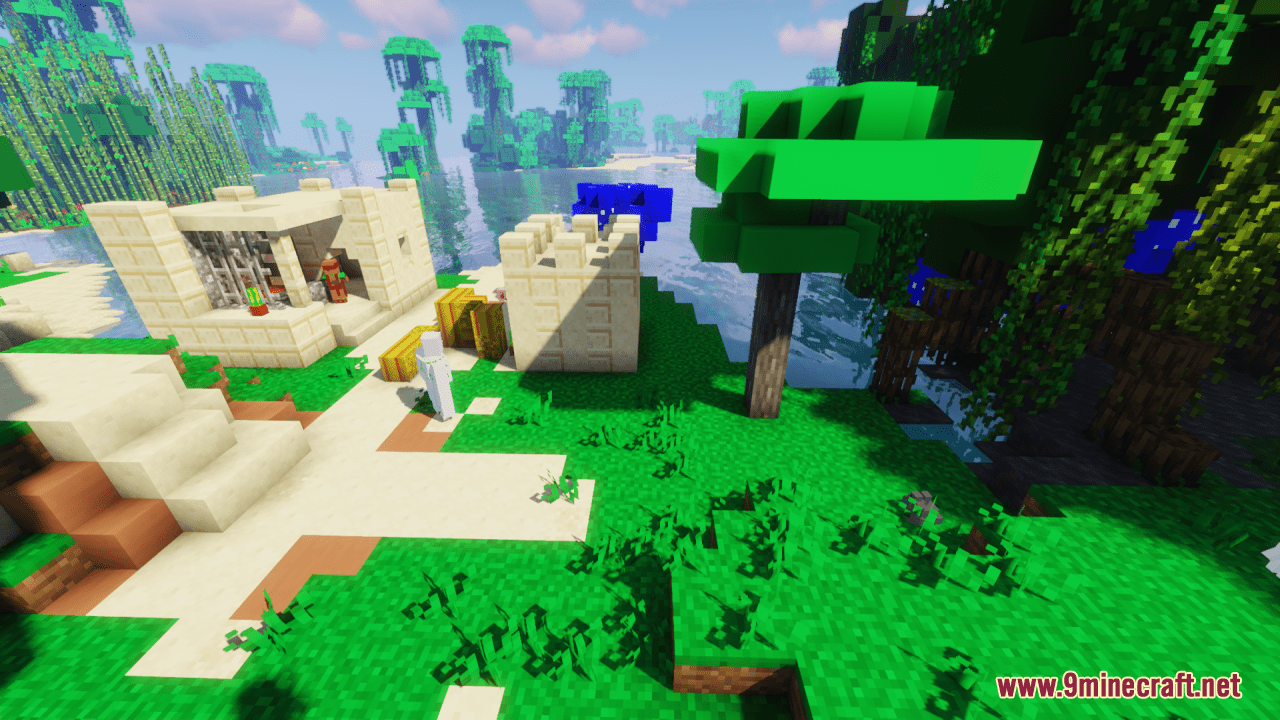
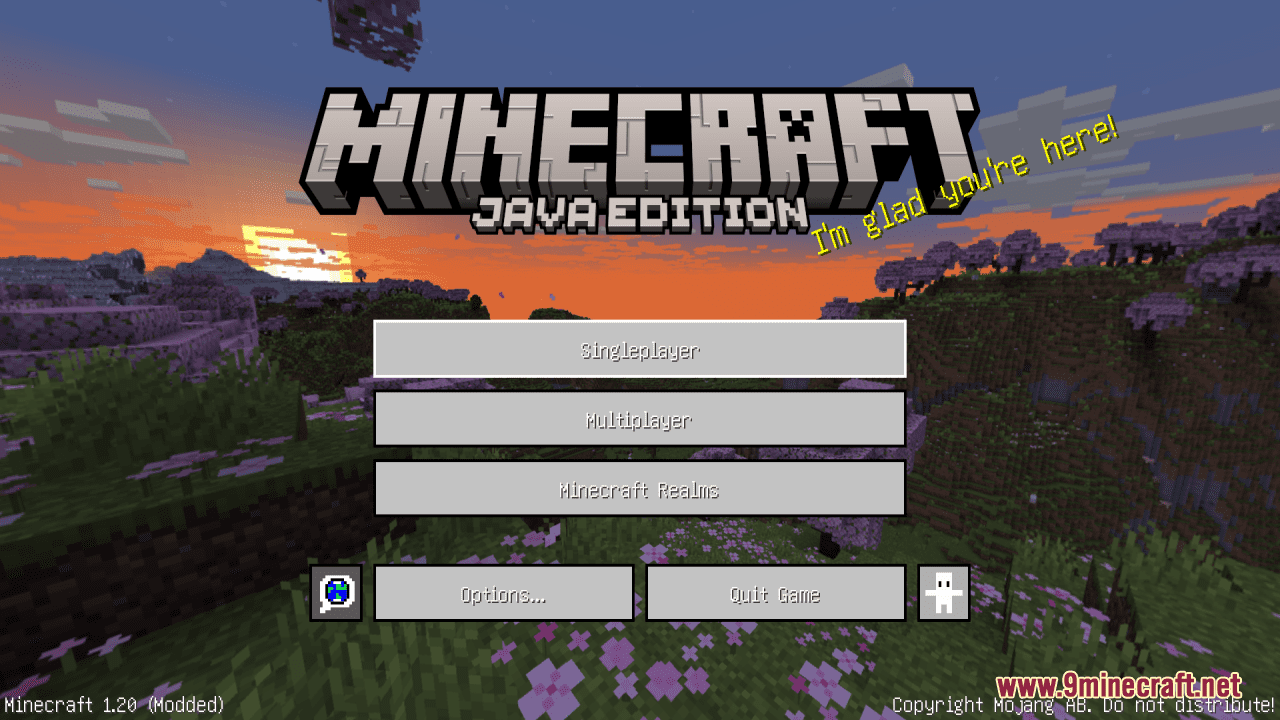
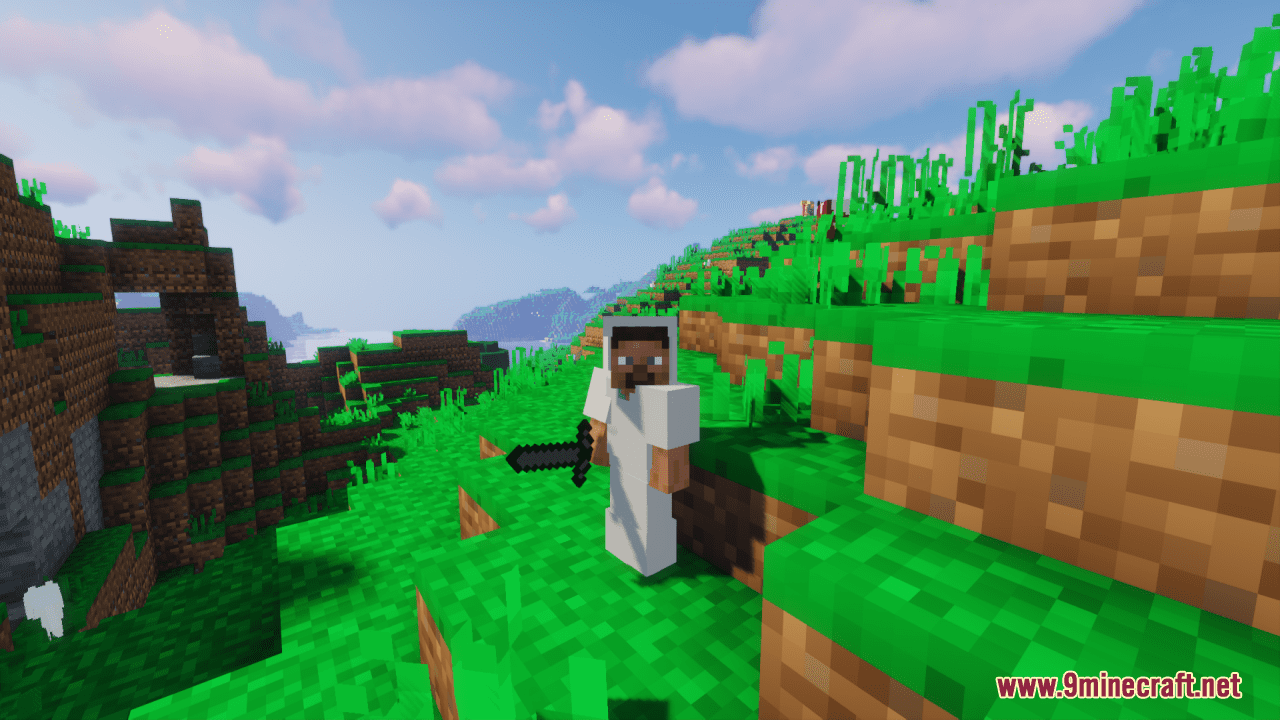
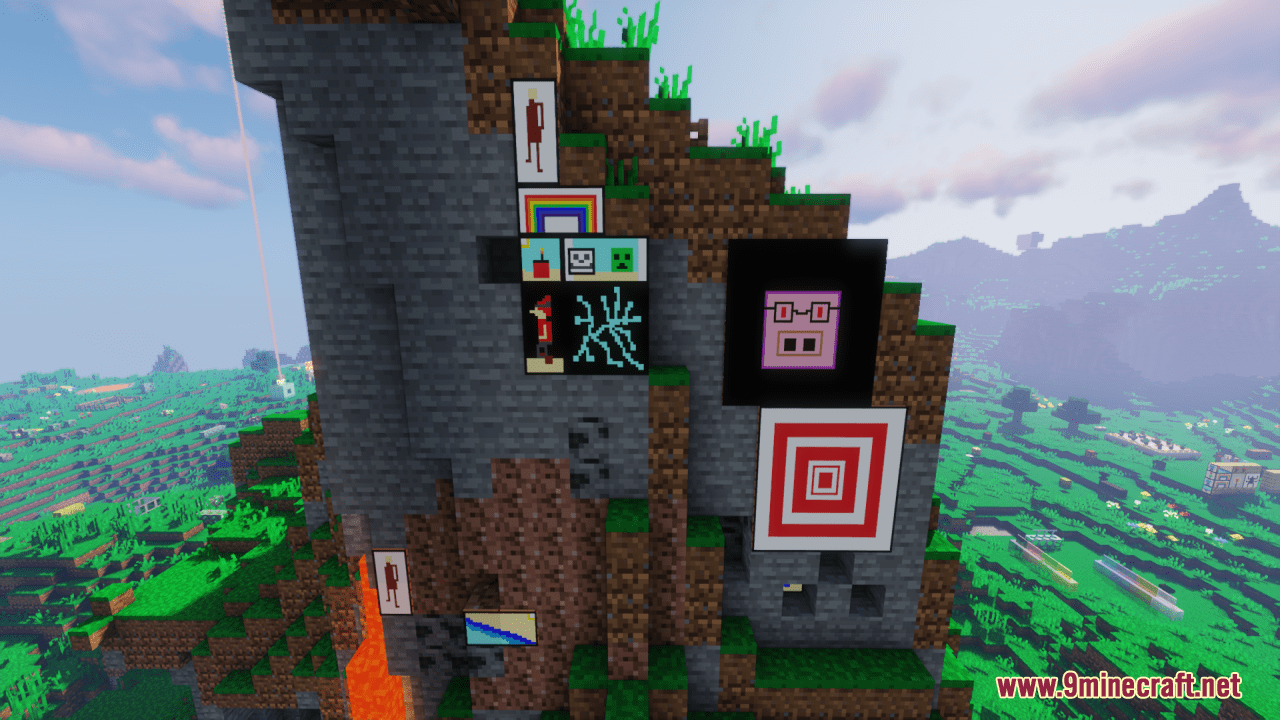
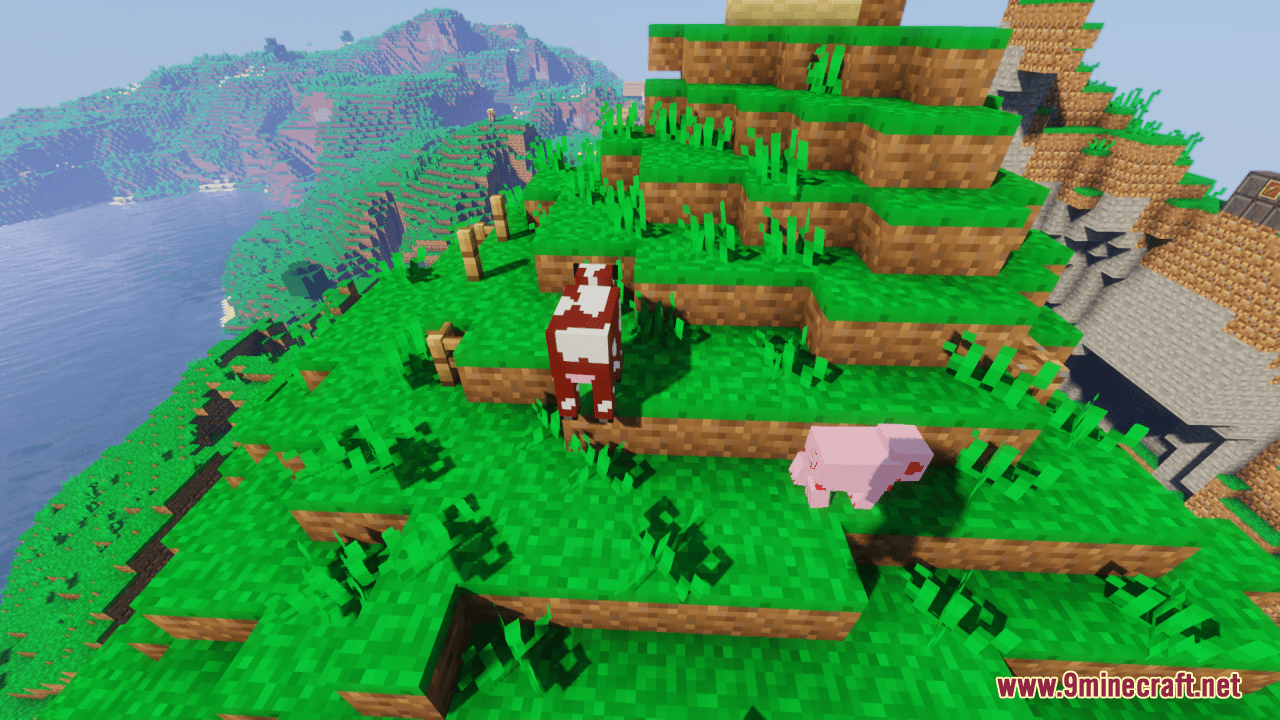
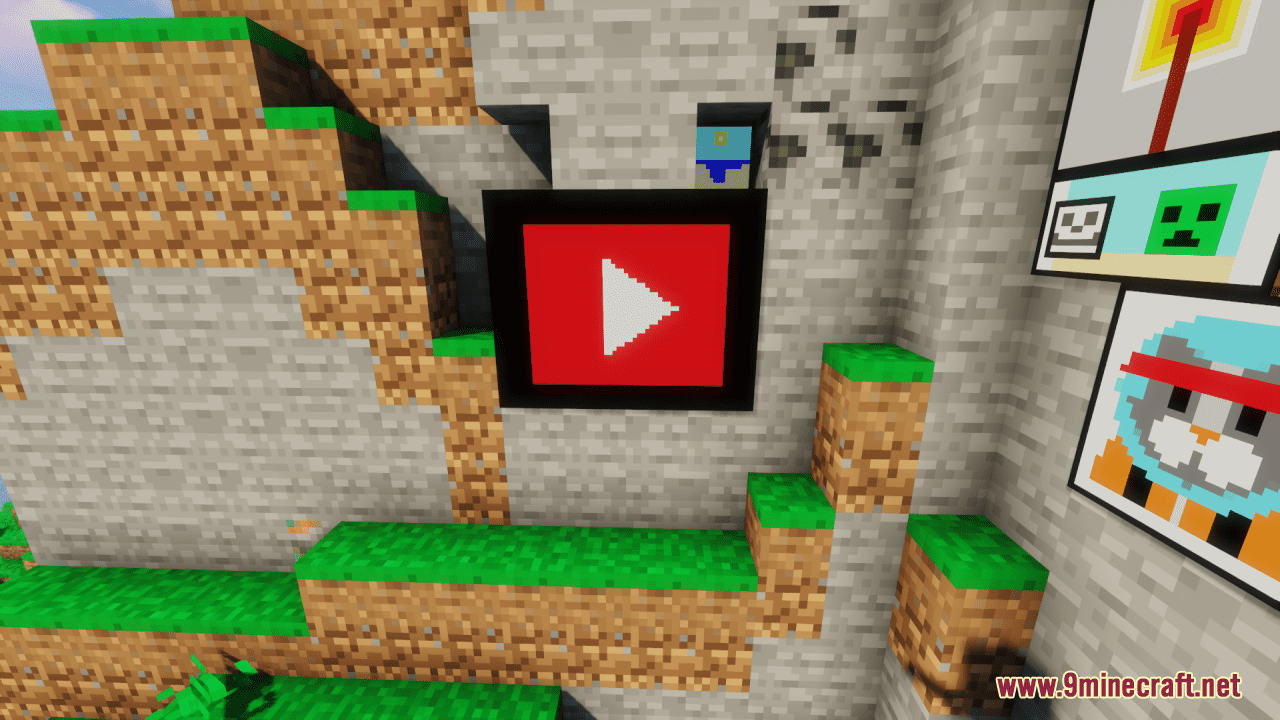
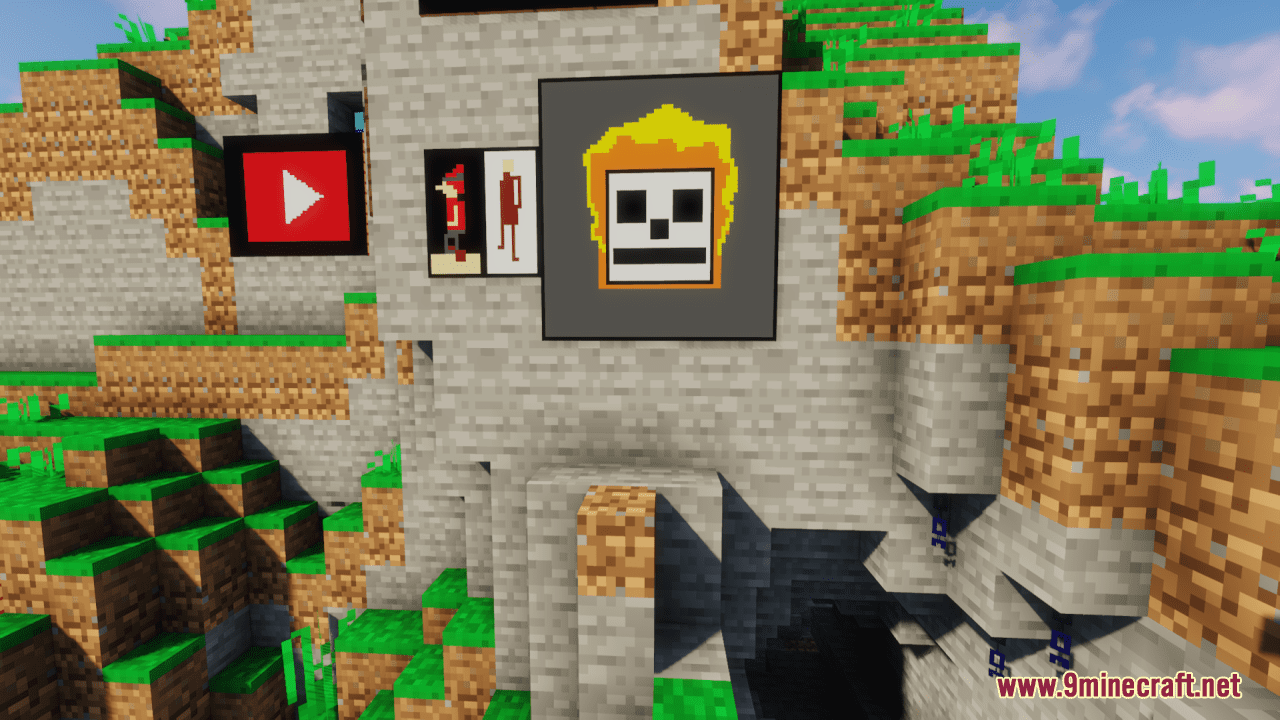
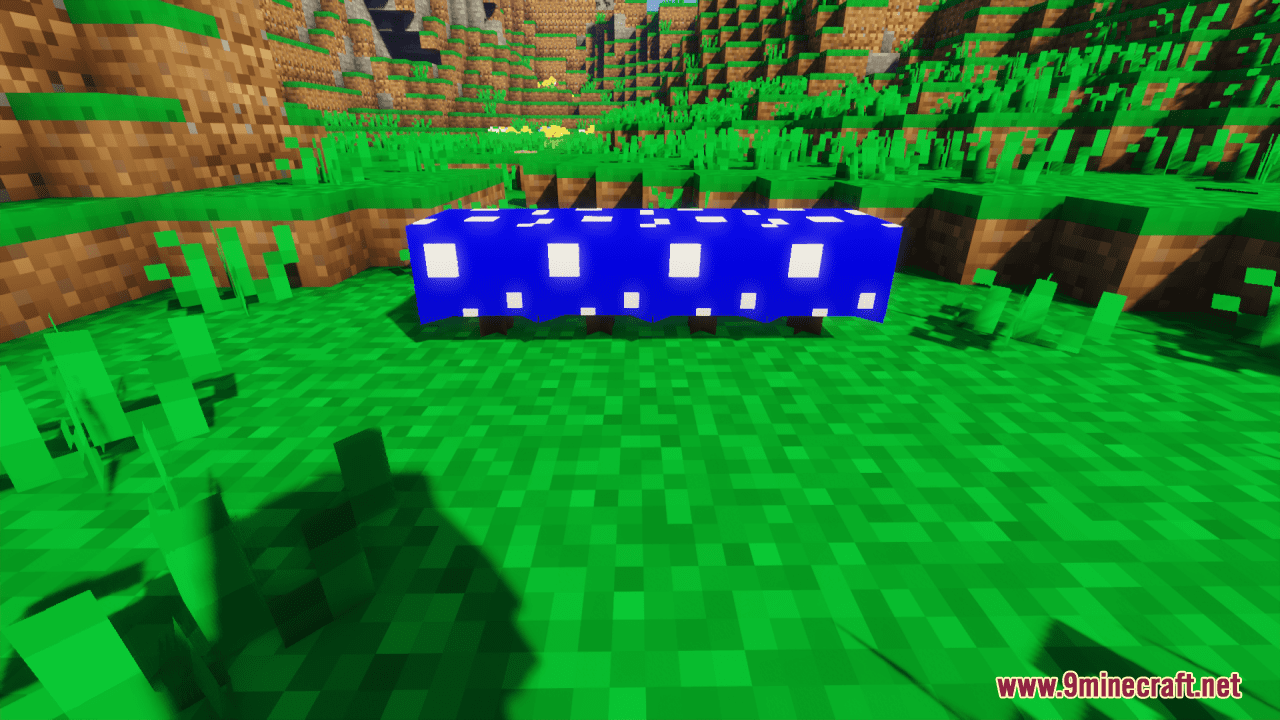
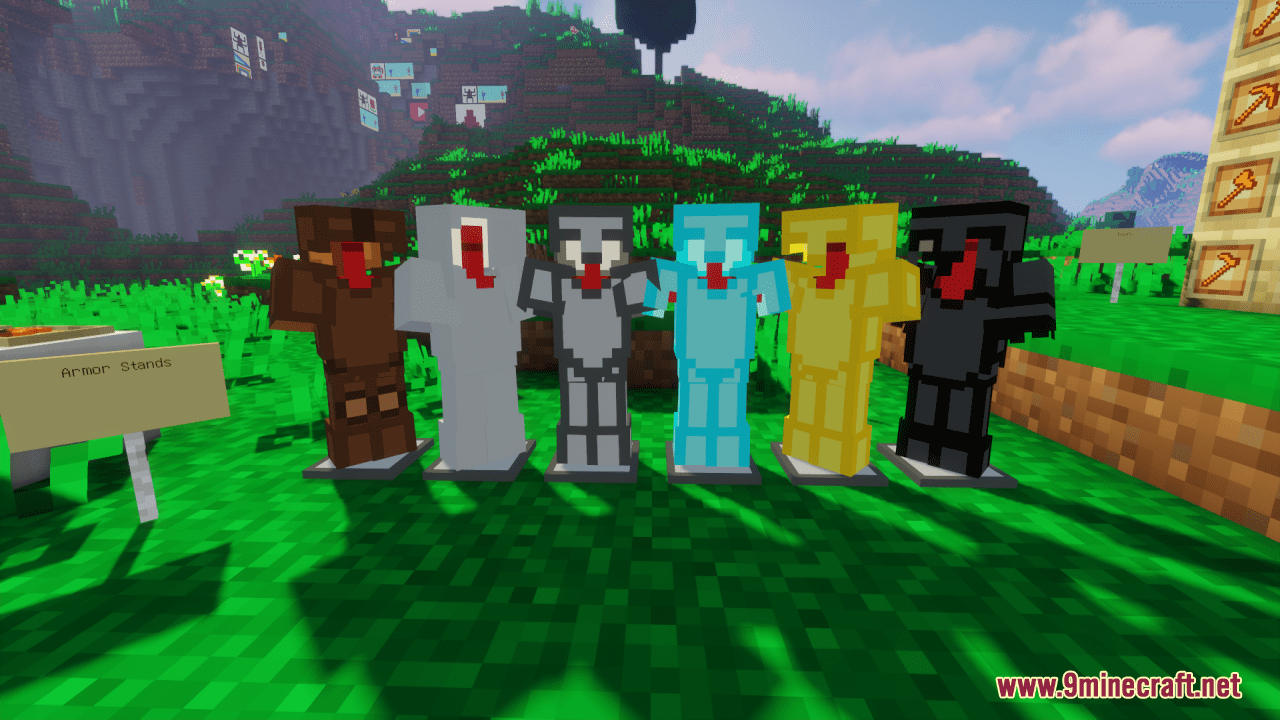
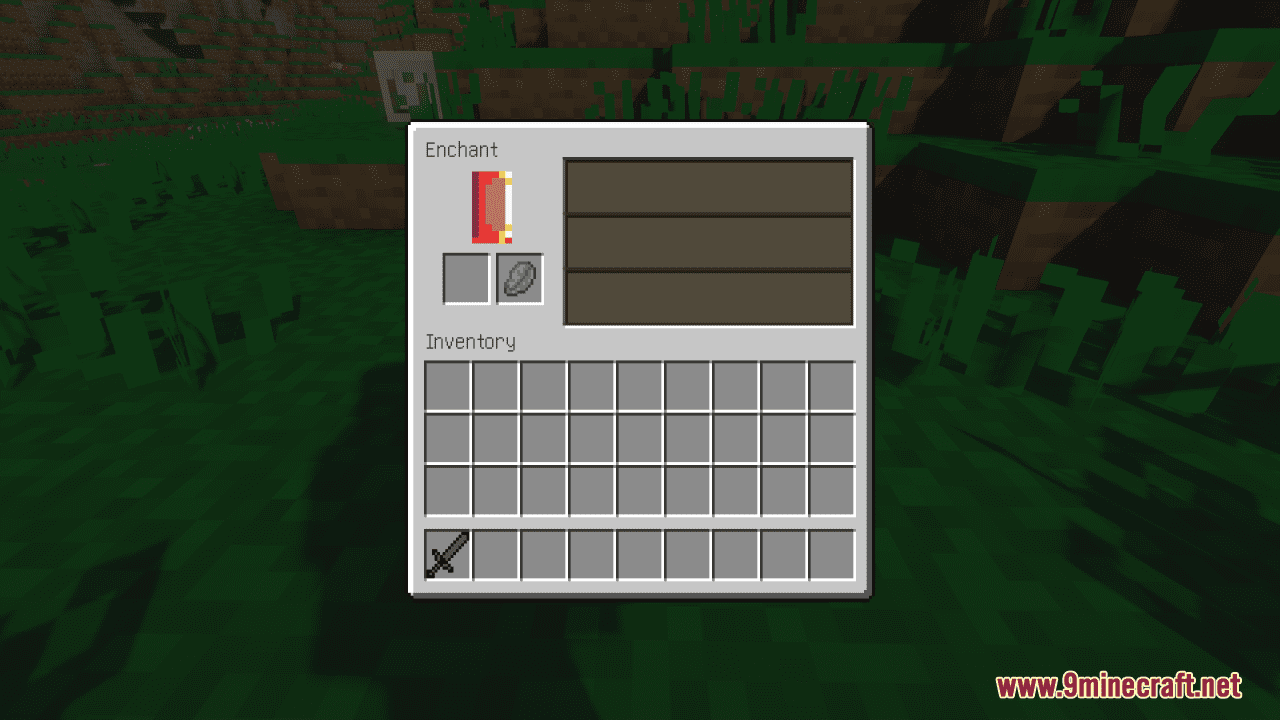
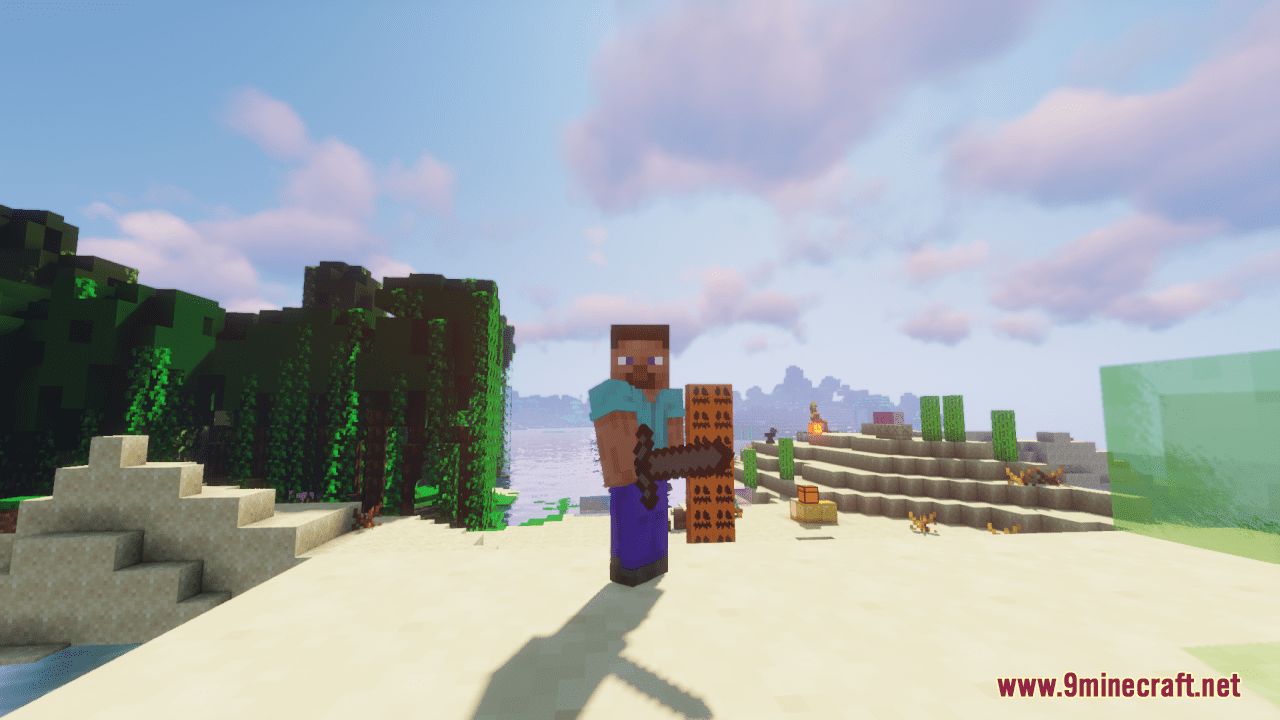
⬇ DownloadOpen in MCModsHubGet it on Google Play →V8X Resource Pack takes the default 16-pixel textures used in Minecraft and reduces them to 8 pixels, effectively halving the resolution. This reduction results in a more pixelated and blocky look reminiscent of older video games or pixel art. By shrinking the textures, the V8X Resource Pack gives Minecraft a retro aesthetic that may appeal to players looking for a nostalgic or minimalist visual style. The blockier textures evoke memories of classic video games and pixel art from the past. Overall, this pack offers a fresh take on Minecraft’s visuals by shrinking the textures to 8 pixels, providing players with a retro-inspired aesthetic that can add a new dimension to their gaming experience.
Screenshots:
V8X Resource Pack Download Links
For Minecraft 1.21.x
For Minecraft 1.20.x
V8X Resource Pack (1.21.1, 1.20.1) – Texture Pack is a free Minecraft Java resourcepack. Compatible with Minecraft 1.21.1, 1.20.1. Download it and open it directly in the game.