HomeJavaResourcepacksMaterial Design HUD Resource Pack (1.21.1, 1.20.1) – Texture Pack
Material Design HUD Resource Pack (1.21.1, 1.20.1) – Texture Pack
ResourcepacksJava

Material Design HUD Resource Pack (1.21.1, 1.20.1) – Texture Pack

by irene

⬇ Download
Material Design HUD Resource Pack (1.21.1, 1.20.1) – Texture Pack — screenshot 1Material Design HUD Resource Pack (1.21.1, 1.20.1) – Texture Pack — screenshot 2Material Design HUD Resource Pack (1.21.1, 1.20.1) – Texture Pack — screenshot 3Material Design HUD Resource Pack (1.21.1, 1.20.1) – Texture Pack — screenshot 4Material Design HUD Resource Pack (1.21.1, 1.20.1) – Texture Pack — screenshot 5Material Design HUD Resource Pack (1.21.1, 1.20.1) – Texture Pack — screenshot 6Material Design HUD Resource Pack (1.21.1, 1.20.1) – Texture Pack — screenshot 7Material Design HUD Resource Pack (1.21.1, 1.20.1) – Texture Pack — screenshot 8

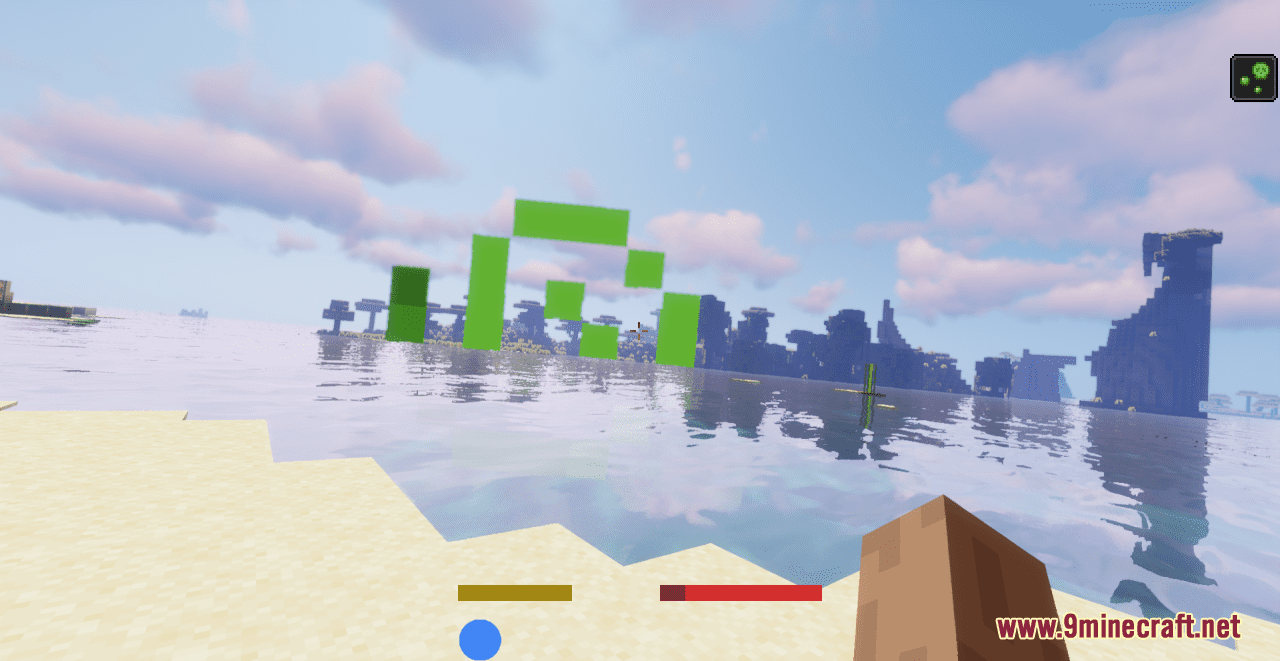
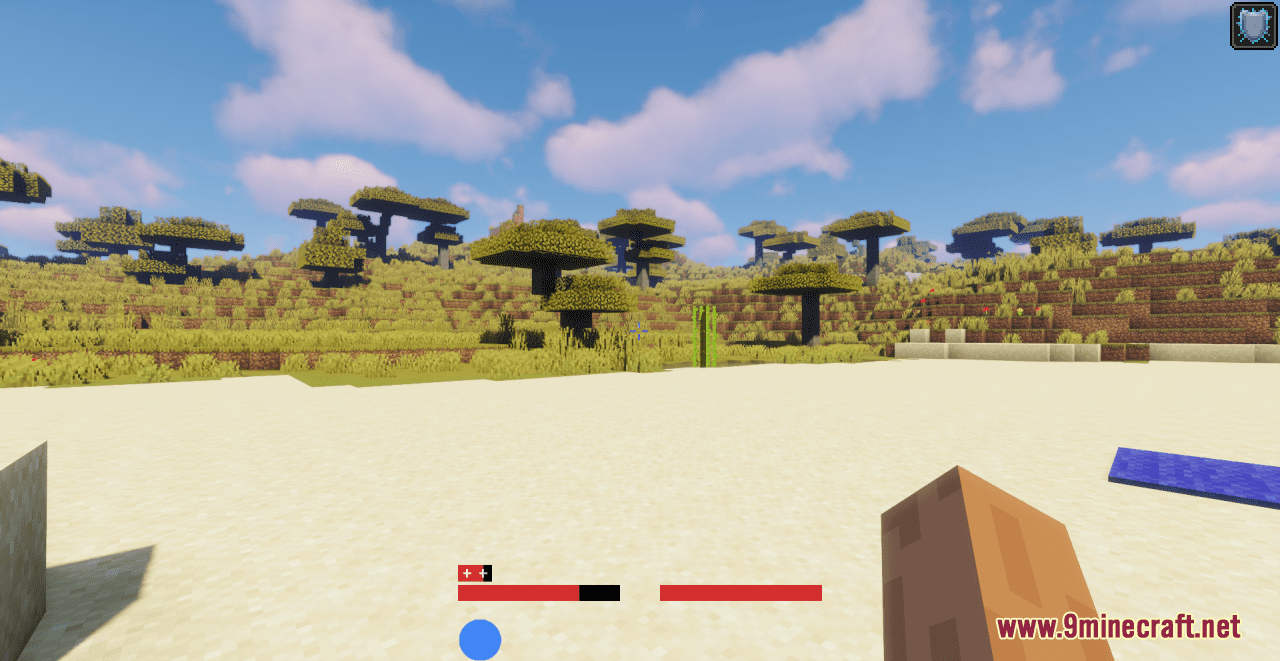
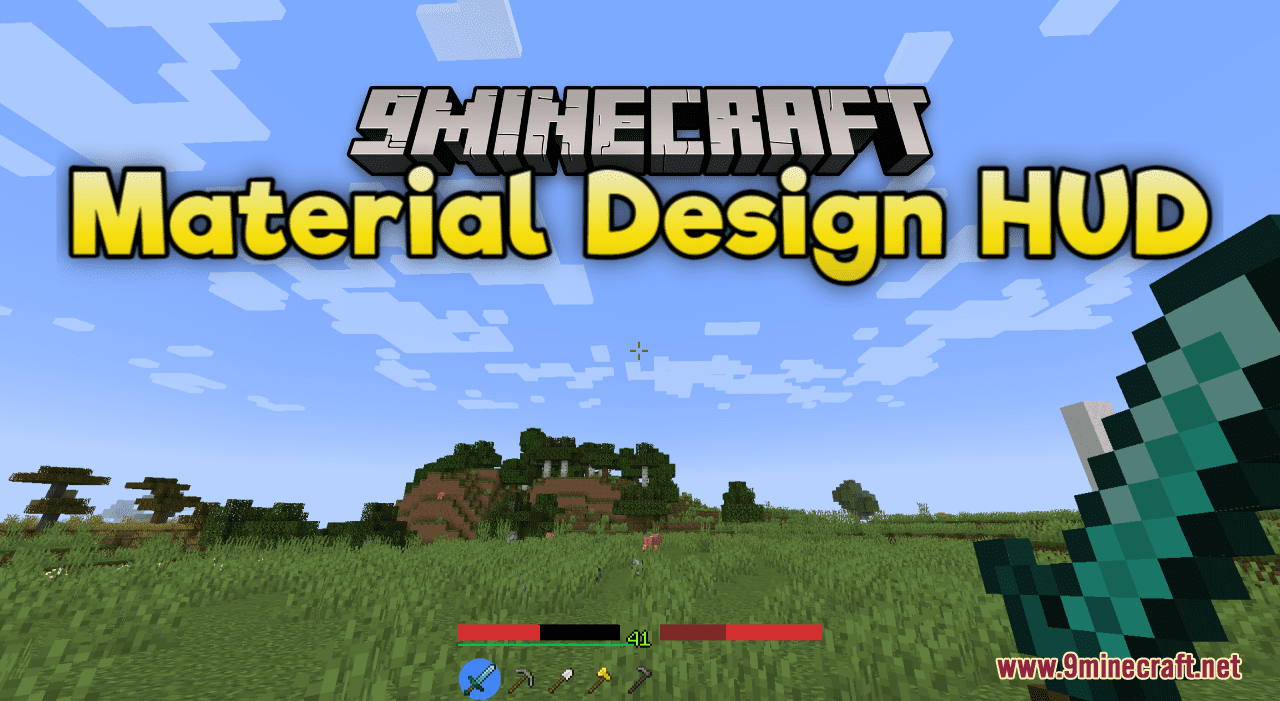
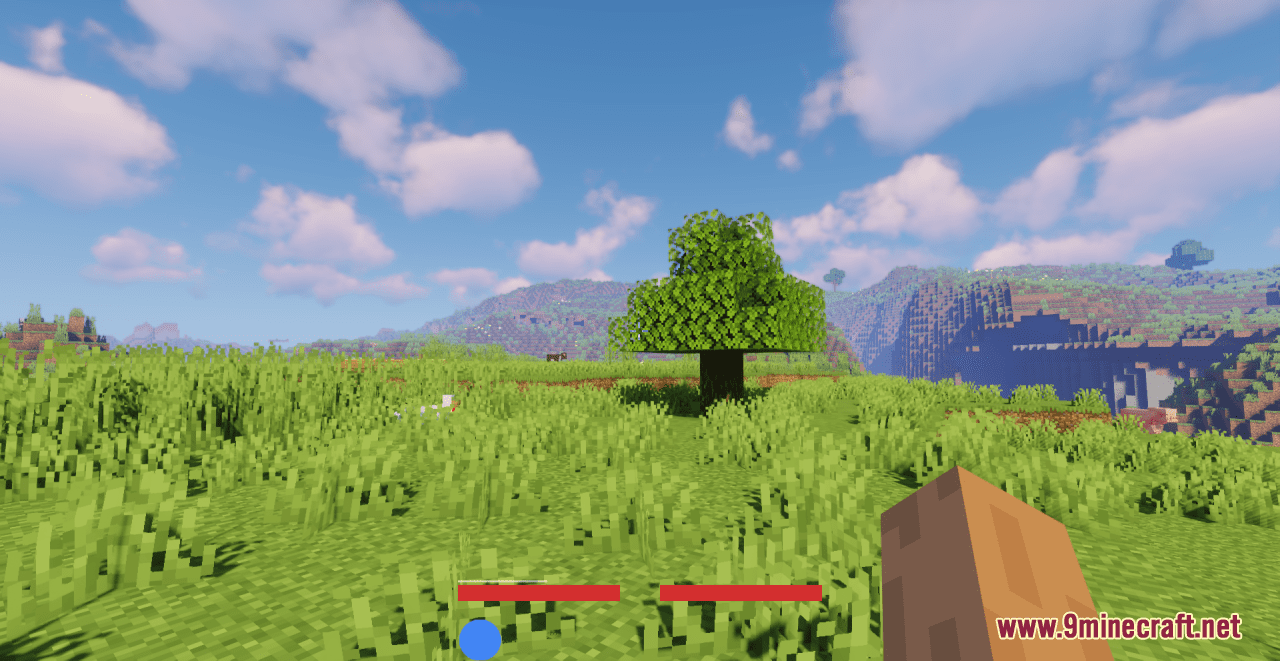
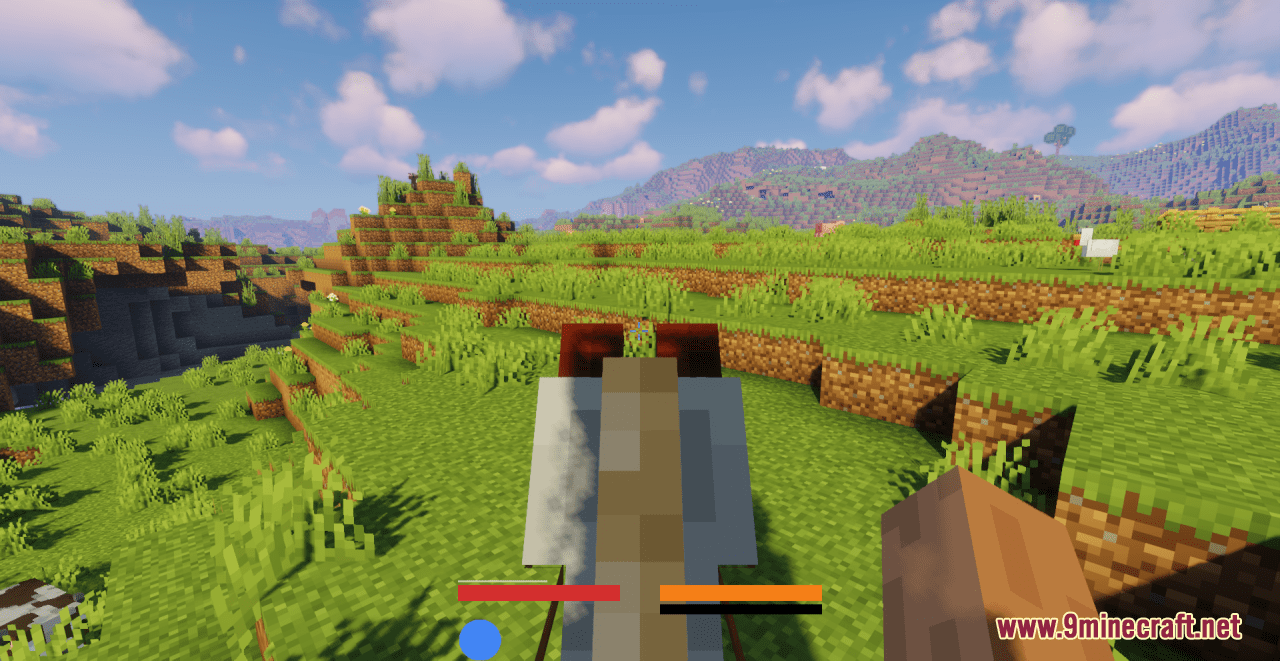
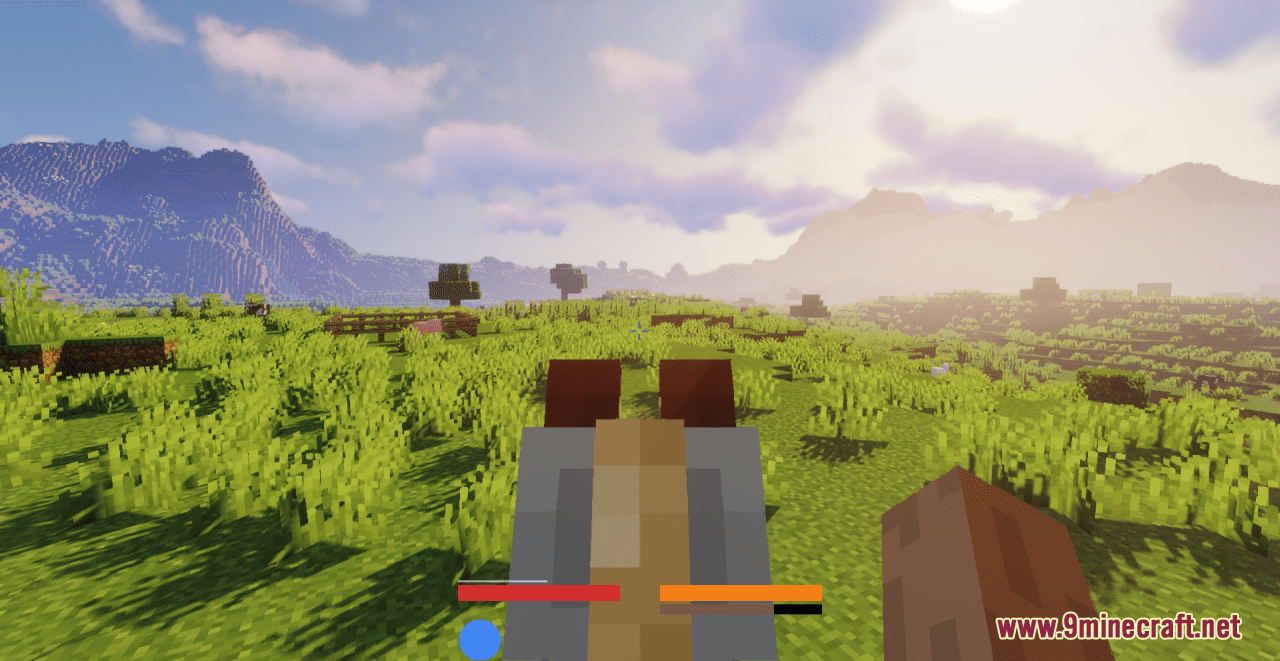
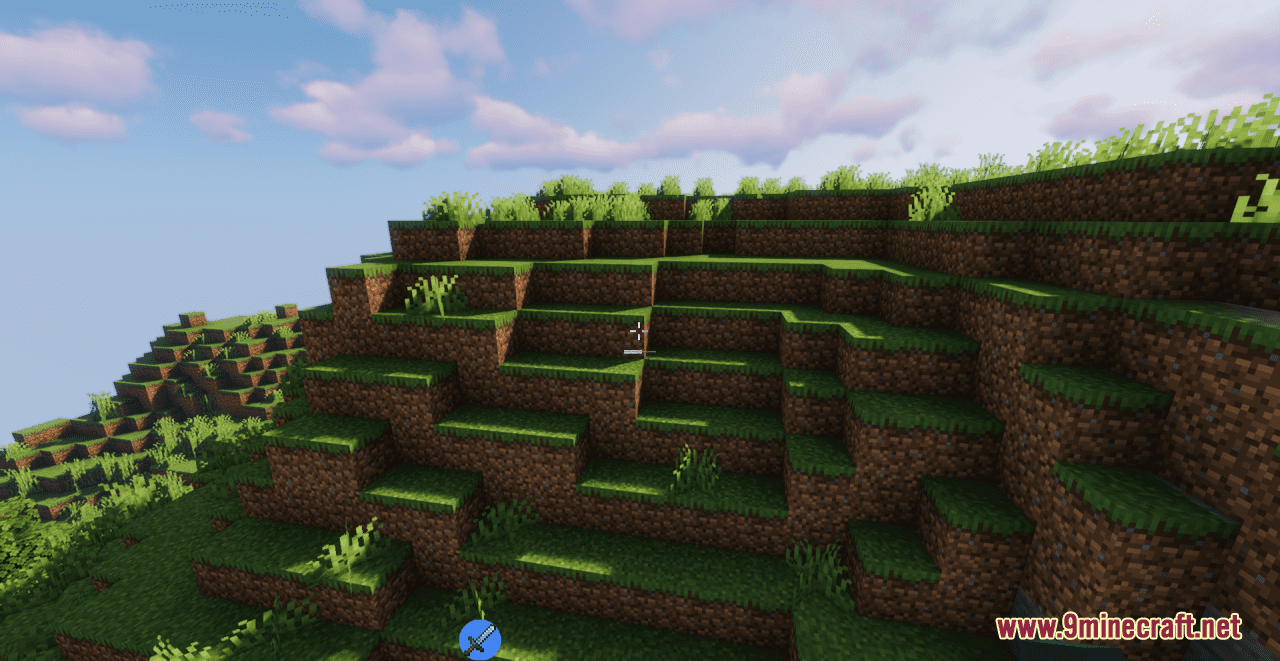
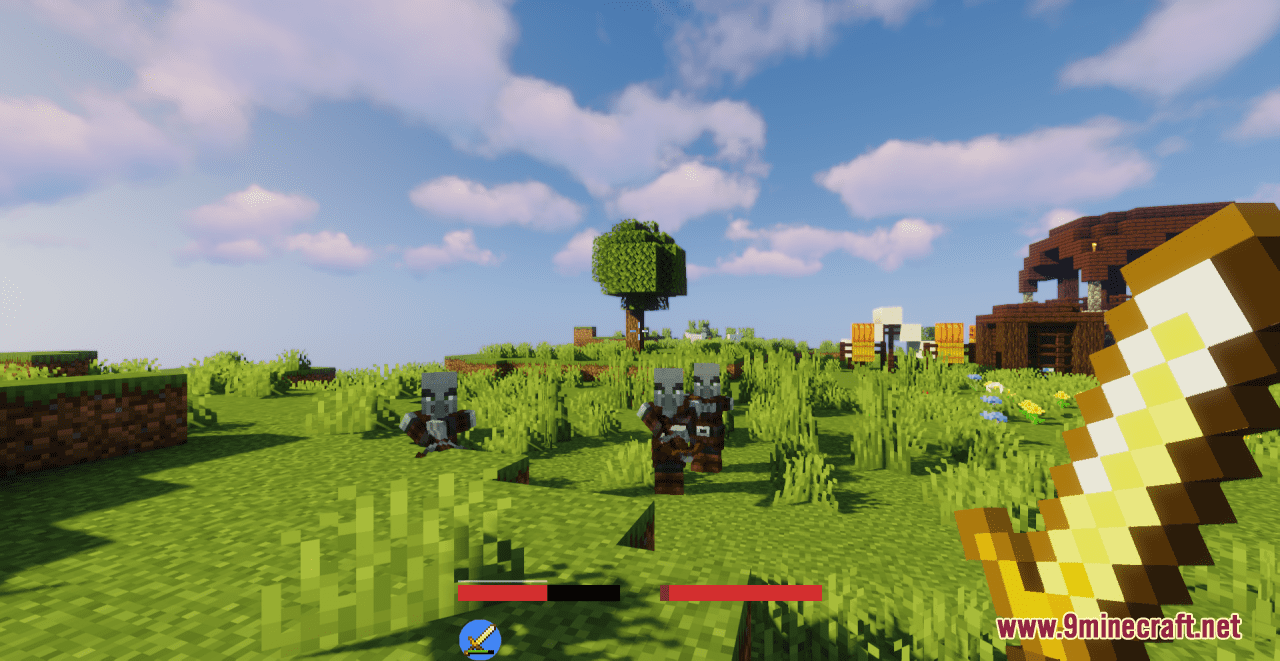
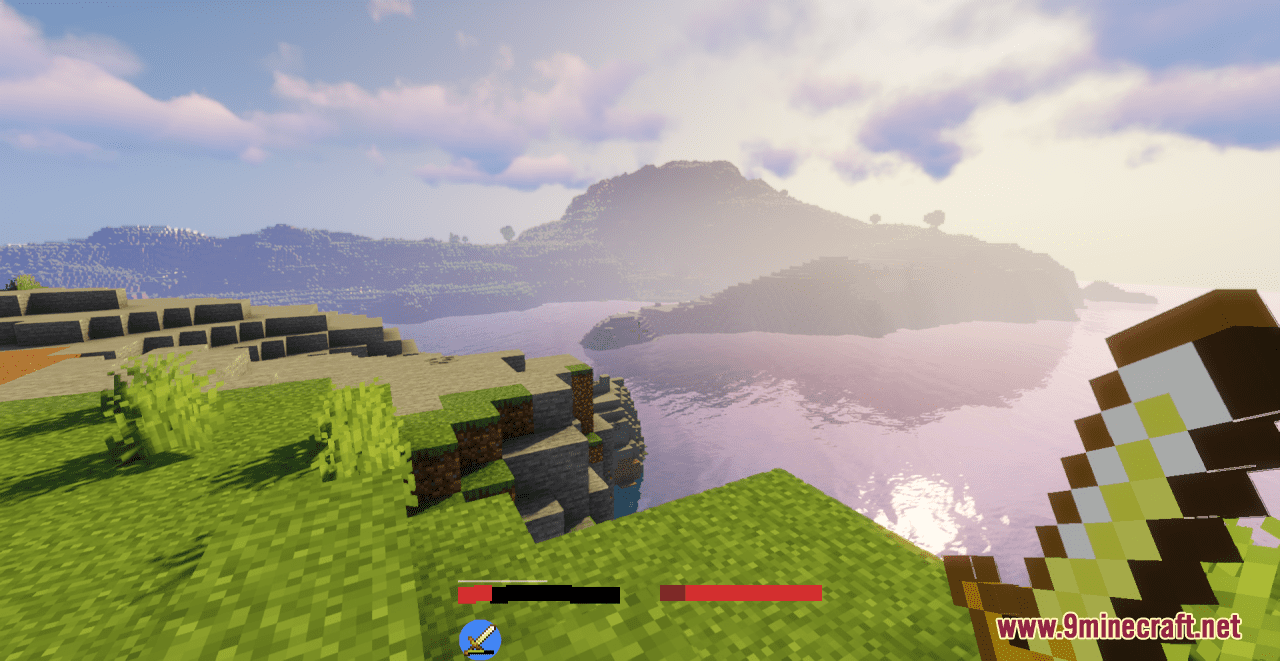
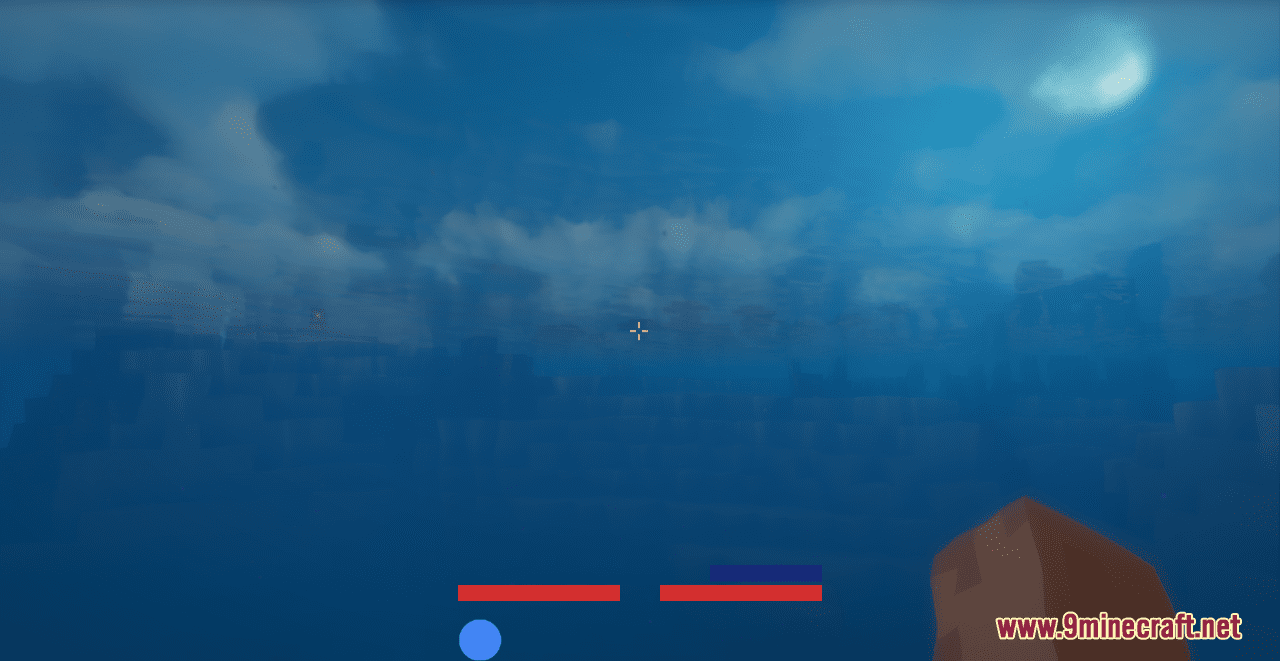
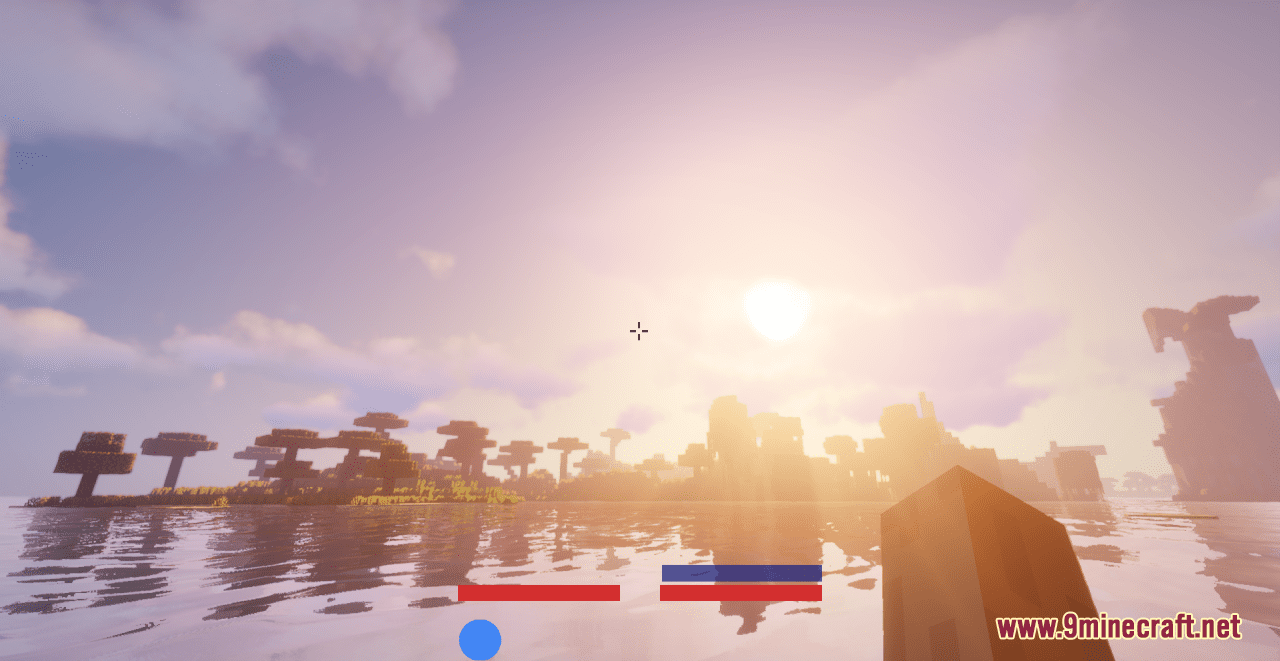
Material Design HUD Resource Pack makes your HUD look plain and compact, inspired by Google’s (Android) Material Design elements and colors. The colors and elements in this pack are chosen to be minimalistic and contextual, therefore it is not just a reskin of the default elements. For example, the hunger bar is the same color as health by default, in order to keep it from drawing attention until you actually get hungry. Similarly, the horse jump bar is dynamically colored and resized to fit under it’s health bar. Of course, it is also compatible with any other resource packs, as it only changes the menu, hotbar and HUD items.

Screenshots:
Material Design HUD Resource Pack Download Links

For Minecraft 1.21.x

Download from Server 1Download from Server 2

For Minecraft 1.20.x

Download from Server 1Download from Server 2

For Minecraft 1.19.x

32x: Download from Server 2

For Minecraft 1.18.2

32x: Download from Server 2

For Minecraft 1.17.1

32x: Download from Server 2

Material Design HUD Resource Pack (1.21.1, 1.20.1) – Texture Pack is a free Minecraft Java resourcepack. Compatible with Minecraft 1.21.1, 1.20.1. Download it and open it directly in the game.

Explore more