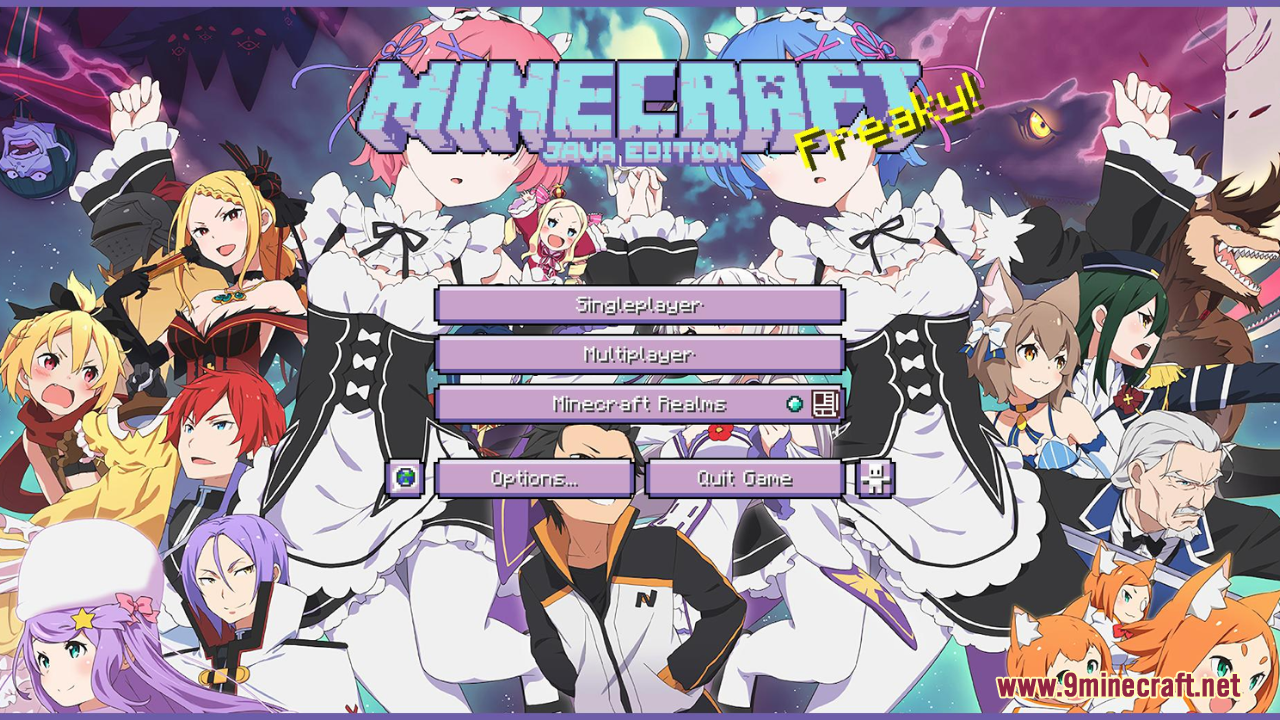
Re:Zero Custom GUI Resource Pack (1.21.1, 1.20.1) – Texture Pack
Re:Zero Custom GUI Resource Pack is a GUI-only resource pack themed after Re:Zero – Starting Life in Another World, offering an icy-fresh interface…
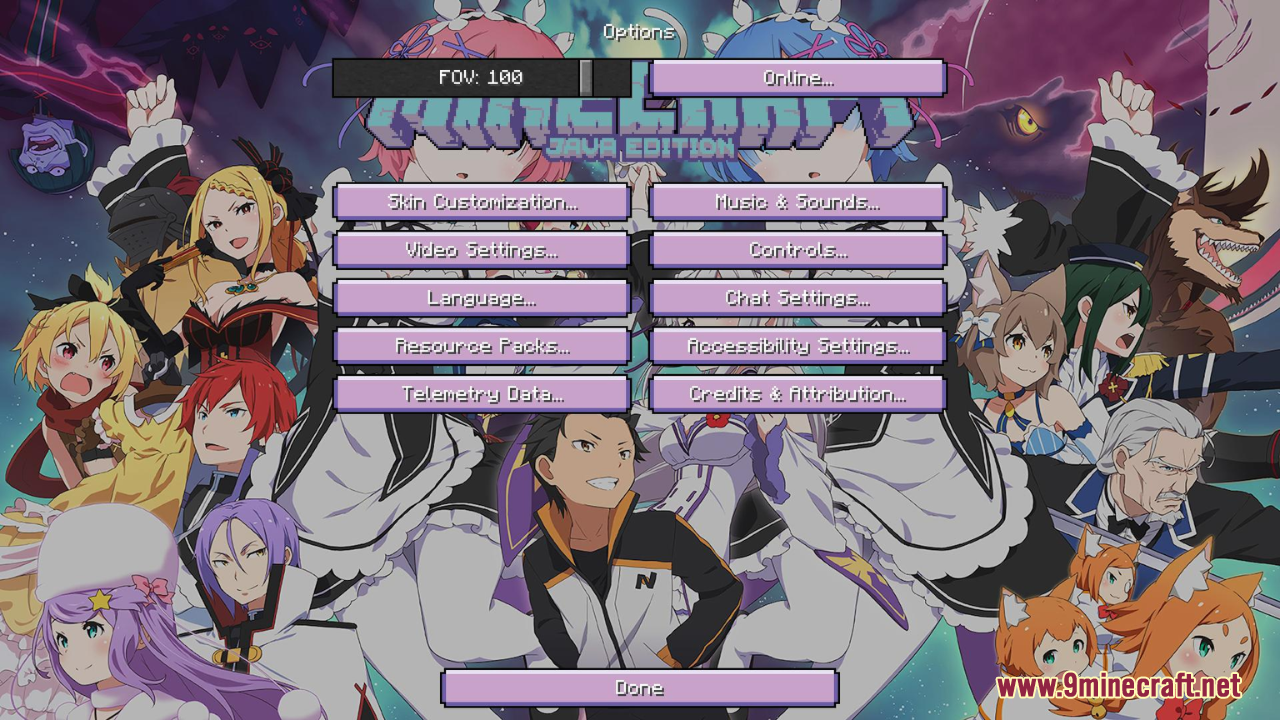
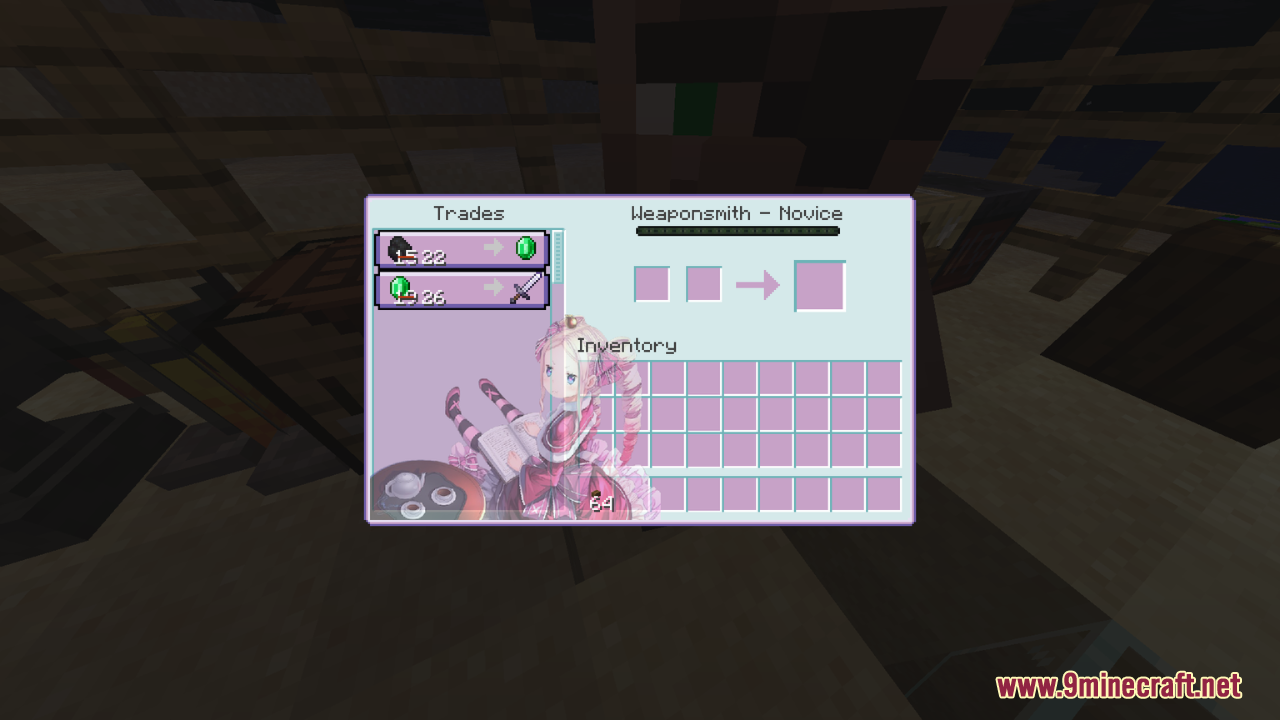
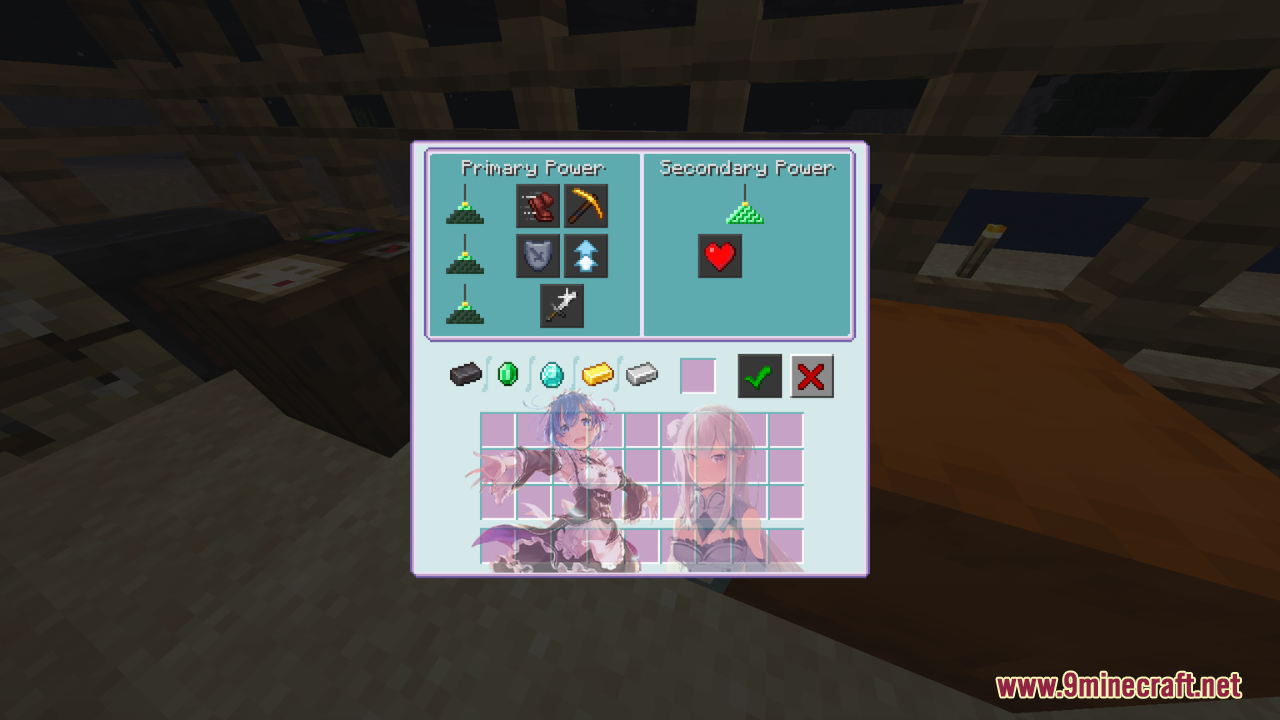
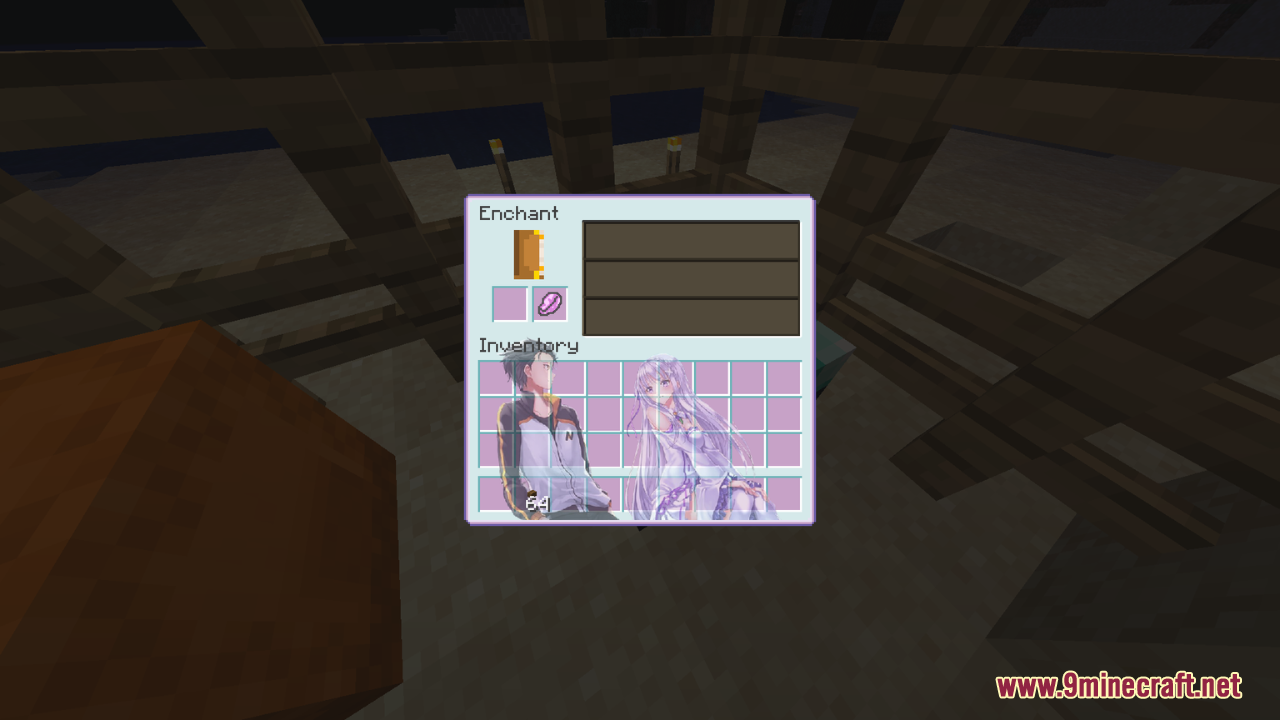
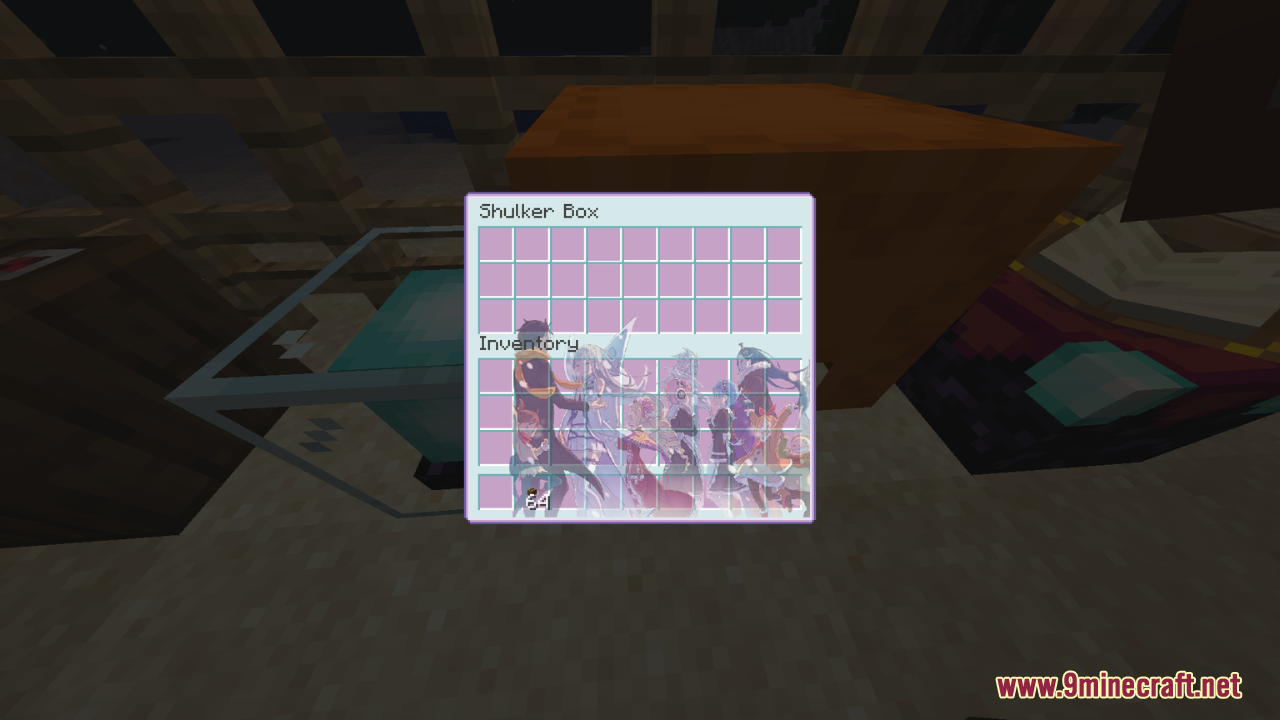
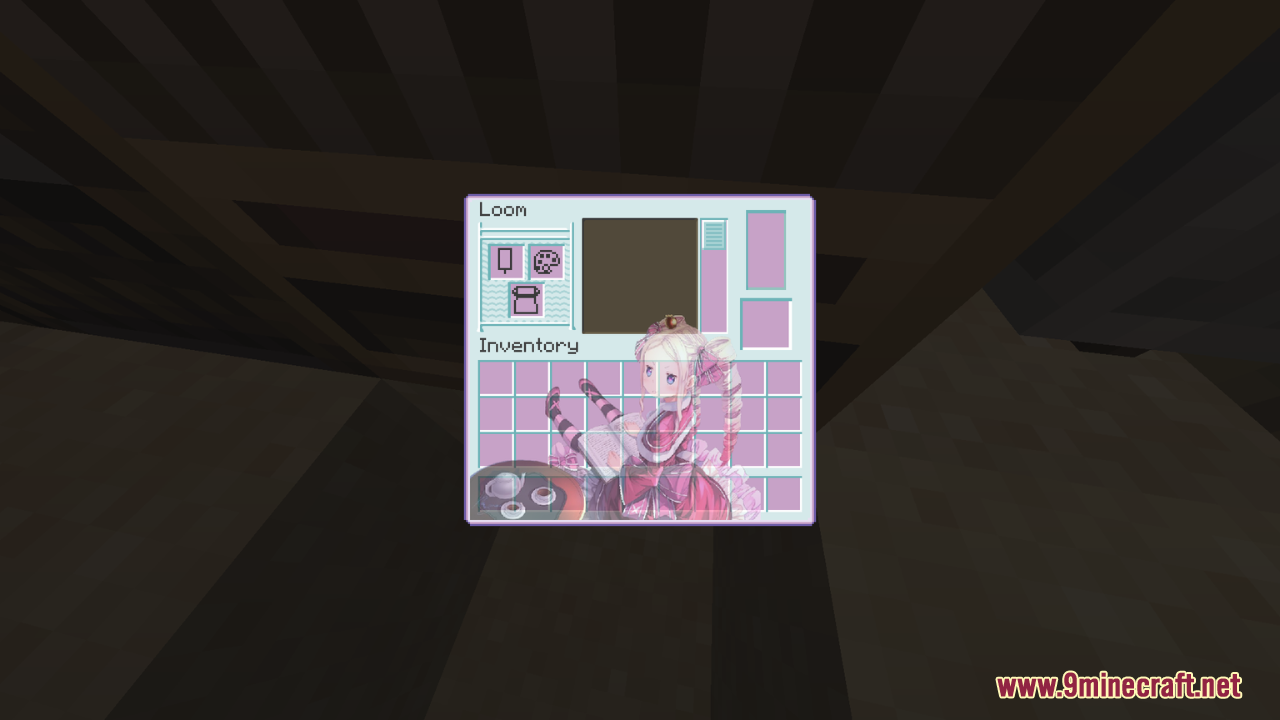
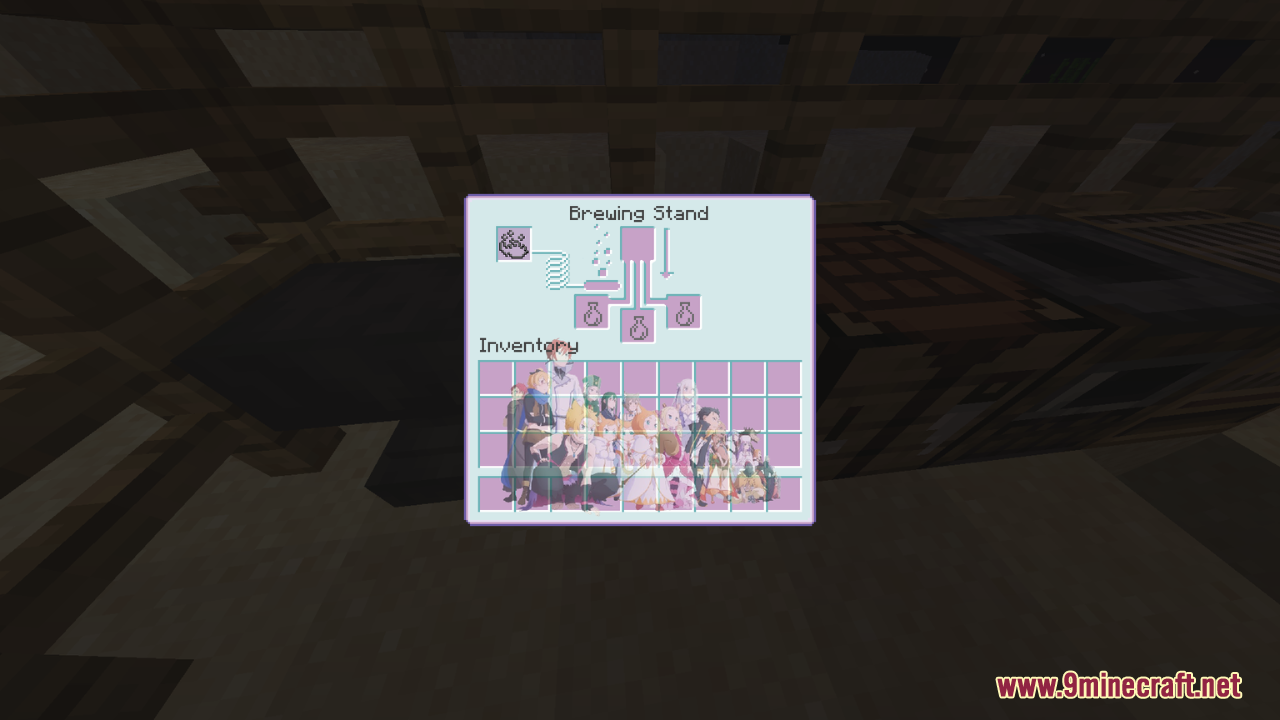
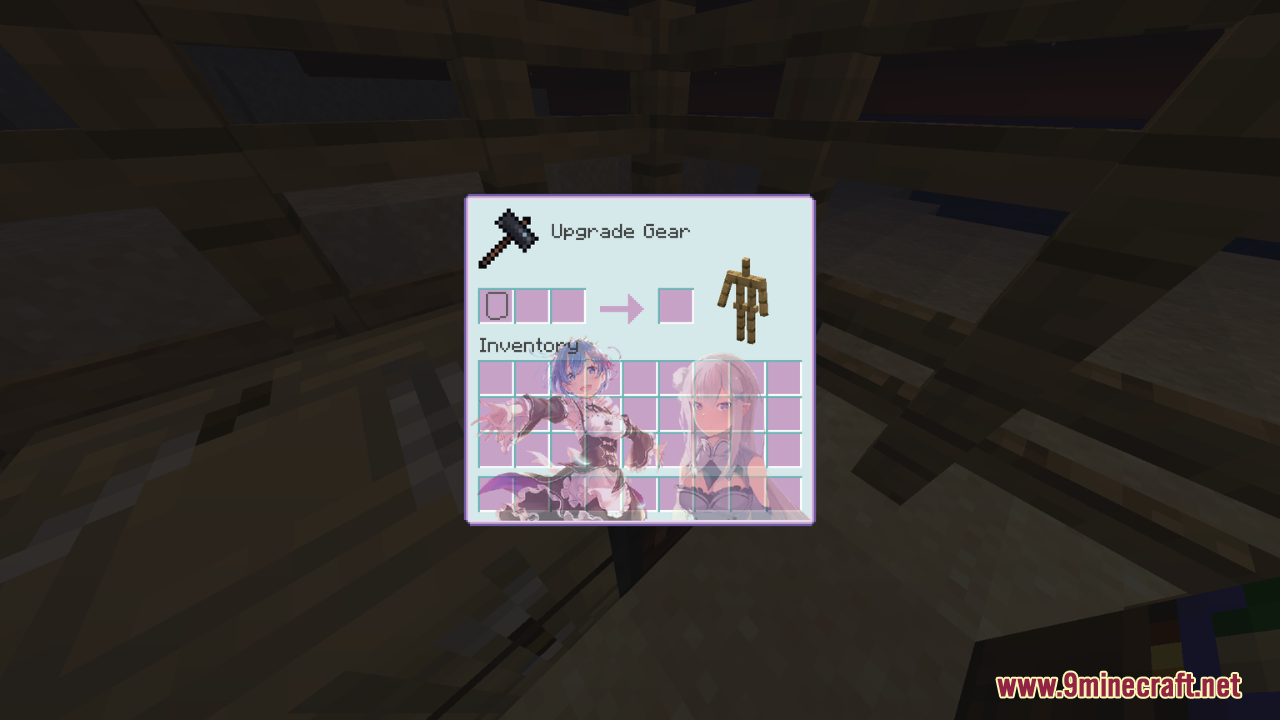
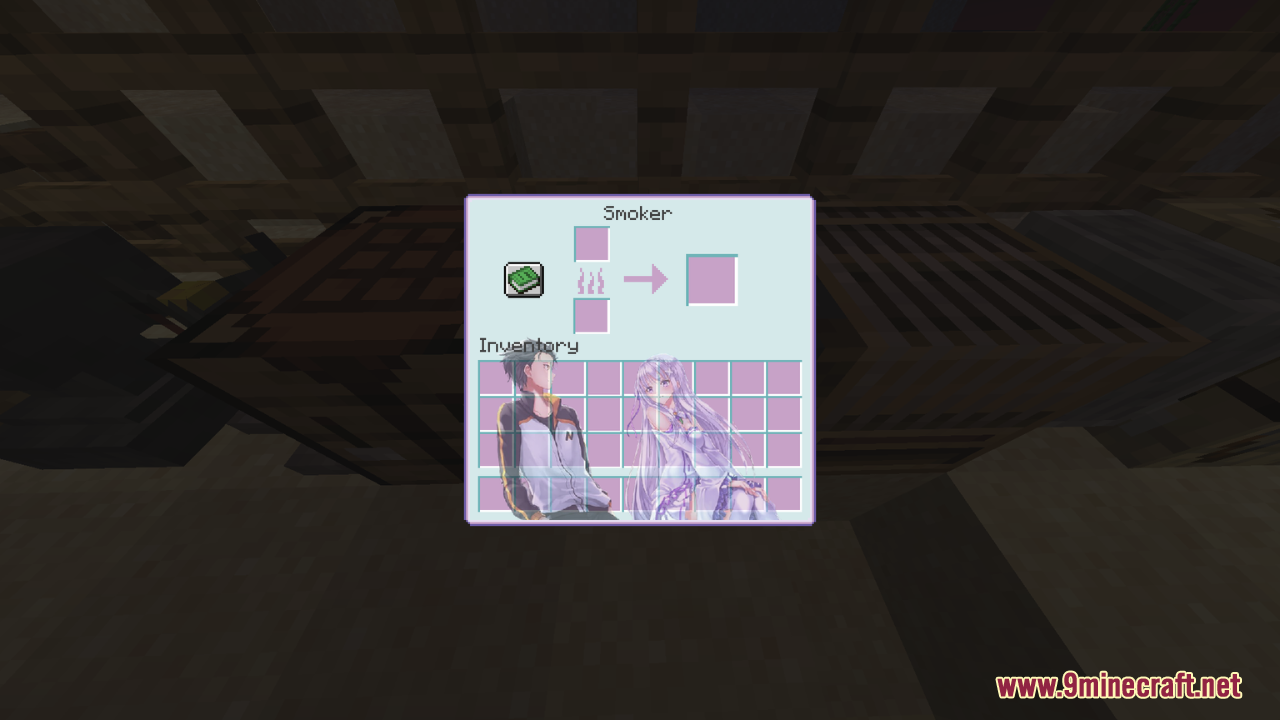
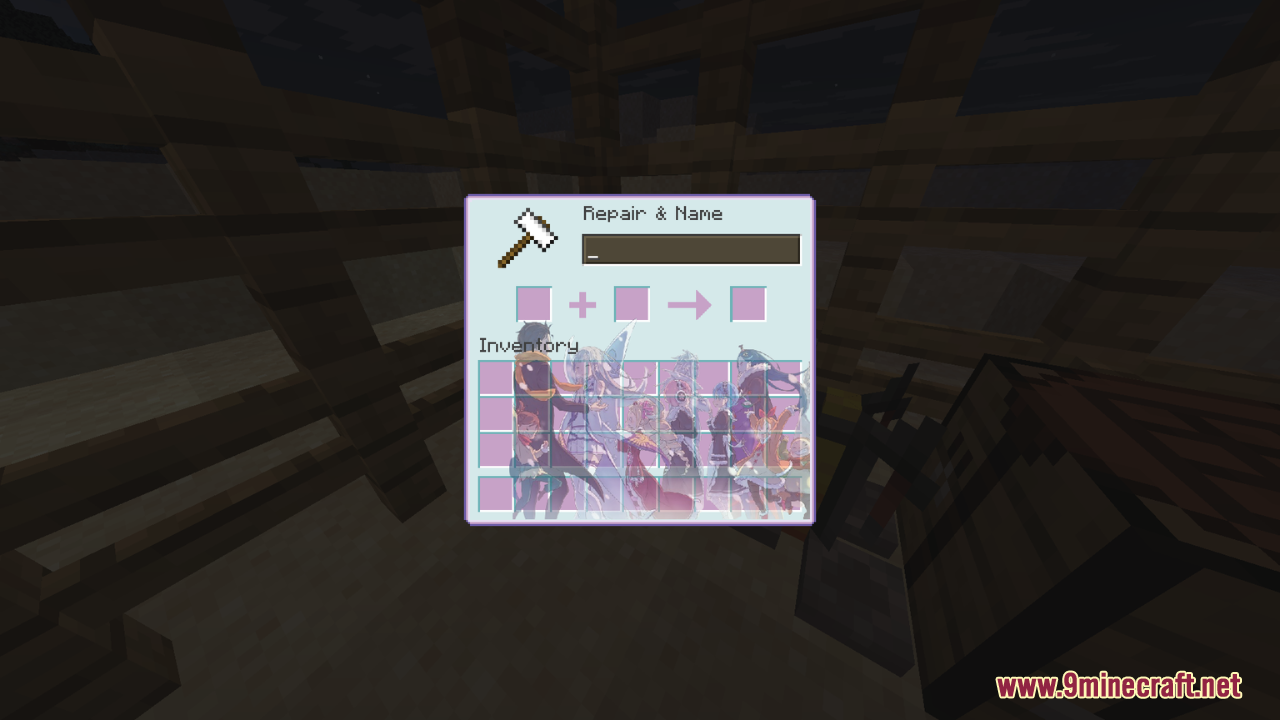
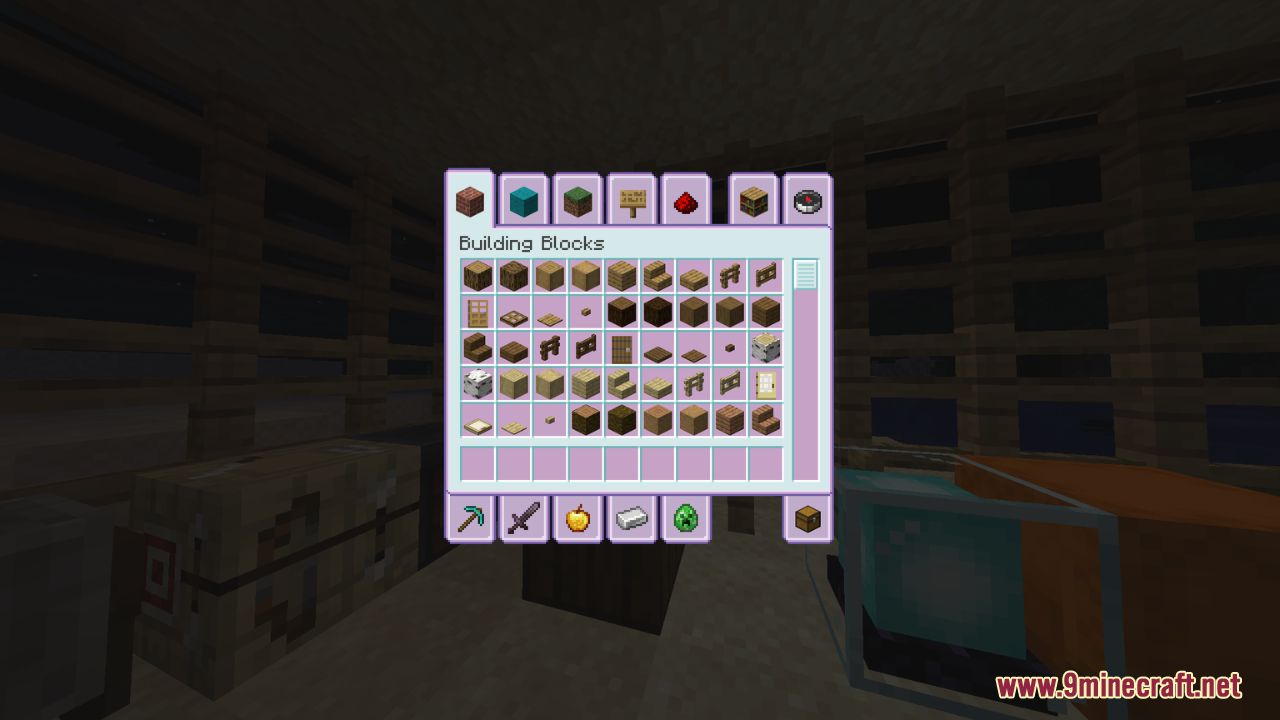
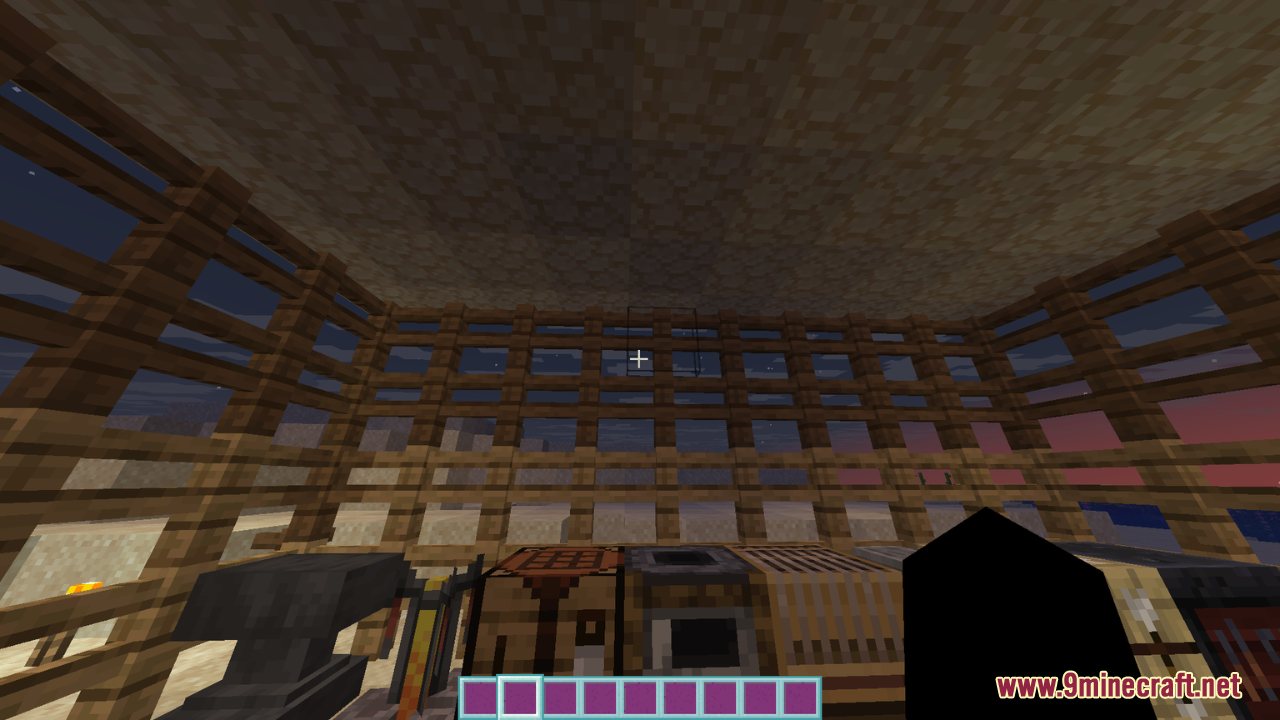
⬇ DownloadOpen in MCModsHubGet it on Google Play →Re:Zero Custom GUI Resource Pack is a GUI-only resource pack themed after Re:Zero – Starting Life in Another World, offering an icy-fresh interface palette of purple, pink, and blue tones that overhaul containers, menus, and the hot bar to feel more immersive and cohesive. Its standout feature is redesigned container textures – like inventory panels, crafting screens, and trading menus – that are scaled and re-adjusted for enhanced visual balance and clarity, requiring careful tweaking behind the scenes.
Screenshots:
Re:Zero Custom GUI Resource Pack Download Links
For Minecraft 1.21.x
For Minecraft 1.20.x
Re:Zero Custom GUI Resource Pack (1.21.1, 1.20.1) – Texture Pack is a free Minecraft Java resourcepack. Compatible with Minecraft 1.21.1, 1.20.1. Download it and open it directly in the game.