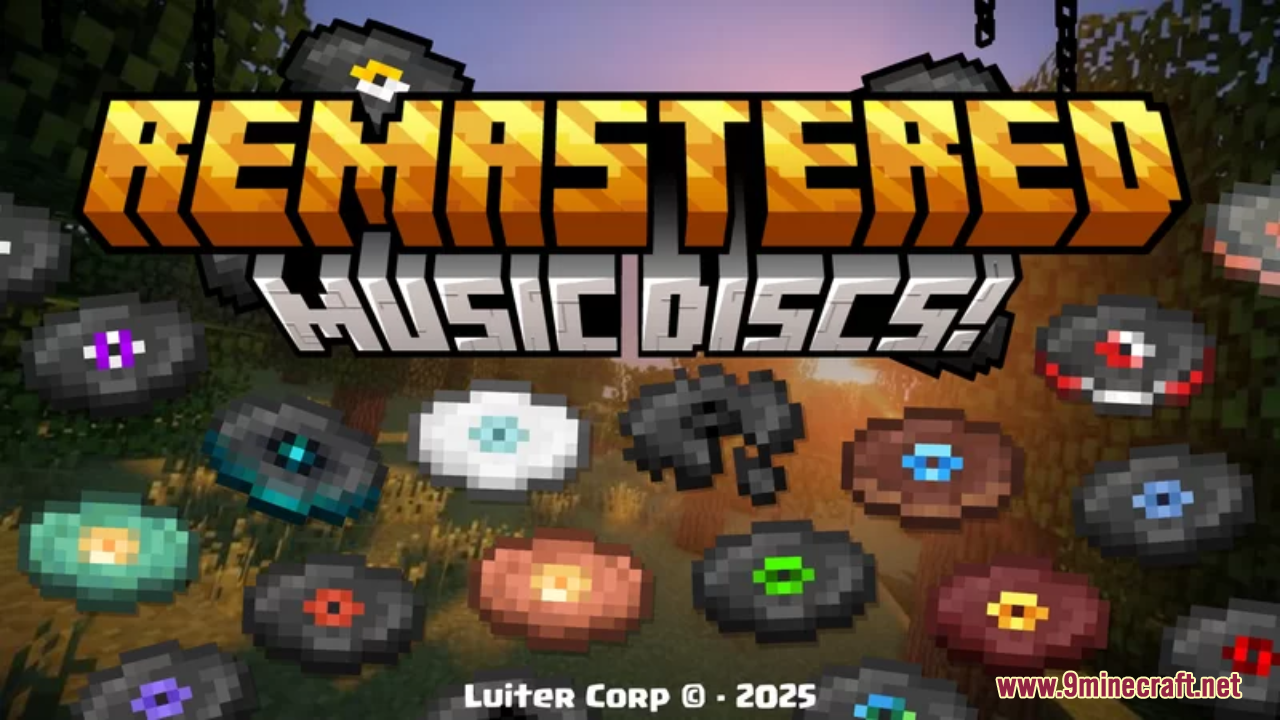
Remastered Music Discs Resource Pack (1.21.1, 1.20.1) – Texture Pack
Java resource pack listed for Minecraft 1.20–1.21. Downloads from the MC Java Mods app on Android.
⬇ Download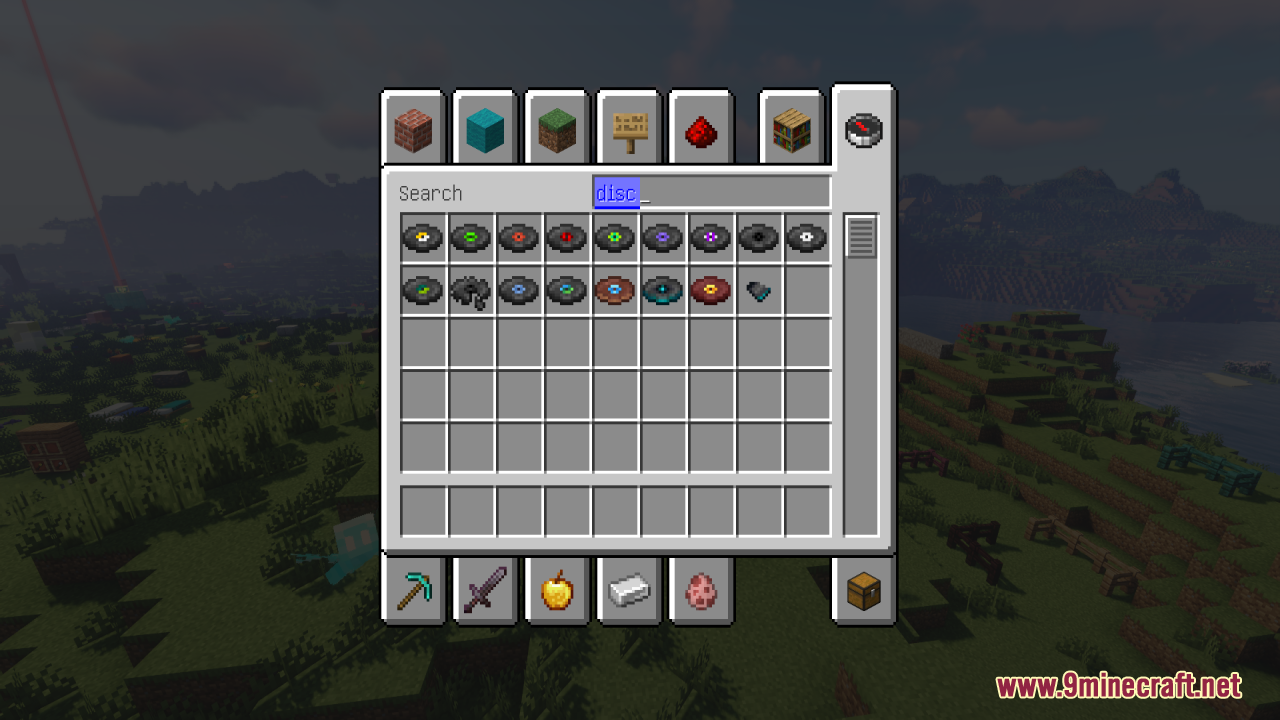
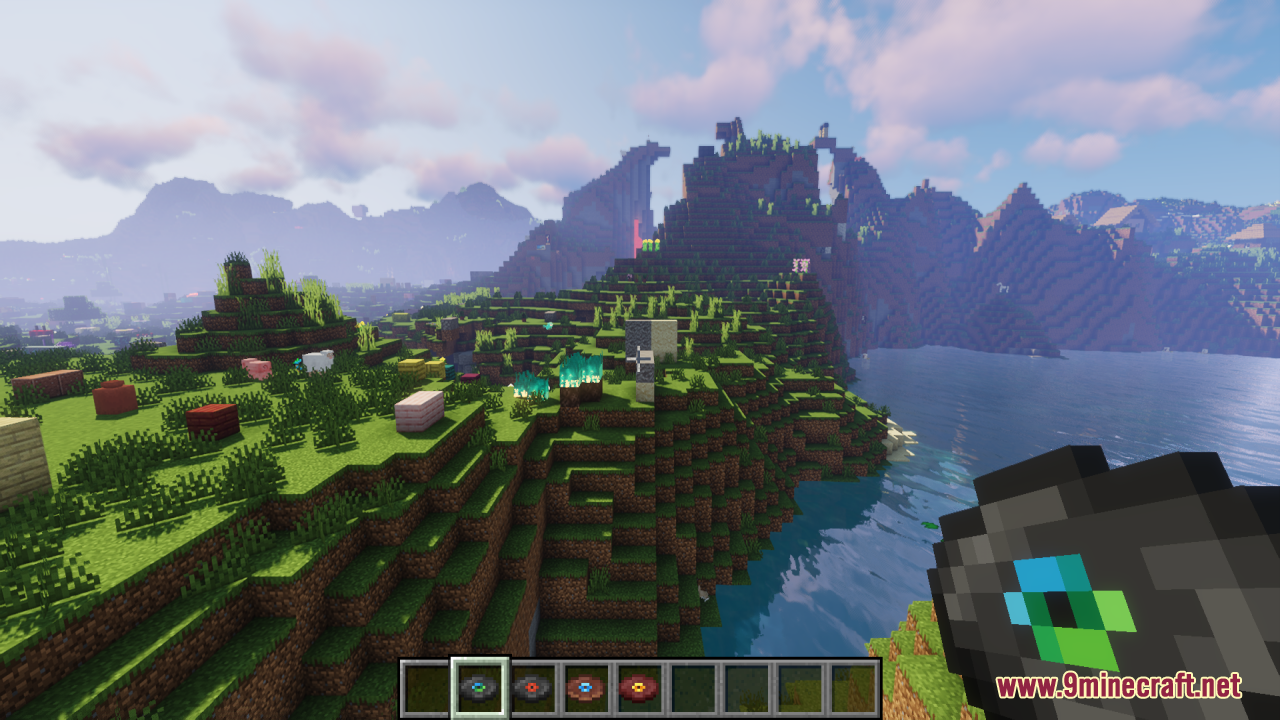
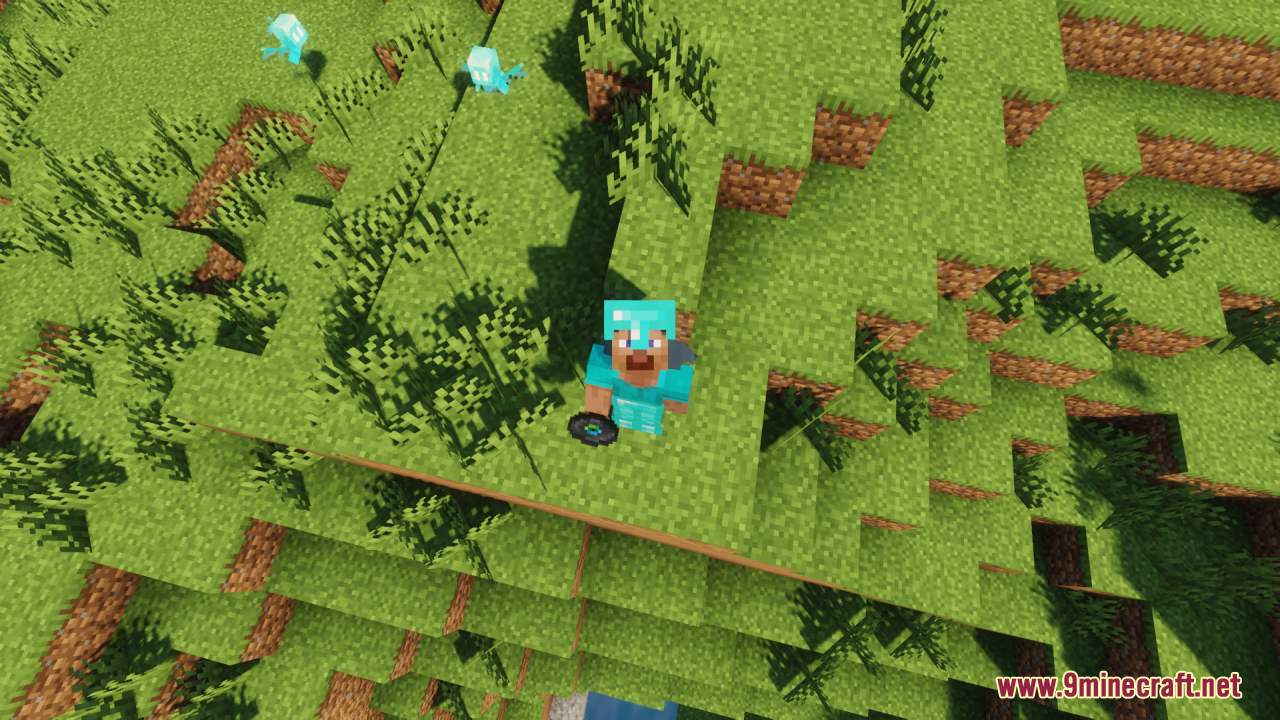
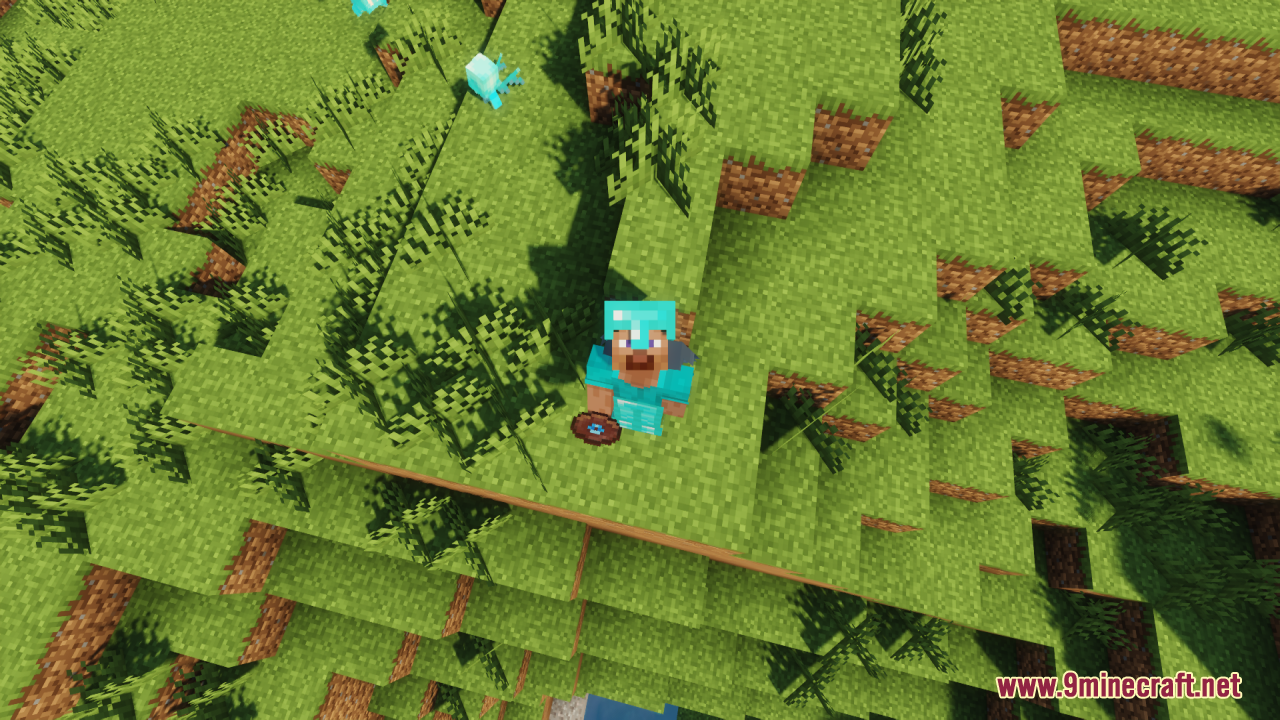
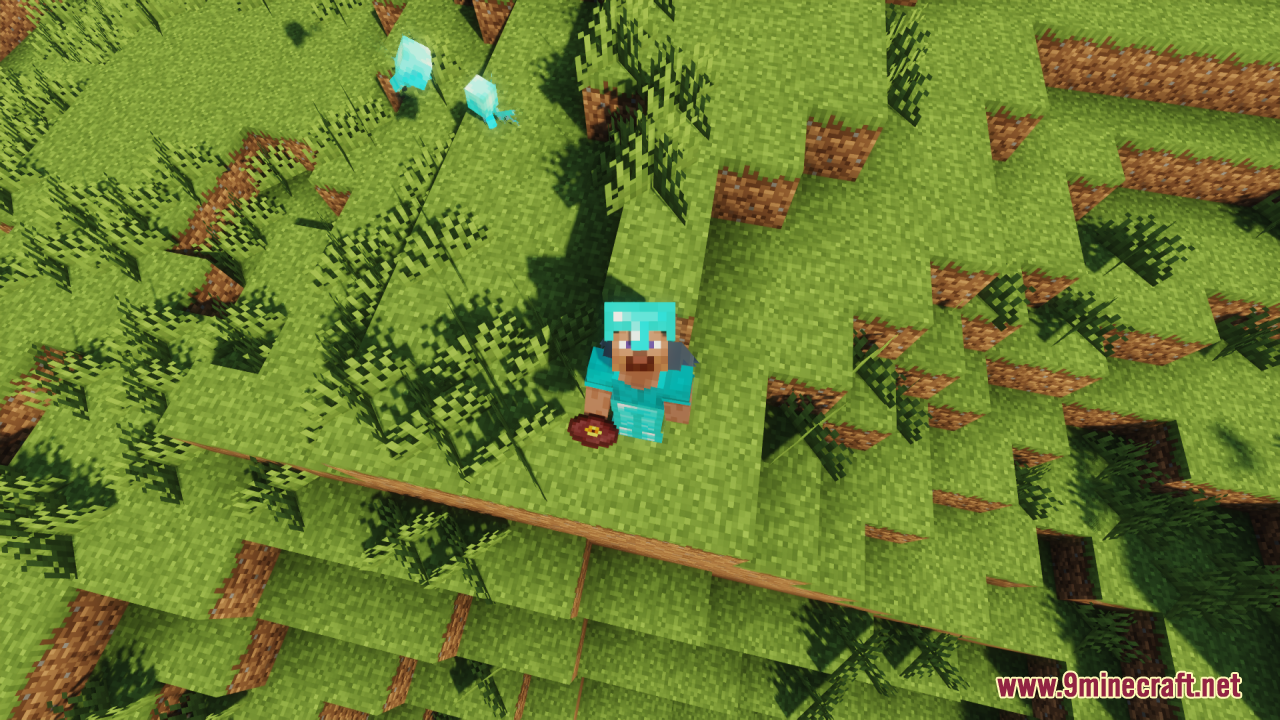
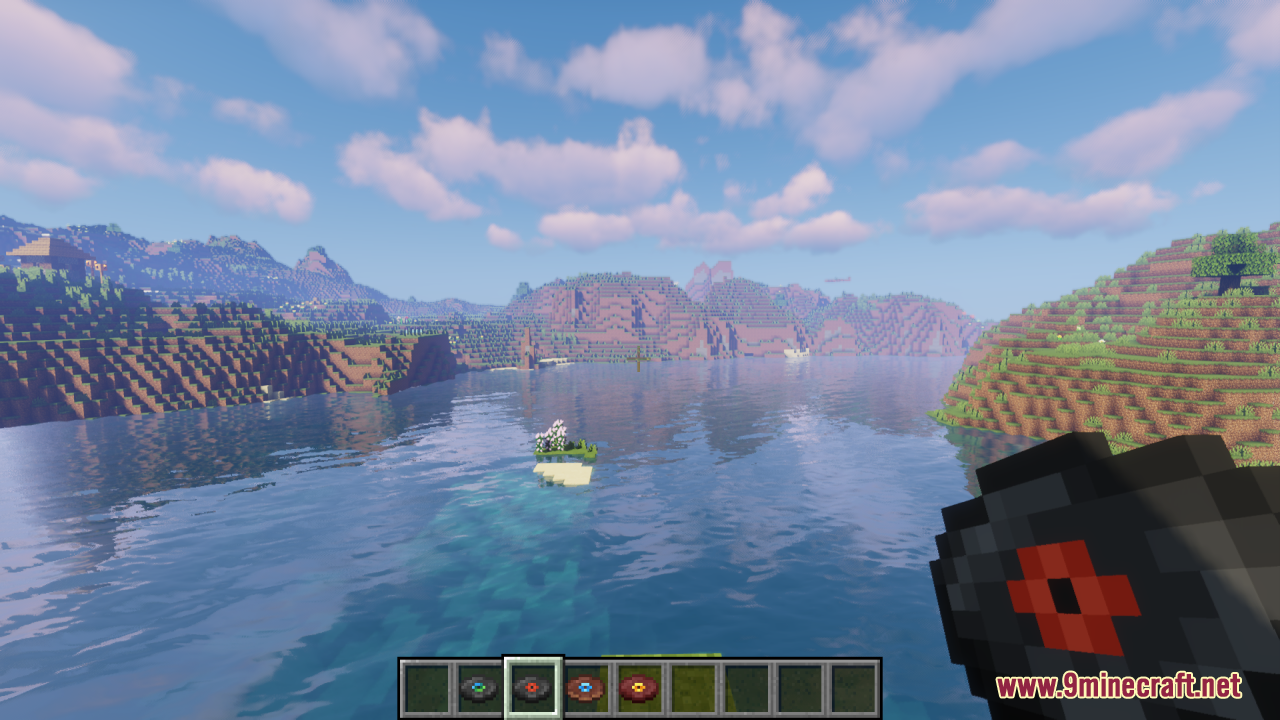
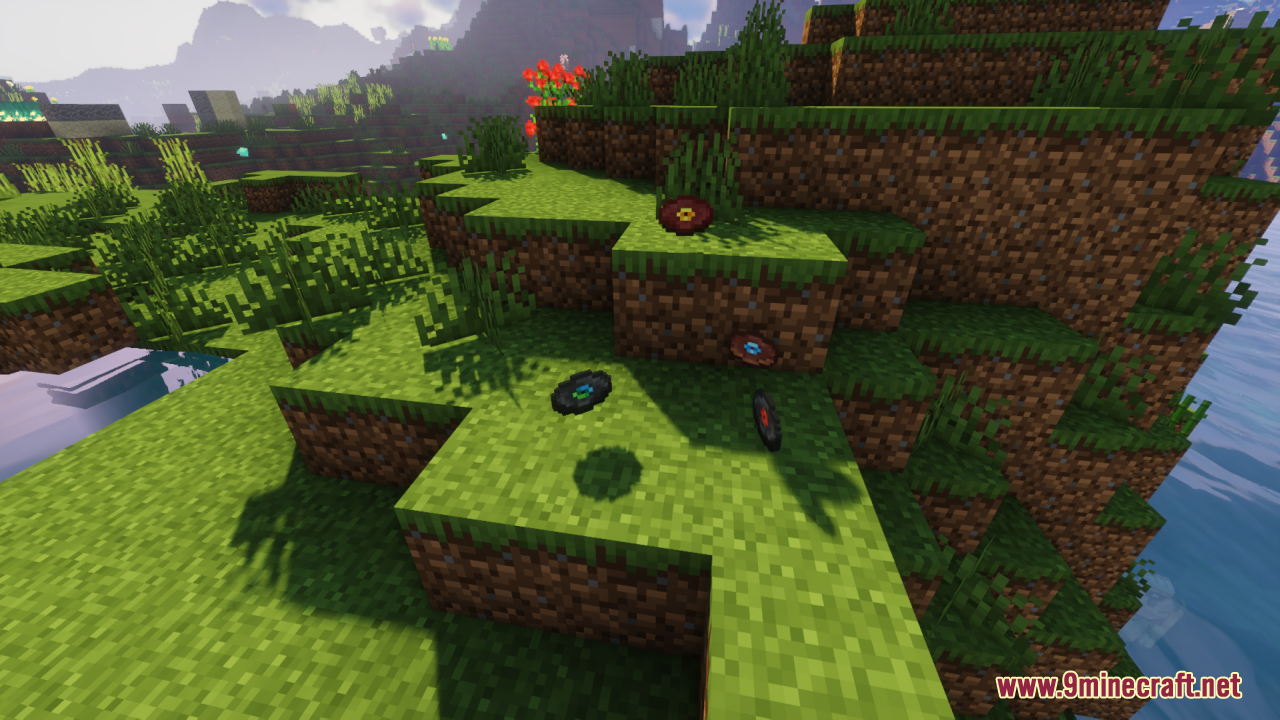
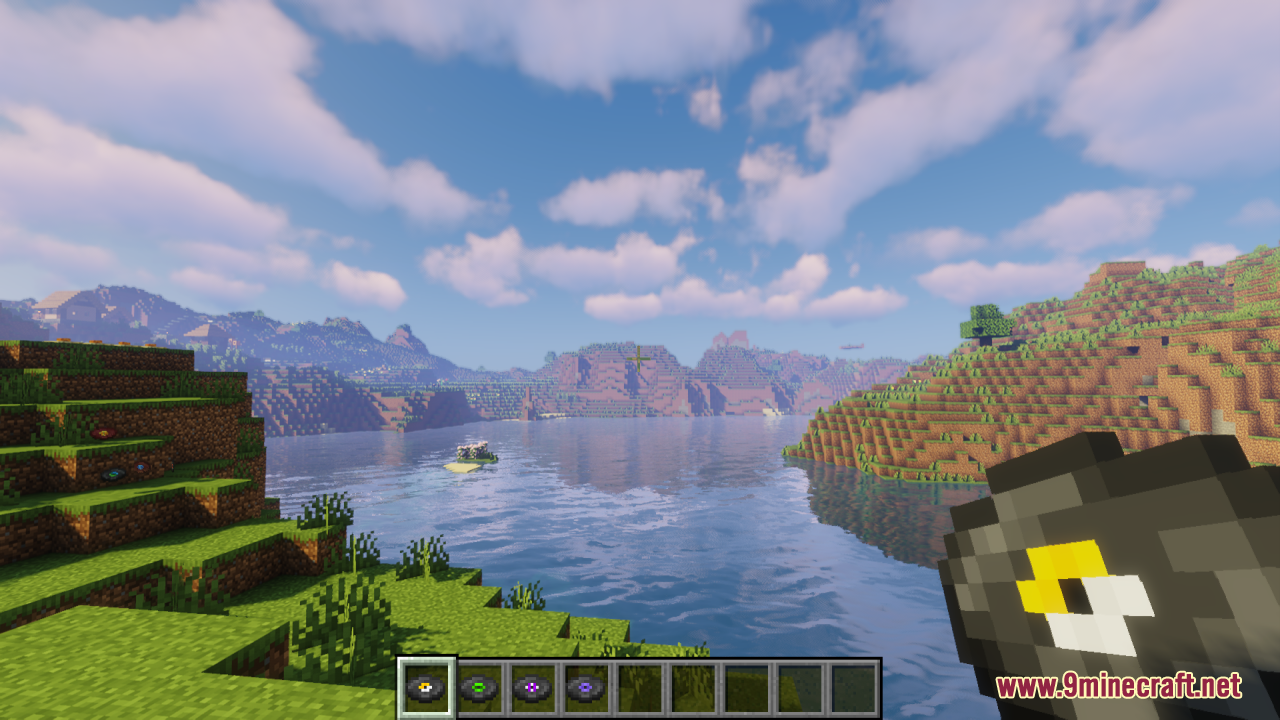
Remastered Music Discs Resource Pack reimagines every music disc in Minecraft with polished, modernized textures that bring them in line with 16× vanilla aesthetics, while keeping their unique disc designs intact. Rather than changing the gameplay, the pack simply replaces the visual appearance of each disc – such as Record 13 – with cleaner, more refined icons that feel fresh yet familiar. Overall, it’s a simple yet satisfying way to elevate your jukebox setups, music-themed builds, or just your inventory look – without modifying anything beyond the textures themselves.
Screenshots:
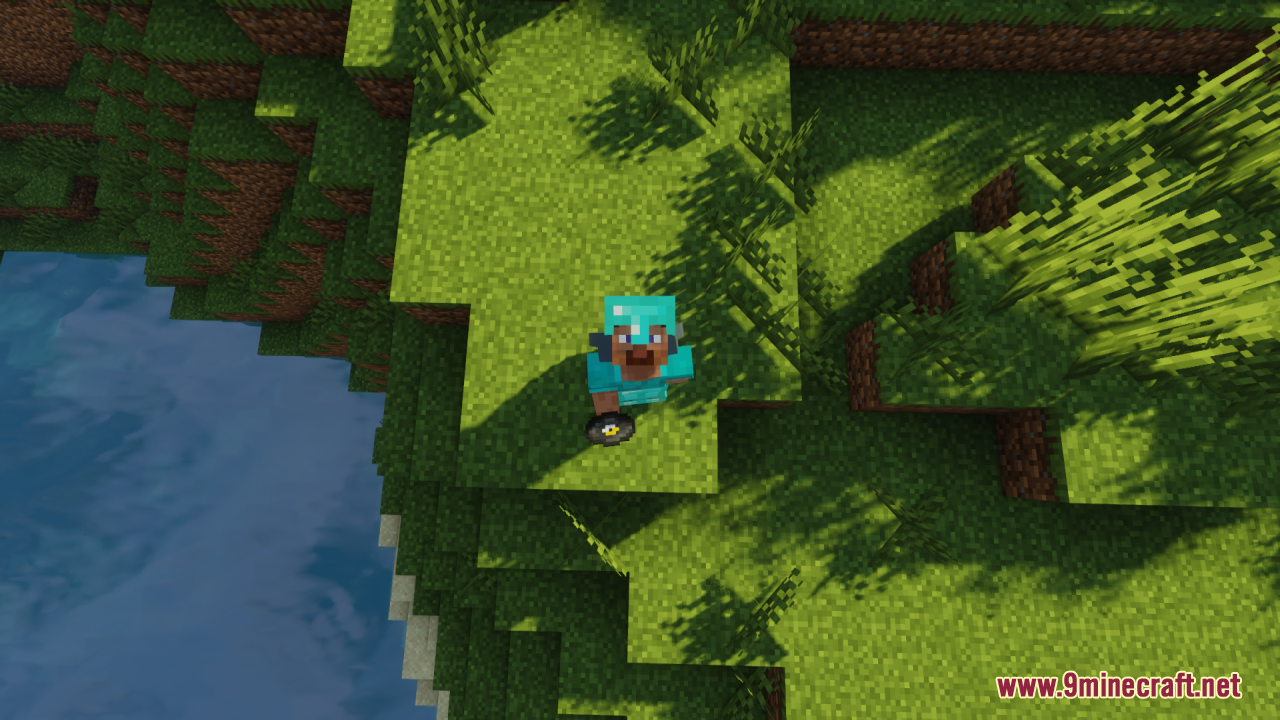
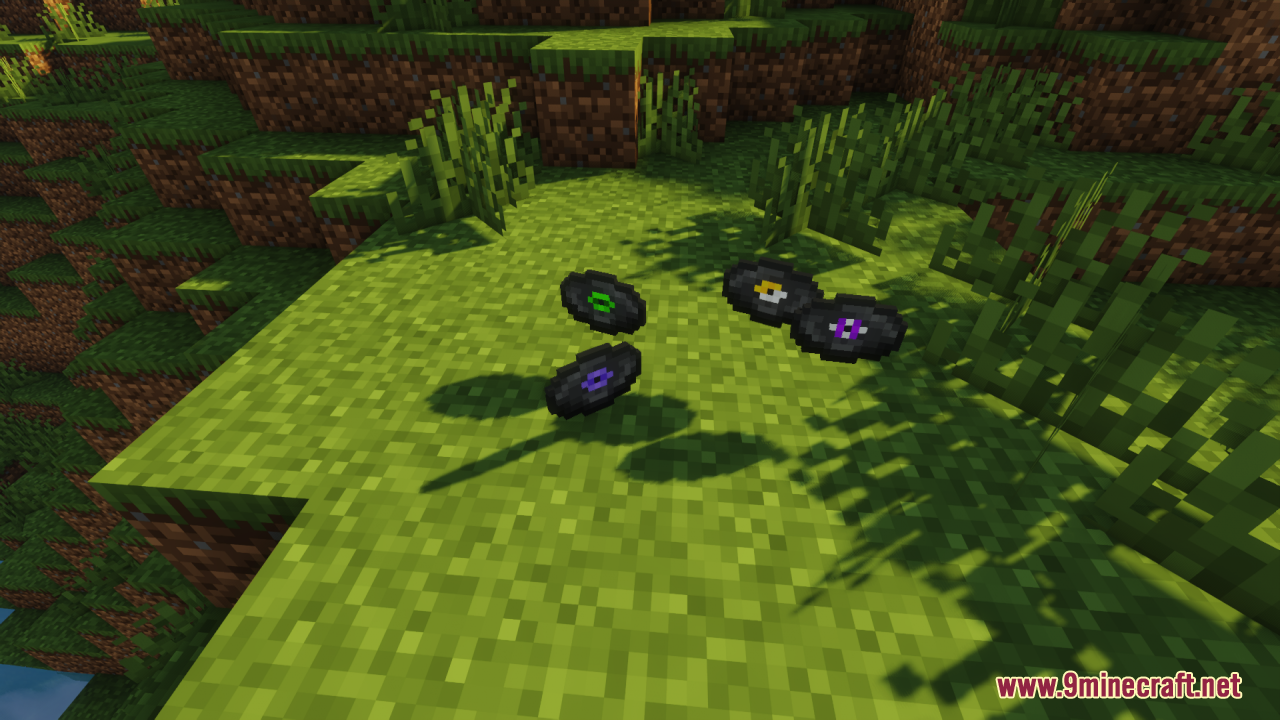
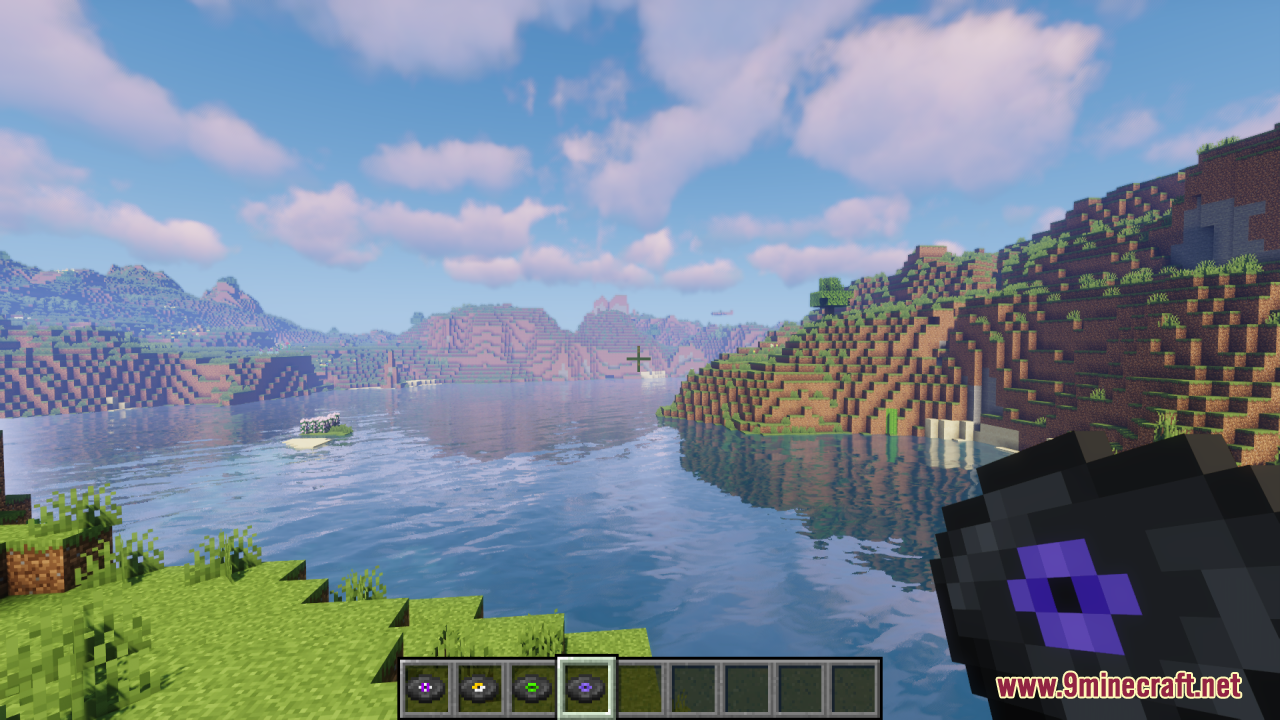
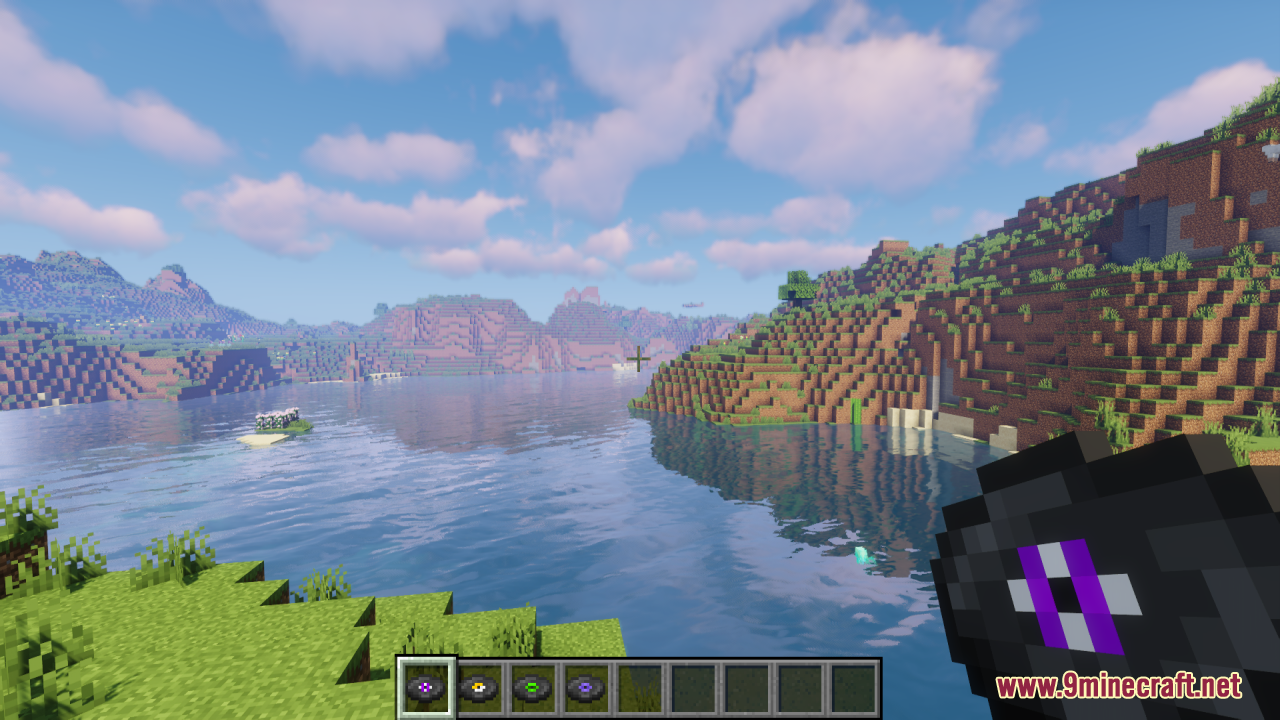
Remastered Music Discs Resource Pack Download Links
For Minecraft 1.21.x
For Minecraft 1.20.x
- Edition: Minecraft Java
- File type: .zip (resource pack)
- Minecraft versions listed: 1.21.1, 1.20.1
- How to install: Download the .zip resource pack — do not unzip it. → Put it in .minecraft/resourcepacks. → Enable it in Options → Resource Packs.
- Where to get it: In MC Java Mods, or directly above on this page.
Install steps are the general flow for this file type — How to install Minecraft Java resource packs walks through it step by step.
Remastered Music Discs Resource Pack (1.21.1, 1.20.1) – Texture Pack is a free Minecraft Java resourcepack. Compatible with Minecraft 1.21.1, 1.20.1. Download it and open it directly in the game.