Enchant Icons Resource Pack (1.21.1, 1.20.1) – Texture Pack
Java resource pack listed for Minecraft 1.20–1.21. Downloads from the MC Java Mods app on Android.
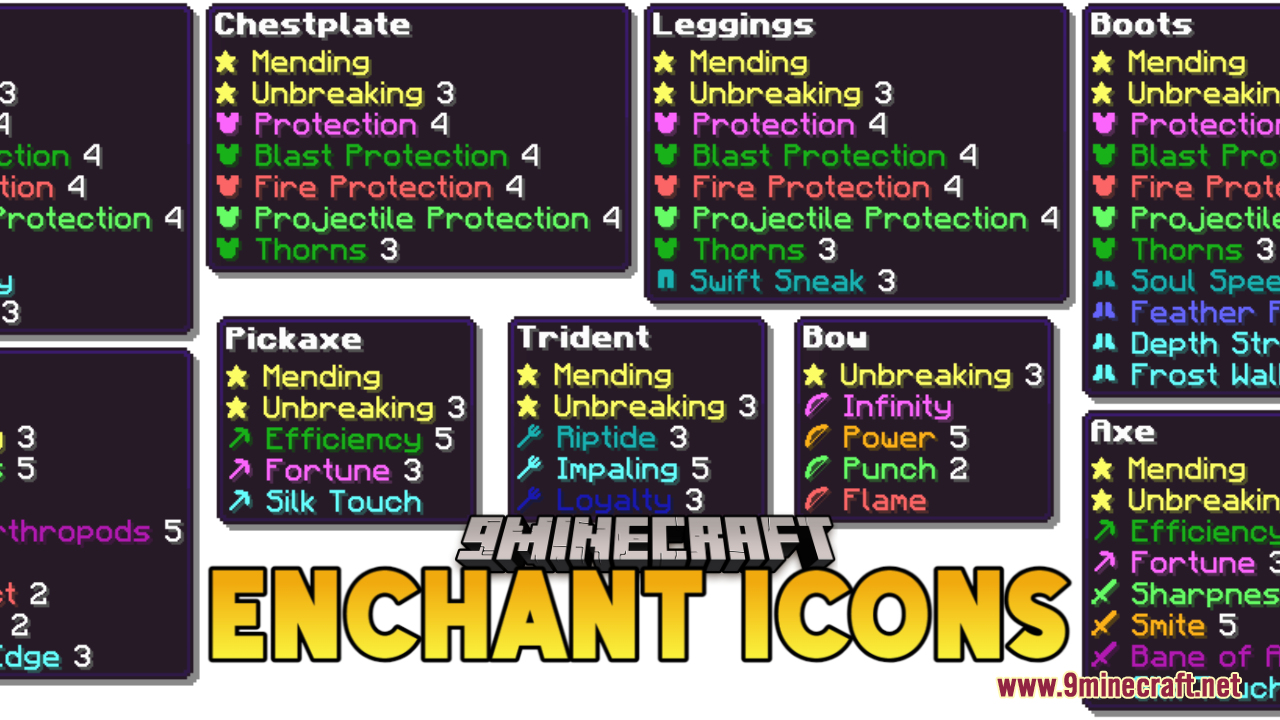
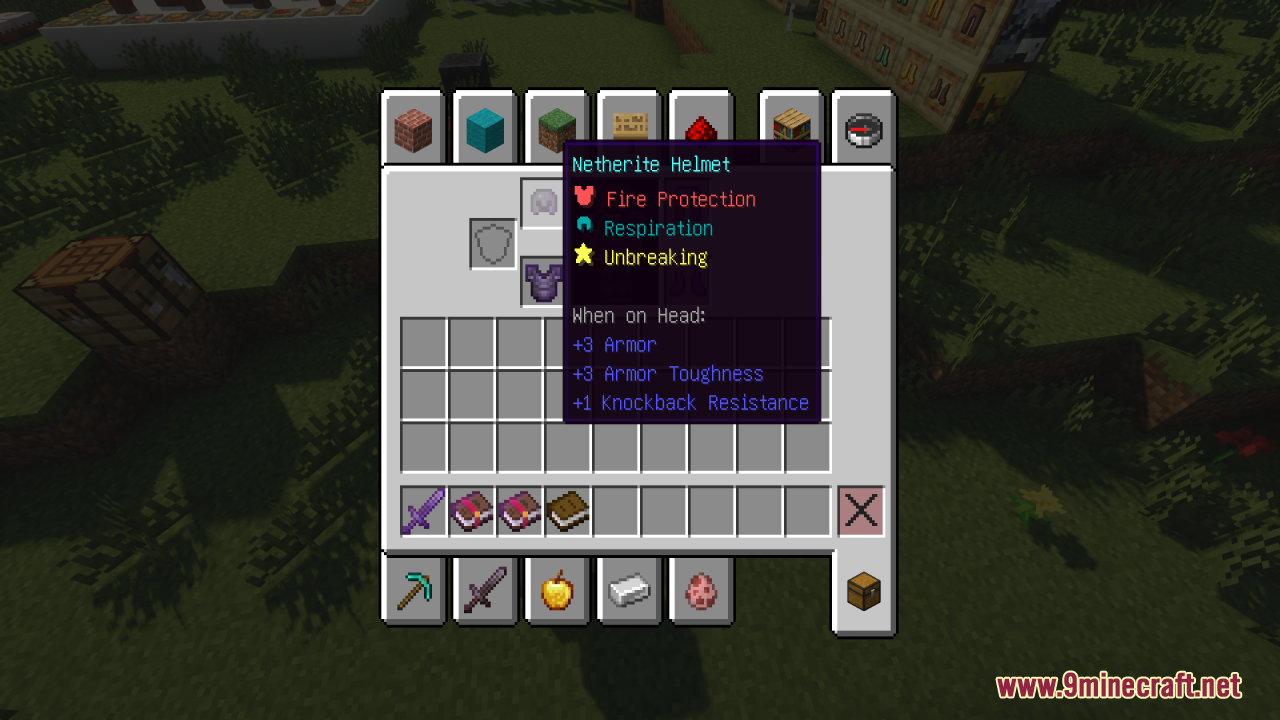
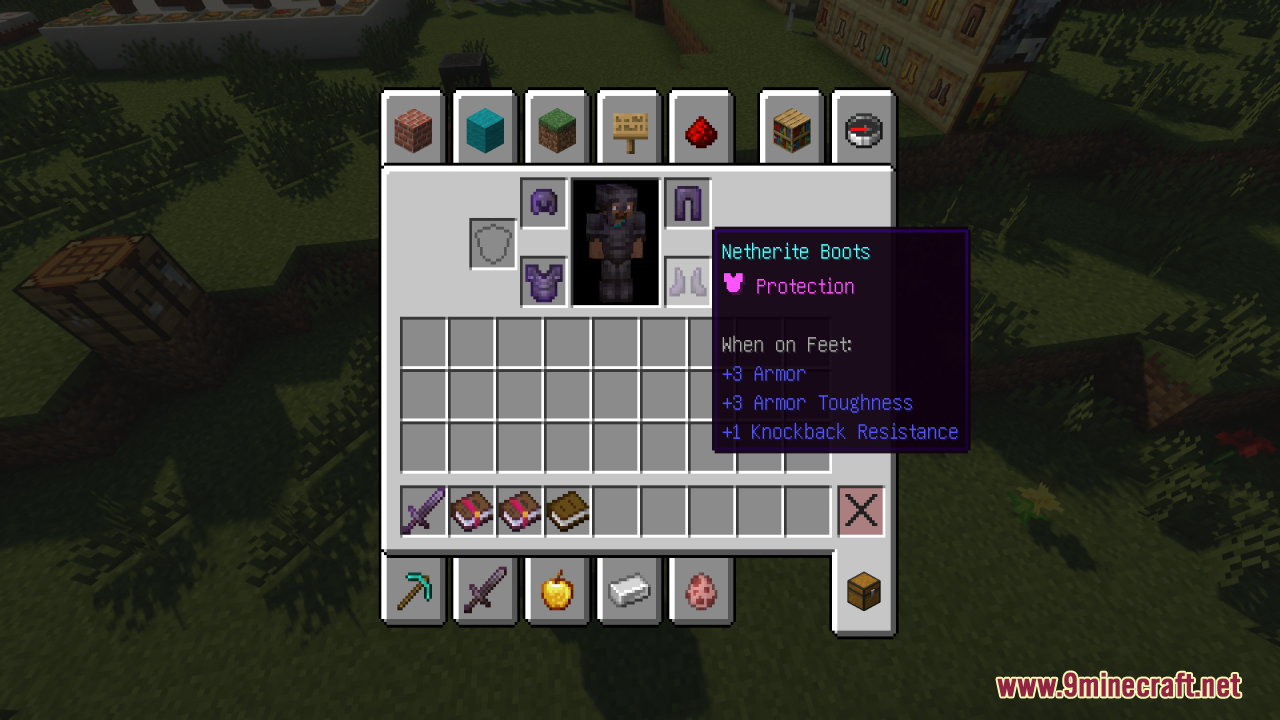
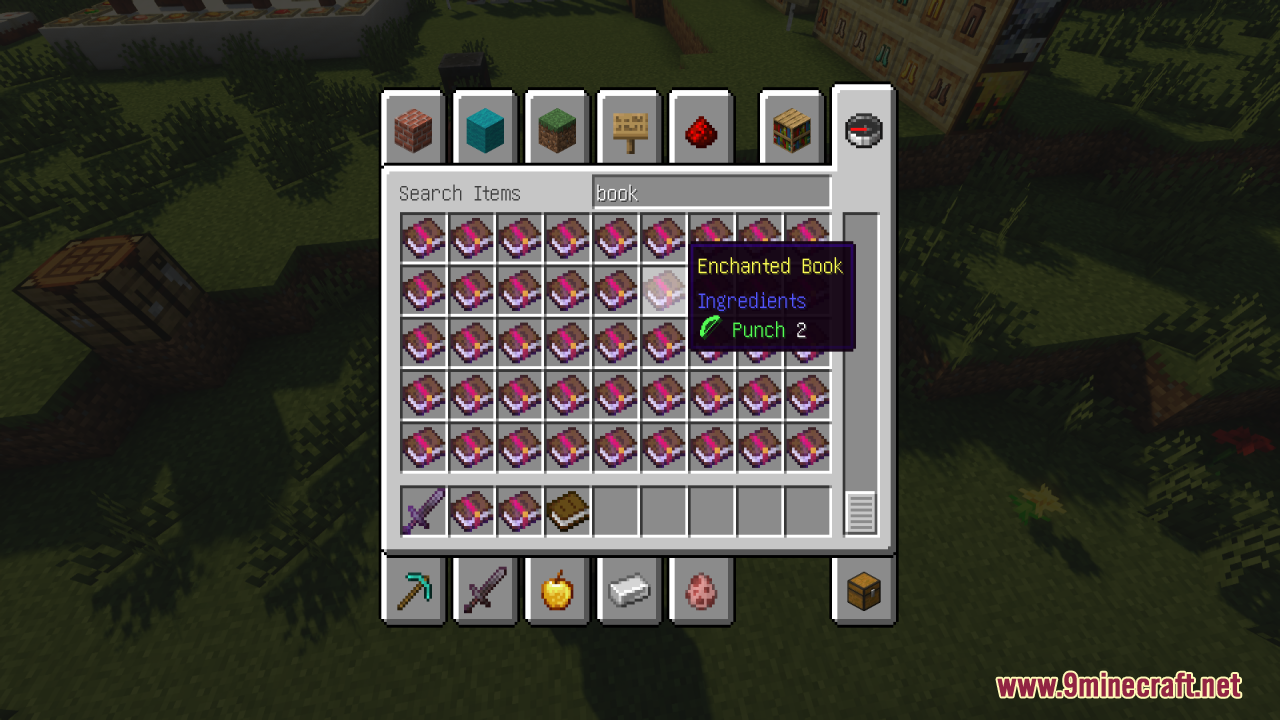
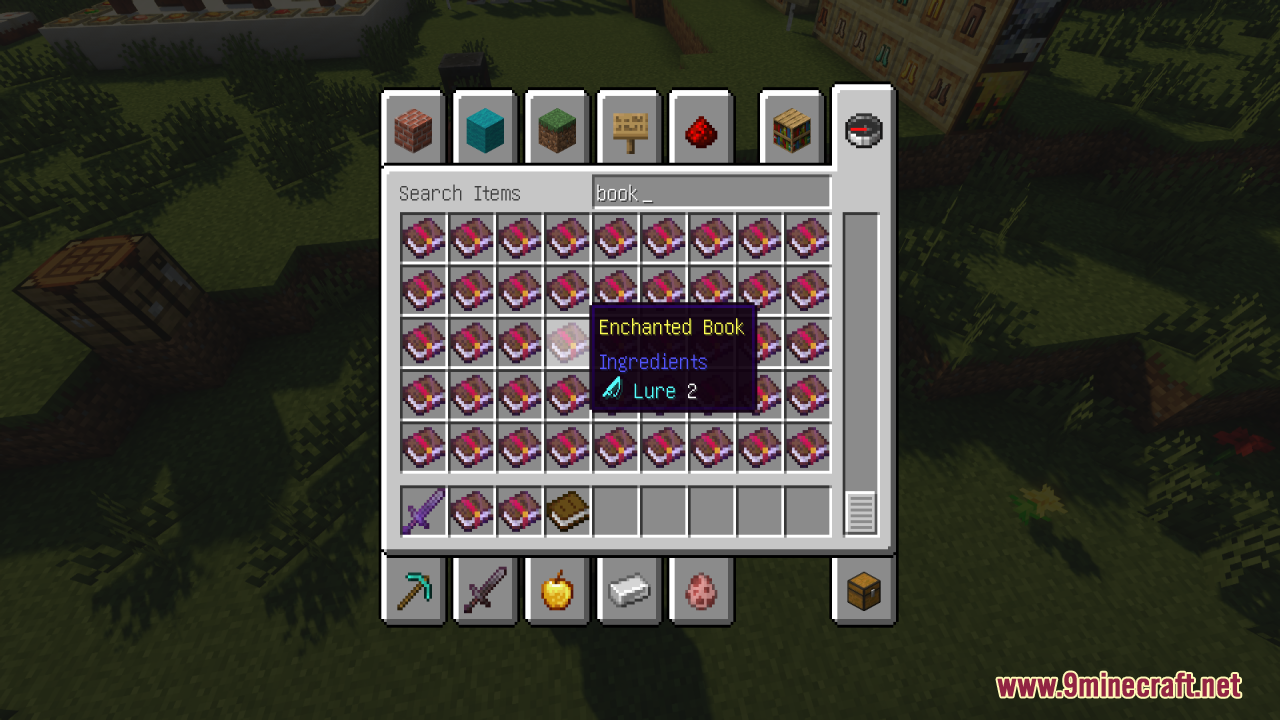
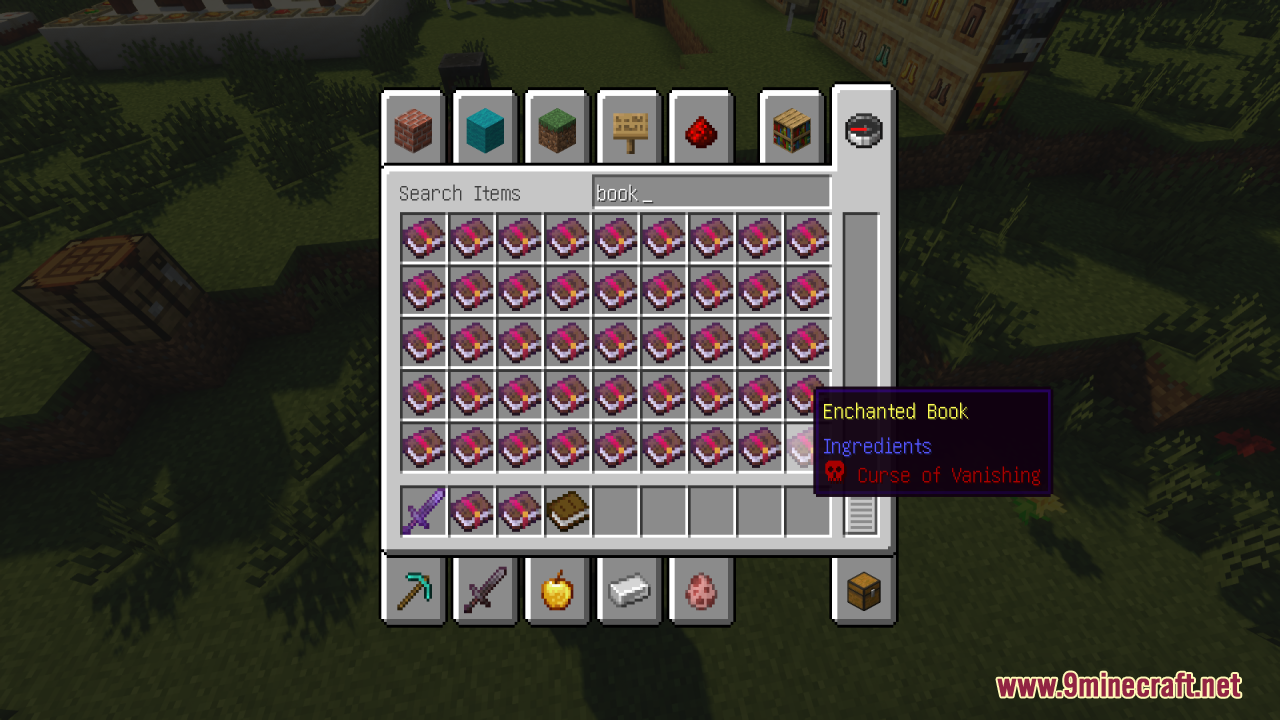
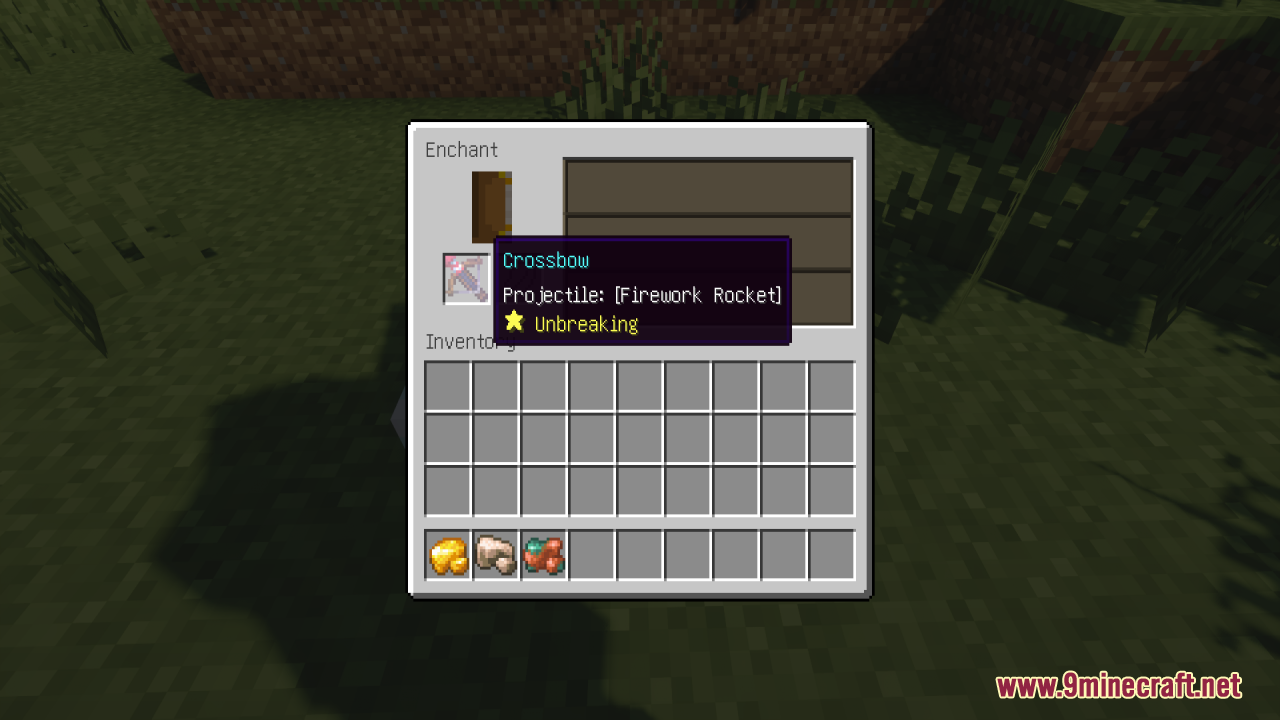
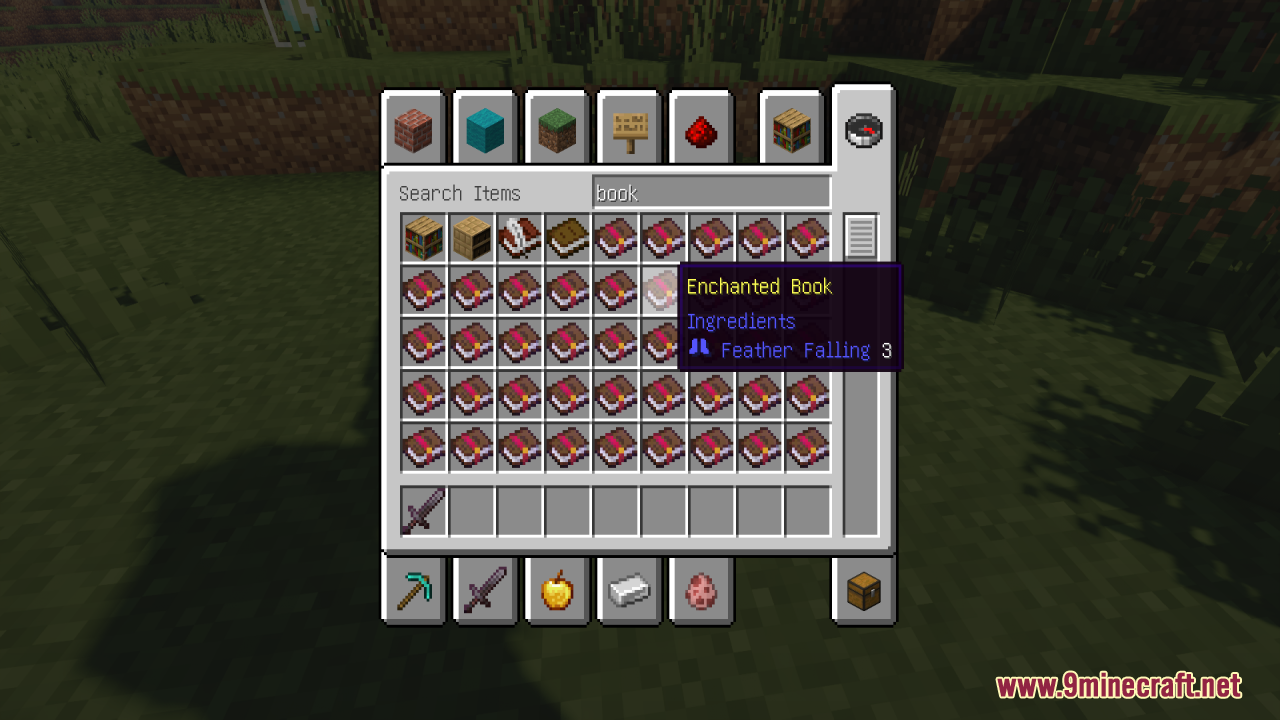
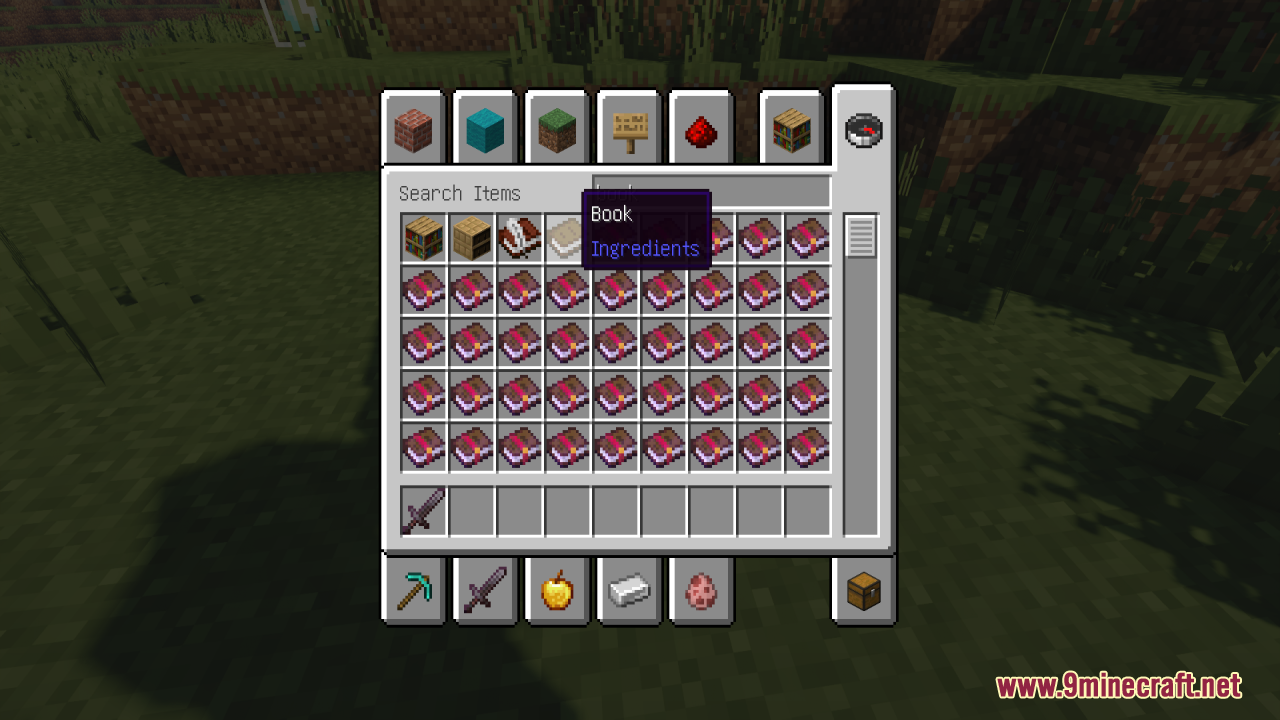
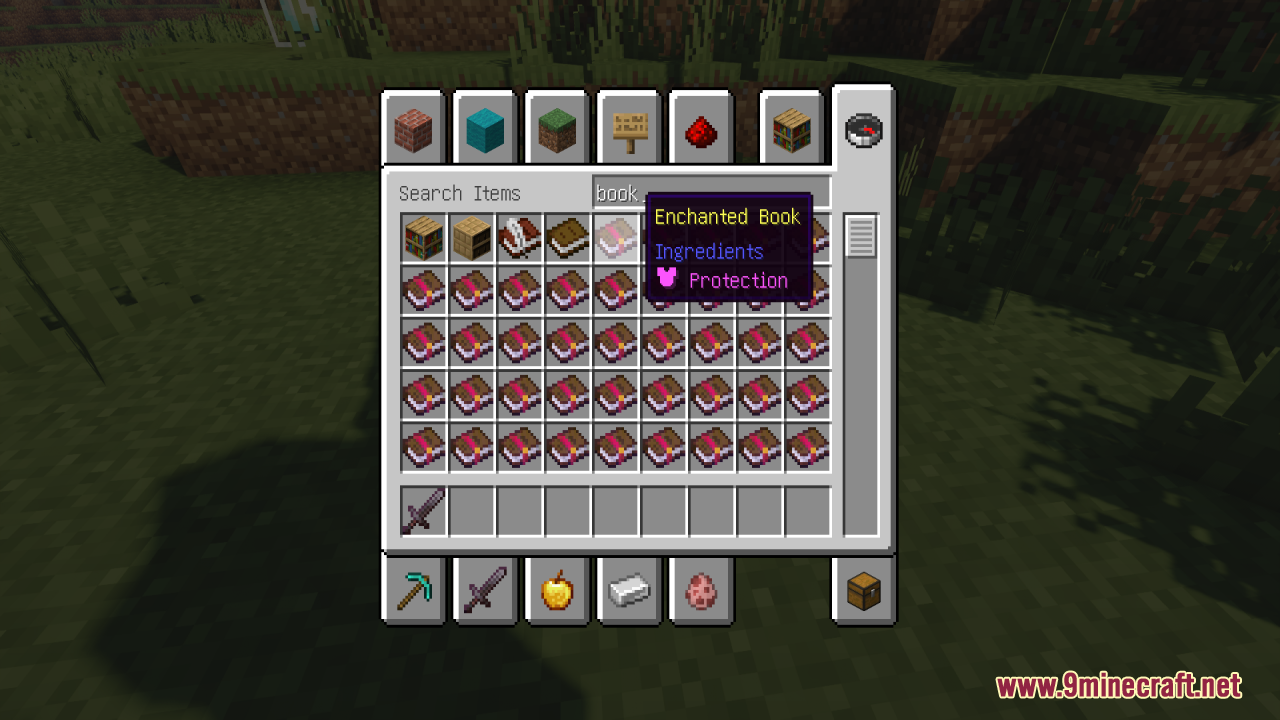
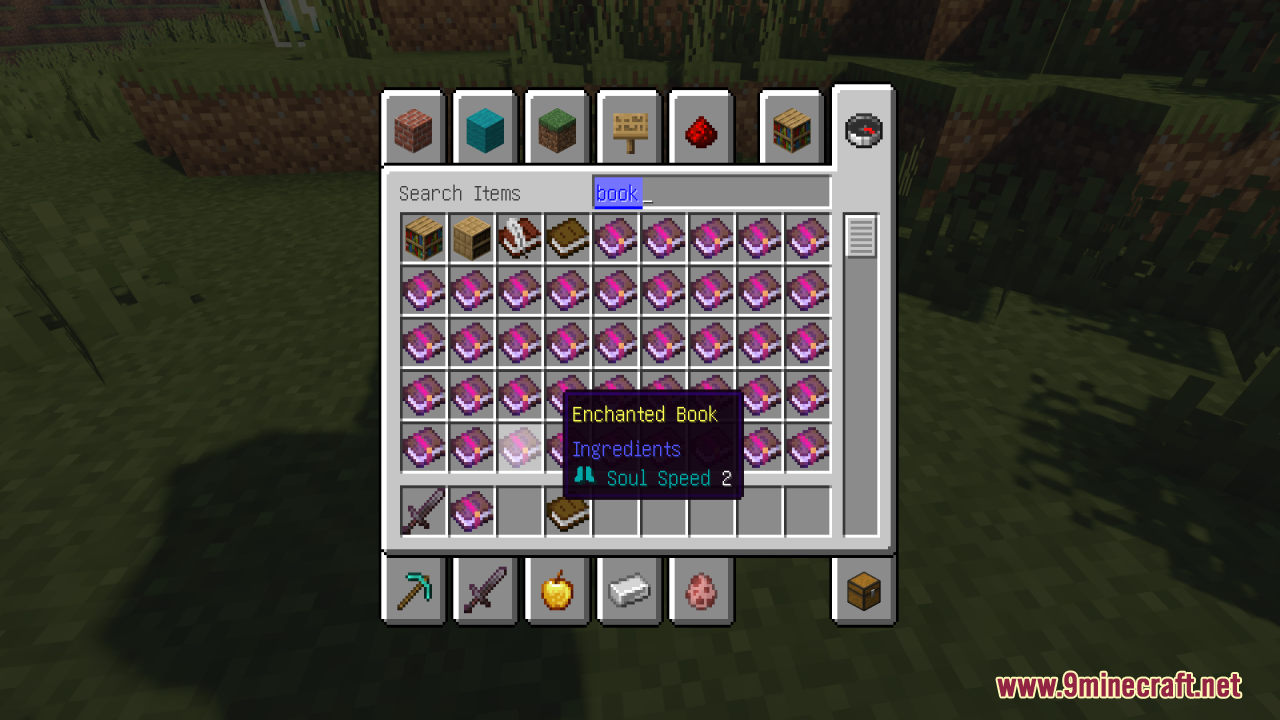
⬇ DownloadEnchant Icons Resource Pack enhances the visual appeal and practicality of enchanted items in Minecraft by adding distinct, colorful icons. These icons help players easily identify which enchantments are applied to their gear, making inventory management more efficient. Each enchantment has its own unique symbol, giving your items a more personalized and visually striking appearance. This pack is perfect for players looking for added clarity and aesthetic flair in their enchanted gear while maintaining the overall feel of vanilla Minecraft.
Screenshots:
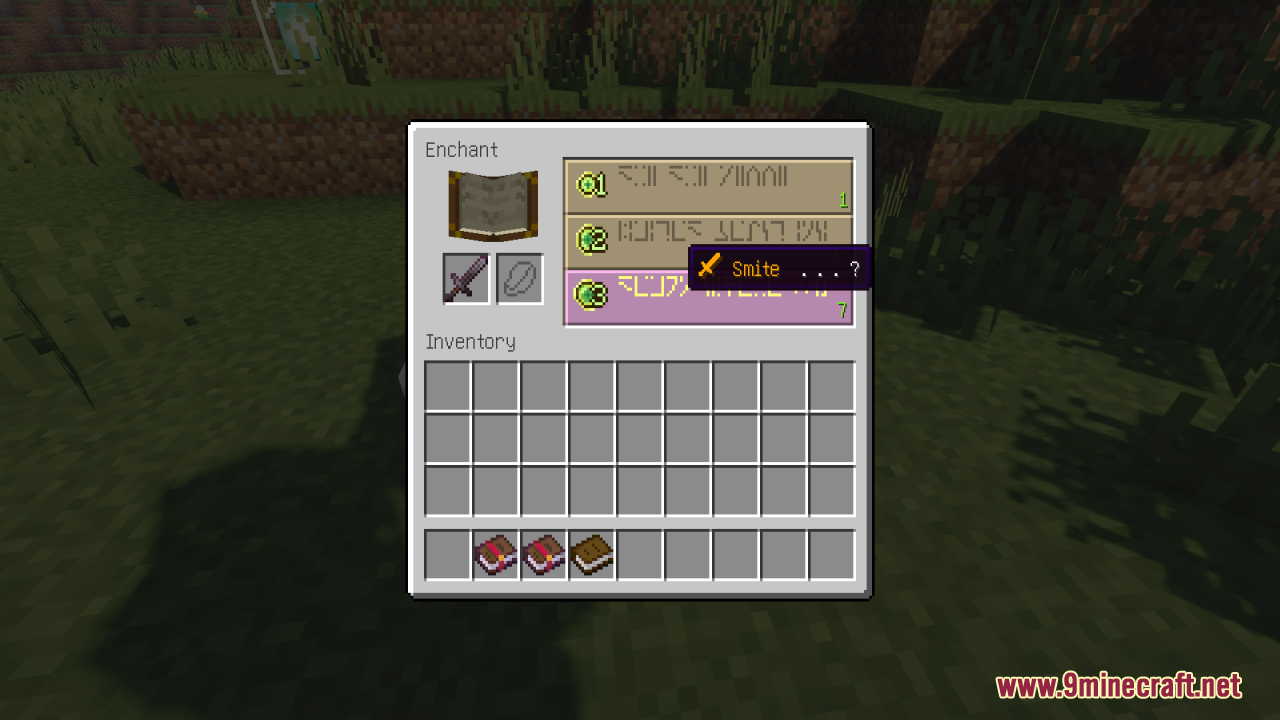
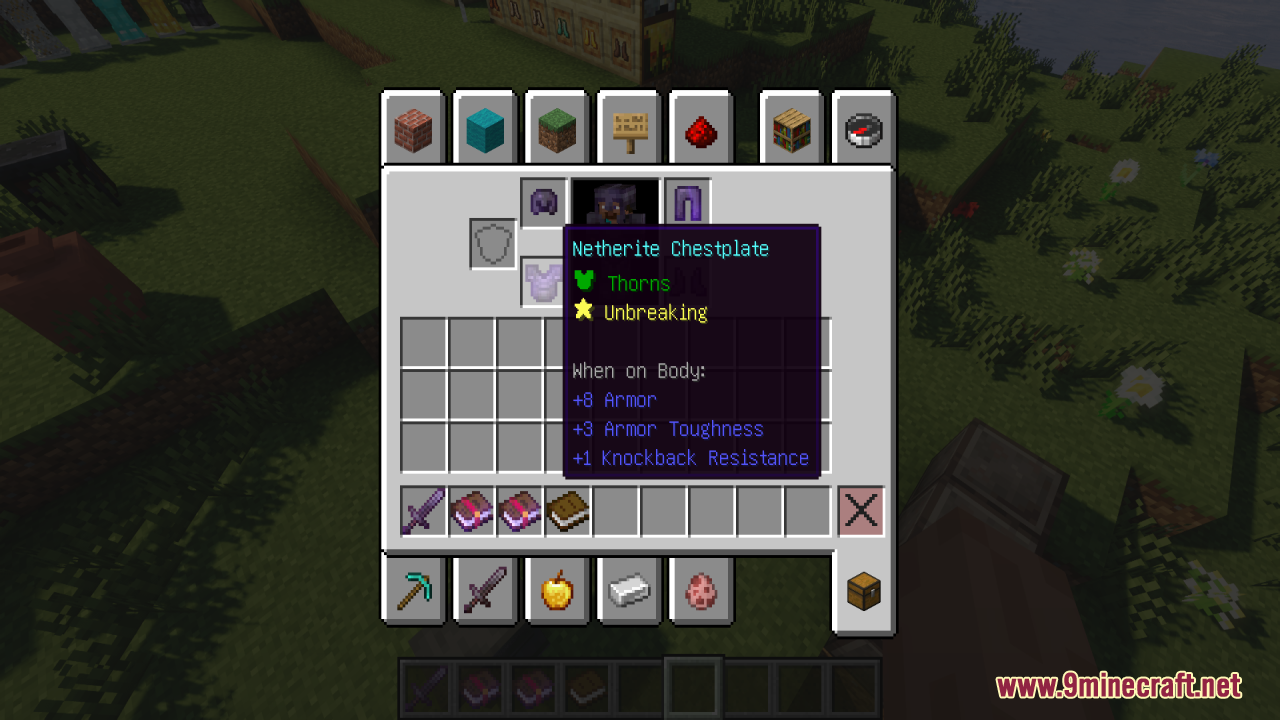
Enchant Icons Resource Pack Download Links
For Minecraft 1.21.x
For Minecraft 1.20.x
- Edition: Minecraft Java
- File type: .zip (resource pack)
- Minecraft versions listed: 1.21.1, 1.20.1
- How to install: Download the .zip resource pack — do not unzip it. → Put it in .minecraft/resourcepacks. → Enable it in Options → Resource Packs.
- Where to get it: In MC Java Mods, or directly above on this page.
Install steps are the general flow for this file type — How to install Minecraft Java resource packs walks through it step by step.
Enchant Icons Resource Pack (1.21.1, 1.20.1) – Texture Pack is a free Minecraft Java resourcepack. Compatible with Minecraft 1.21.1, 1.20.1. Download it and open it directly in the game.