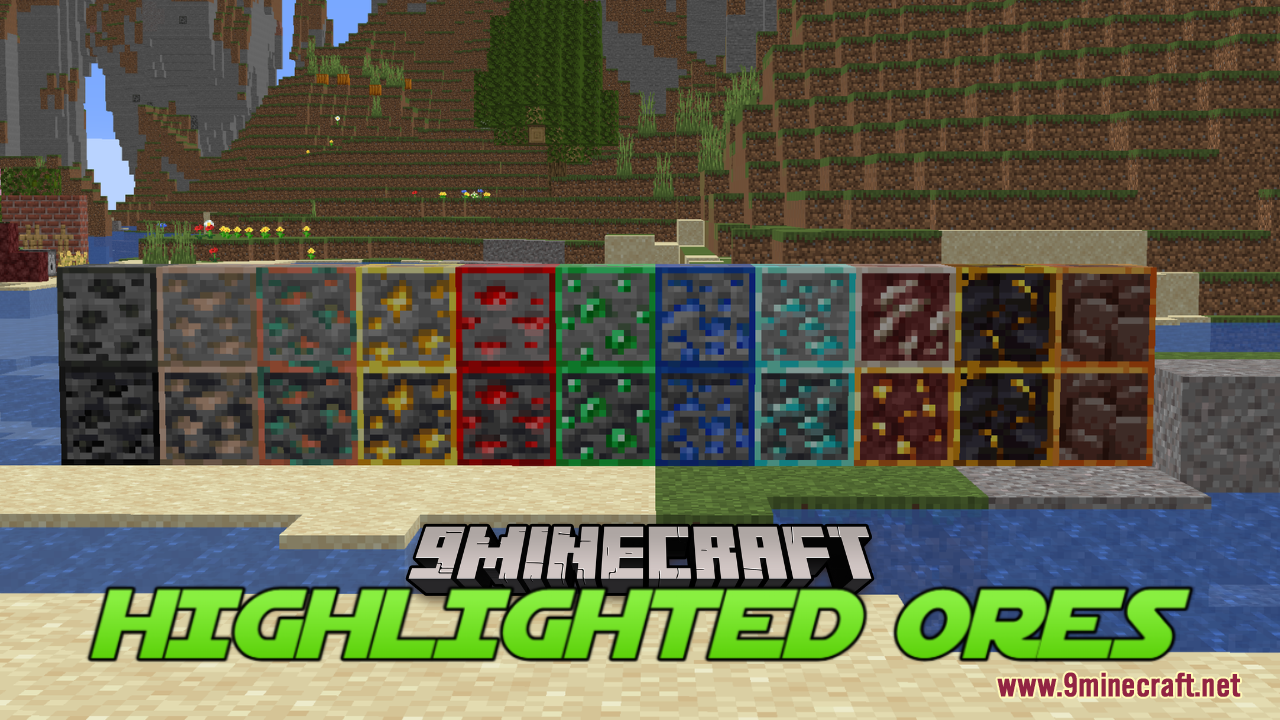
Highlighted Ores Resource Pack (1.21.1, 1.20.1) – Texture Pack
Java resource pack listed for Minecraft 1.20–1.21. Downloads from the MC Java Mods app on Android.
⬇ Download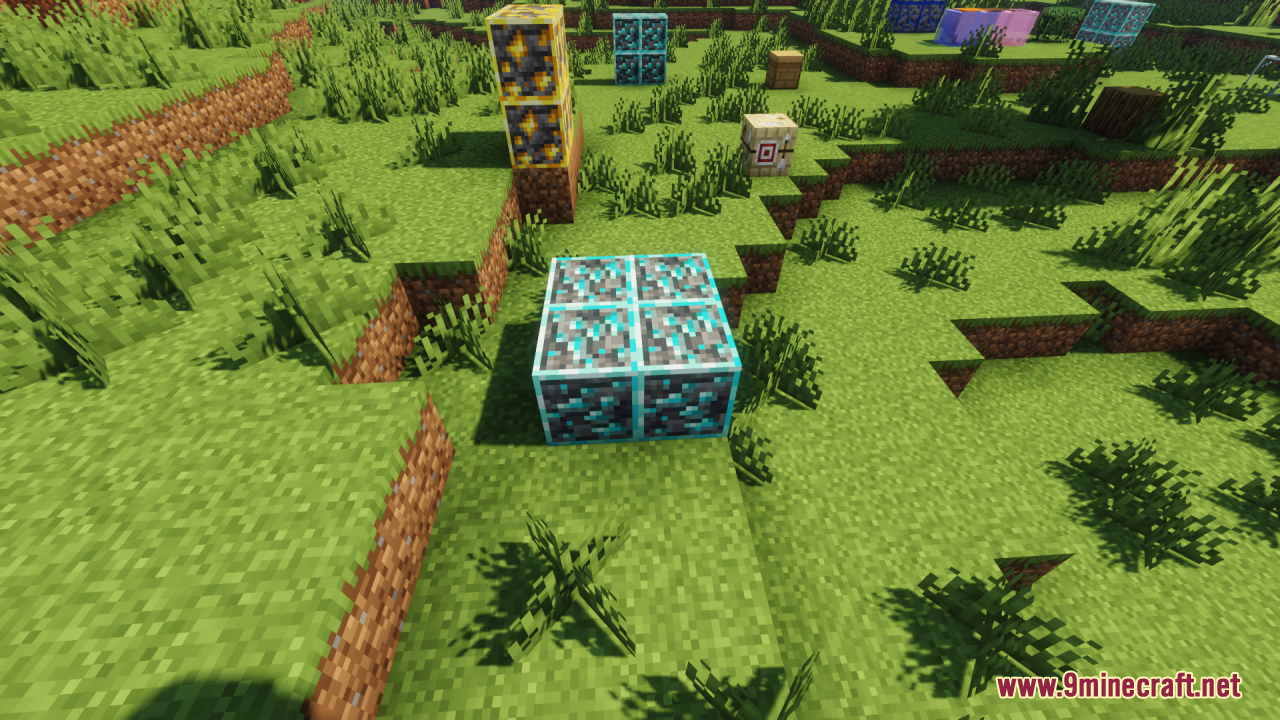
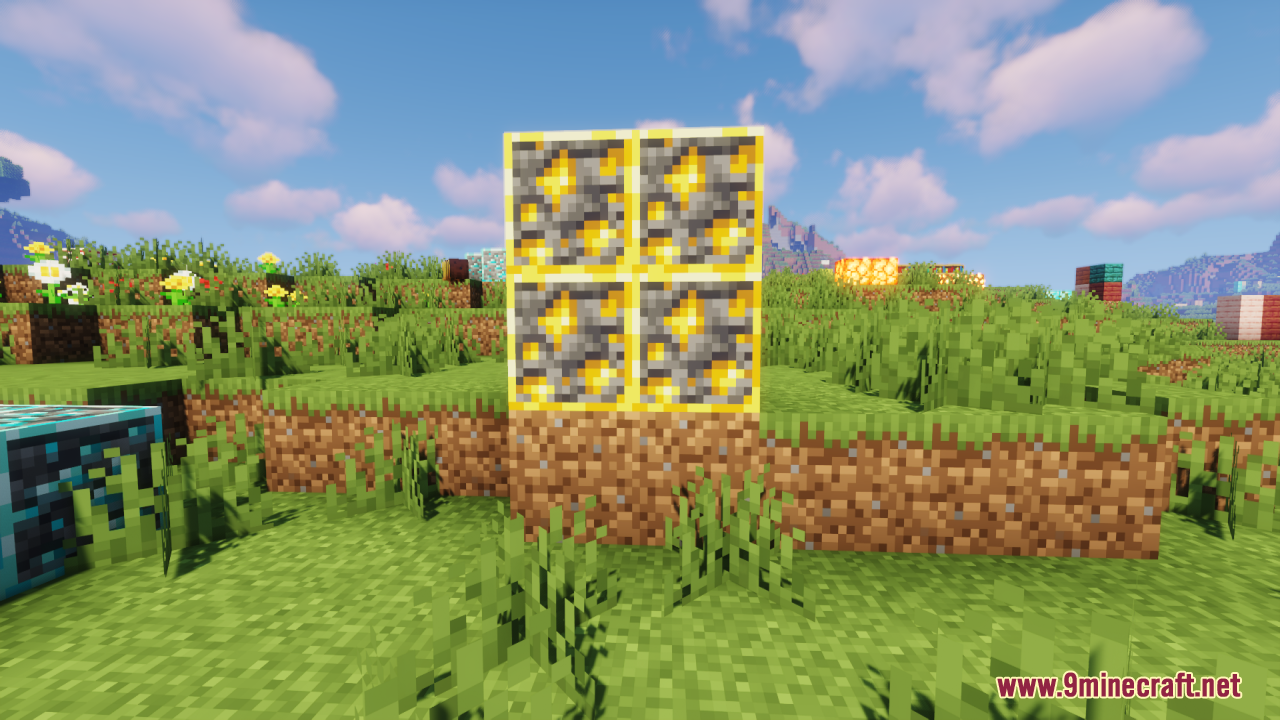
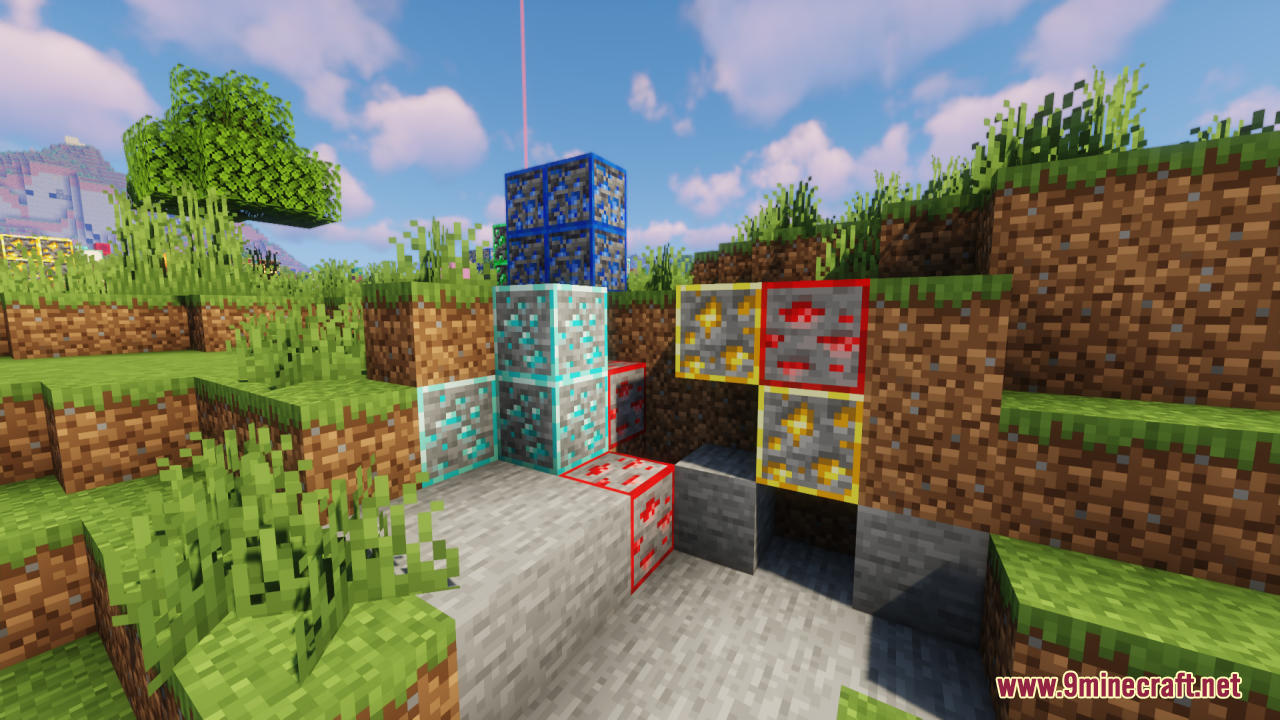
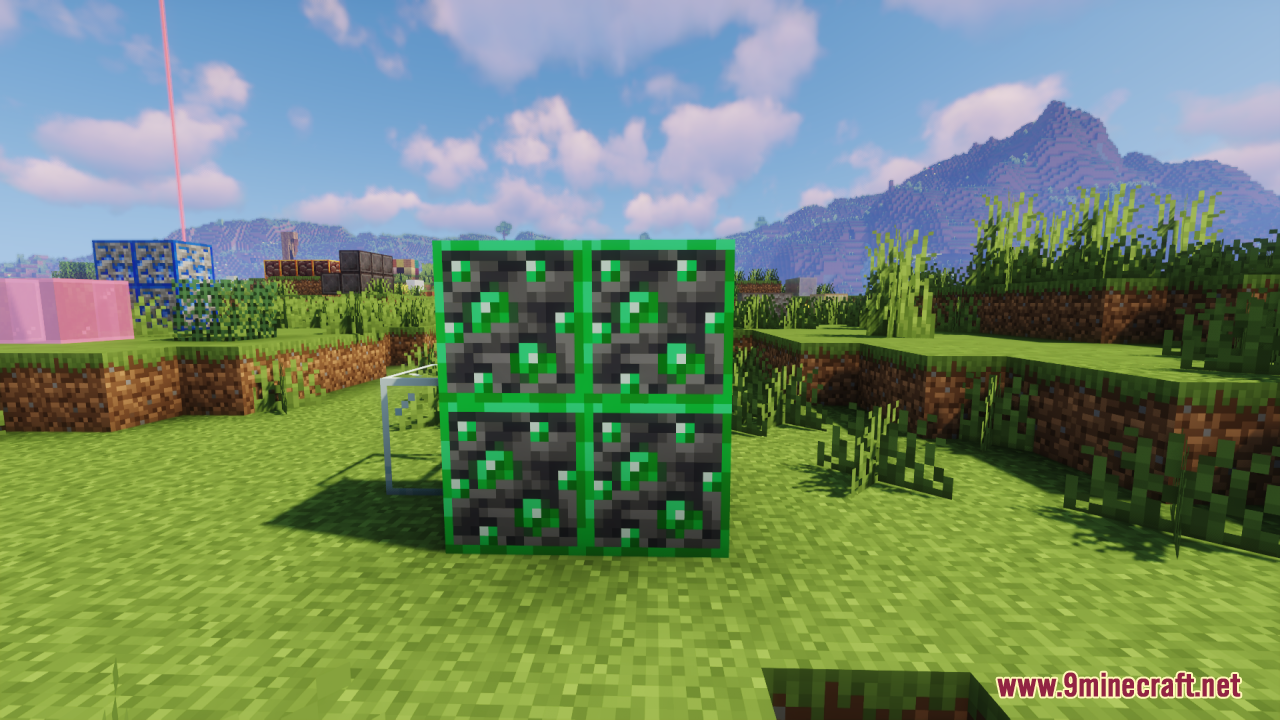
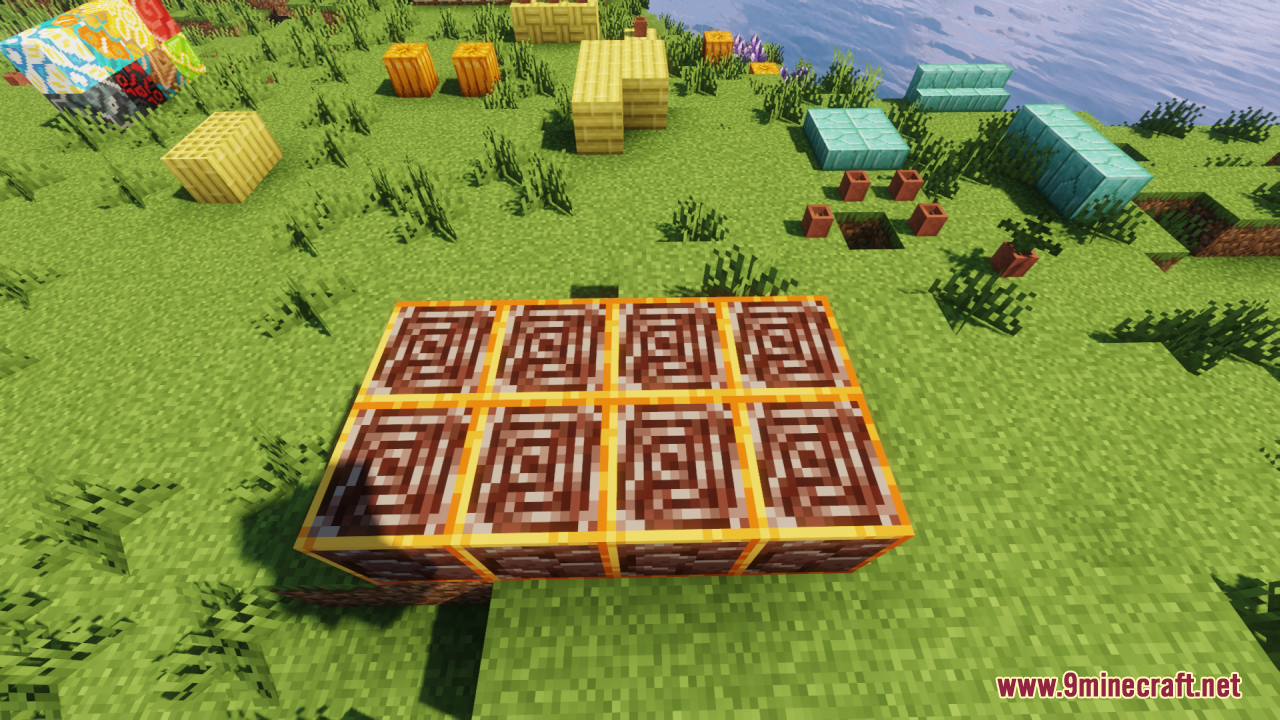
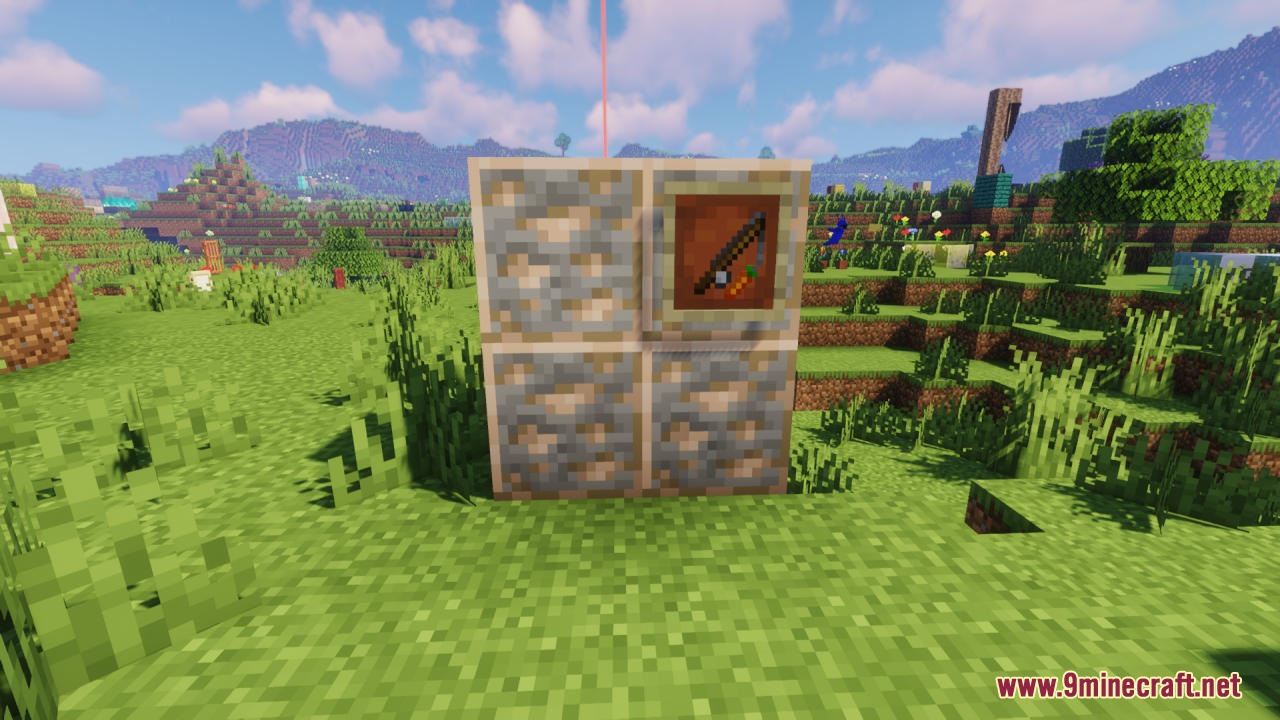
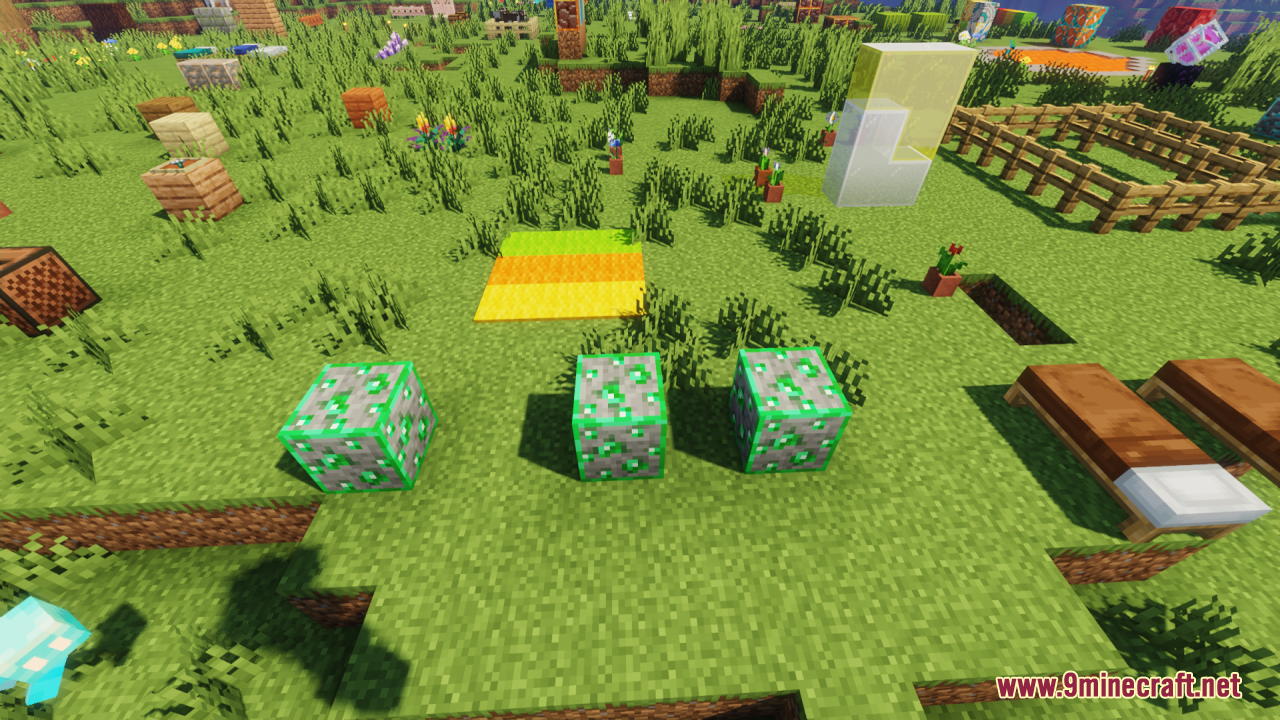
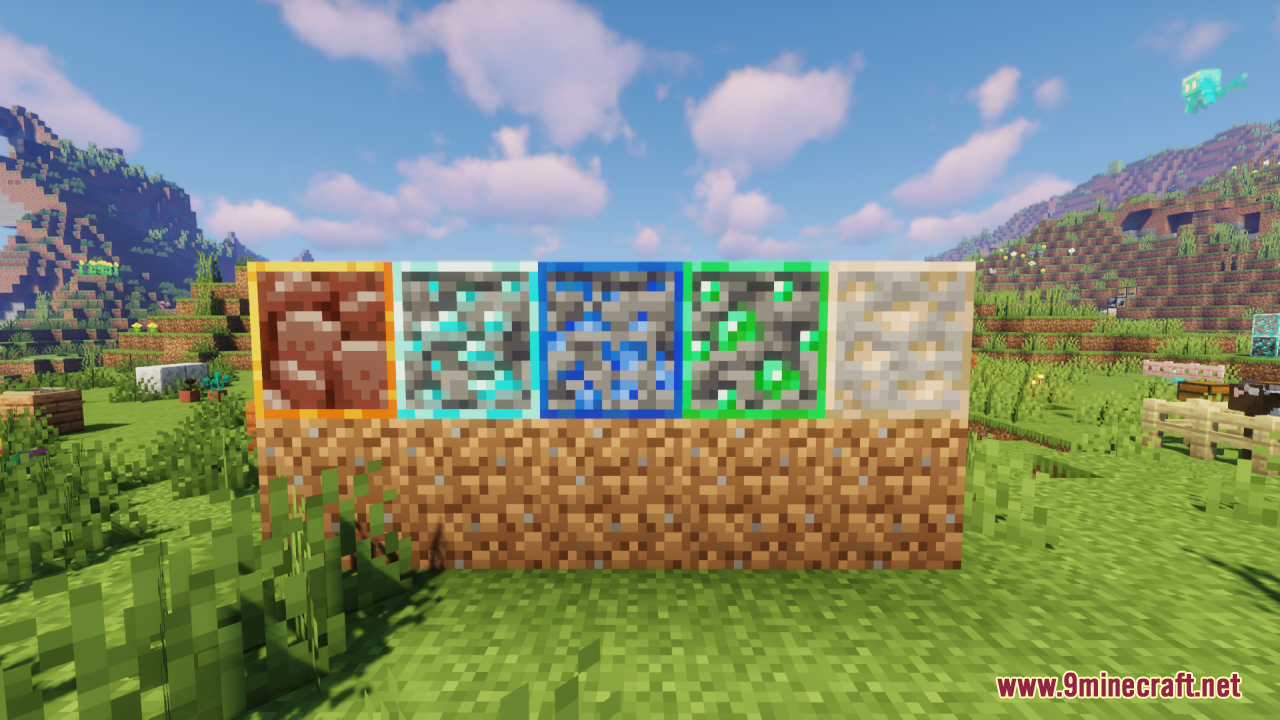
Highlighted Ores Resource Pack aims to enhance Minecraft by adding clean, vibrant outlines around all ore blocks – such as coal, iron, gold, redstone, lapis, diamond, emerald, quartz, and ancient debris – making them much easier to spot while mining . Unlike x-ray cheats or mods, this pack simply emphasizes the edges of ores with color-coded borders that blend with the vanilla aesthetic, improving visibility without altering gameplay. In general, it is a good choice to reduce missed ores, improving efficiency and enjoyment during mining sessions.
Screenshots:
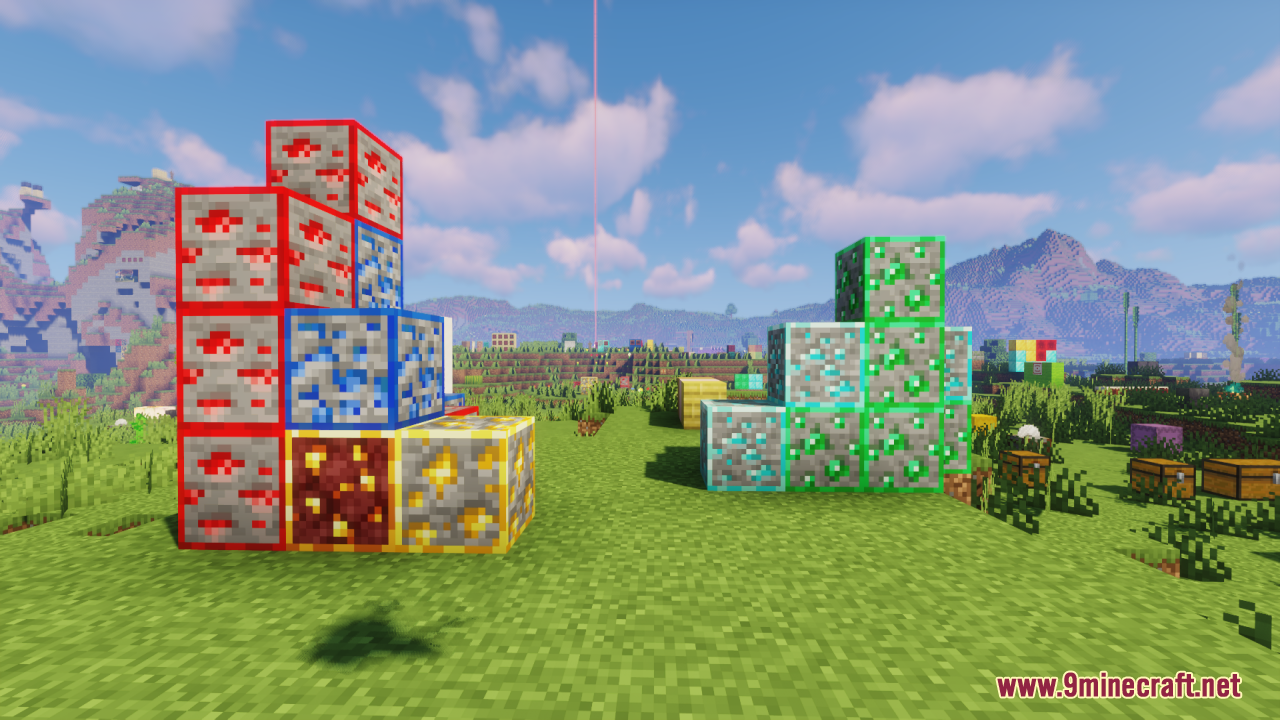
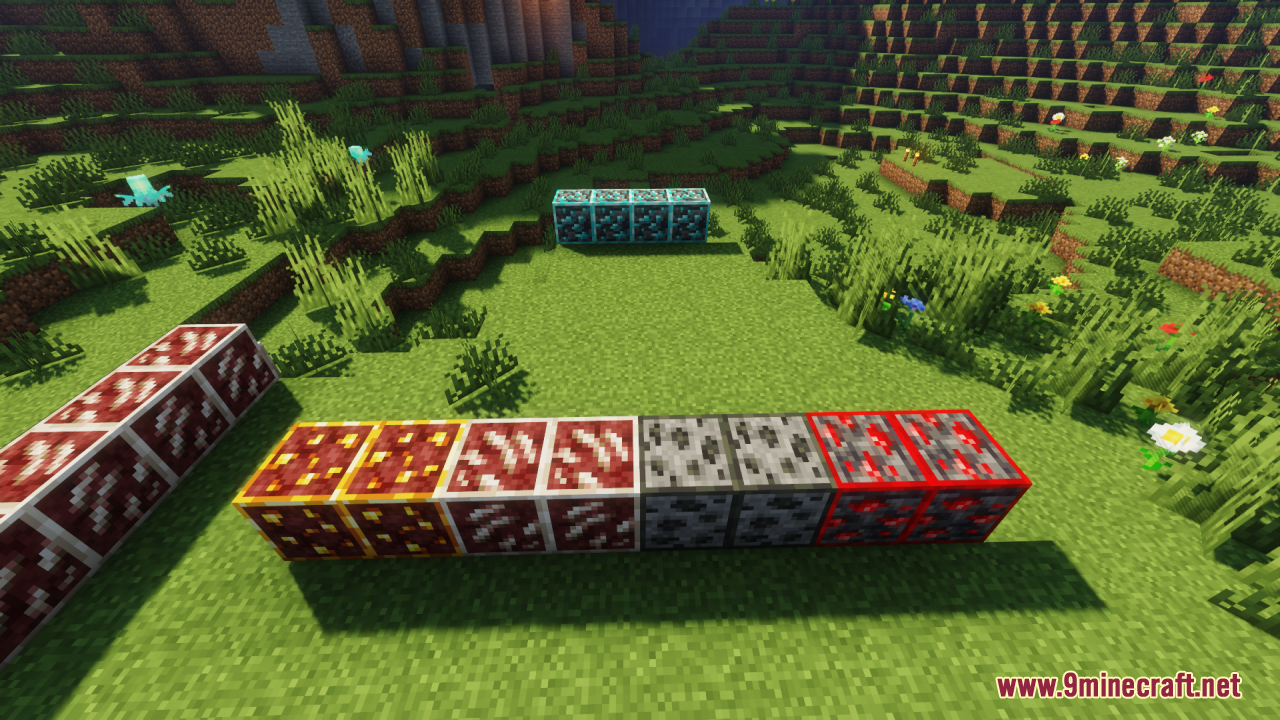
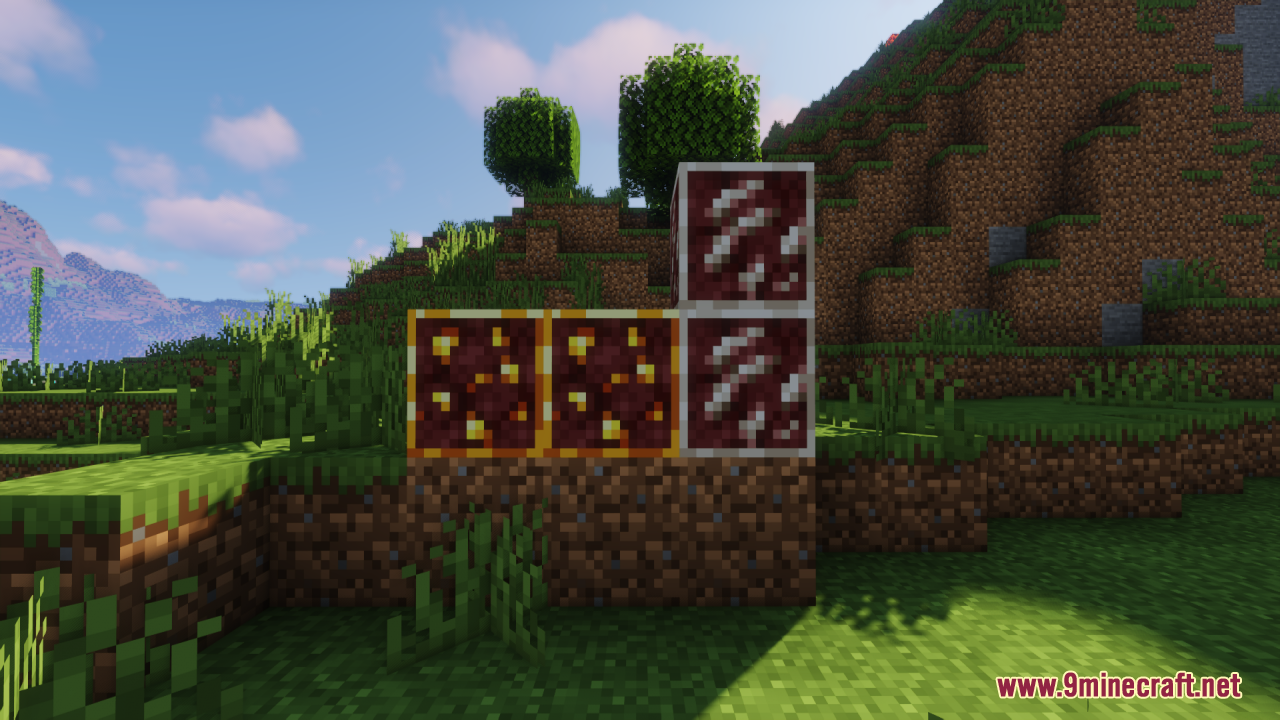
Highlighted Ores Resource Pack Download Links
For Minecraft 1.21.x
- Edition: Minecraft Java
- File type: .zip (resource pack)
- Minecraft versions listed: 1.21.1, 1.20.1
- How to install: Download the .zip resource pack — do not unzip it. → Put it in .minecraft/resourcepacks. → Enable it in Options → Resource Packs.
- Where to get it: In MC Java Mods, or directly above on this page.
Install steps are the general flow for this file type — How to install Minecraft Java resource packs walks through it step by step.
Highlighted Ores Resource Pack (1.21.1, 1.20.1) – Texture Pack is a free Minecraft Java resourcepack. Compatible with Minecraft 1.21.1, 1.20.1. Download it and open it directly in the game.