Blocks Pixelated Resource Pack (1.21.1, 1.20.1) – Texture Pack
Blocks Pixelated Resource Pack simply converts most 3D-rendered blocks and block-like inventory items into stylized pixelated versions that preserve the…
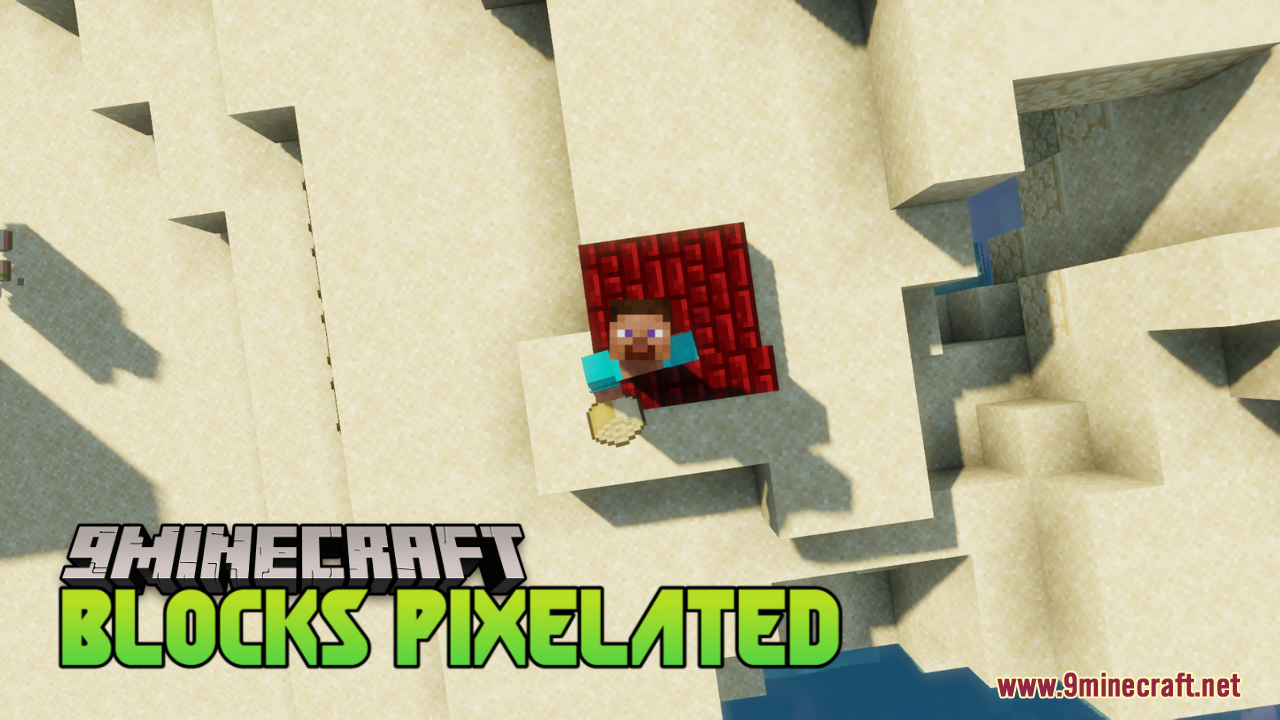
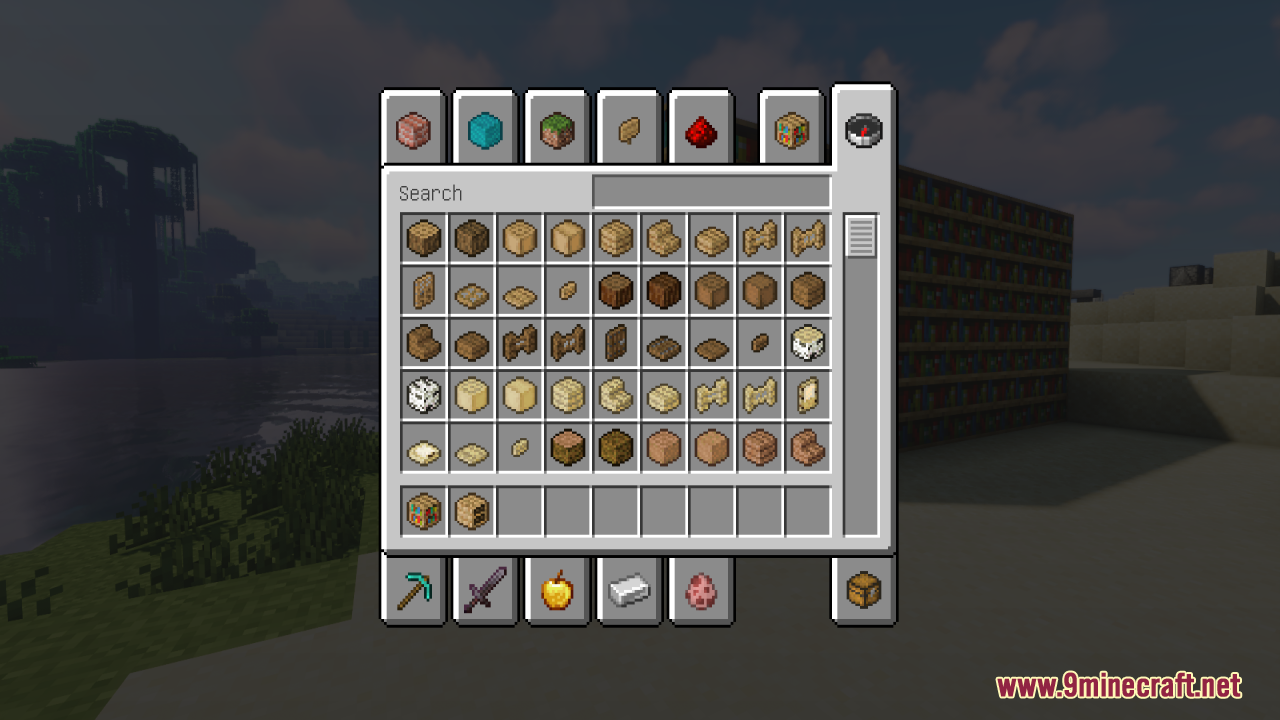
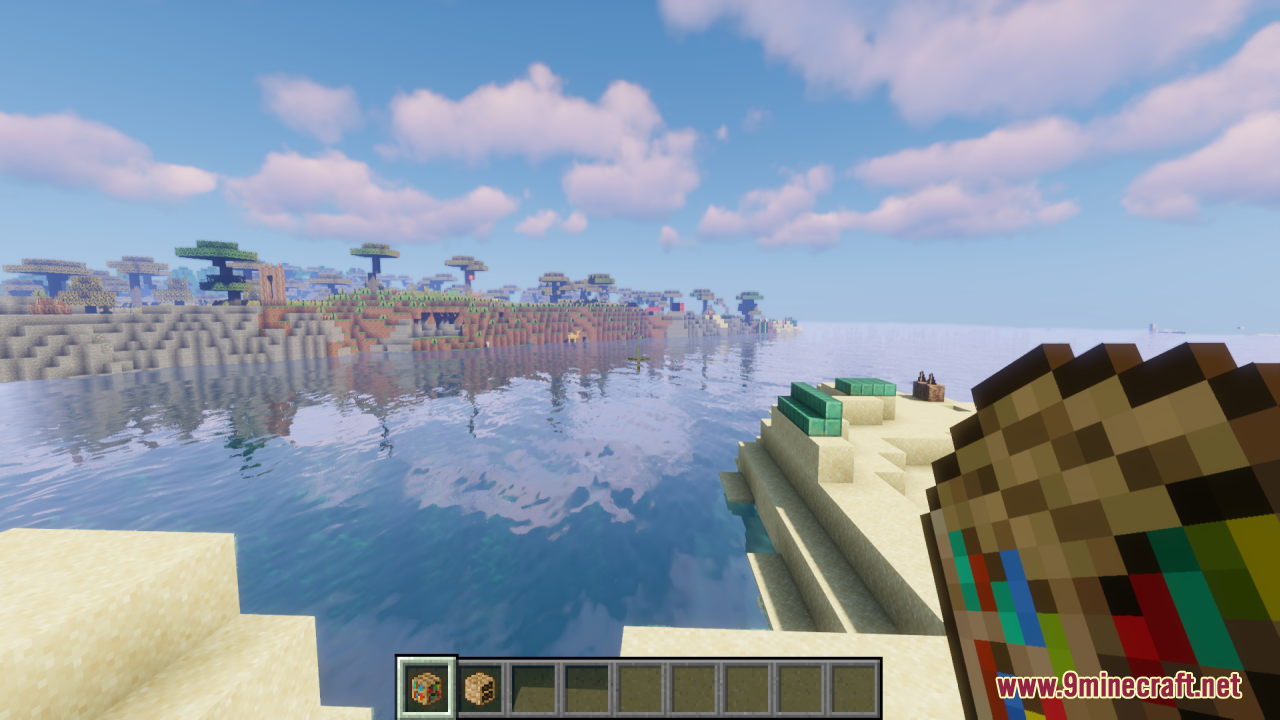
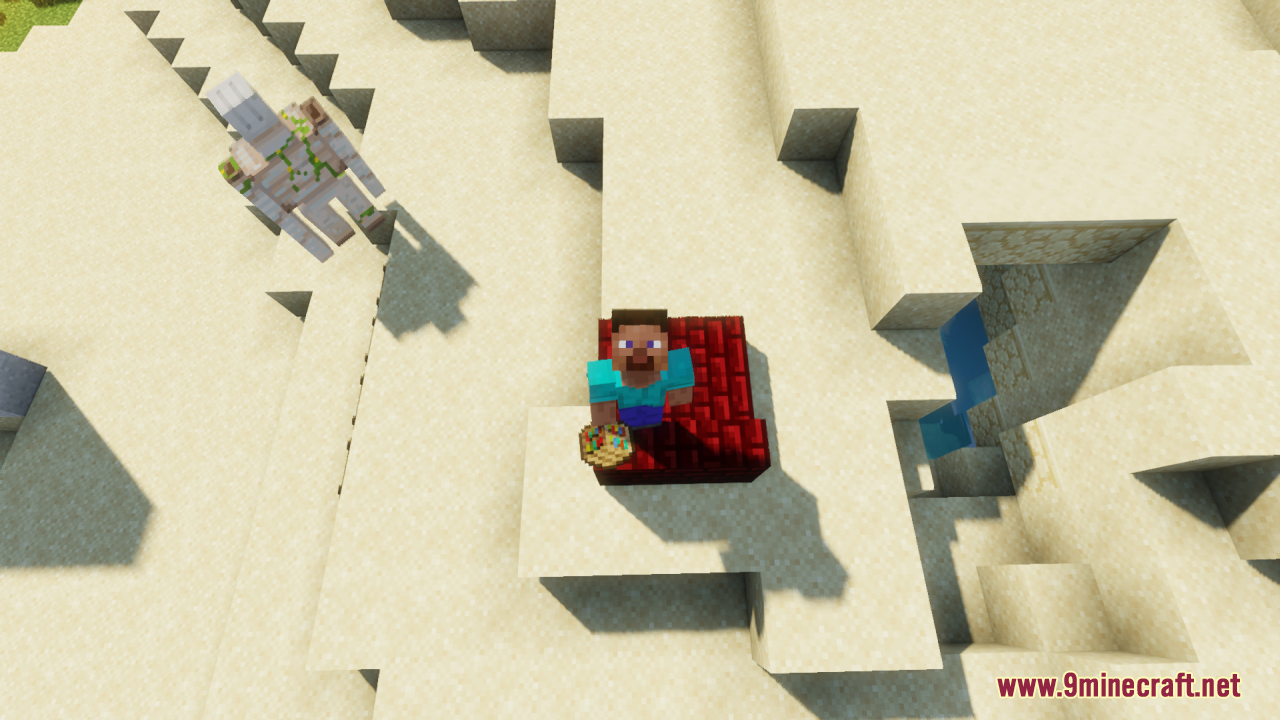
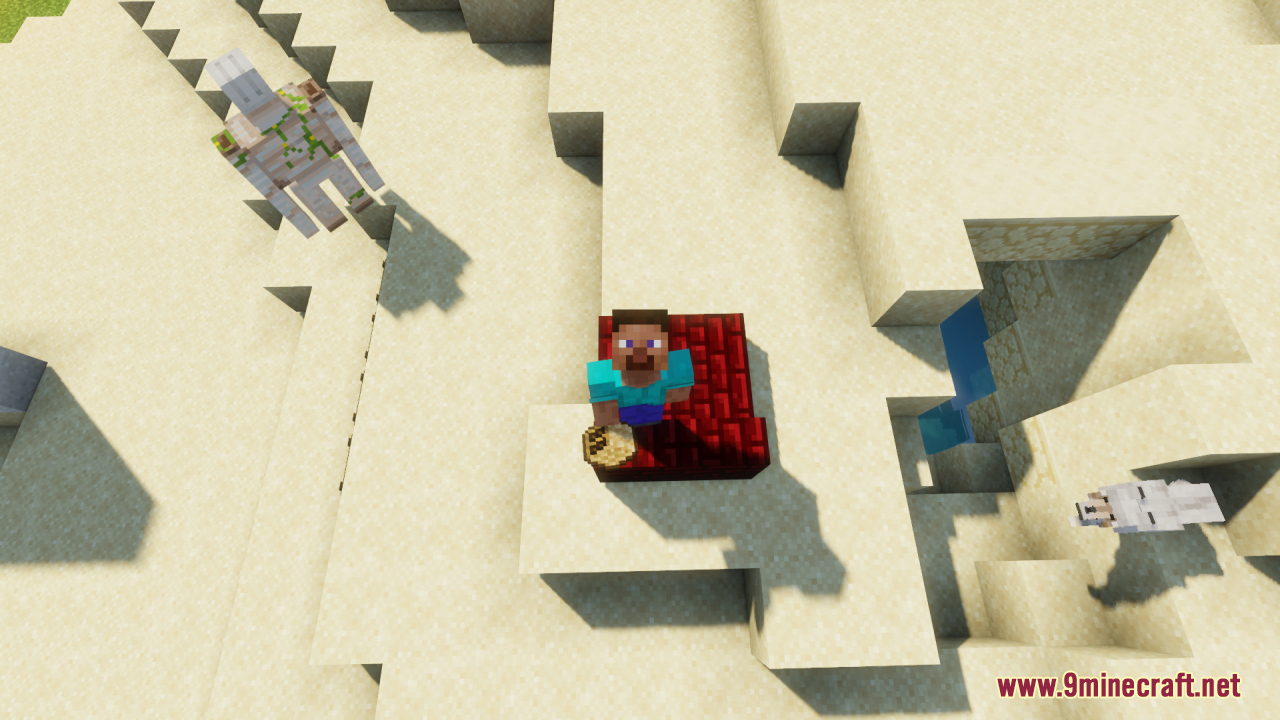
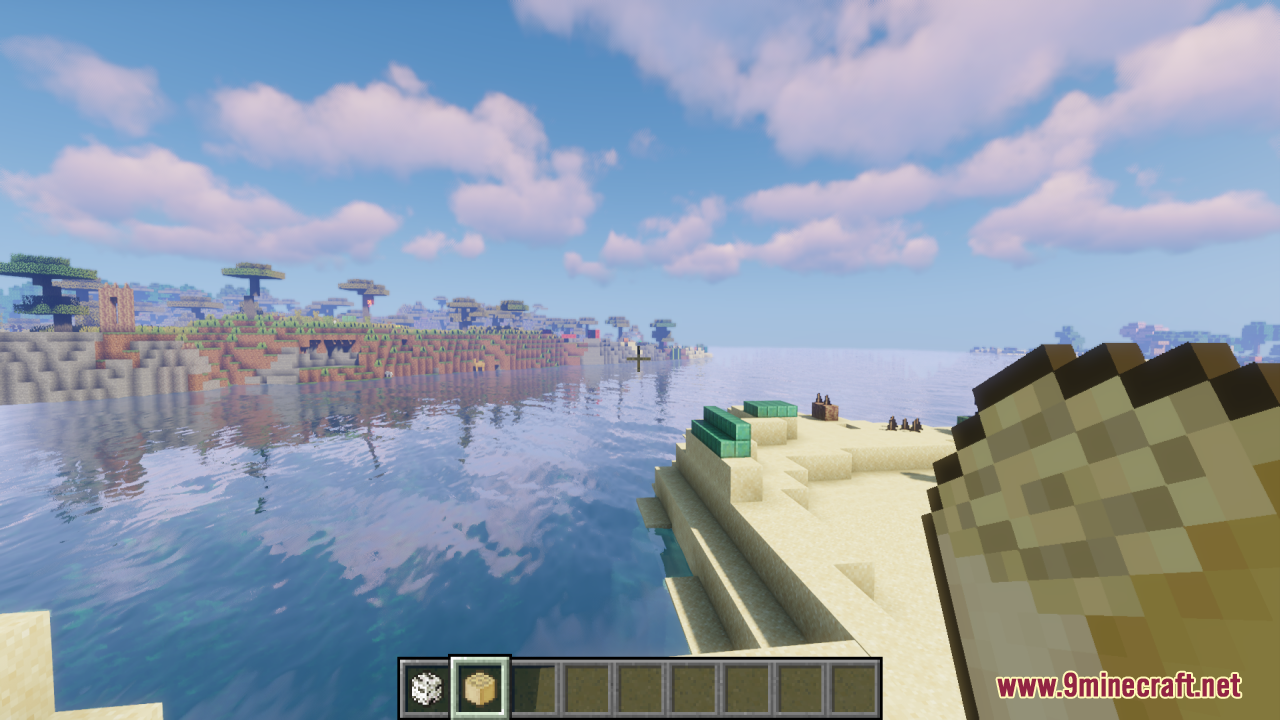
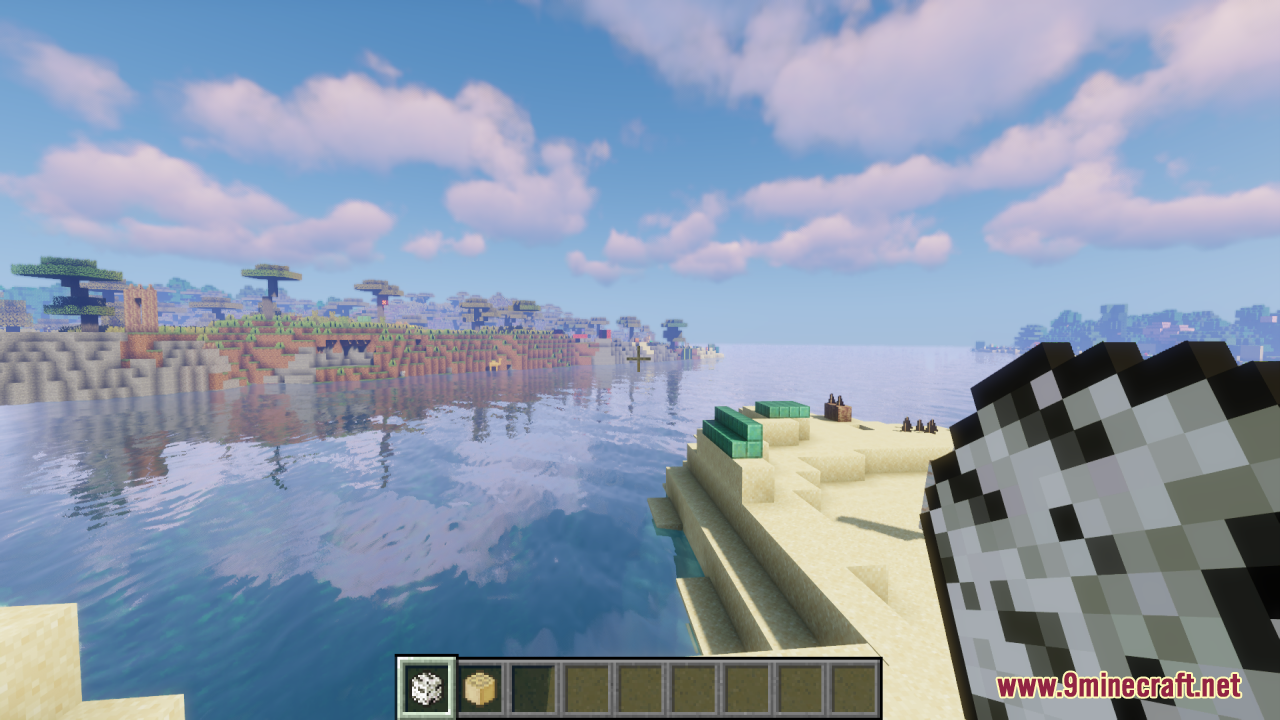
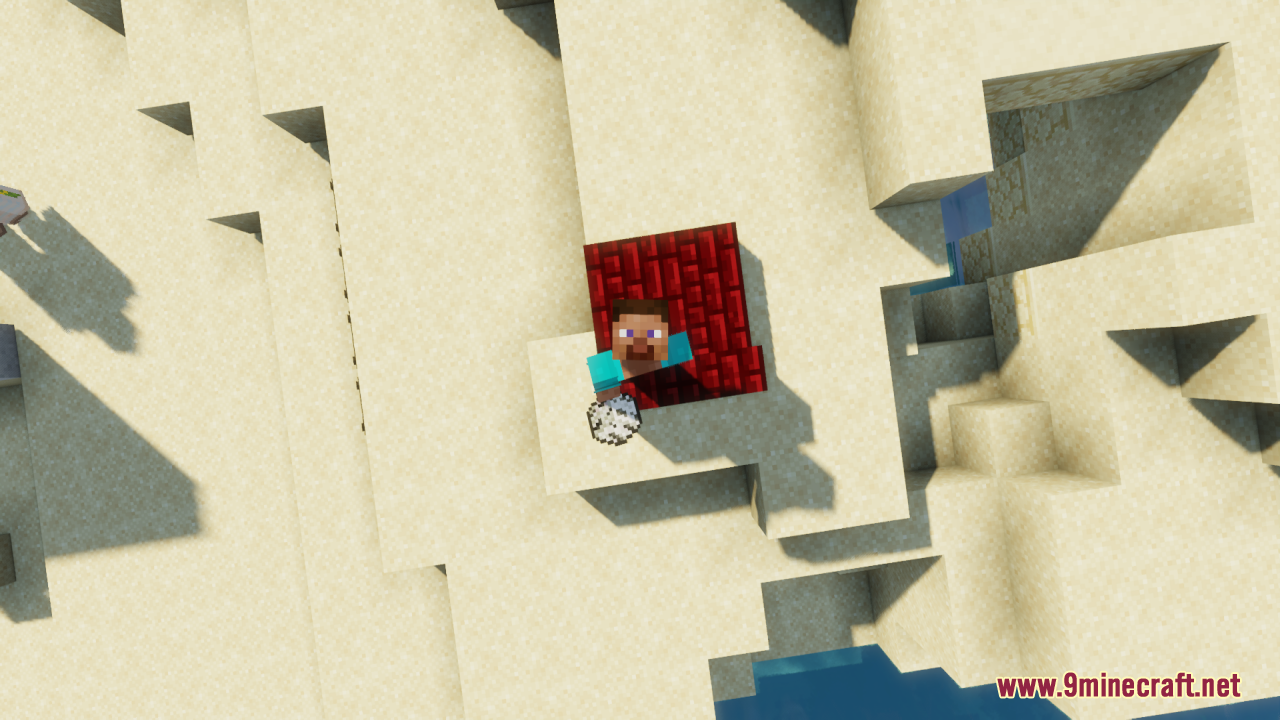
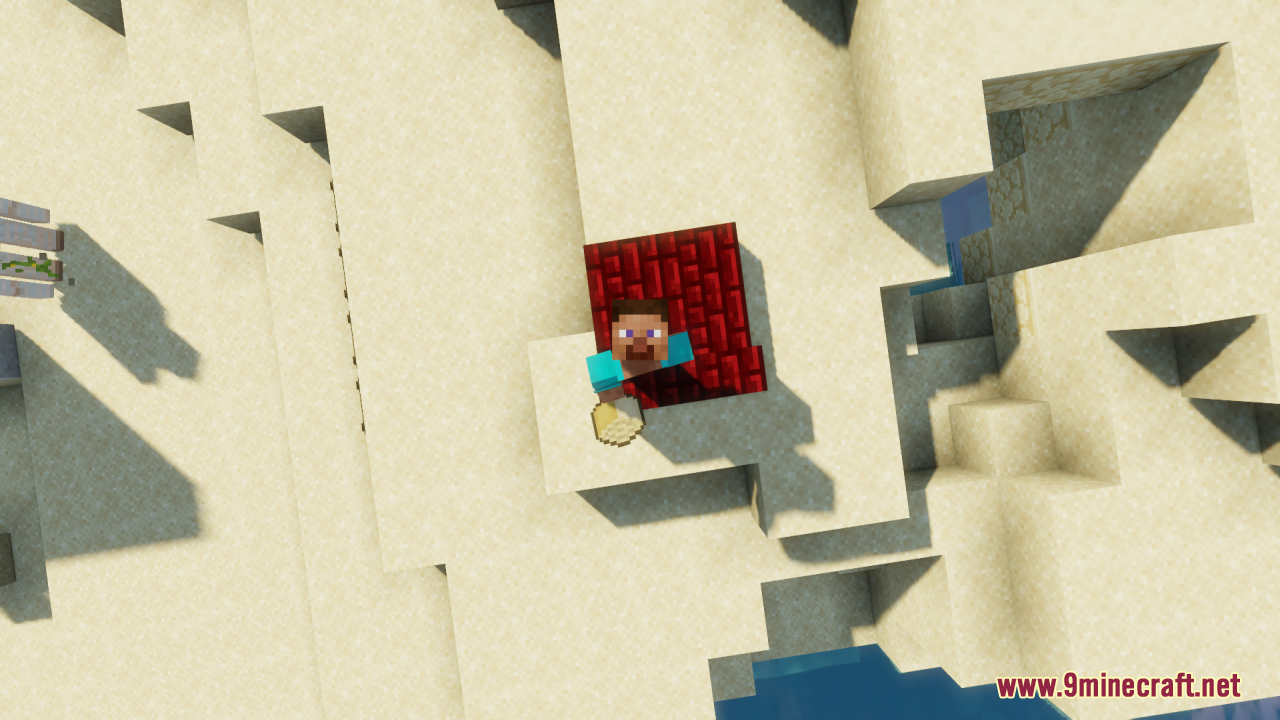
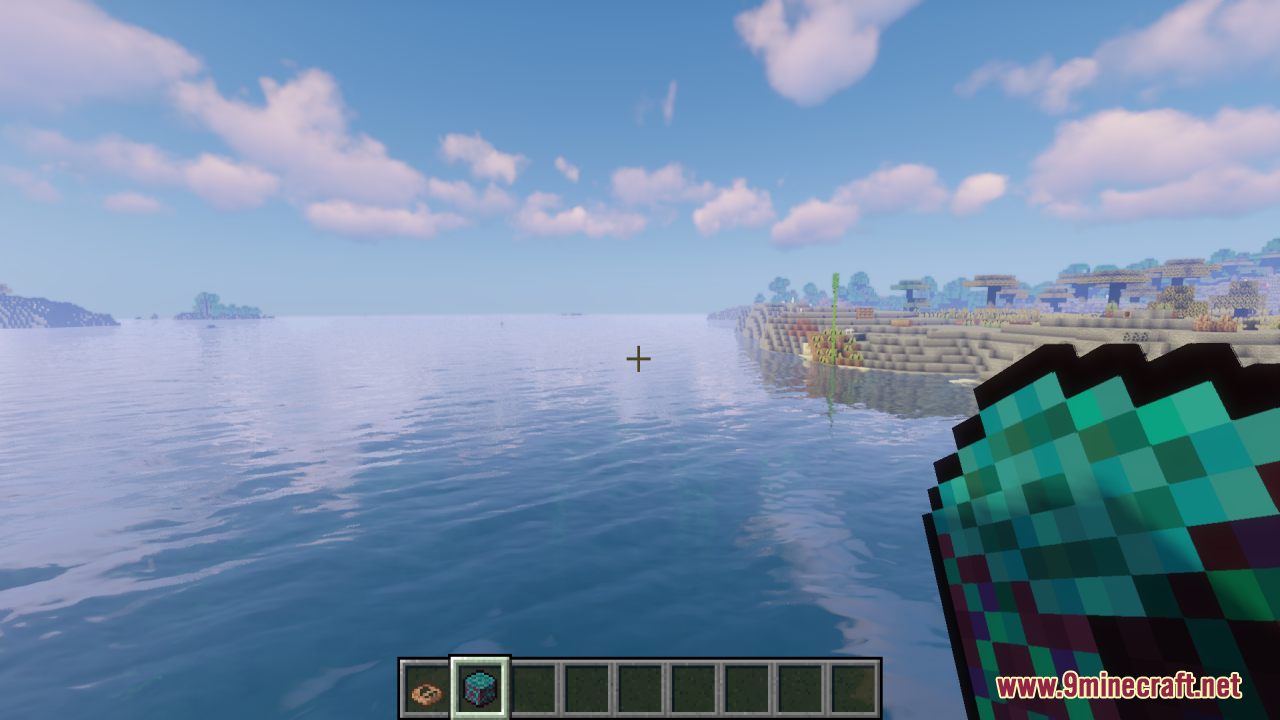
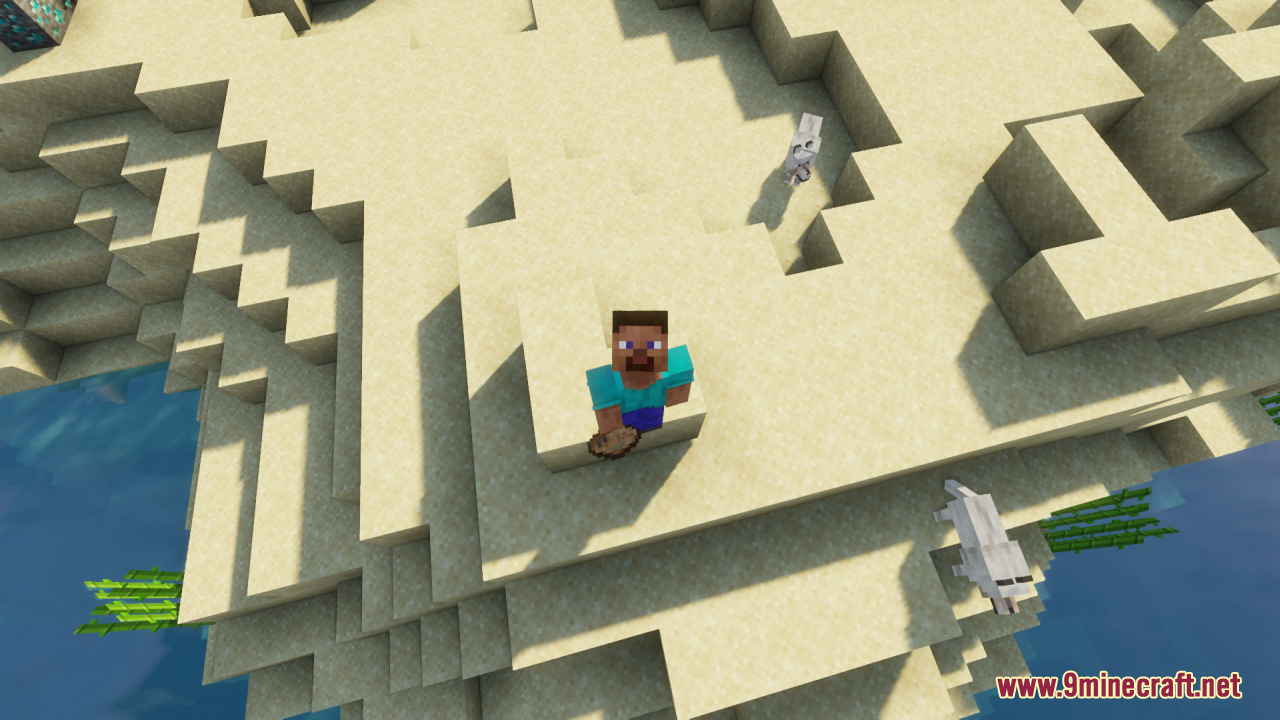
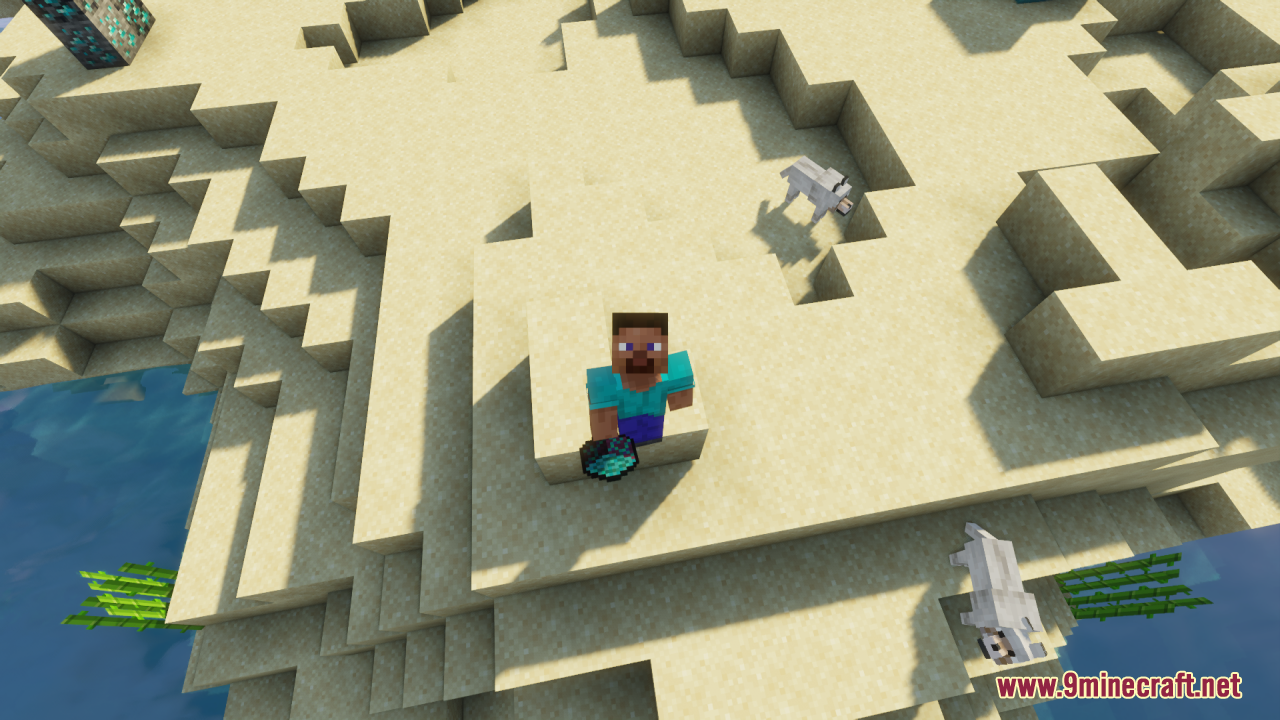
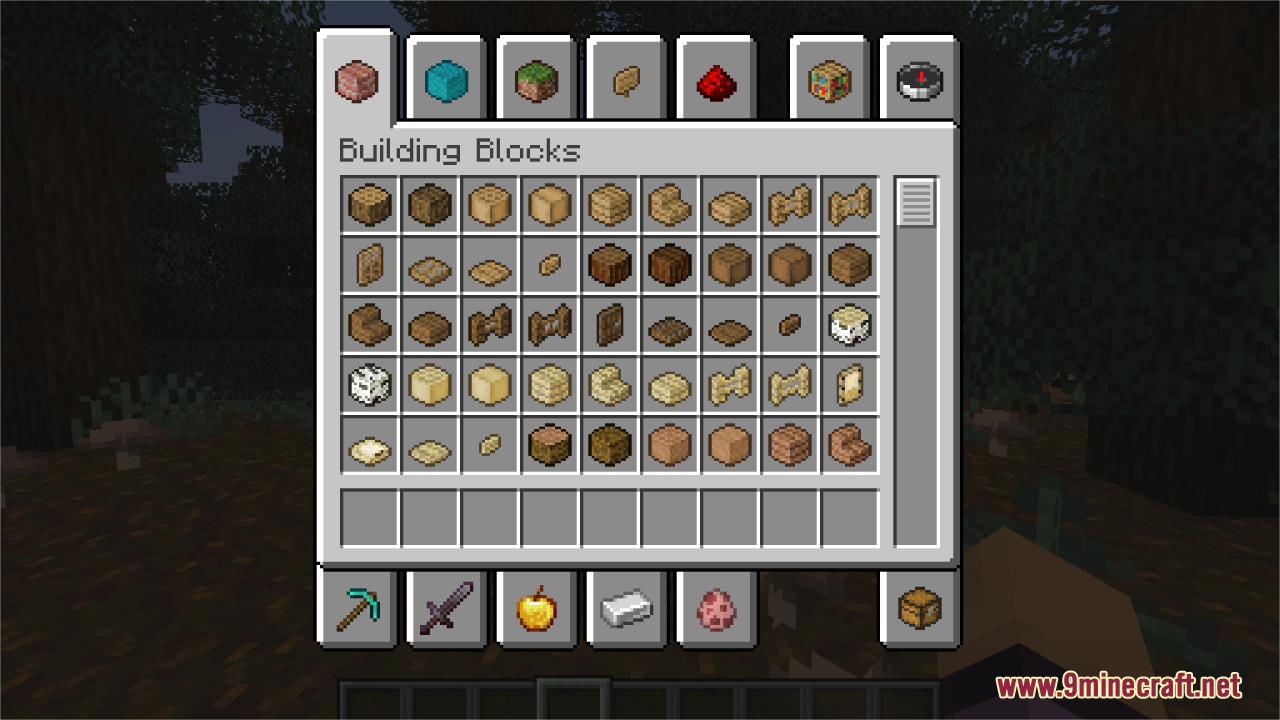
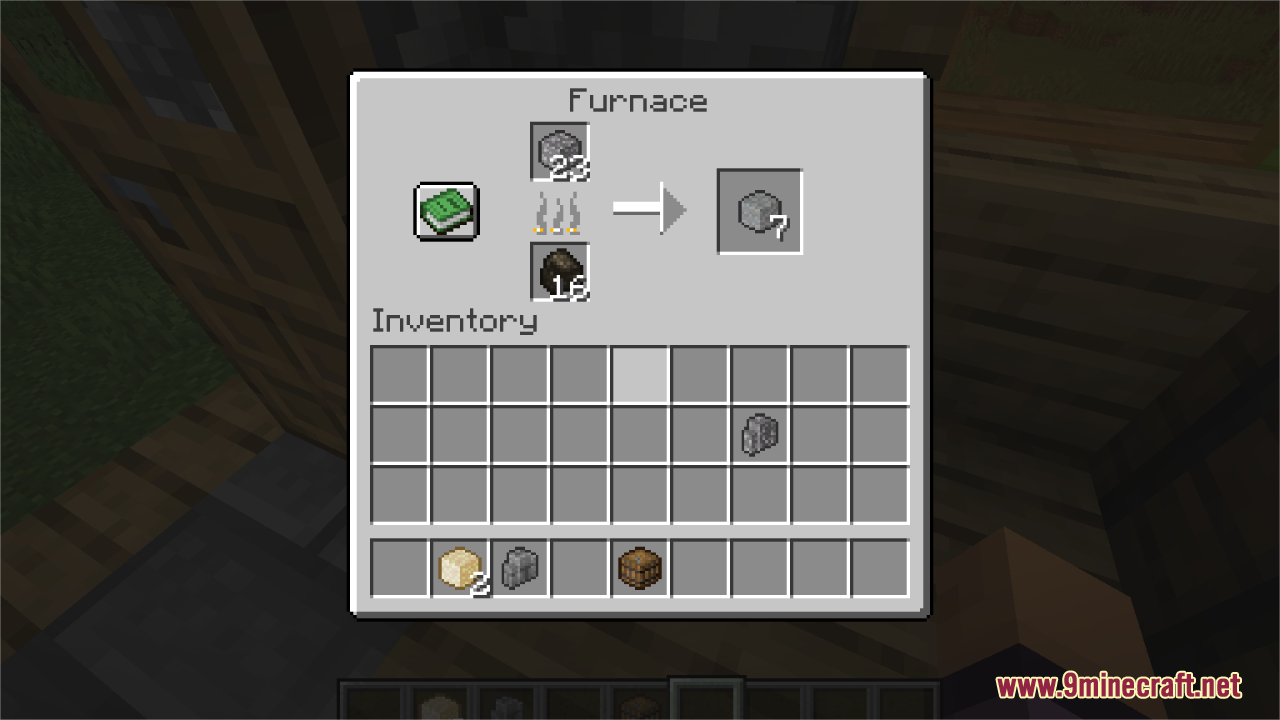
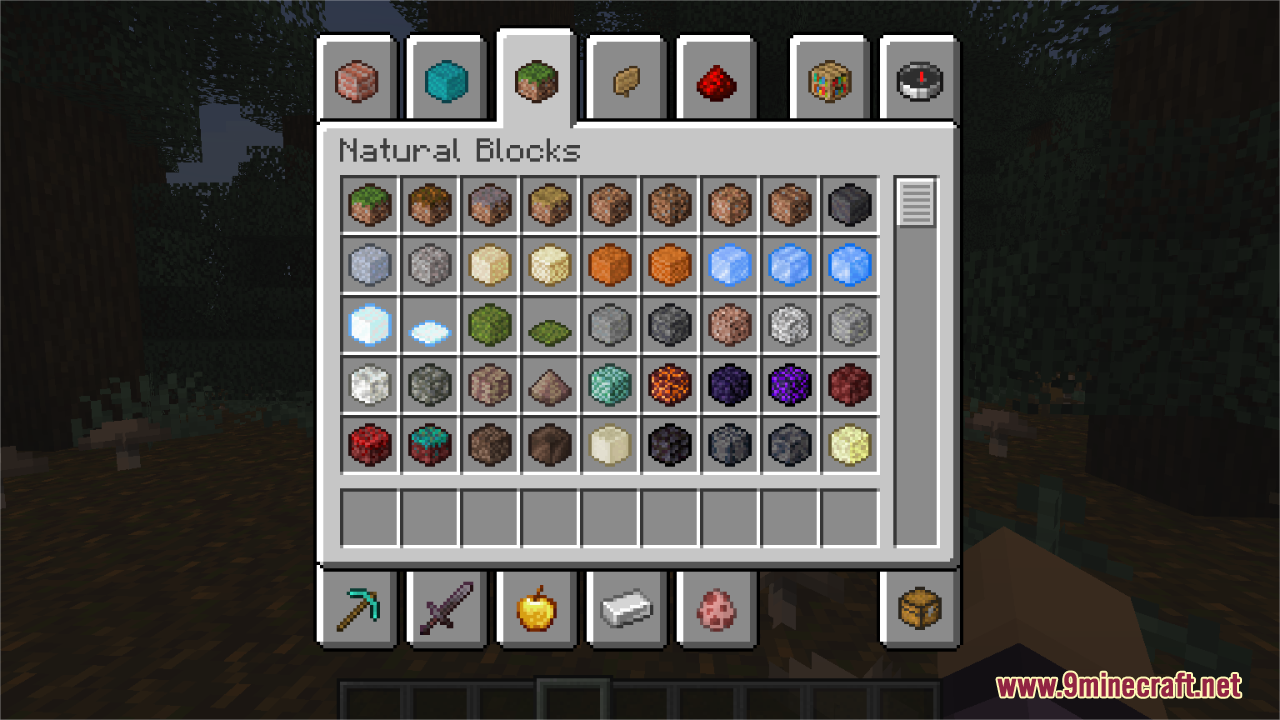
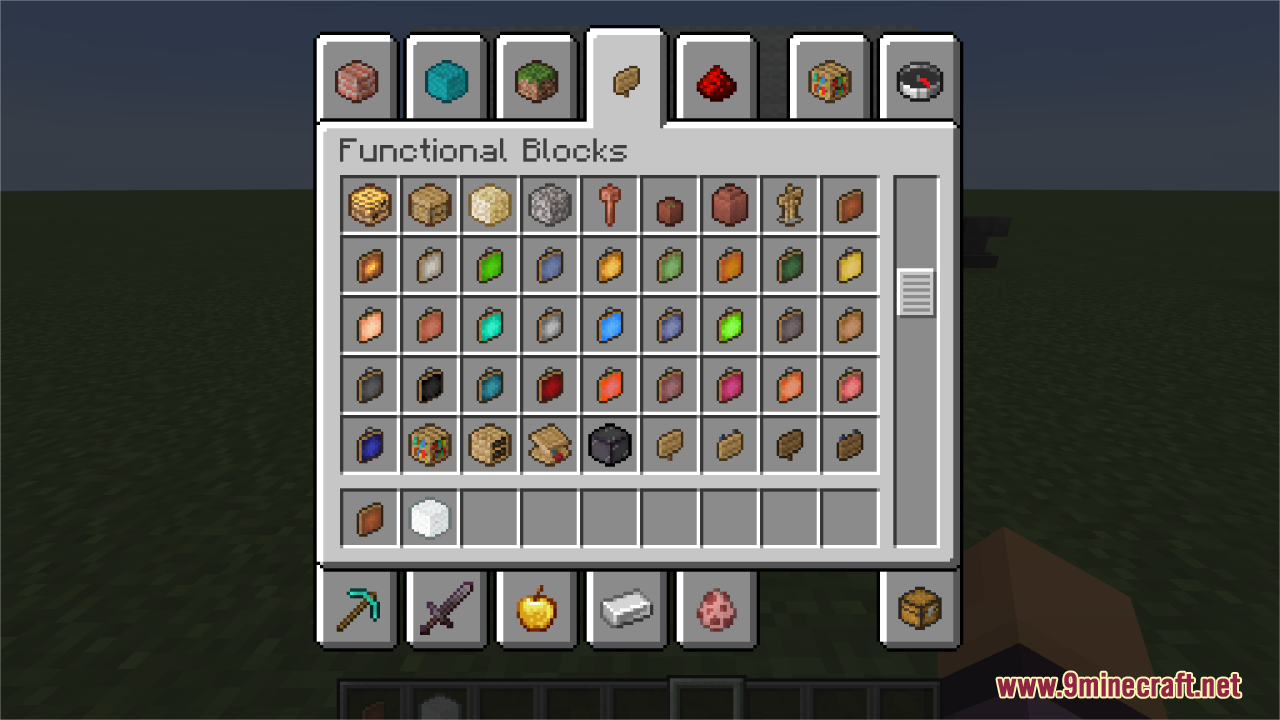
⬇ DownloadOpen in MCModsHubGet it on Google Play →Blocks Pixelated Resource Pack simply converts most 3D-rendered blocks and block-like inventory items into stylized pixelated versions that preserve the charm of classic Minecraft aesthetics. Each texture is thoughtfully redesigned to closely resemble the original in-game block while embracing a more pixelated, retro look. This pack enhances visual consistency across your world and inventory, providing a nostalgic yet refined feel.
Screenshots:
Blocks Pixelated Resource Pack Download Links
For Minecraft 1.21.x
Blocks Pixelated Resource Pack (1.21.1, 1.20.1) – Texture Pack is a free Minecraft Java resourcepack. Compatible with Minecraft 1.21.1, 1.20.1. Download it and open it directly in the game.