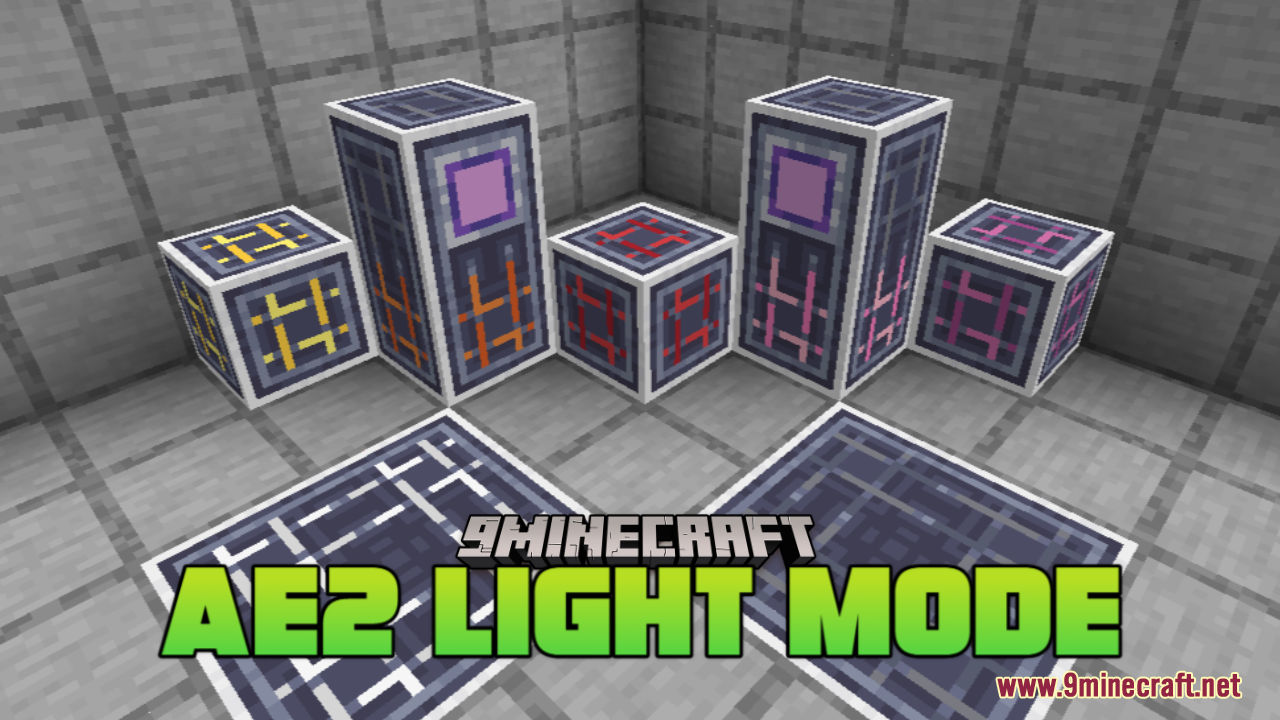
AE2 Light Mode Resource Pack (1.21.1, 1.20.1) – Texture Pack
Java resource pack listed for Minecraft 1.20–1.21. Downloads from the MC Java Mods app on Android.
⬇ Download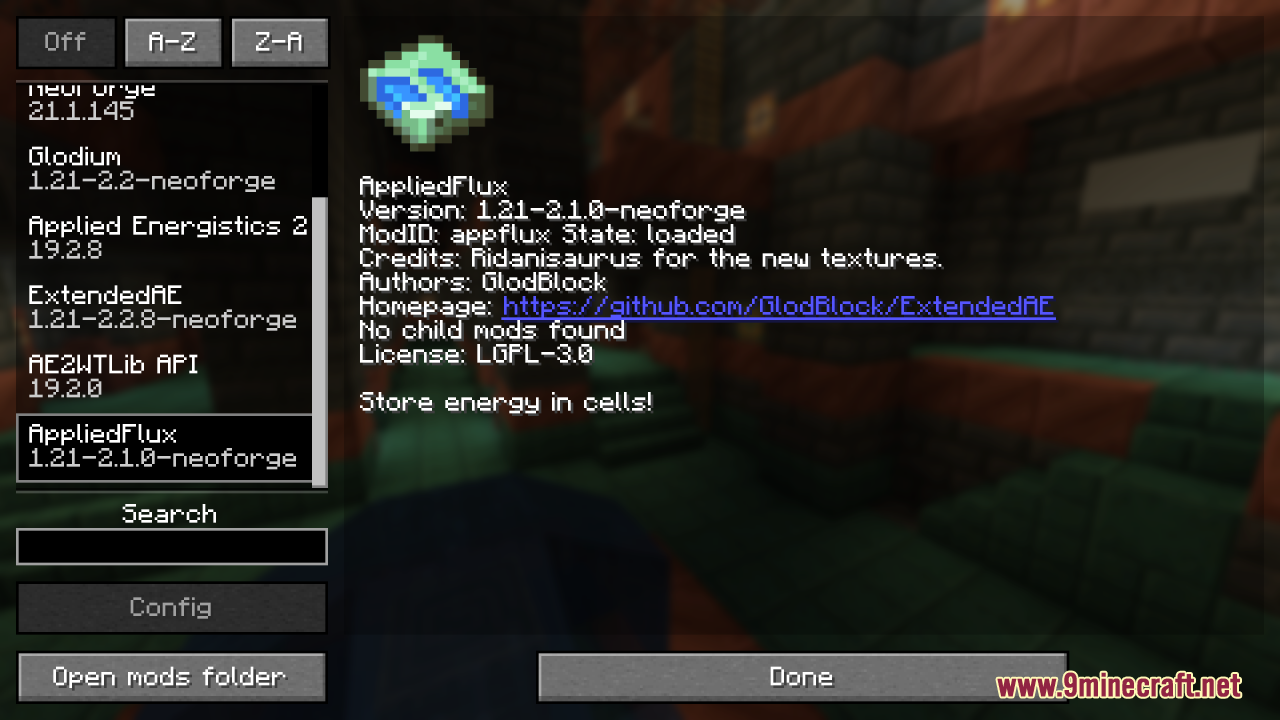
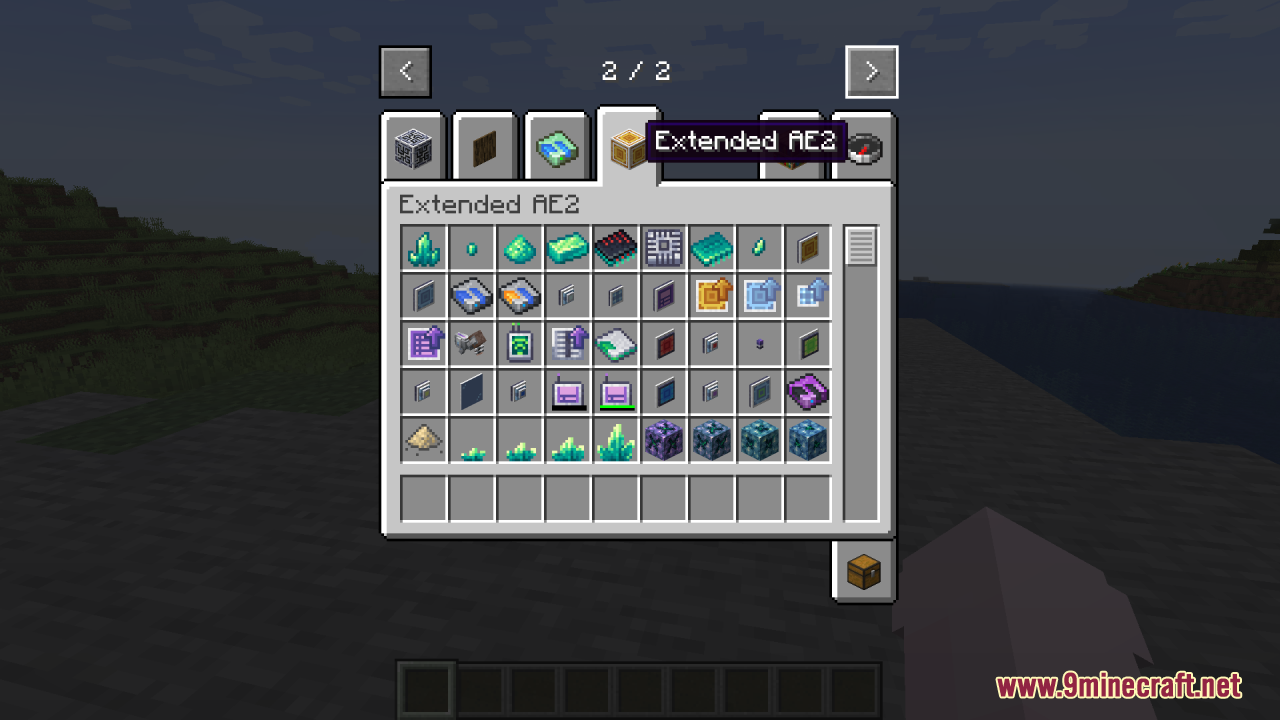
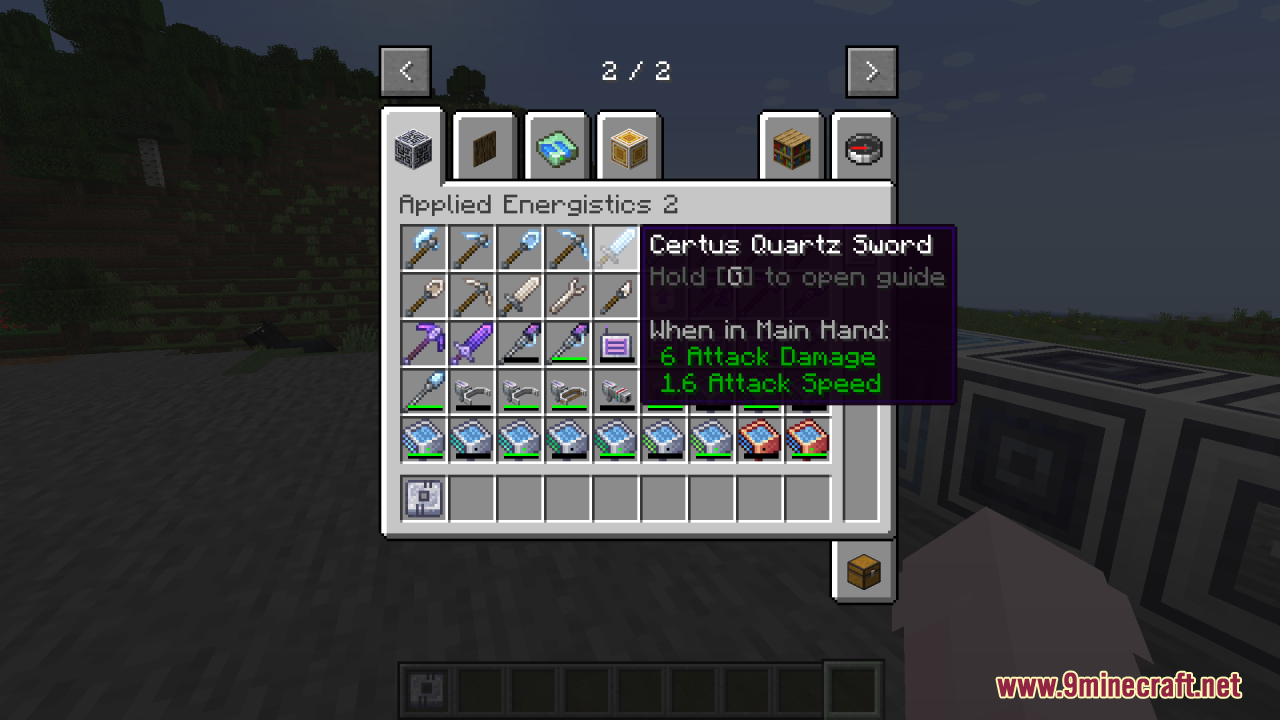
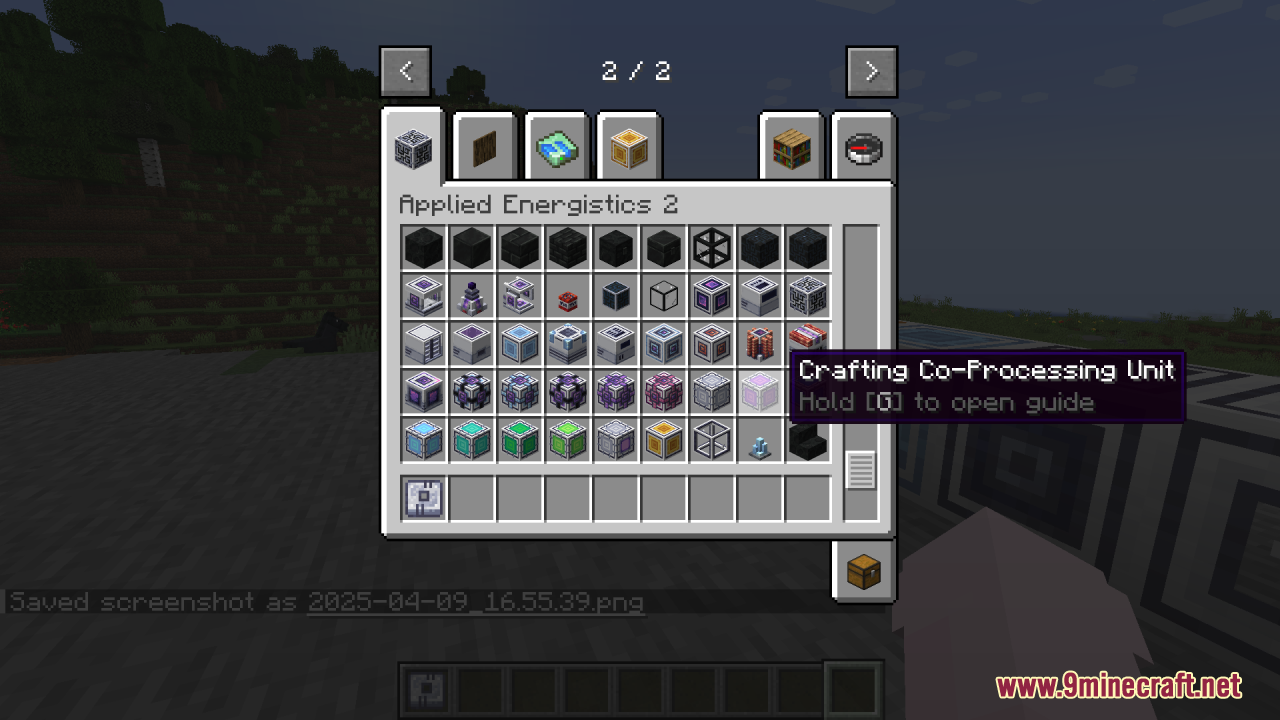
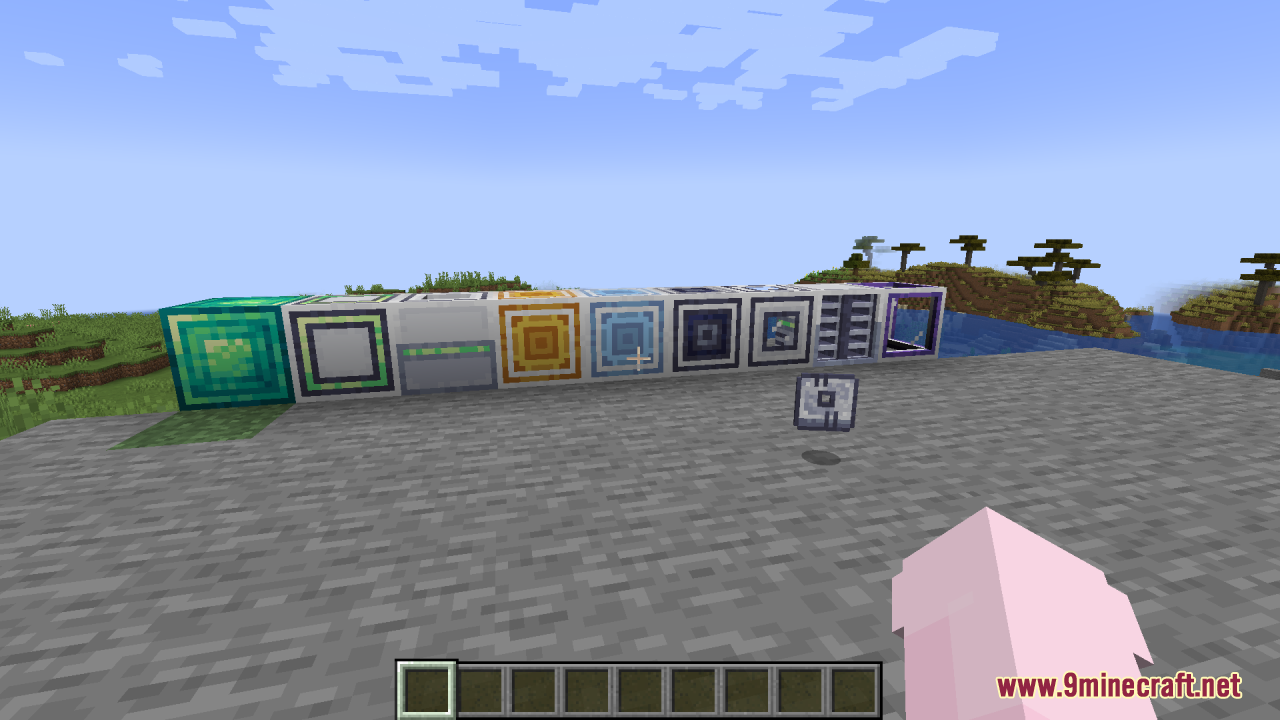
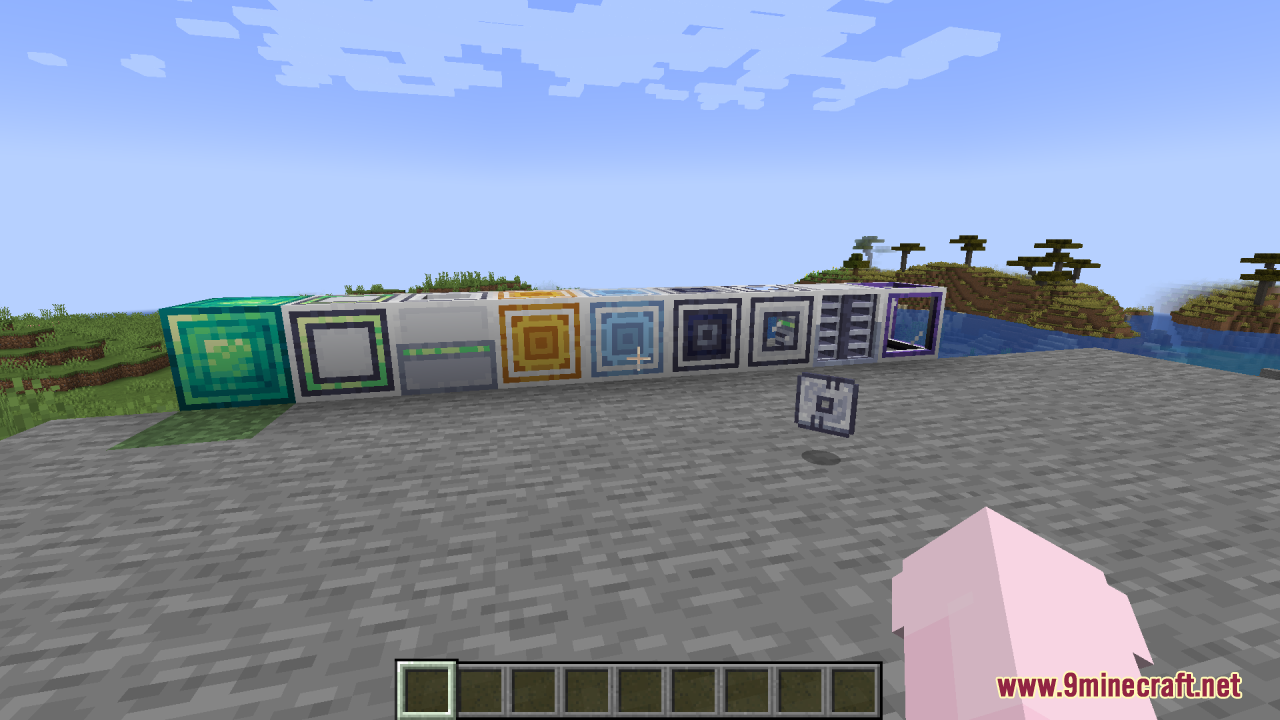
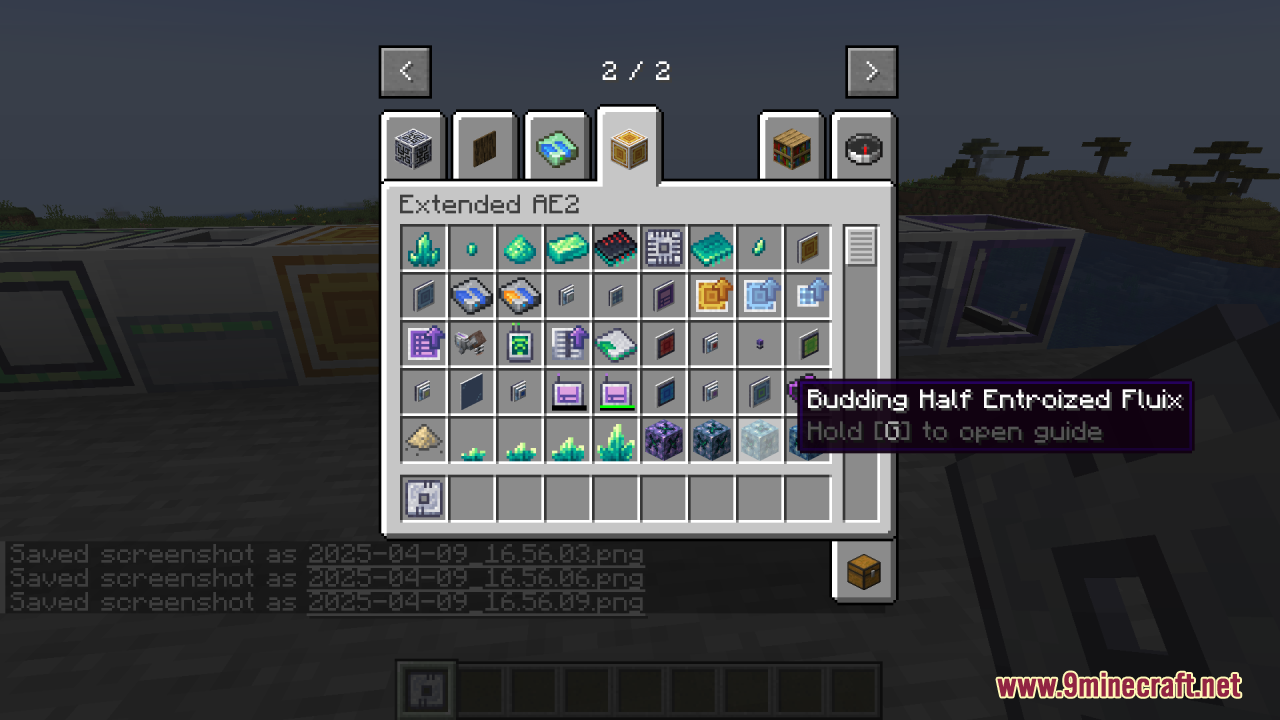
AE2 Light Mode Resource Pack offers a clean and practical visual improvement for Applied Energistics 2 by brightening textures that were previously too dark or visually inconsistent. It effectively addresses common complaints about readability and contrast, especially in storage and terminal interfaces. The light mode aesthetic not only makes the UI easier on the eyes but also fits better with lighter or modern-themed builds. While it’s a simple change, the impact on usability and visual clarity is significant. For players who found AE2’s original textures too gloomy, this pack is a welcome quality-of-life upgrade.
Screenshots:
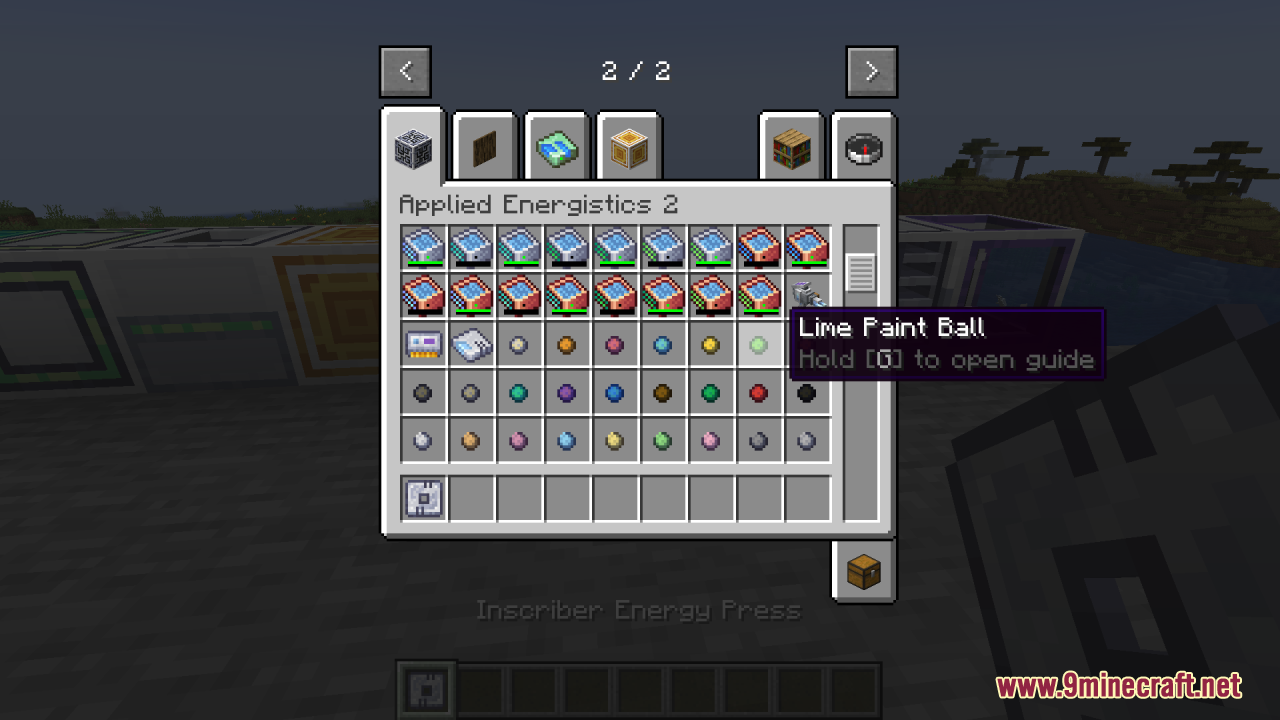
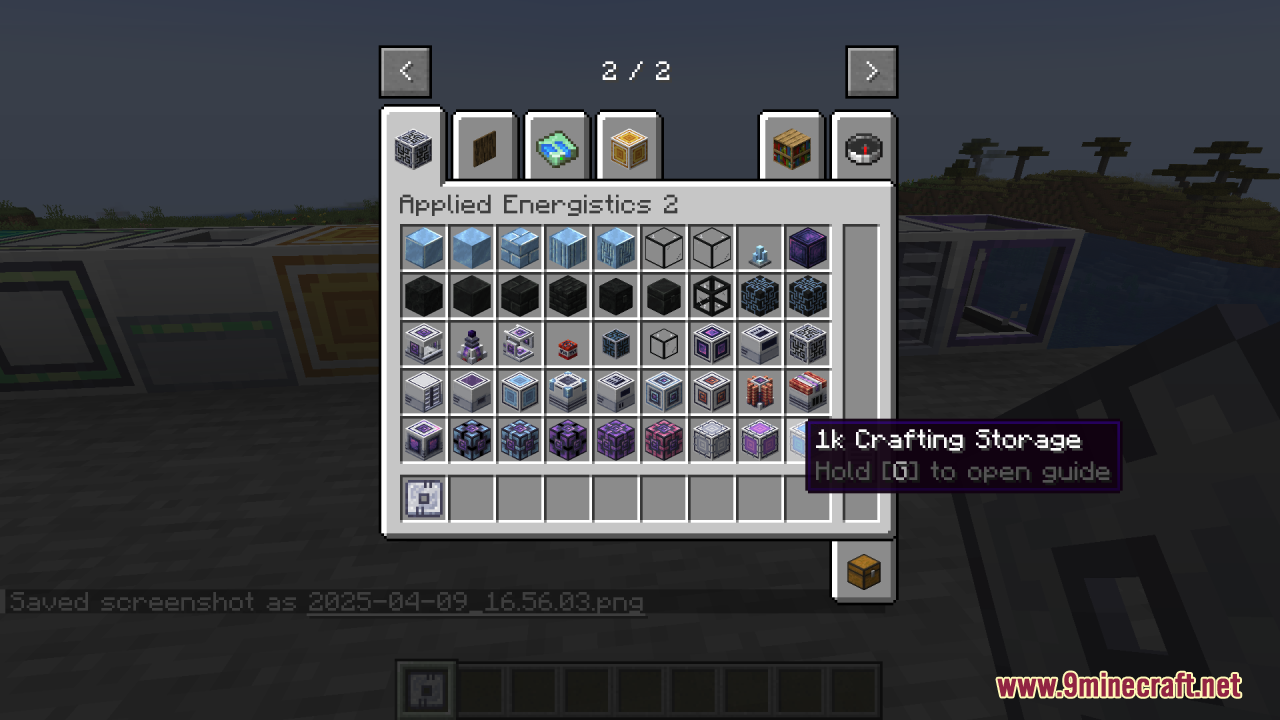
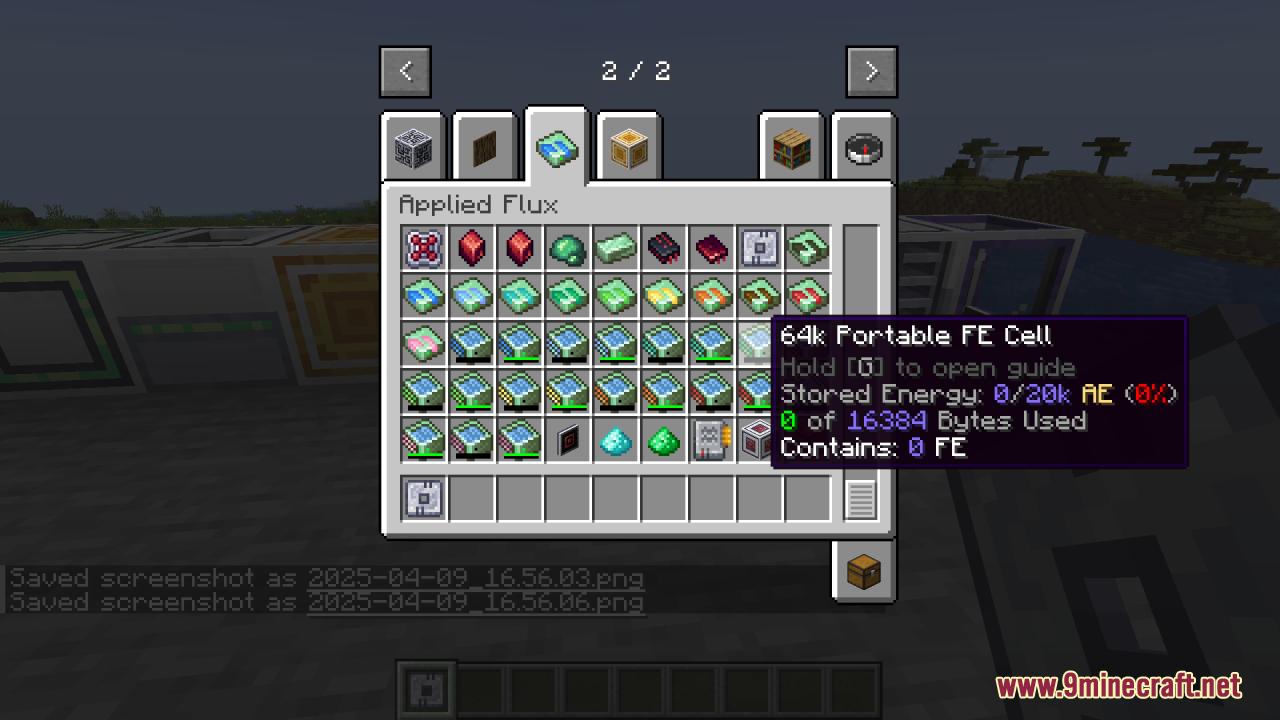
AE2 Light Mode Resource Pack Download Links
For Minecraft 1.21.x
- Edition: Minecraft Java
- File type: .zip (resource pack)
- Minecraft versions listed: 1.21.1, 1.20.1
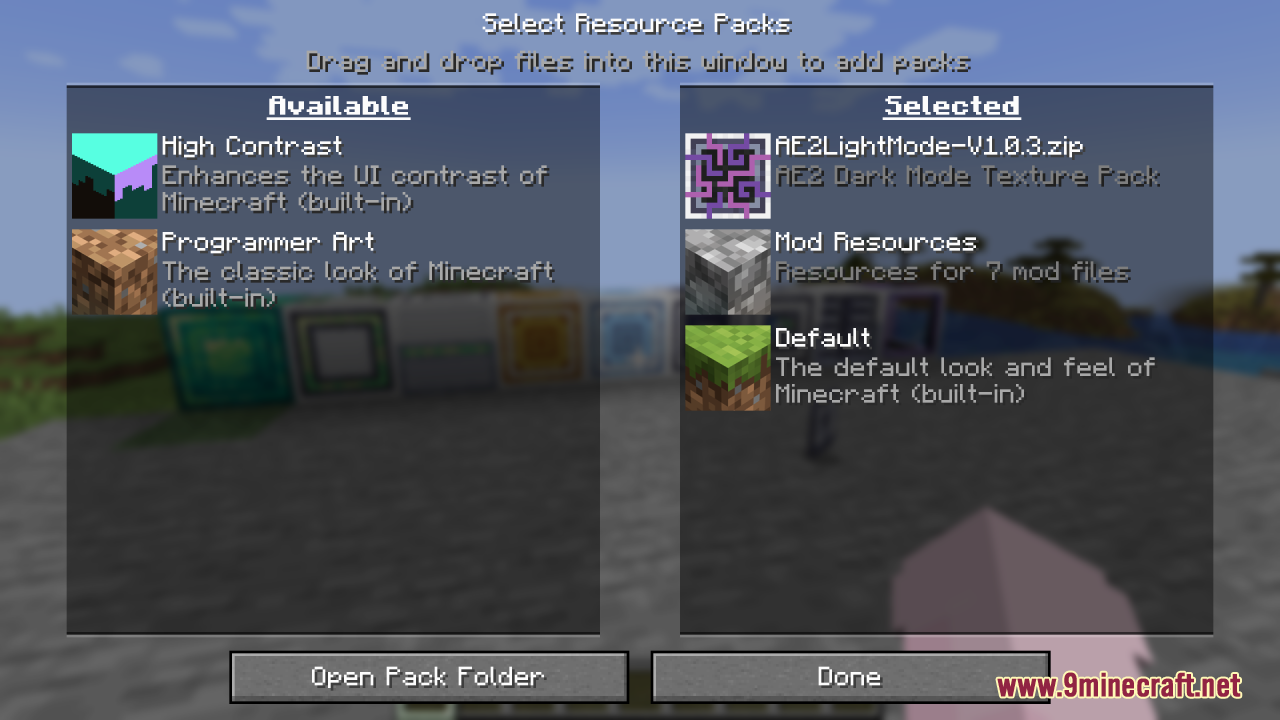
- How to install: Download the .zip resource pack — do not unzip it. → Put it in .minecraft/resourcepacks. → Enable it in Options → Resource Packs.
- Where to get it: In MC Java Mods, or directly above on this page.
Install steps are the general flow for this file type — How to install Minecraft Java resource packs walks through it step by step.
AE2 Light Mode Resource Pack (1.21.1, 1.20.1) – Texture Pack is a free Minecraft Java resourcepack. Compatible with Minecraft 1.21.1, 1.20.1. Download it and open it directly in the game.