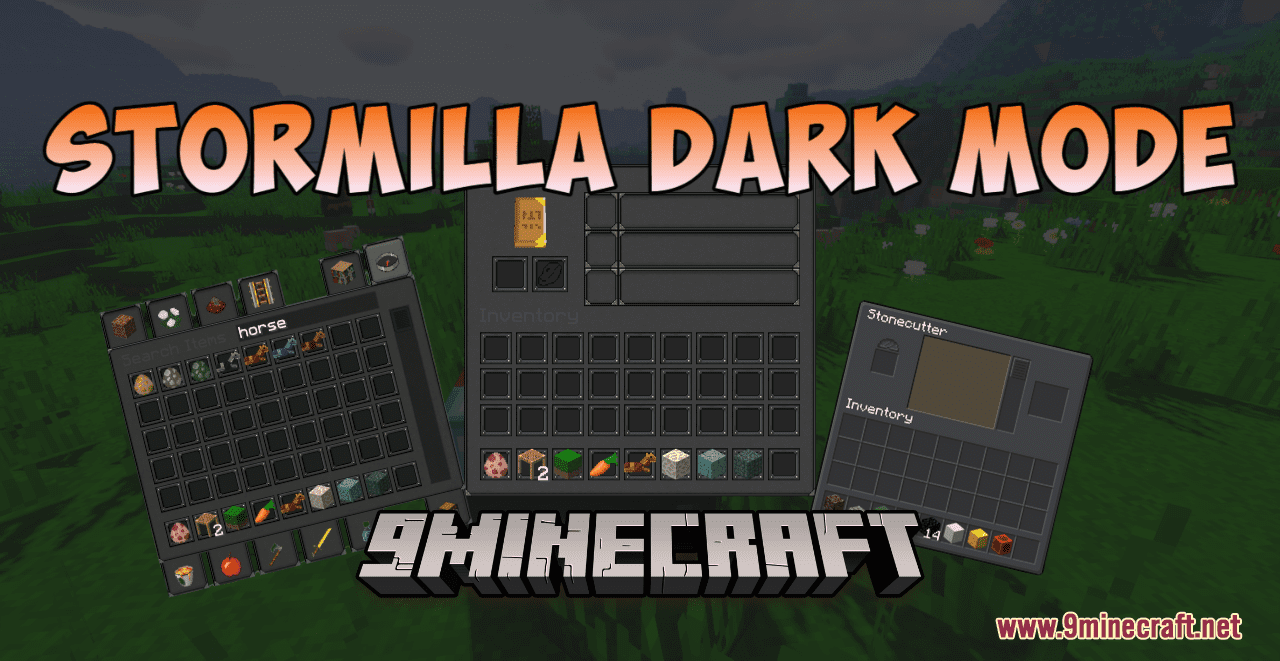
Stormilla Dark Mode Resource Pack (1.21.1, 1.20.1) – Texture Pack
Stormilla Dark Mode Resource Pack adds a new dark appearance to all the GUI in Minecraft. With this pack installed, you will have a chance to experience a…
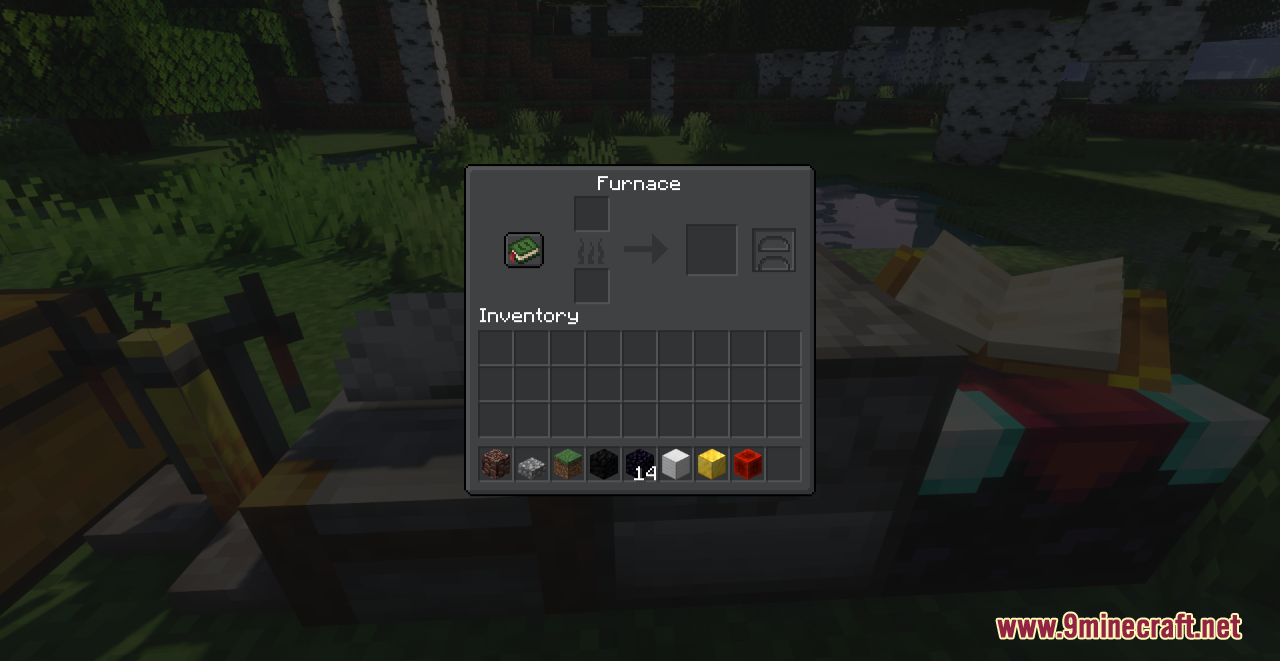
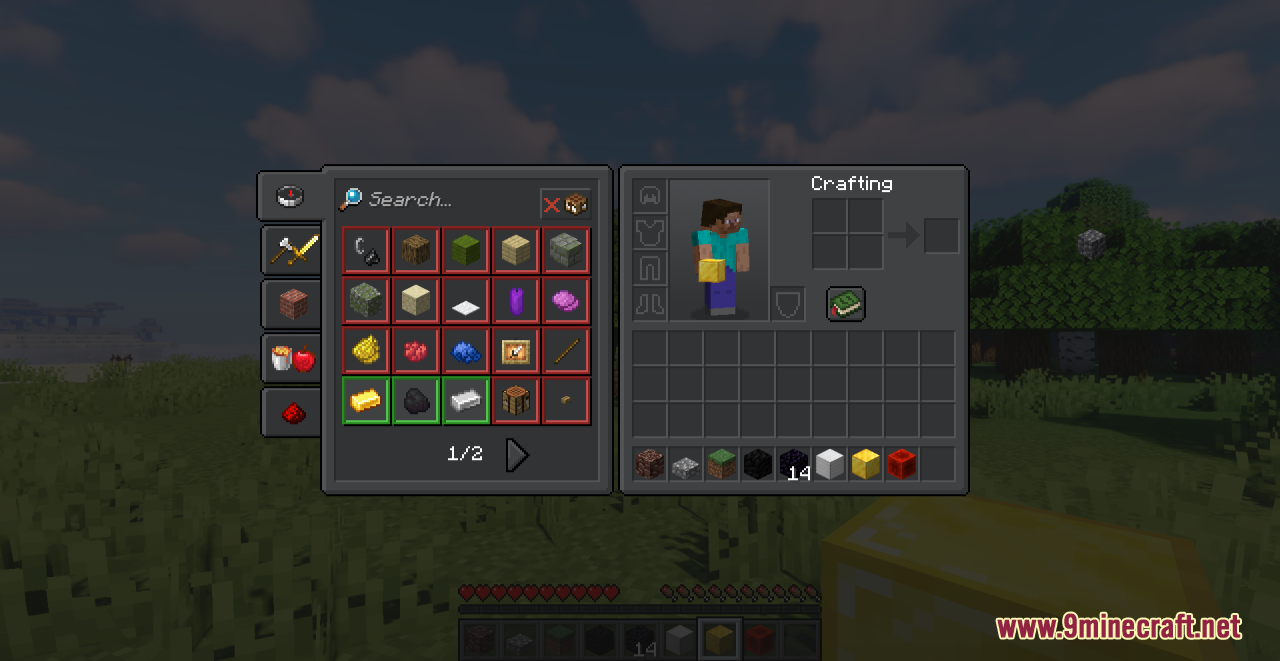
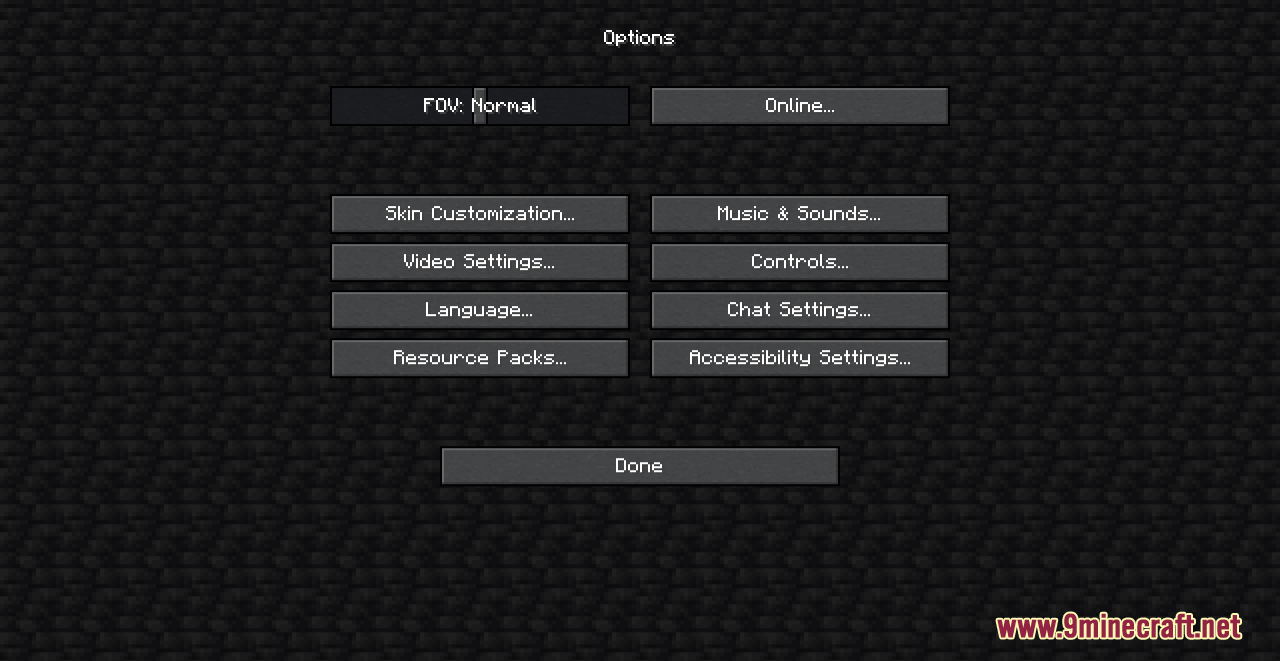
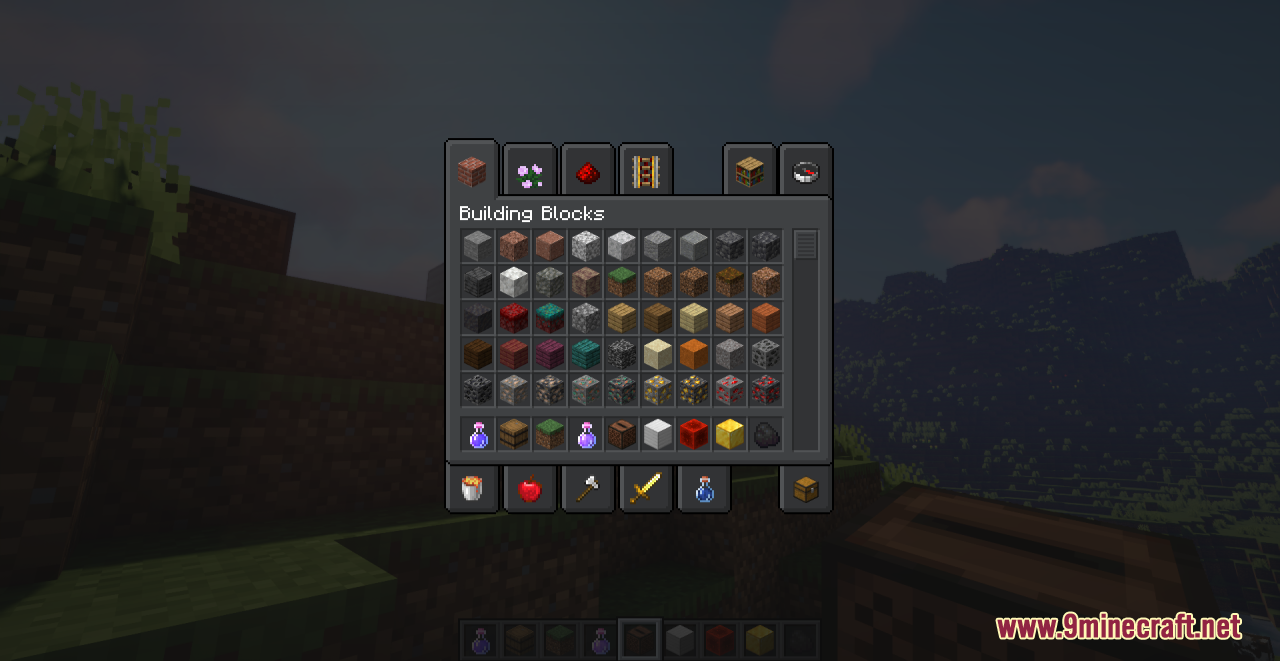
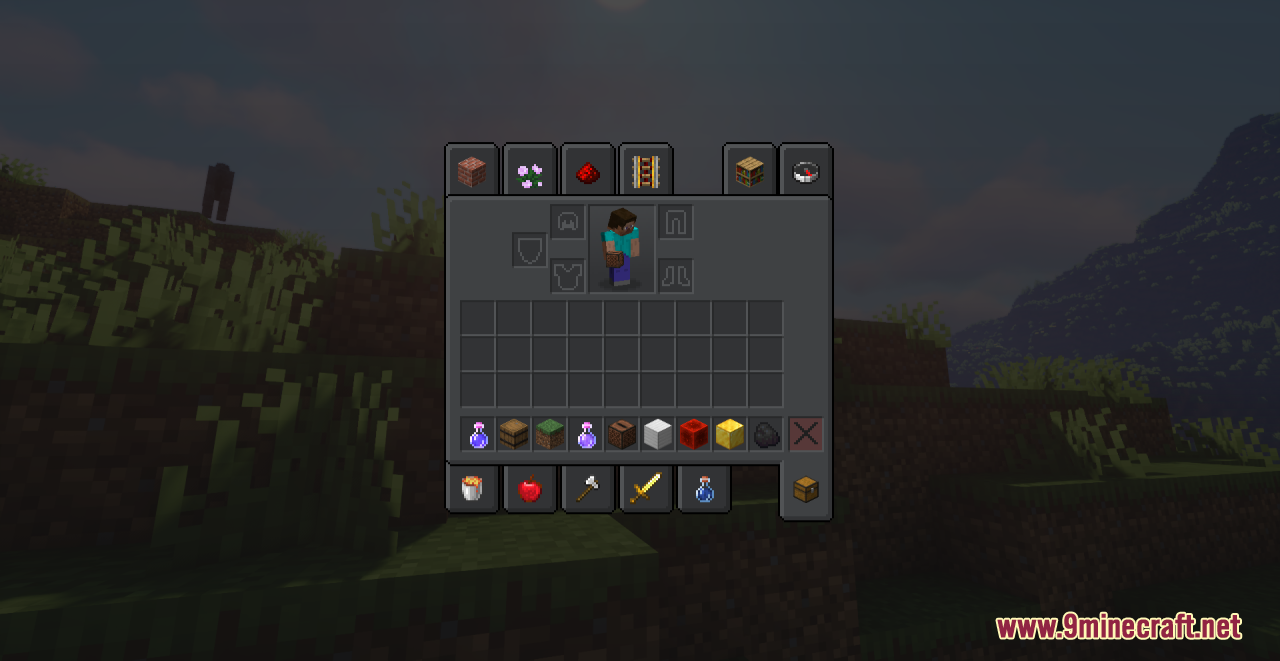
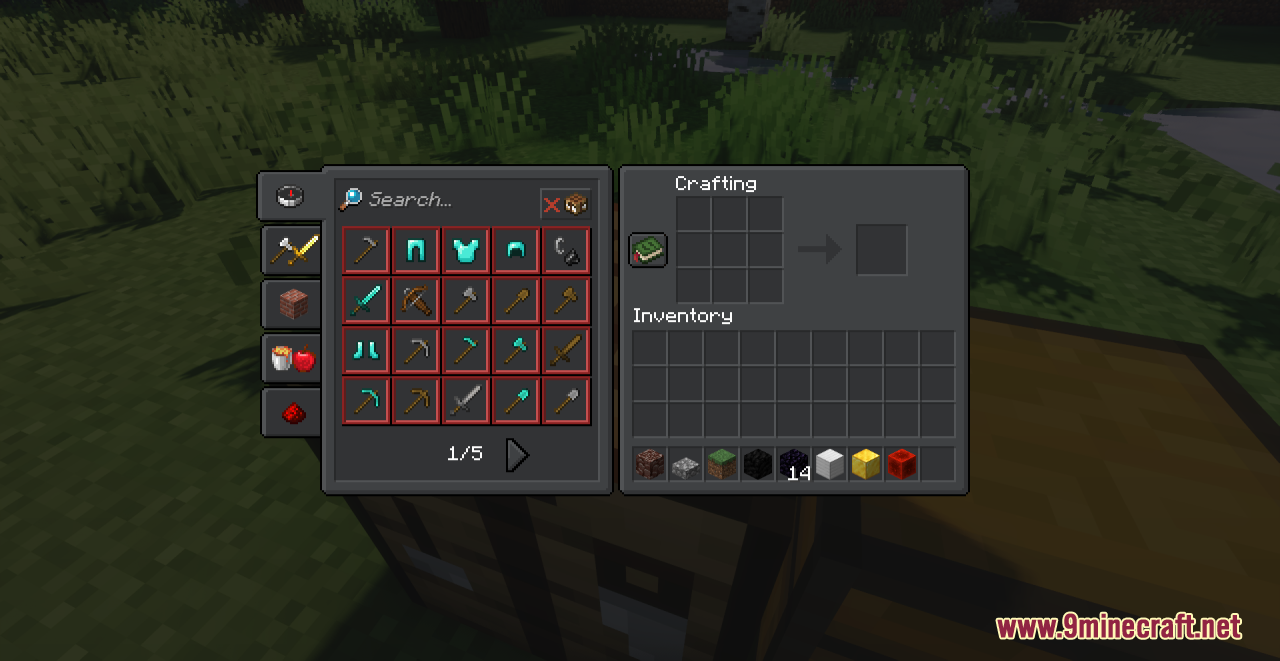
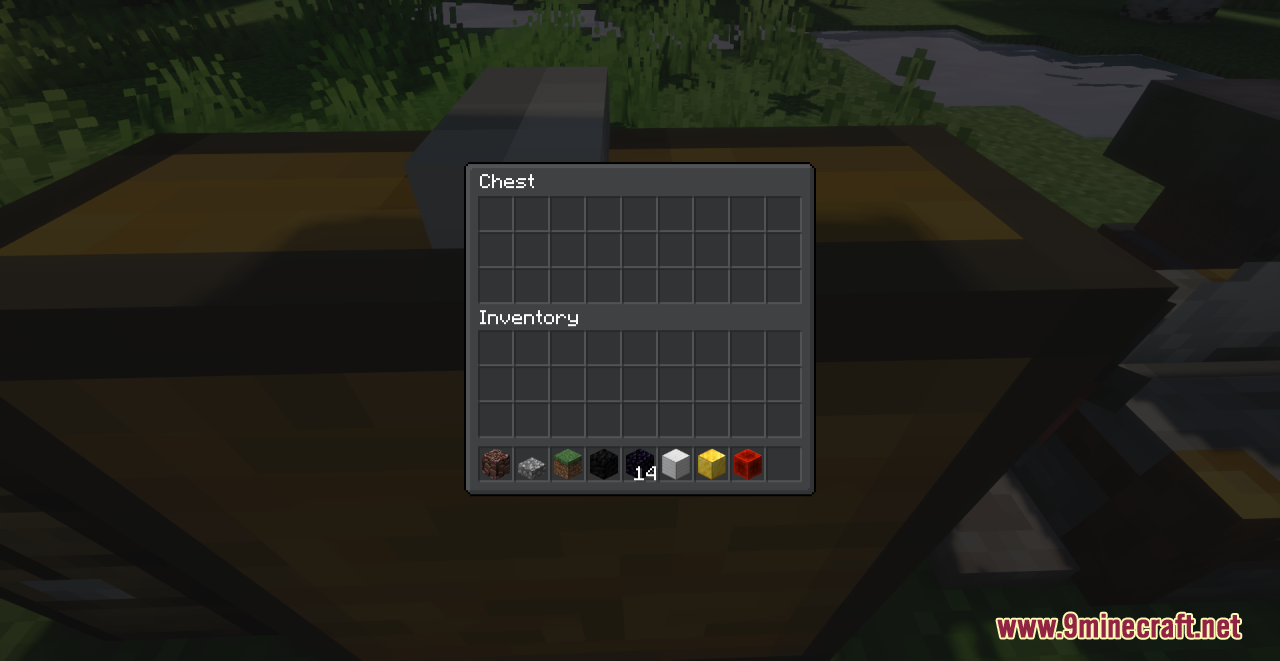
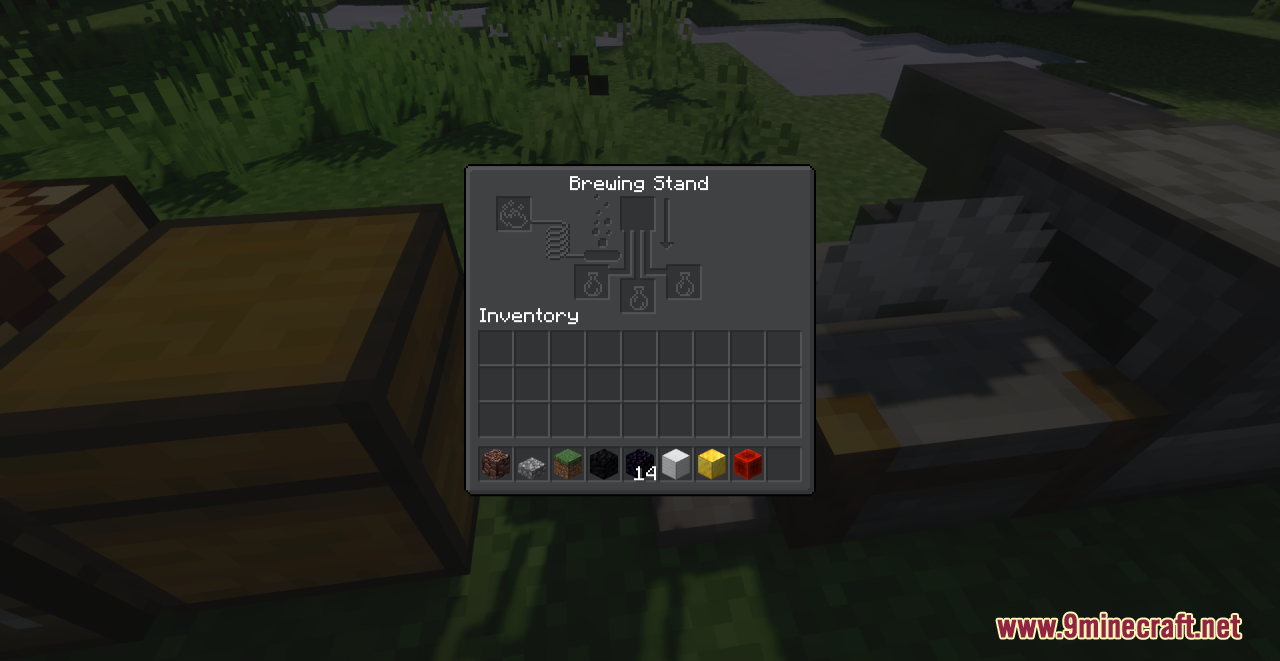
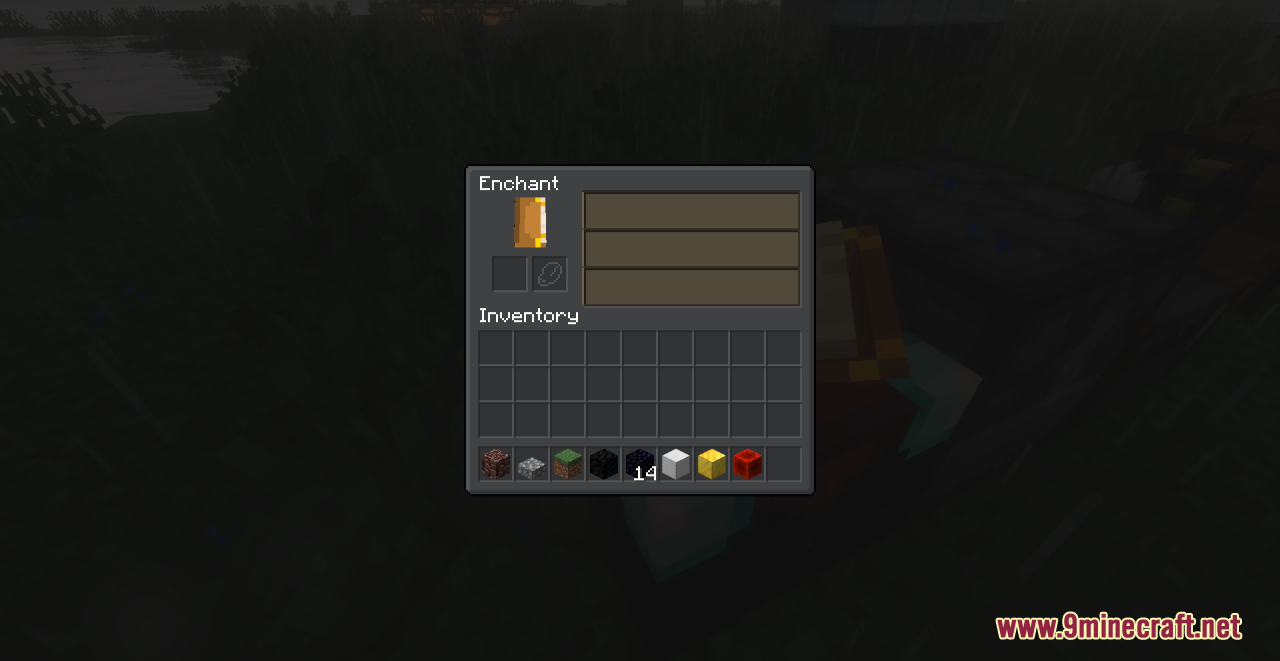
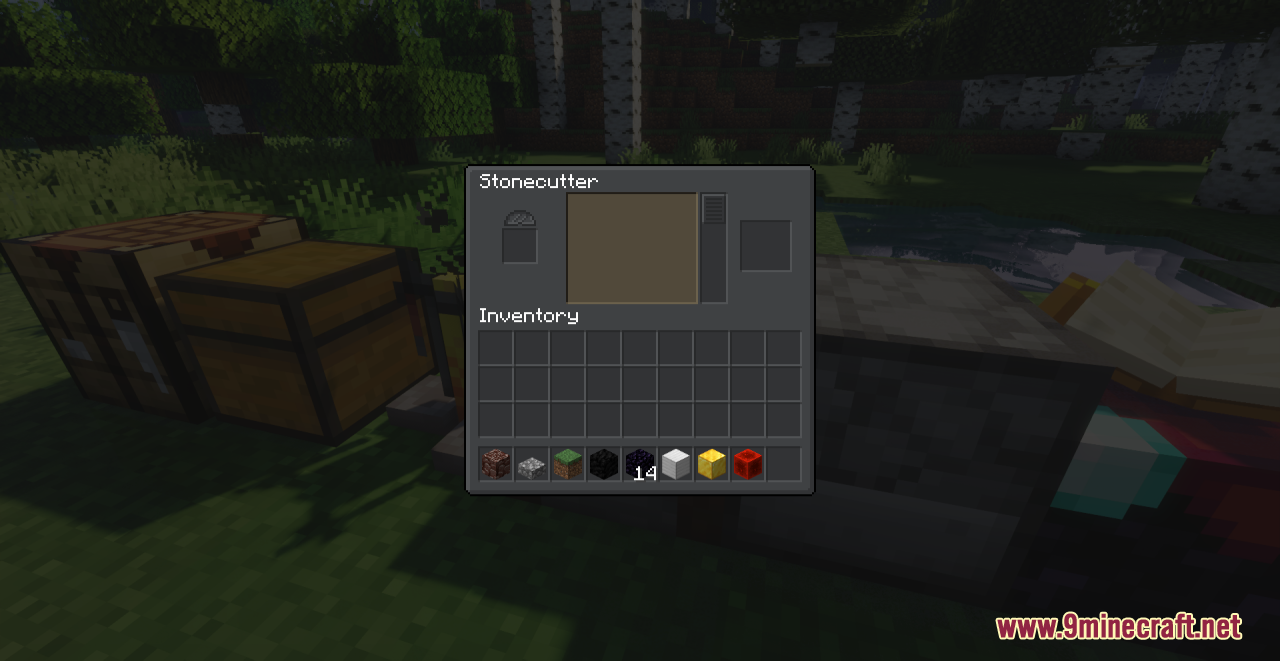
⬇ DownloadOpen in MCModsHubGet it on Google Play →Stormilla Dark Mode Resource Pack adds a new dark appearance to all the GUI in Minecraft. With this pack installed, you will have a chance to experience a slightly blue-gray GUI rather than just gray like other similar packs. Moreover, this also comes with some extra features like new background behind player in inventory, updated old textures and small fixes. All in all, this is a slight, simple and reasonable pack you can use to refresh your game display.
Screenshots:
Requires:
Optifine
Stormilla Dark Mode Resource Pack Download Links
For Minecraft 1.21.x
For Minecraft 1.20.6, 1.20.4, 1.20.2, 1.20.1, 1.20
For Minecraft 1.19.4
For Minecraft 1.19.2
For Minecraft 1.18.2
Stormilla Dark Mode Resource Pack (1.21.1, 1.20.1) – Texture Pack is a free Minecraft Java resourcepack. Compatible with Minecraft 1.21.1, 1.20.1. Download it and open it directly in the game.