Coldbar Indicator Addon (26.x, 1.21) – MCPE/Bedrock Mod
Bedrock add-on listed for Minecraft 1.21 (behavior + resource pack). File opened and checked on 23 Sep 2026; installs from the MC Bedrock Mods app on Android.
⬇ Download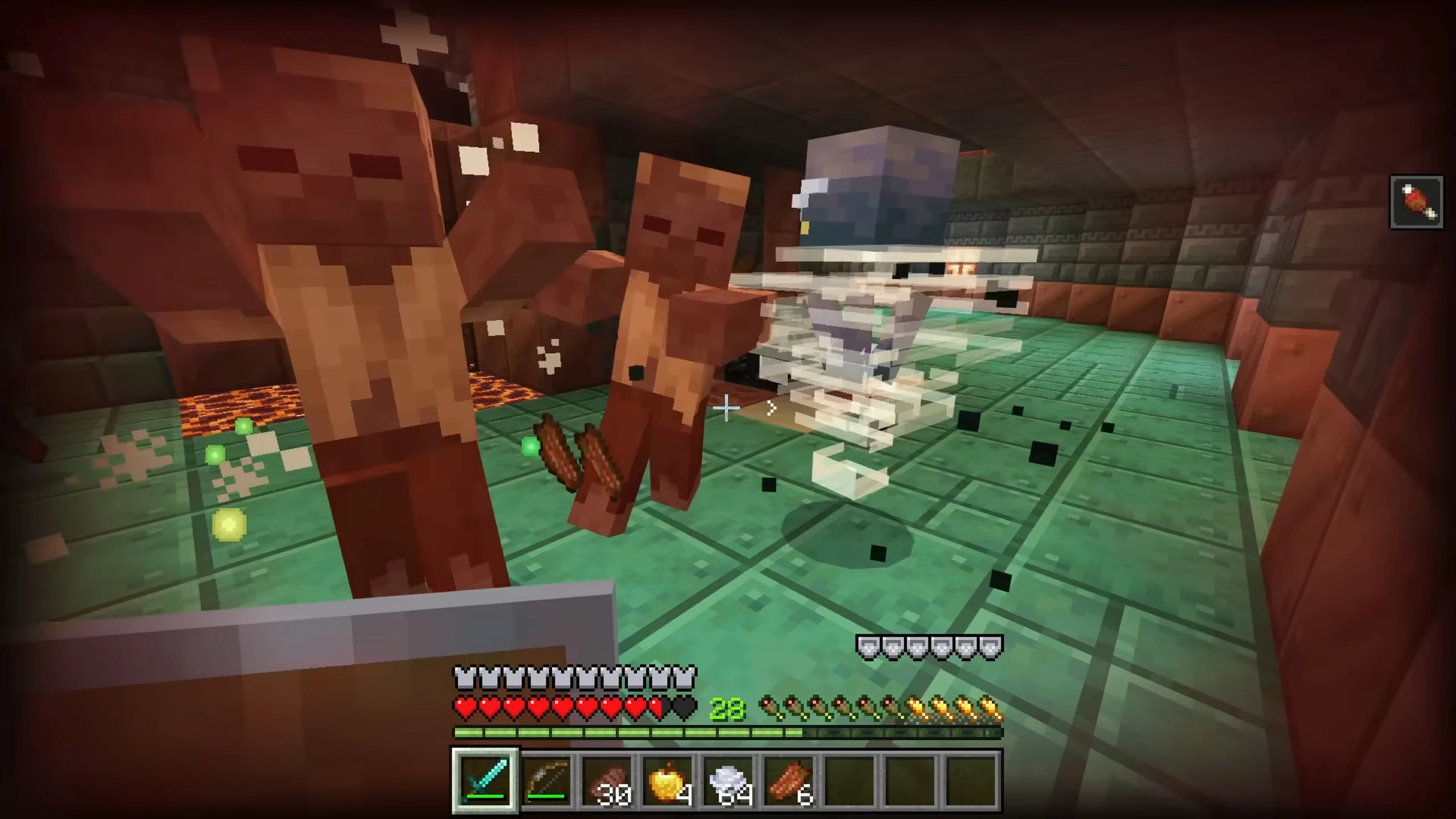
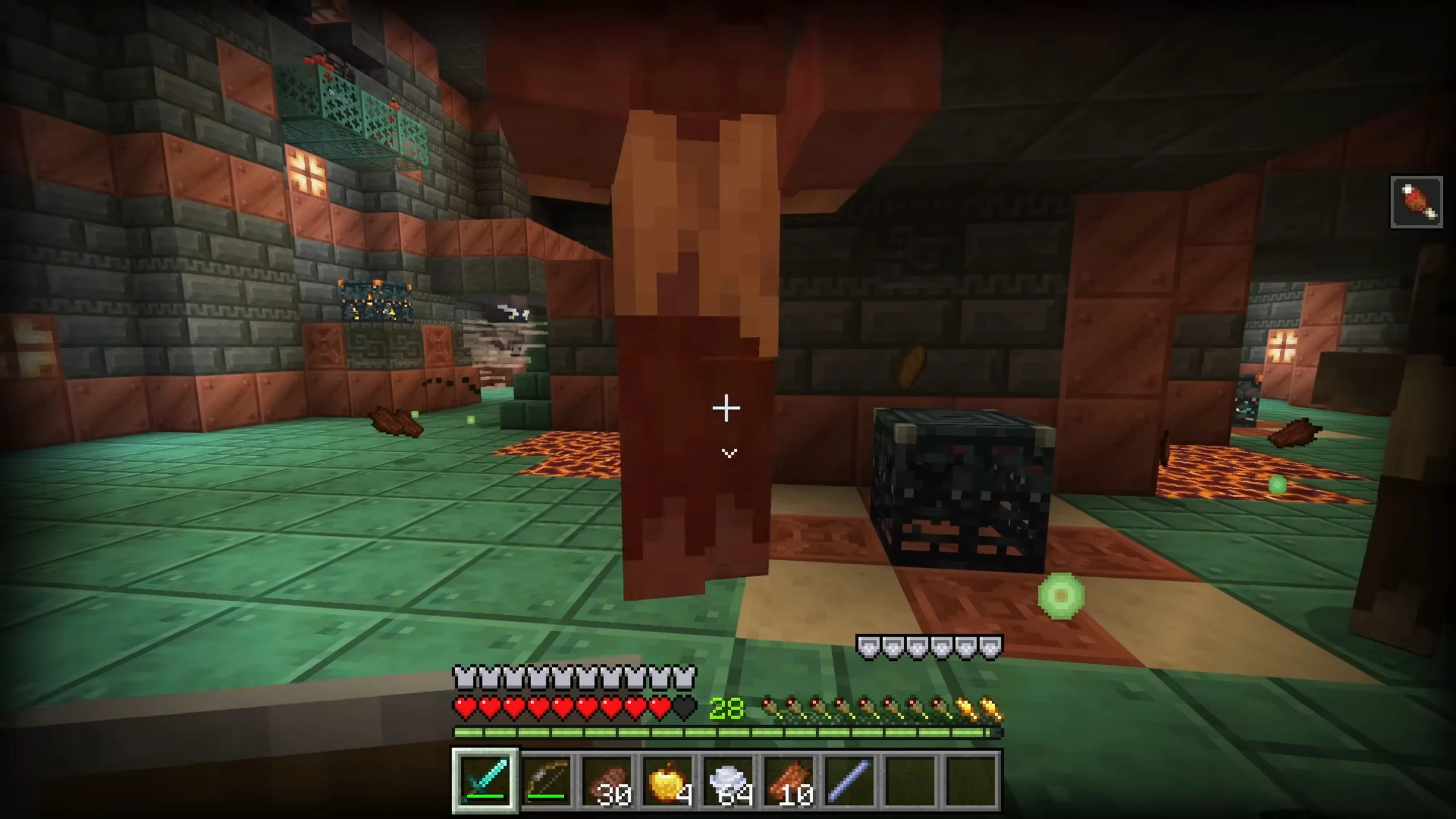
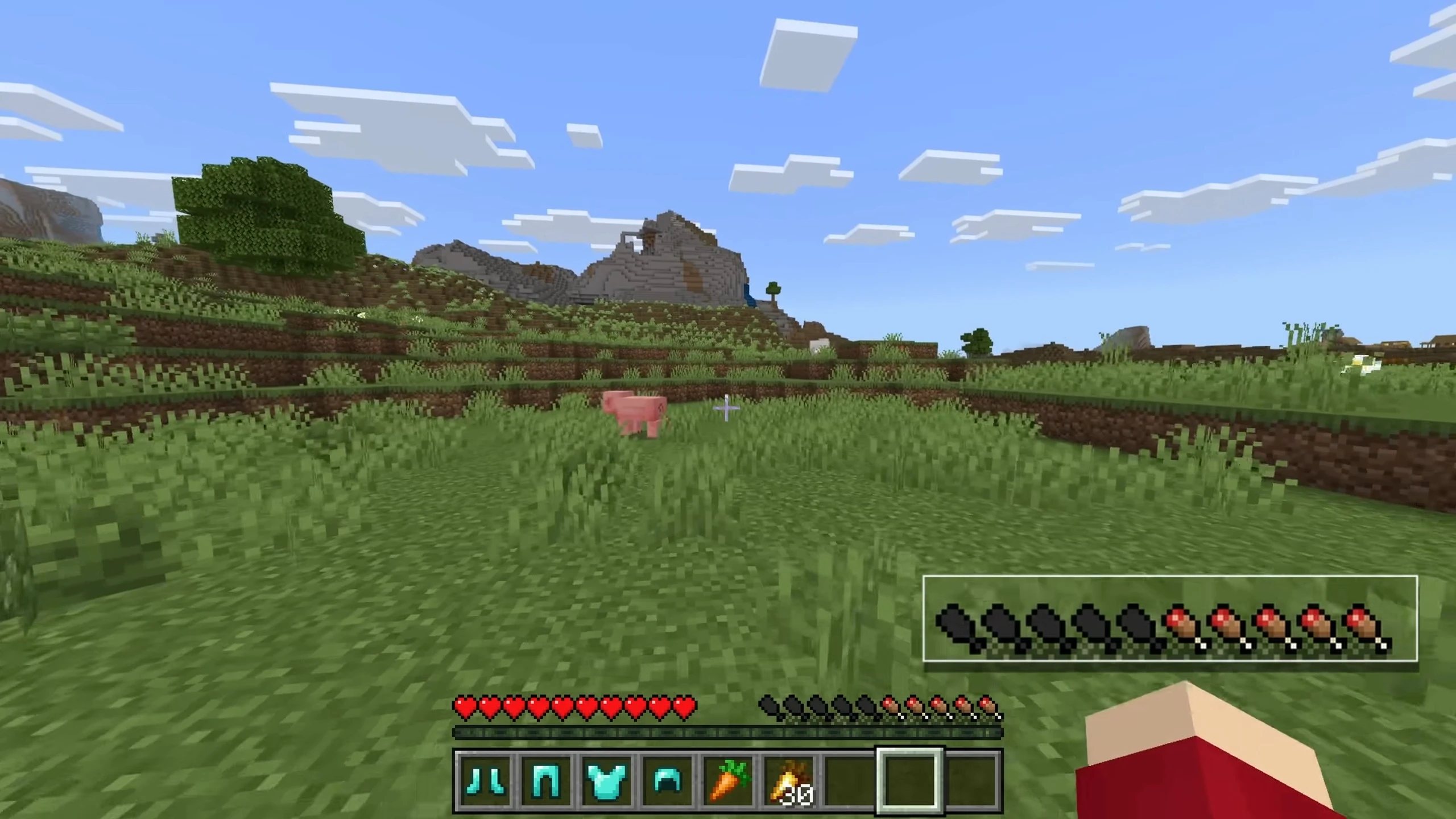
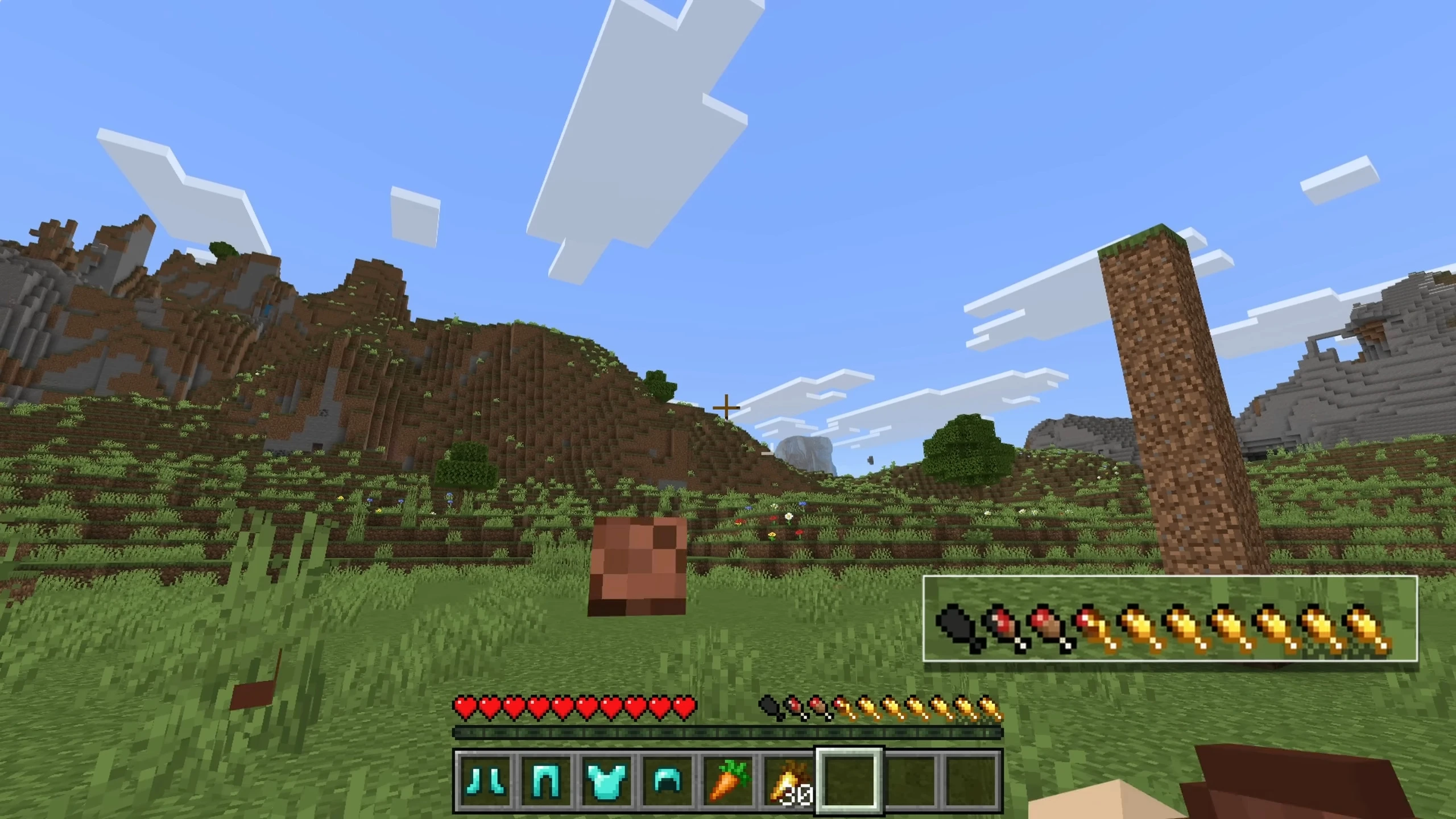
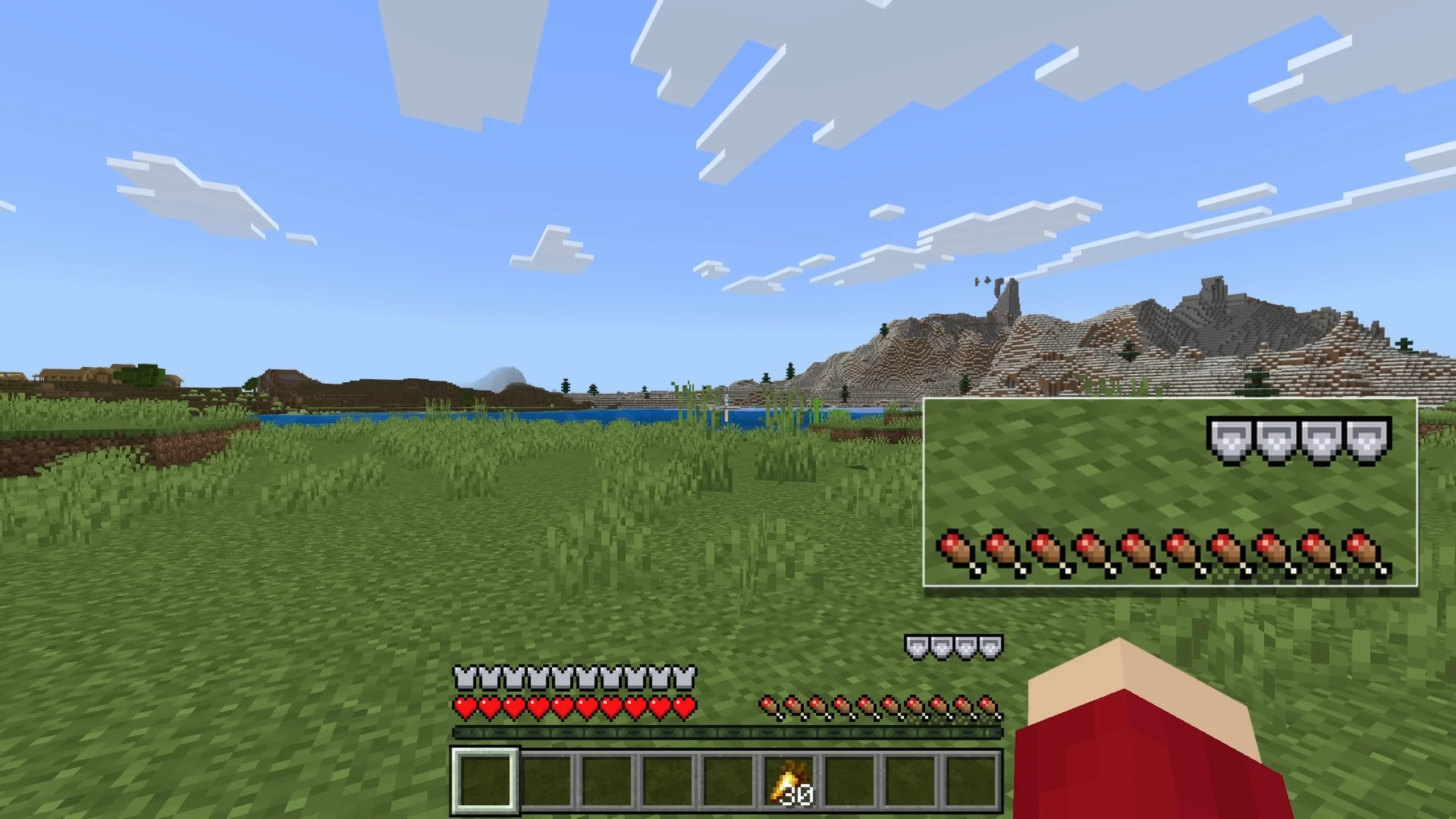
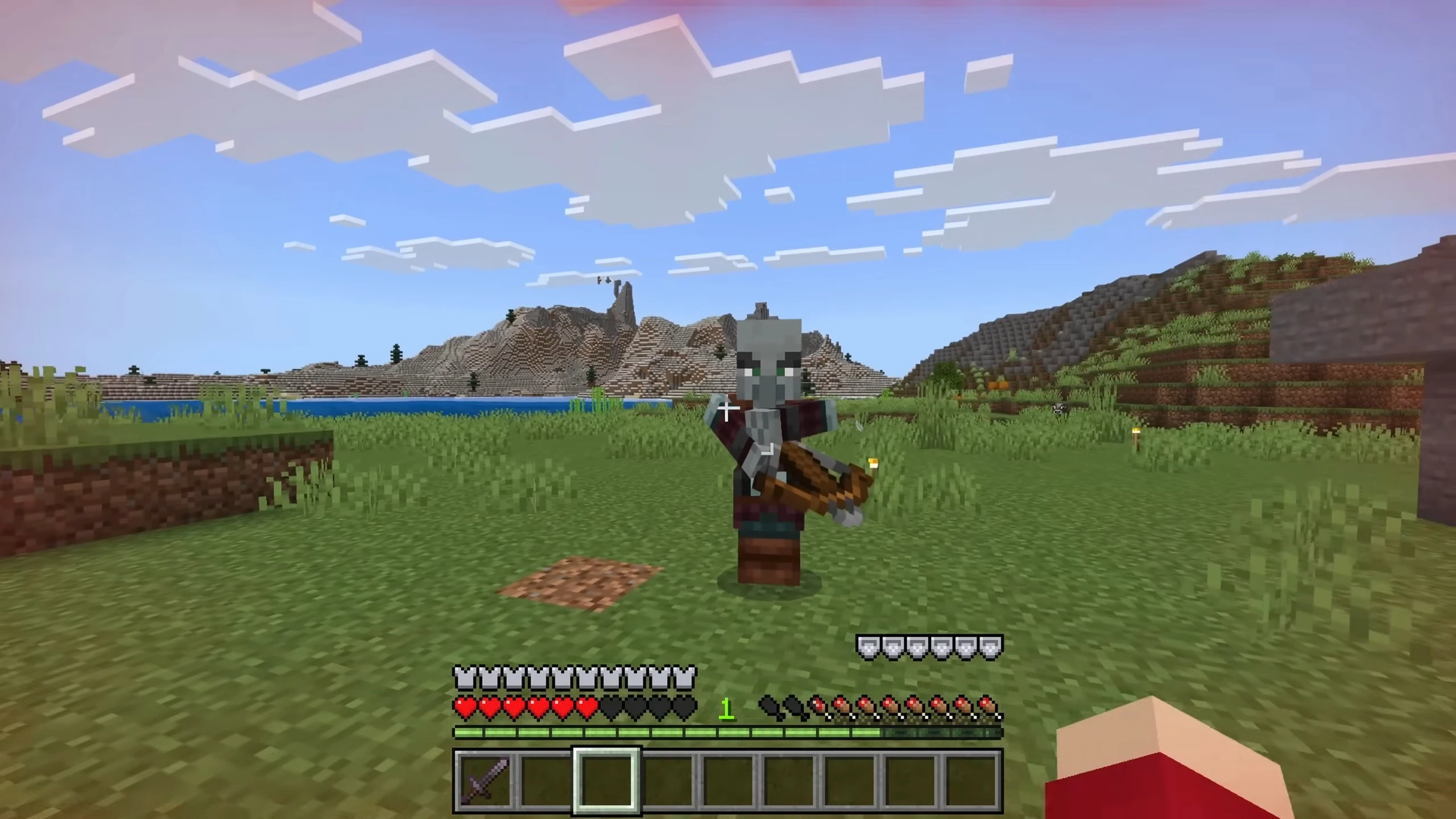
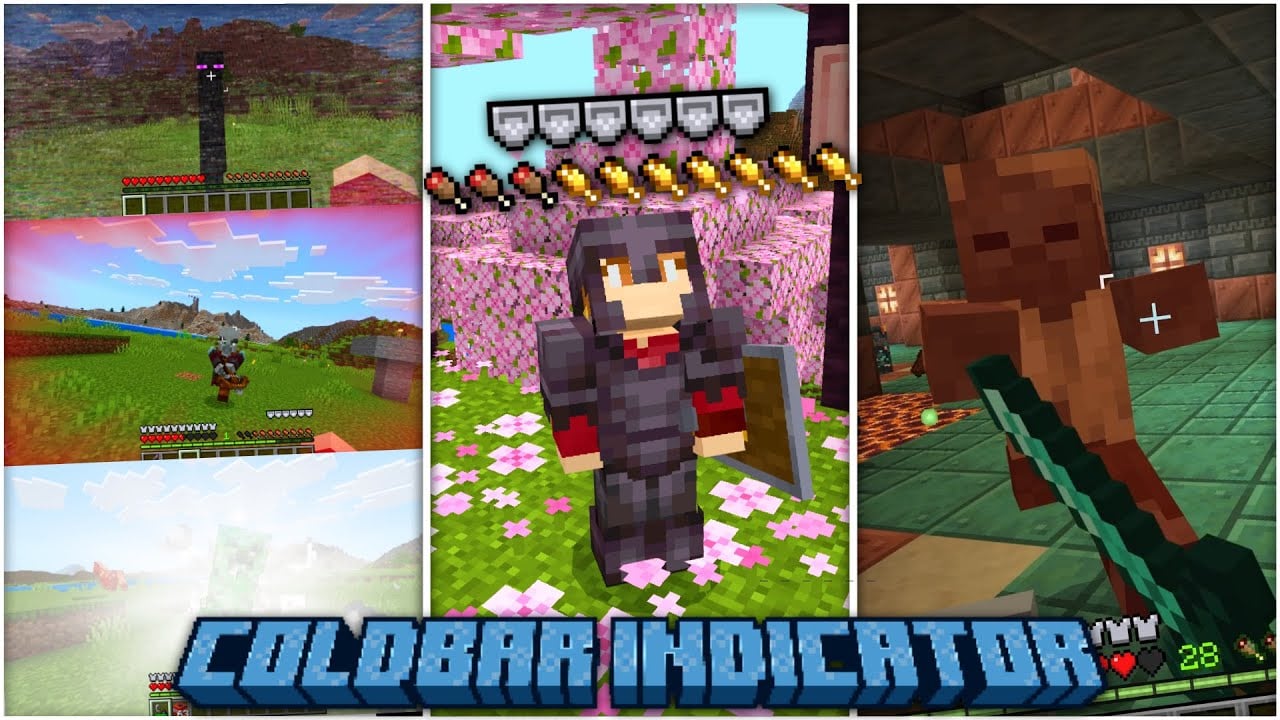
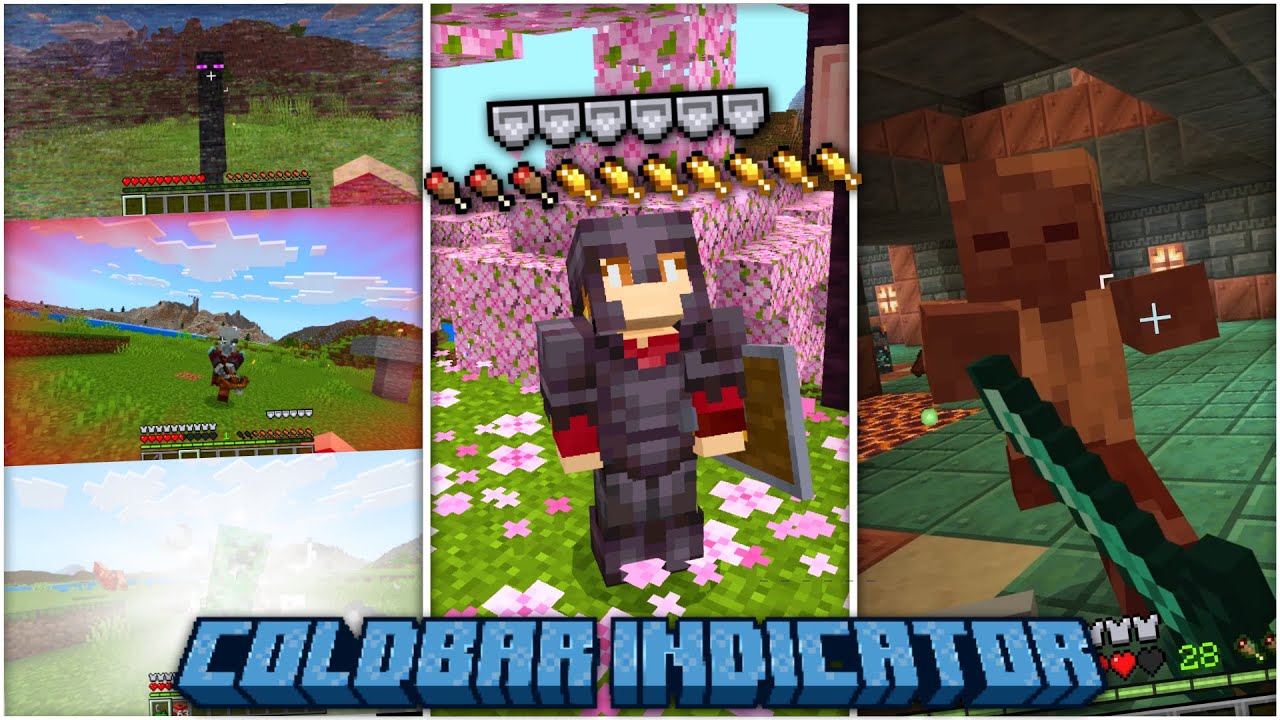
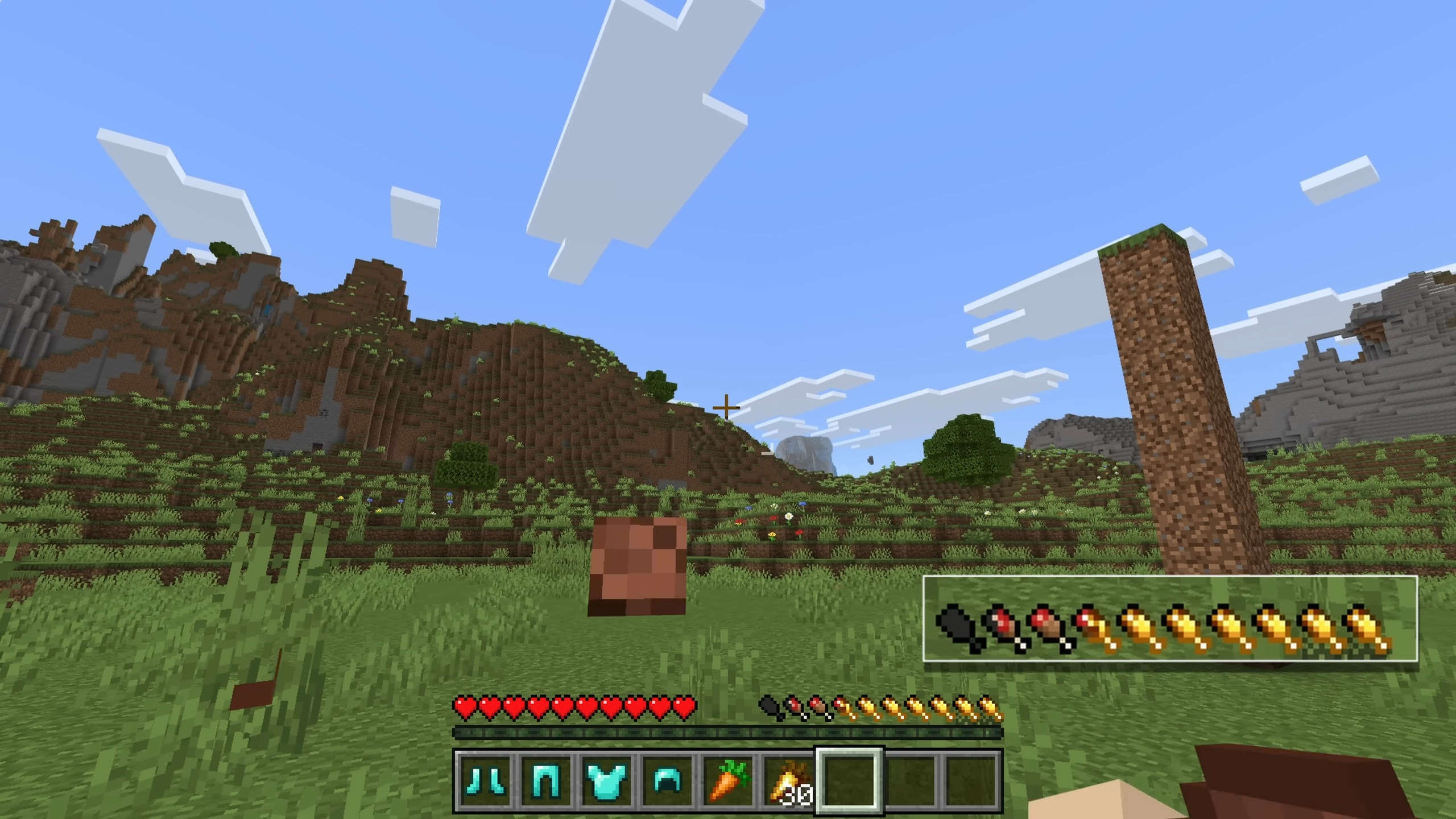
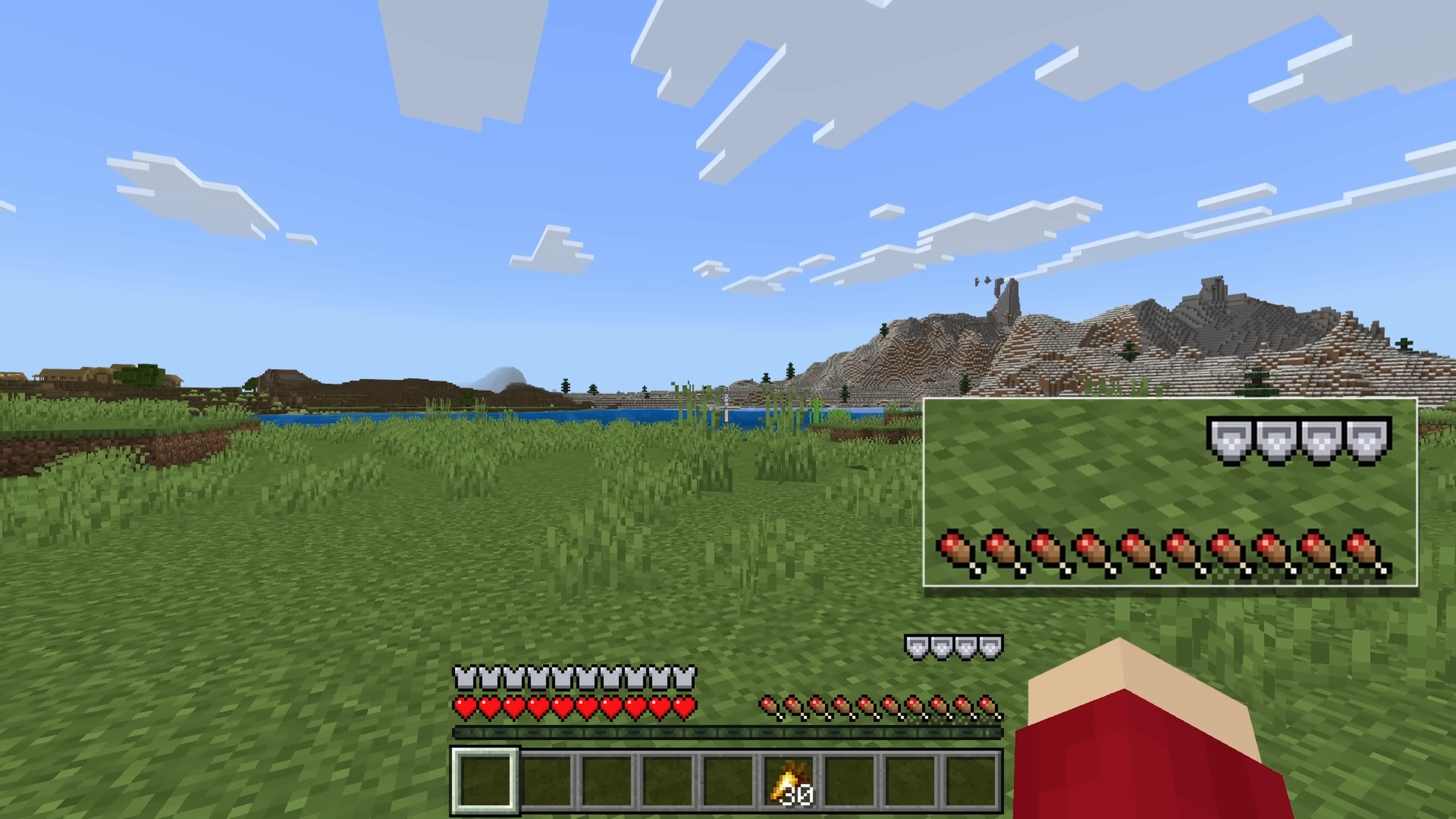
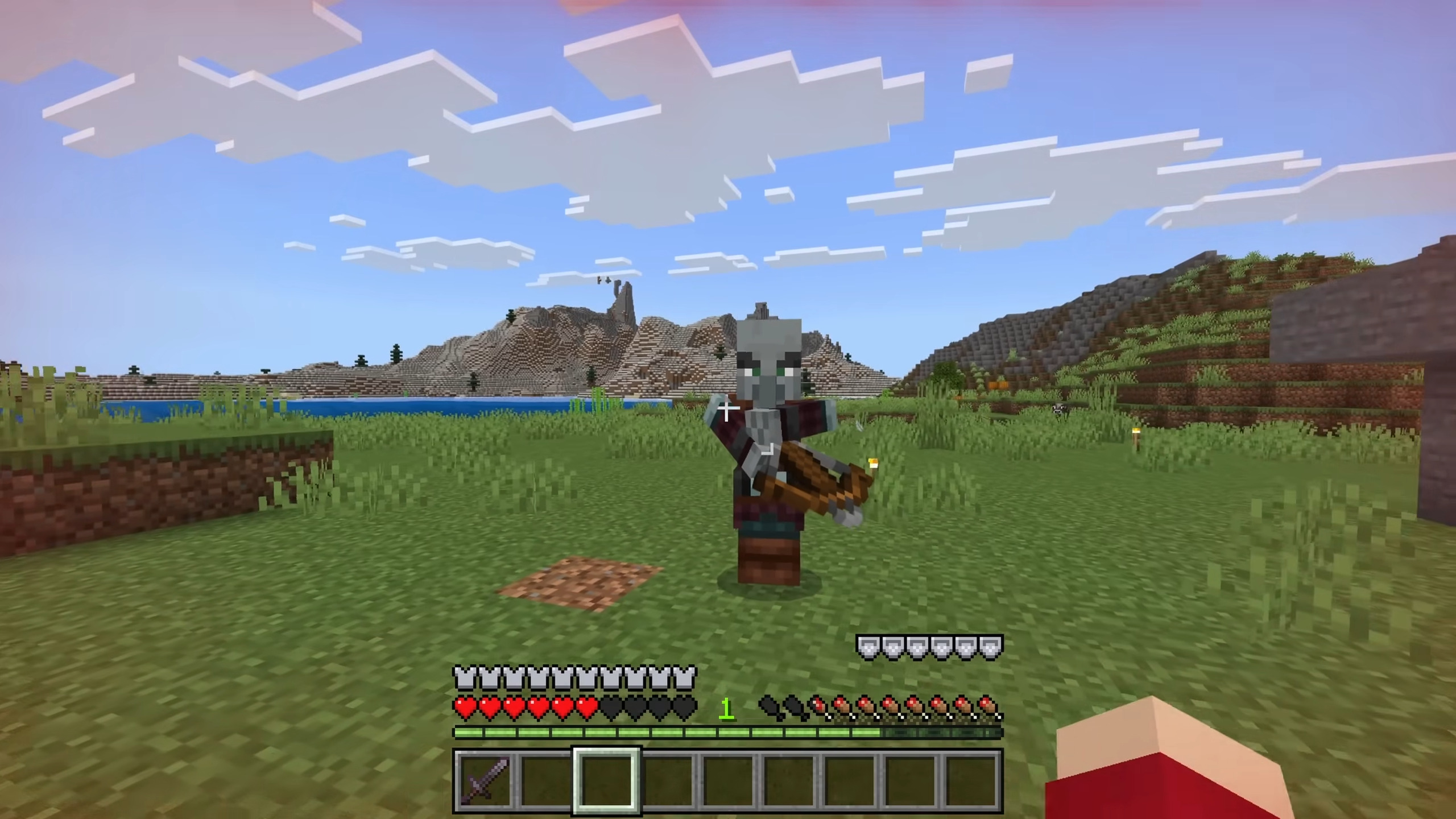
Coldbar Indicator Addon adds immersive status bars (e.g., armor toughness, overloaded armor beyond 20 points, saturation/exhaustion hunger previews) and visual notifications/effects (pickup/biome alerts, damage overlays, hurt directions) to provide detailed player feedback-perfect for survival/modpacks without cluttering the screen.
Features:
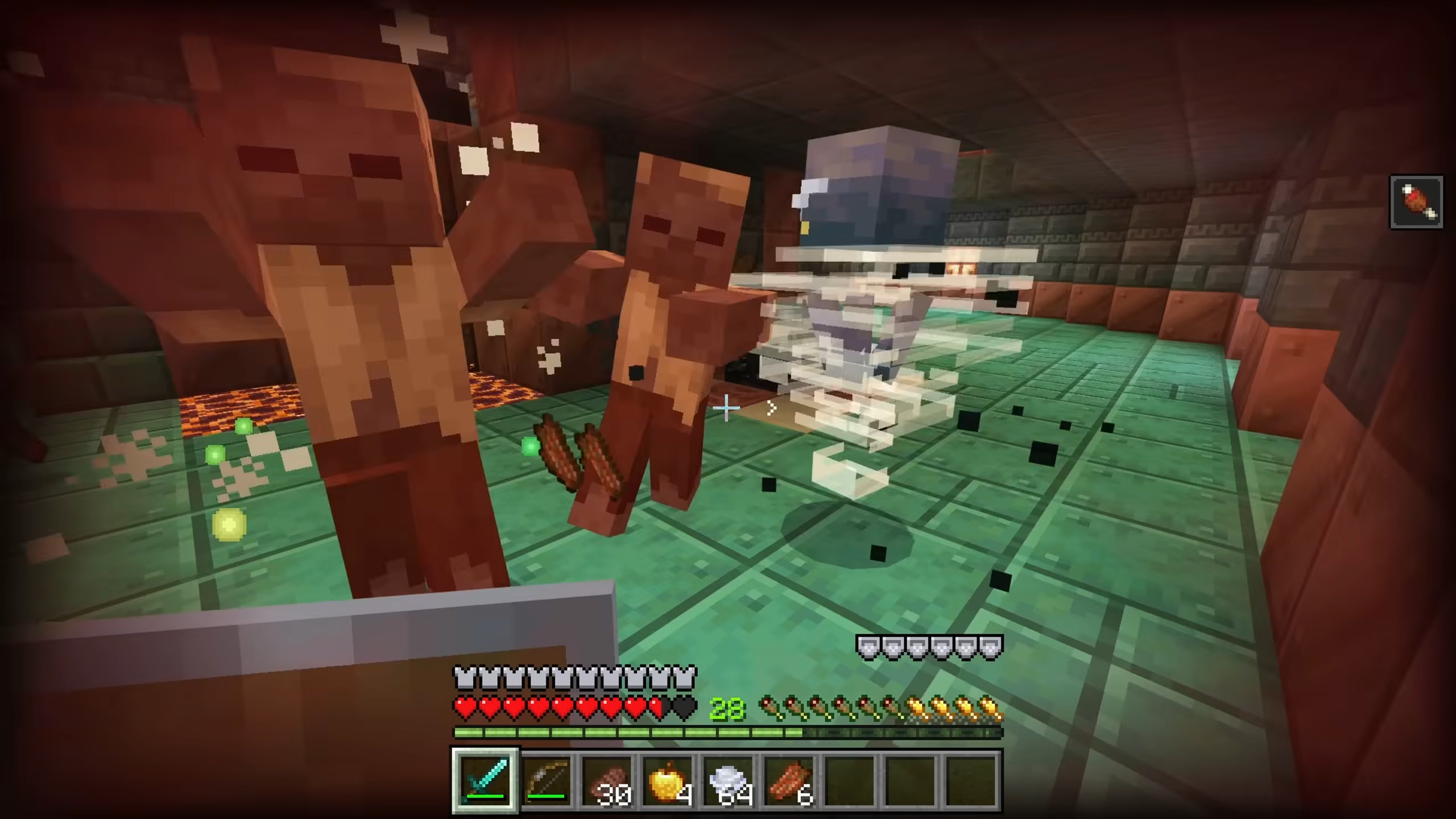
- Overloaded Armor Bar: This adds extra bars if your armor is used more than 20 (it would be effective by using custom armor, as vanilla has only a maximum of 20 armor).
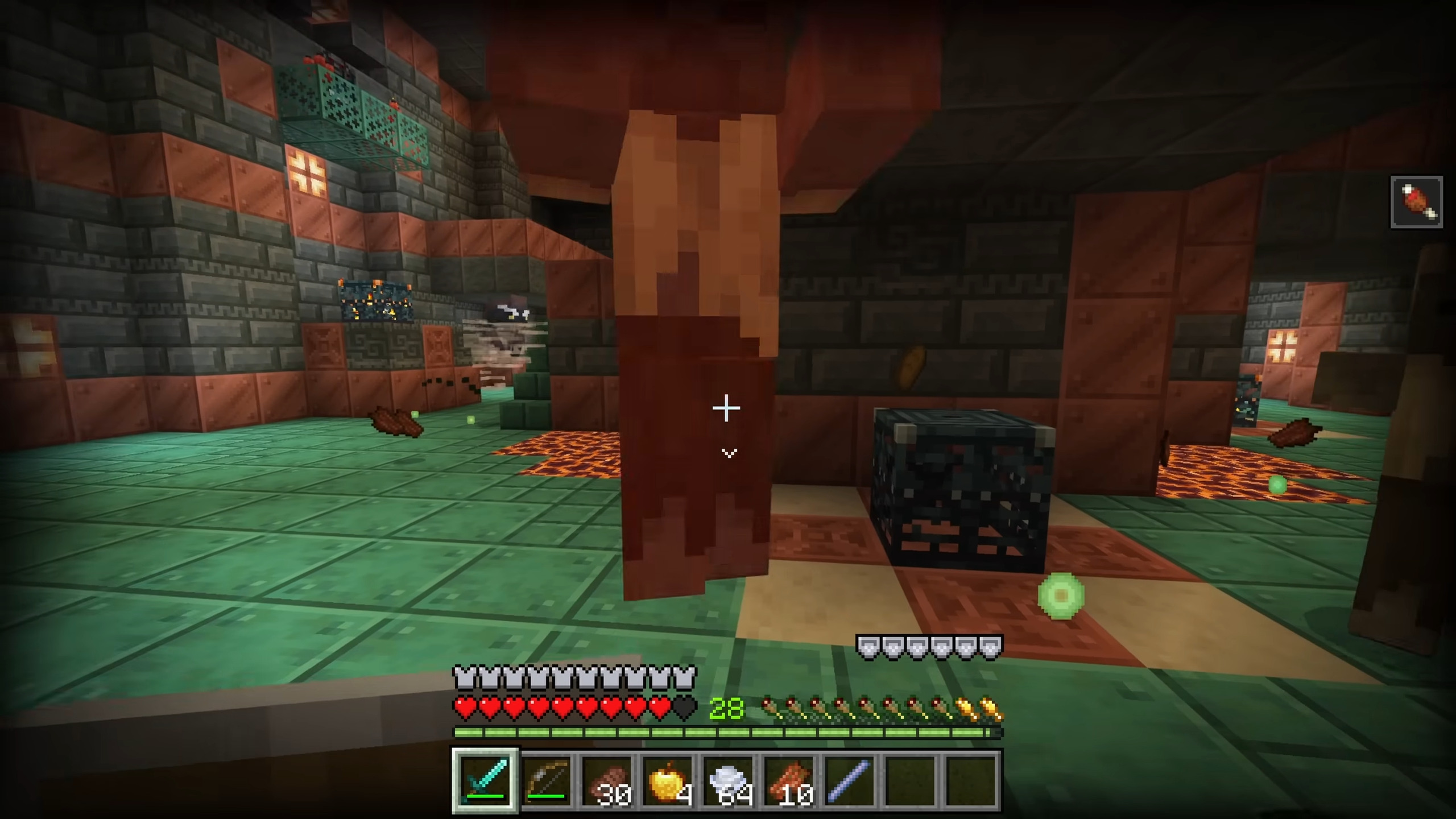
- Armor Toughness Bar: Show armor toughness information of the armor that the player used.
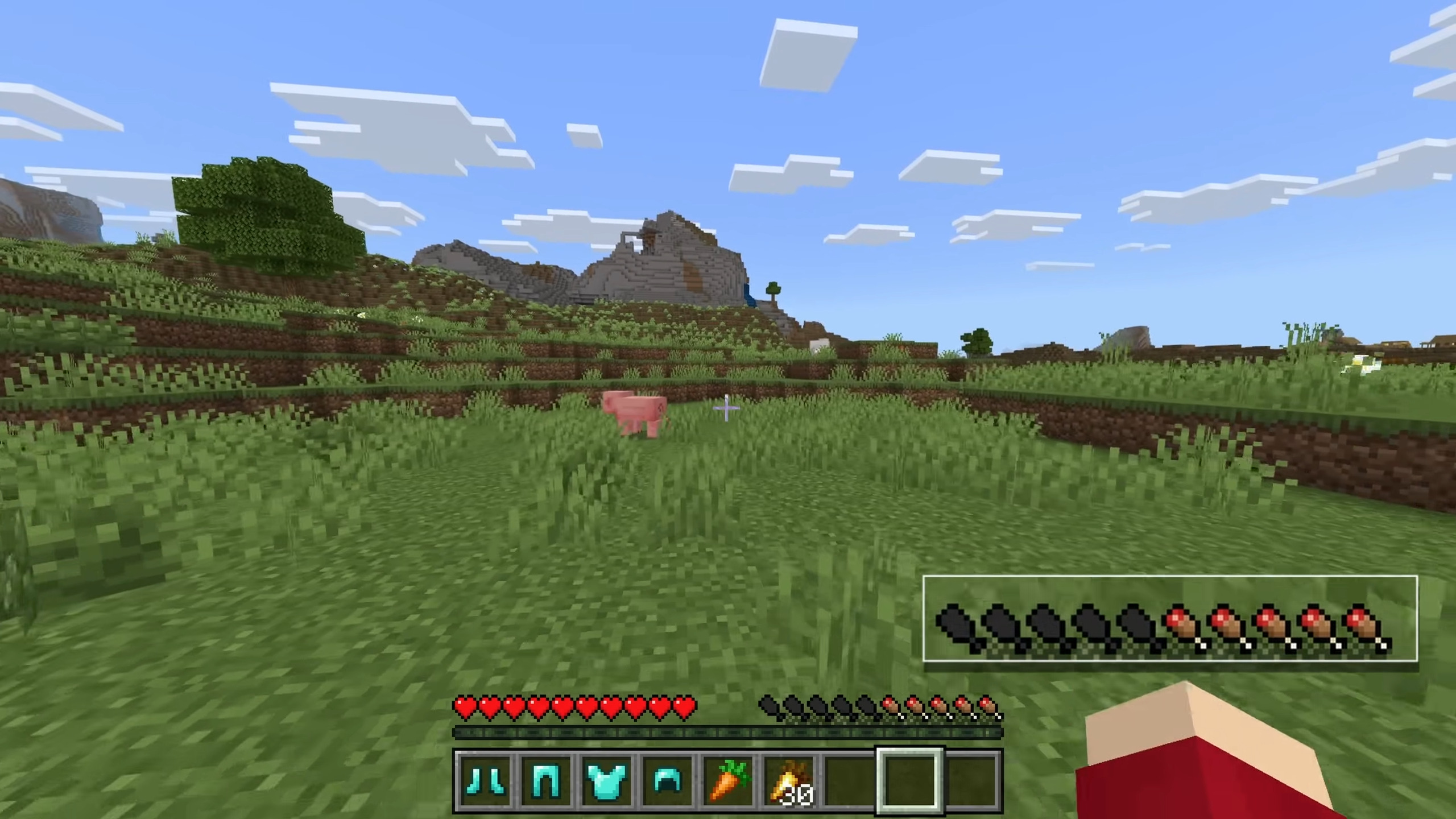
- Food Hunger Preview Bar: It will give a preview when players are holding food
- Saturation Bar: It will expose the saturation of players.
- Exhaustion Bar: It will show the exhaustion of players.
- Thirst Saturation Bar: Displays the player’s current thirst saturation (requires Adventure Condiment).
- Enderman Glitch Effect: A visual glitch effect triggers whenever an Enderman appears on the player’s screen.
- Damage Overlay: Shows a visual overlay when the player takes damage.
- Step Direction Indicator: Highlights the direction of the nearest entity while moving.
- Hurt Direction Indicator: It will reveal the direction from which the player was attacked.
- Explosion Flash Effect: The screen briefly flashes when nearby explosions occur.
- Glow Squid Hypnotize Effect: A visual effect triggers whenever a player is near the glow squid.
- Potion Screen Effect: Show an effect visual that matches the effect color.
- Food Thirst Preview Bar: It will give a thirst preview when players are holding food.
- Target View Indicator: Show block or entity detail information of the player’s target object.
- Pick Up Notification Indicator: Show which item the player picked up
- Biome Notification: Show player’s current biome name
Screenshots:
Installation Note:
Required Dependencies:
- UI Queue Script
- Adventure Condiment (Optional)
- Kamii’s Script Configuration (Optional)
Coldbar Indicator Addon Download Links
For Minecraft PE/Bedrock 1.21
Behavior: Download from Server 1 – Download from Server 2
Resource: Download from Server 1 – Download from Server 2
UI Queue Script (Require)
Adventure Condiment Addon (Optional)
Kamii’s Script Configuration Addon (Optional)
- Edition: Minecraft Bedrock
- File type: .mcpack or .mcaddon
- Minecraft version listed: 1.21
- How to install: Download the .mcpack or .mcaddon file. → Open it — Minecraft imports it. → In your world: Behavior Packs → Available → Activate, then the same under Resource Packs.
- Where to get it: In MCModsHub, or directly above on this page.
Install steps are the general flow for this file type — How to install Minecraft Bedrock addons & mods walks through it step by step.
- Pack type: .mcaddon — behaviour and resource pack in one file
- Complete pack — everything it depends on is inside the file
- Download size: 8.7 MB
- Download link checked 17 Jun 2026 — working
- Mirrored on our own servers — the download does not depend on the original host
These come from our own check of the pack file, not from the source page.