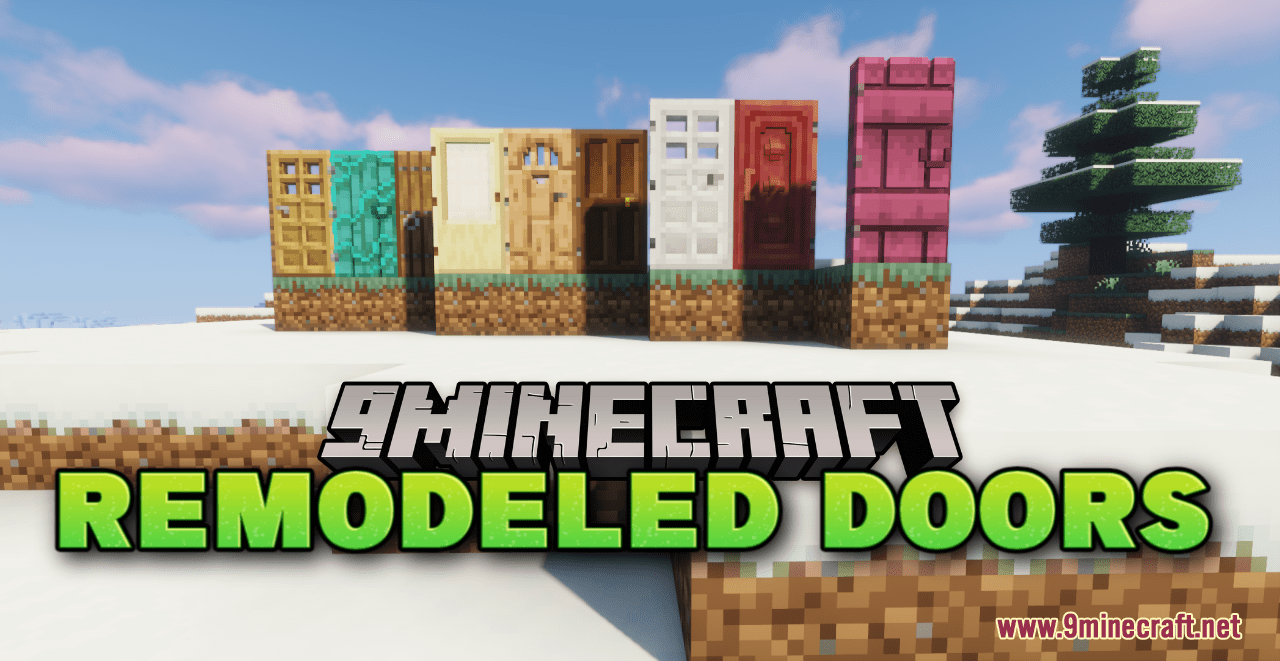
Remodeled Doors Resource Pack (1.21.1, 1.20.1) – Texture Pack
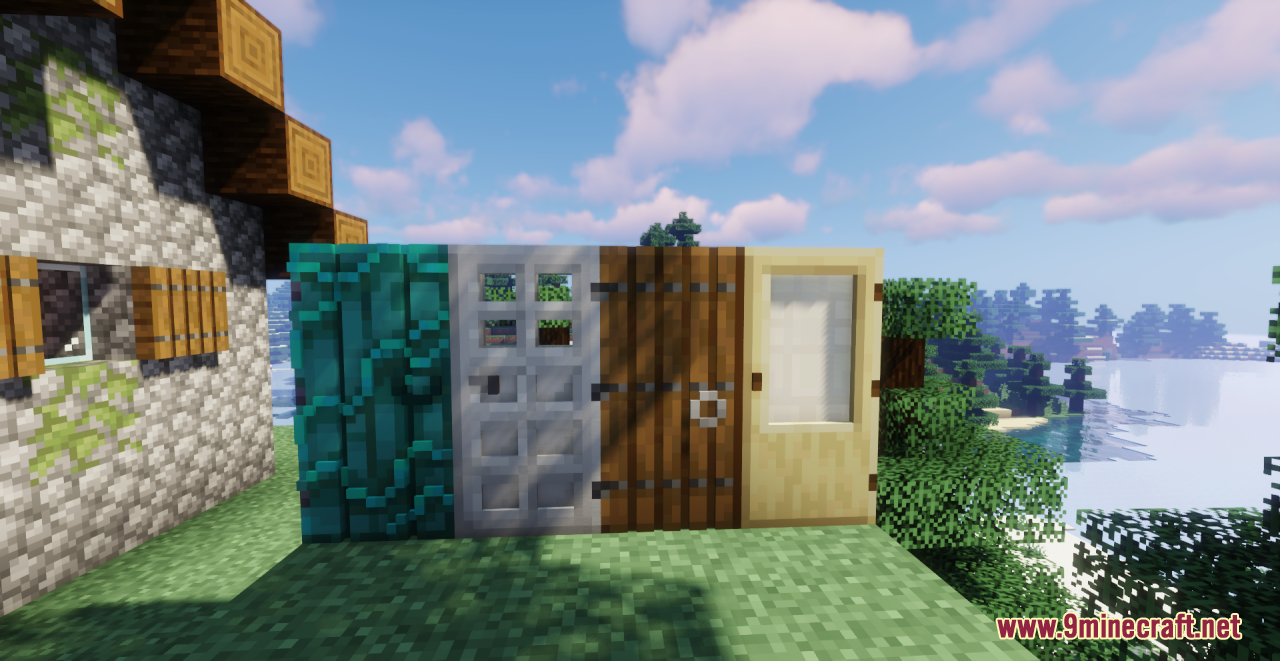
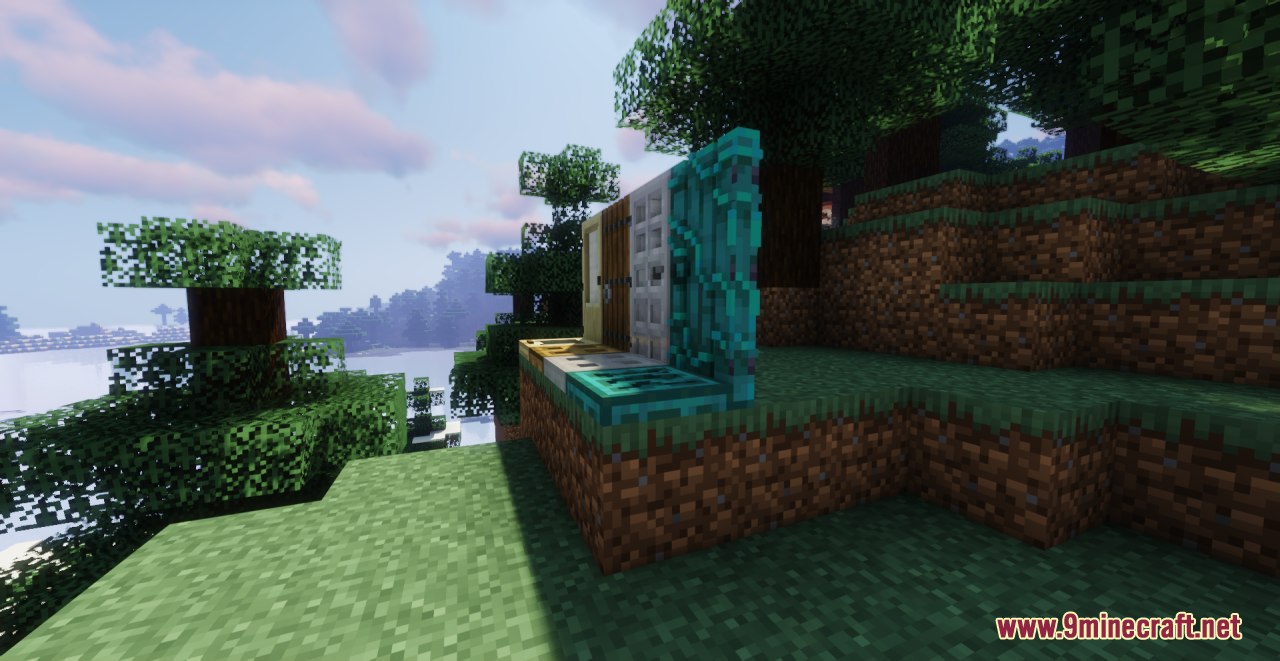
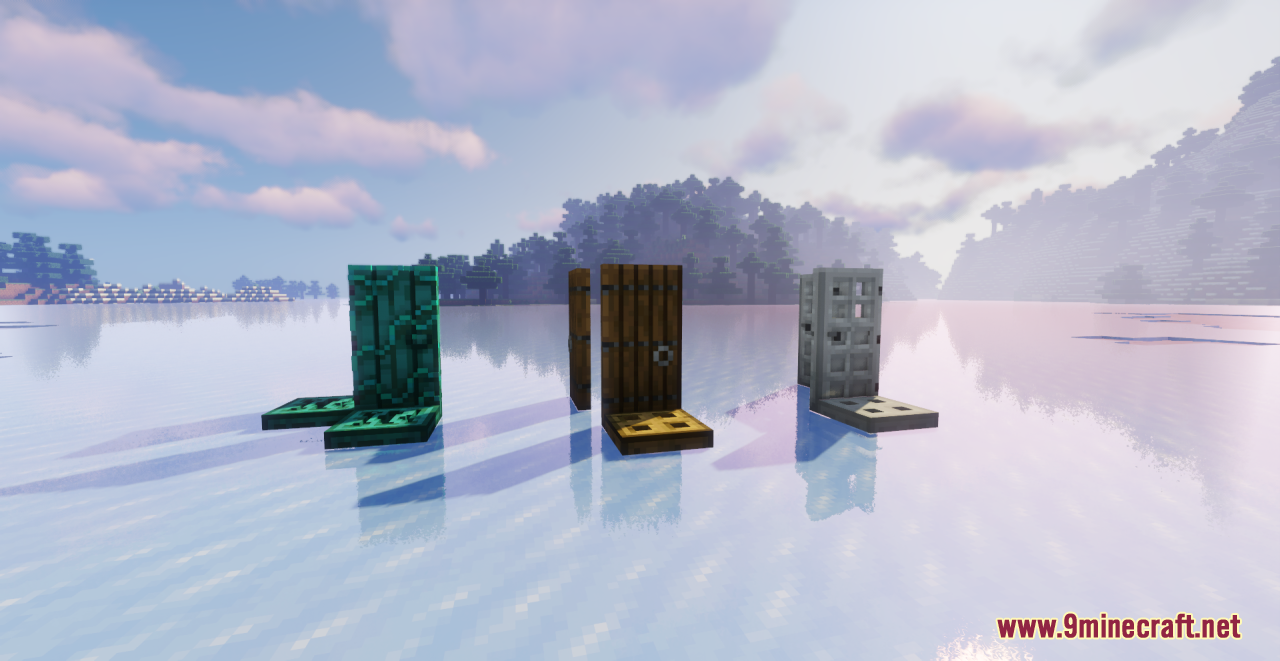
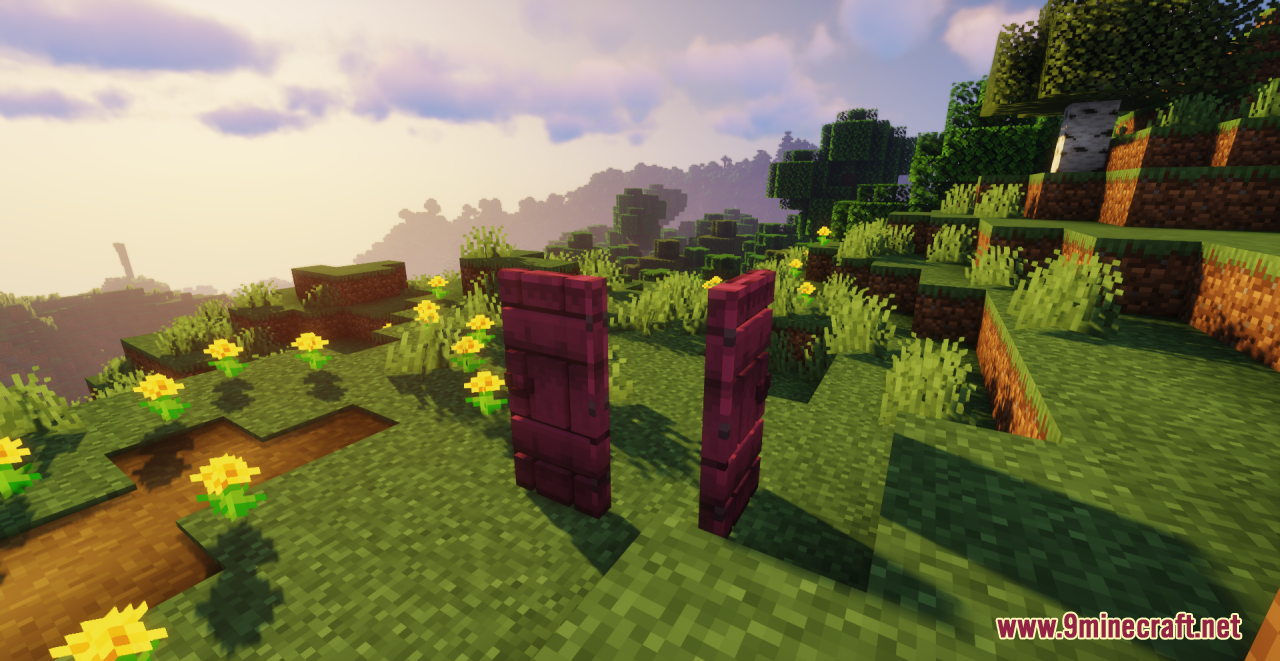
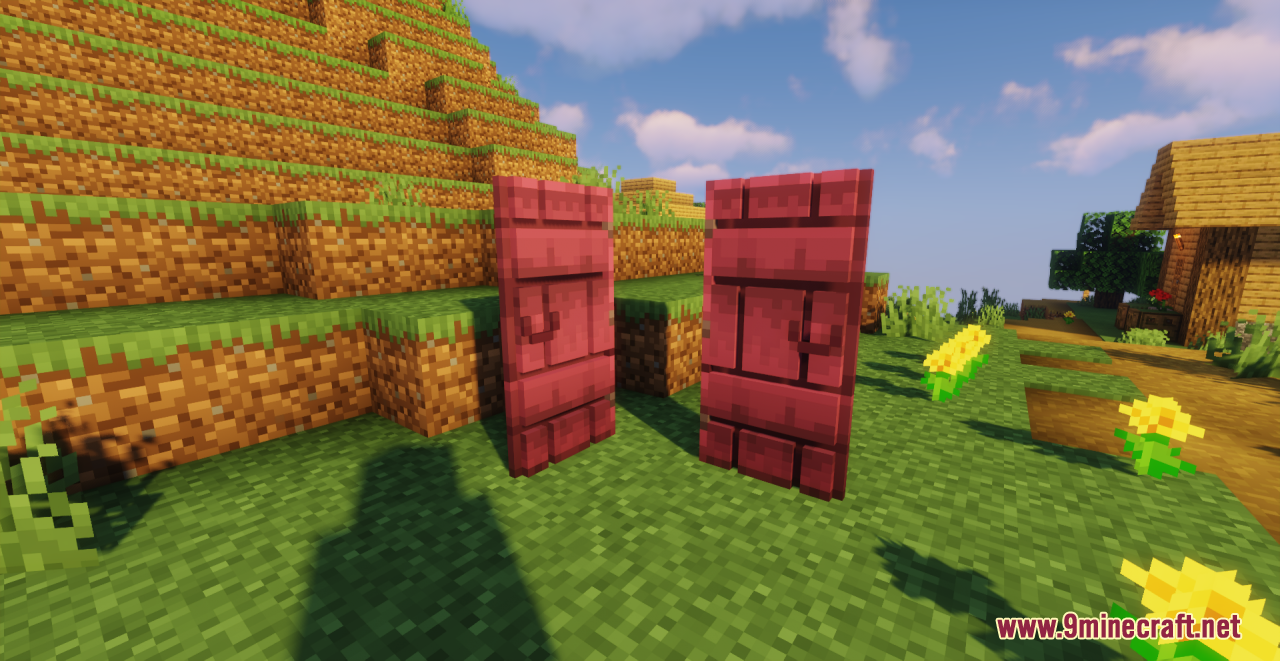
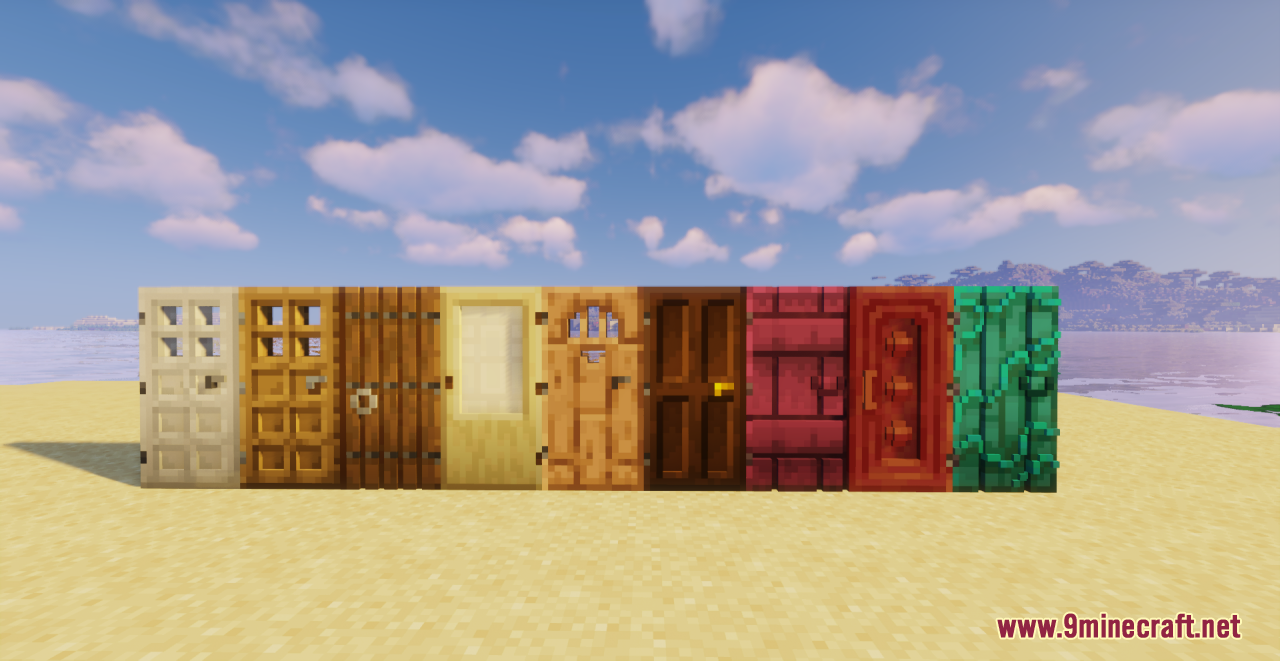
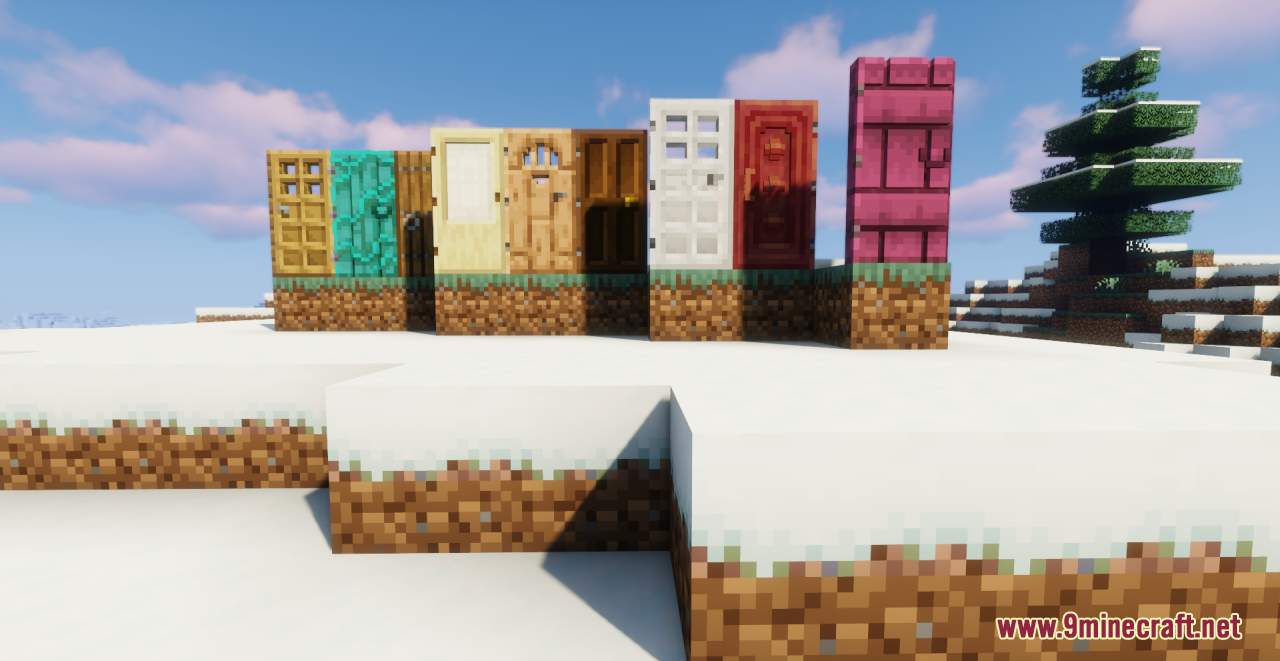
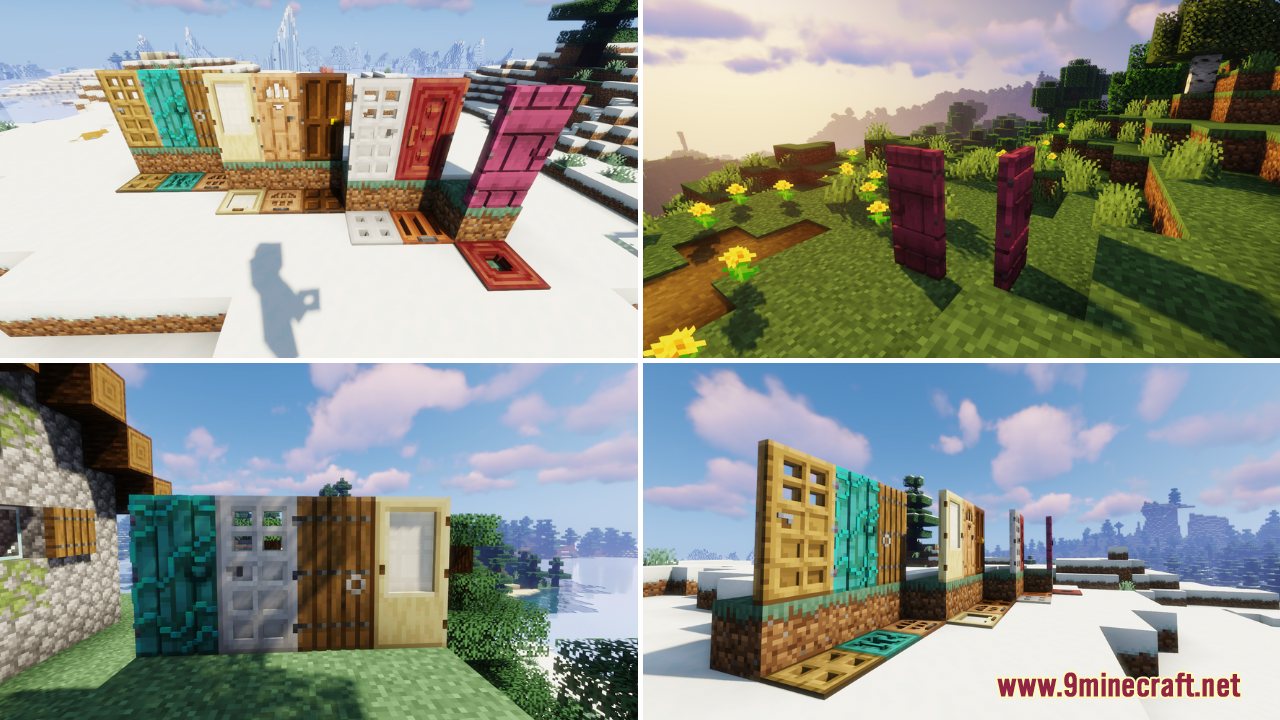
3Remodeled Doors Resource Pack focuses on changing every type of door and trapdoor to be 3D. It also updates the icons for doors so that they use the 3D…
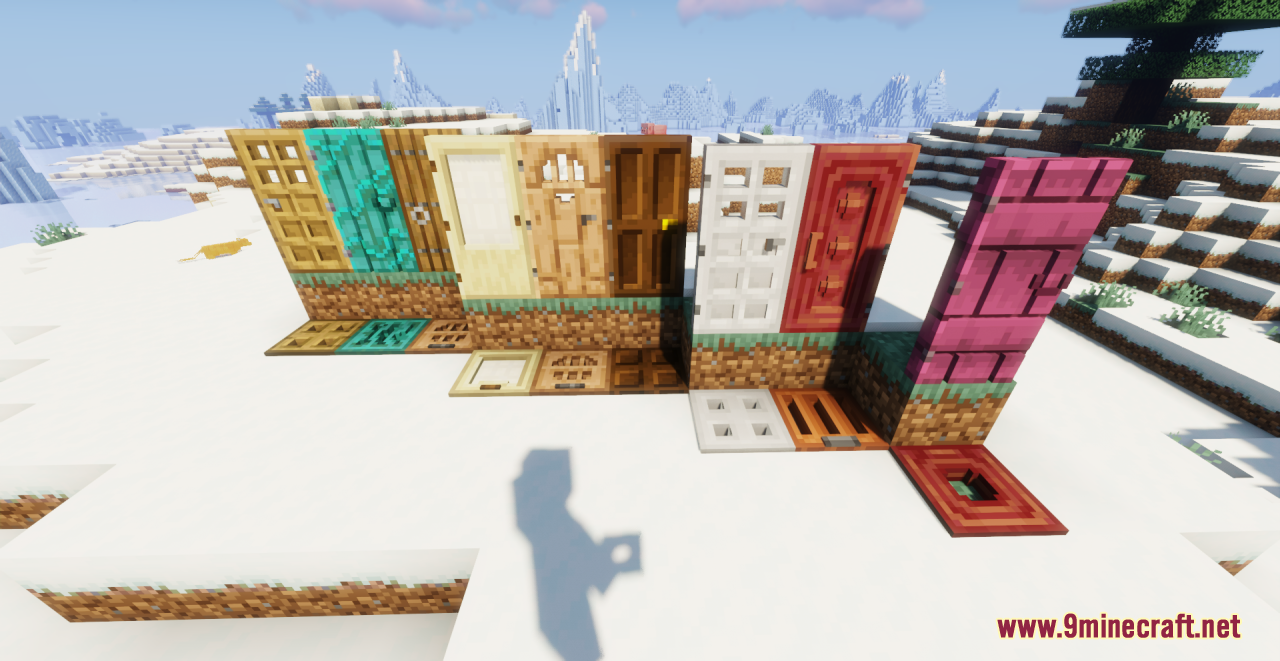
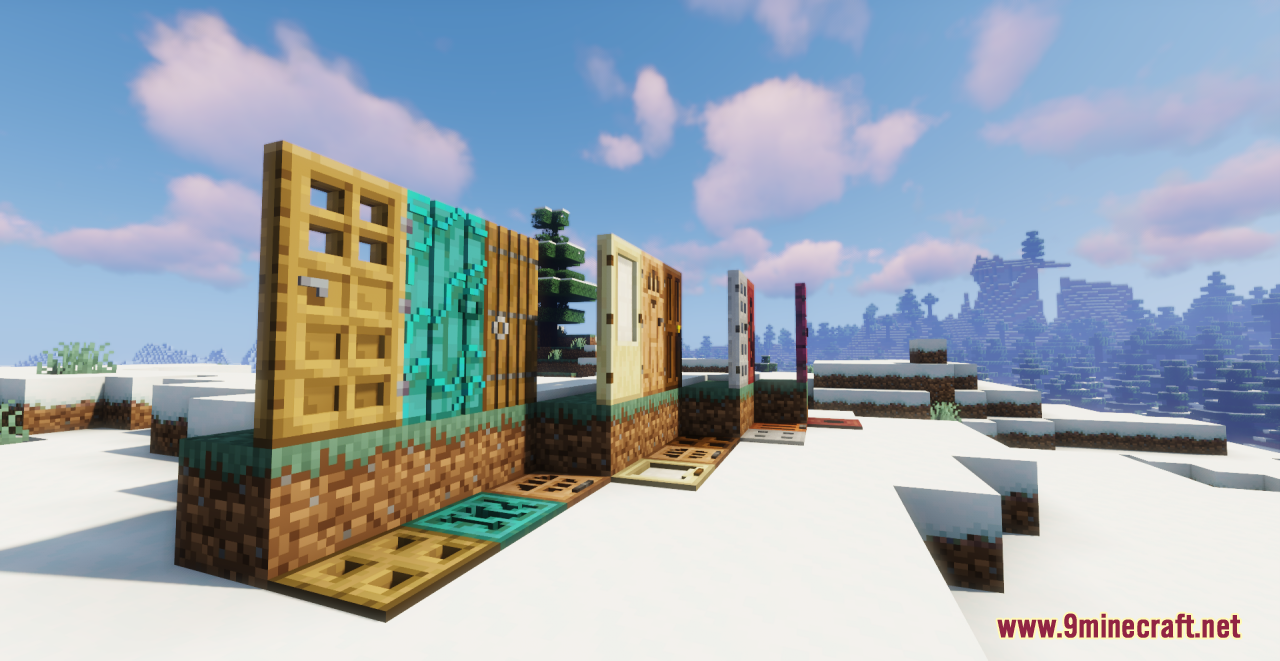
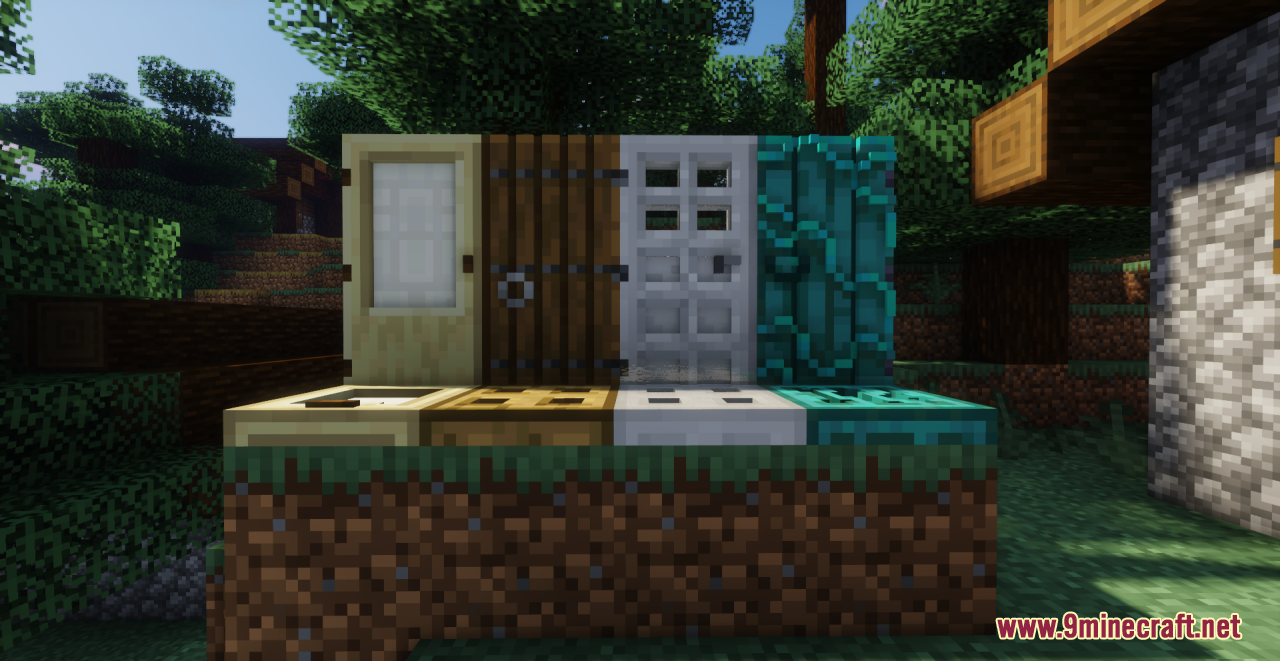
⬇ DownloadOpen in MCModsHubGet it on Google Play →3Remodeled Doors Resource Pack focuses on changing every type of door and trapdoor to be 3D. It also updates the icons for doors so that they use the 3D model instead of the vanilla 2D sprite. Especially, the quality of the models is very high, and they have an excellent detail level. All in all, it is a great option for changing all the types of in-game doors to 3D analogs, which look very harmonious and cool in the cubic world. Minecrafters who are tired of the standard door design options should certainly install this pack!
Screenshots:
Remodeled Doors Resource Pack Download Links
For Minecraft 1.21.1
For Minecraft 1.21.x
For Minecraft 1.20.6, 1.20.4, 1.20.1, 1.19.3, 1.19.2
For Minecraft 1.18.2
For Minecraft 1.17.1
Remodeled Doors Resource Pack (1.21.1, 1.20.1) – Texture Pack is a free Minecraft Java resourcepack. Compatible with Minecraft 1.21.1, 1.20.1. Download it and open it directly in the game.