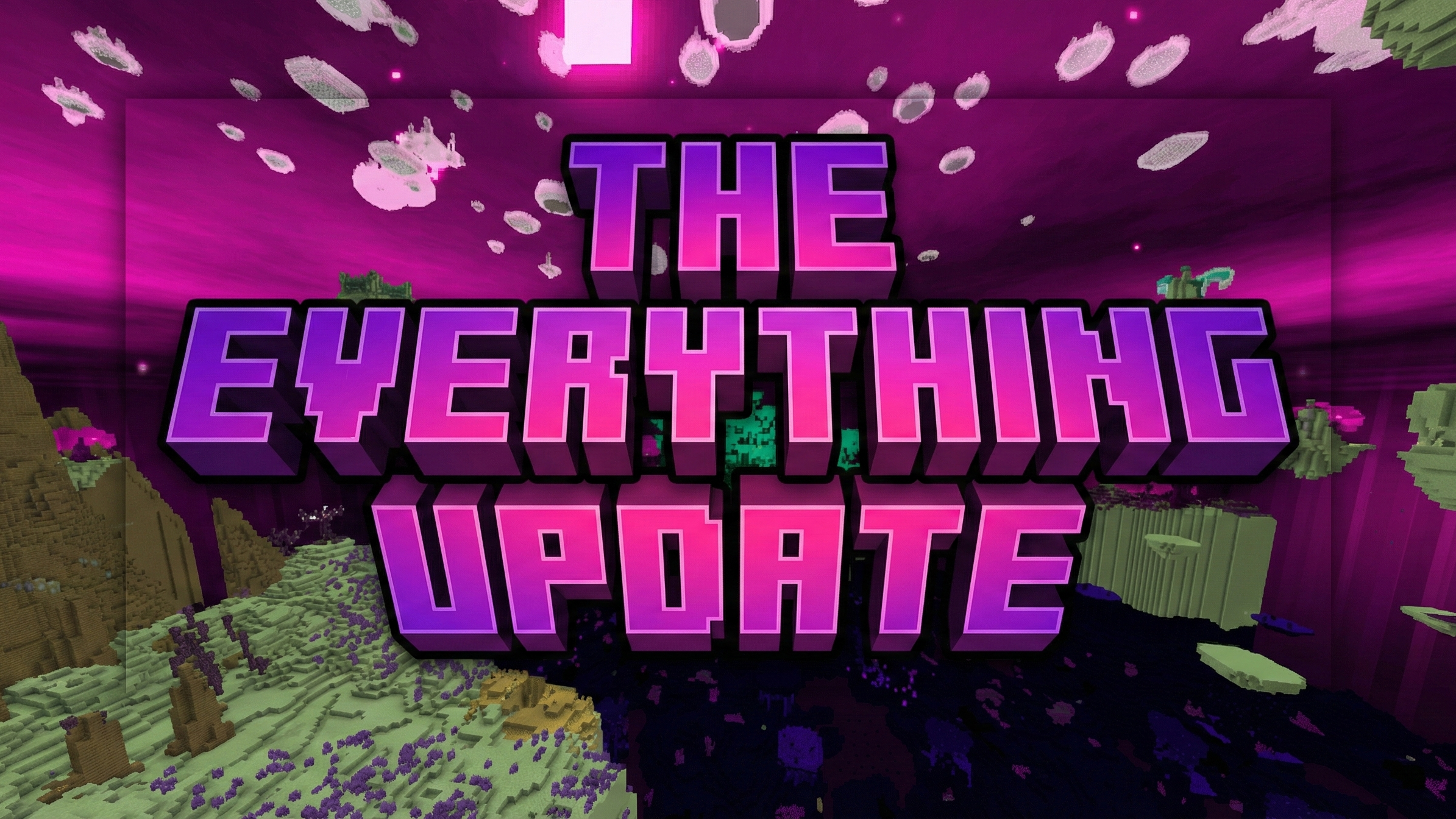
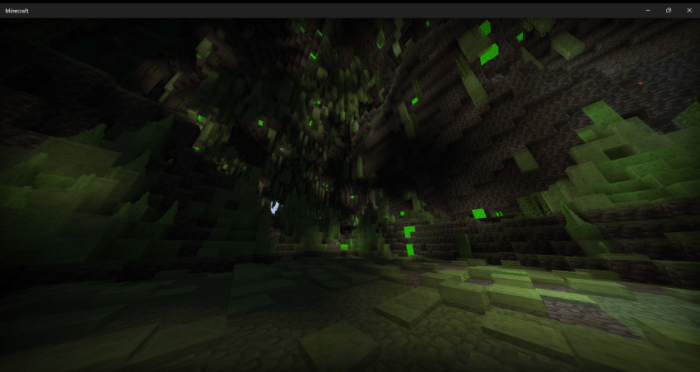


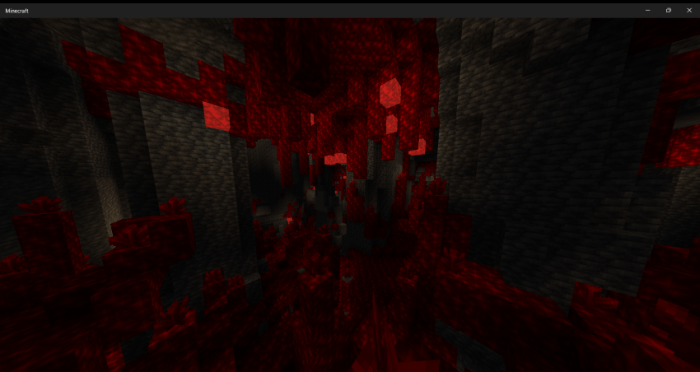
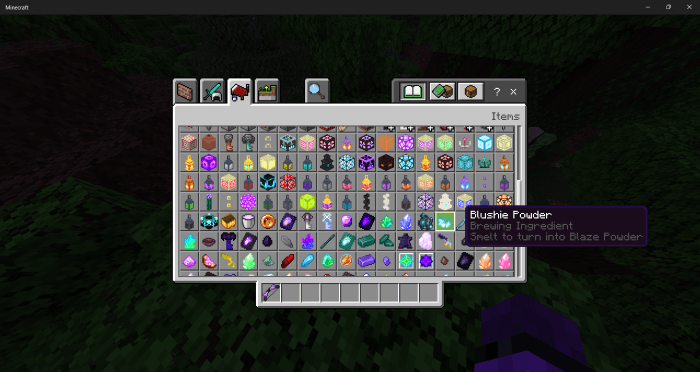

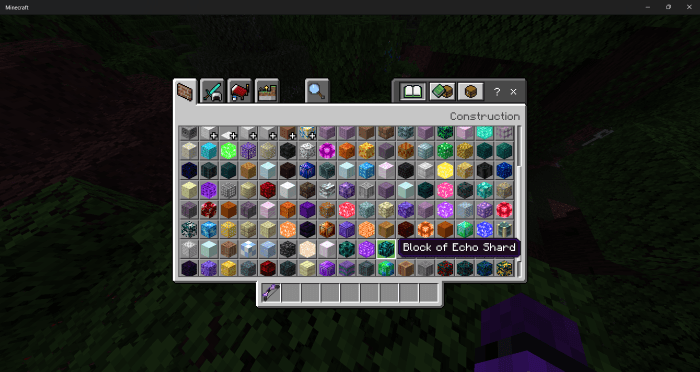
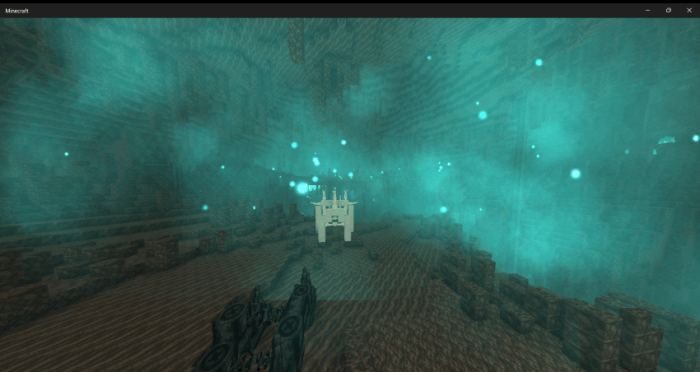
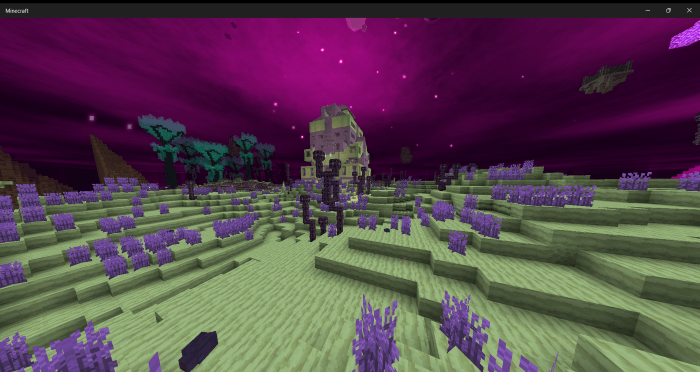
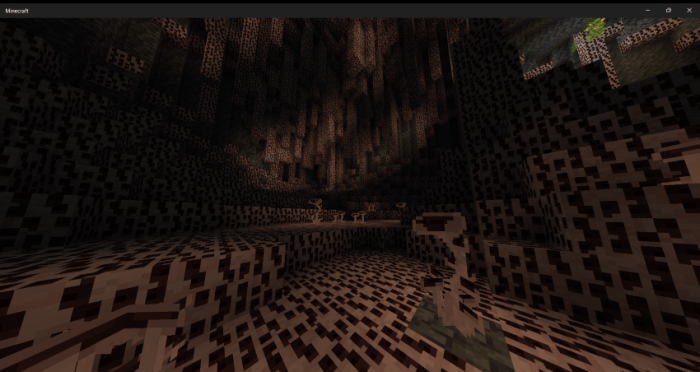
The Everything Update Addon combines previous upgrade packages into a single package. It changes areas such as the End dimension, Nether, desert, snow, vegetation, and caves. This package includes thousands of blocks and new items. Weapons such as throwing knives, spears, longswords, war hammers, and scythes are added for use.
Features:
- Combines multiple expansions.
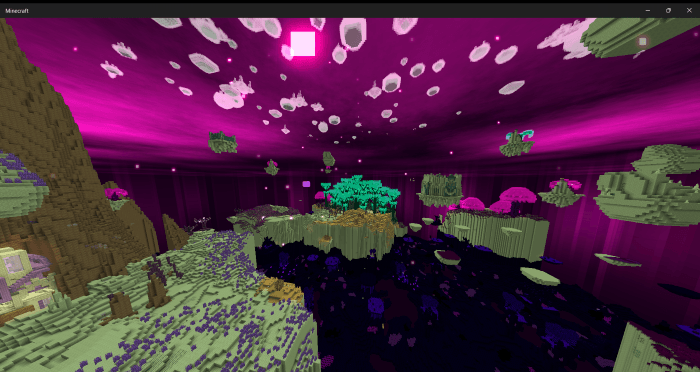
- Changes the End region.
- Updates the Nether region.
- Changes the desert.
- Upgrades the snow region.
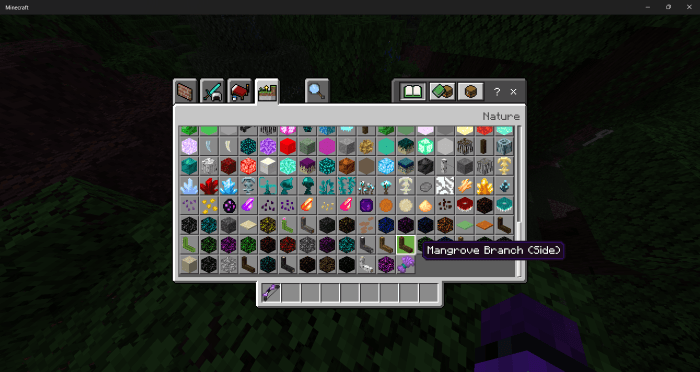
- Changes the vegetation area.
- Upgrades the caves.
- Adds thousands of blocks.
- Adds throwing knives.
- Adds thrusting spears.
- Spinning longswords.
- Wave-generating war hammers.
- Adds Kunai weapons.
- Blinding greatswords.
- Adds Claymore swords.
- Thrusting Pike weapons.
- Scrapers that deal damage.
- Armor-breaking battle axes.
- Adds spiked boards.
Screenshots:
Installation Note:
- You need to enable the Experimental Settings if the addon does not work.
The Everything Update Addon Download Links
For Minecraft PE/Bedrock 1.21
mcaddon: Download from Server 1 – Download from Server 2
Quick facts
- Edition: Minecraft Bedrock
- File type: .mcpack or .mcaddon
- Minecraft version listed: 1.21
- How to install: Download the .mcpack or .mcaddon file. → Open it — Minecraft imports it. → In your world: Behavior Packs → Available → Activate, then the same under Resource Packs.
- Where to get it: In MCModsHub, or directly above on this page.
Install steps are the general flow for this file type — How to install Minecraft Bedrock addons & mods walks through it step by step.
Verified by MCModsHub
- Pack type: .mcaddon — behaviour and resource pack in one file
- Manifest requires Minecraft 1.20.30 or newer
- Complete pack — everything it depends on is inside the file
- Download size: 22.2 MB
- Download link checked 17 Jun 2026 — working
- Mirrored on our own servers — the download does not depend on the original host
These come from our own check of the pack file, not from the source page.