
Better GUI for Sophisticated Backpacks Resource Pack (1.21.1, 1.20.1) – Texture Pack
Java resource pack listed for Minecraft 1.20–1.21. Downloads from the MC Java Mods app on Android.
⬇ Download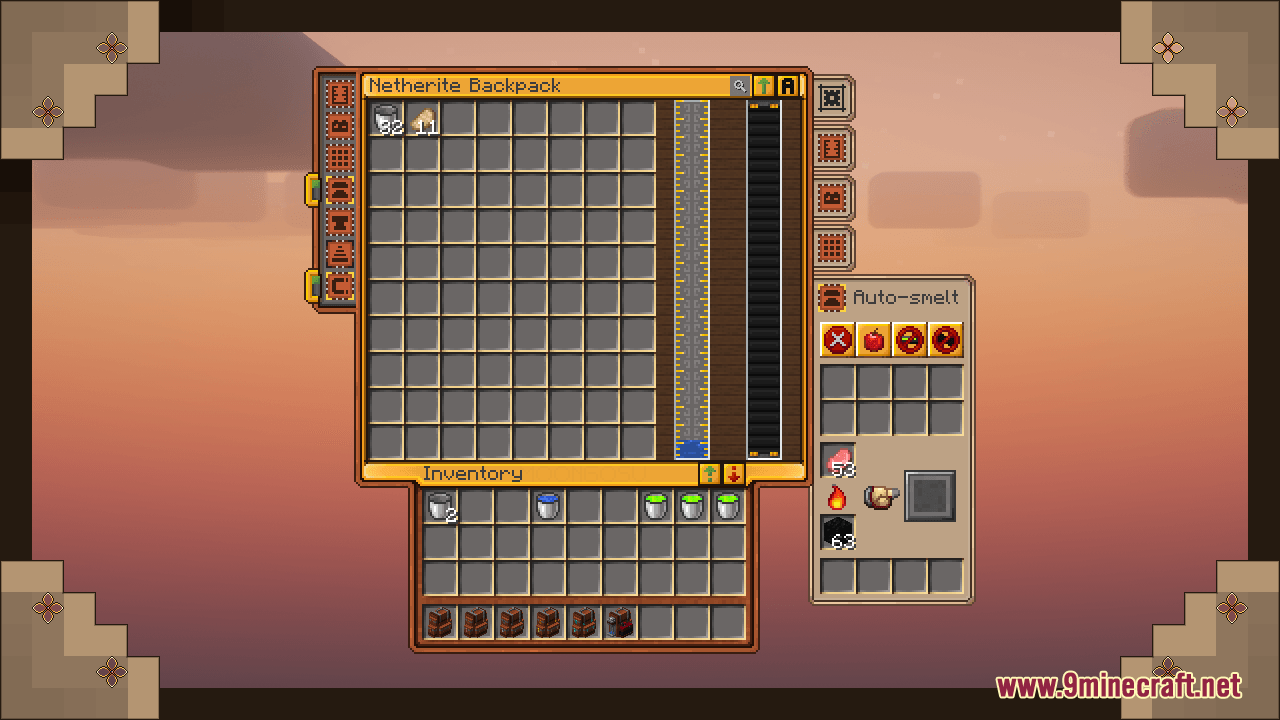
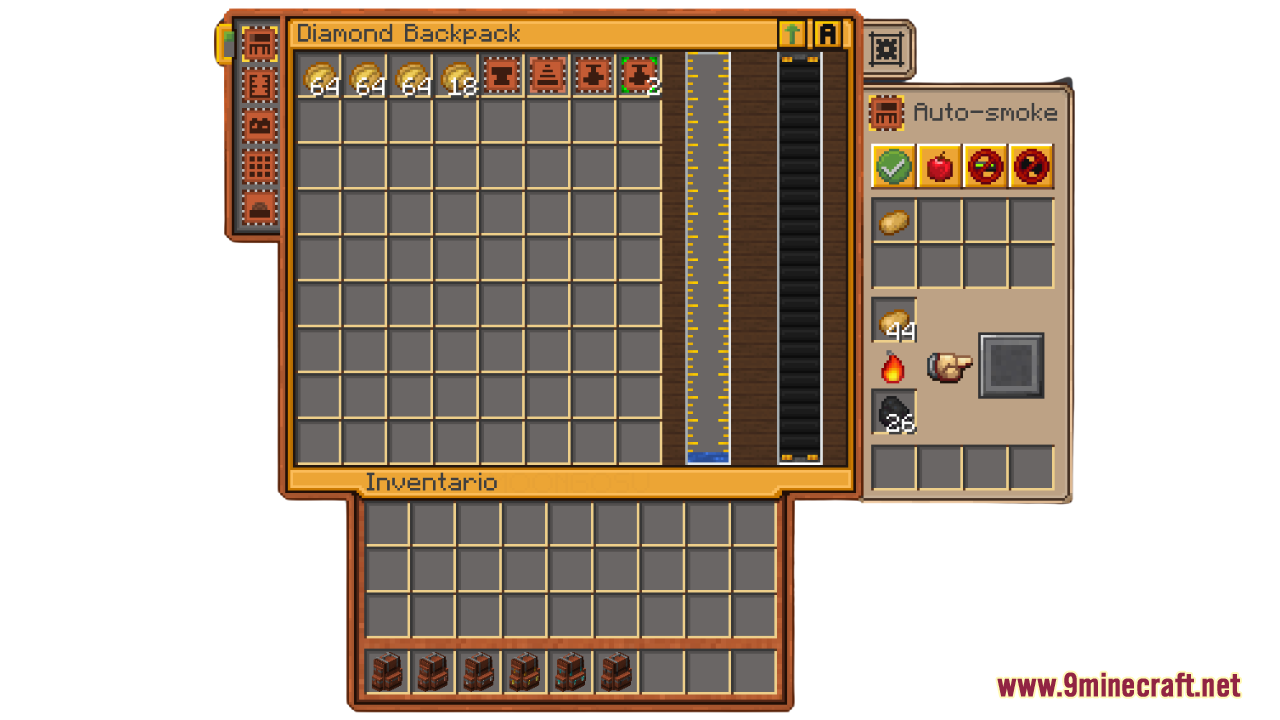
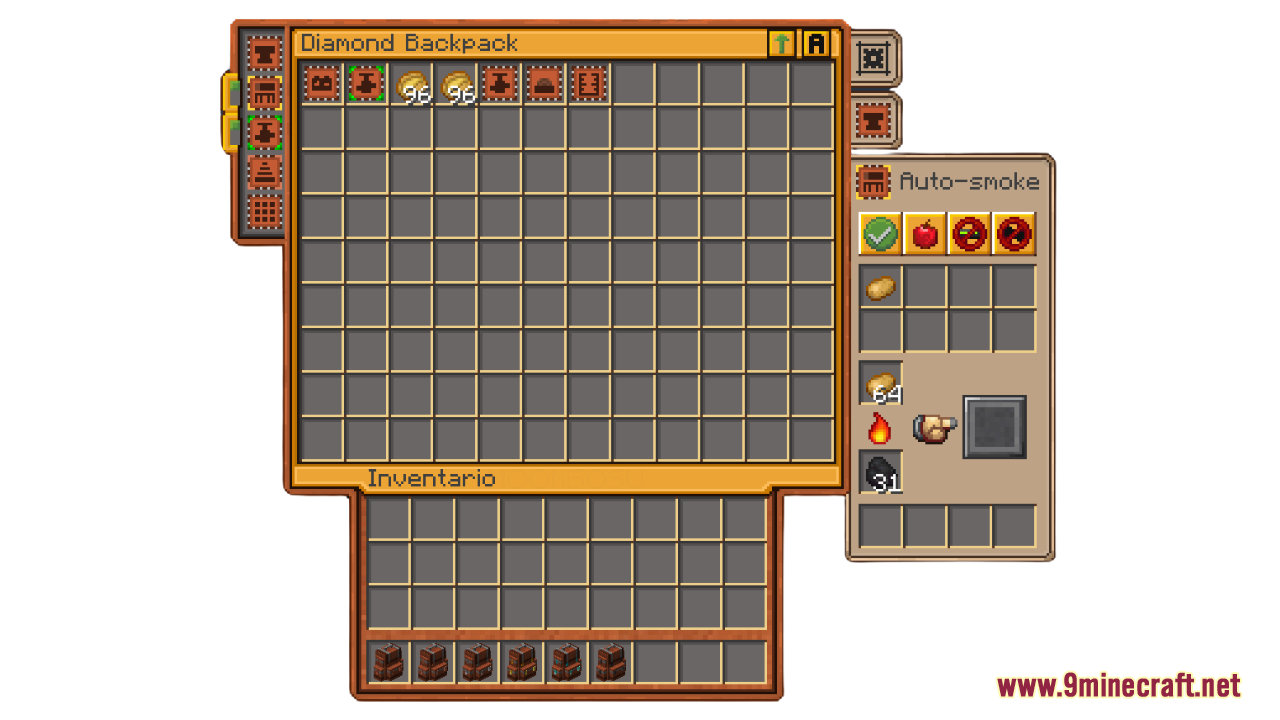
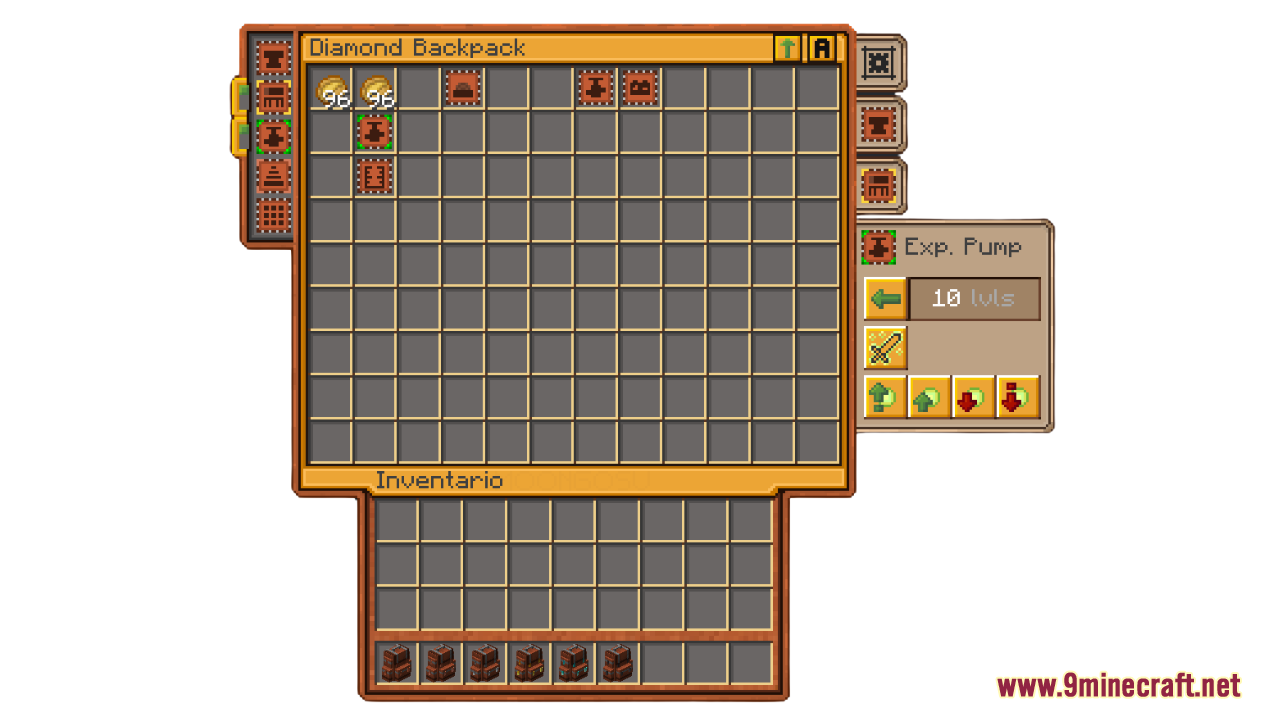
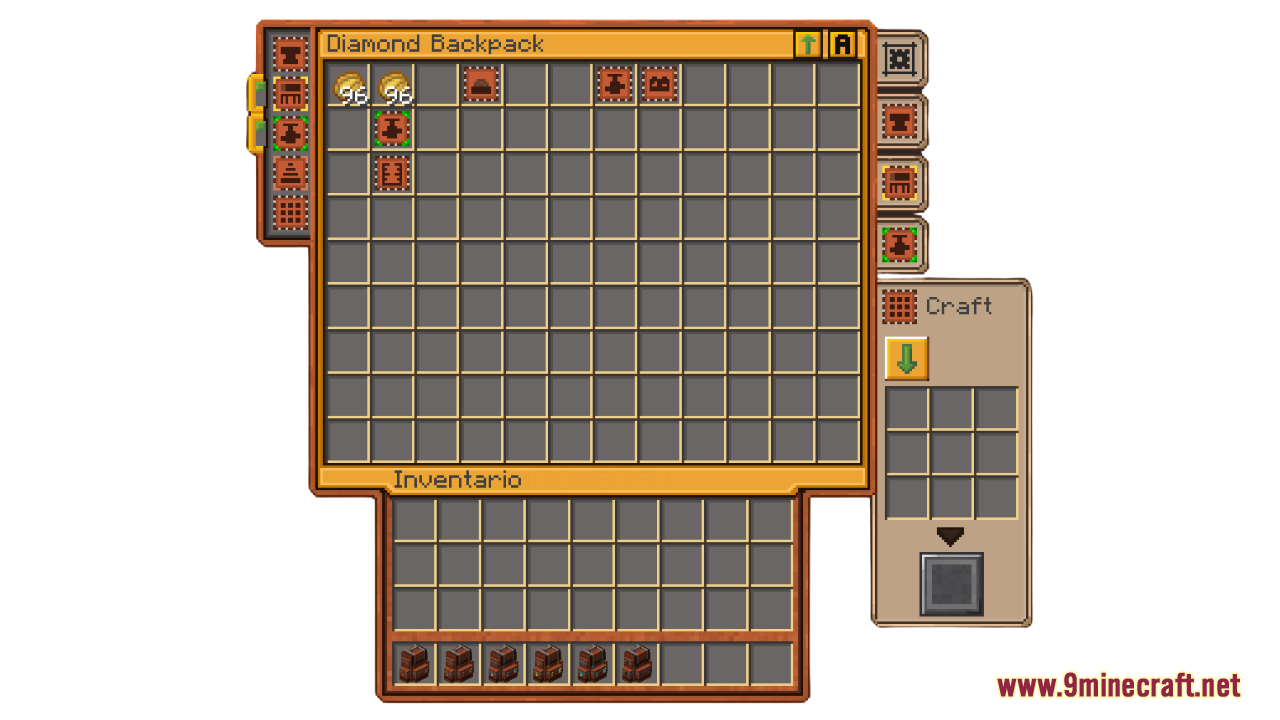
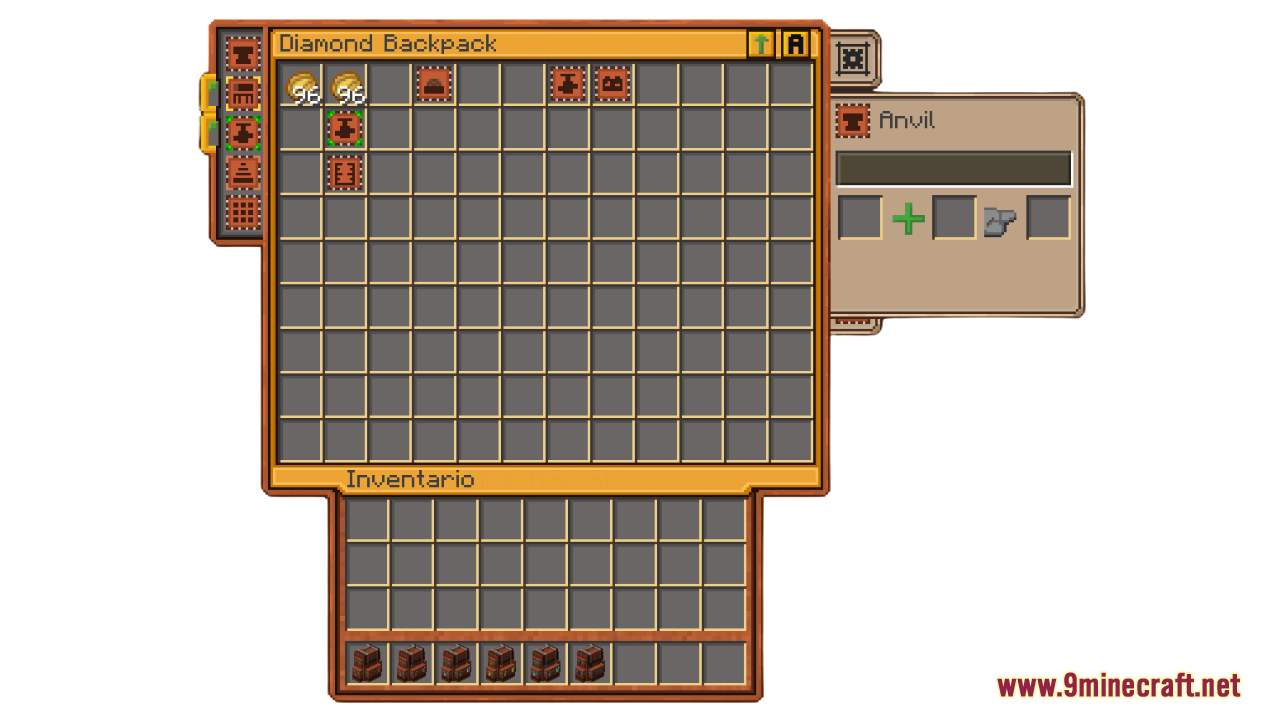
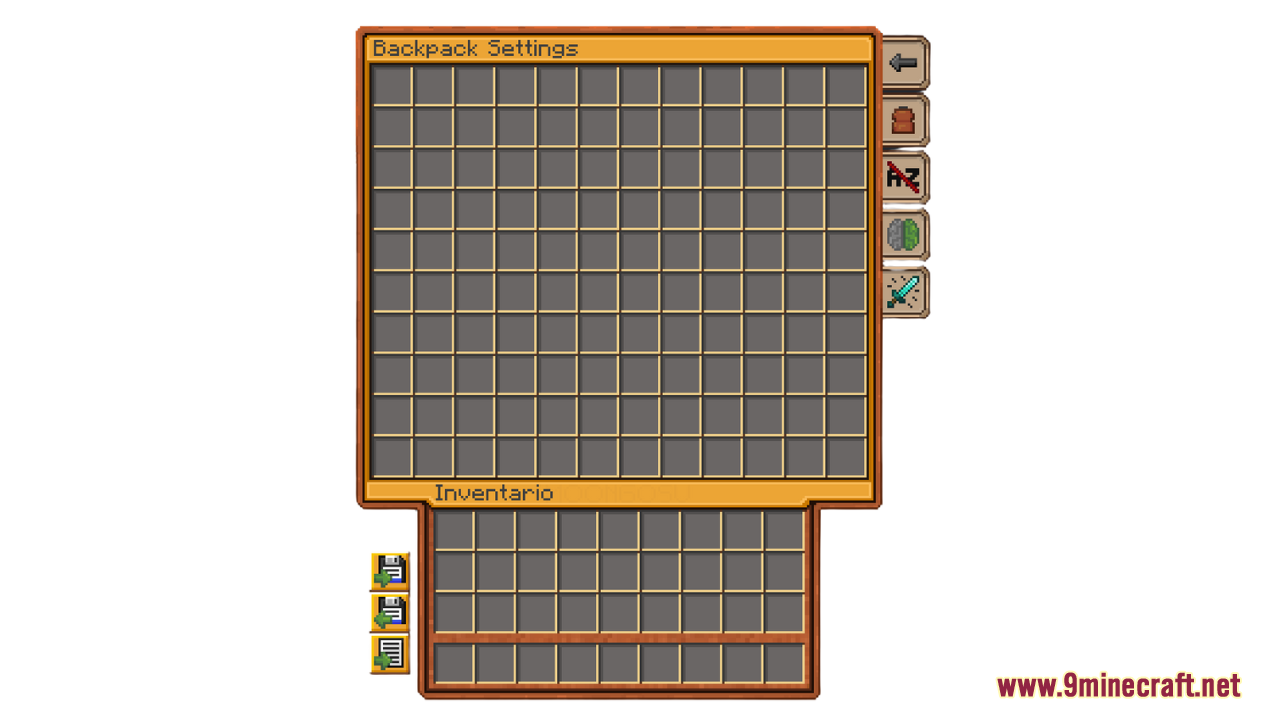
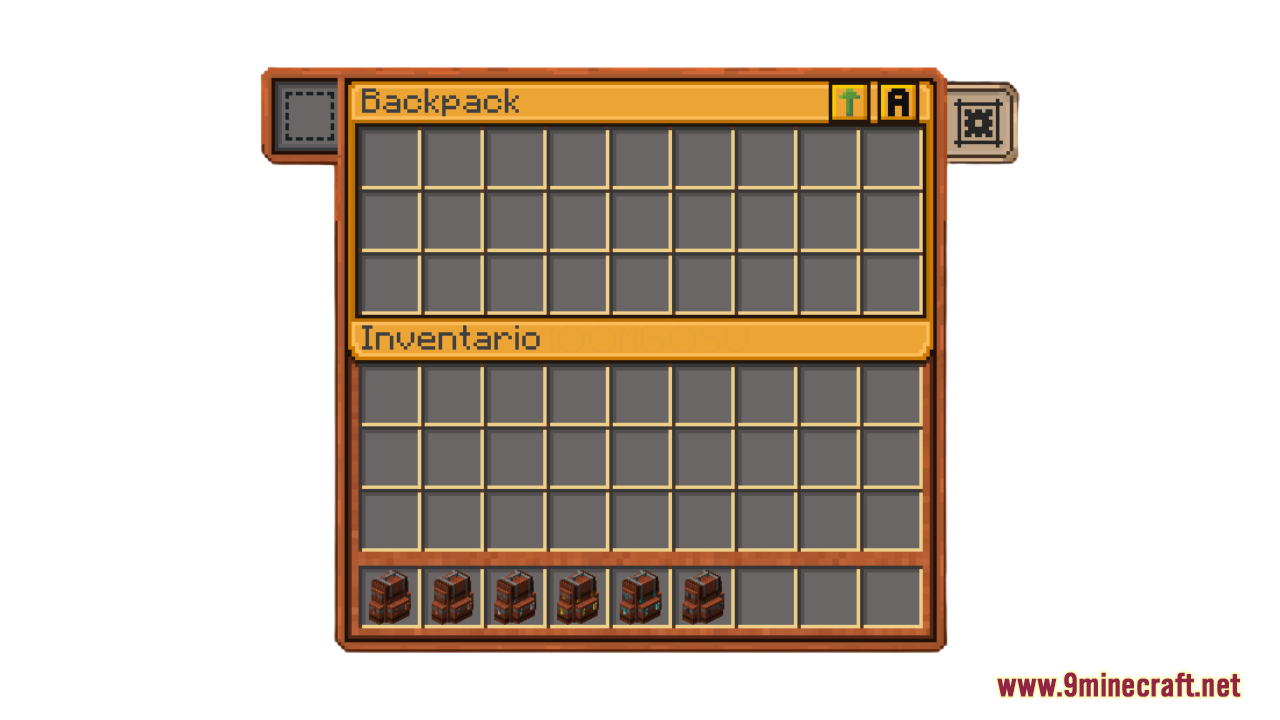
Better GUI for Sophisticated Backpacks Resource Pack enhances the visual appeal of your backpack interface by introducing a refined golden-yellow tone. This simple yet effective tweak improves readability and adds a touch of elegance to the GUI, making it feel more polished and immersive. If you’re looking to make your backpack management feel more premium and visually appealing, this pack is an excellent addition to your Minecraft adventure.
Screenshots:
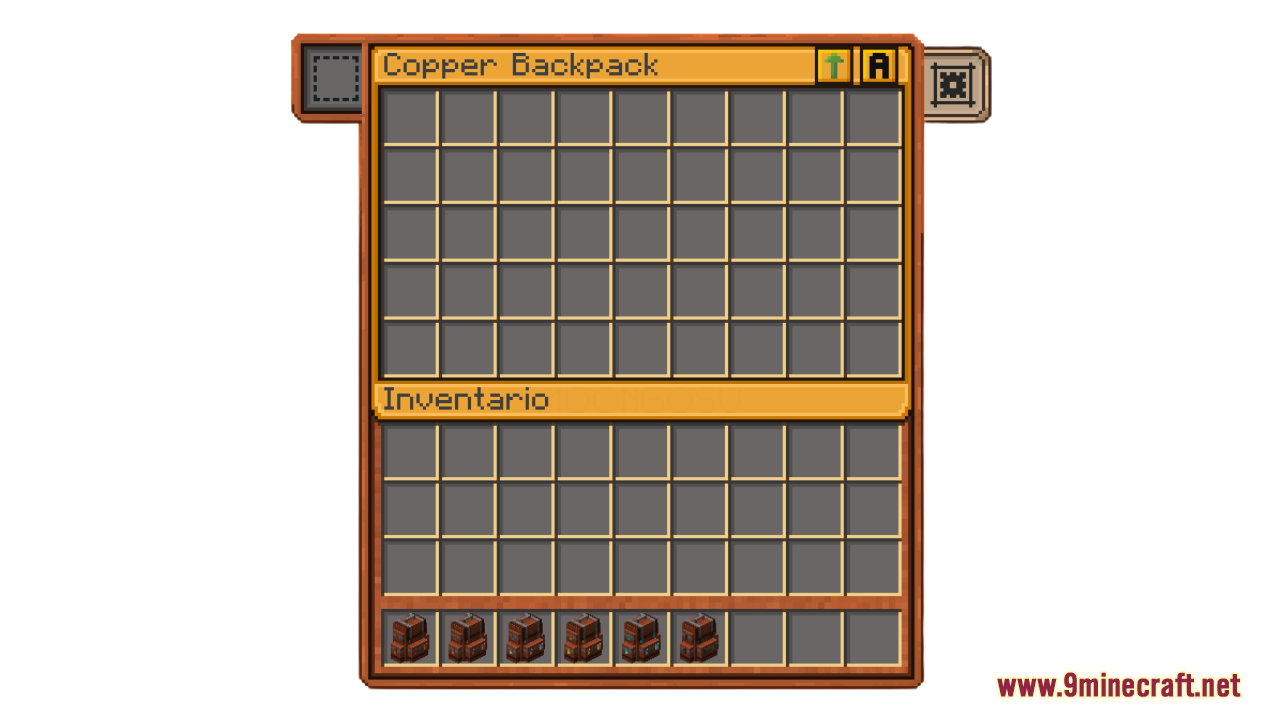
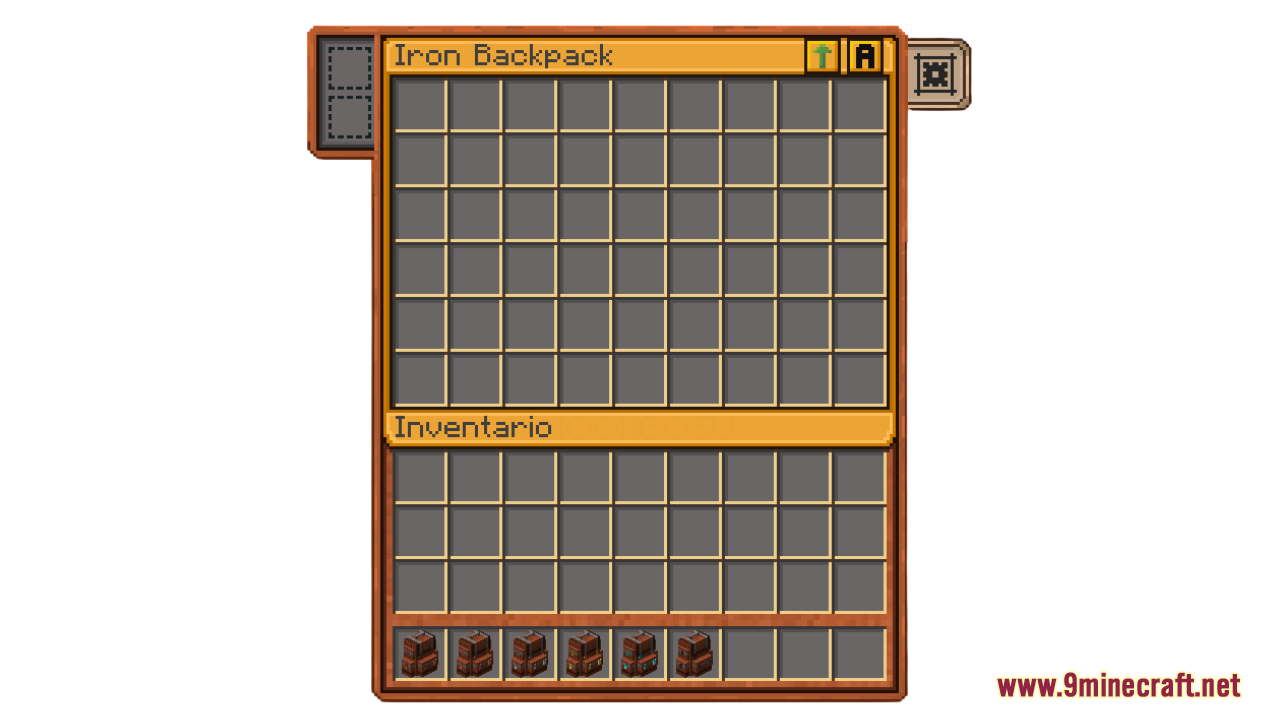
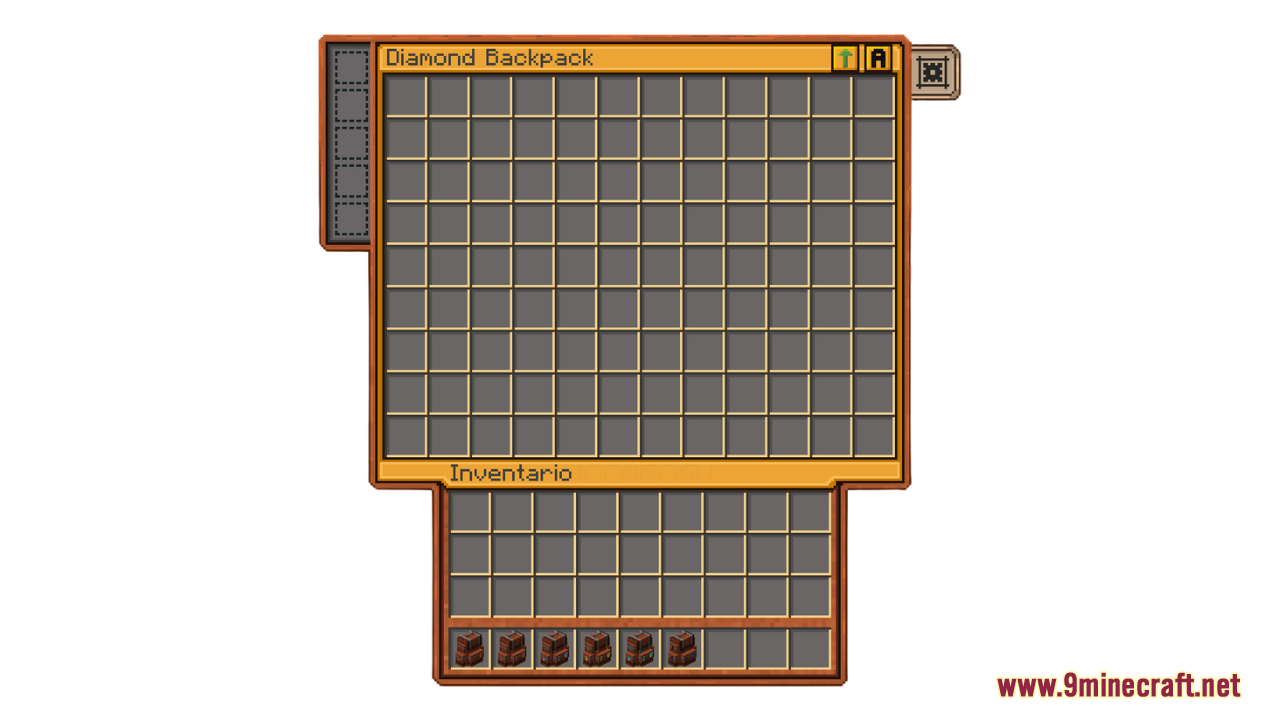
Better GUI for Sophisticated Backpacks Resource Pack Download Links
For Minecraft 1.21.x
- Edition: Minecraft Java
- File type: .zip (resource pack)
- Minecraft versions listed: 1.21.1, 1.20.1
- How to install: Download the .zip resource pack — do not unzip it. → Put it in .minecraft/resourcepacks. → Enable it in Options → Resource Packs.
- Where to get it: In MC Java Mods, or directly above on this page.
Install steps are the general flow for this file type — How to install Minecraft Java resource packs walks through it step by step.
Better GUI for Sophisticated Backpacks Resource Pack (1.21.1, 1.20.1) – Texture Pack is a free Minecraft Java resourcepack. Compatible with Minecraft 1.21.1, 1.20.1. Download it and open it directly in the game.