
Imaginary Resource Pack (1.8.9) – All Colors Texture Pack
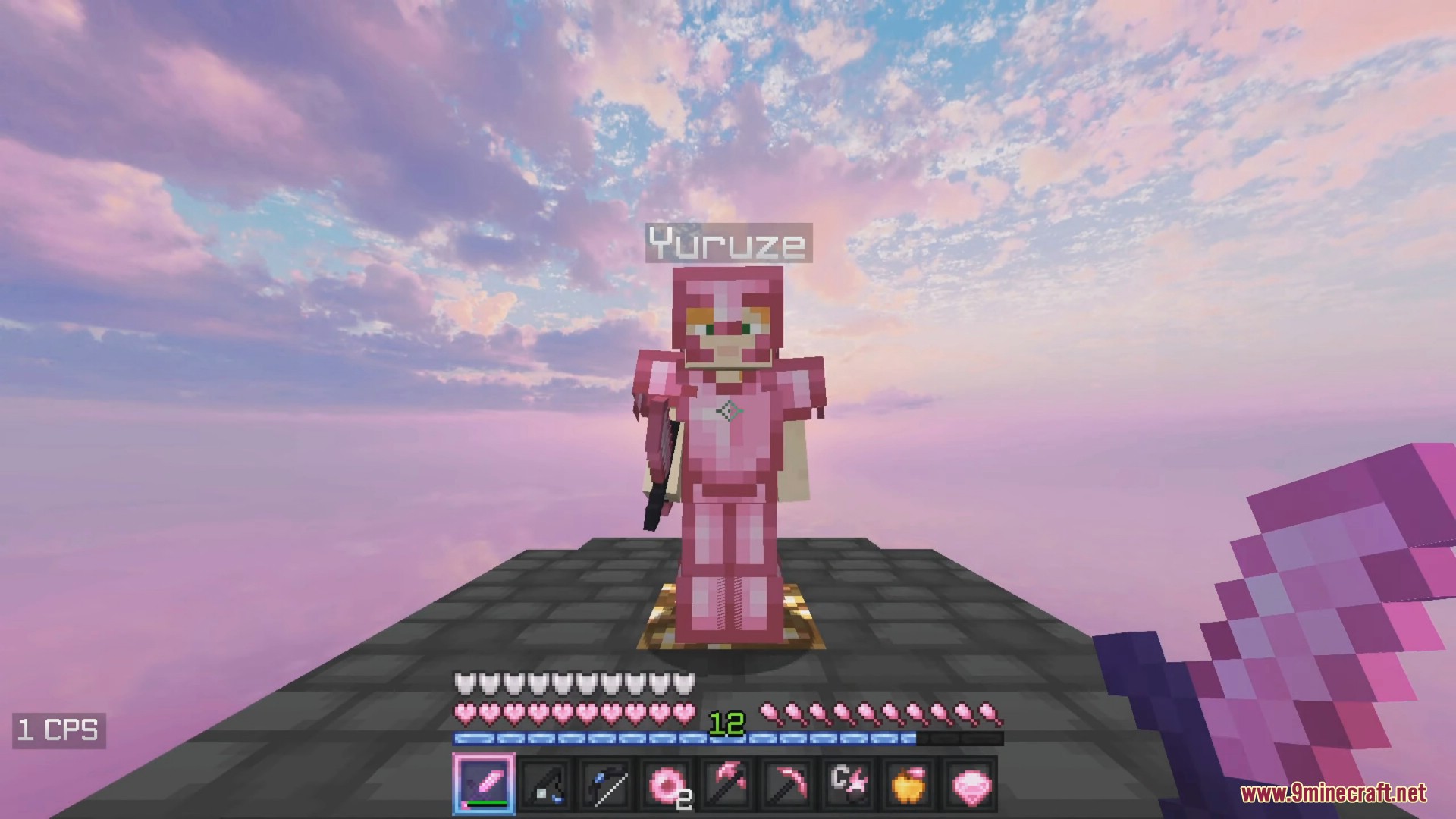
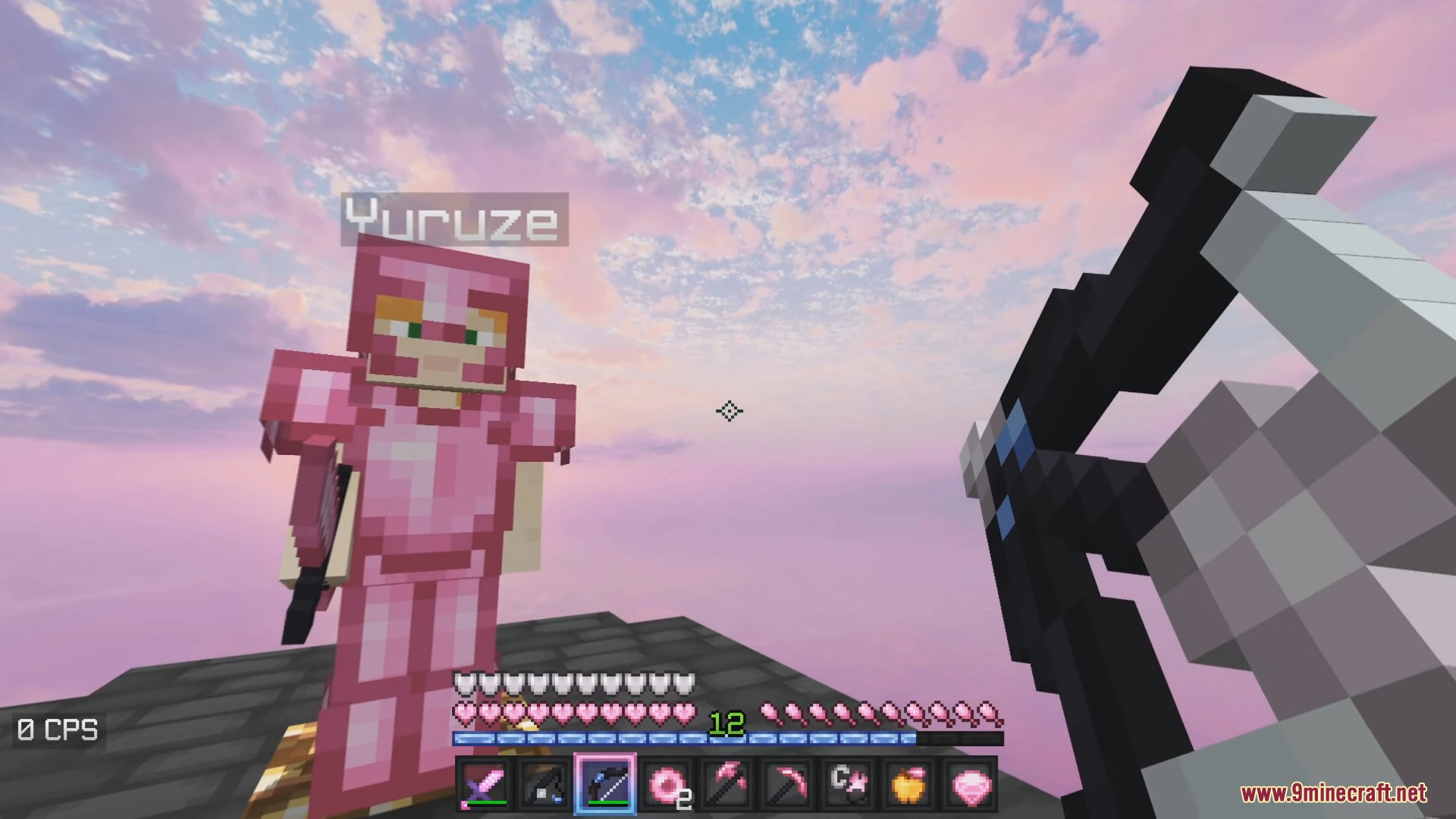
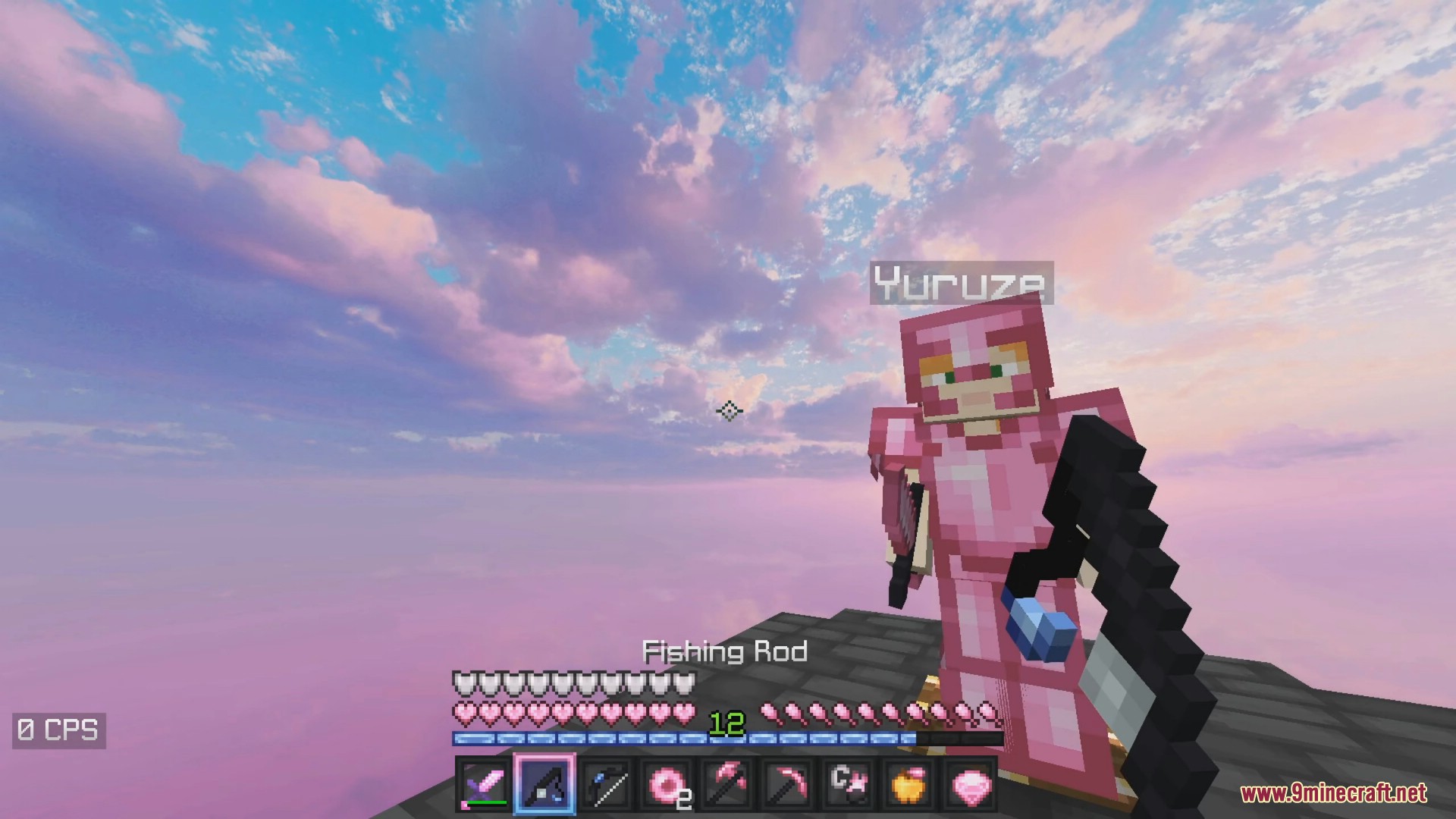
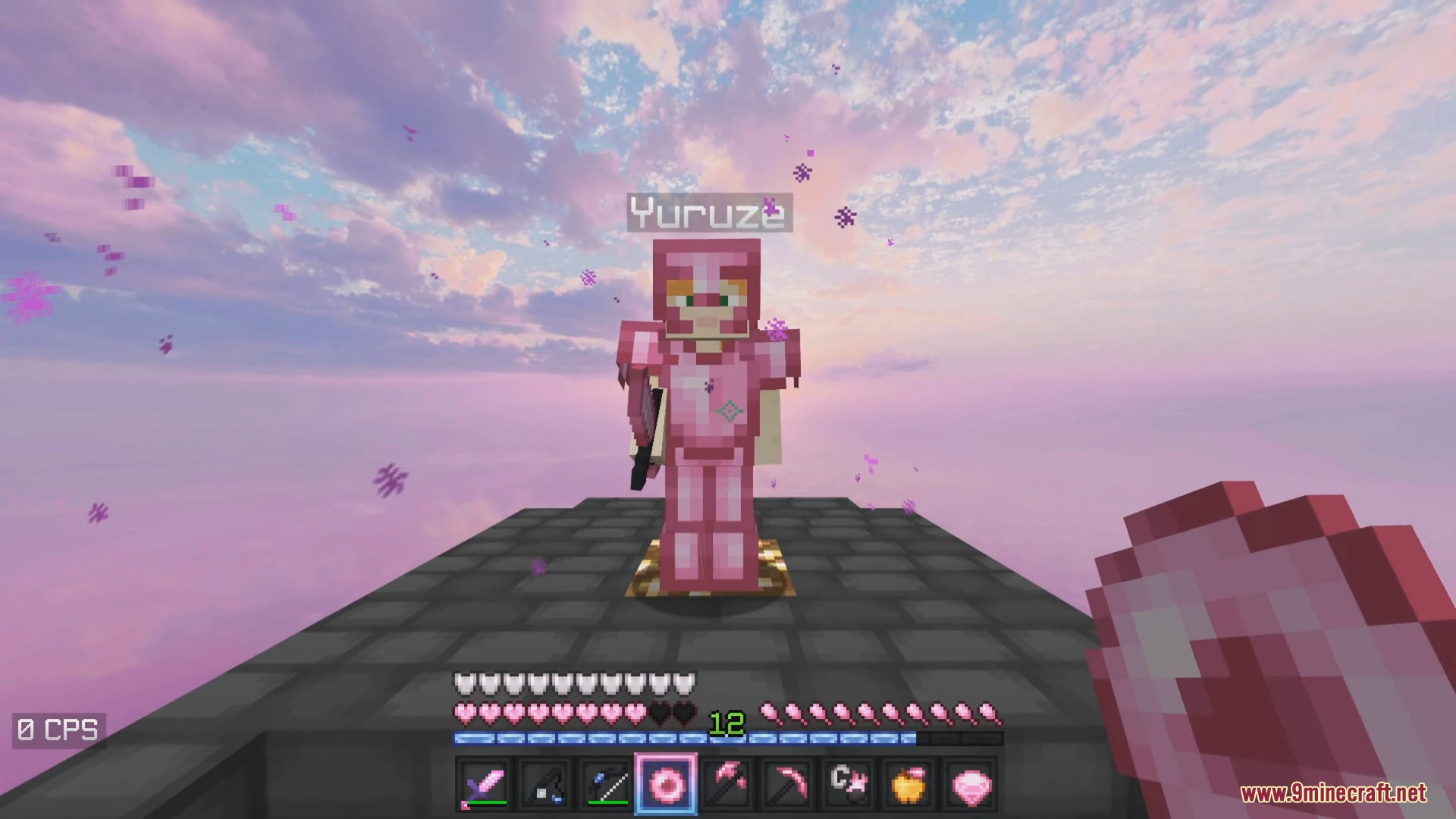
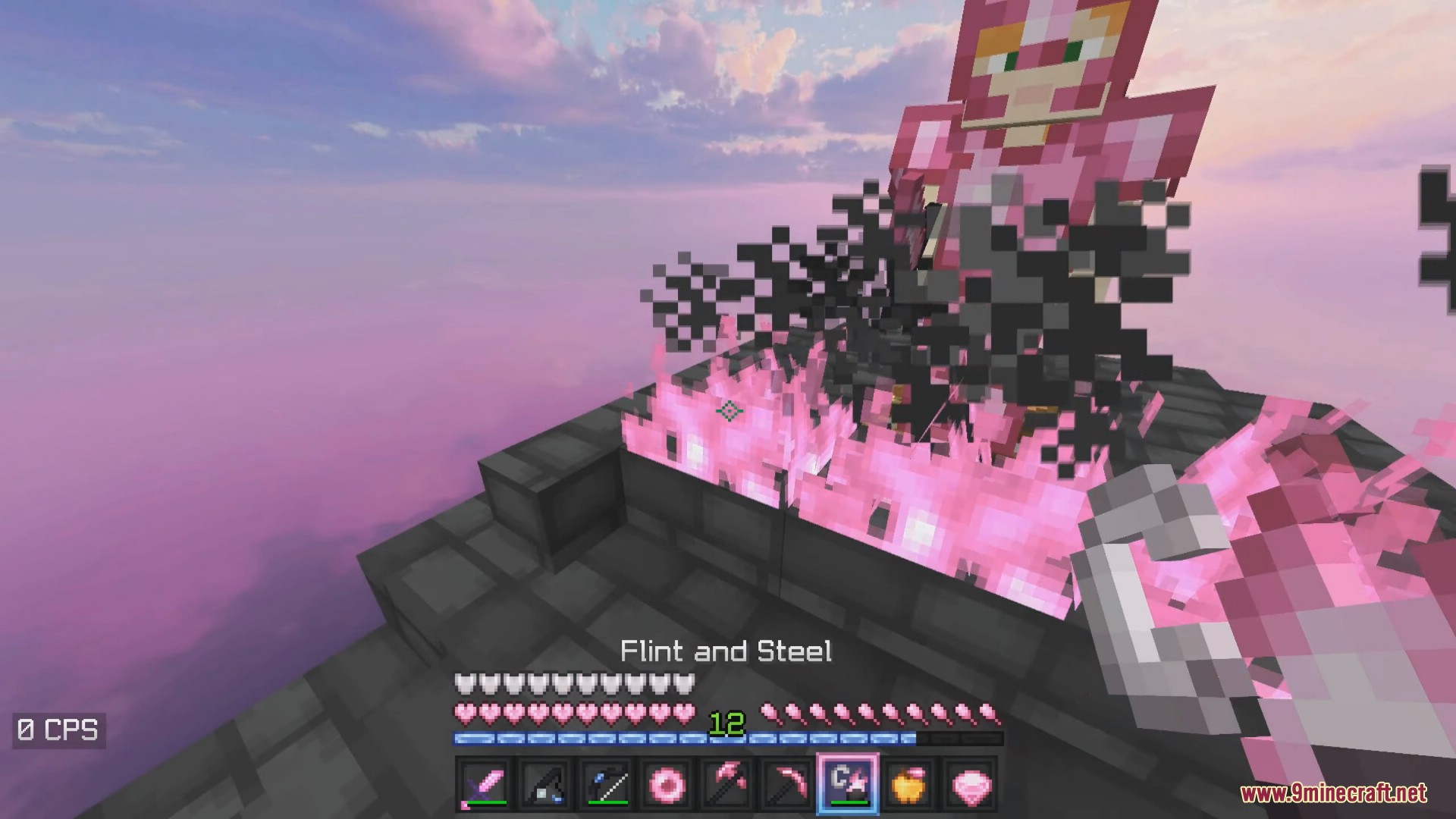
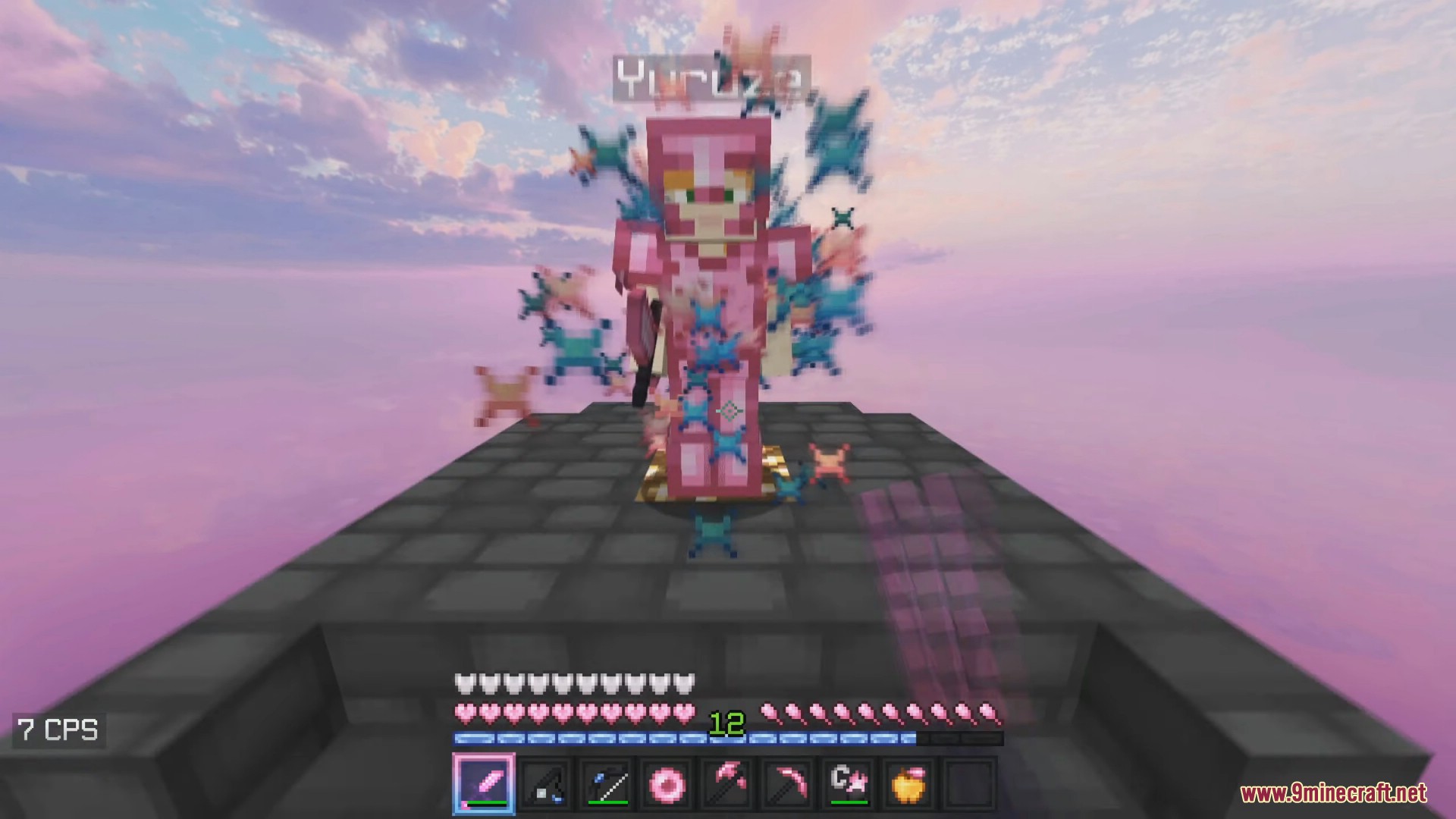
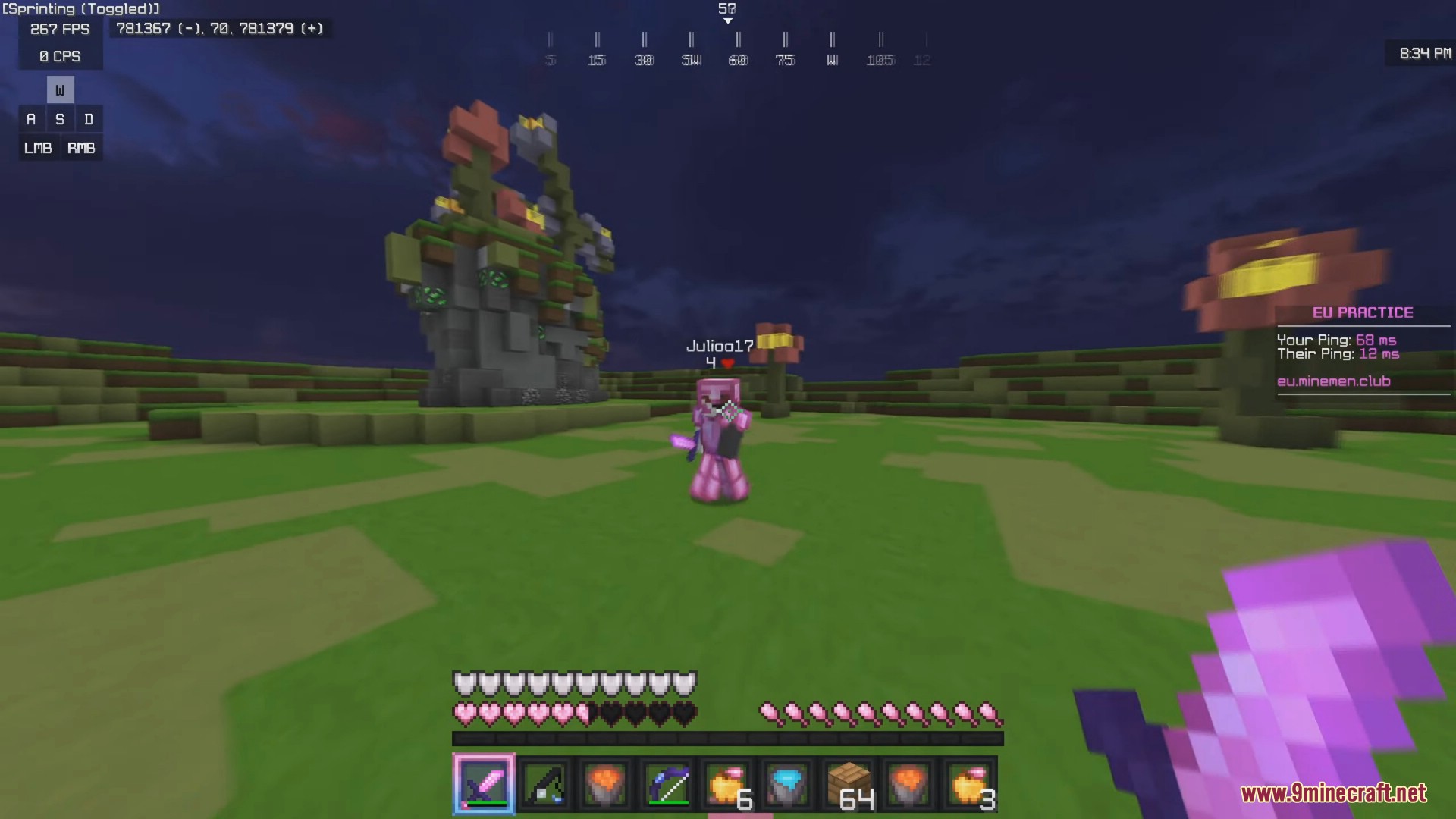
Imaginary Resource Pack includes custom blocks, items, GUI elements, particles, and even custom skies. It has different colors, such as pink, green, red…
⬇ DownloadOpen in MCModsHubGet it on Google Play →Imaginary Resource Pack includes custom blocks, items, GUI elements, particles, and even custom skies. It has different colors, such as pink, green, red, purple, and baby blue, which can change the entire look and feel of the game.
Screenshots:

Imaginary Resource Pack Download Links
For Minecraft 1.8.9
Original v1 16x: Download from Server 1
Original v2 16x: Download from Server 1
Baby Blue 16x: Download from Server 1
Bubblerose (Peach & Pink Fade) 16x: Download from Server 1
Cotton Candy 16x: Download from Server 1
Default 16x: Download from Server 1
Green 16x: Download from Server 1
Periwinkle (Purple & Blue Fade) 16x: Download from Server 1
Purple 16x: Download from Server 1
Red 16x: Download from Server 1
Imaginary Resource Pack (1.8.9) – All Colors Texture Pack is a free Minecraft Java resourcepack. Download it and open it directly in the game.