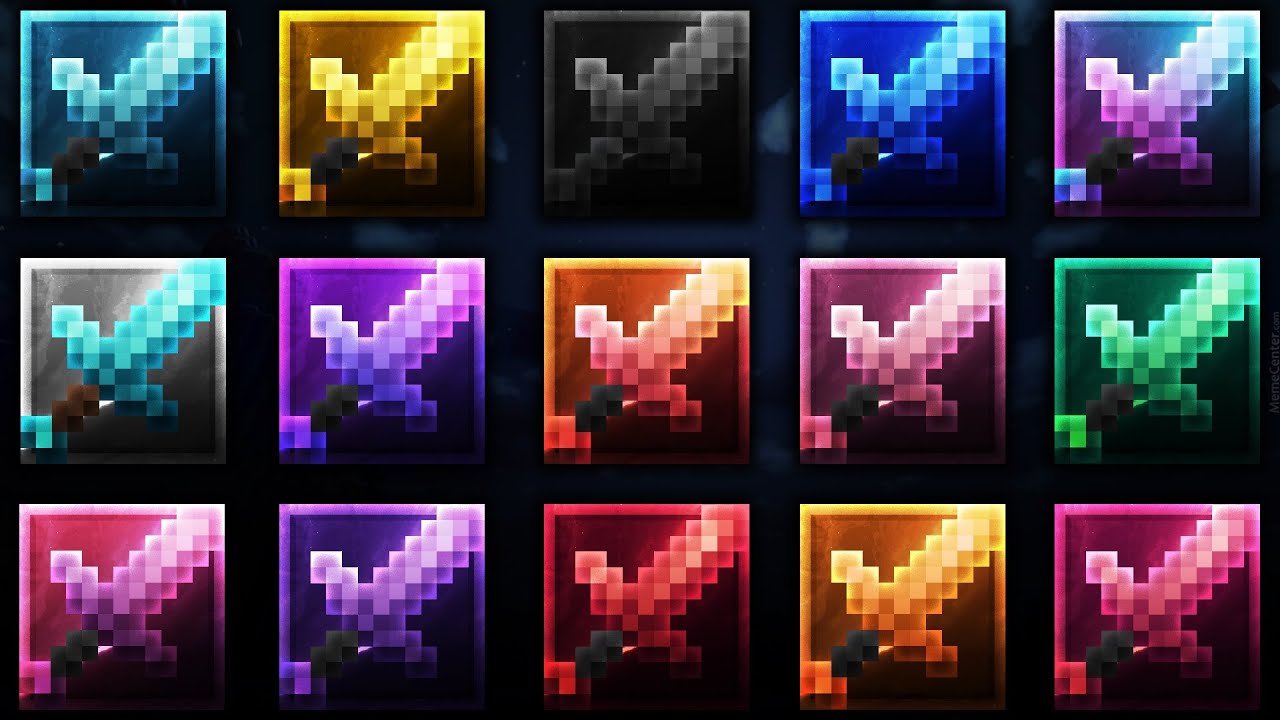
Mirage Recolors Recolors Resource Pack (1.8.9) – All 15 Colors Texture Pack
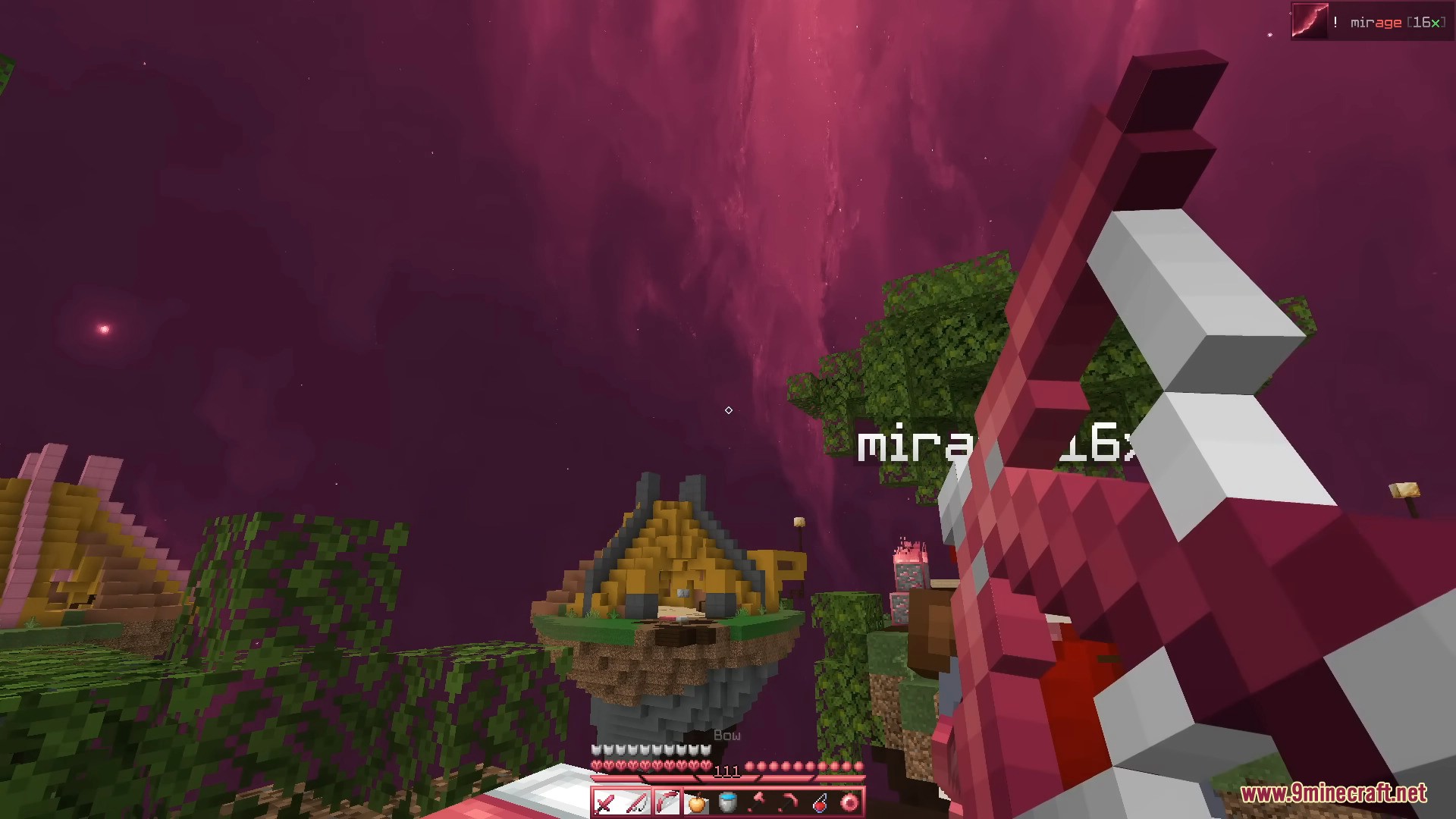
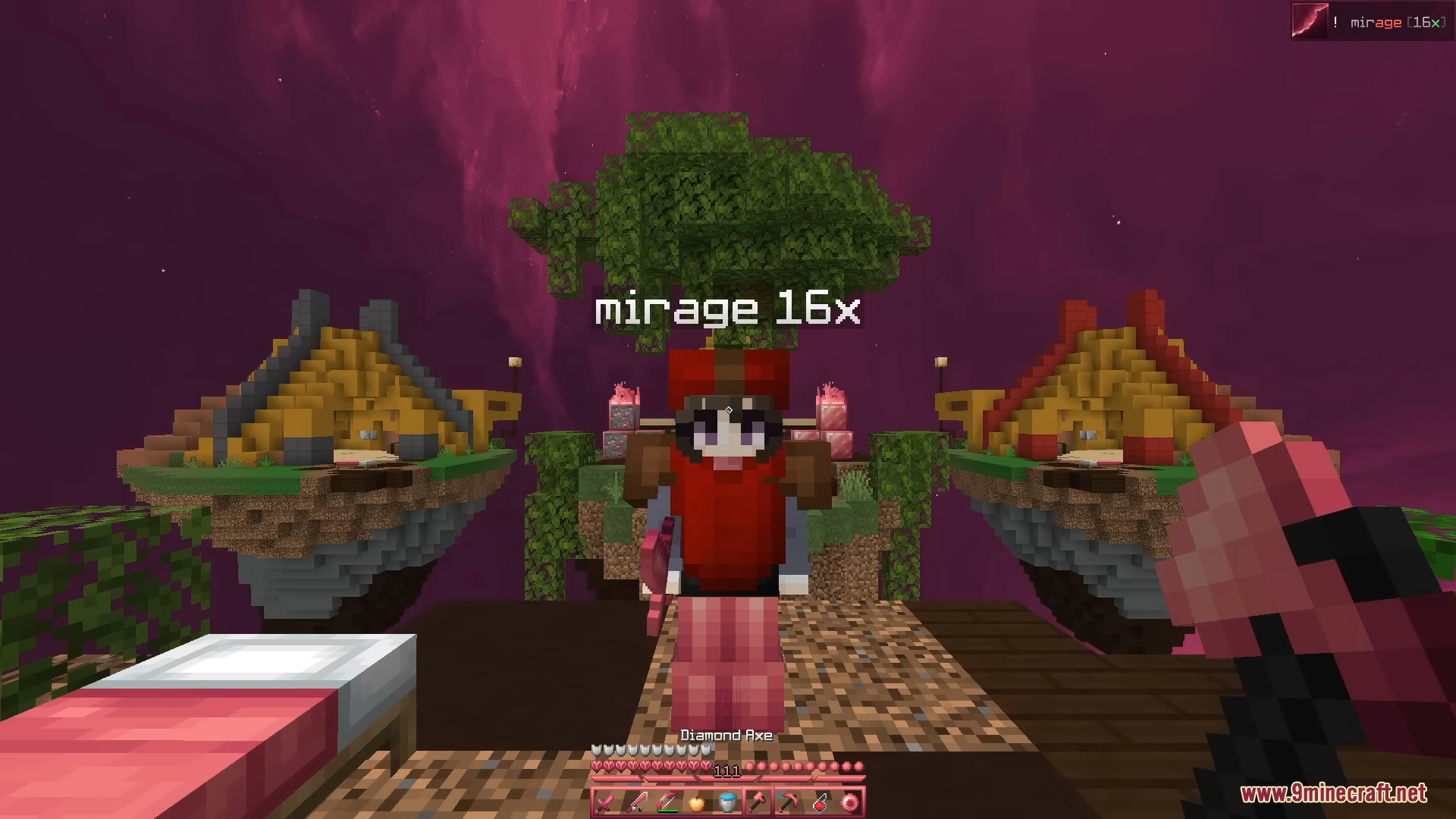
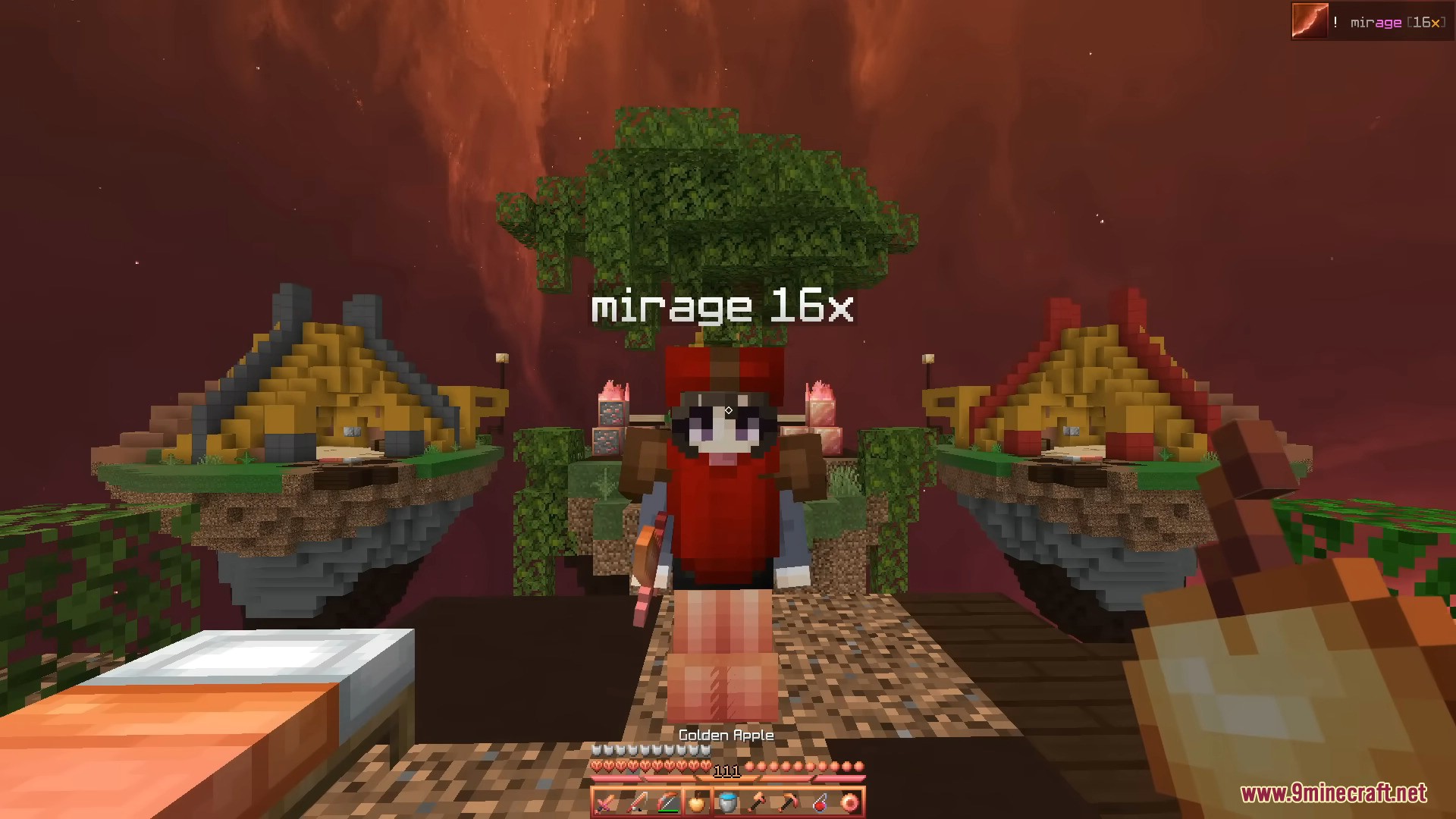
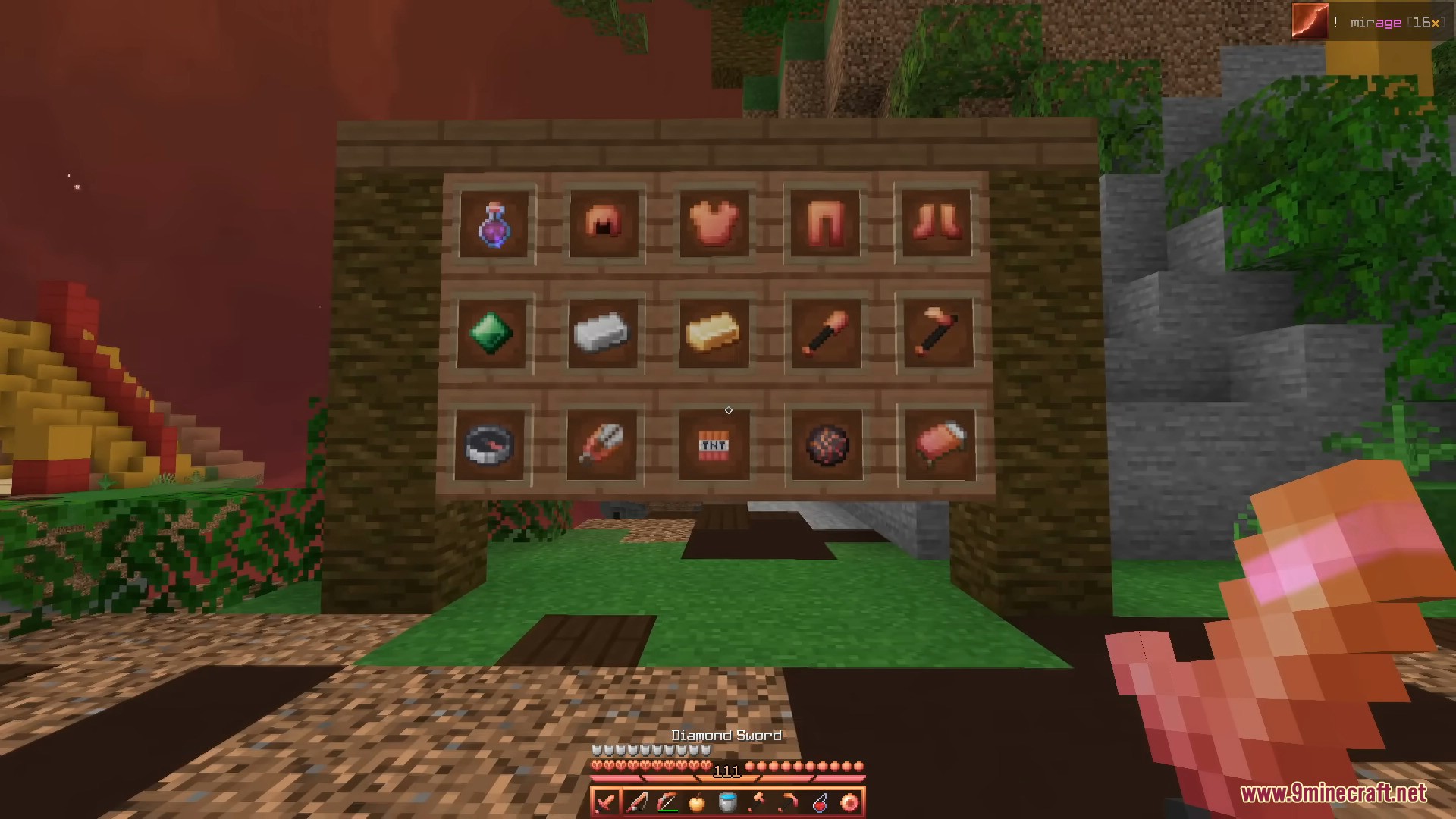
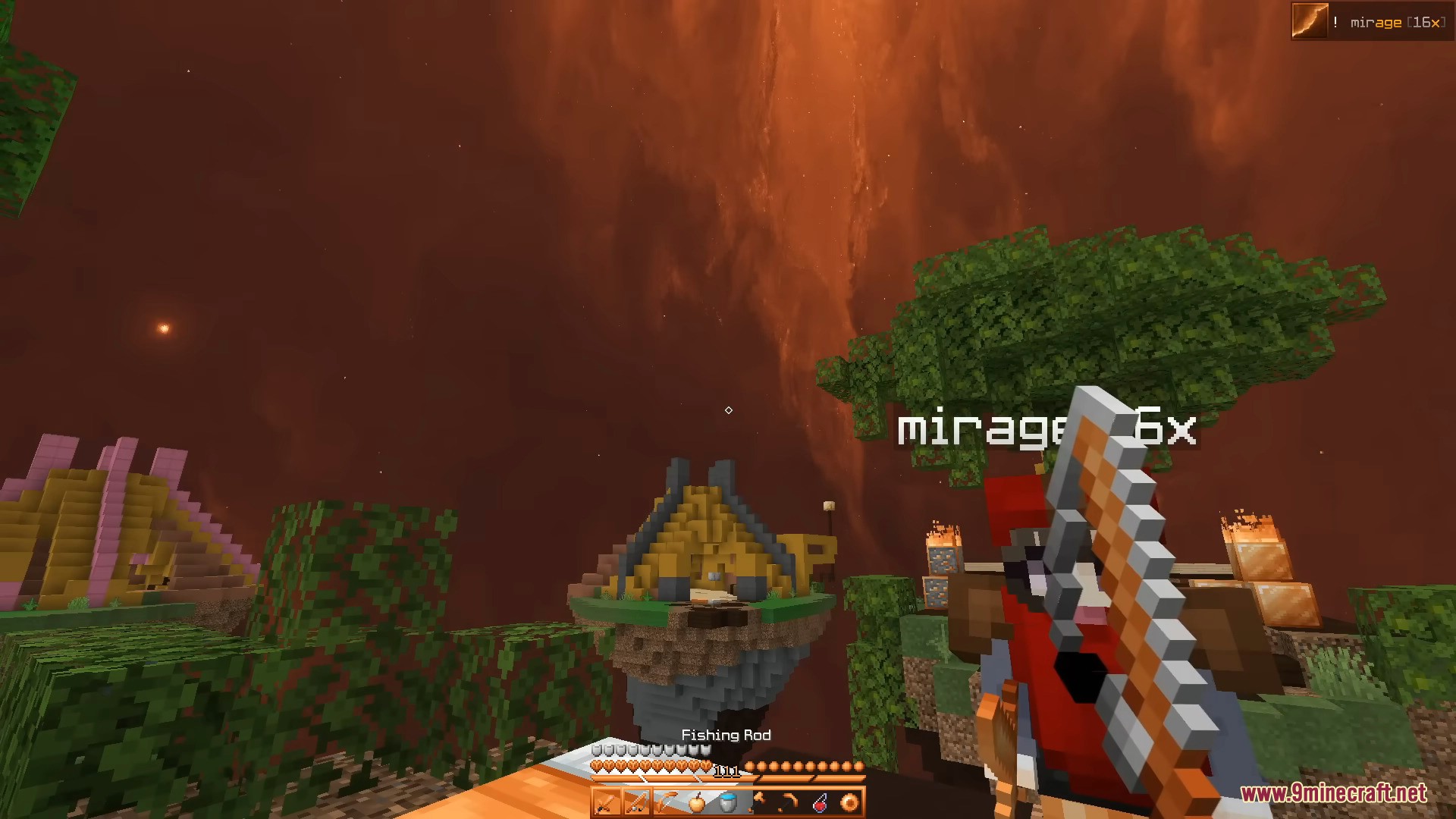
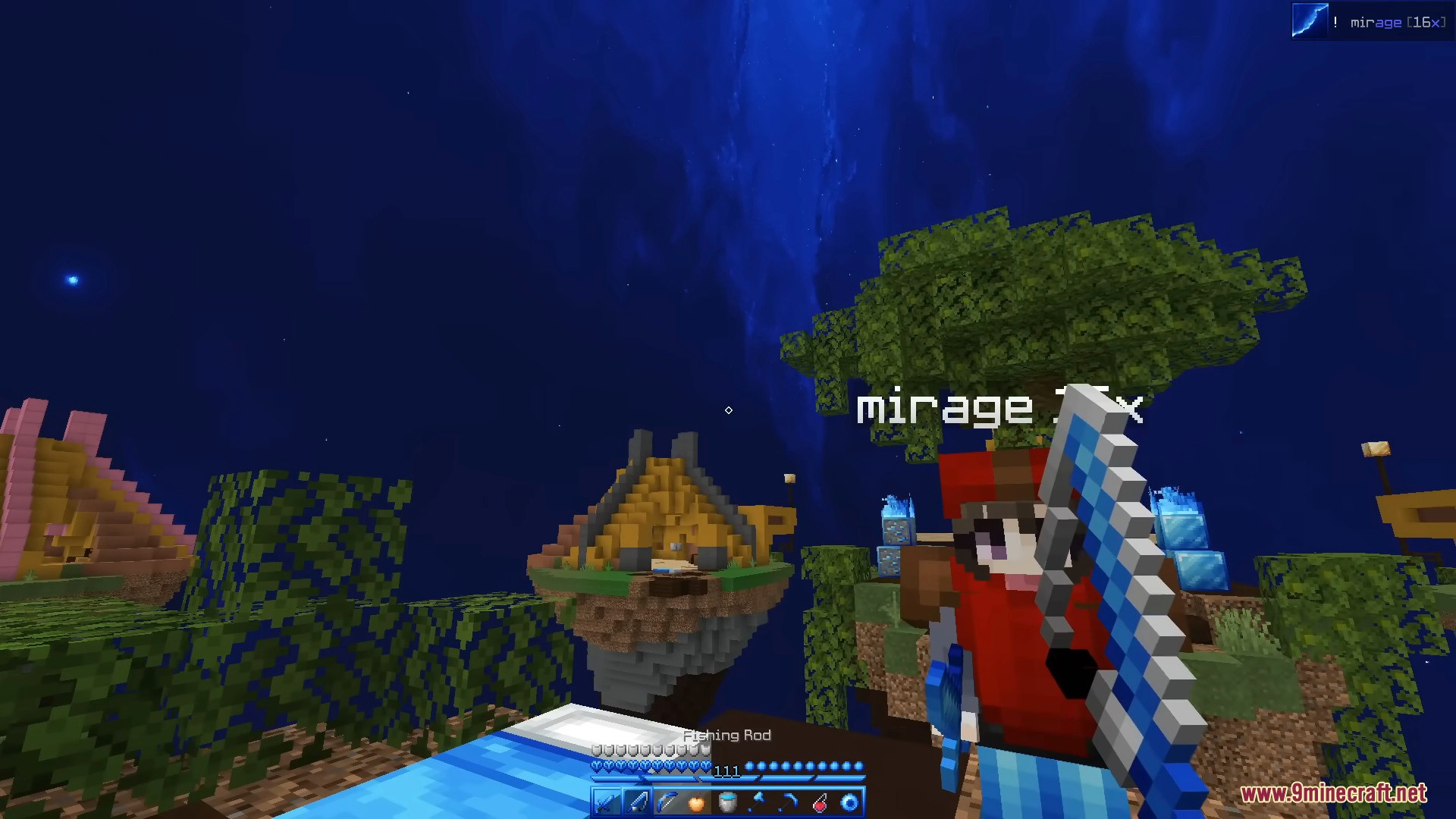
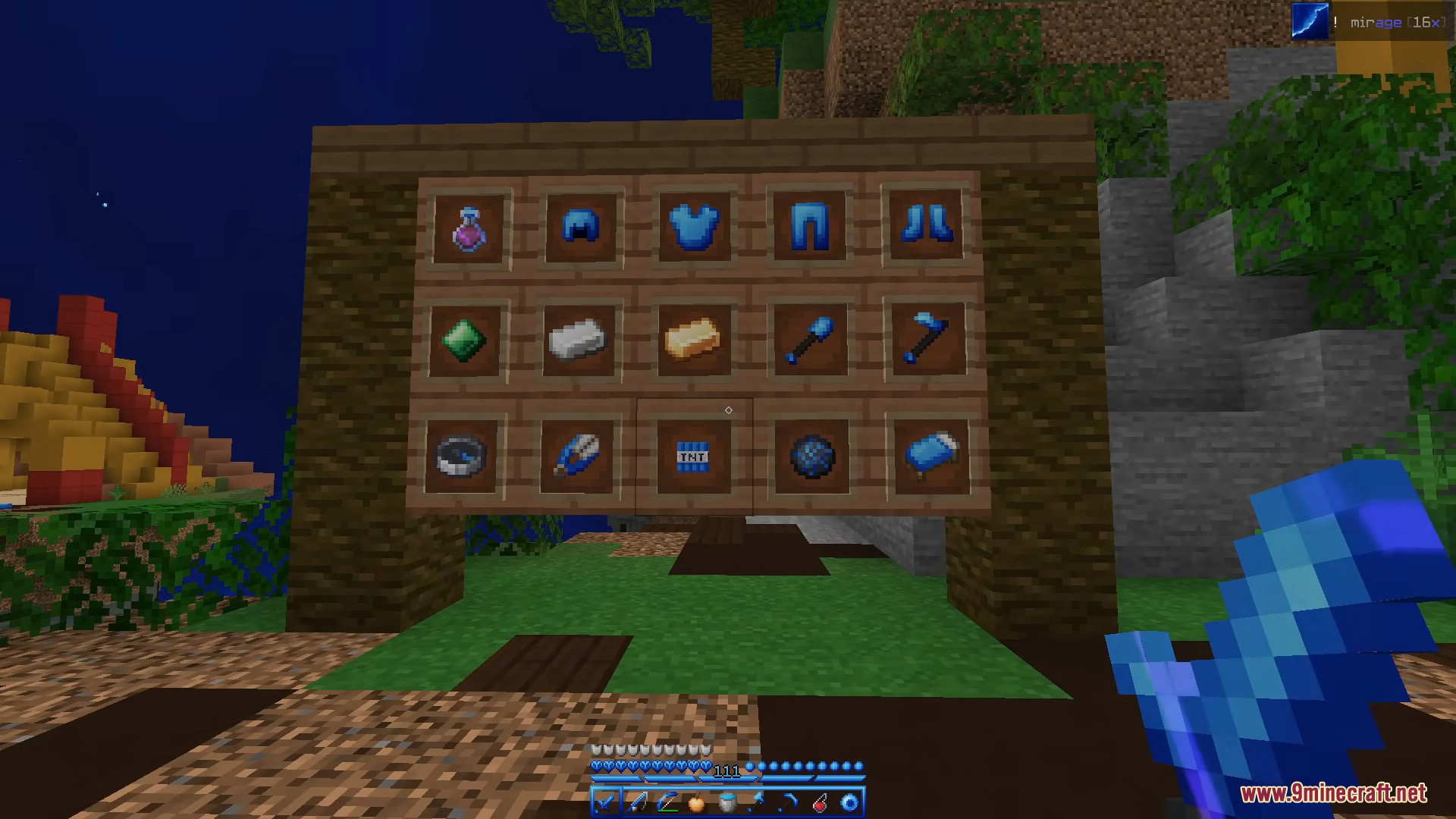
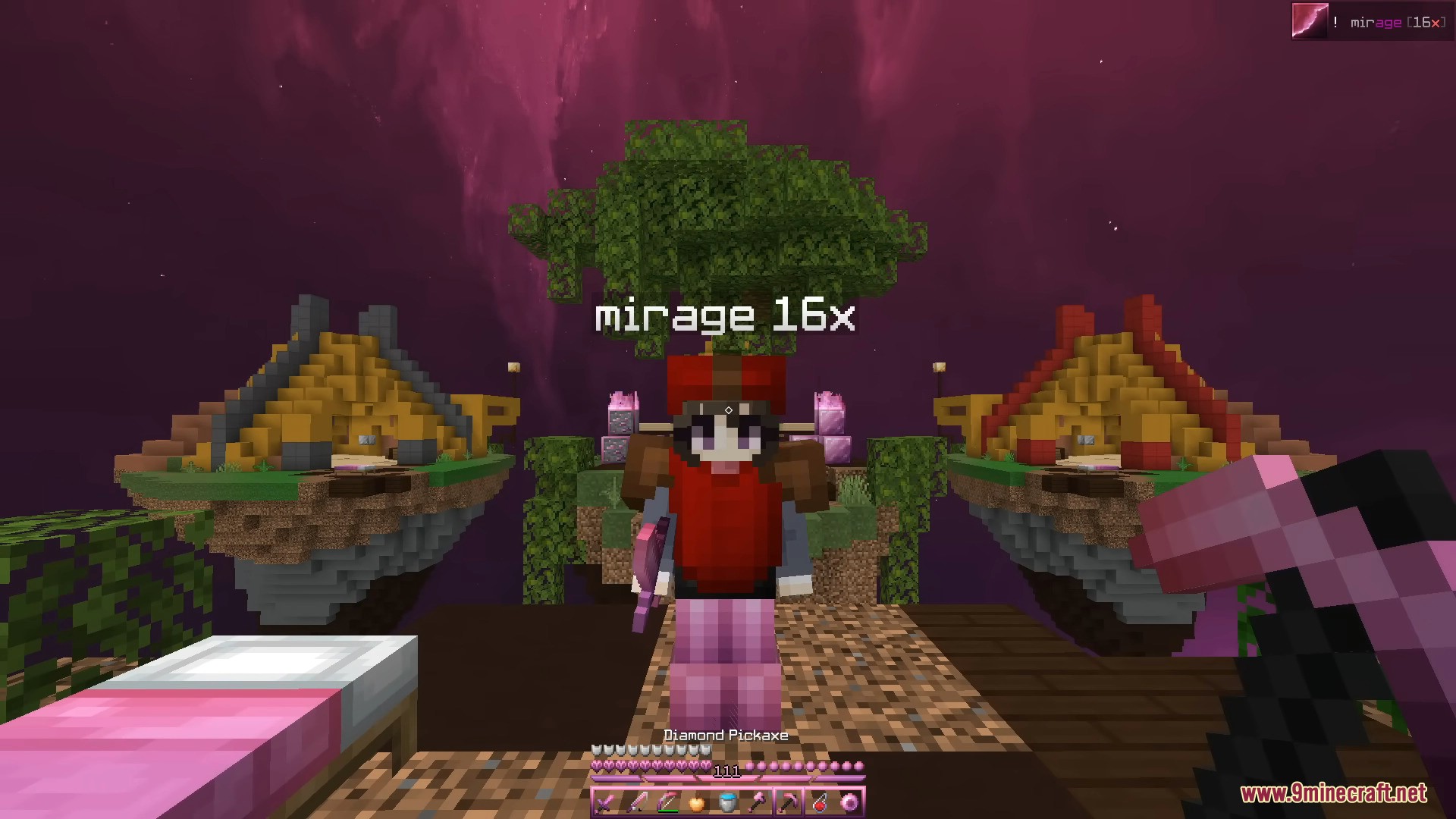
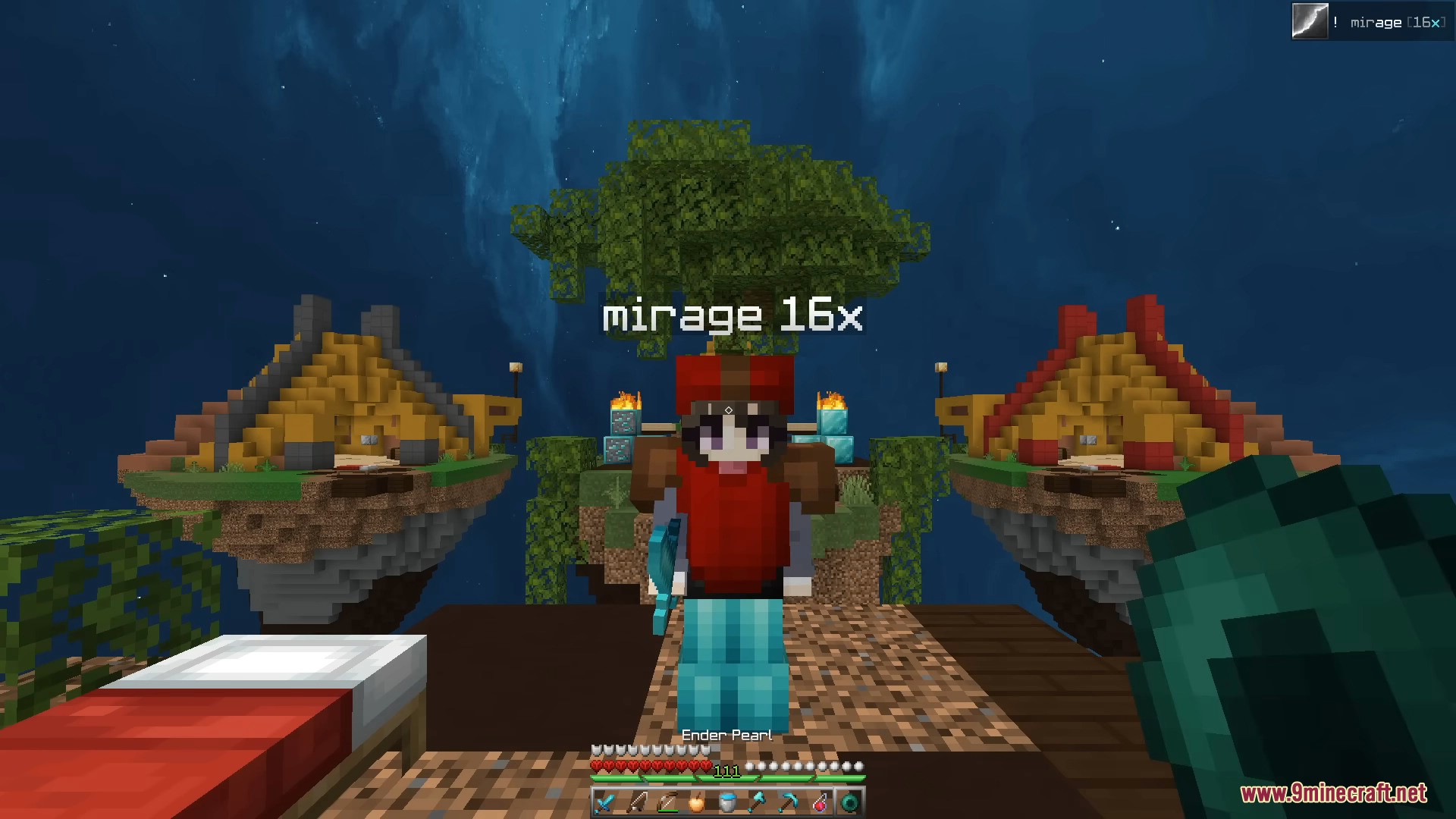
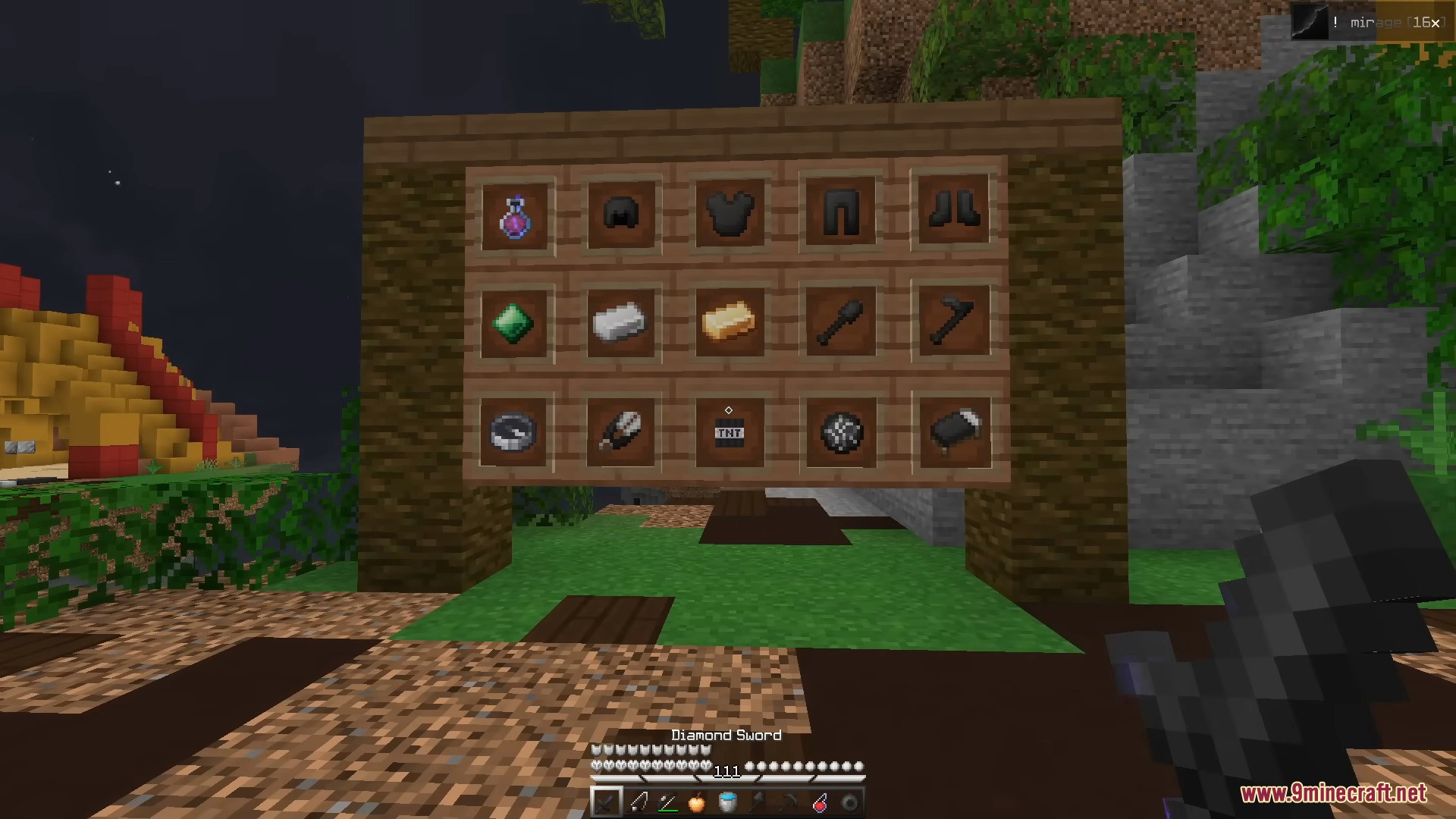
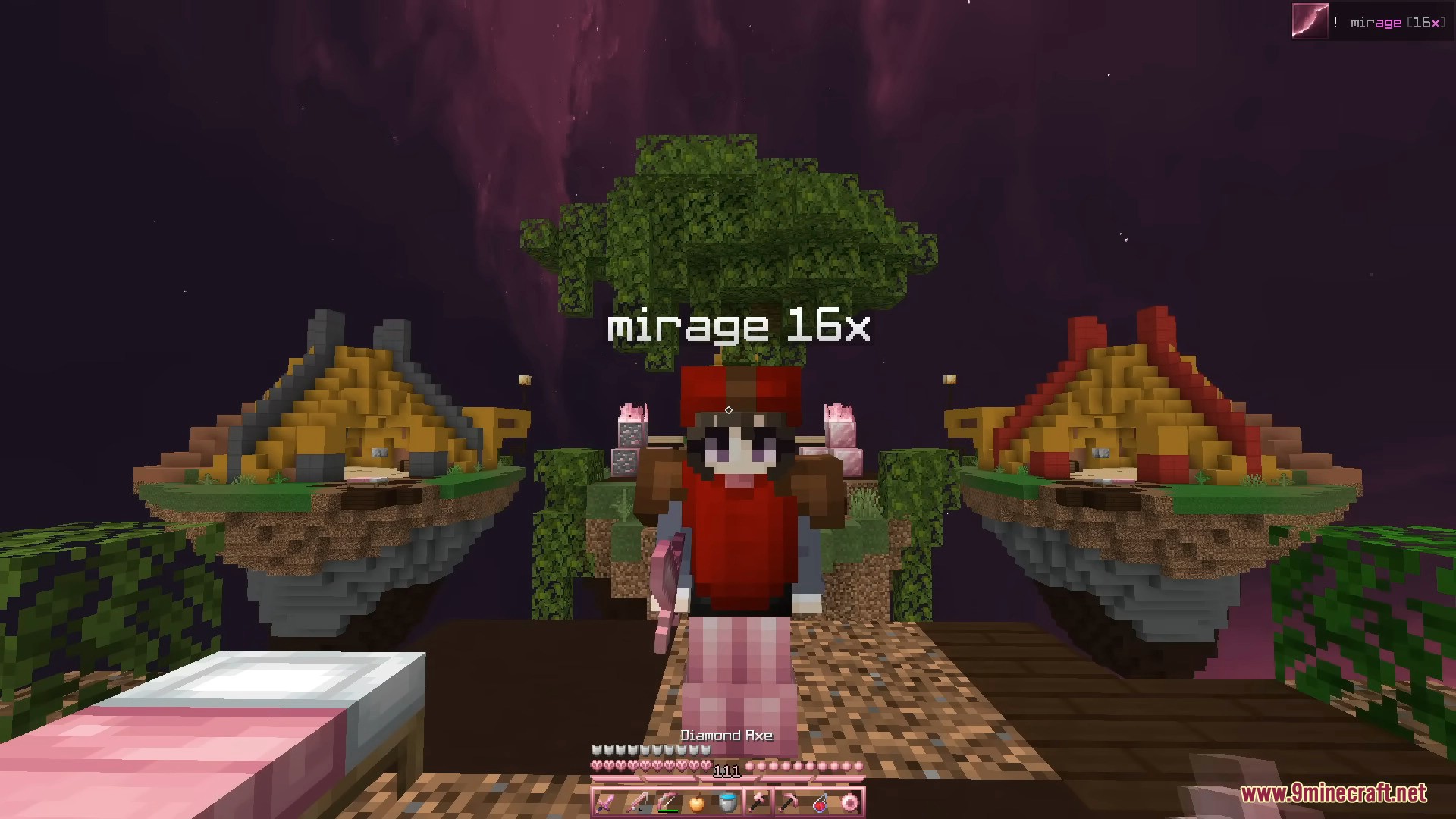
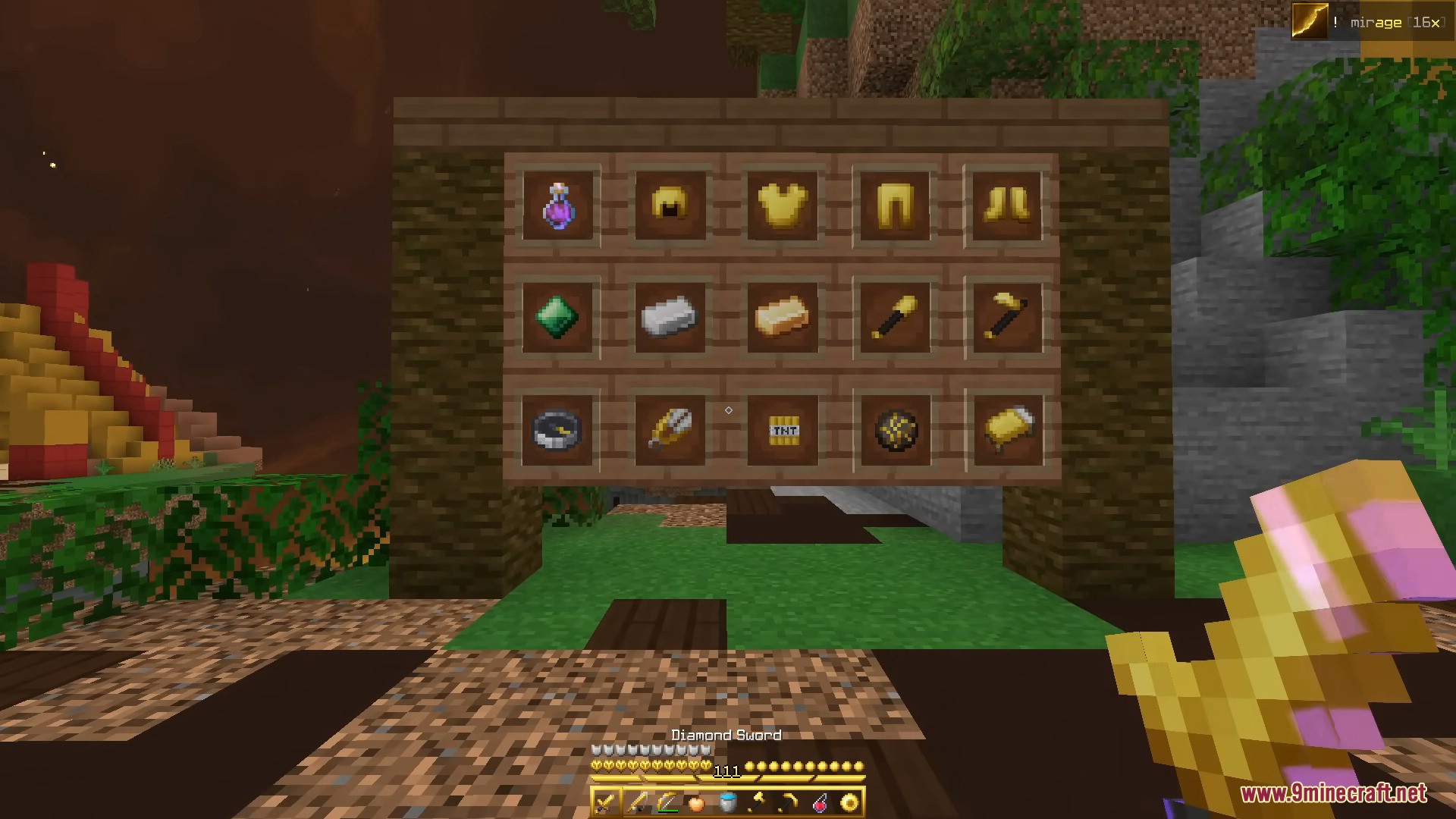
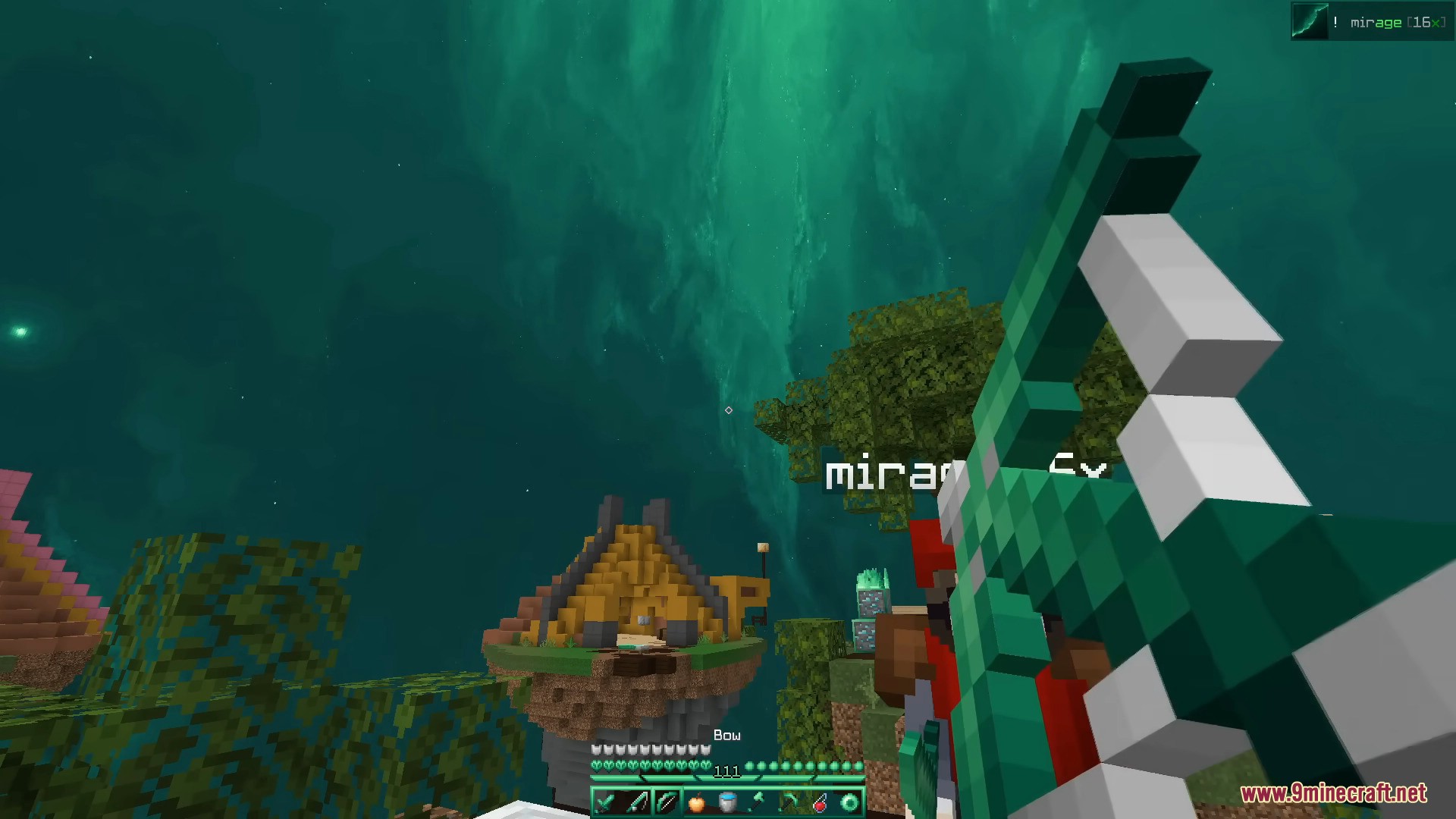
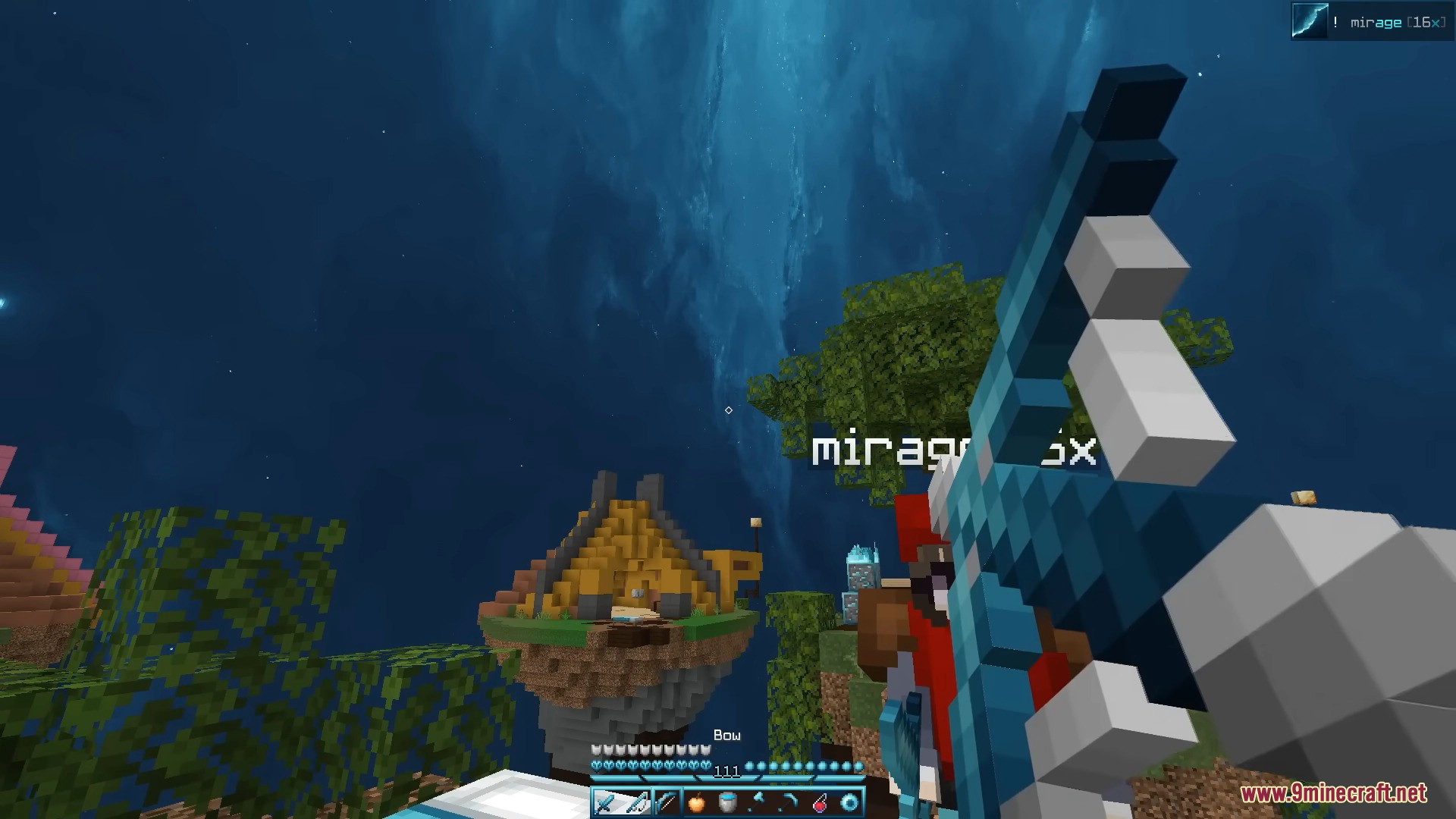
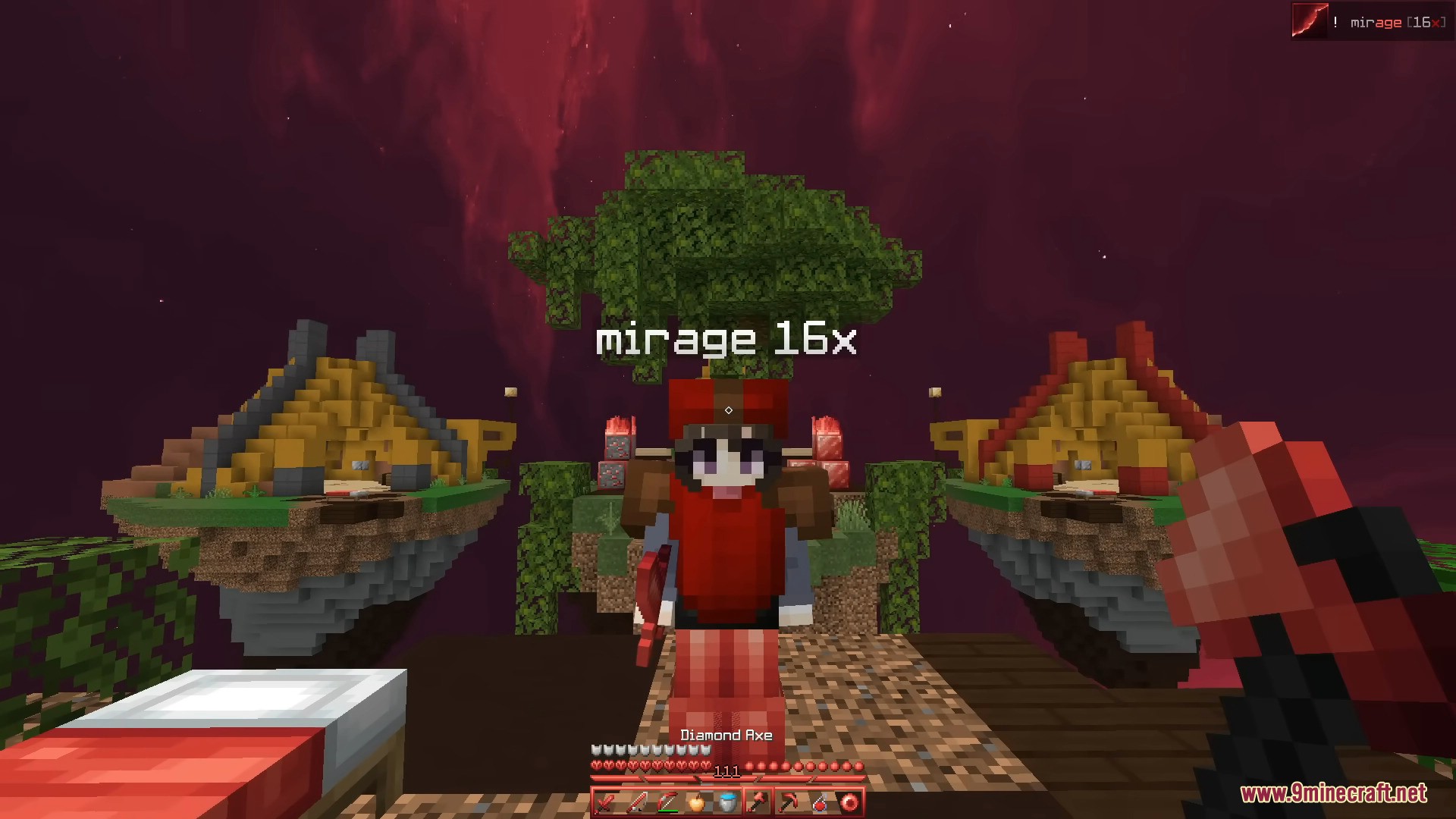
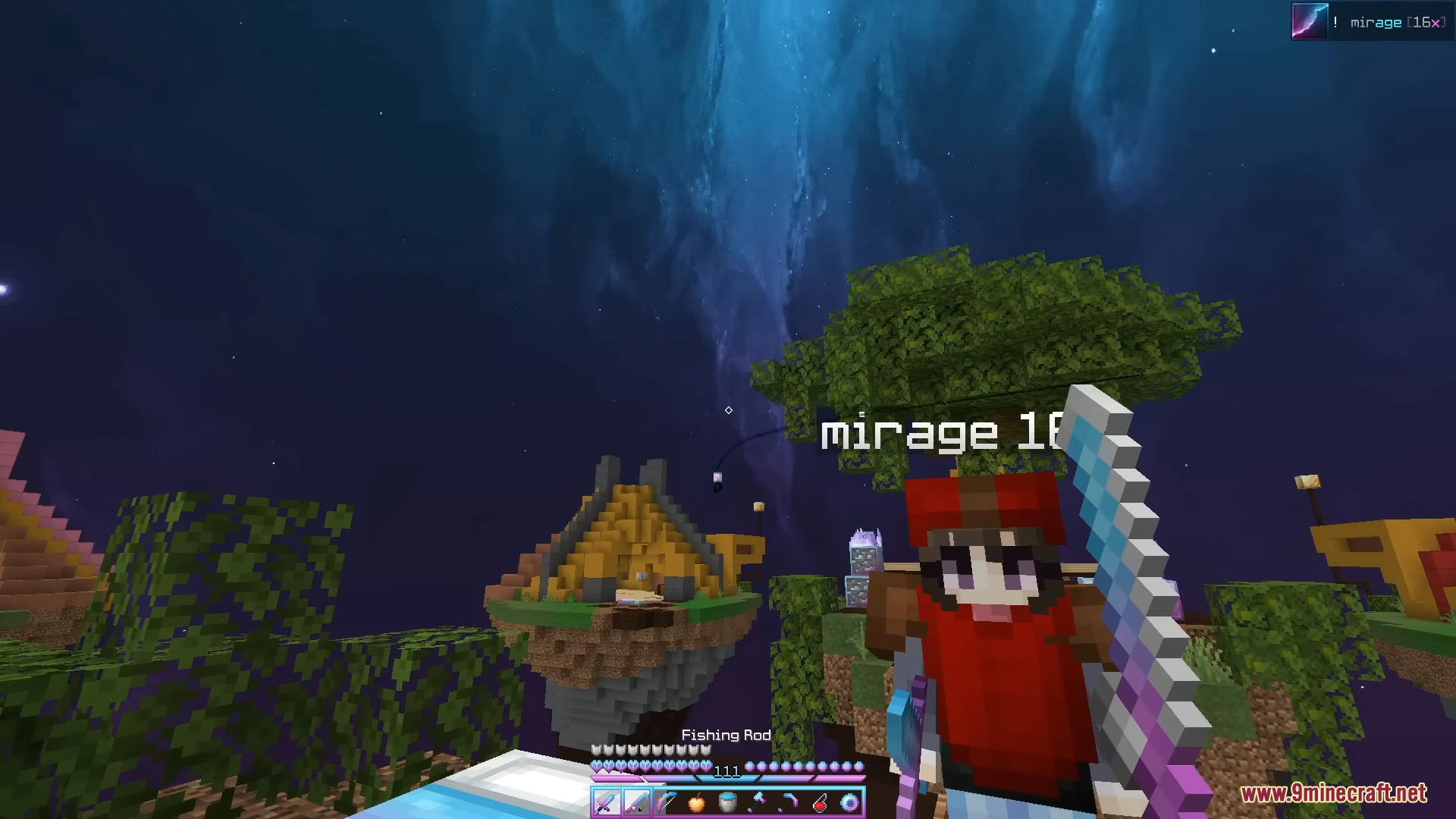
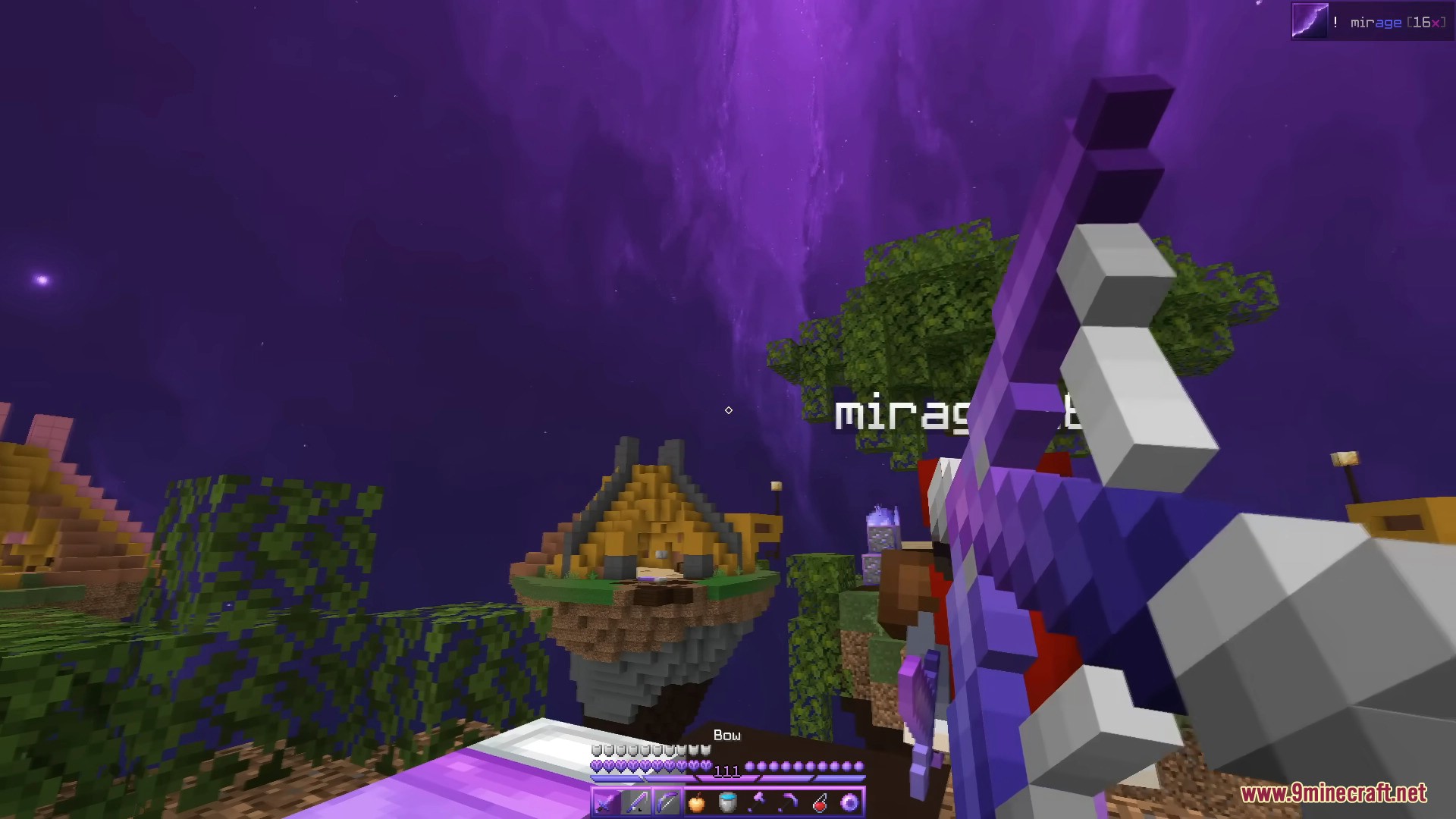
Mirage Recolors Recolors Resource Pack features a 16x resolution and includes 15 different recolors of the original Mirage texture pack. Each recolor offers a unique color scheme, allowing players to choose their preferred visual style.
Screenshots:
Requires:
Optifine
Mirage Recolors Recolors Resource Pack Download Links
For Minecraft 1.8.9
Aqua 16x: Download from Server 1
Banana 16x: Download from Server 1
Blackberry 16x: Download from Server 1
Blueberry 16x: Download from Server 1
Cotton Candy 16x: Download from Server 1
Default 16x: Download from Server 1
Grape 16x: Download from Server 1
Grapefruit 16x: Download from Server 1
Guava 16x: Download from Server 1
Kiwi 16x: Download from Server 1
Original 16x: Download from Server 1
Plum 16x: Download from Server 1
Strawberry 16x: Download from Server 1
Tangerine 16x: Download from Server 1
Watermelon 16x: Download from Server 1
Mirage Recolors Recolors Resource Pack (1.8.9) – All 15 Colors Texture Pack is a free Minecraft Java resourcepack. Download it and open it directly in the game.