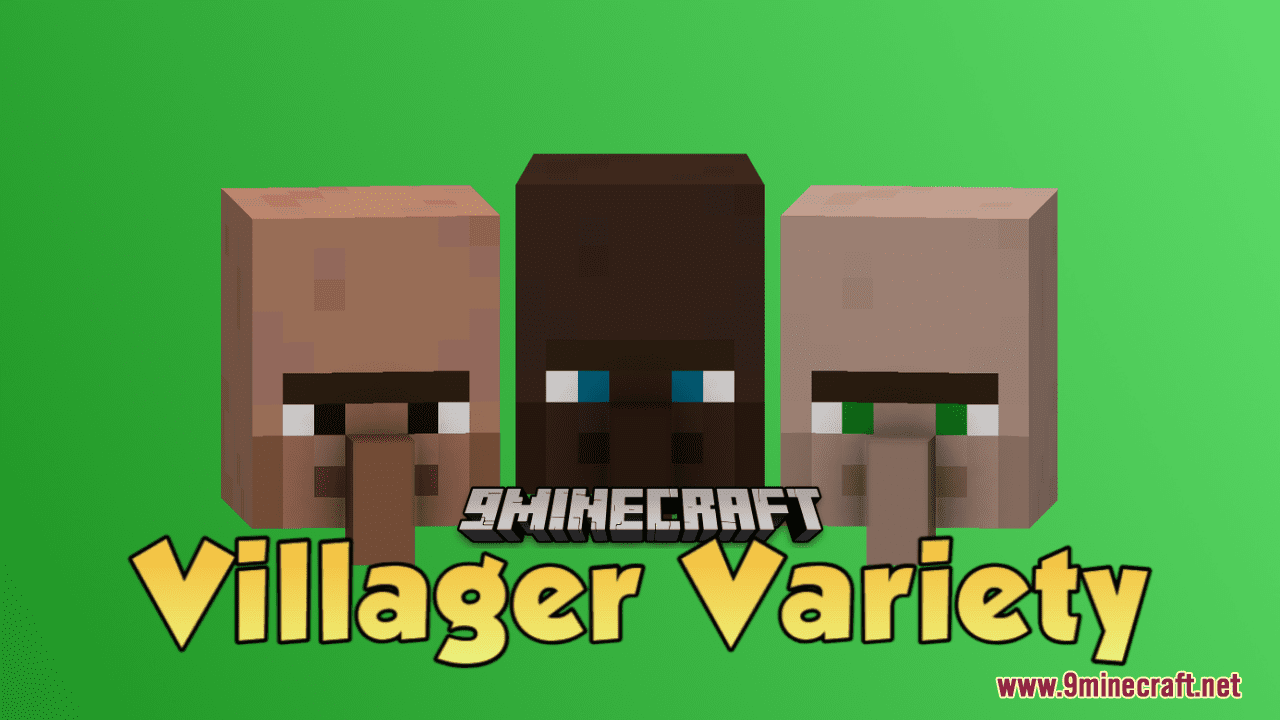
Villager Variety Resource Pack (1.21.1, 1.20.1) – Texture Pack
Villager Variety Resource Pack injects diversity into Minecraft villages, offering a range of skin tones and eye colors for the iconic square-nosed…
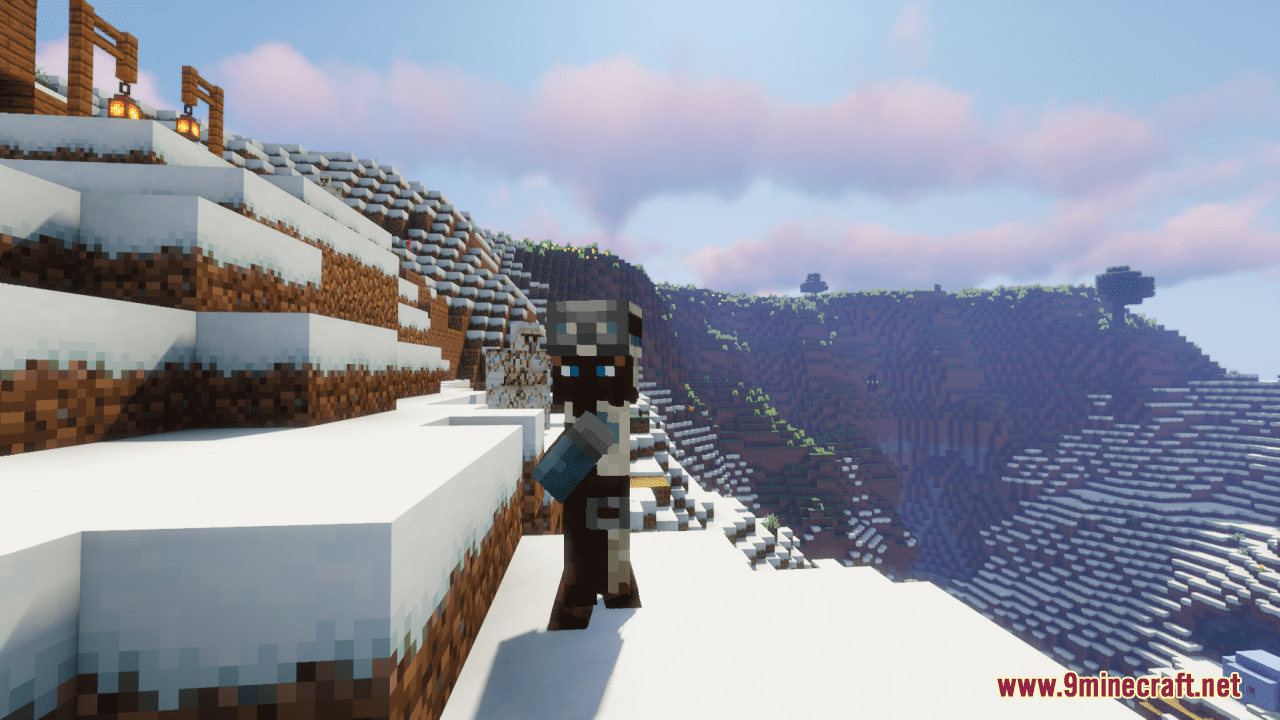
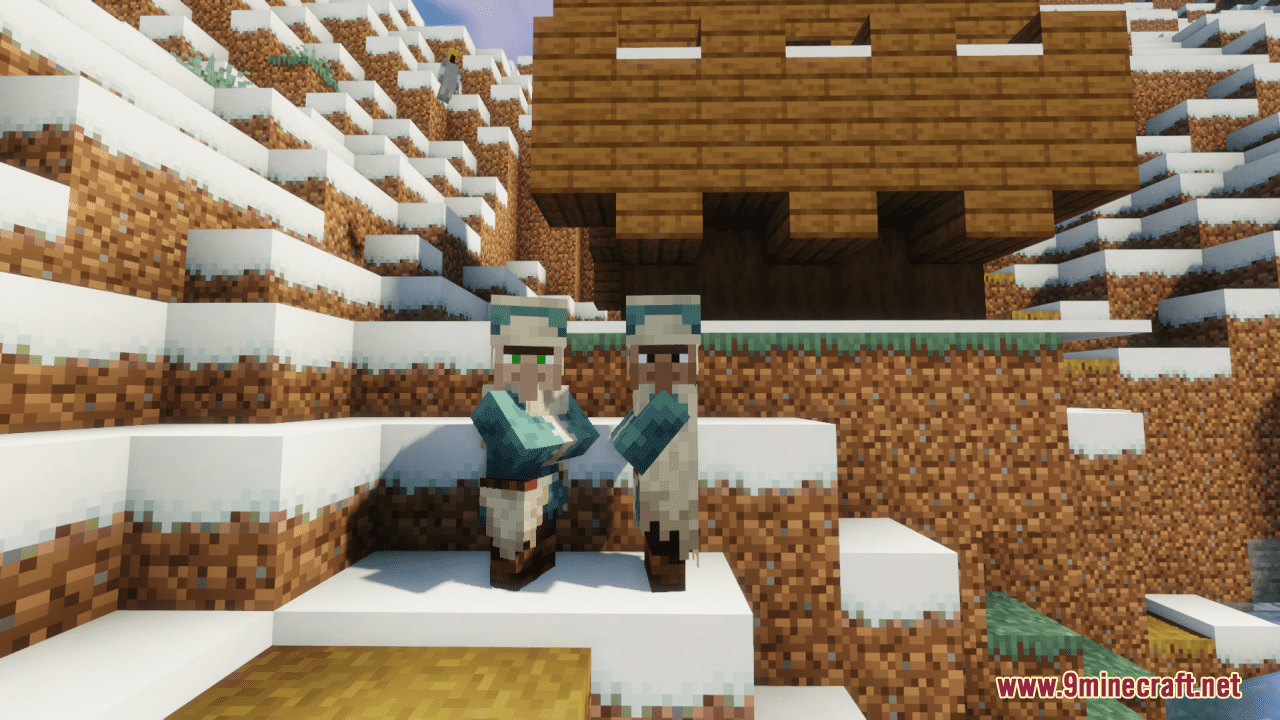
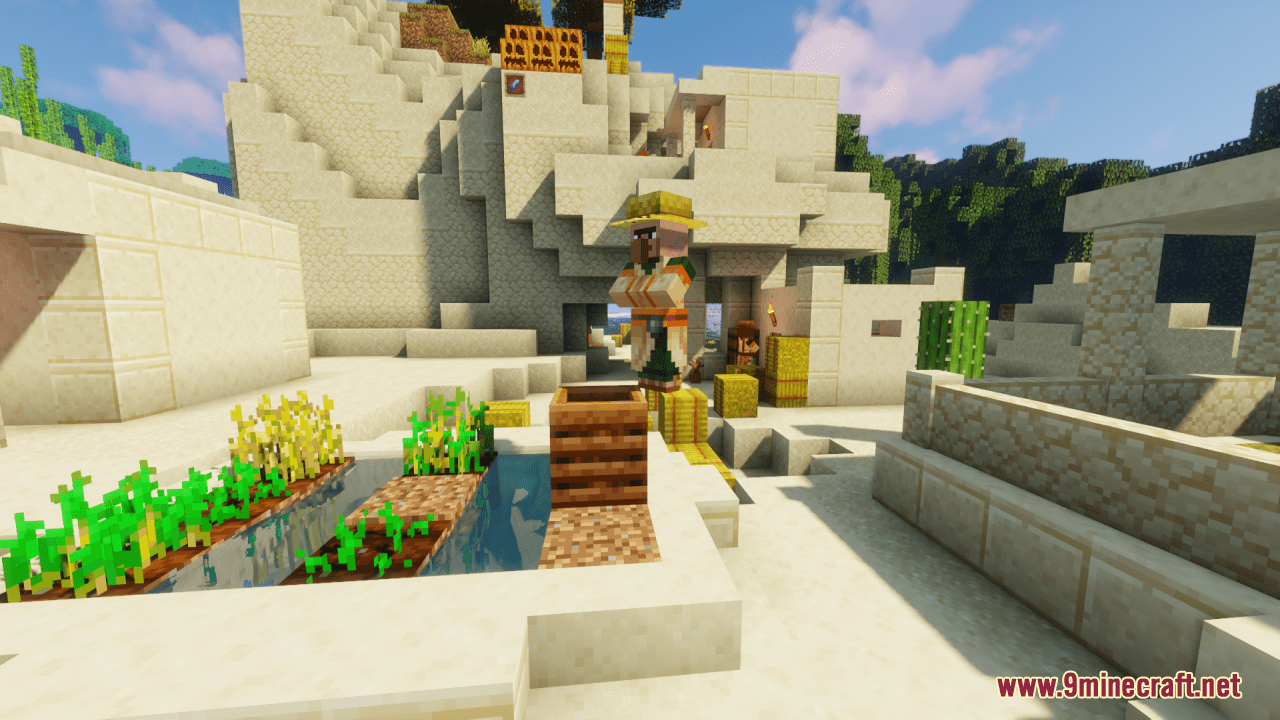
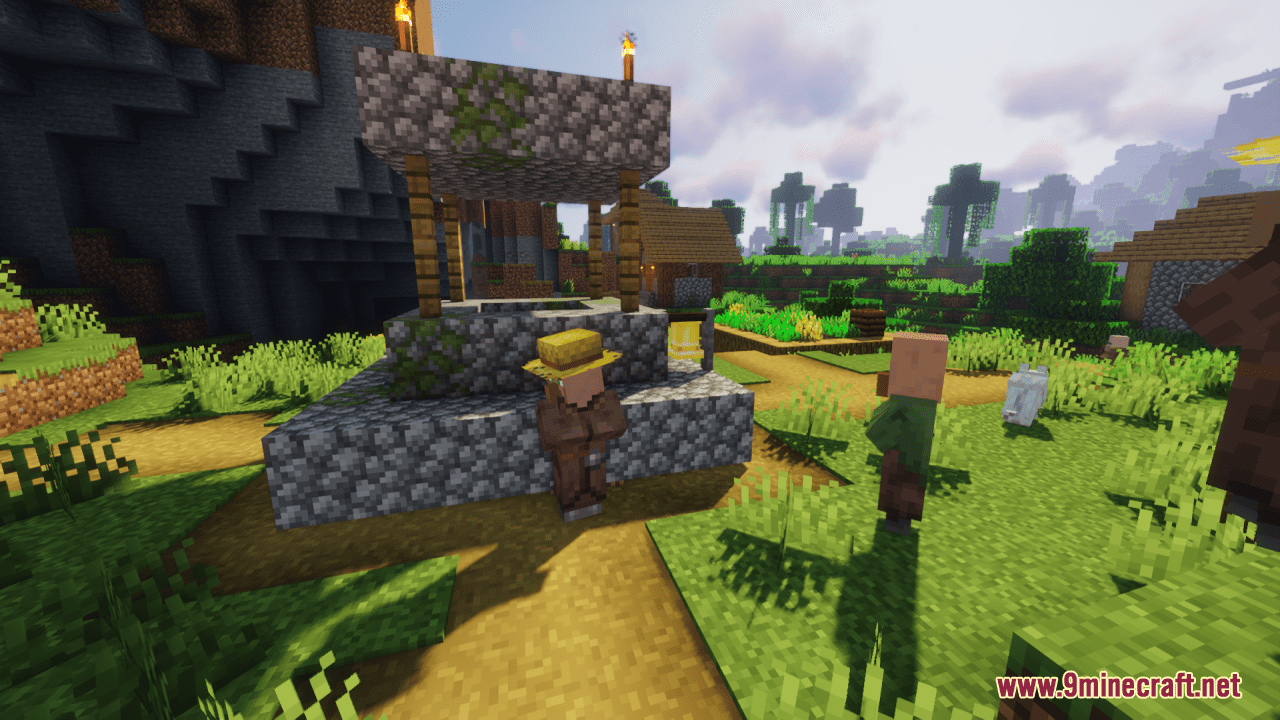
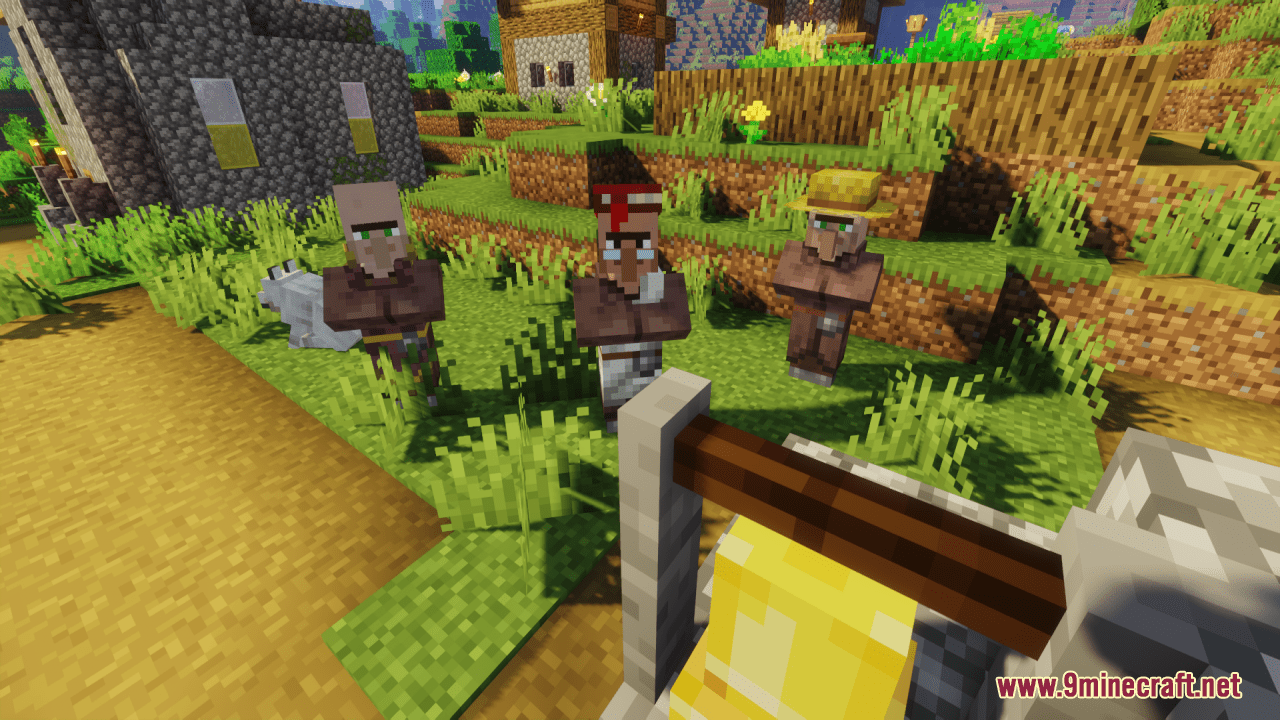
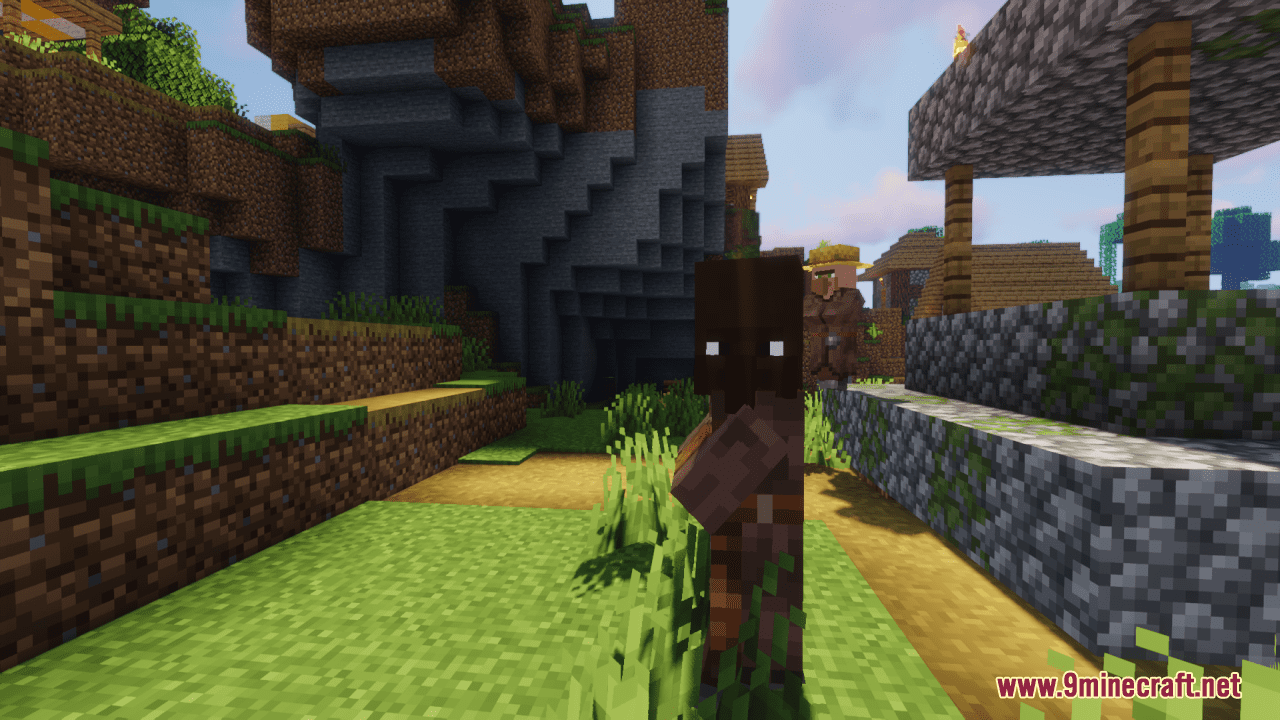
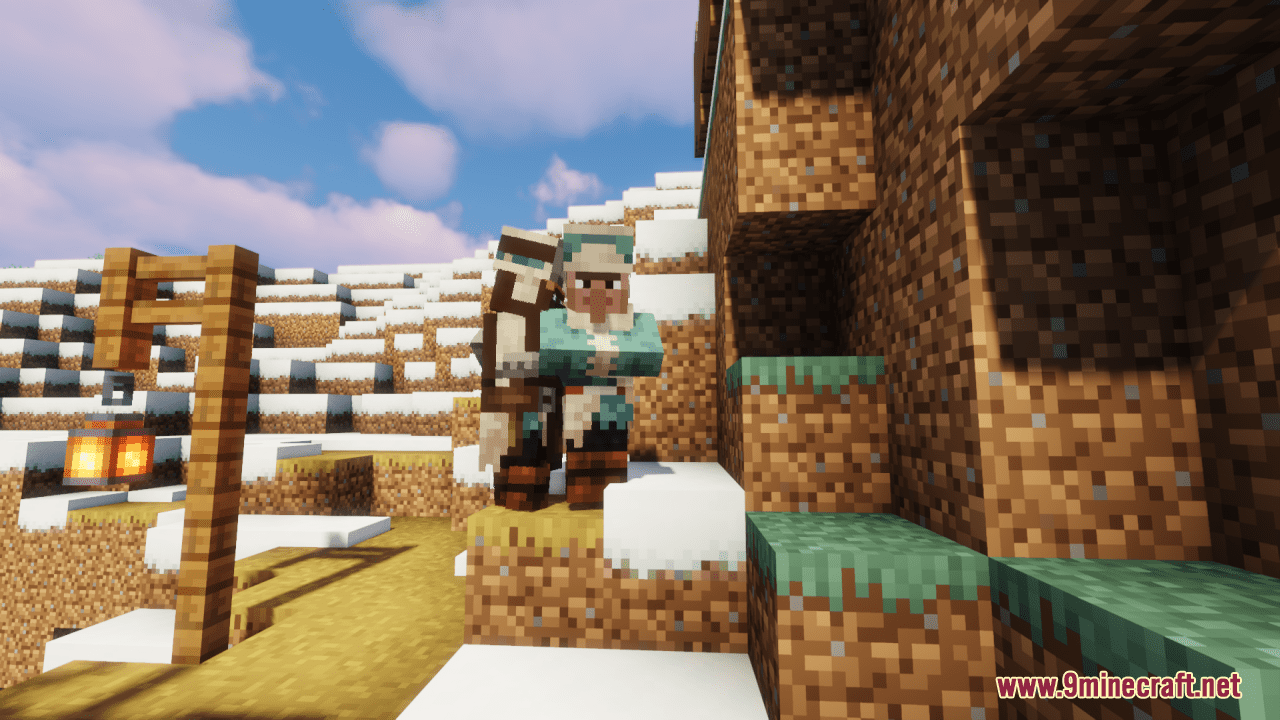
⬇ DownloadOpen in MCModsHubGet it on Google Play →Villager Variety Resource Pack injects diversity into Minecraft villages, offering a range of skin tones and eye colors for the iconic square-nosed villagers. The addition of multiple skin tones enhances the visual richness of villages, reflecting a more inclusive representation. Moreover, you can also choose from three eye colors for villagers, including the vanilla green eyes, as well as new blue and brown options. All in all, this slight and simple pack embraces inclusivity and brings a more vibrant and varied aesthetic to the villagers, making each encounter with these denizens of the blocky world a unique experience.
Screenshots:
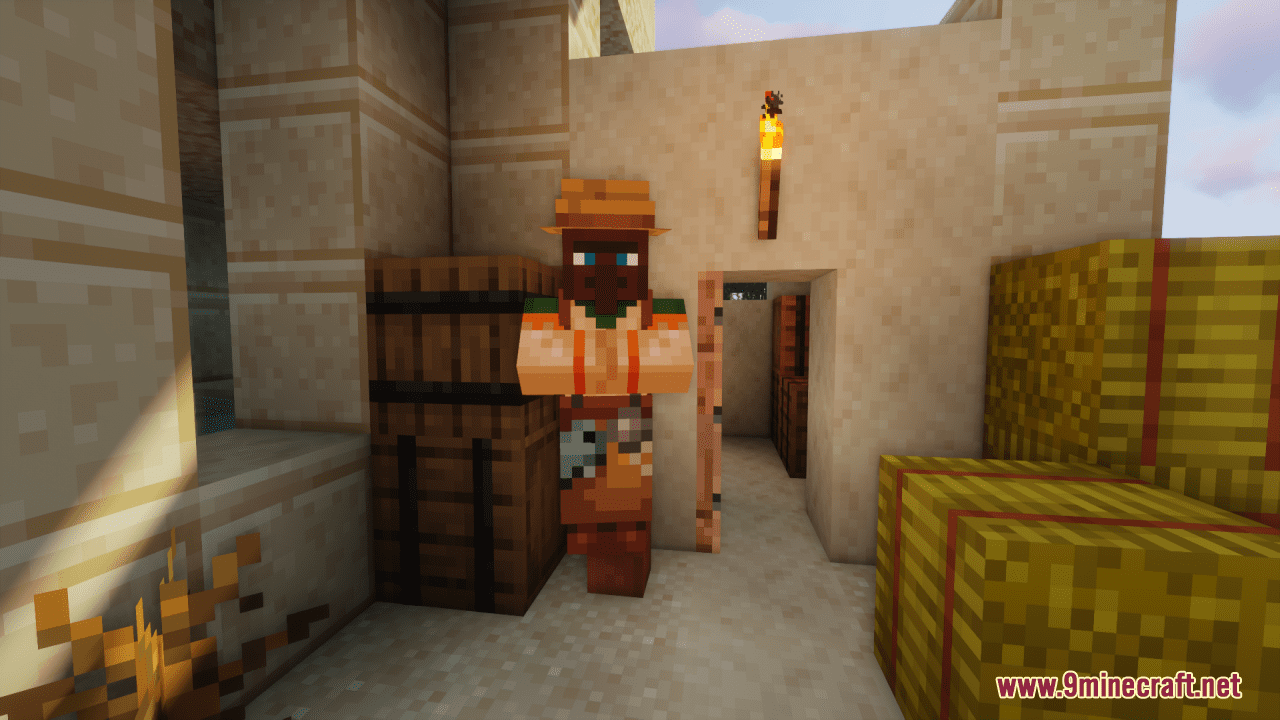
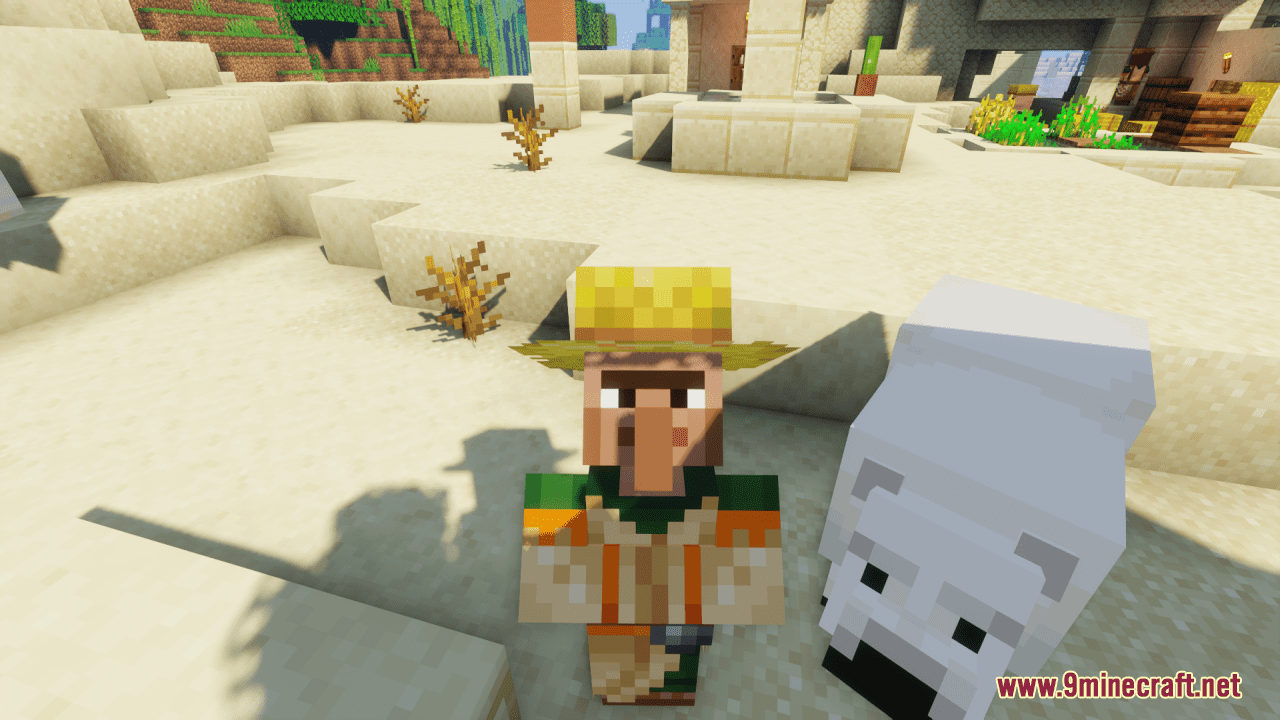
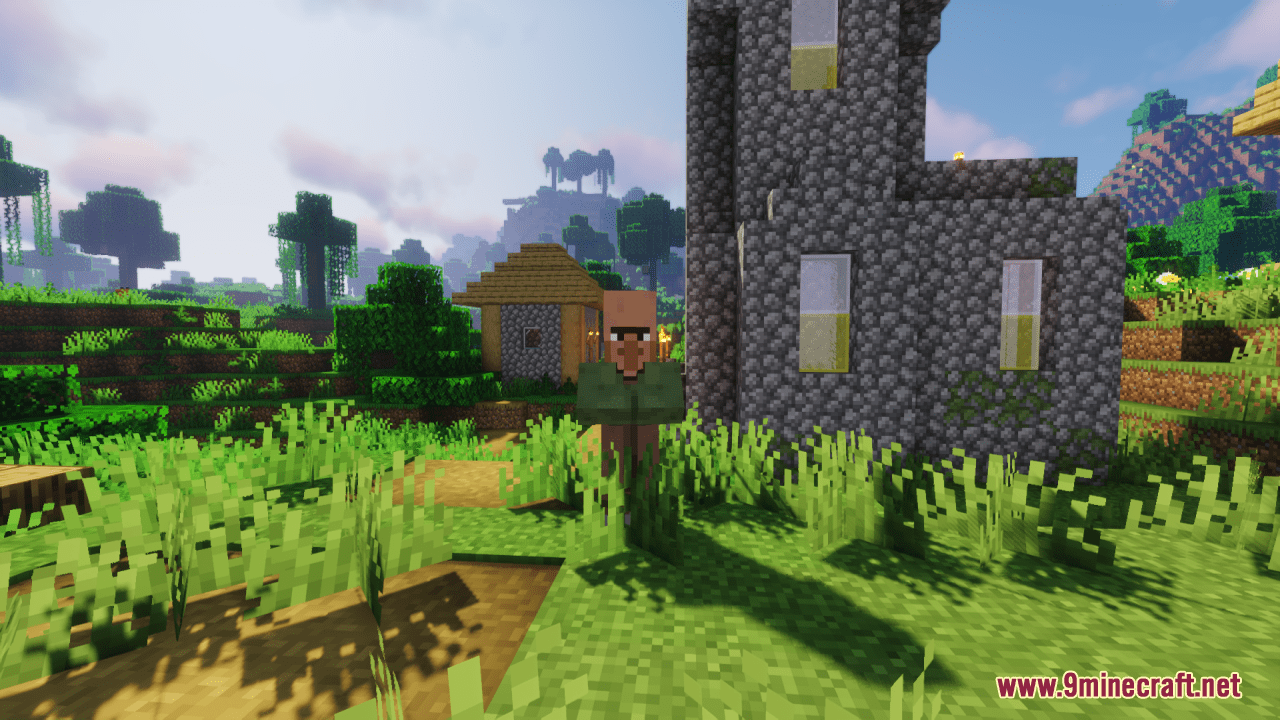
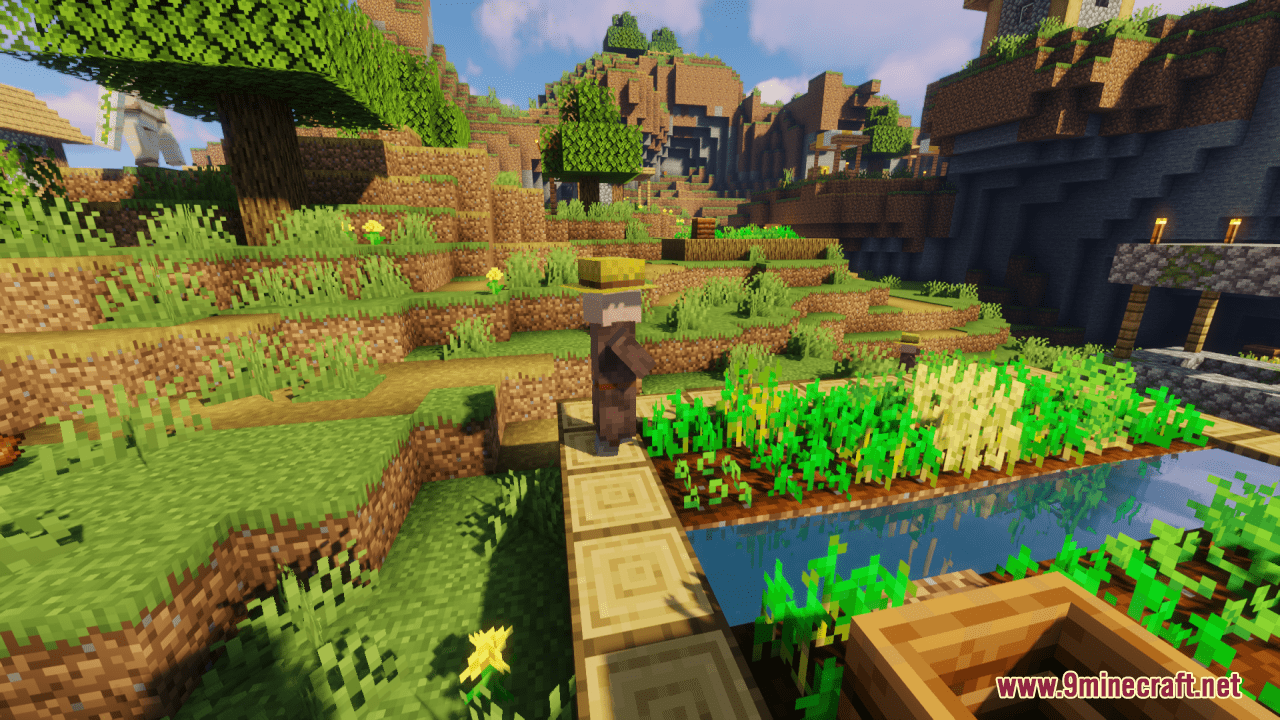
Villager Variety Resource Pack Download Links
For Minecraft 1.21.x
For Minecraft 1.20.6, 1.20.4, 1.20.2, 1.20.1
Villager Variety Resource Pack (1.21.1, 1.20.1) – Texture Pack is a free Minecraft Java resourcepack. Compatible with Minecraft 1.21.1, 1.20.1. Download it and open it directly in the game.