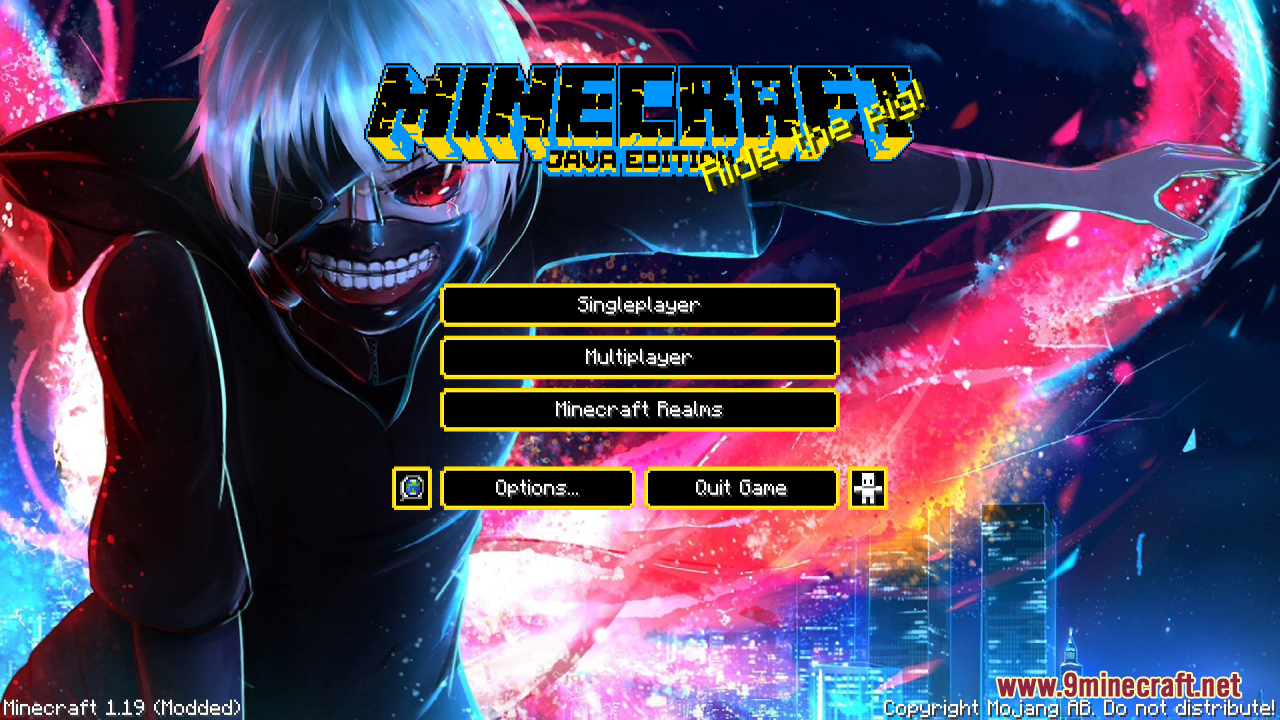
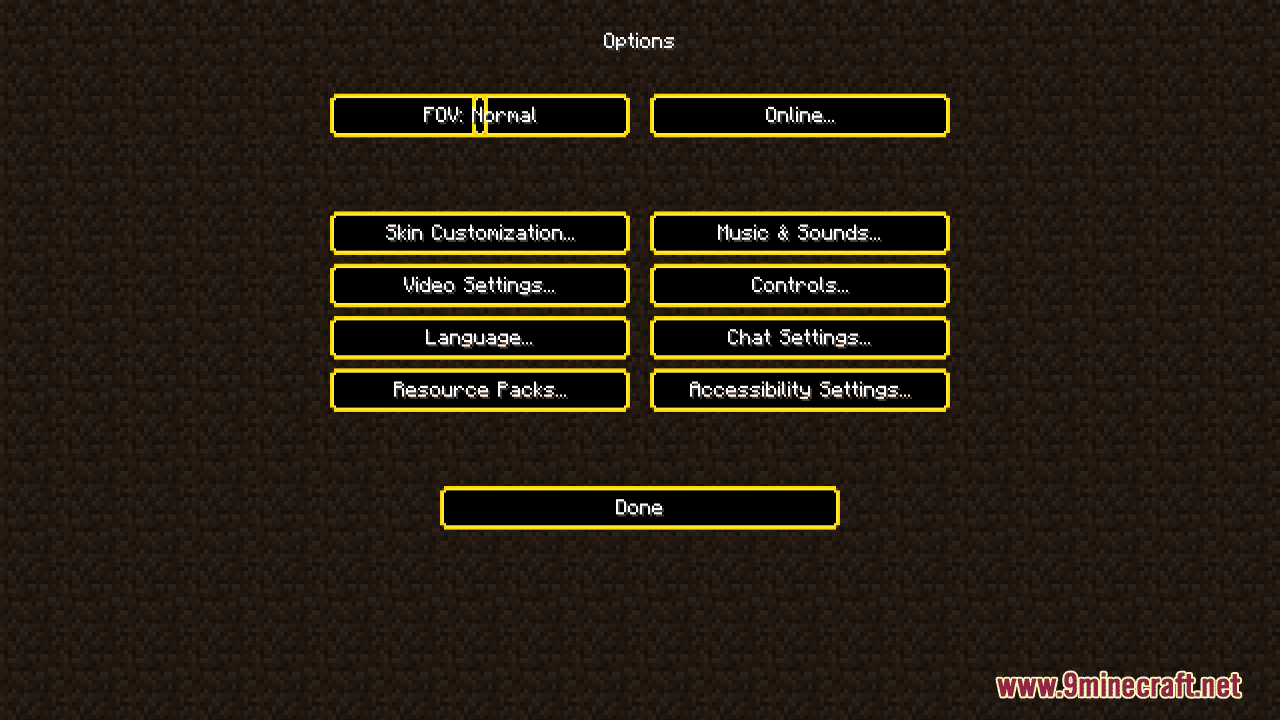
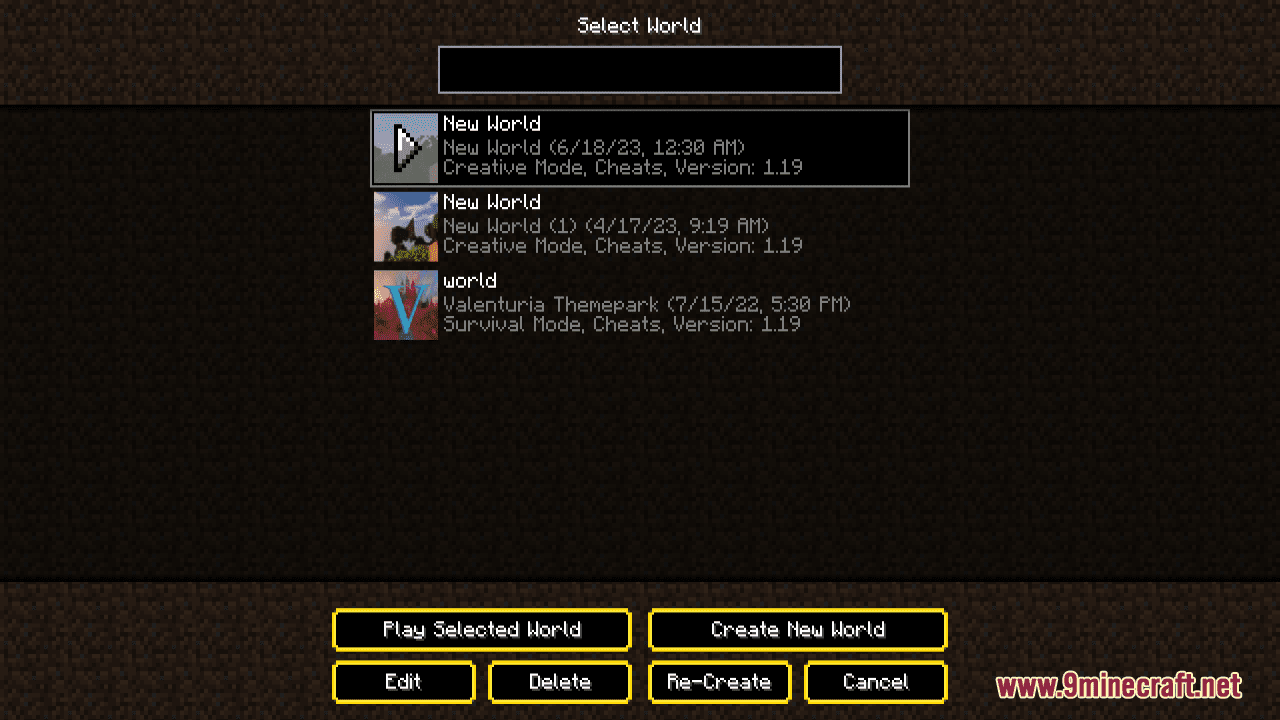
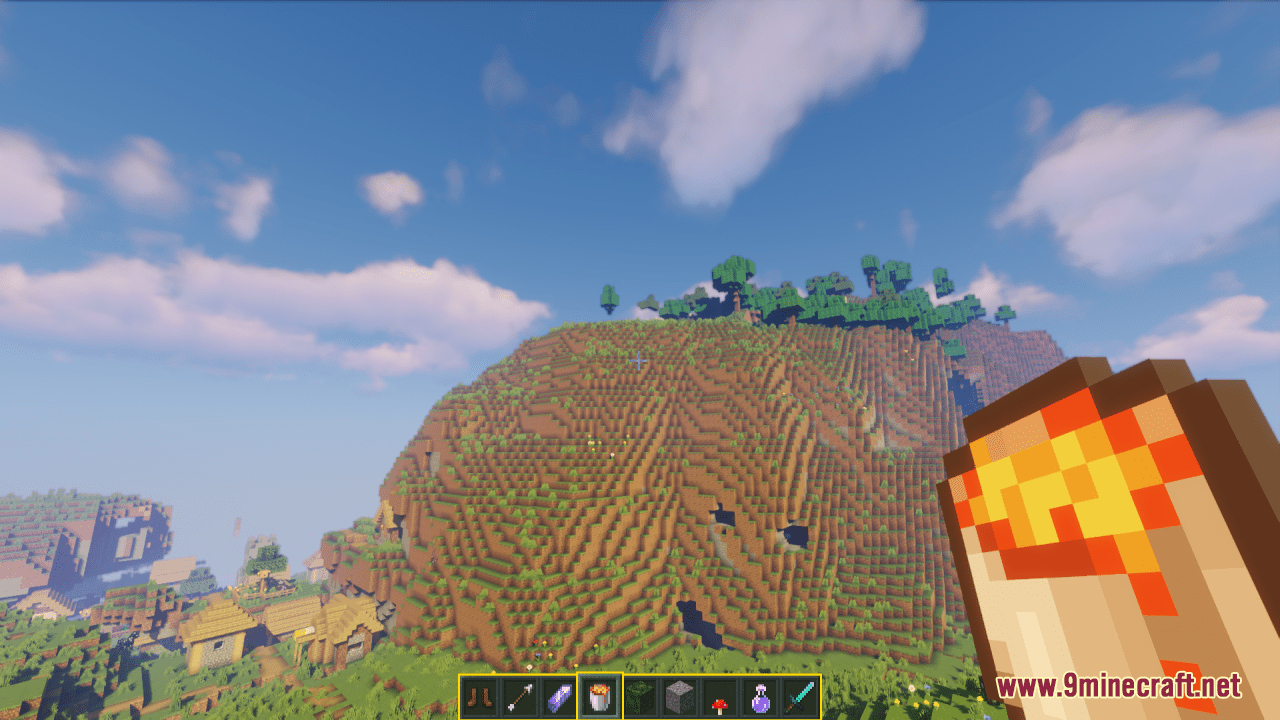
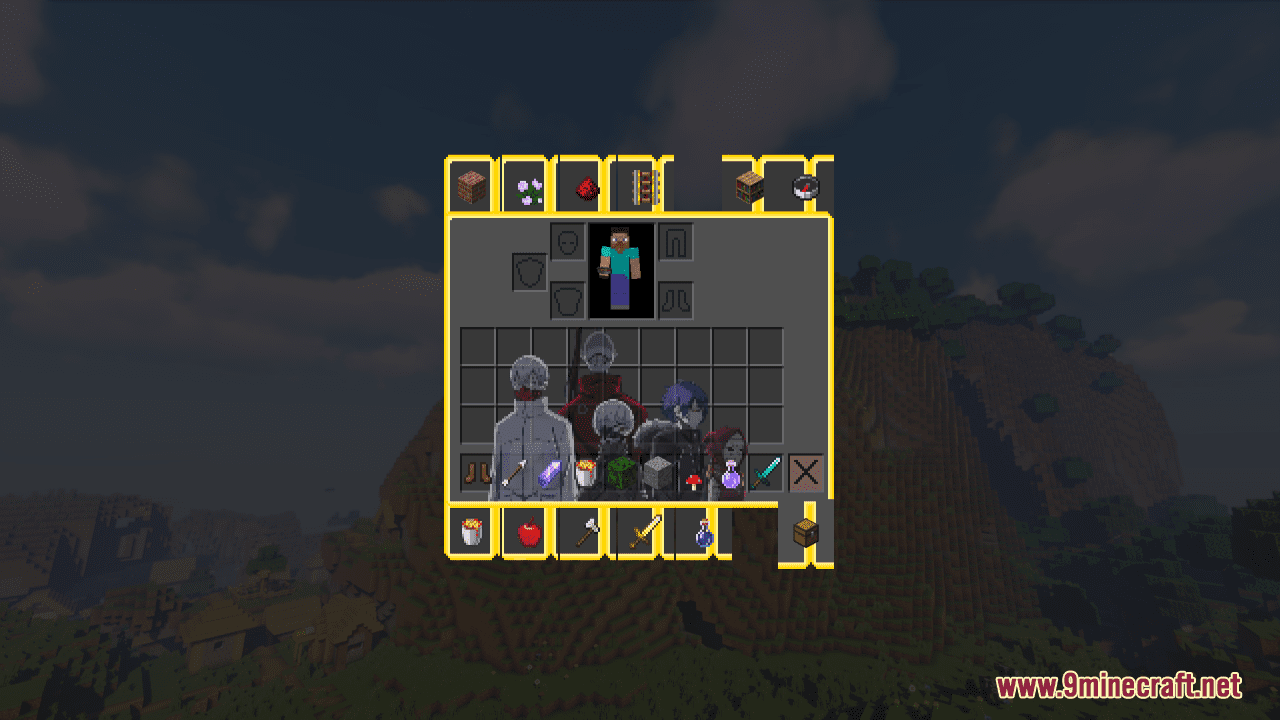
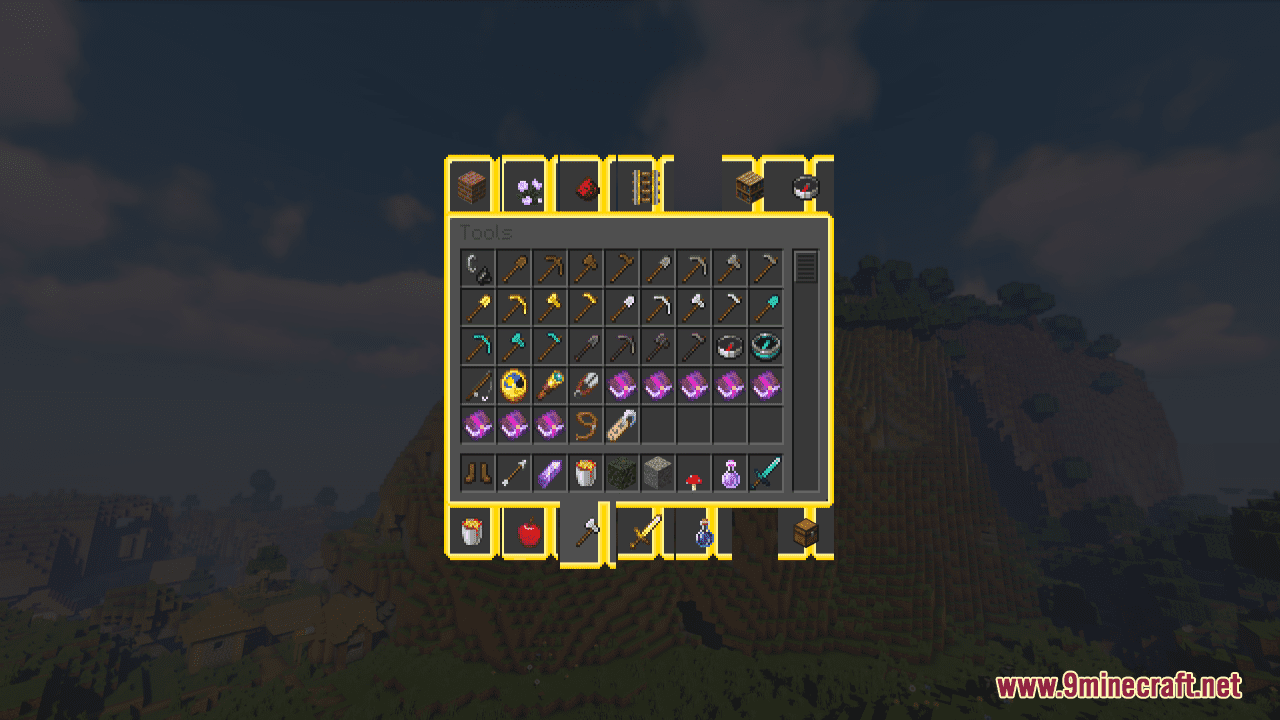
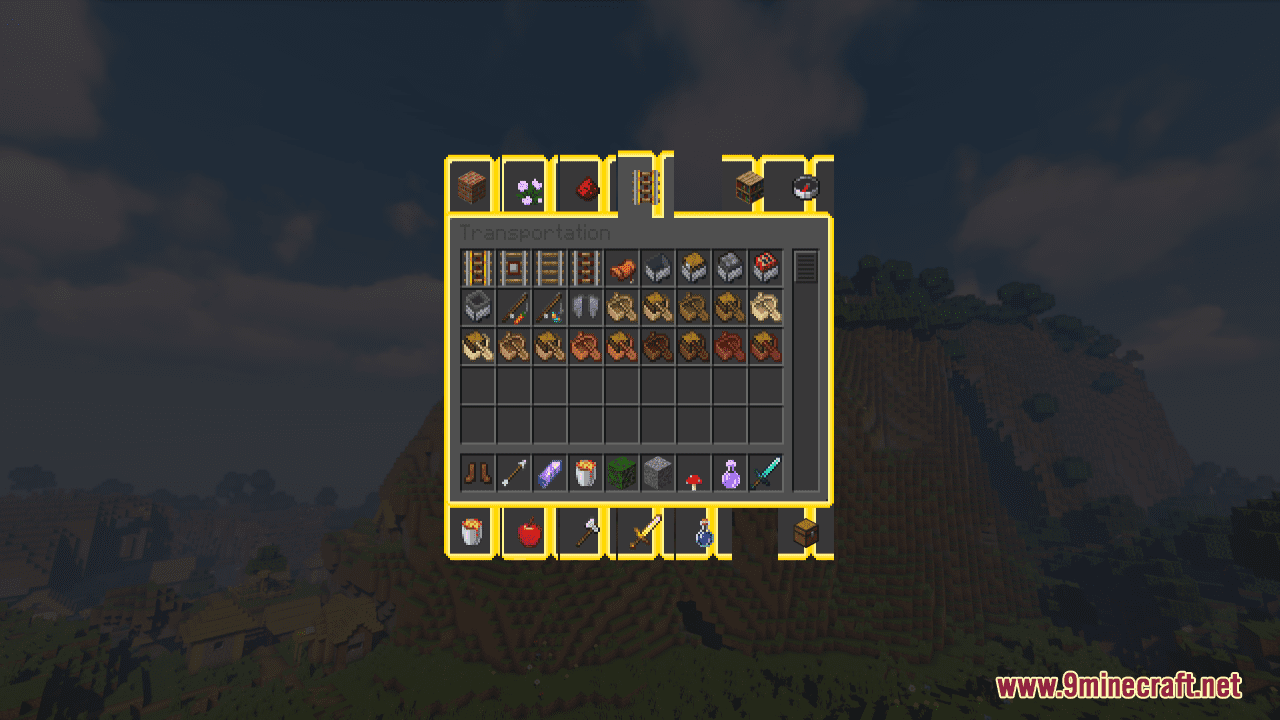
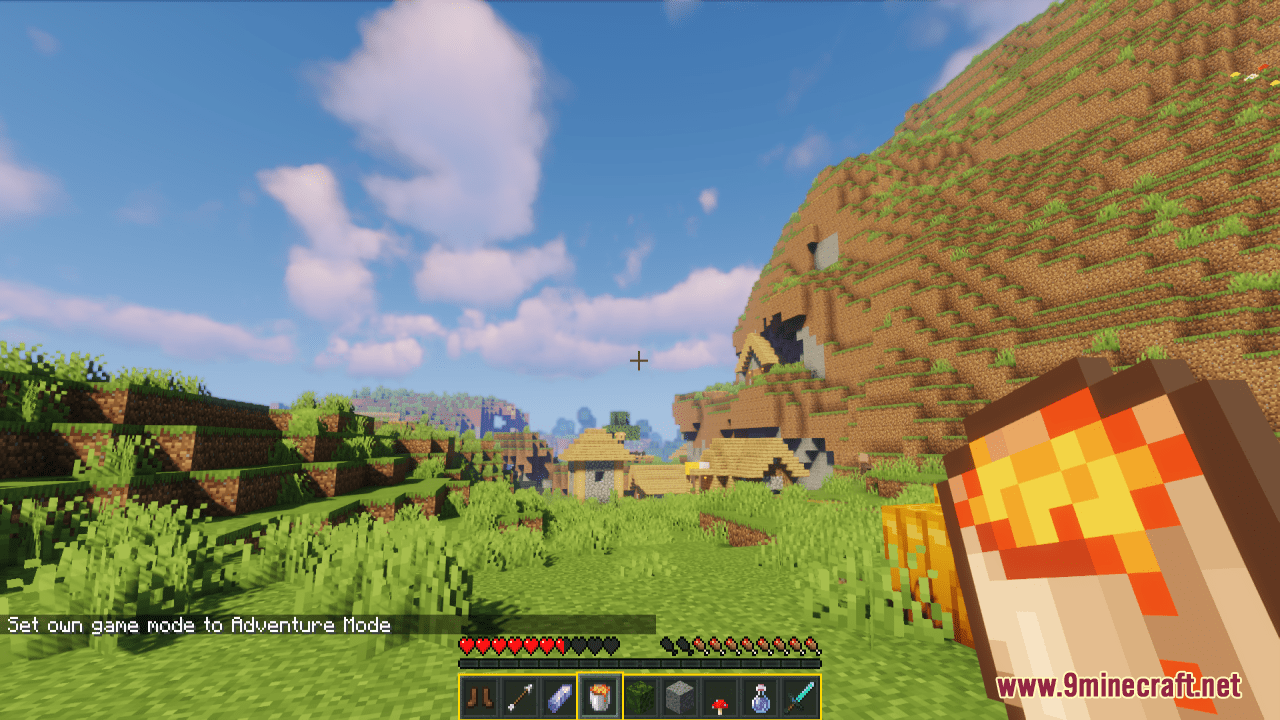
Tokyo Ghoul Custom GUI Resource Pack is simply a GUI packed themed towards the show “Tokyo Ghoul” or otherwise known”. With this pack installed, the start screen will catch your attention with terrifying and impressive image. More over, the chosen color range – light blue & black & yellow is another element which makes this pack cooler. It is highly recommended for those who wish to change the GUI while keeping other game features.
Screenshots:
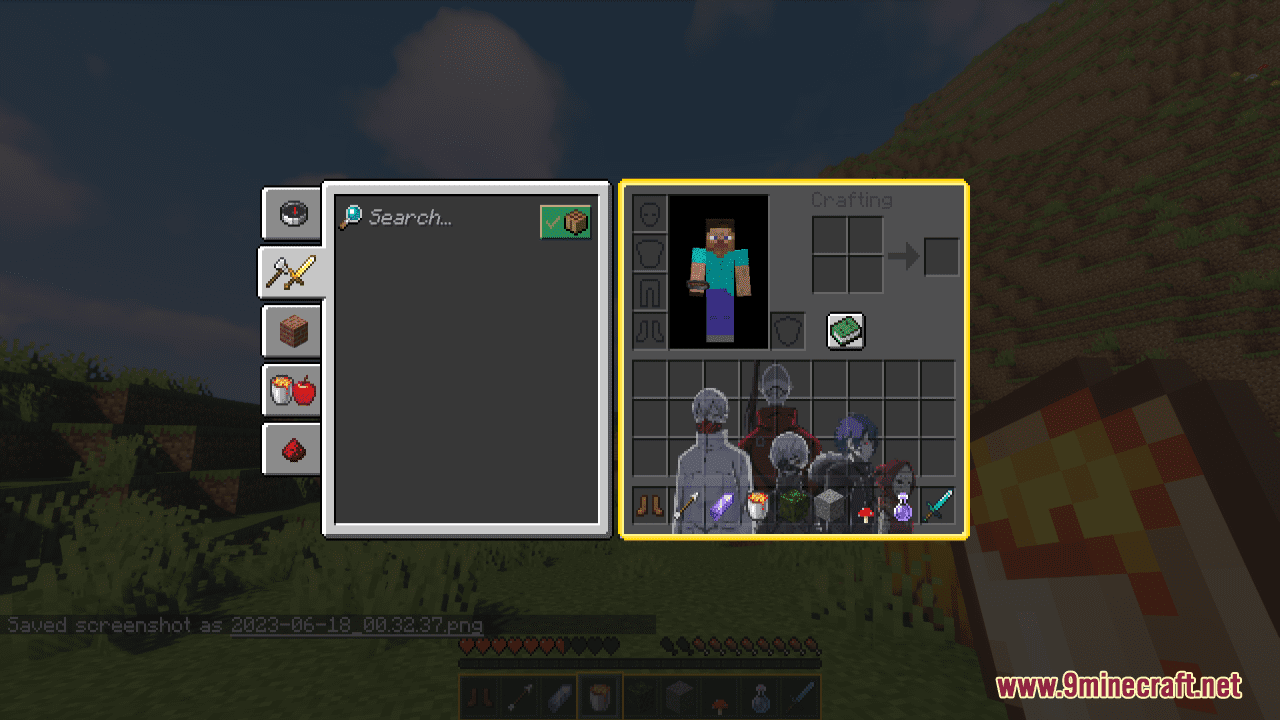
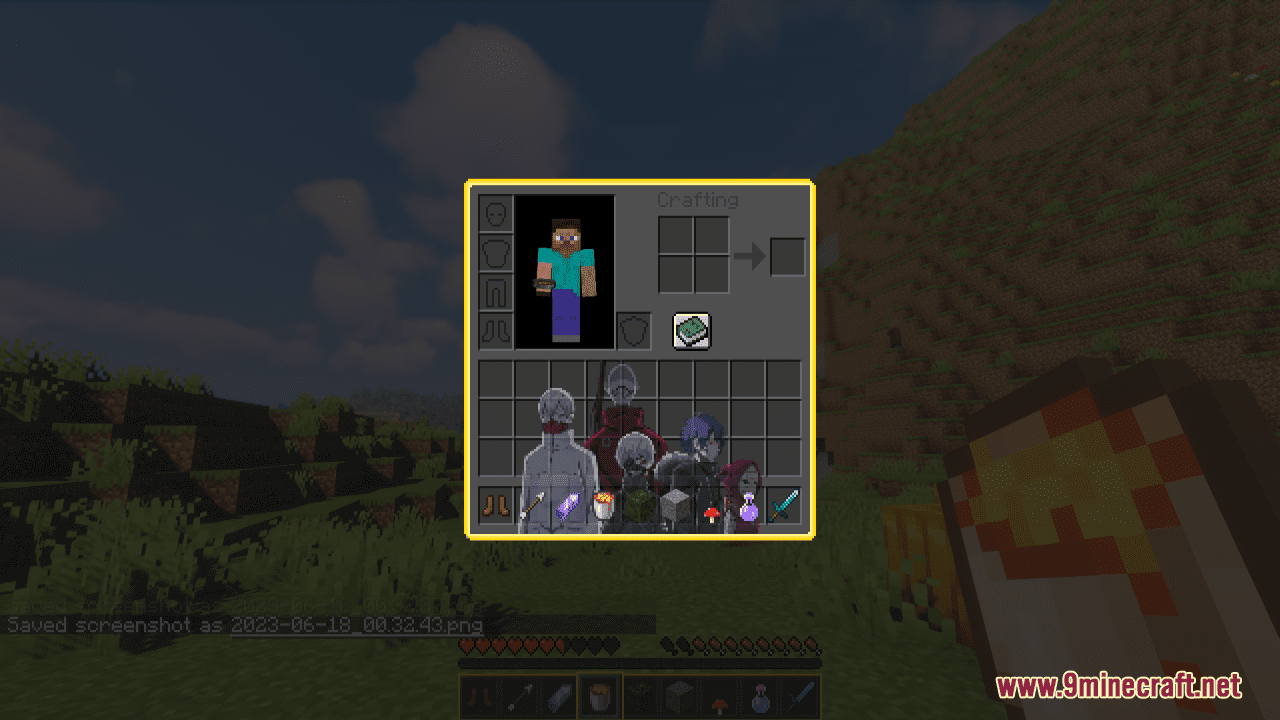
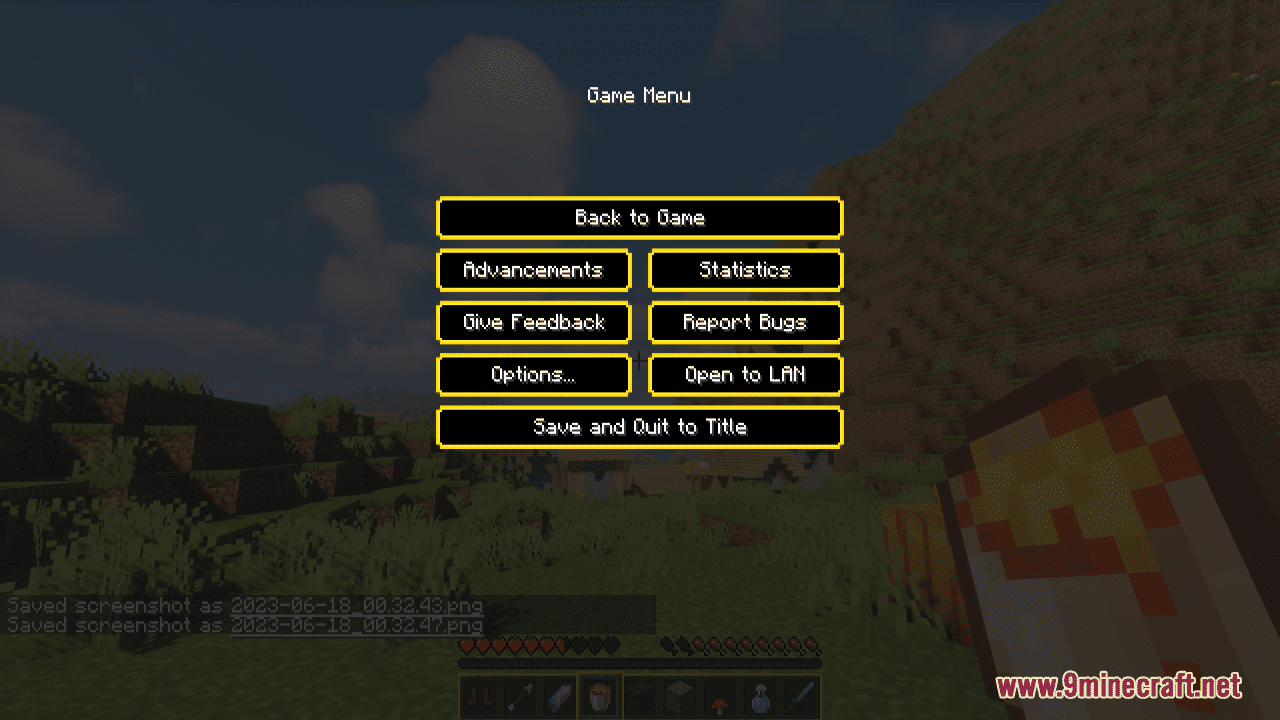
Requires:
Optifine
Tokyo Ghoul Custom GUI Resource Pack Download Links
For Minecraft 1.21.x
For Minecraft 1.20.6, 1.20.4, 1.20.2, 1.20.1, 1.20
For Minecraft 1.19.4, 1.19.2
- Edition: Minecraft Java
- File type: .zip (resource pack)
- Minecraft versions listed: 1.21.1, 1.20.1
- How to install: Download the .zip resource pack — do not unzip it. → Put it in .minecraft/resourcepacks. → Enable it in Options → Resource Packs.
- Where to get it: In MC Java Mods, or directly above on this page.
Install steps are the general flow for this file type — How to install Minecraft Java resource packs walks through it step by step.
Tokyo Ghoul Custom GUI Resource Pack (1.21.1, 1.20.1) – Texture Pack is a free Minecraft Java resourcepack. Compatible with Minecraft 1.21.1, 1.20.1. Download it and open it directly in the game.