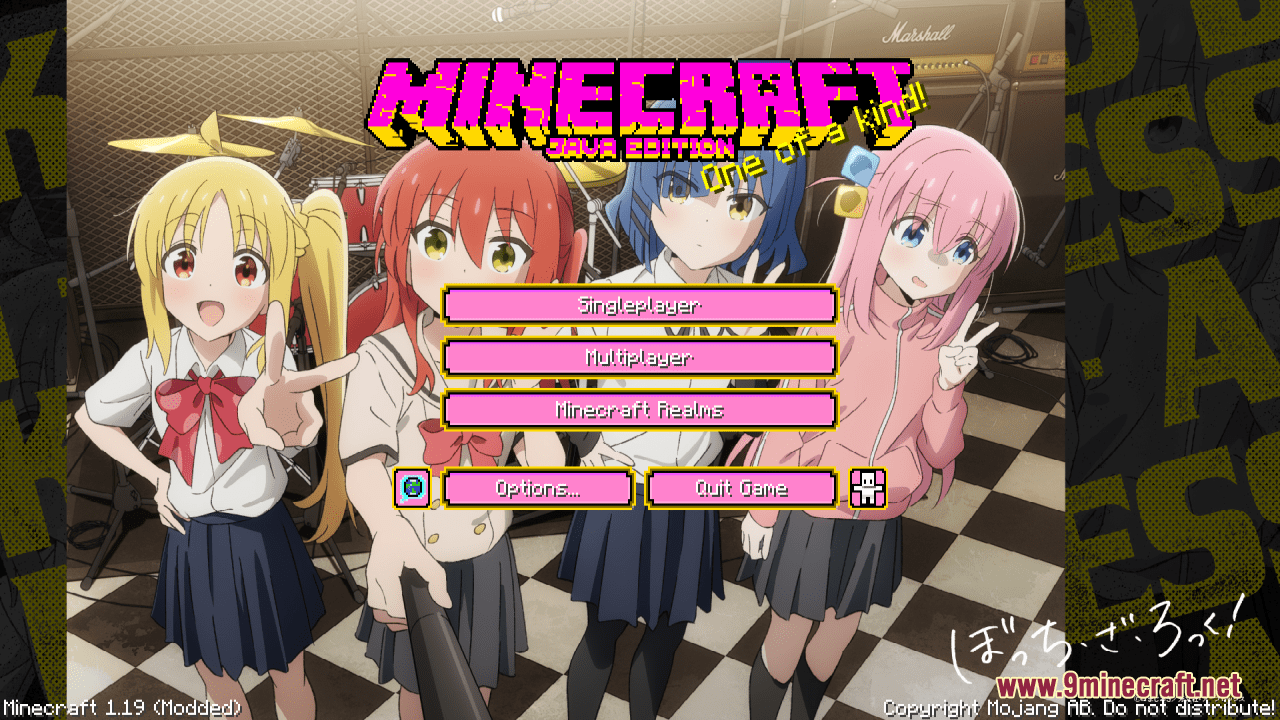
Bocchi the Rock! Custom GUI Resource Pack (1.21.1, 1.20.1) – Texture Pack
Bocchi the Rock! Custom GUI Resource Pack simply invites you to break free from the conventional Minecraft aesthetic and embrace a style that's bold…
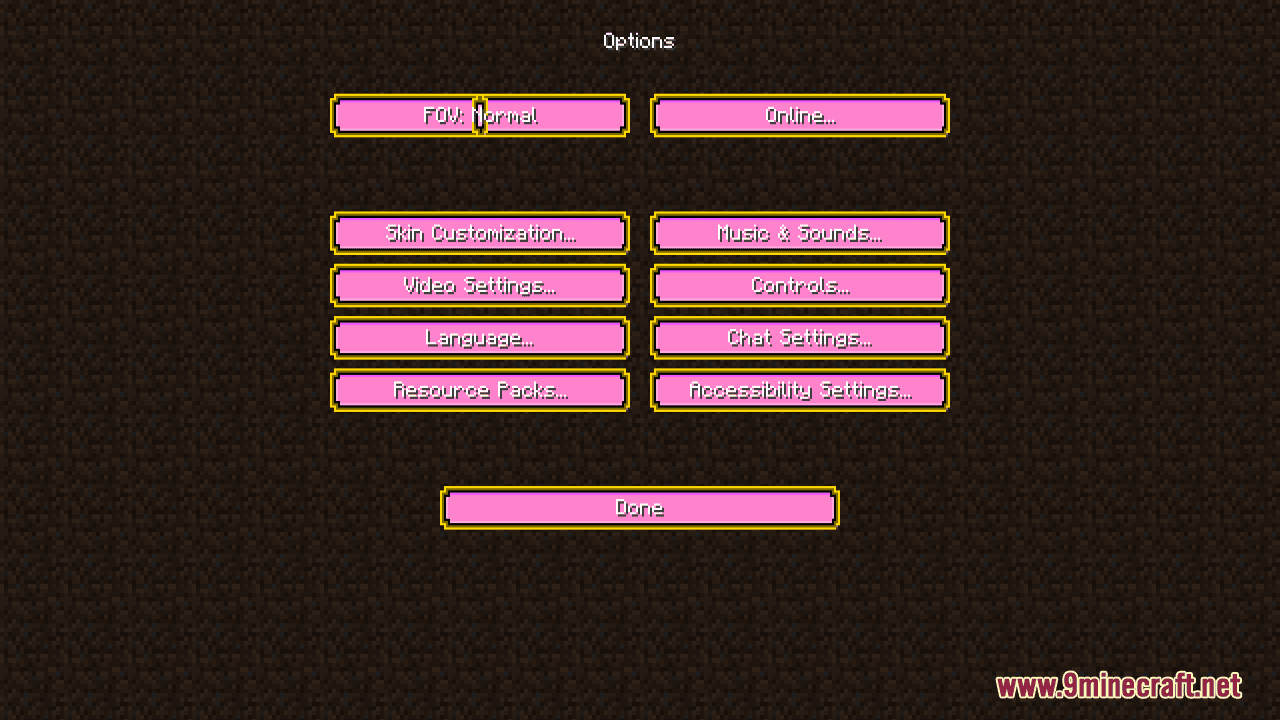
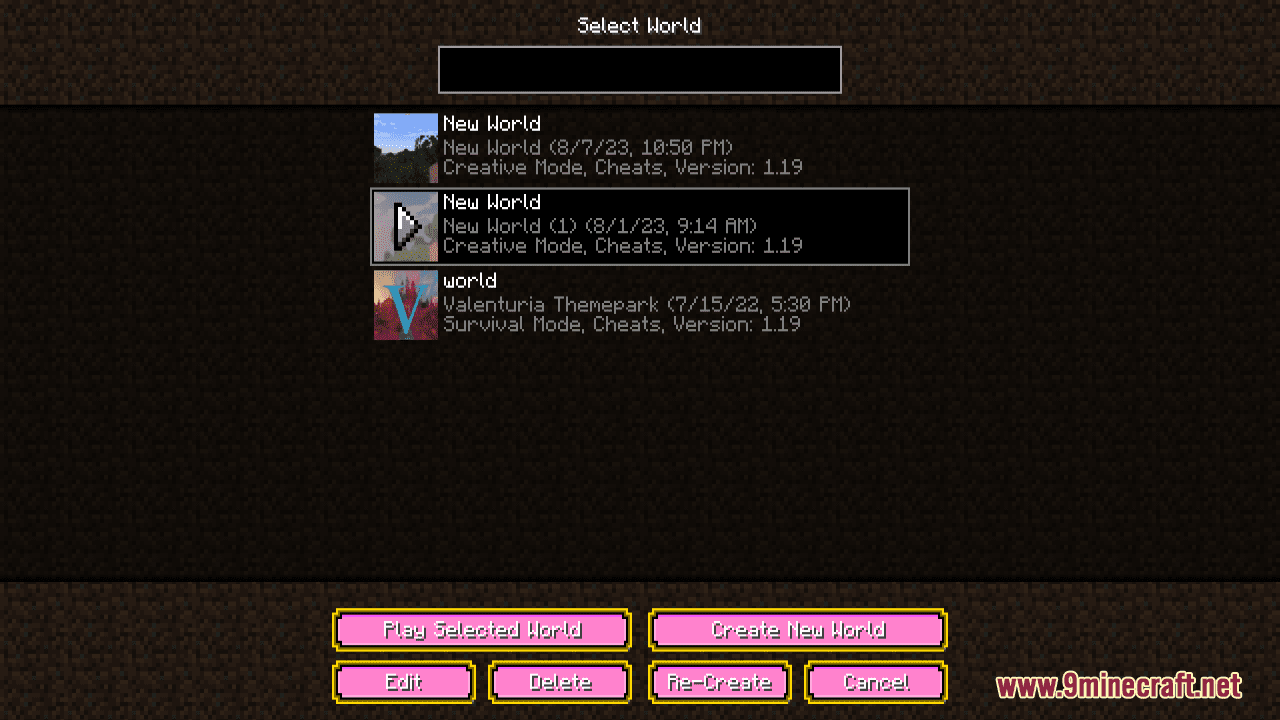
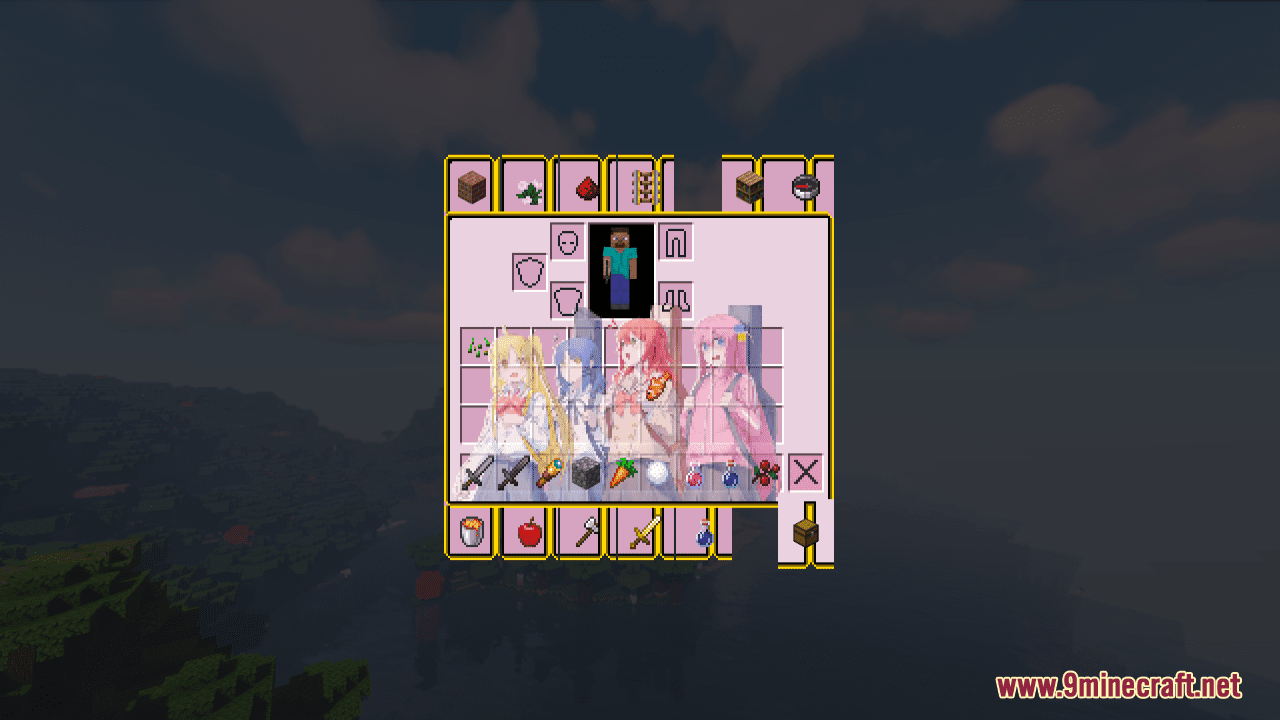
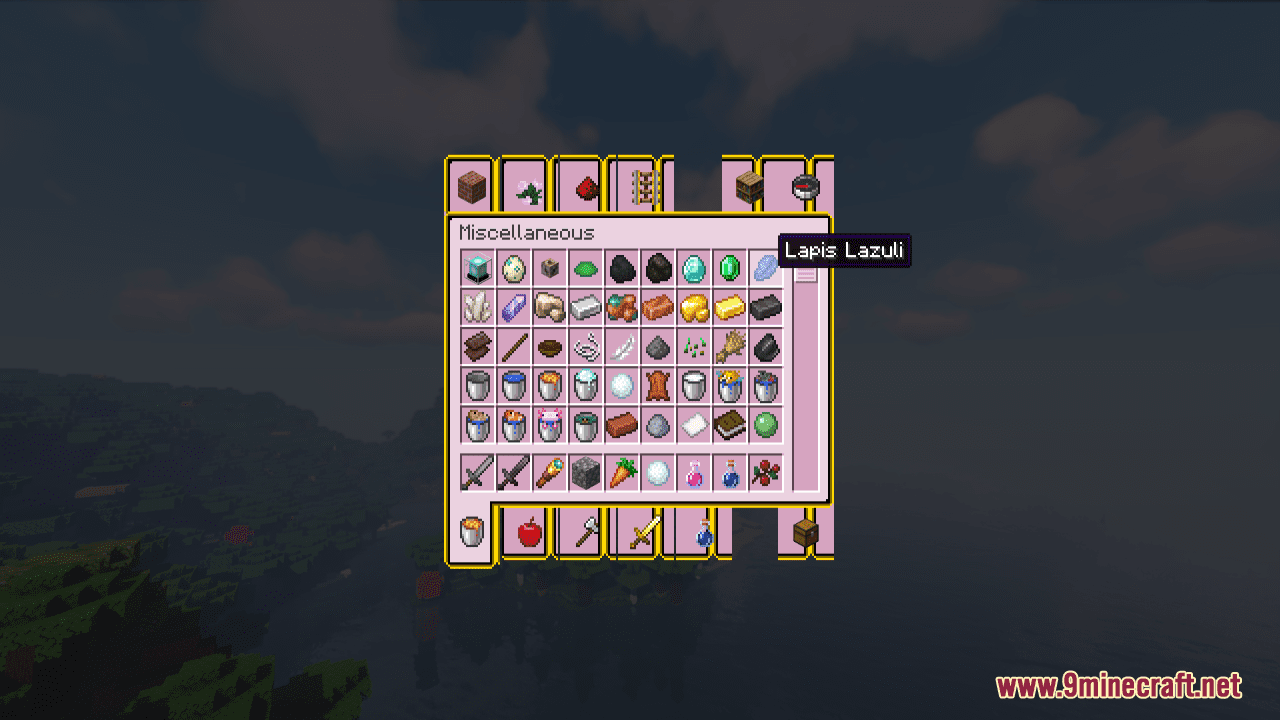
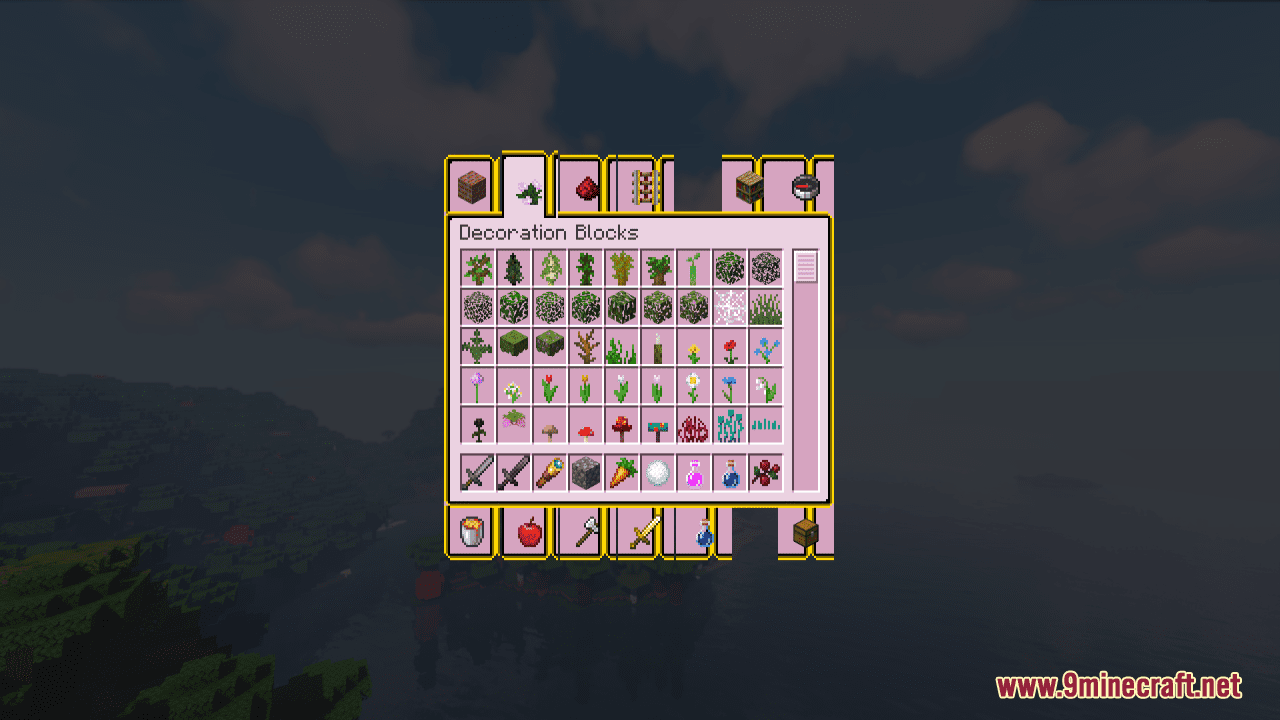
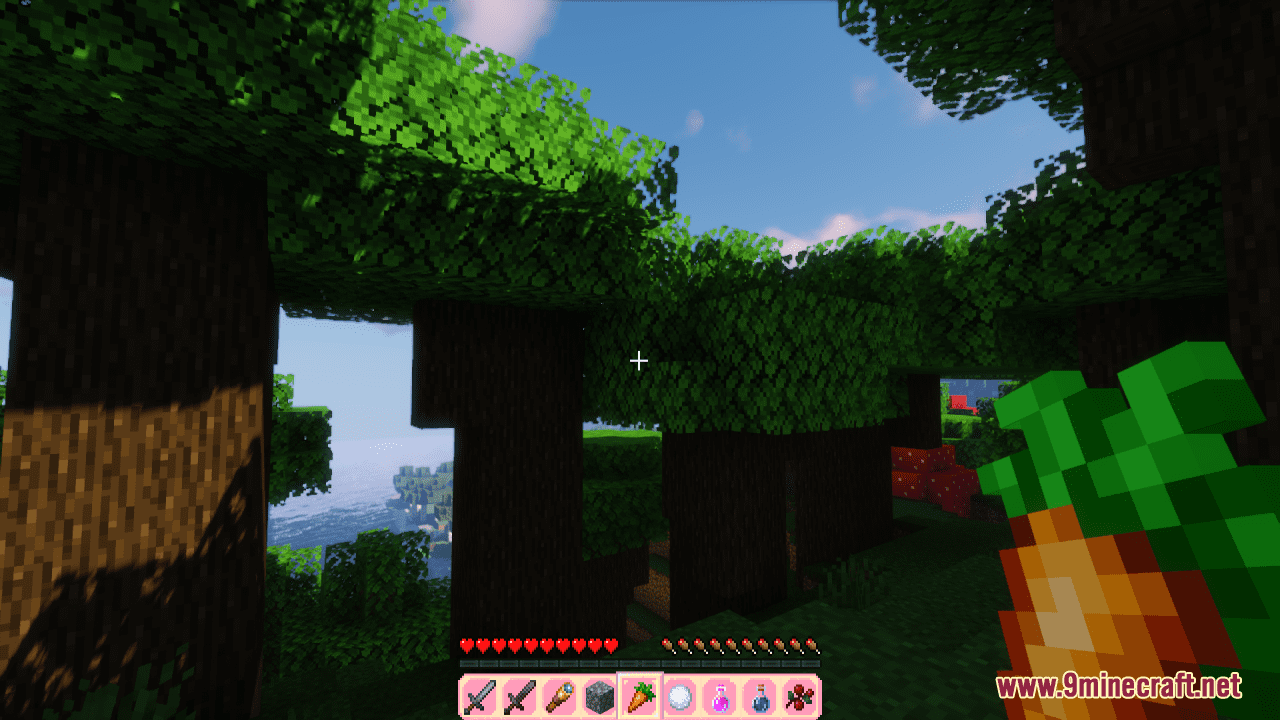
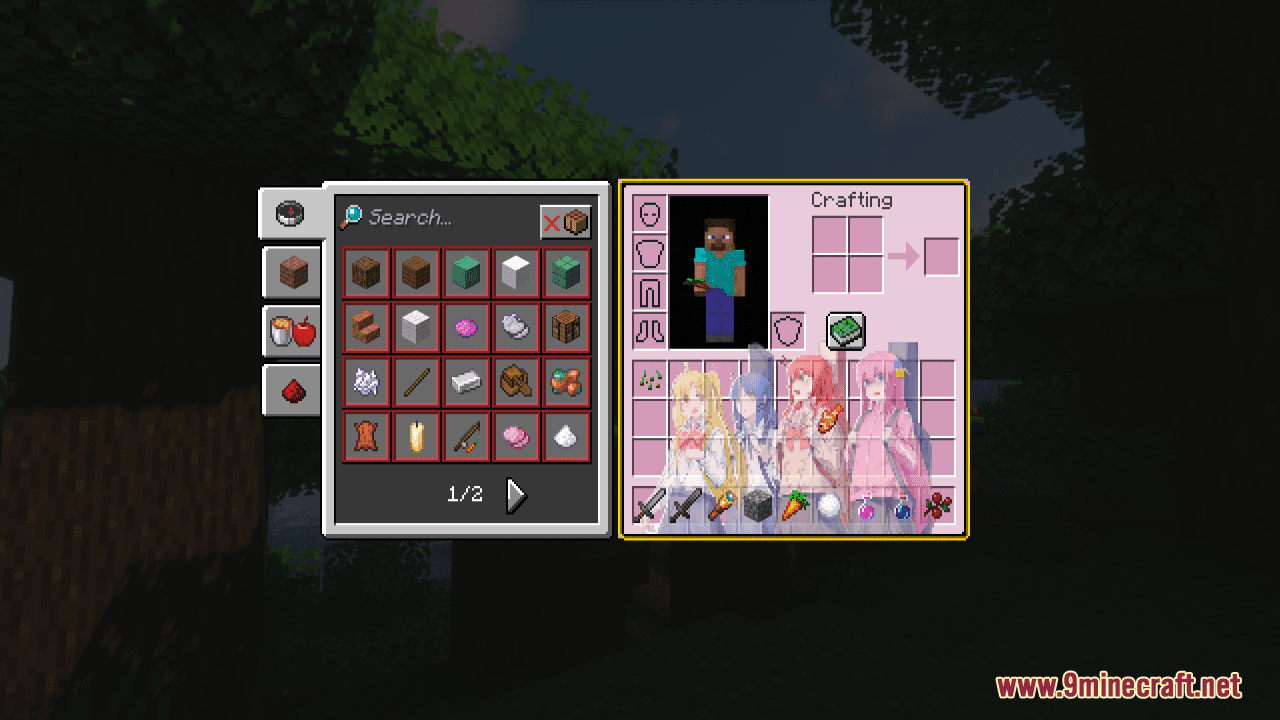
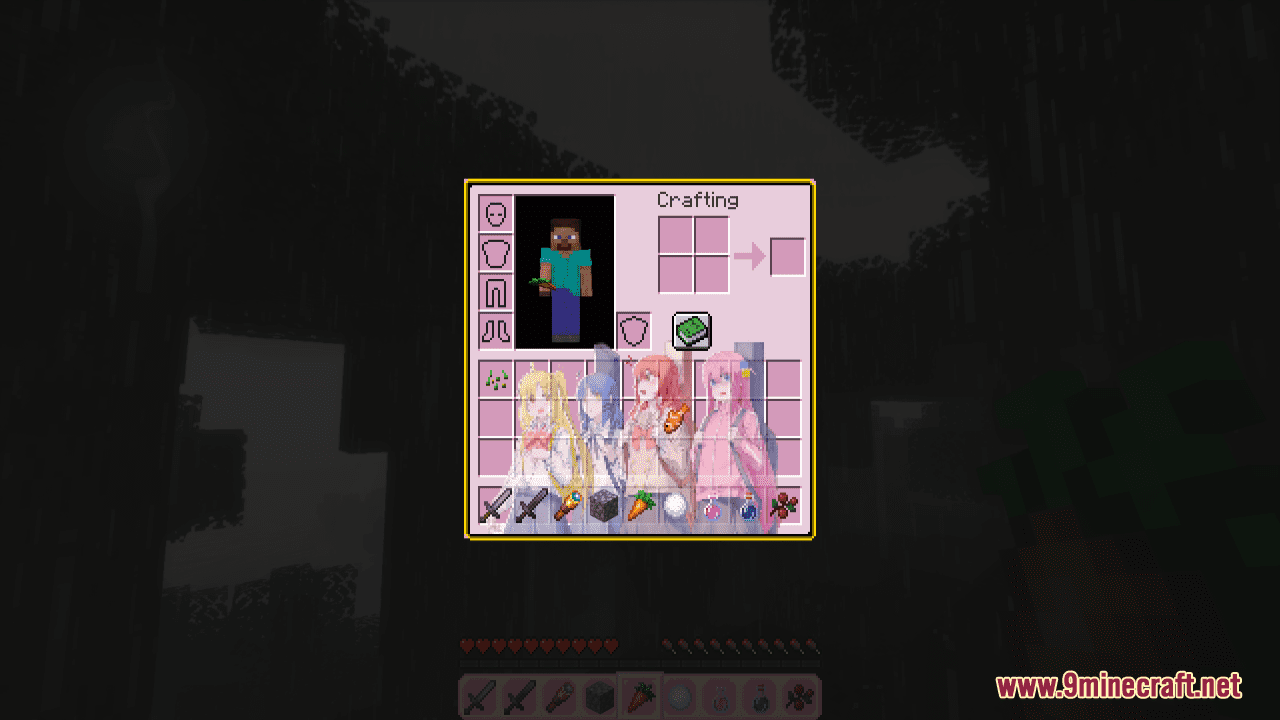
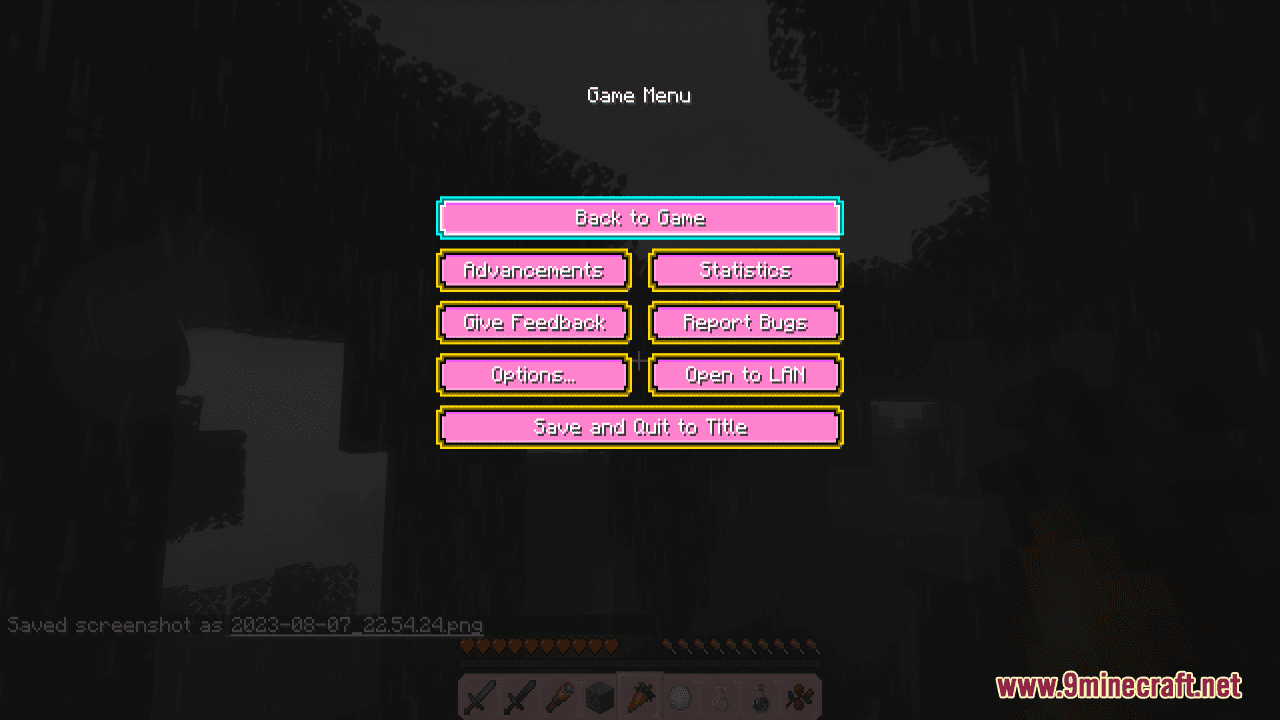
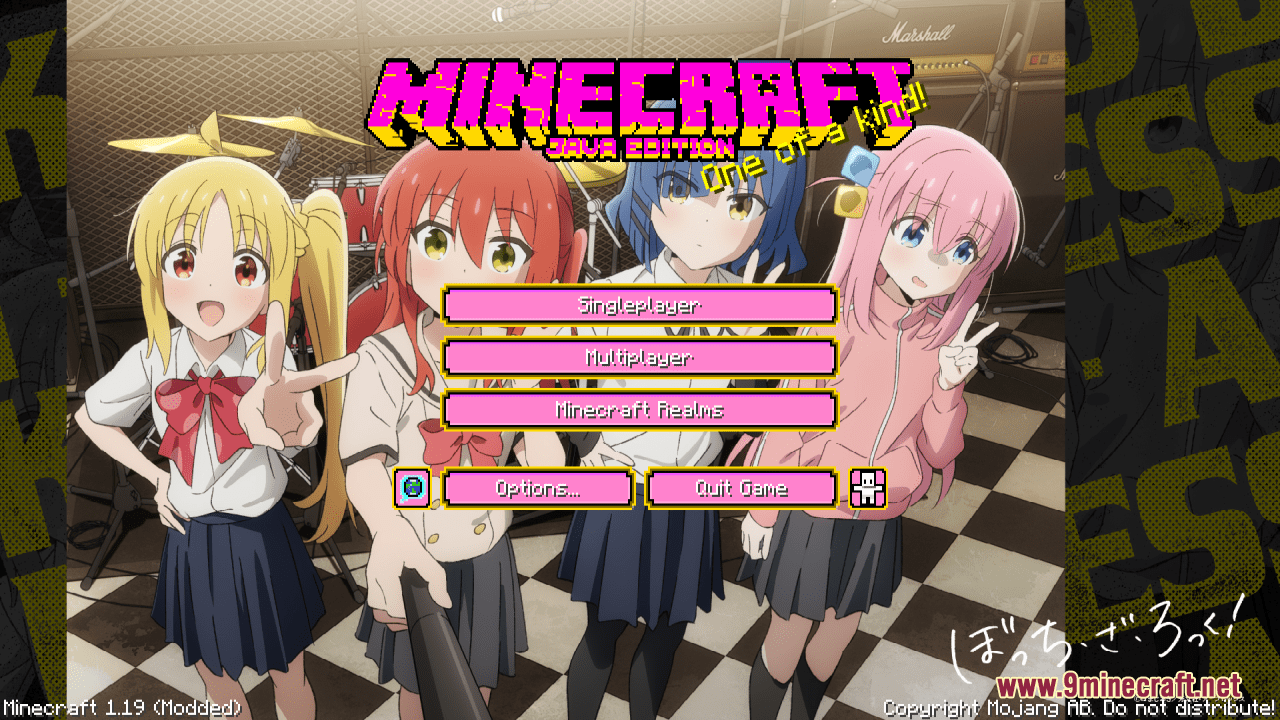
⬇ DownloadOpen in MCModsHubGet it on Google Play →Bocchi the Rock! Custom GUI Resource Pack simply invites you to break free from the conventional Minecraft aesthetic and embrace a style that’s bold, vibrant, and truly your own. With this slight and simple pack installed, every aspect of your Minecraft user interface gets a personalized overhaul. From inventory screens to crafting tables, it ensures that every interaction is a showcase of your distinctive taste. Moreover, the palette used in this GUI pack is carefully curated to stand out, reflecting a sense of confidence and uniqueness that resonates with your character. All in all, it is a great and reasonable option for players to refresh their game visual impression without much effort.
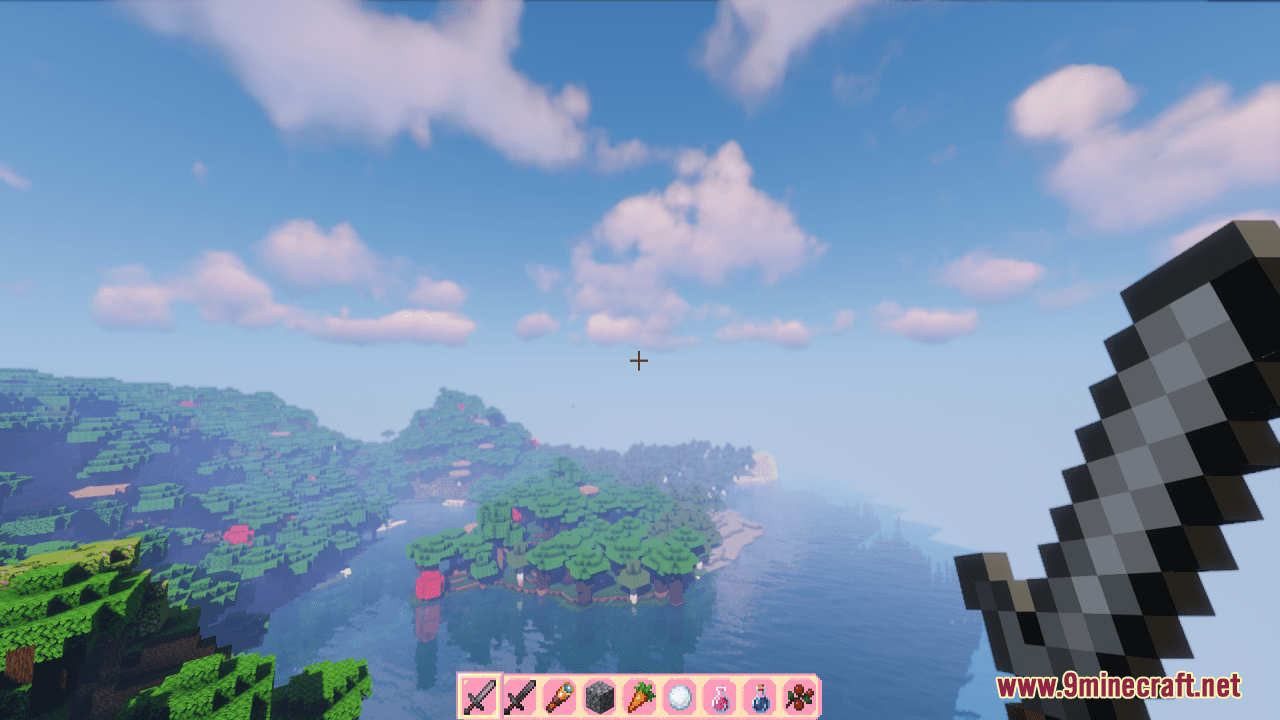
Screenshots:
Requires:
Optifine
Bocchi the Rock! Custom GUI Resource Pack Download Links
For Minecraft 1.21.x
For Minecraft 1.20.6, 1.20.4, 1.20.2, 1.20.1, 1.19.4
Bocchi the Rock! Custom GUI Resource Pack (1.21.1, 1.20.1) – Texture Pack is a free Minecraft Java resourcepack. Compatible with Minecraft 1.21.1, 1.20.1. Download it and open it directly in the game.