Shadow's Pixels Reforged Resource Pack (1.21.1, 1.20.1) – Texture Pack
Shadow's Pixels Reforged Resource Pack is designed to provide a fresh visual experience while preserving the core essence of Minecraft's iconic blocks. It…
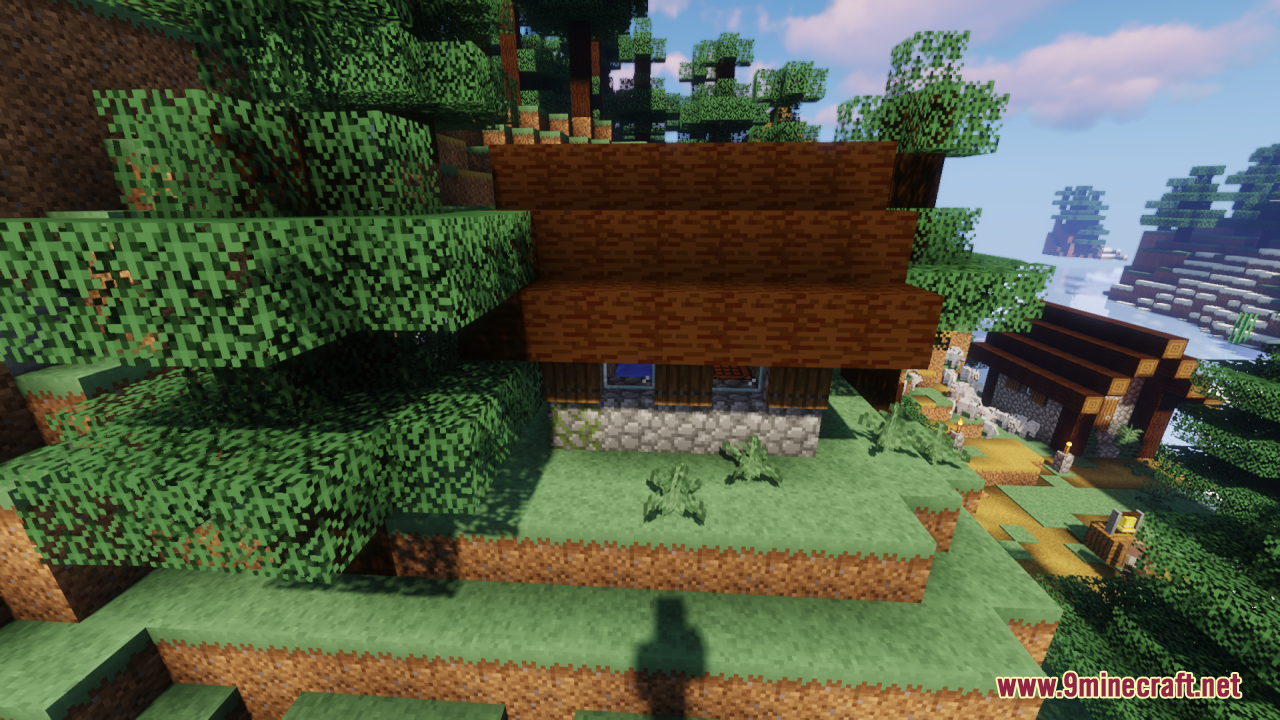
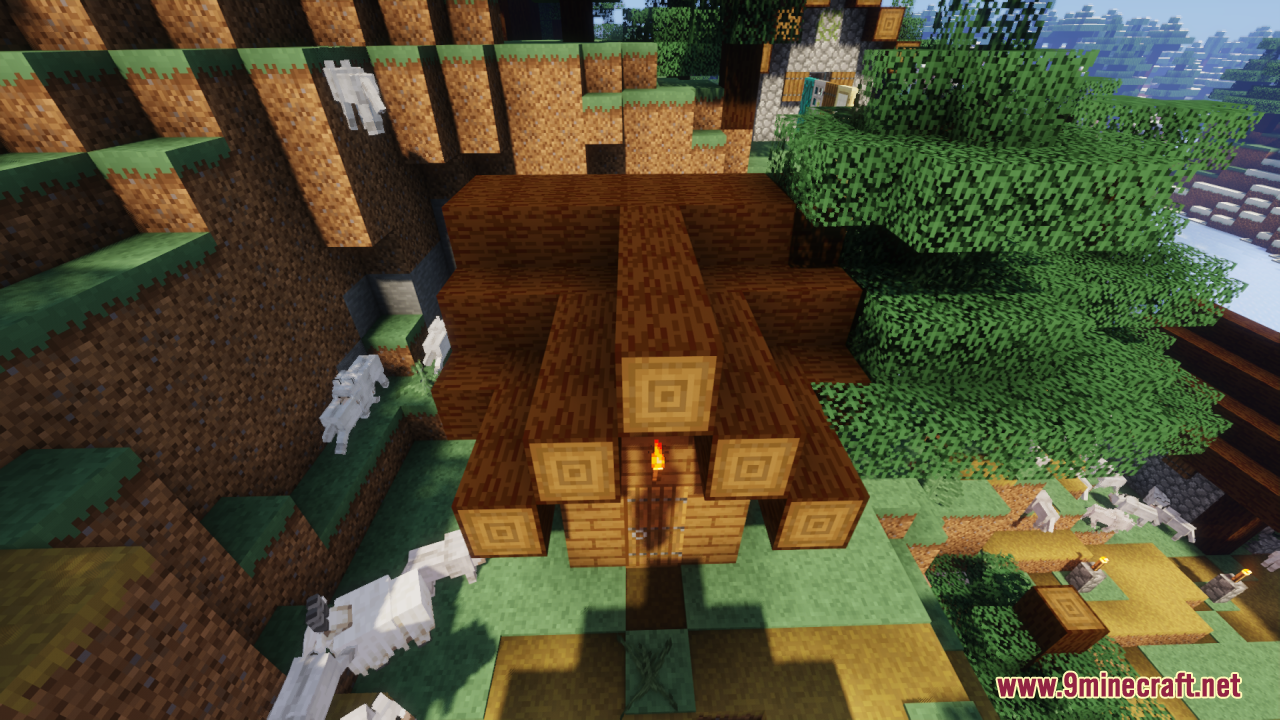
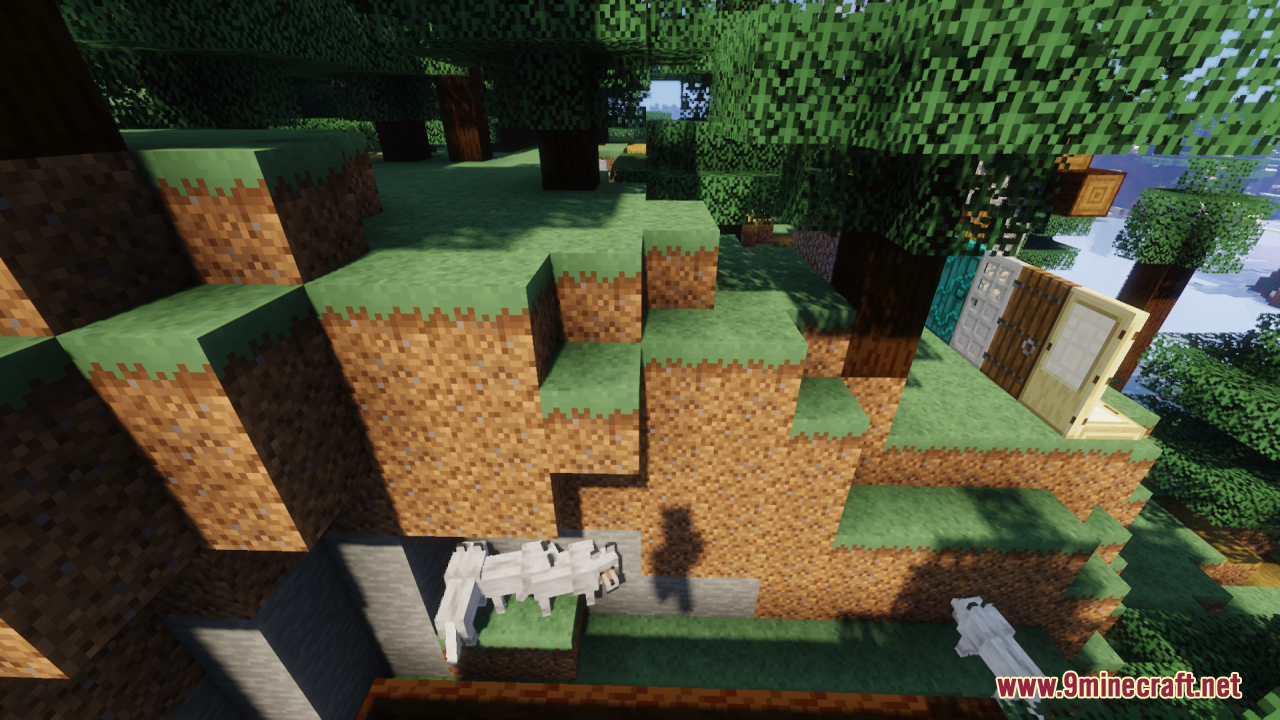
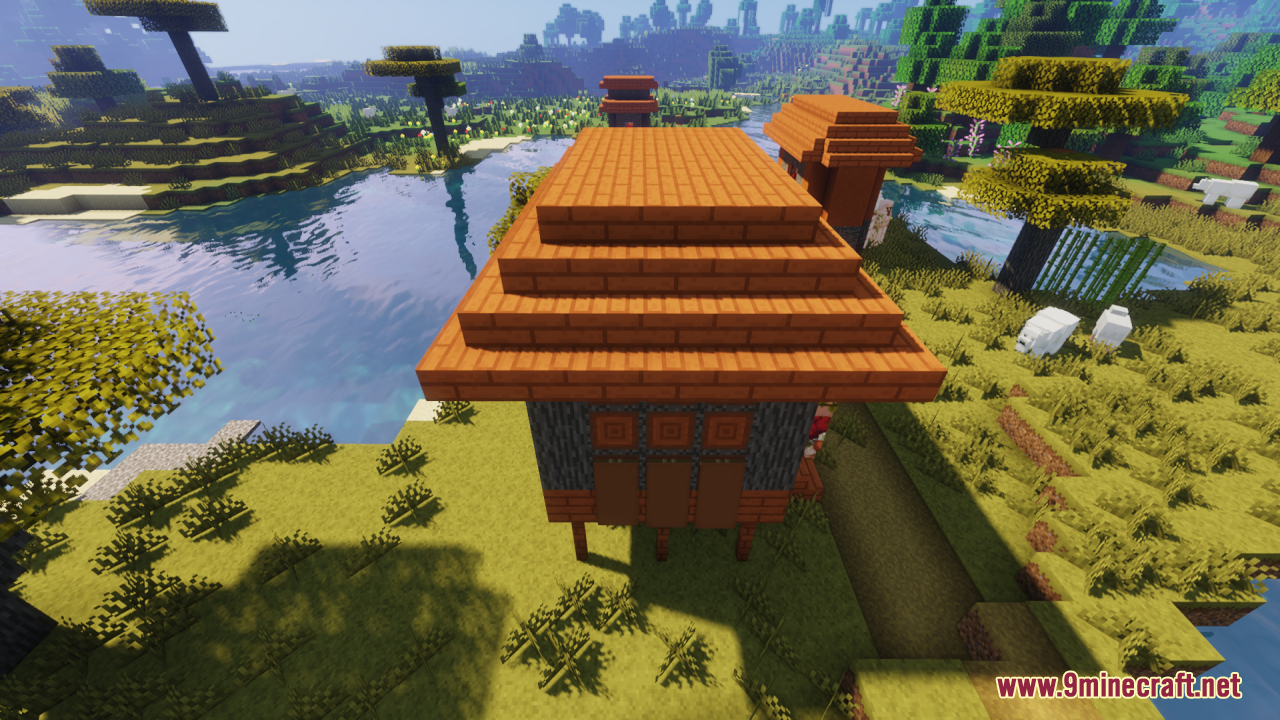
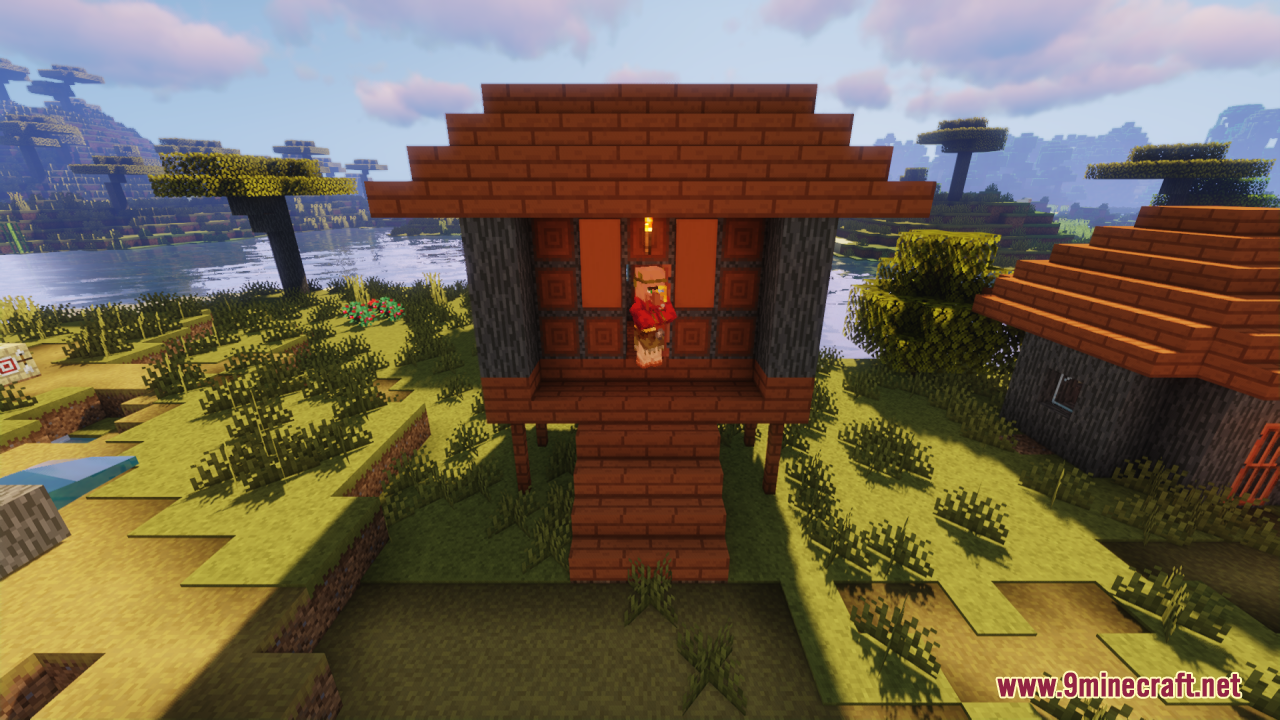
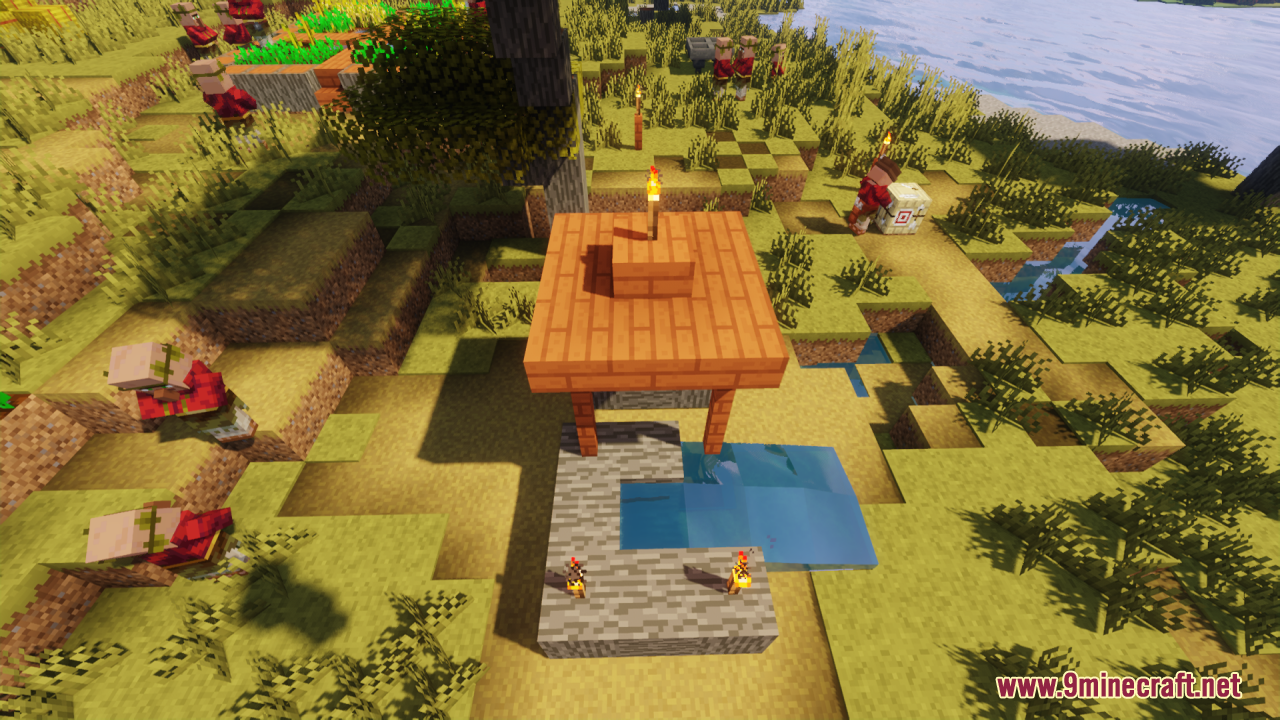
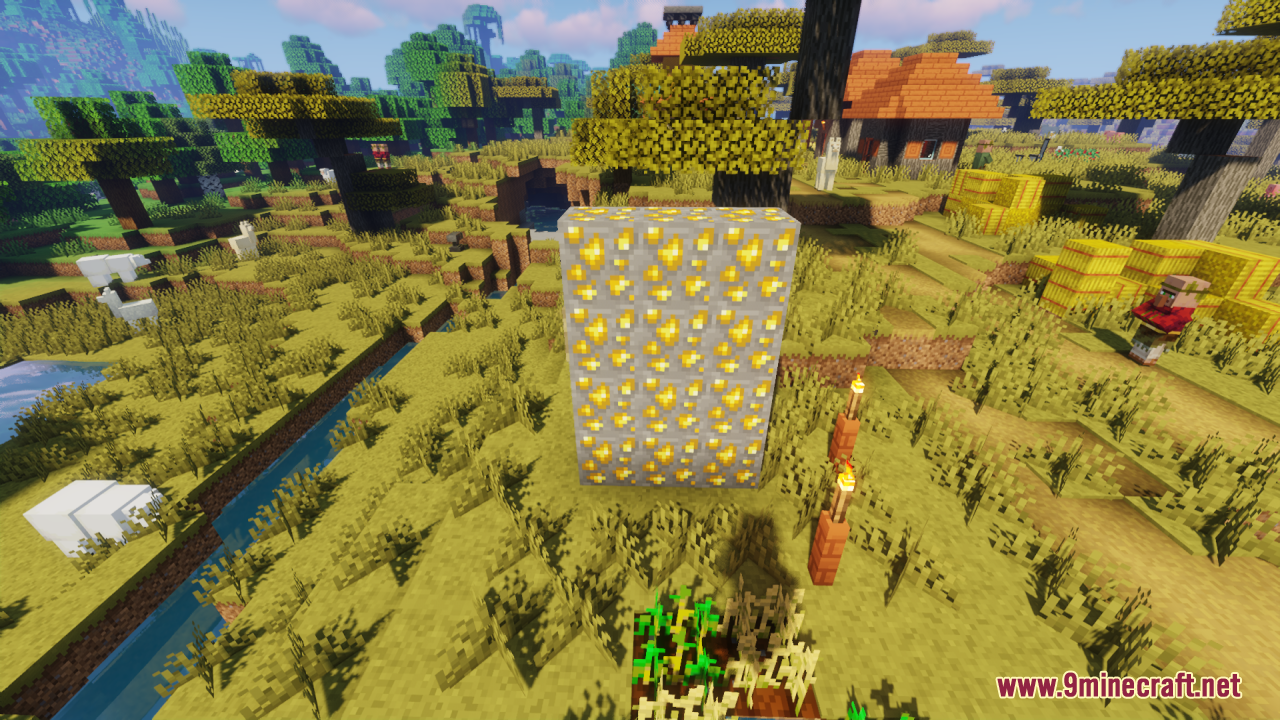
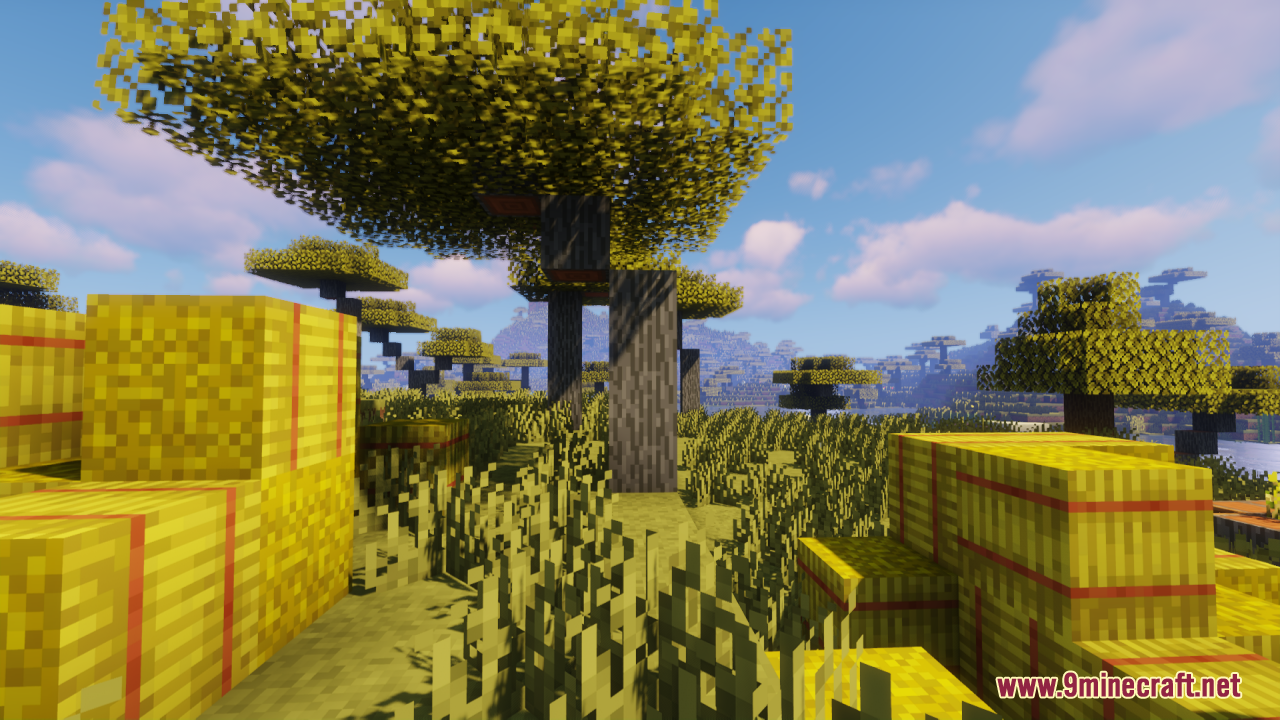
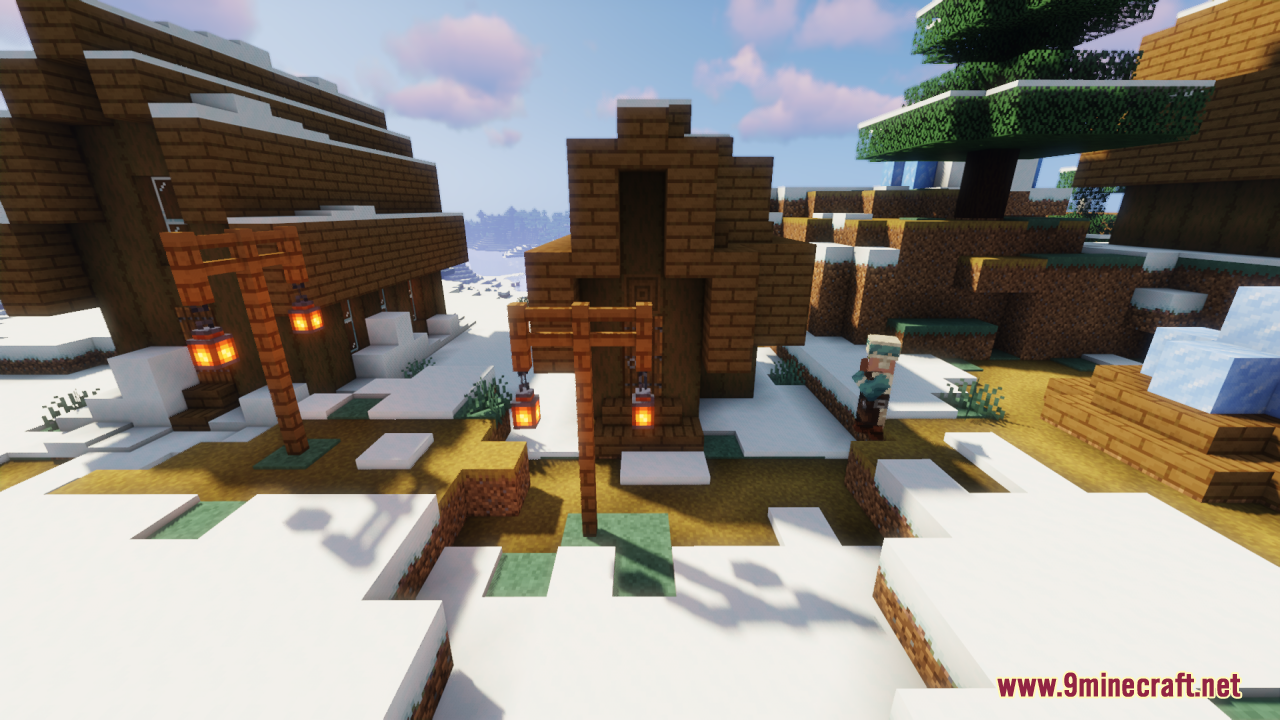
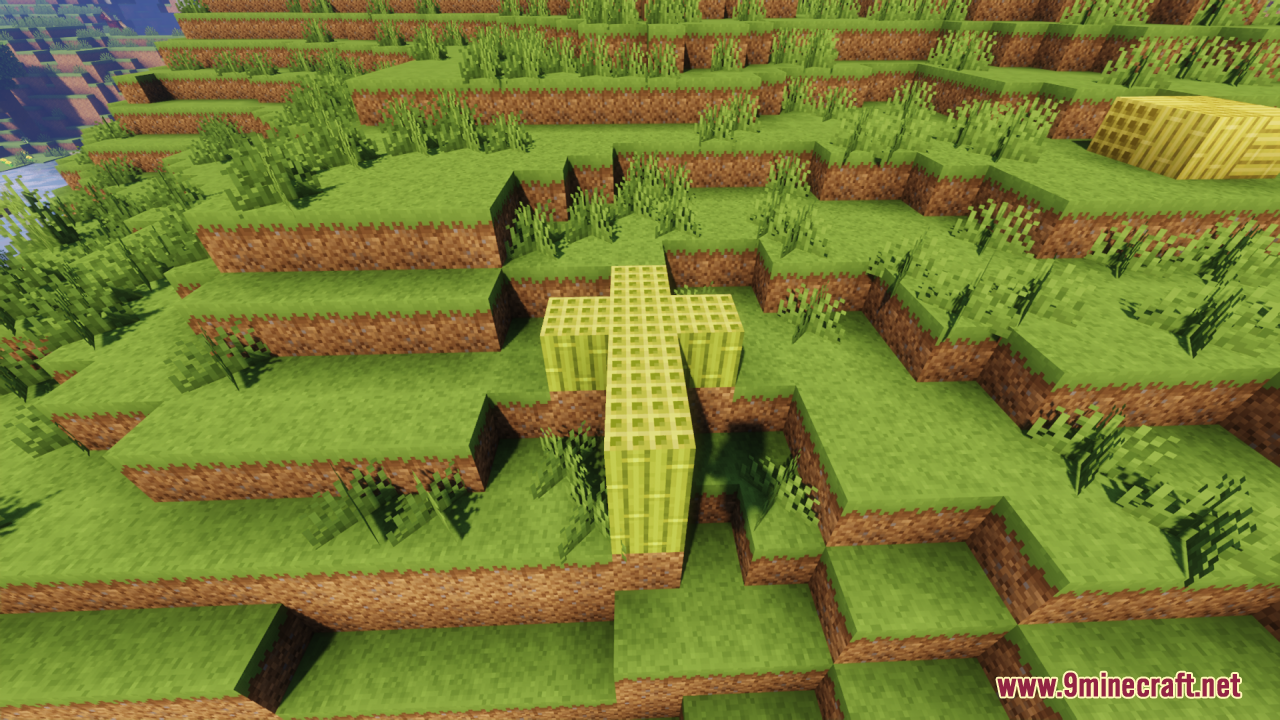
⬇ DownloadOpen in MCModsHubGet it on Google Play →Shadow’s Pixels Reforged Resource Pack is designed to provide a fresh visual experience while preserving the core essence of Minecraft’s iconic blocks. It simply reimagines the textures of familiar blocks, giving them a new and distinct appearance while ensuring that they still feel like a natural part of the vanilla game. All in all, this slight and clean pack offers a perfect blend of novelty and nostalgia for players looking to enhance their gameplay experience.
Screenshots:
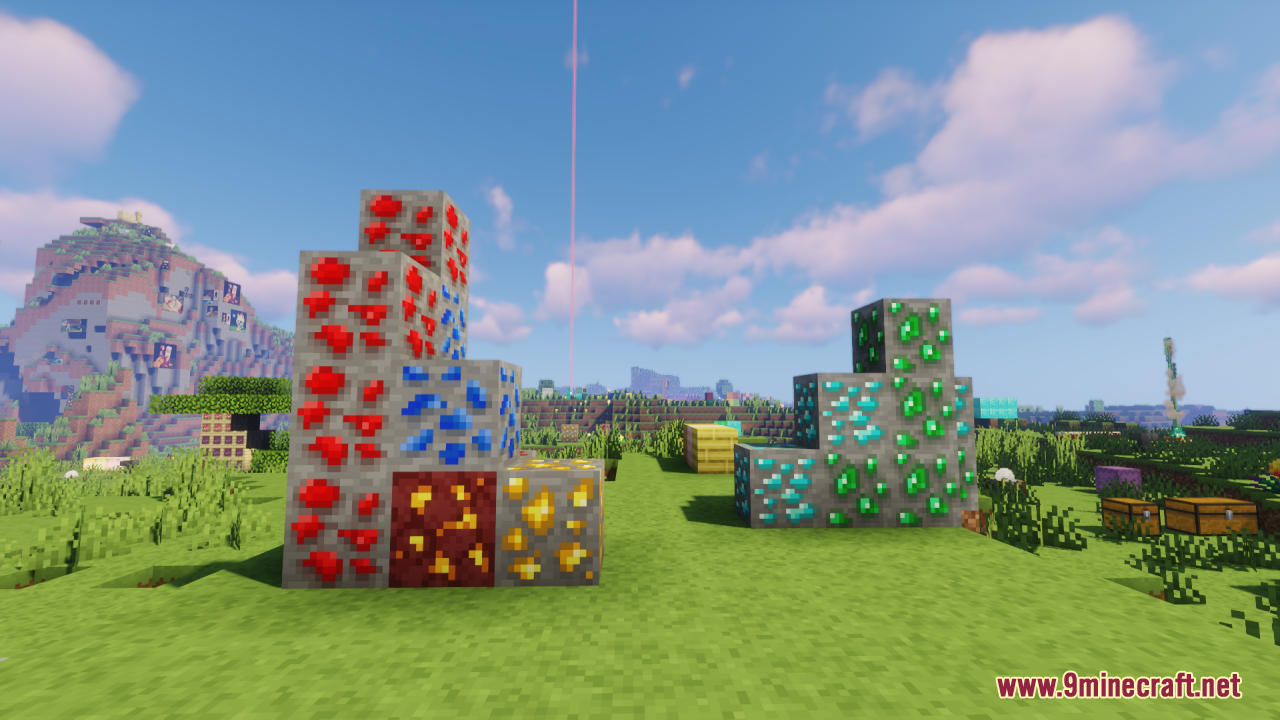
Shadow’s Pixels Reforged Resource Pack Download Links
For Minecraft 1.21.x
Shadow's Pixels Reforged Resource Pack (1.21.1, 1.20.1) – Texture Pack is a free Minecraft Java resourcepack. Compatible with Minecraft 1.21.1, 1.20.1. Download it and open it directly in the game.