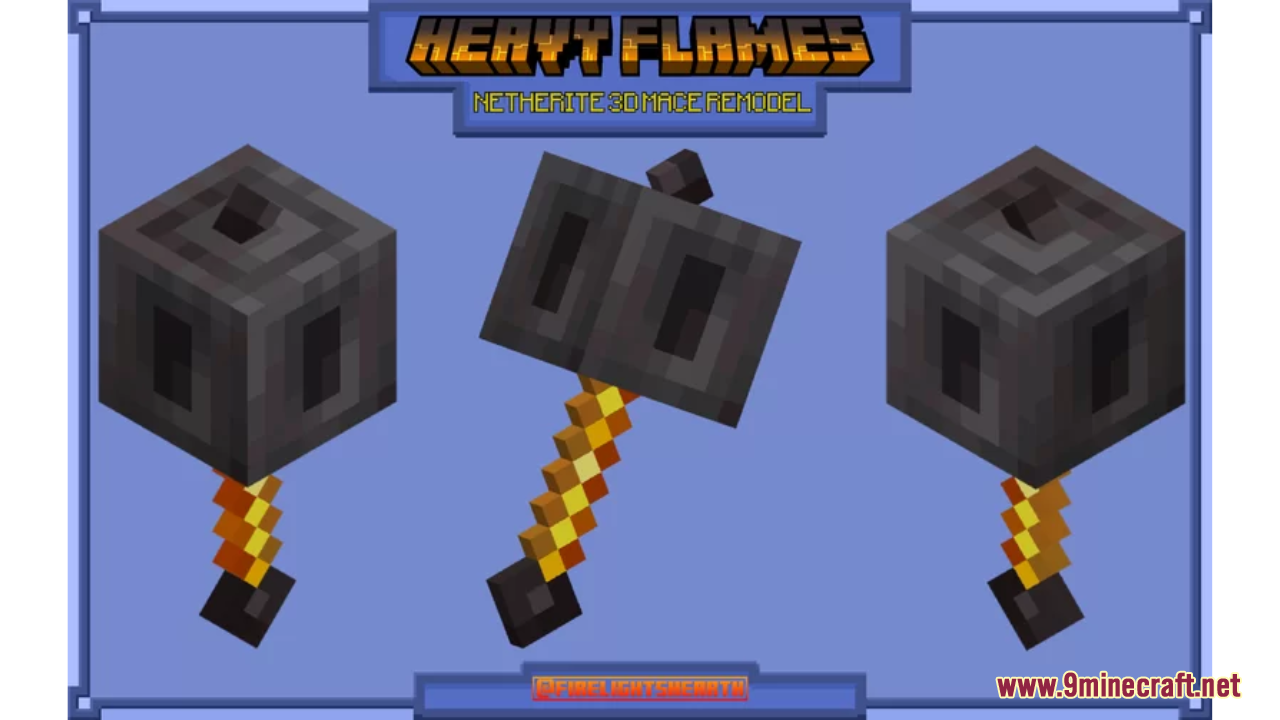
Heavy Flames Resource Pack (1.21.1, 1.20.1) – Texture Pack
Heavy Flames Resource Pack offers a straightforward yet impactful enhancement to Minecraft by re-texturing the Mace with a distinct Netherite-like theme…
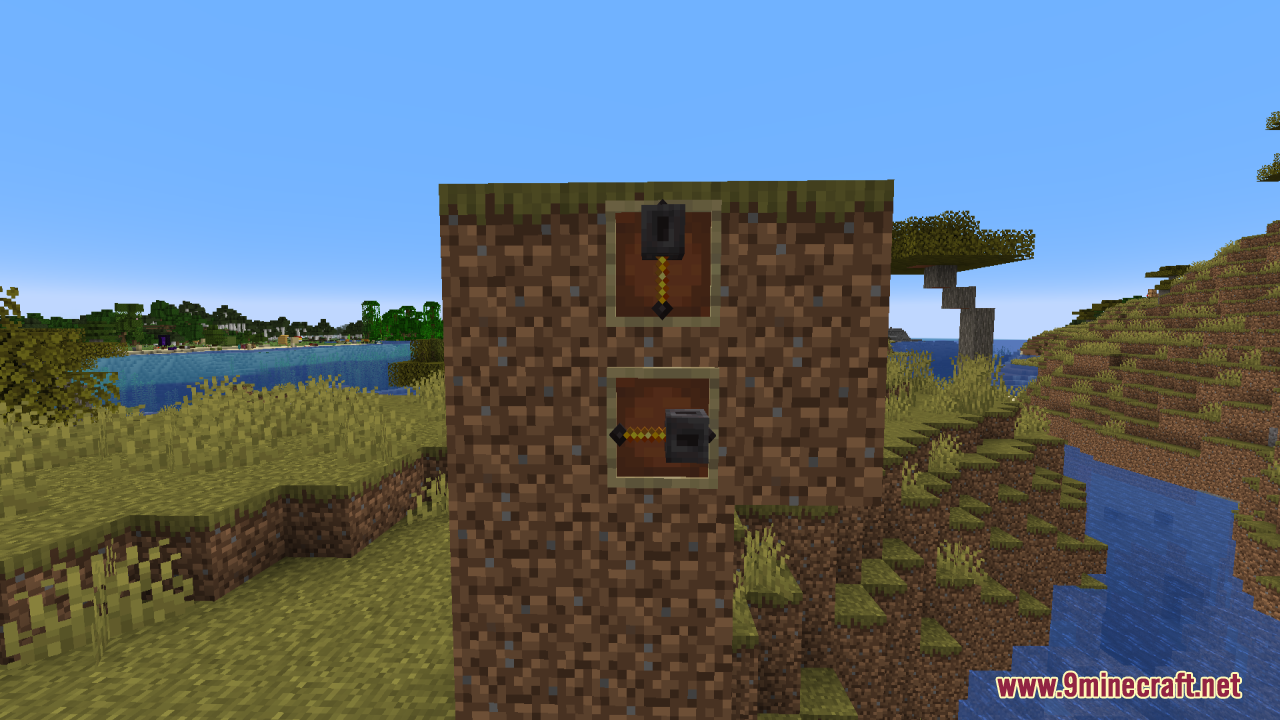
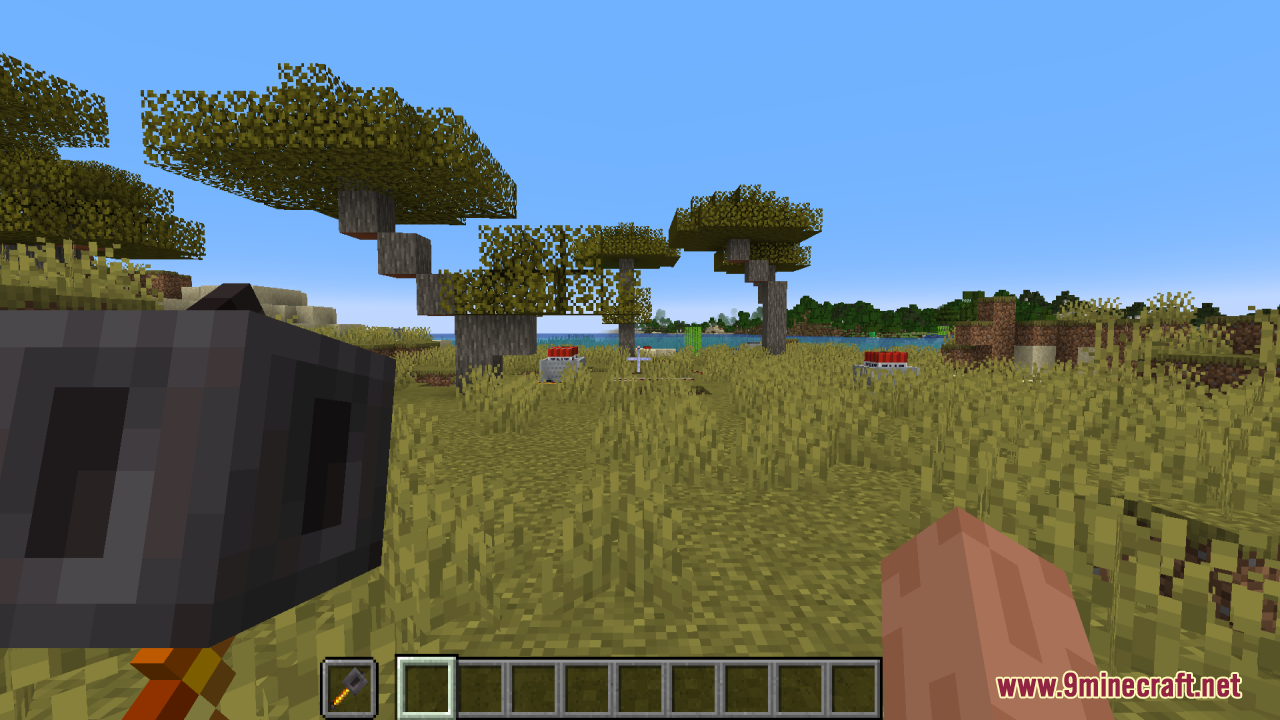
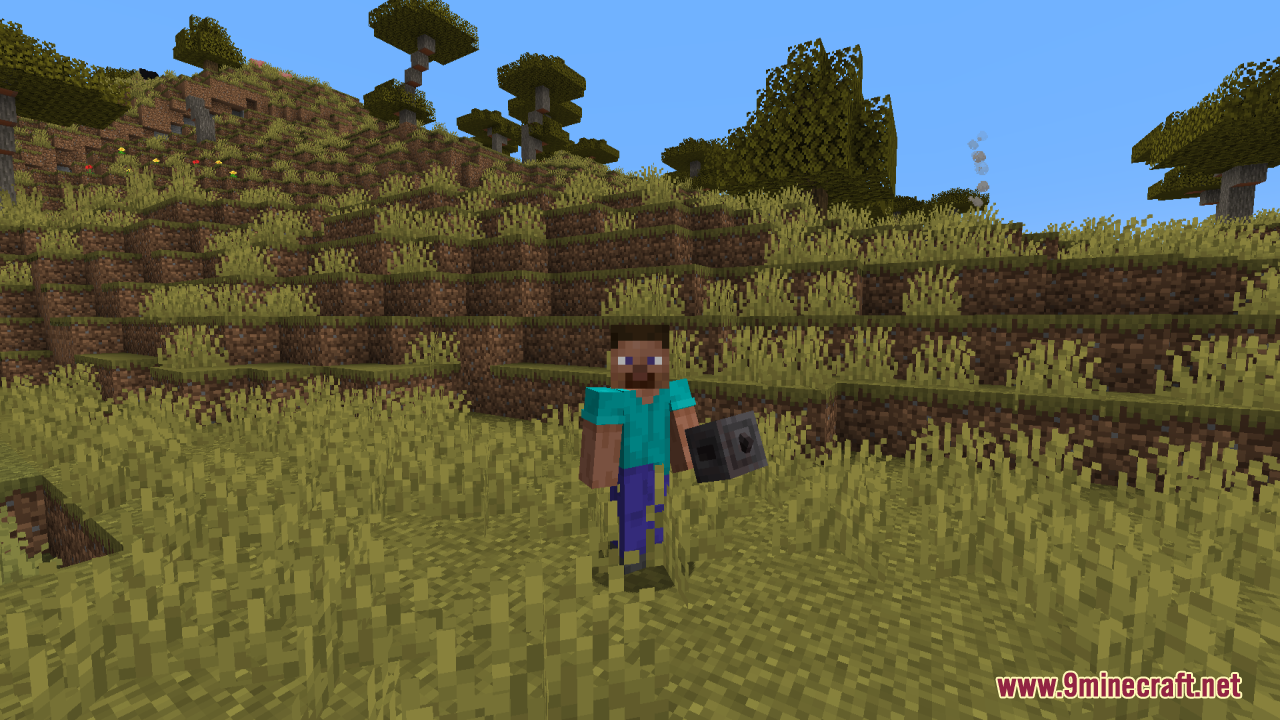
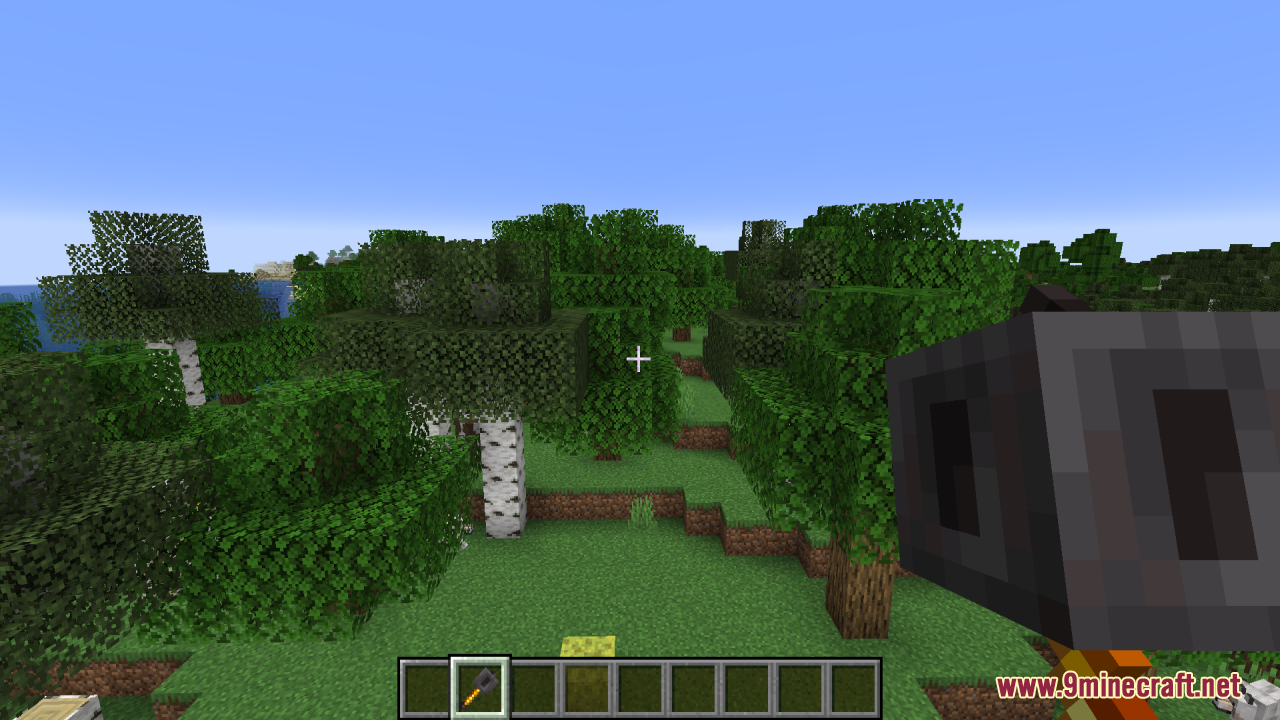
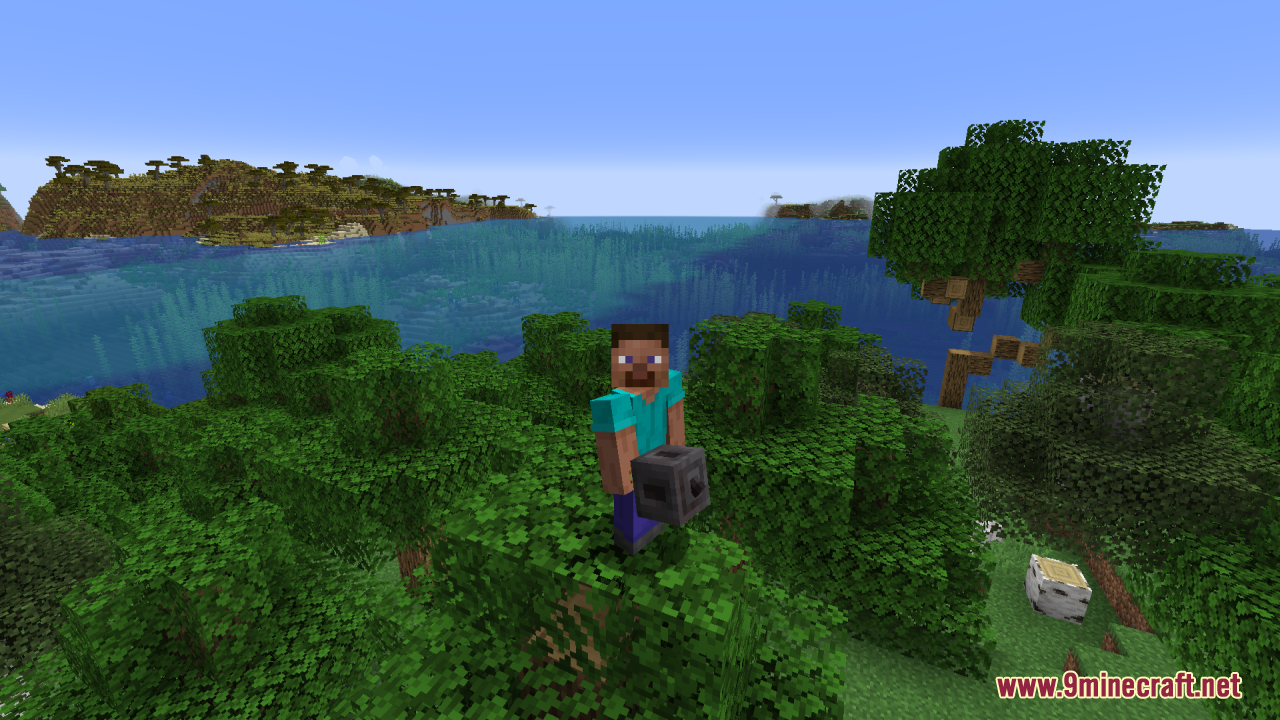
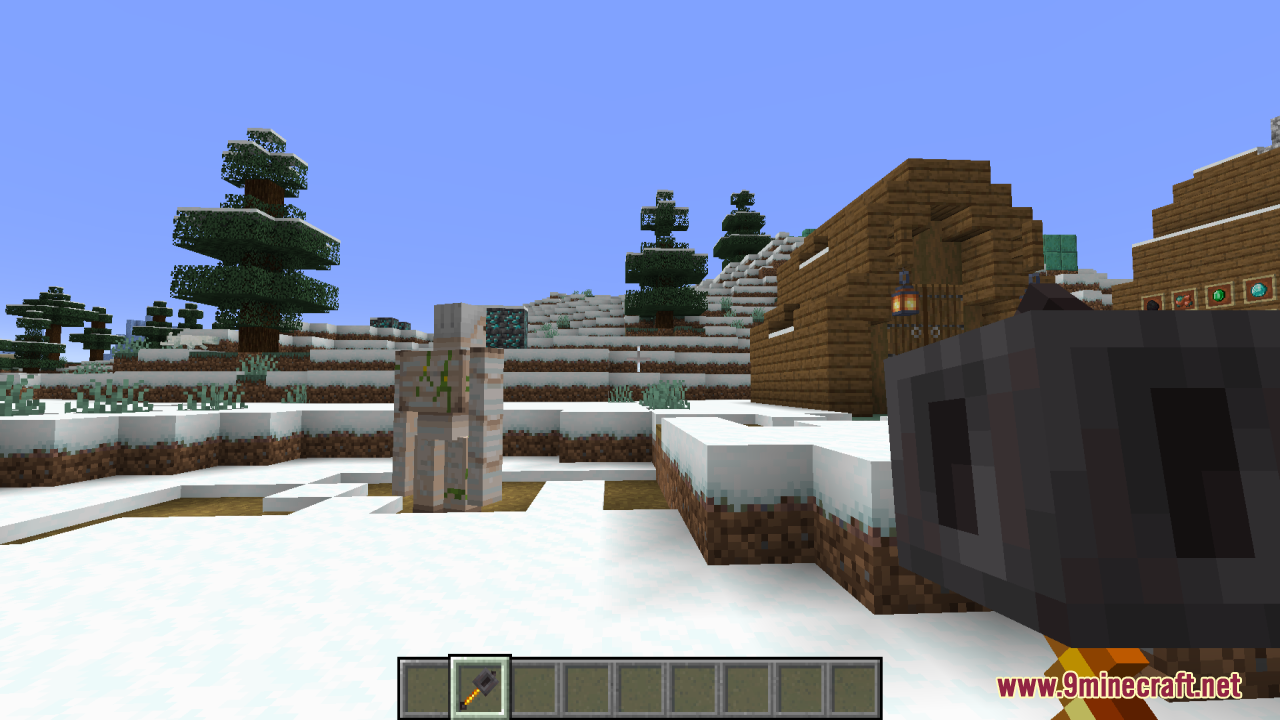
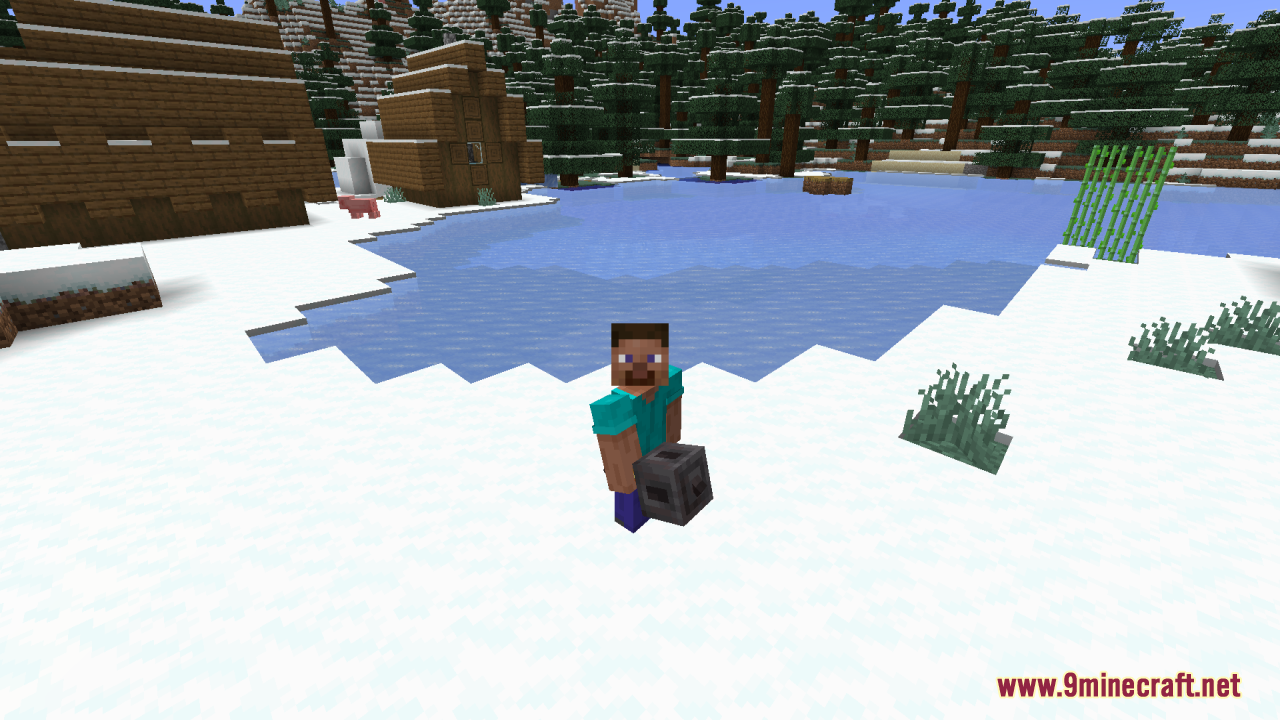
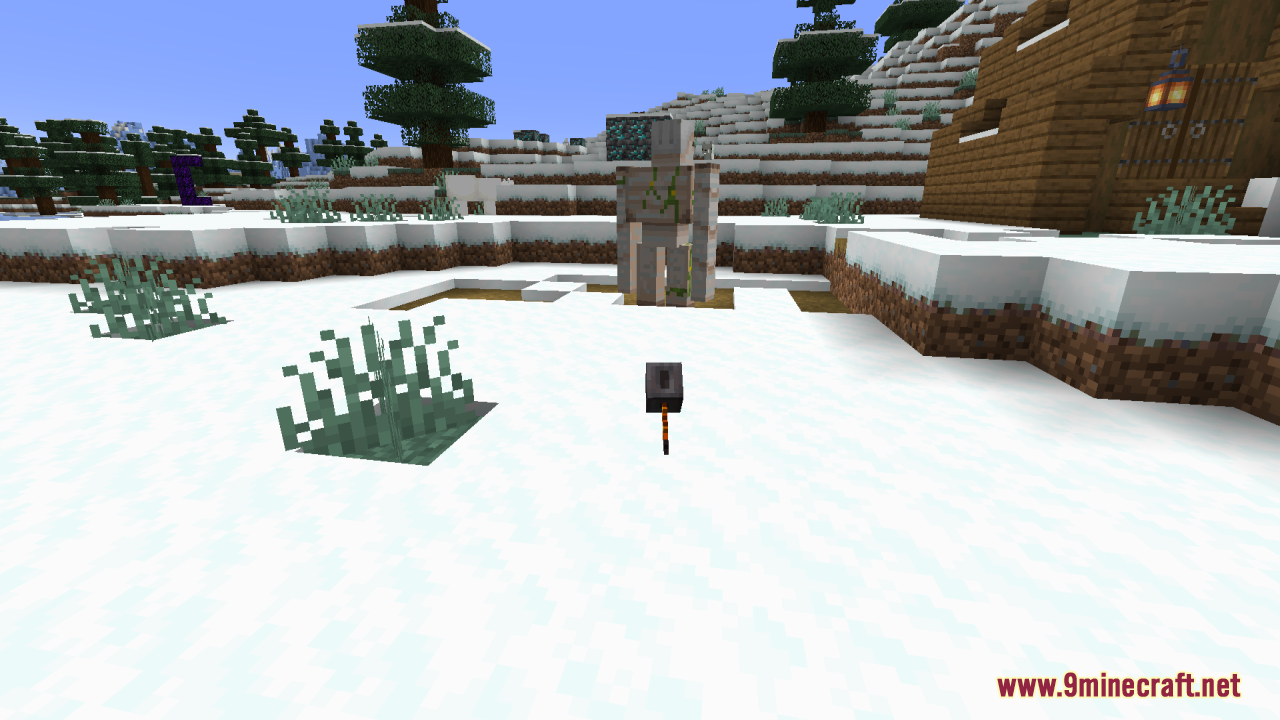
⬇ DownloadOpen in MCModsHubGet it on Google Play →Heavy Flames Resource Pack offers a straightforward yet impactful enhancement to Minecraft by re-texturing the Mace with a distinct Netherite-like theme. It focuses on aligning the Mace’s appearance with the rest of the end-game gear, giving it a powerful and cohesive look. With a 3D appearance, the Mace now boasts a more substantial and visually striking design, complete with dark, metallic tones that are characteristic of Netherite. Whether you’re battling foes in the Nether or simply admiring your gear, this slight and clean pack ensures that your Mace looks as fearsome as it performs, blending seamlessly with the high-level aesthetic of the game’s final stages.
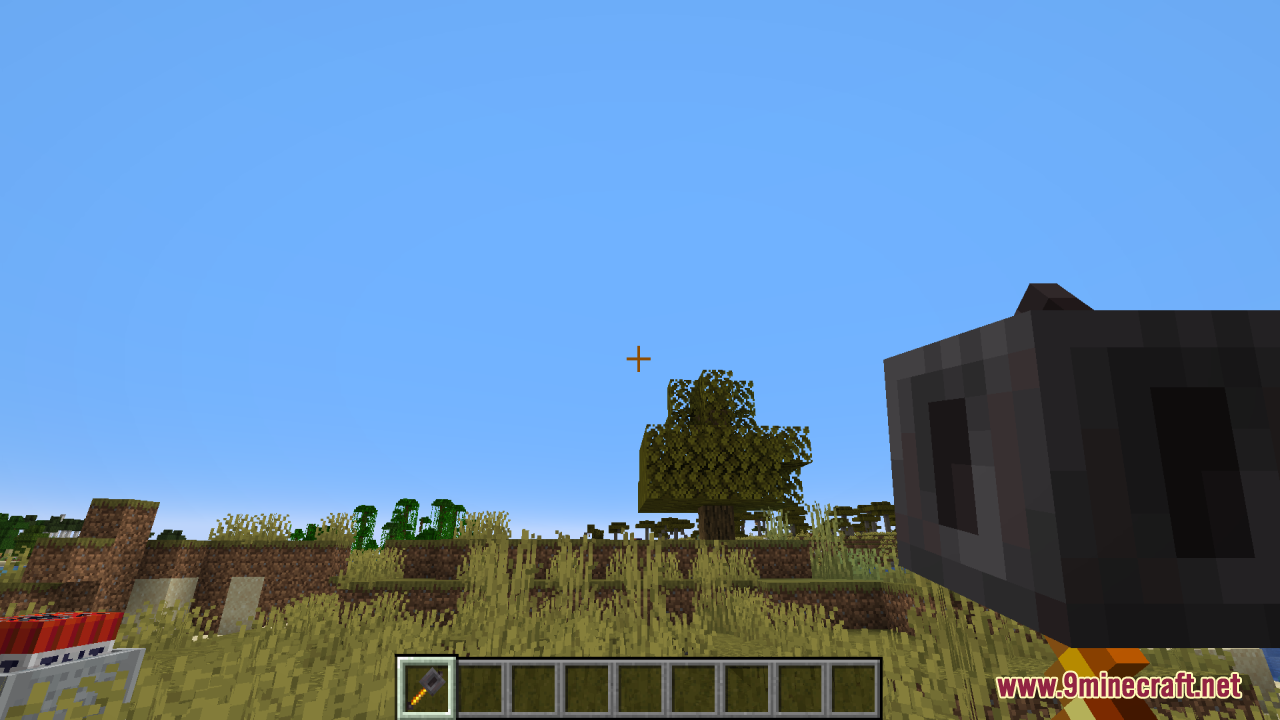
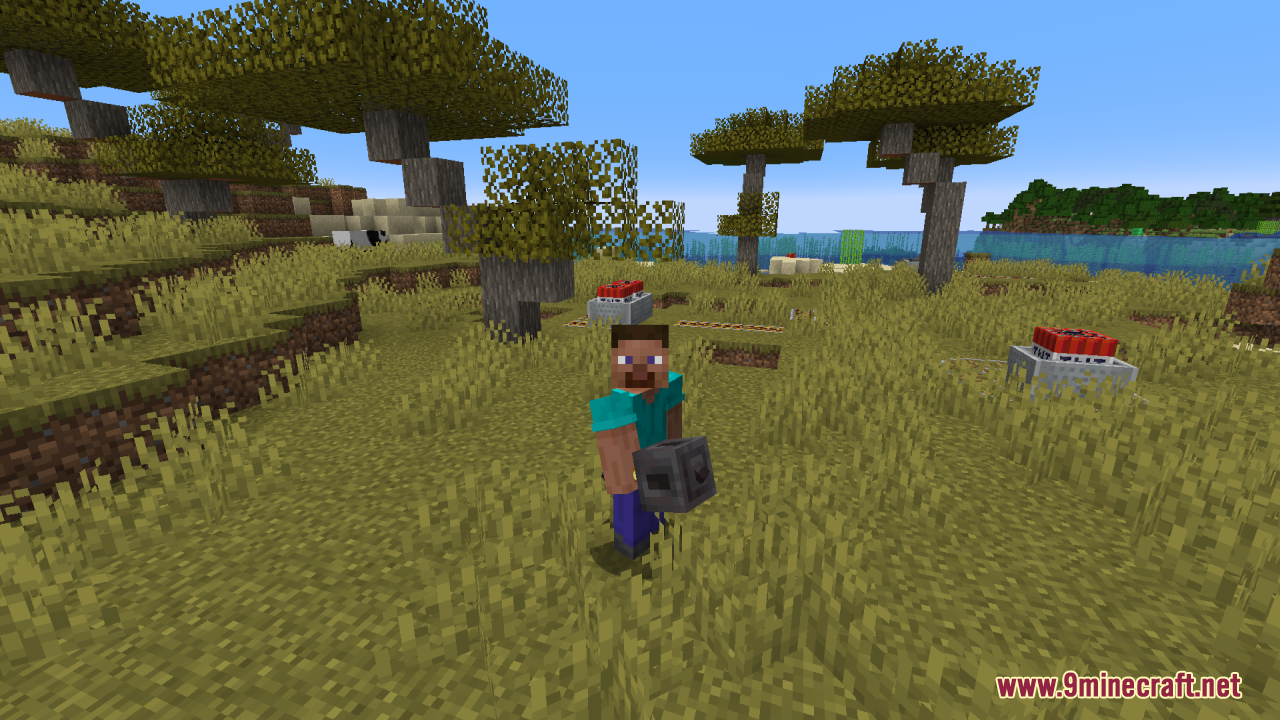
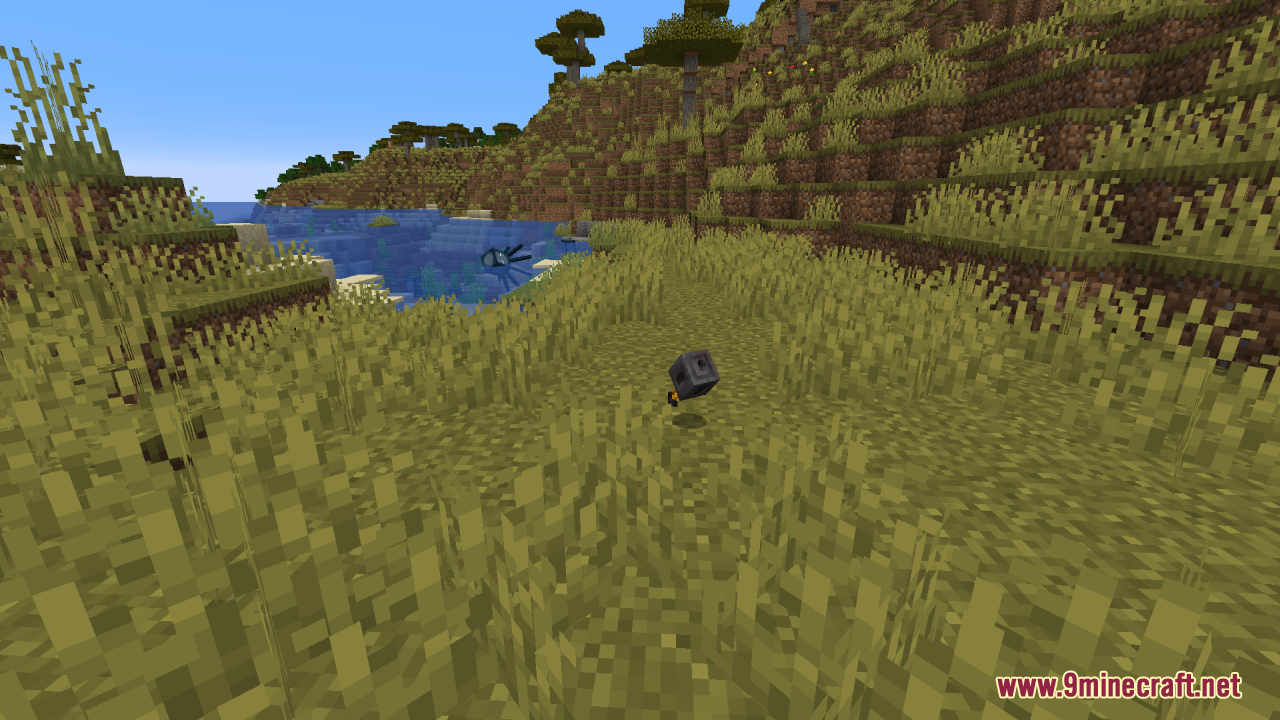
Screenshots:
Requires:
Optifine
Heavy Flames Resource Pack Download Links
For Minecraft 1.21.x
Heavy Flames Resource Pack (1.21.1, 1.20.1) – Texture Pack is a free Minecraft Java resourcepack. Compatible with Minecraft 1.21.1, 1.20.1. Download it and open it directly in the game.