Sculk GUI Resource Pack (1.21.1, 1.20.1) – Texture Pack
Sculk GUI Resource Pack simply brings a dark and eerie aesthetic to Minecraft’s user interface, inspired by the ominous texture of sculk blocks. It…
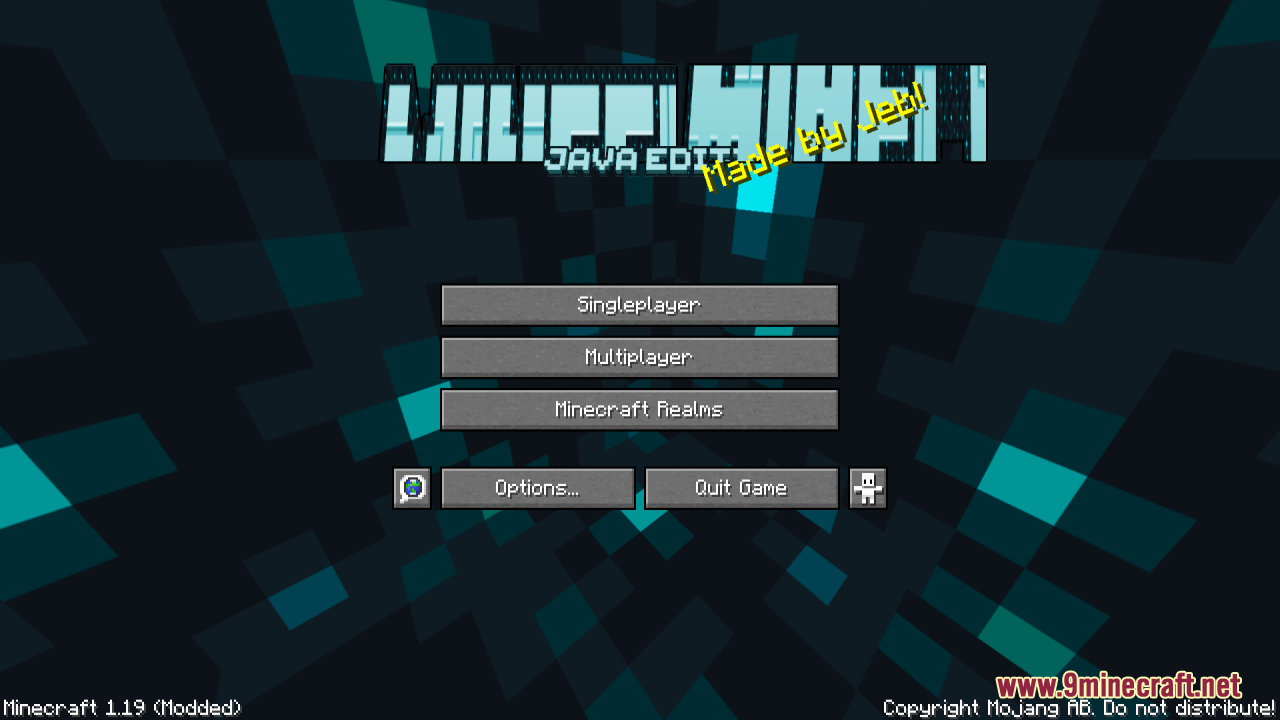
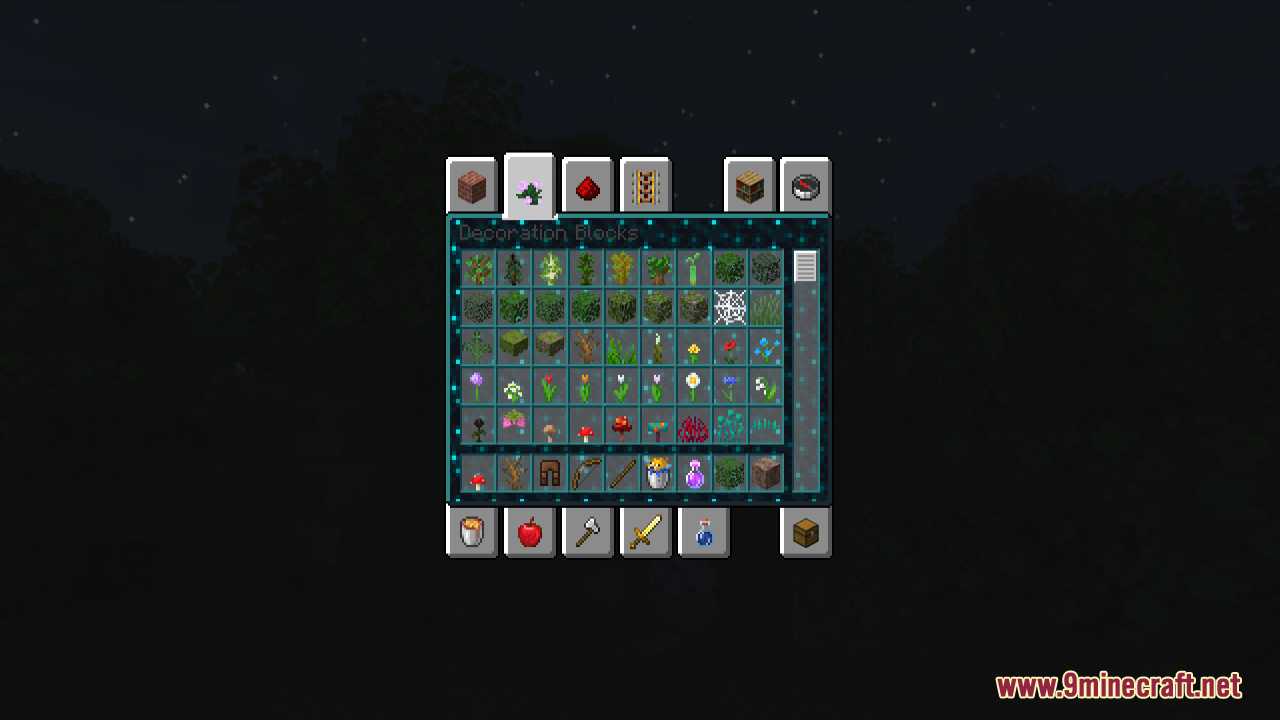
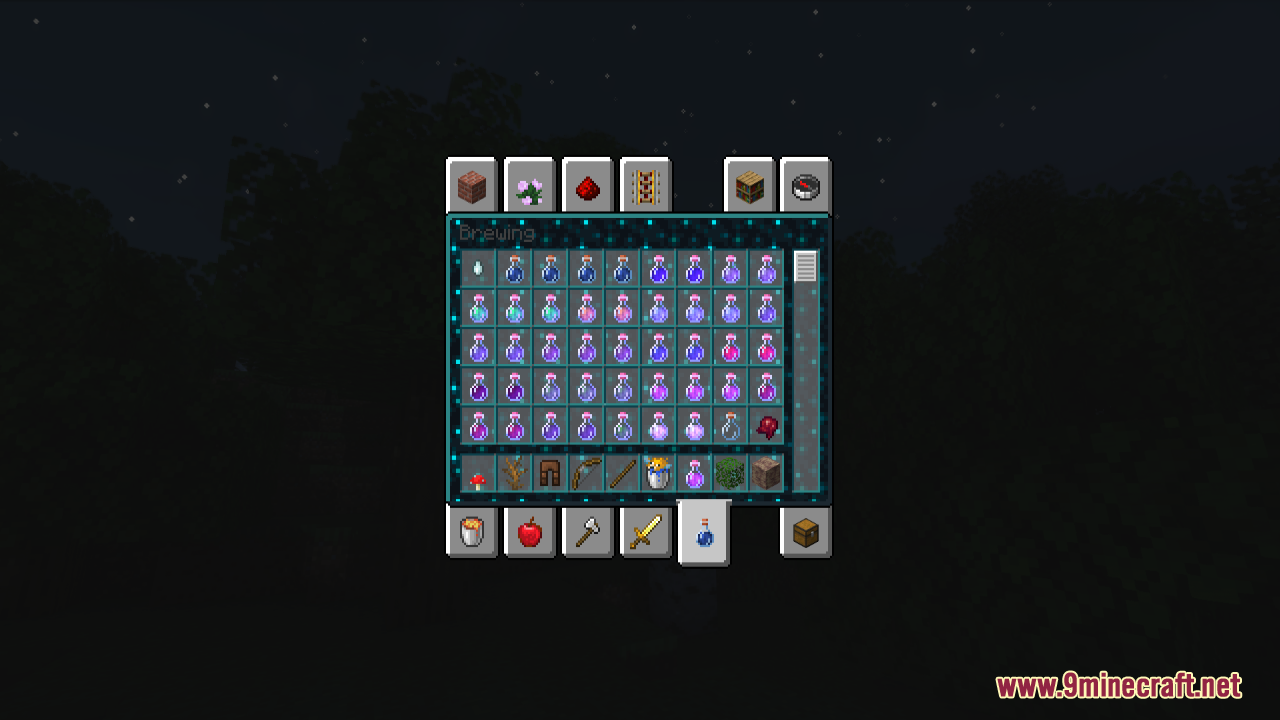
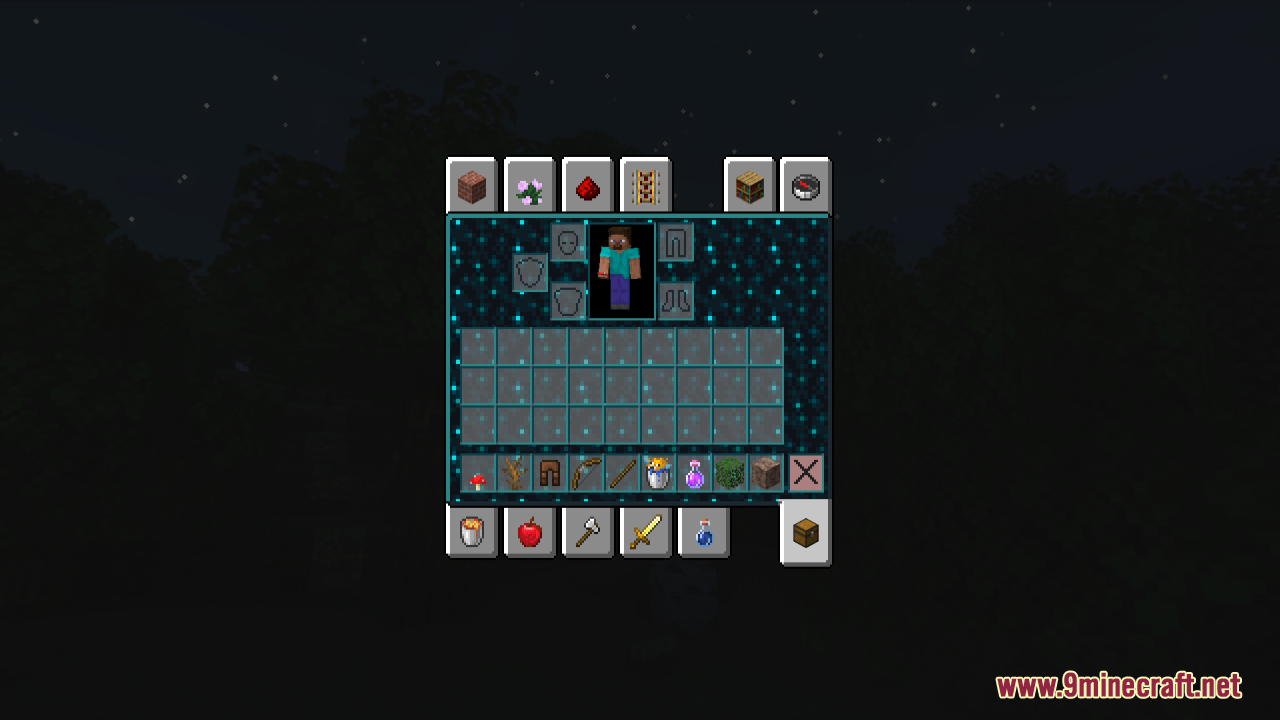
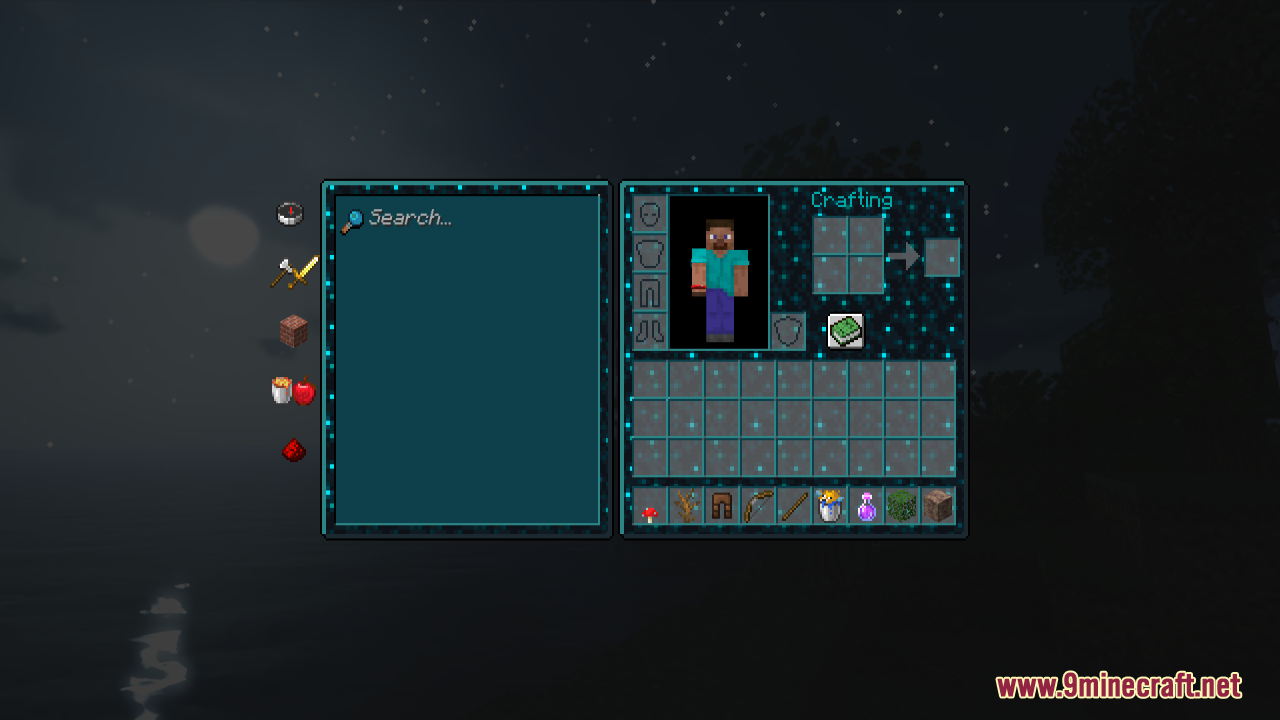
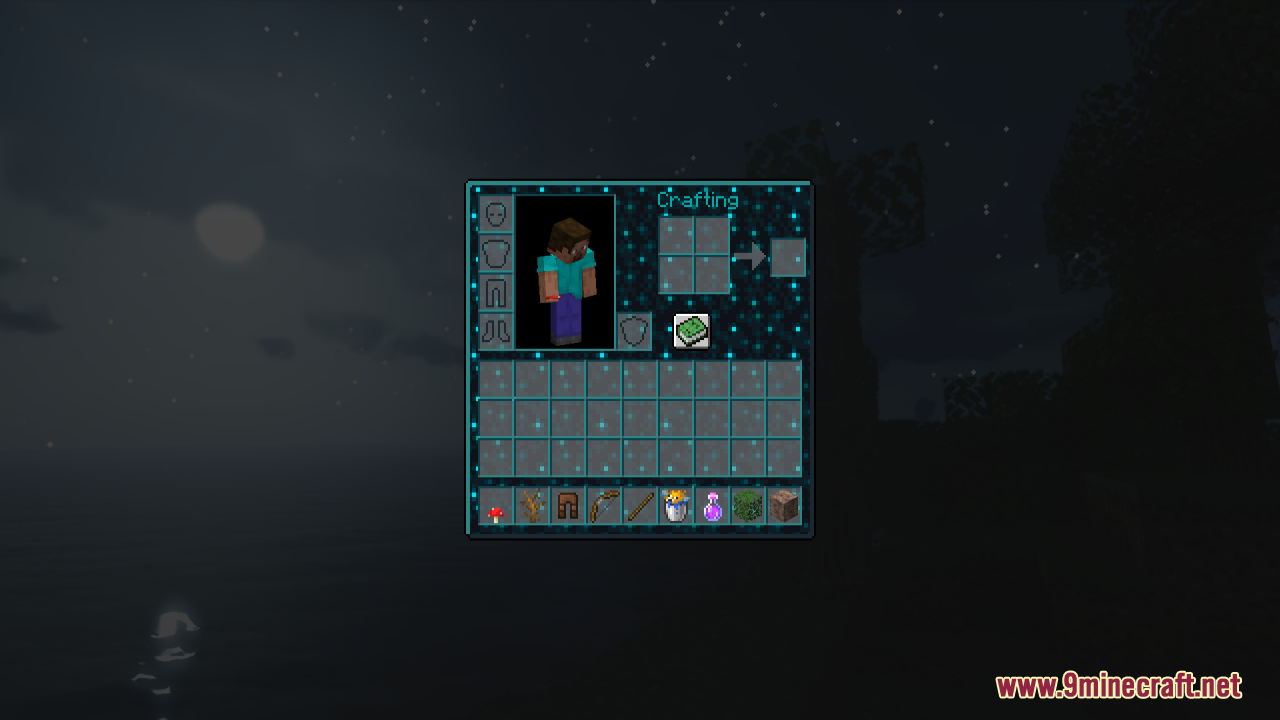
⬇ DownloadOpen in MCModsHubGet it on Google Play →Sculk GUI Resource Pack simply brings a dark and eerie aesthetic to Minecraft’s user interface, inspired by the ominous texture of sculk blocks. It transforms your GUI elements, such as menus and inventory screens, with a sculk theme, giving them a shadowy, mysterious appearance. As you navigate through your inventory or interact with in-game menus, the glowing sculk elements provide a unique and immersive experience, especially when playing in dimly lit environments. In general, this pack is perfect for players who enjoy a more atmospheric and themed experience, particularly those who are fans of the dark, otherworldly feel that sculk blocks bring to the game.
Screenshots:
Requires:
Optifine
Sculk GUI Resource Pack Download Links
For Minecraft 1.21.x
Sculk GUI Resource Pack (1.21.1, 1.20.1) – Texture Pack is a free Minecraft Java resourcepack. Compatible with Minecraft 1.21.1, 1.20.1. Download it and open it directly in the game.