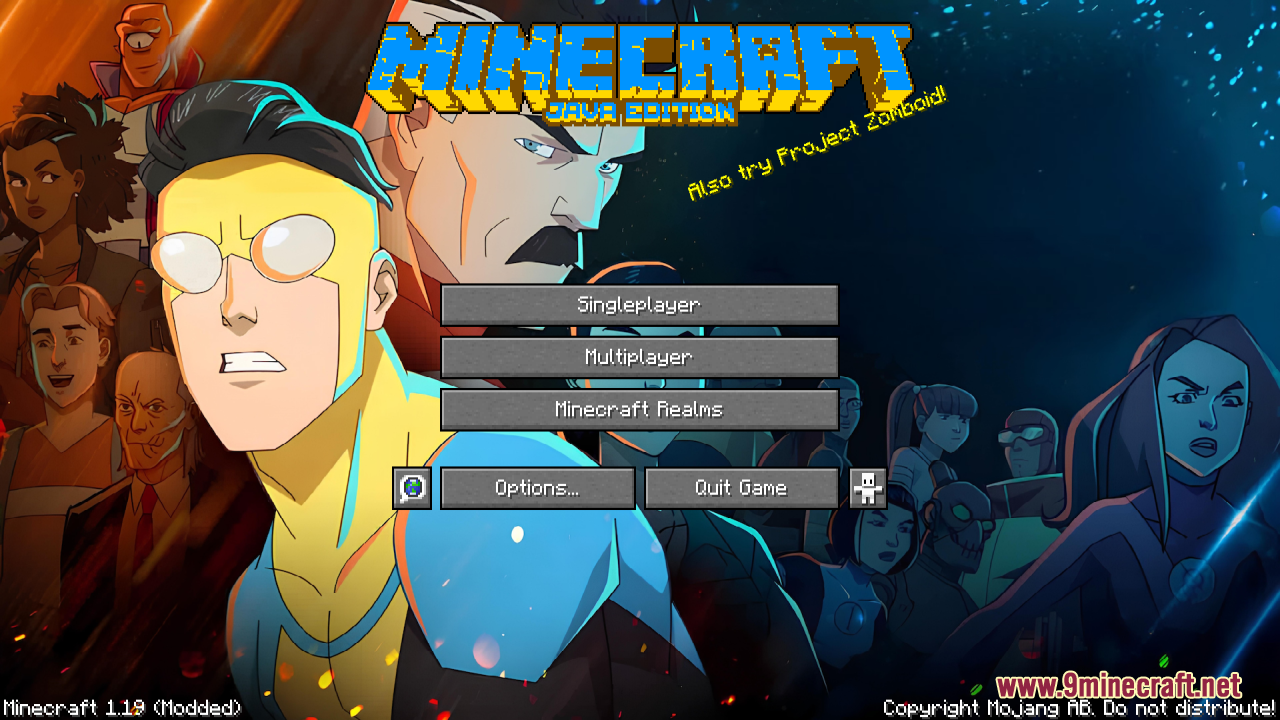
Invincible Custom GUI Resource Pack (1.21.1, 1.20.1) – Texture Pack
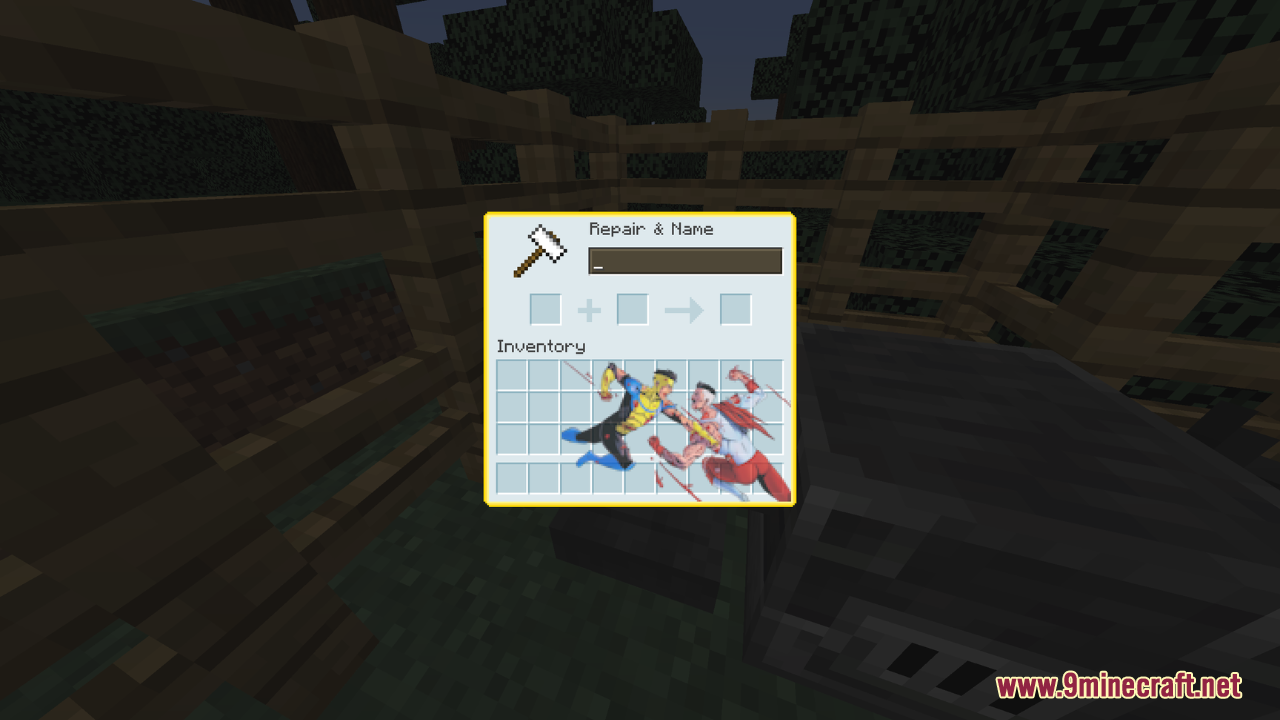
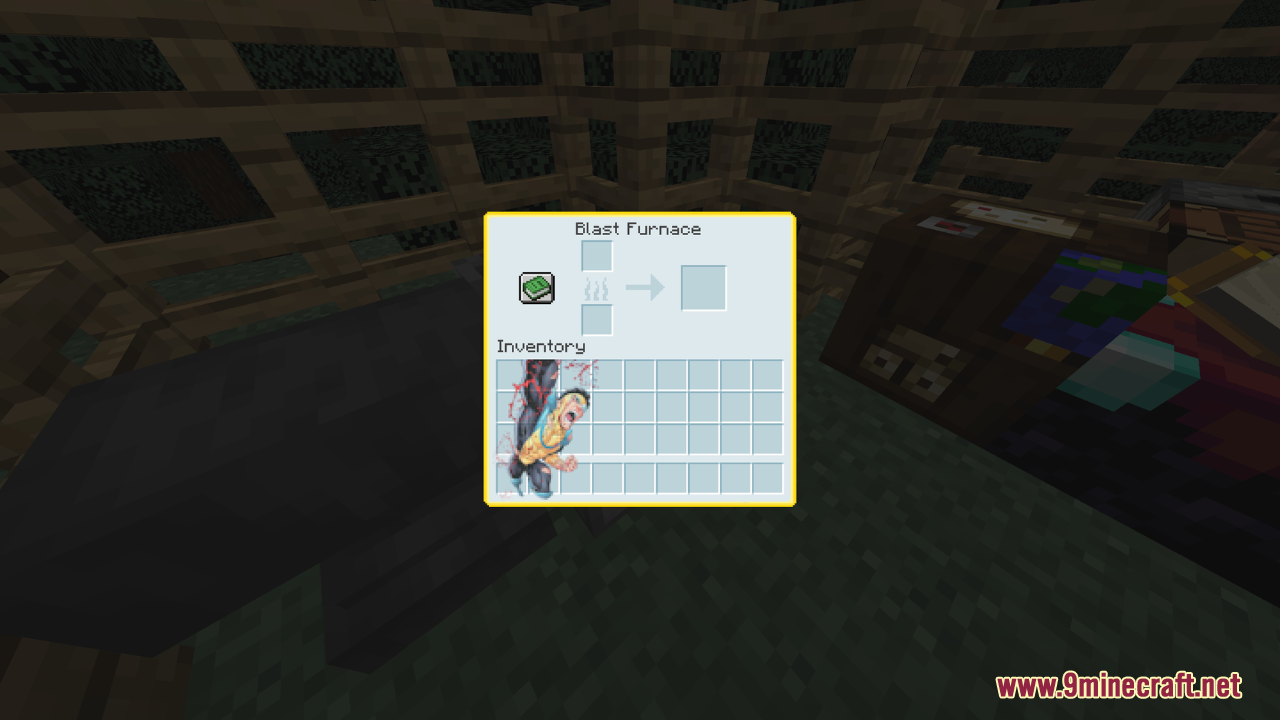
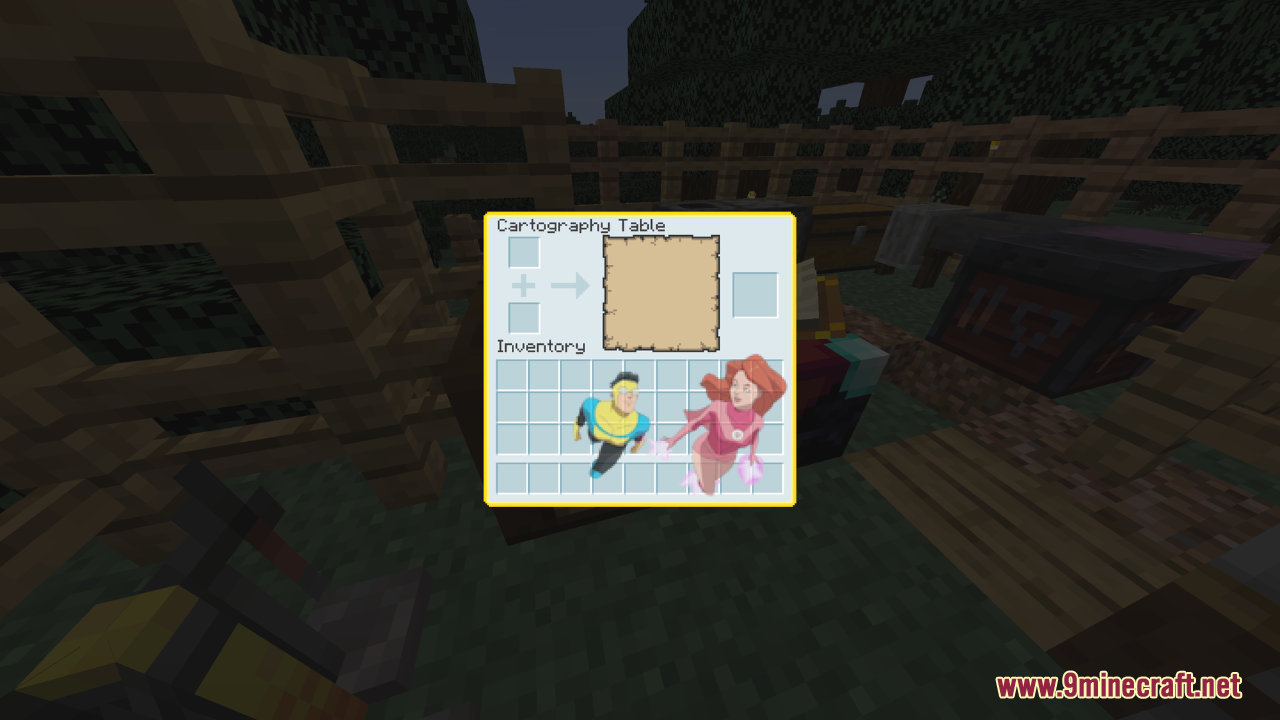
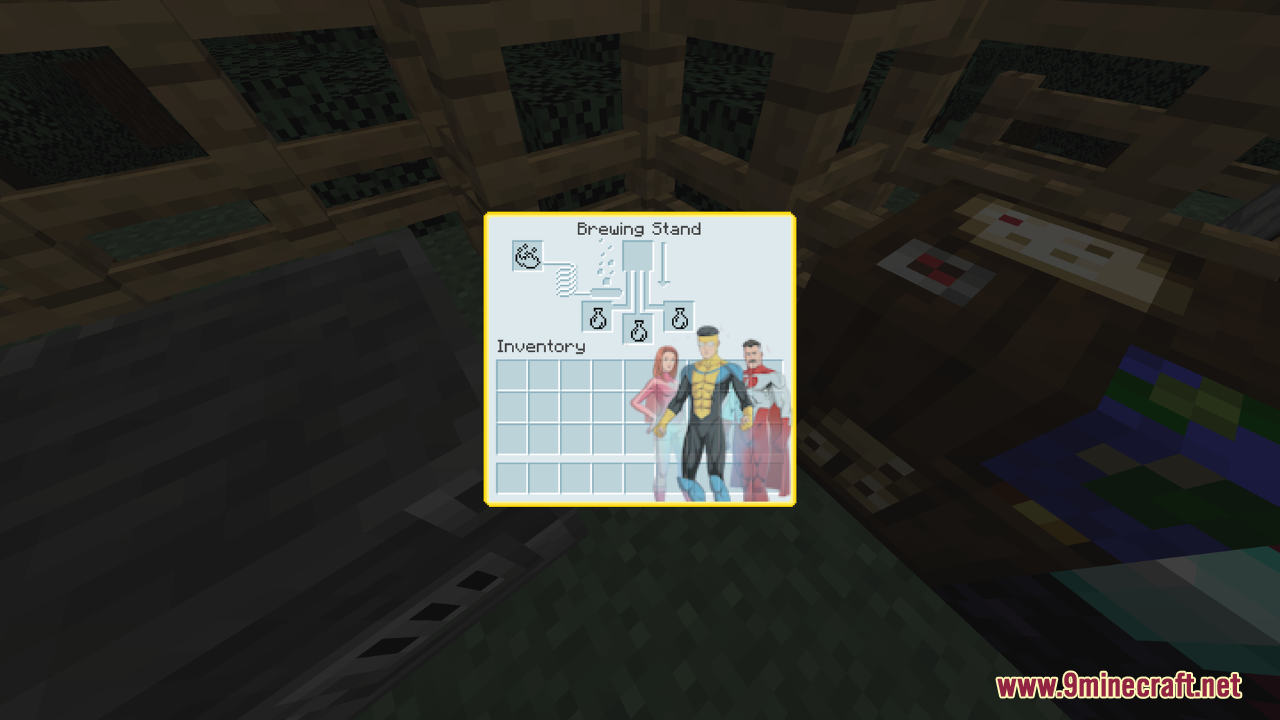
Invincible Custom GUI Resource Pack is inspired by the popular show "Invincible." This pack simply focuses on revamping the game's GUI, bringing a fresh…
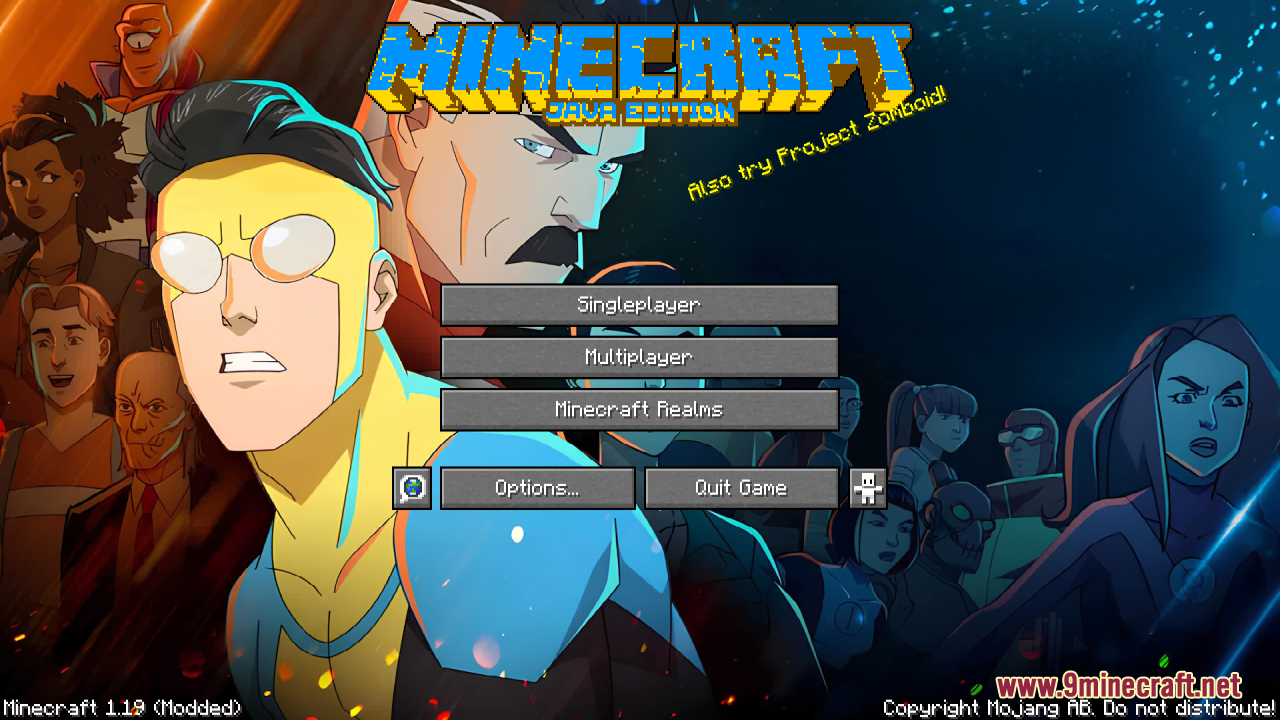
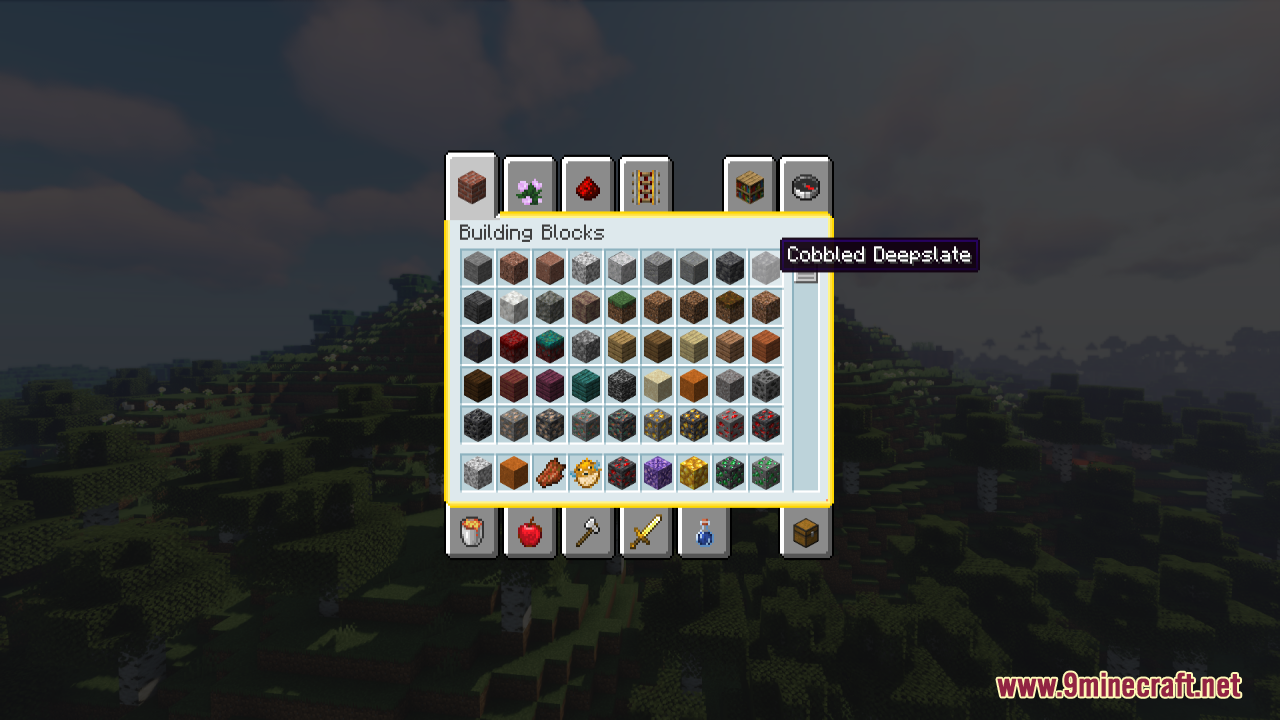
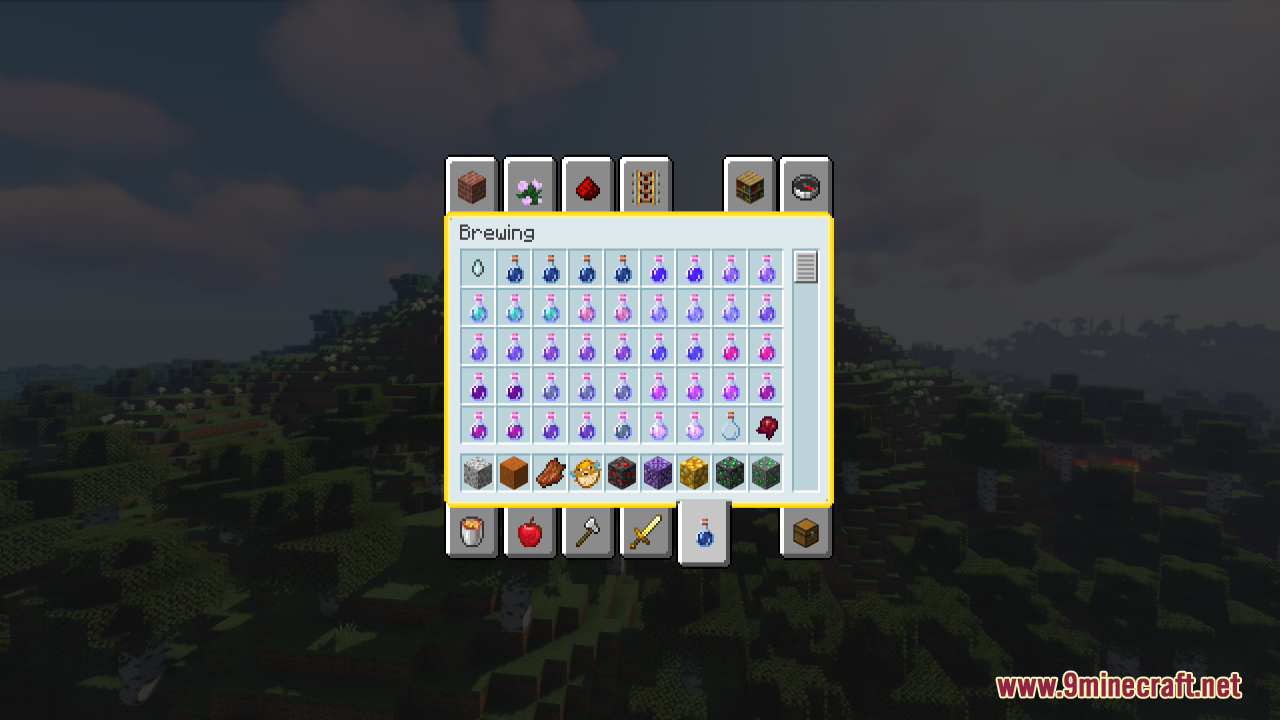
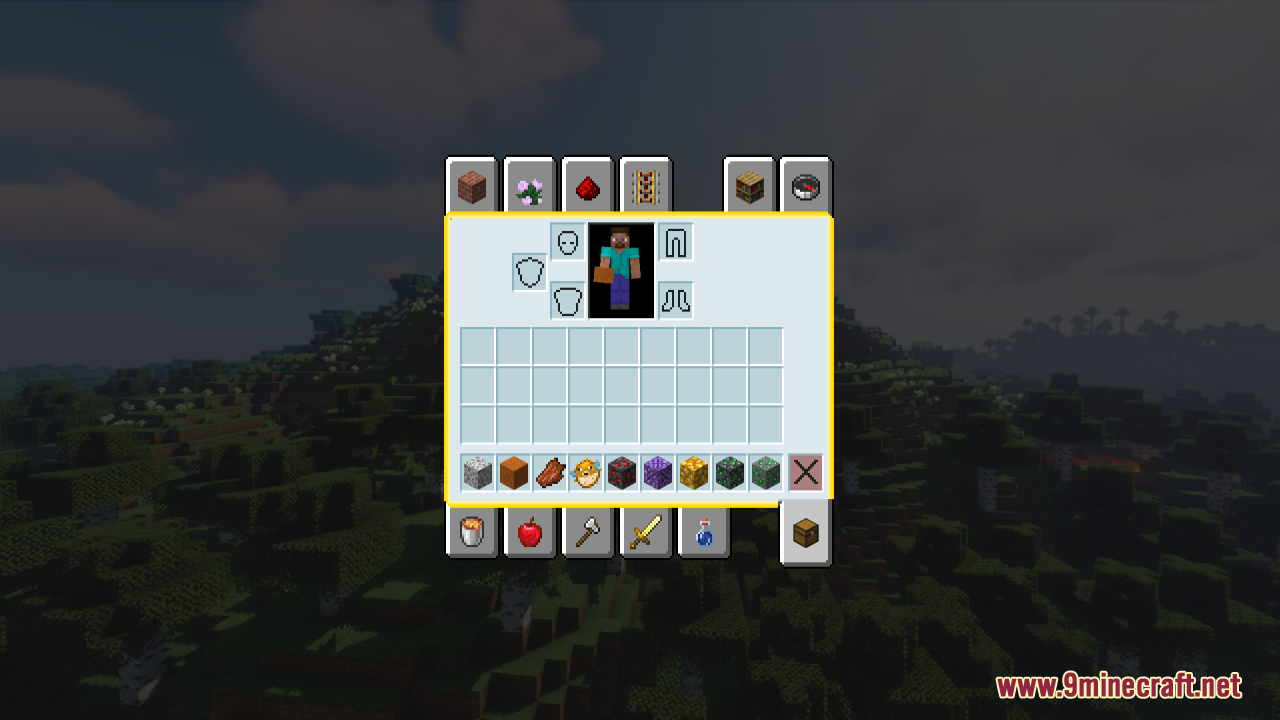
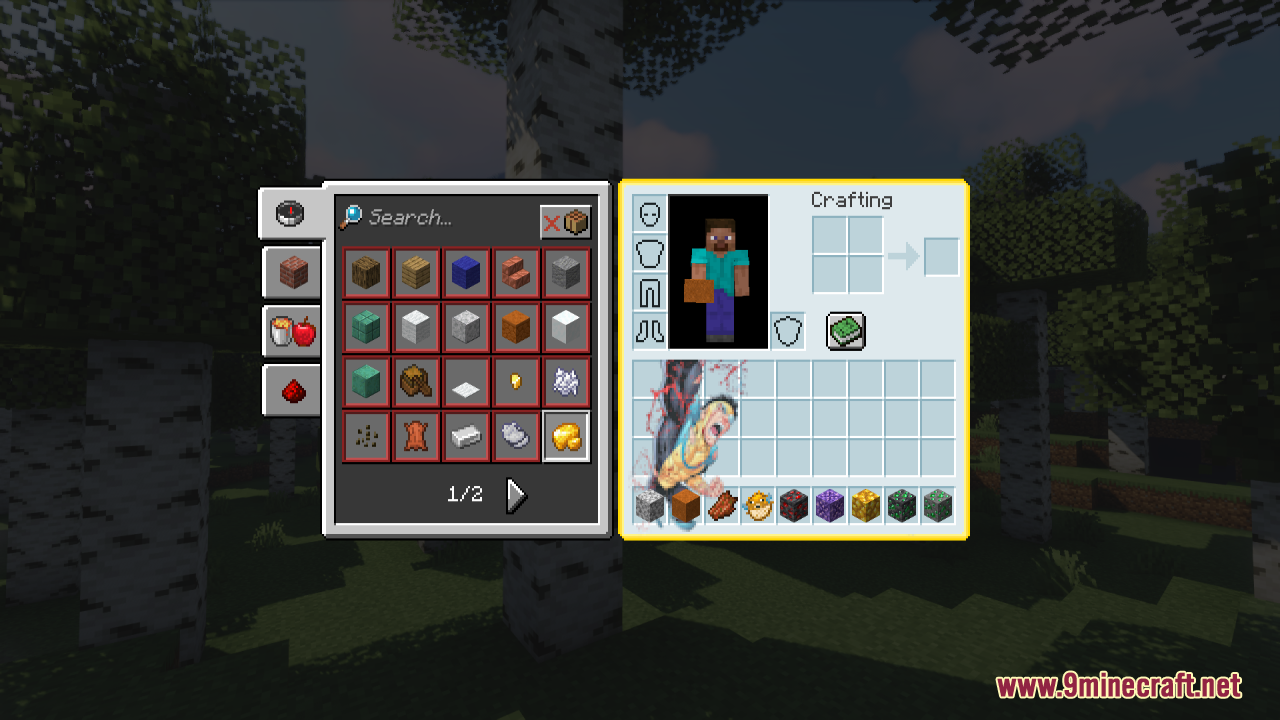
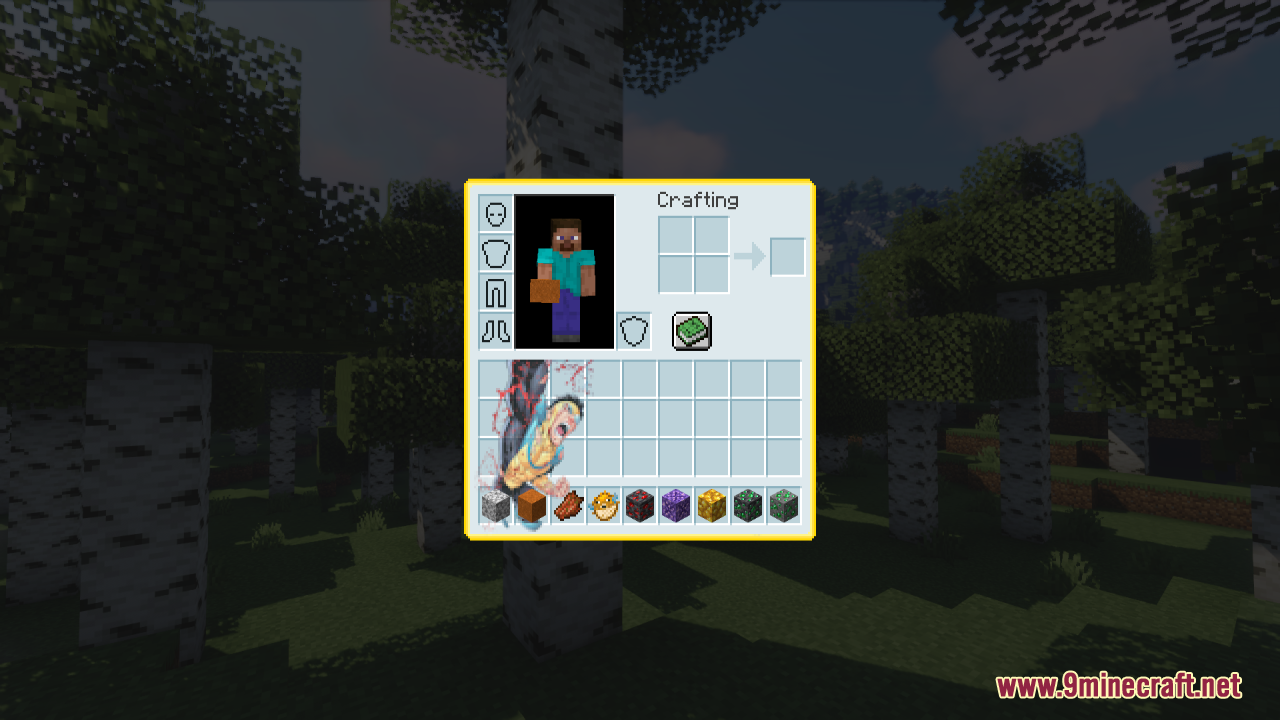
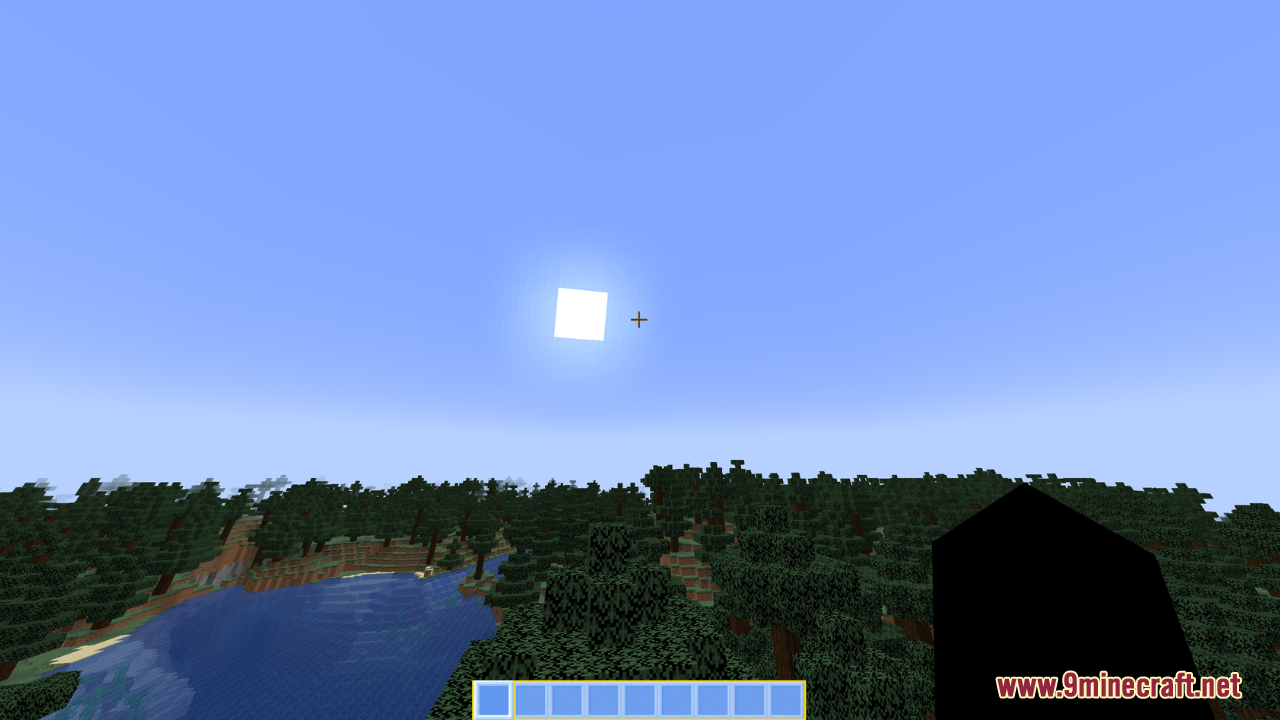
⬇ DownloadOpen in MCModsHubGet it on Google Play →Invincible Custom GUI Resource Pack is inspired by the popular show “Invincible.” This pack simply focuses on revamping the game’s GUI, bringing a fresh blue and yellow palette to various interface elements. Then, it offers a unique look that stands out, making the game interface more engaging and visually appealing. In general, this pack is perfect for fans of the “Invincible” show who want to bring a touch of its vibrant aesthetic to their Minecraft experience. By updating the hot bar and container images with a blue and yellow palette, this pack adds a fresh and engaging look to the game’s interface.
Screenshots:
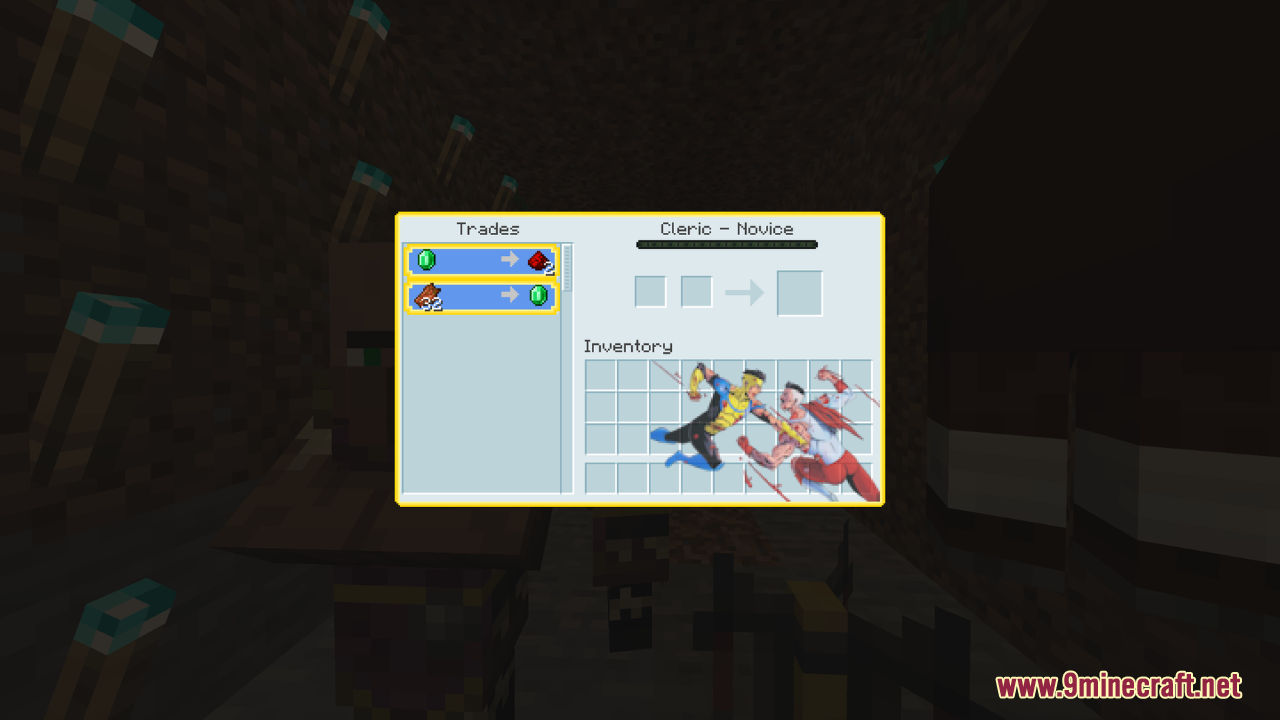
Invincible Custom GUI Resource Pack Download Links
For Minecraft 1.21.x
Invincible Custom GUI Resource Pack (1.21.1, 1.20.1) – Texture Pack is a free Minecraft Java resourcepack. Compatible with Minecraft 1.21.1, 1.20.1. Download it and open it directly in the game.