ResourcepacksJava
Relics Resource Pack (1.21.1, 1.20.1) – Texture Pack
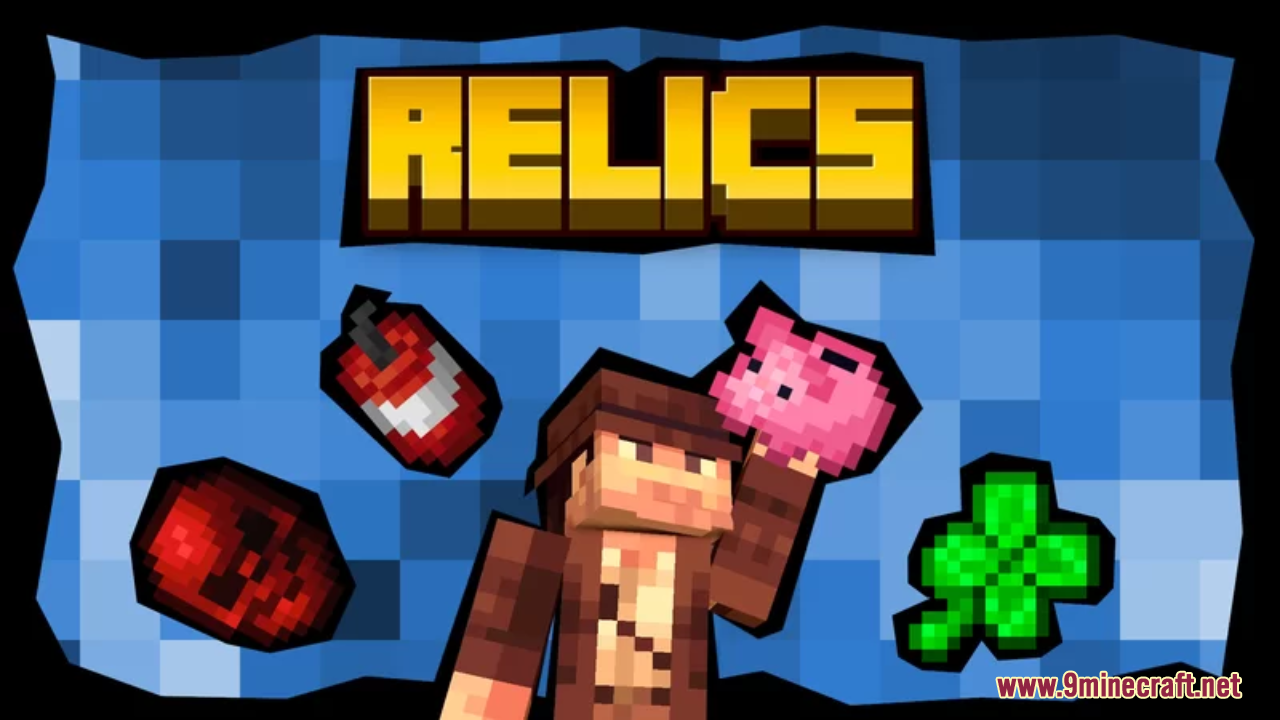
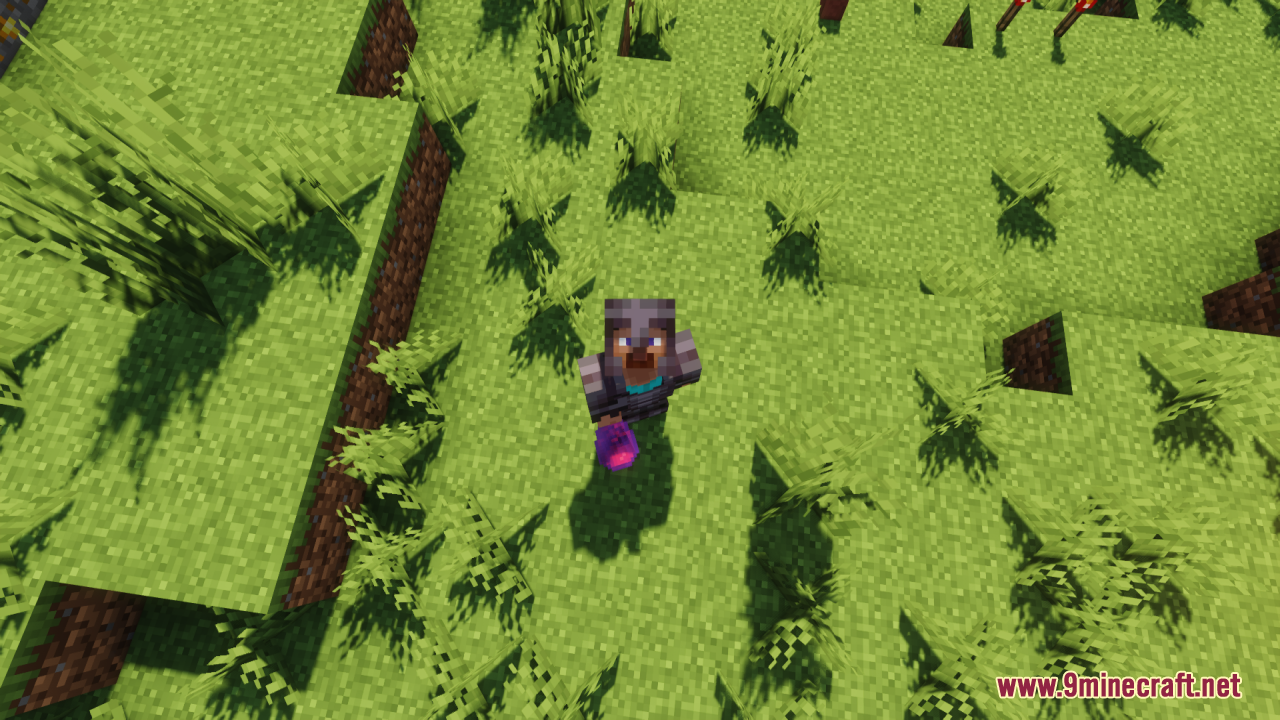
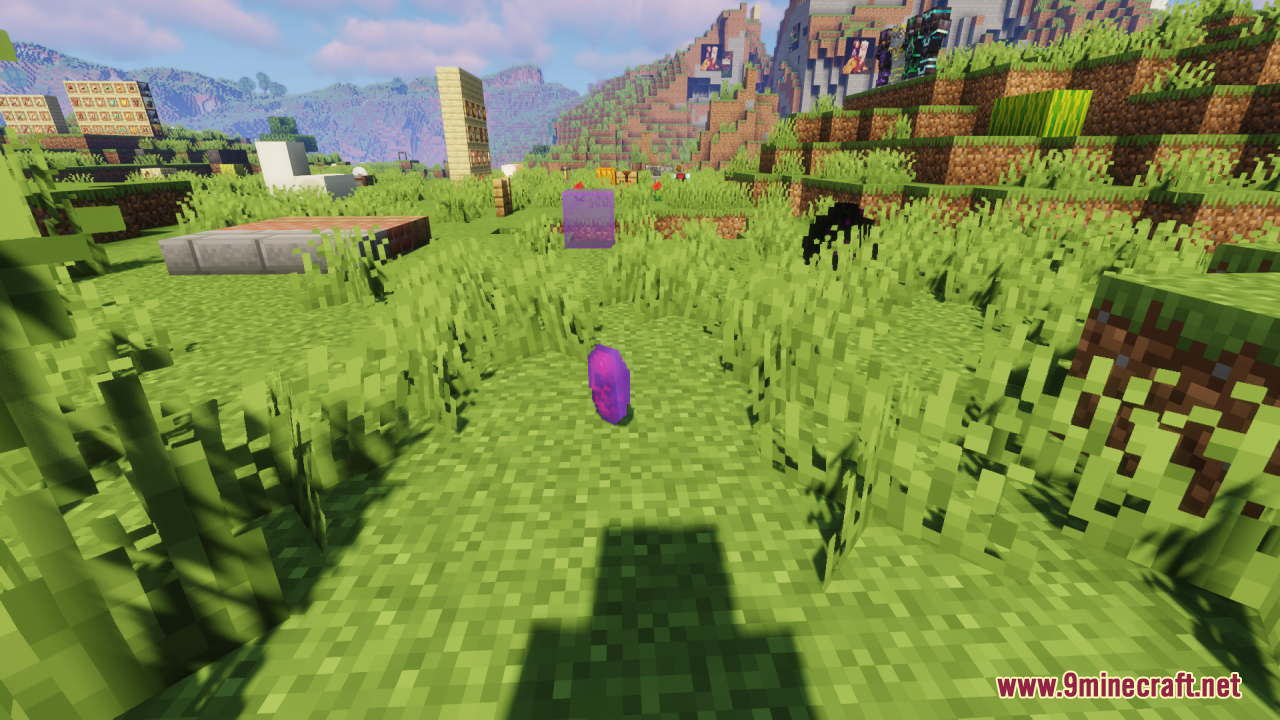
Relics Resource Pack focuses on transforming the appearance of enchanted books, providing a fresh and thematic look to these in-game items. This pack aims…
⬇ DownloadOpen in MCModsHubGet it on Google Play →Relics Resource Pack focuses on transforming the appearance of enchanted books, providing a fresh and thematic look to these in-game items. This pack aims to recycle and repurpose all enchanted books, making them visually distinct and more engaging.
Main features:
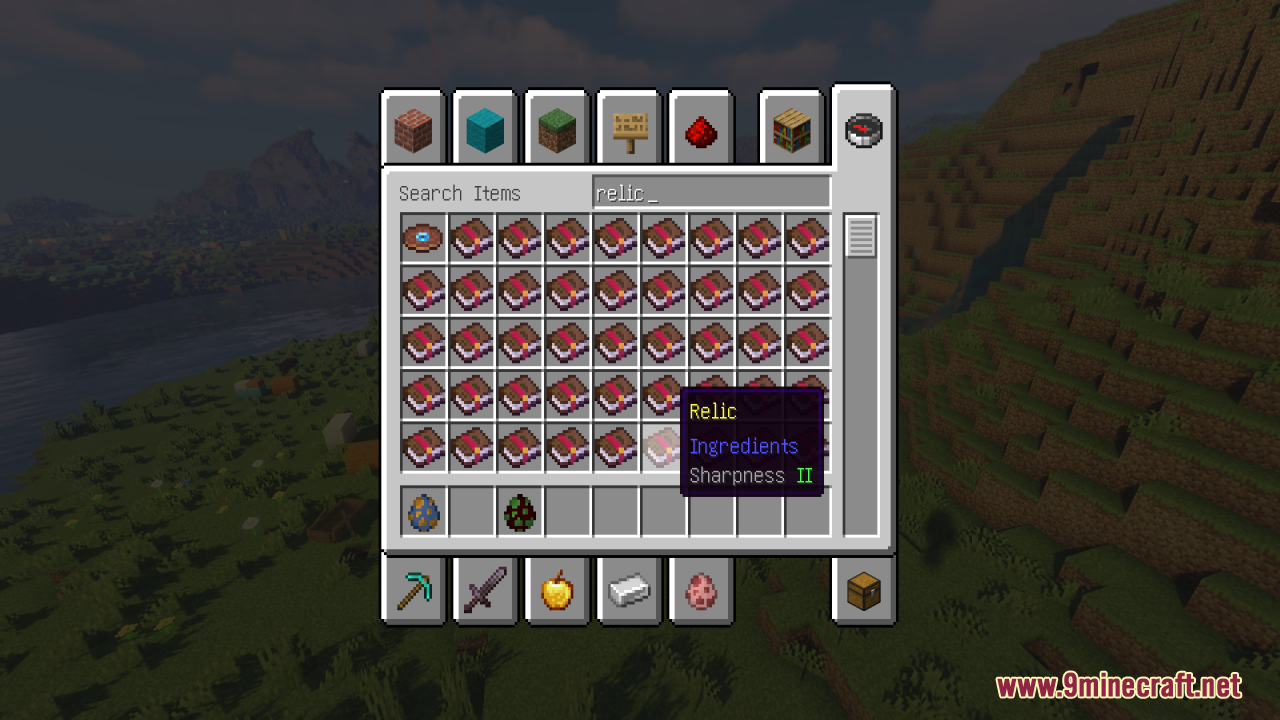
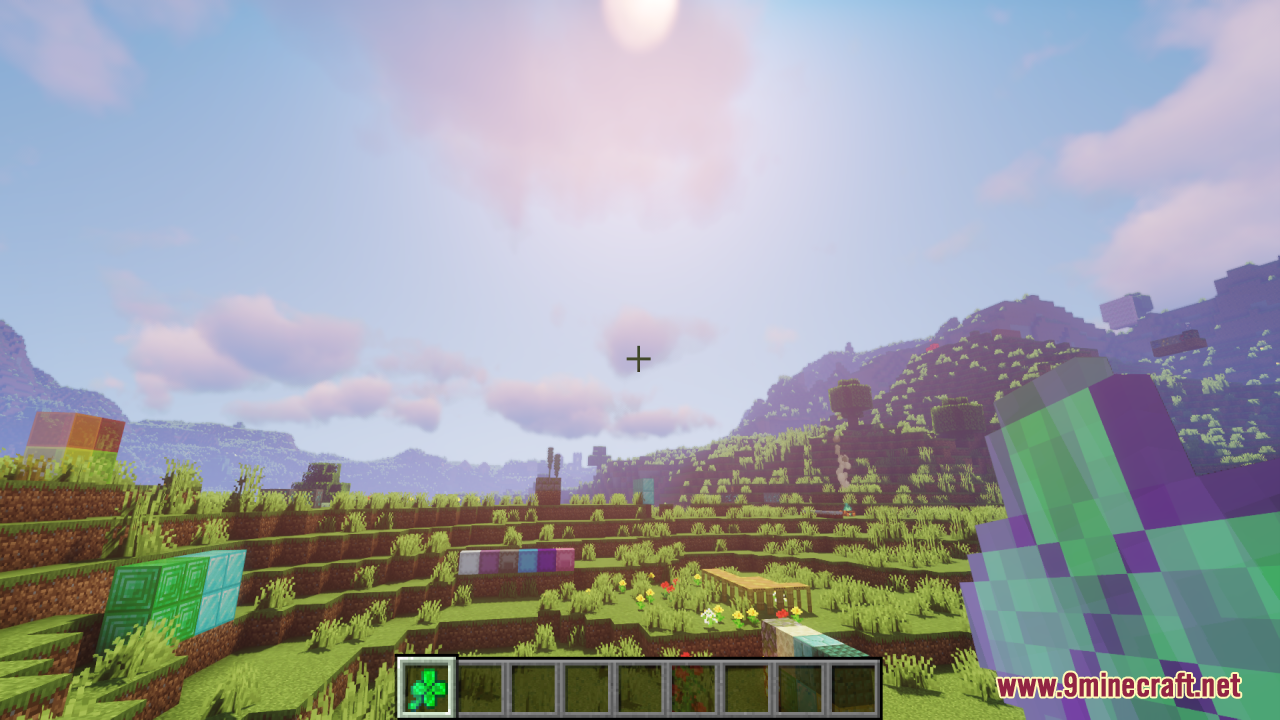
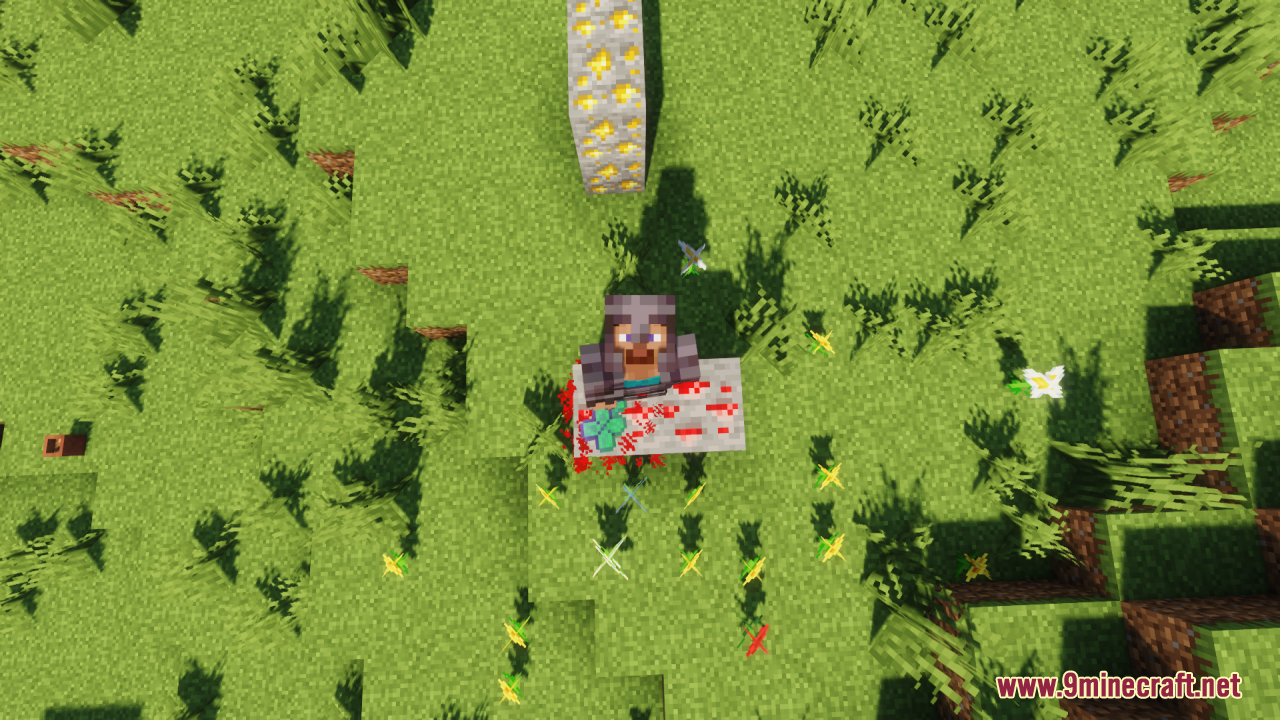
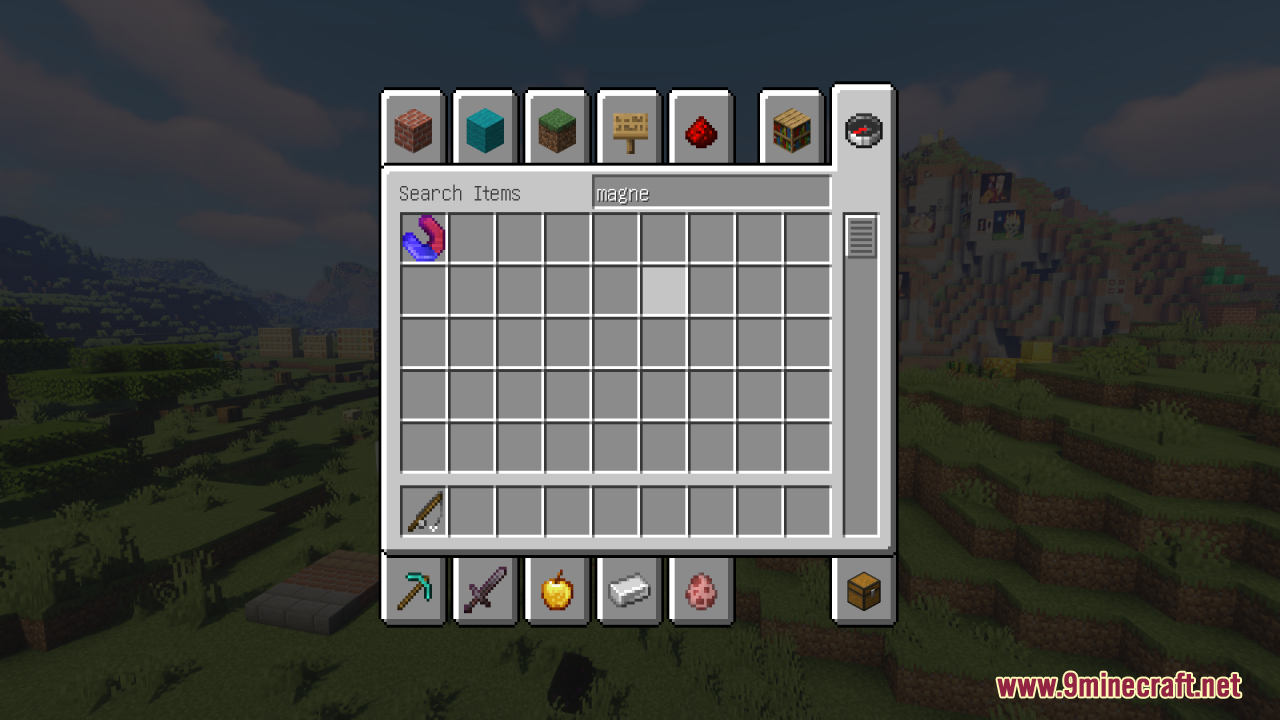
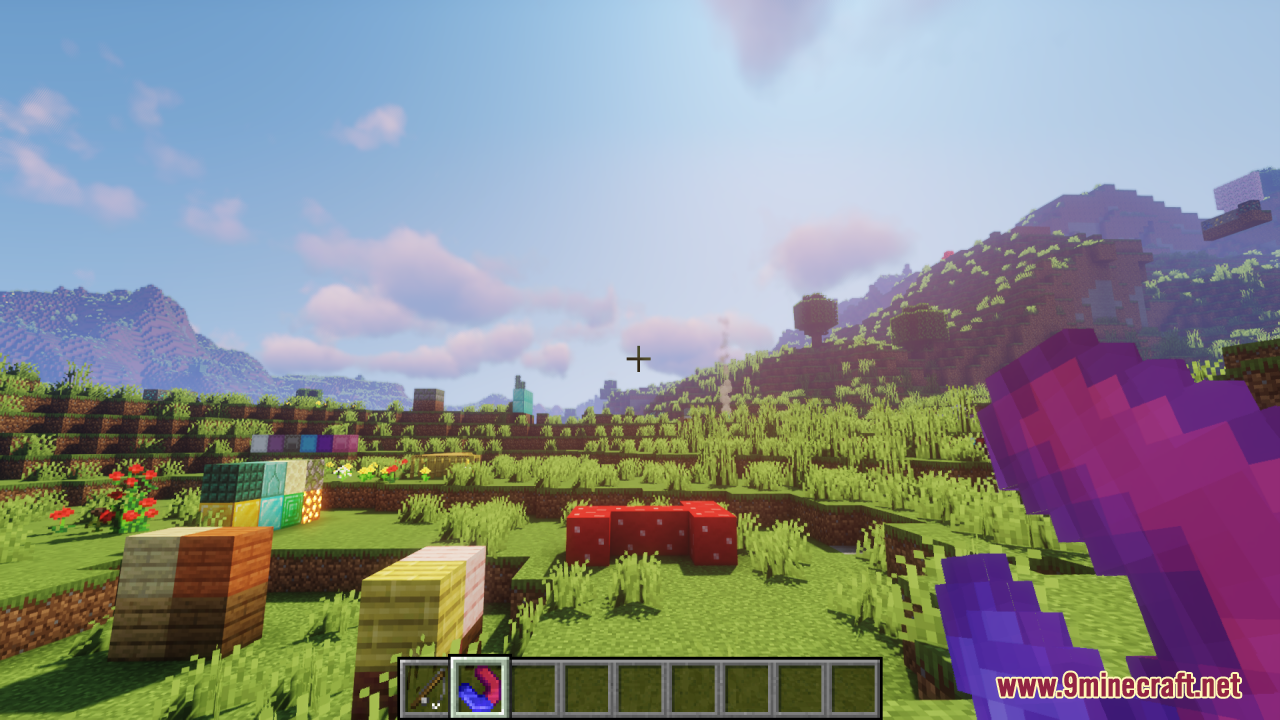
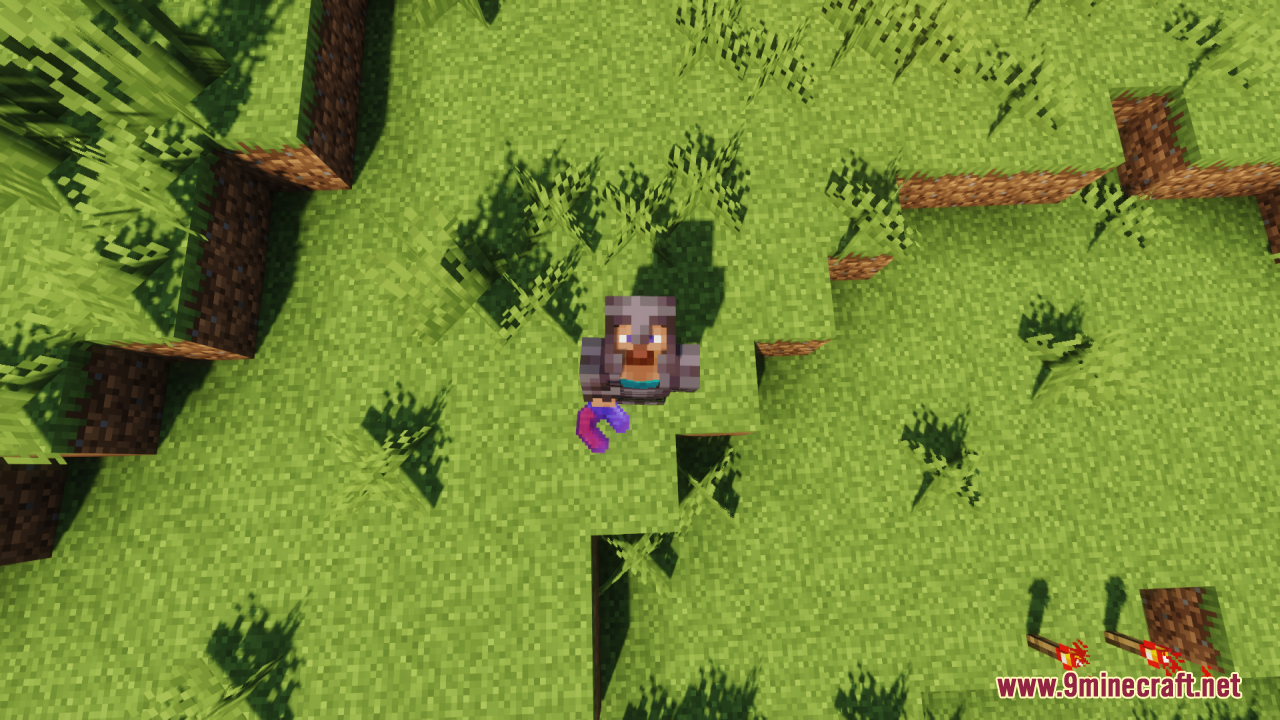
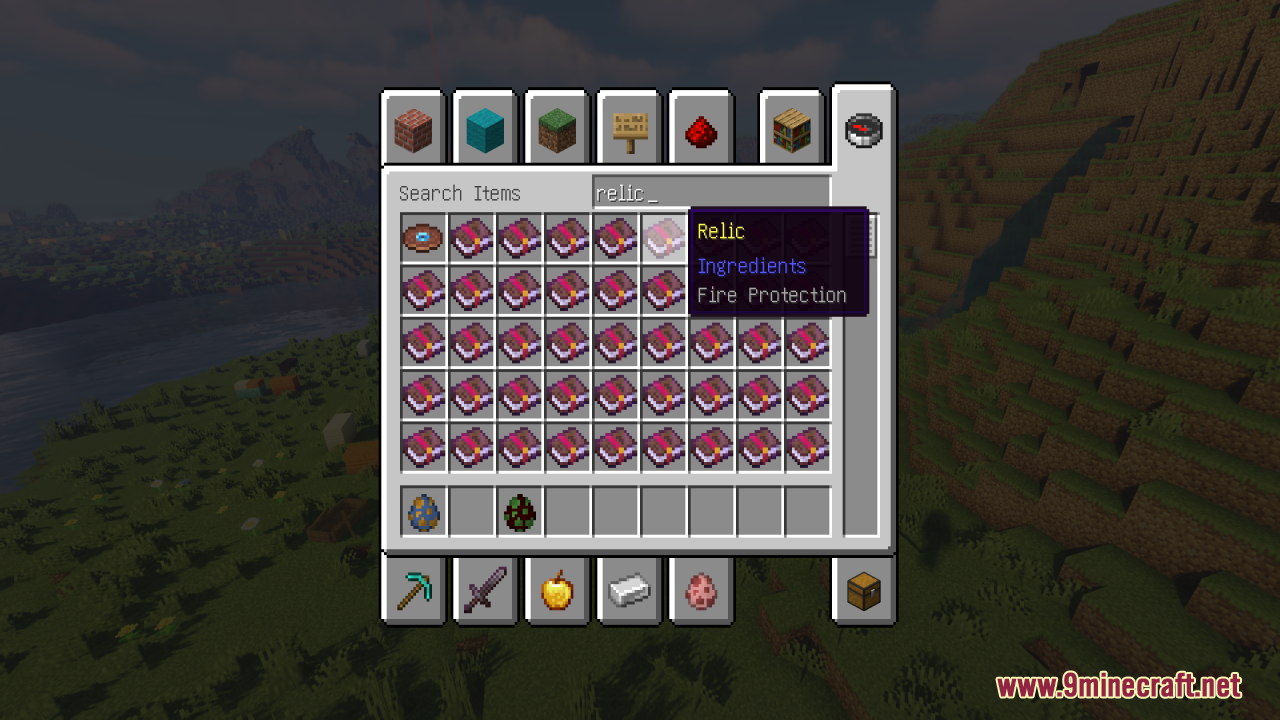
- All textures of enchanted books related to tools, bows and crossbows have been replaced with themed relics, for example, a book enchanted for Mending has been replaced with a Magnet.
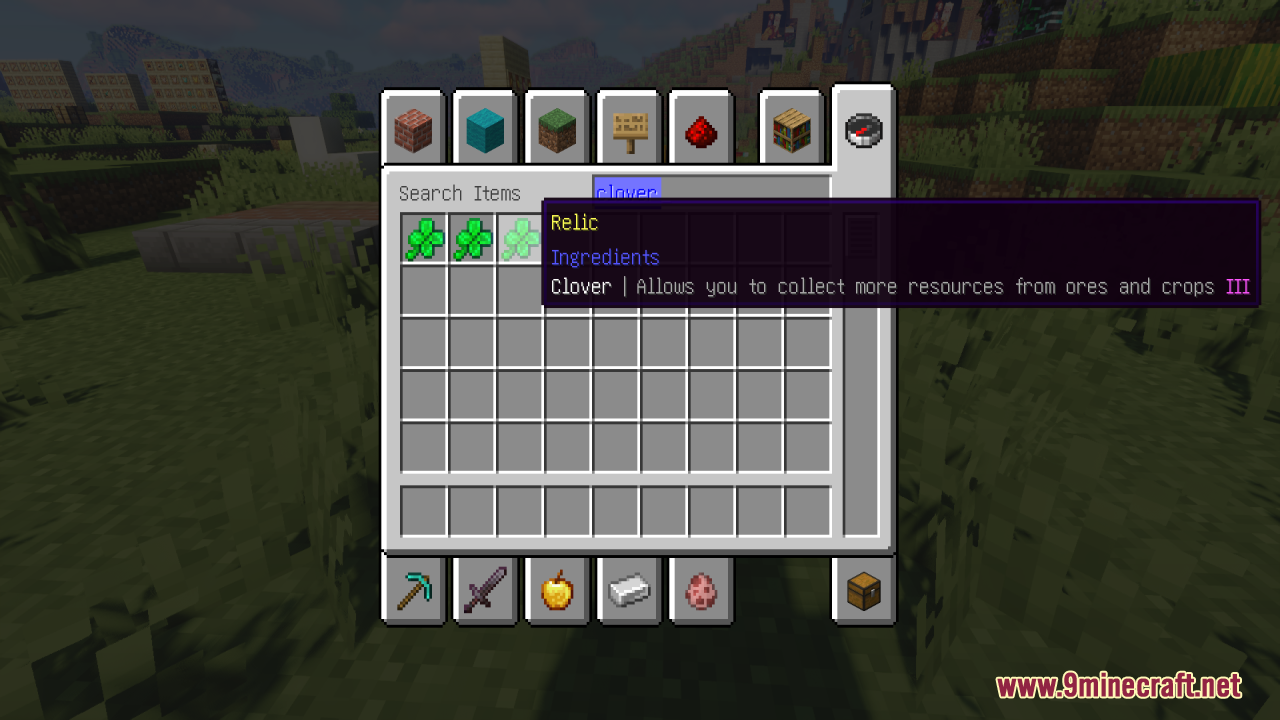
- The name “Book of Enchantments” has been changed to “Relic”.
- All names of enchantments related to tools, bows and crossbows have been replaced with names of relics, for example, “Luck” has been replaced with “Clover”.
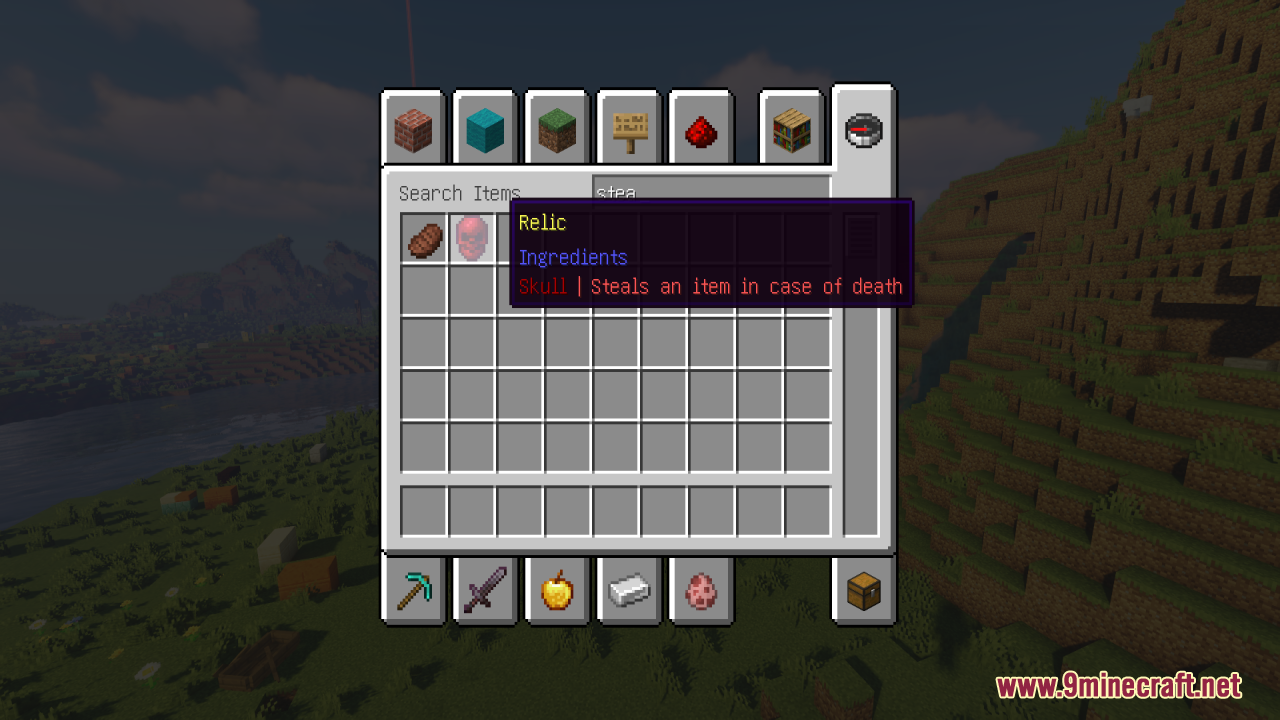
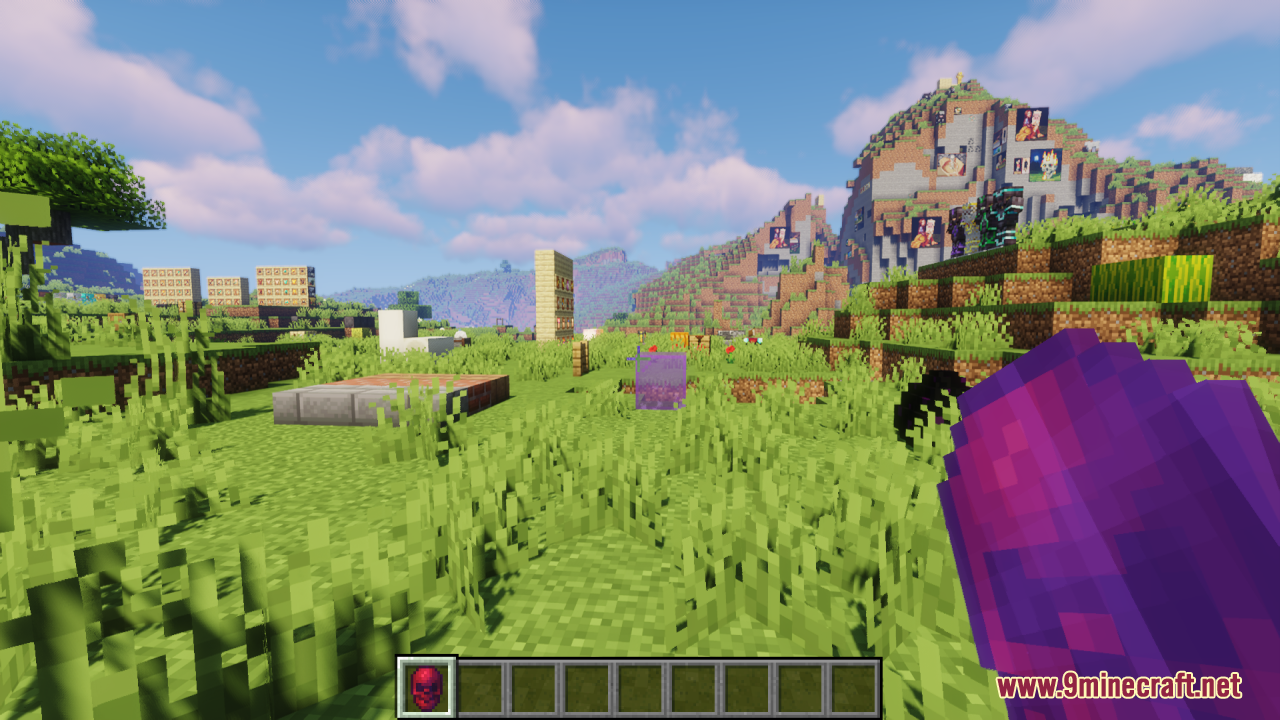
- A description of what she does has been added to all the relics, for example, the “Skull” relic has this description: “Steals an item in case of death”.
- The designations of the relic level have received a color explanation: The first level has no color or text designation, the second has the designation II, and is also highlighted in green, the third has the designation III, and is also highlighted in purple, the fourth has the designation IV, and is also highlighted in red, well, the fifth has the designation V, and It is also highlighted in gold.
- Curses are now highlighted in bright red.
Screenshots:
Requires:
Optifine
Relics Resource Pack Download Links
For Minecraft 1.21.x
Relics Resource Pack (1.21.1, 1.20.1) – Texture Pack is a free Minecraft Java resourcepack. Compatible with Minecraft 1.21.1, 1.20.1. Download it and open it directly in the game.
Explore more