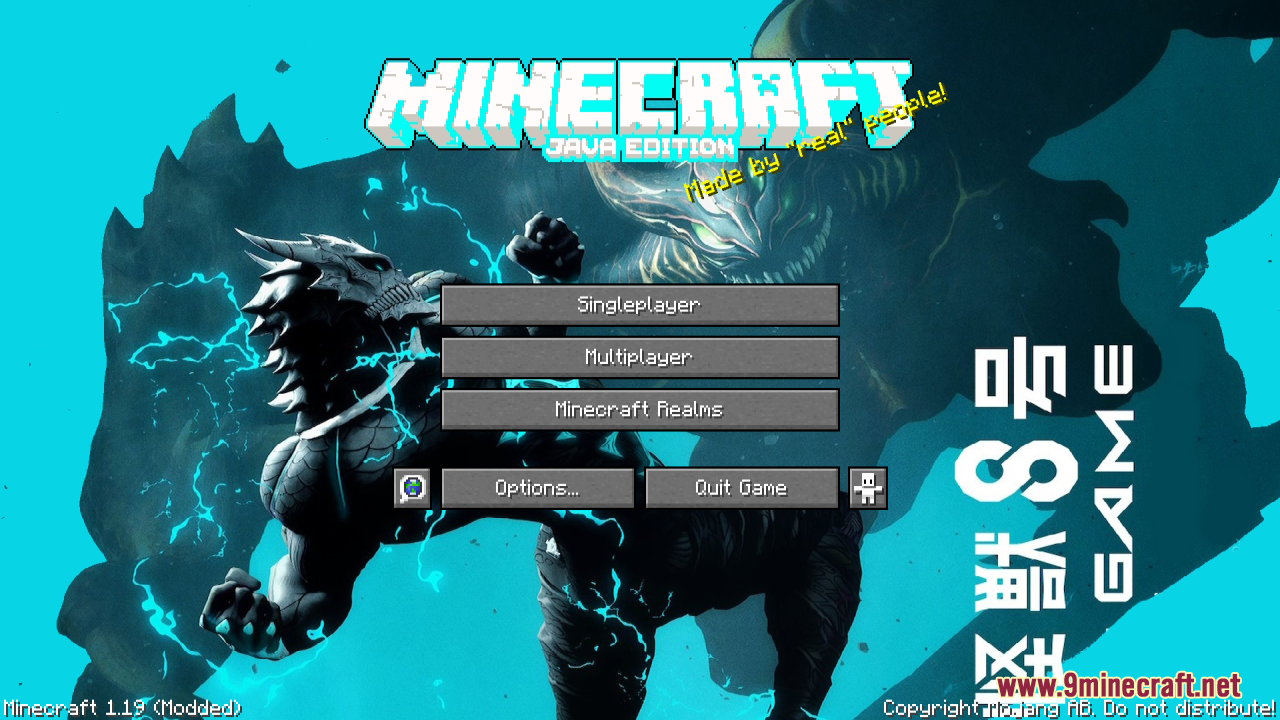
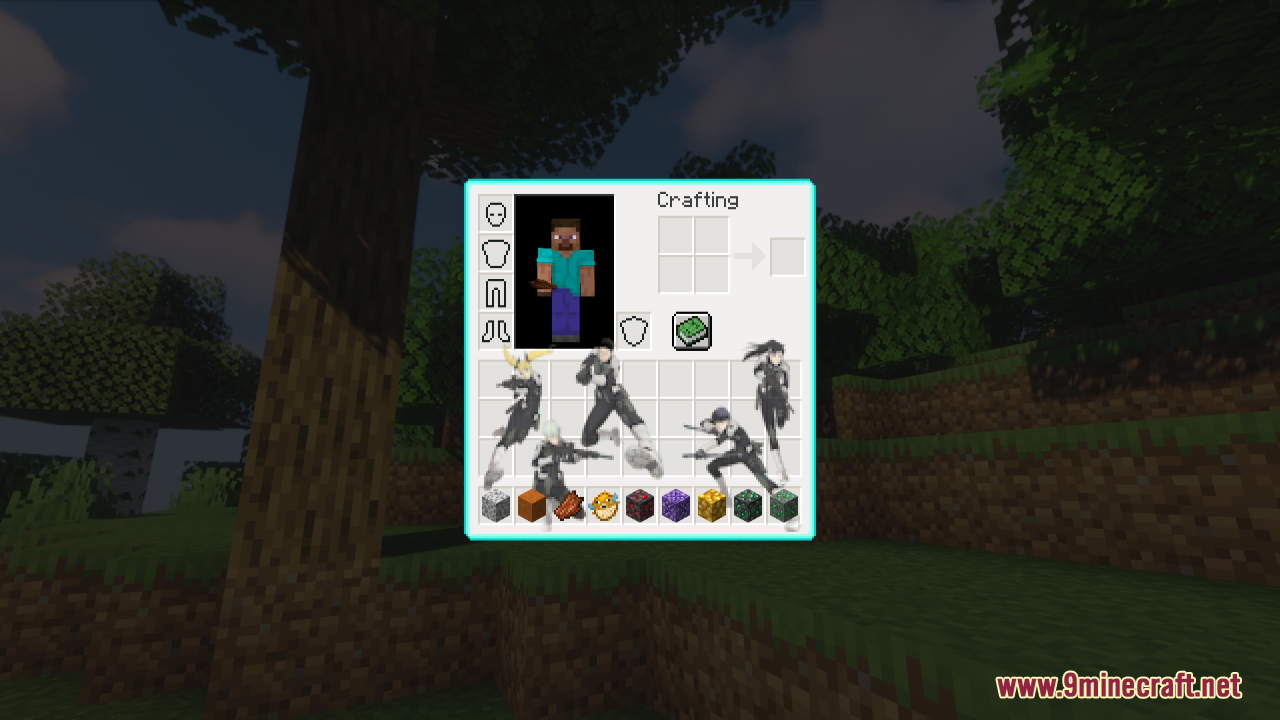
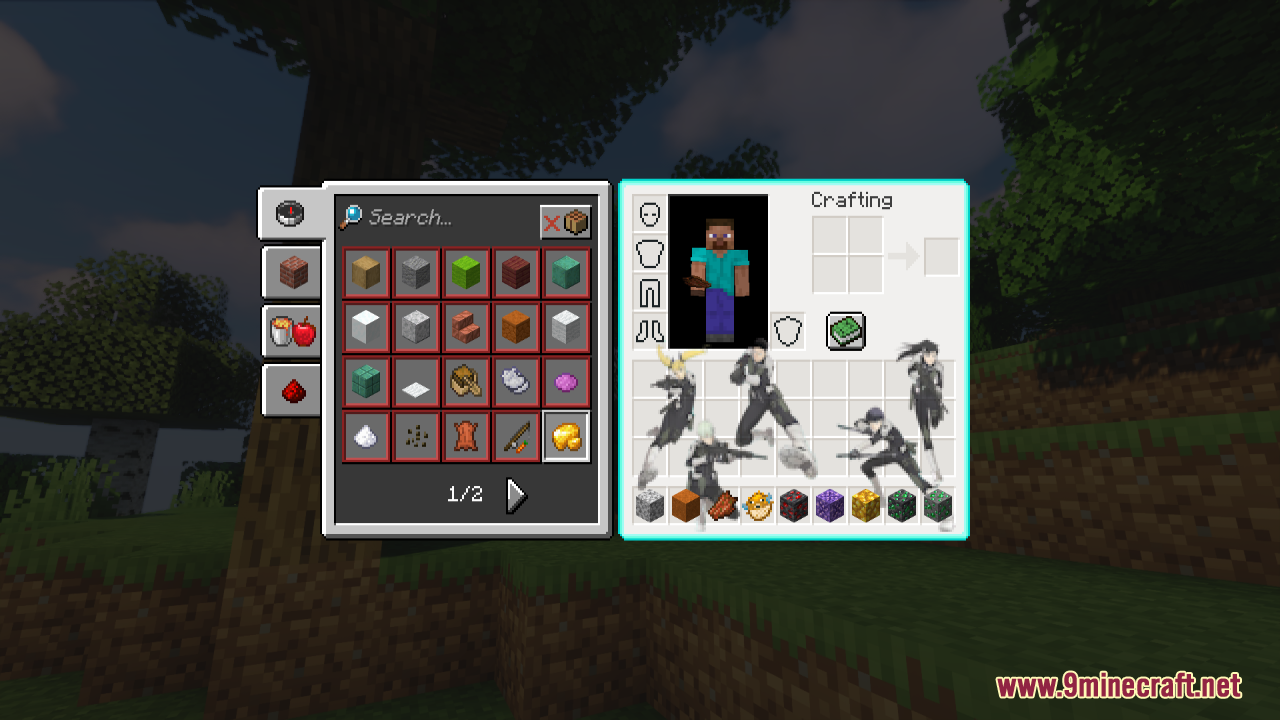
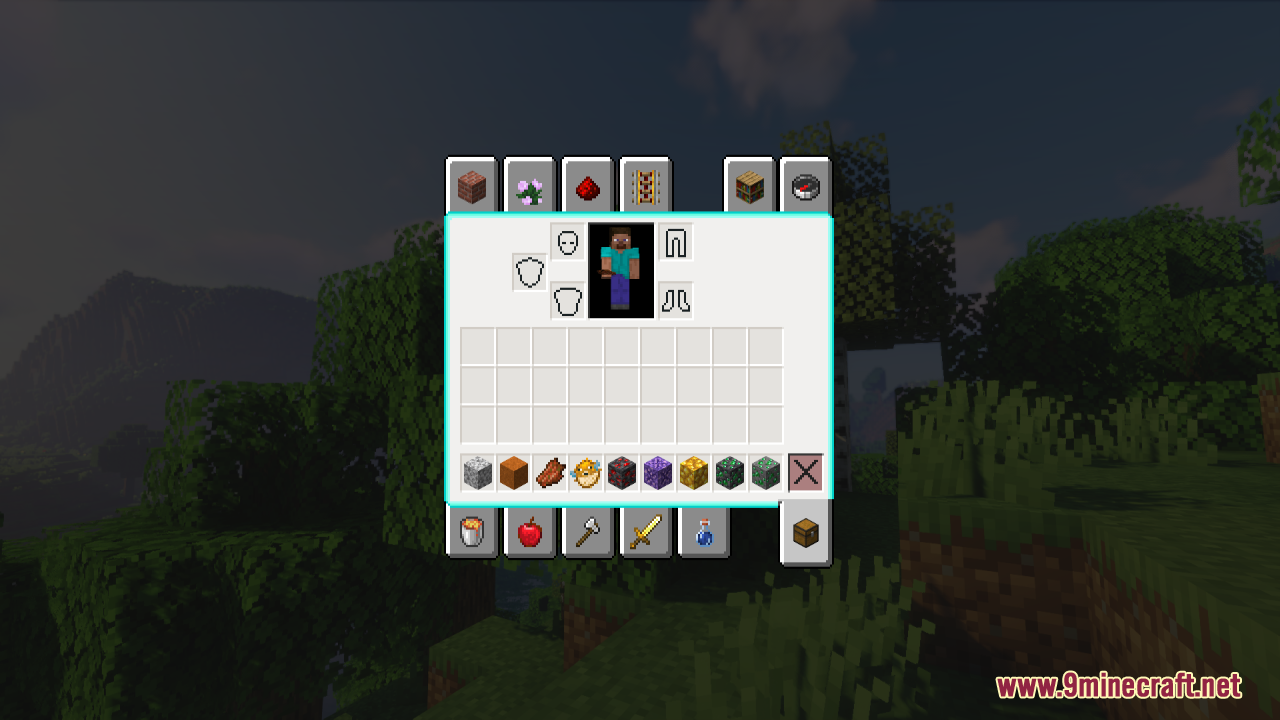
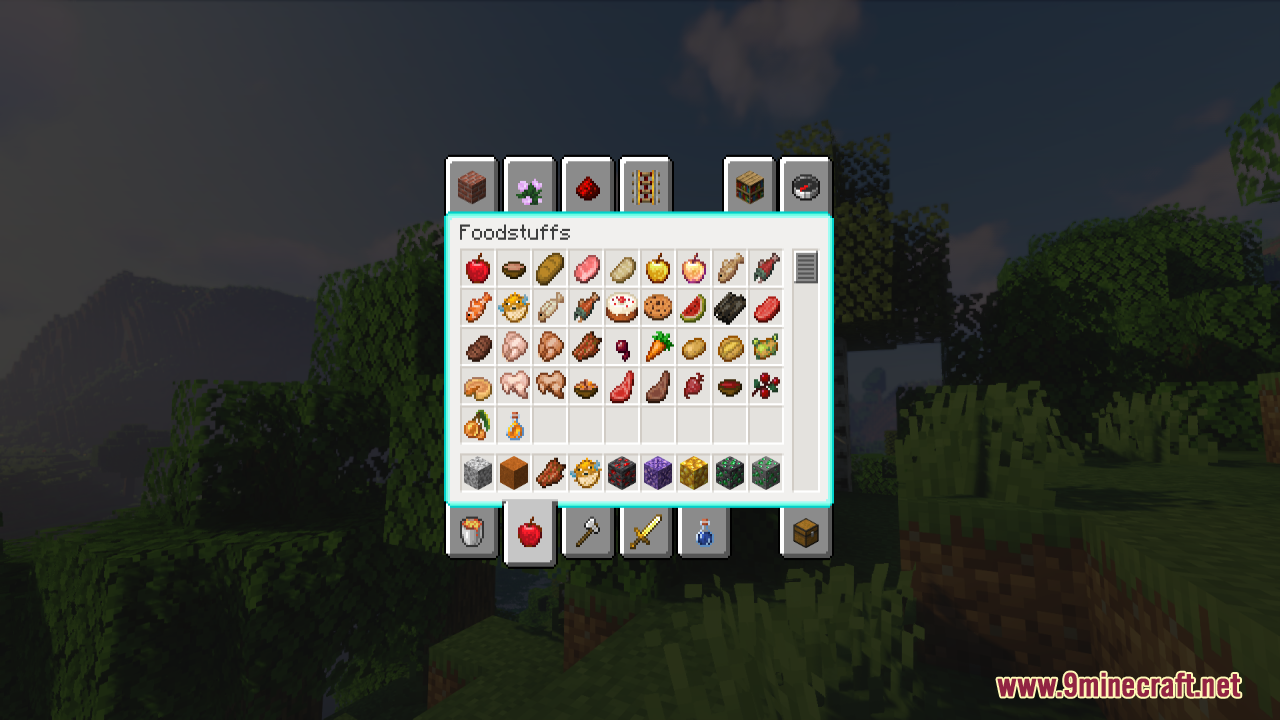
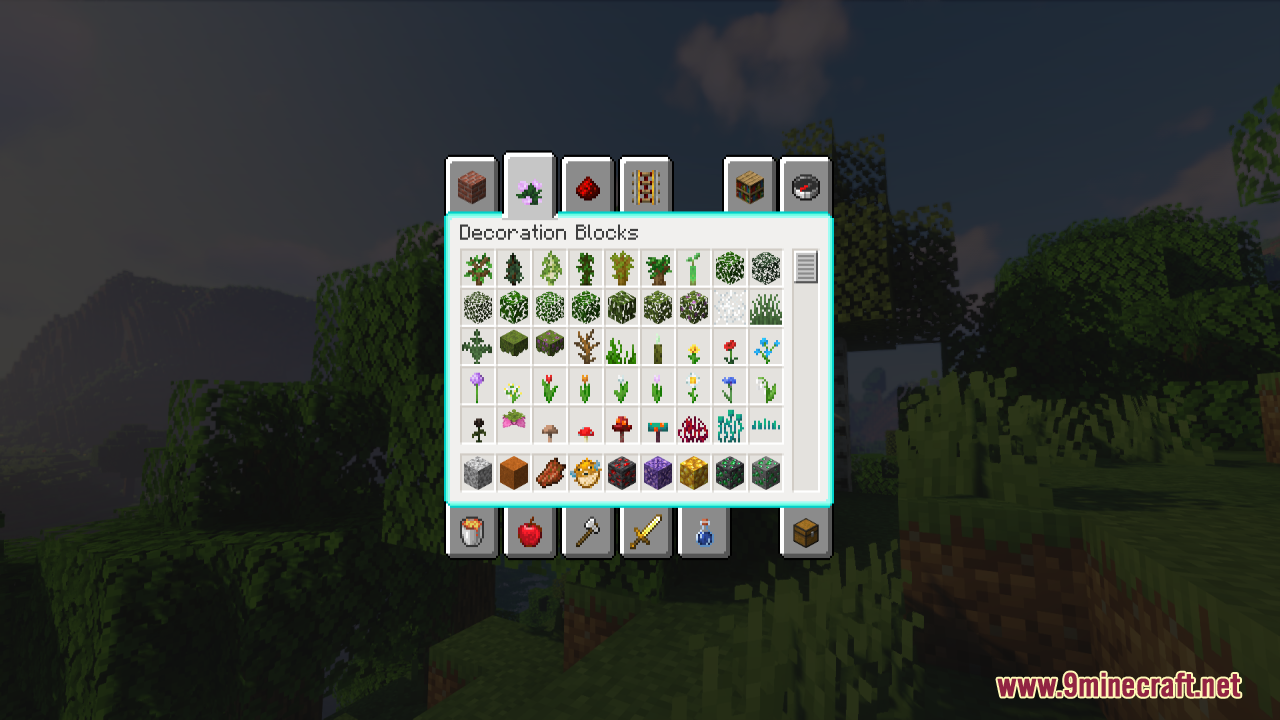
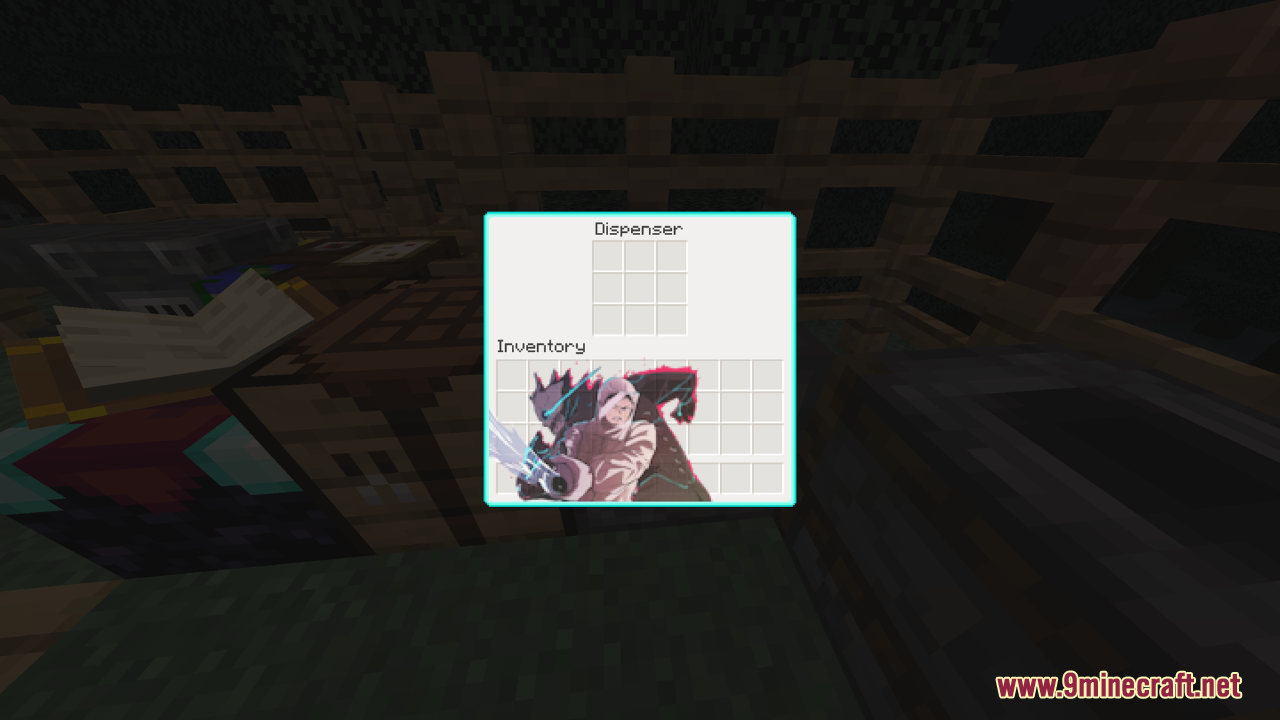
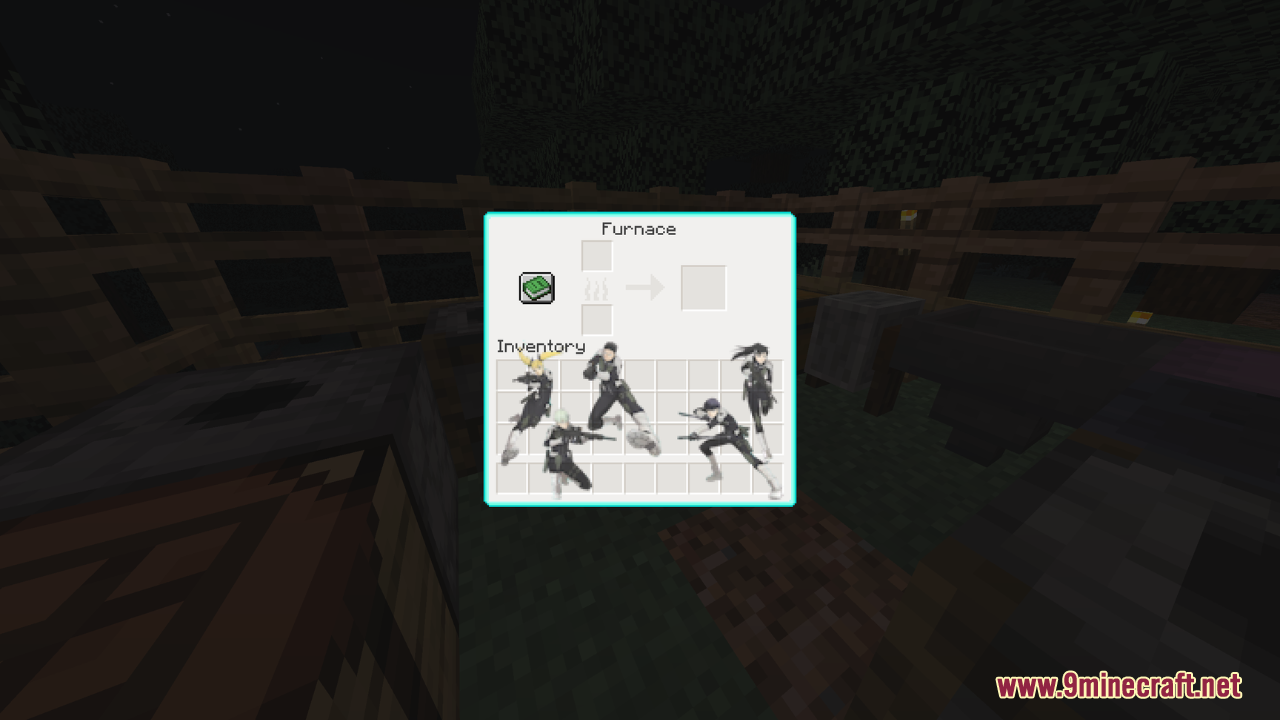
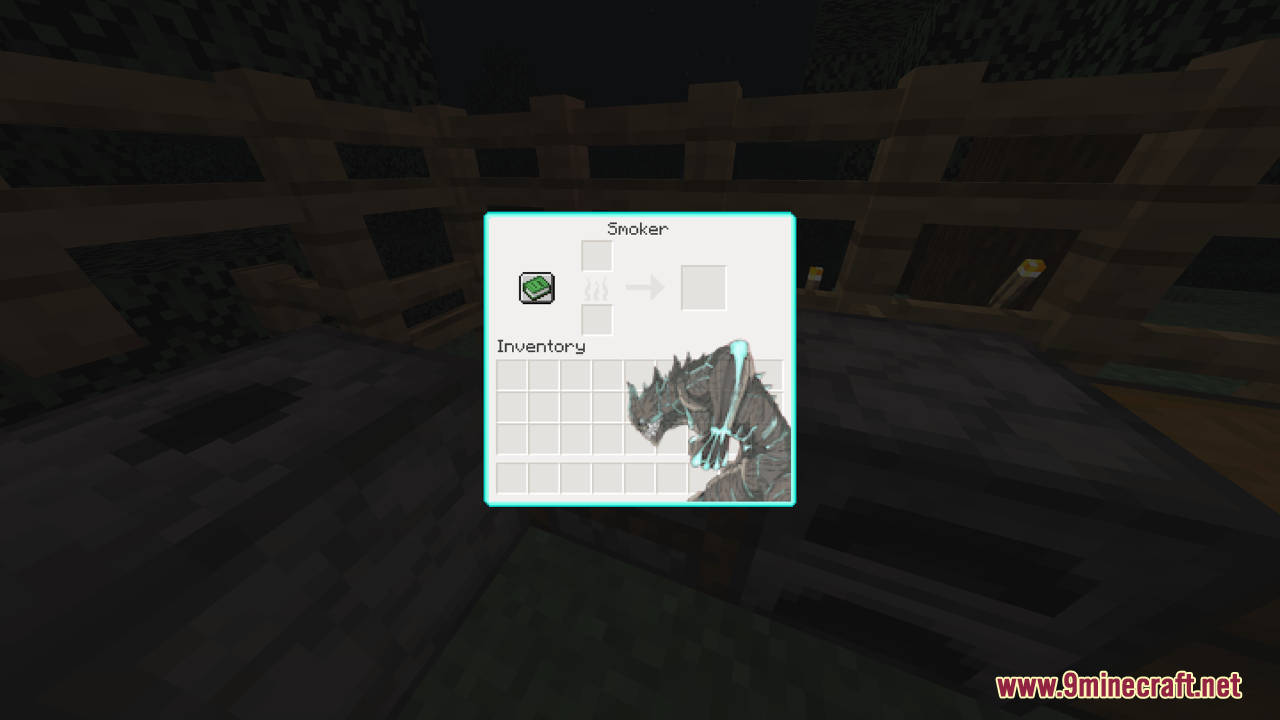
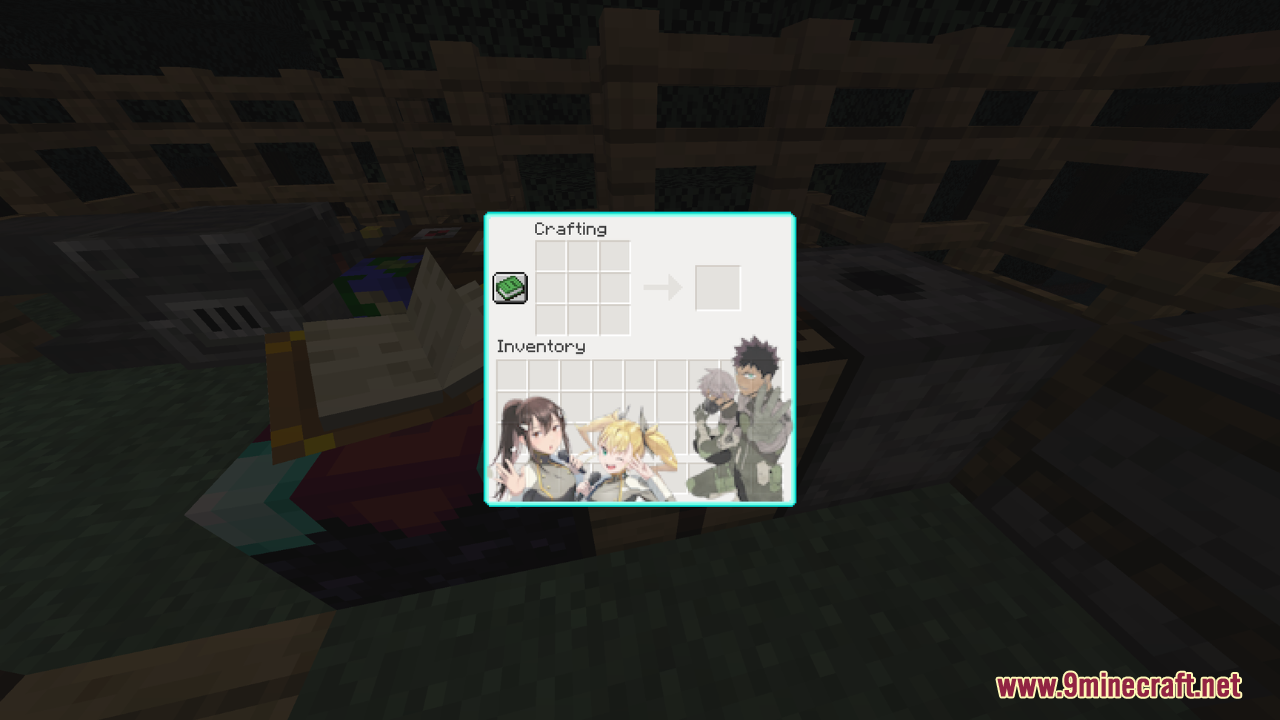
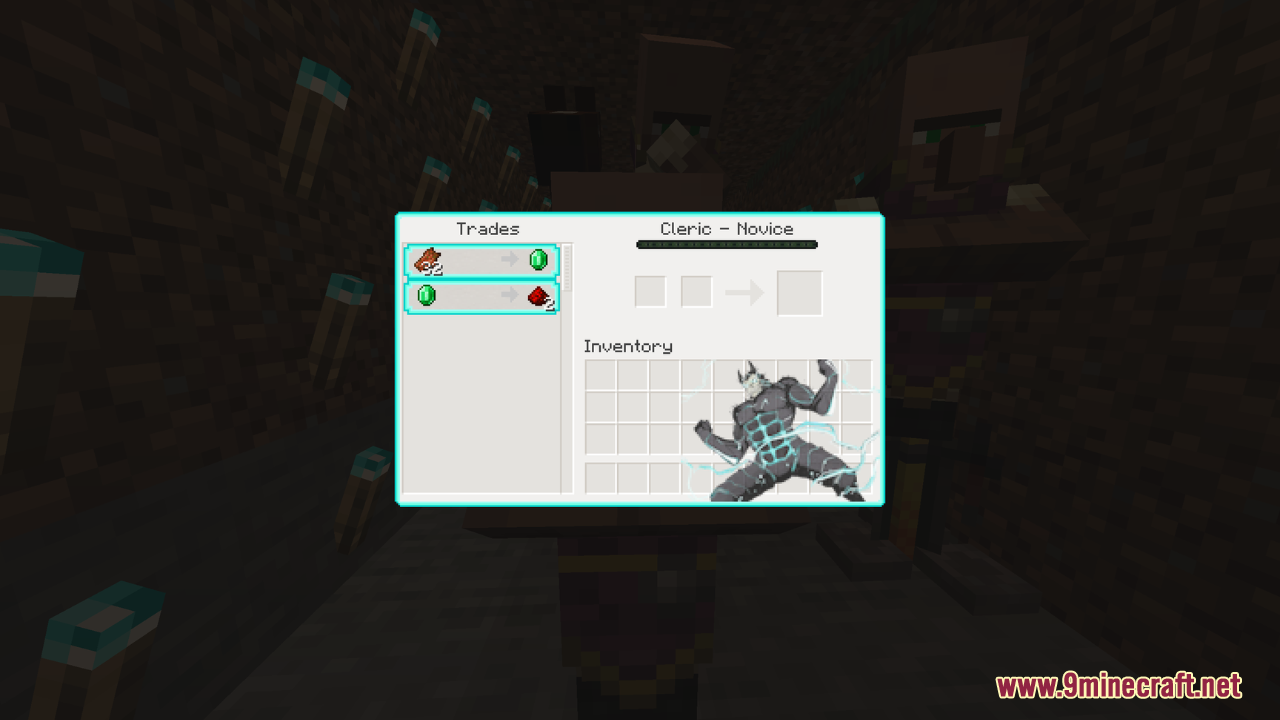
Kaiju No. 8 Custom GUI Resource Pack is a thematic modification designed to enhance the graphical user interface (GUI) of the game with a style inspired by the show “Kaiju No. 8.” The blue and white color palette provides a sleek and modern look, enhancing the visual appeal of the game’s interface. In general, this simple resource pack employs a blue and white color palette to create a sleek and visually appealing interface that aligns with the show’s aesthetic.
Screenshots:
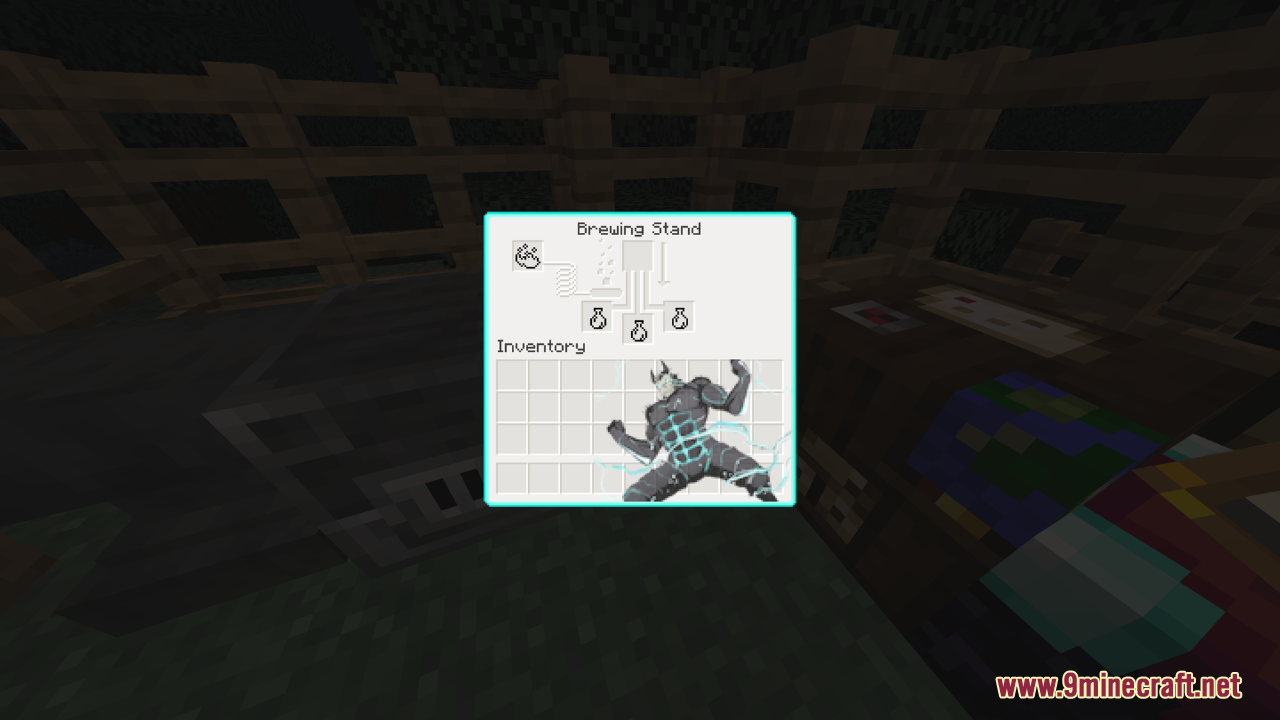
Kaiju No. 8 Custom GUI Resource Pack Download Links
For Minecraft 1.21.x
- Edition: Minecraft Java
- File type: .zip (resource pack)
- Minecraft versions listed: 1.21.1, 1.20.1
- How to install: Download the .zip resource pack — do not unzip it. → Put it in .minecraft/resourcepacks. → Enable it in Options → Resource Packs.
- Where to get it: In MC Java Mods, or directly above on this page.
Install steps are the general flow for this file type — How to install Minecraft Java resource packs walks through it step by step.
Kaiju No. 8 Custom GUI Resource Pack (1.21.1, 1.20.1) – Texture Pack is a free Minecraft Java resourcepack. Compatible with Minecraft 1.21.1, 1.20.1. Download it and open it directly in the game.