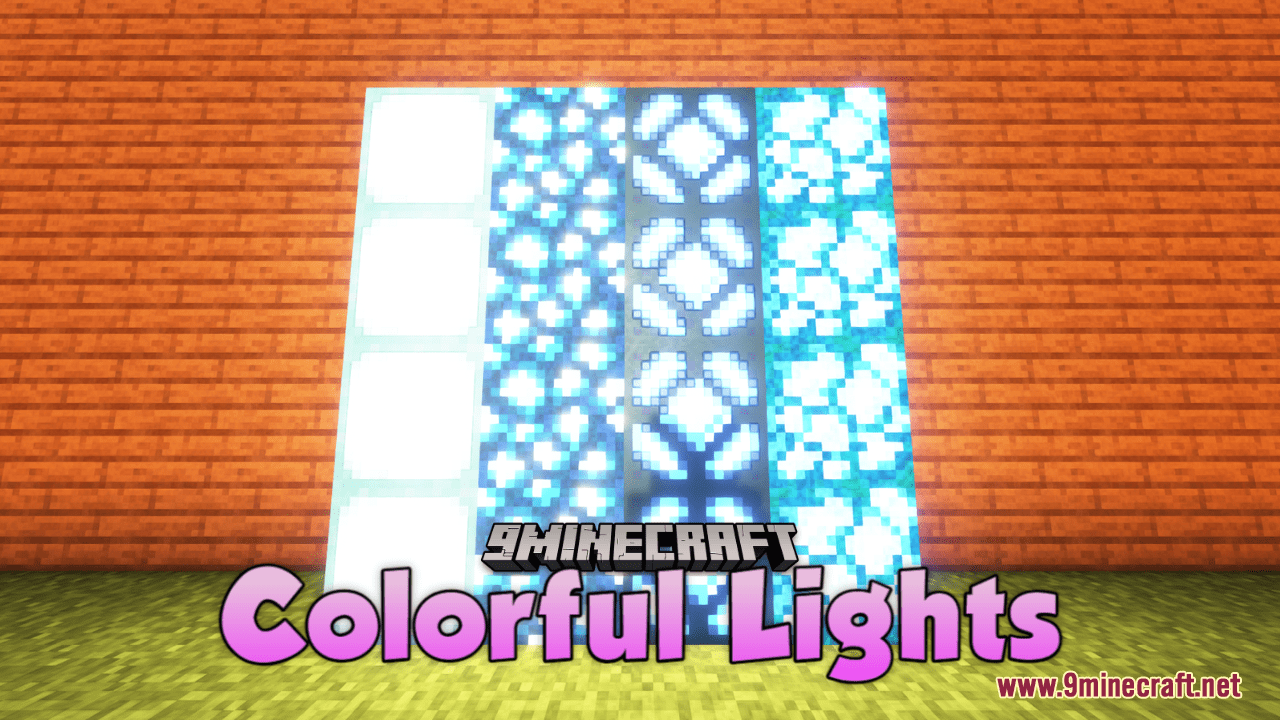
Colorful Lights Resource Pack (1.21.1, 1.20.1) – Texture Pack
Colorful Lights Resource Pack simply brings a vibrant and mesmerizing transformation to the lighting elements in Minecraft. Each Shroomlight emits a…
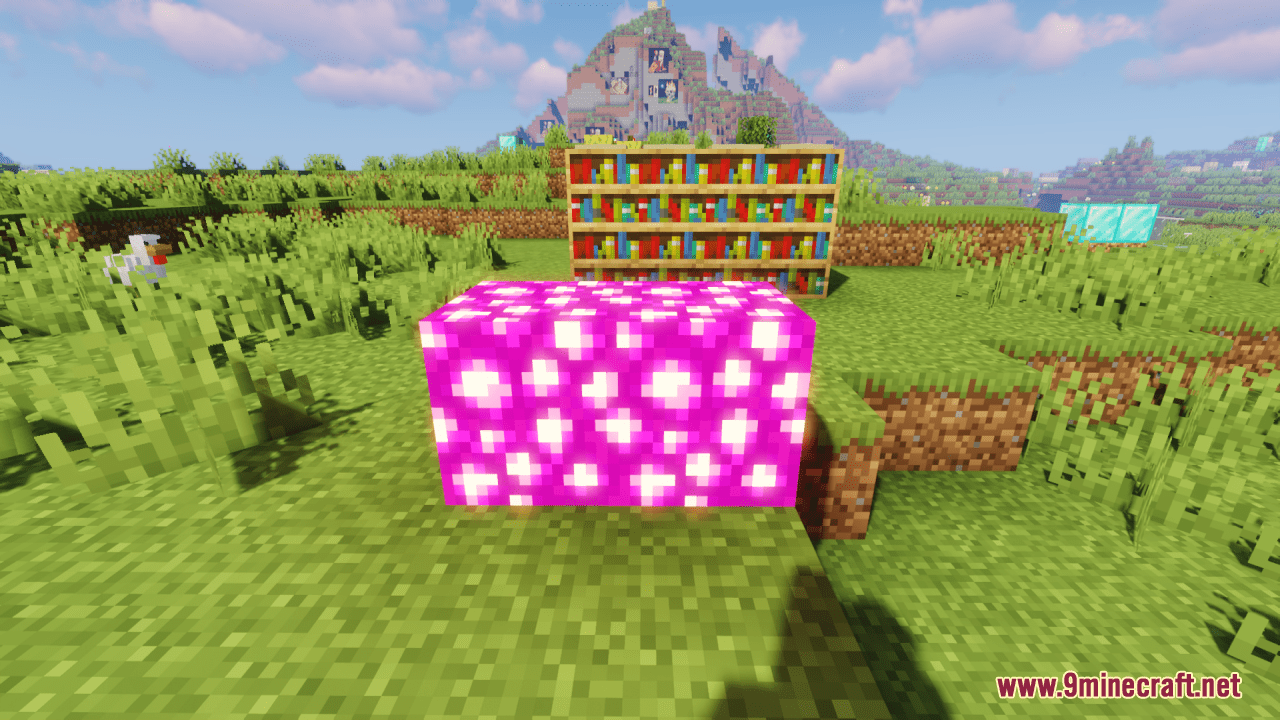
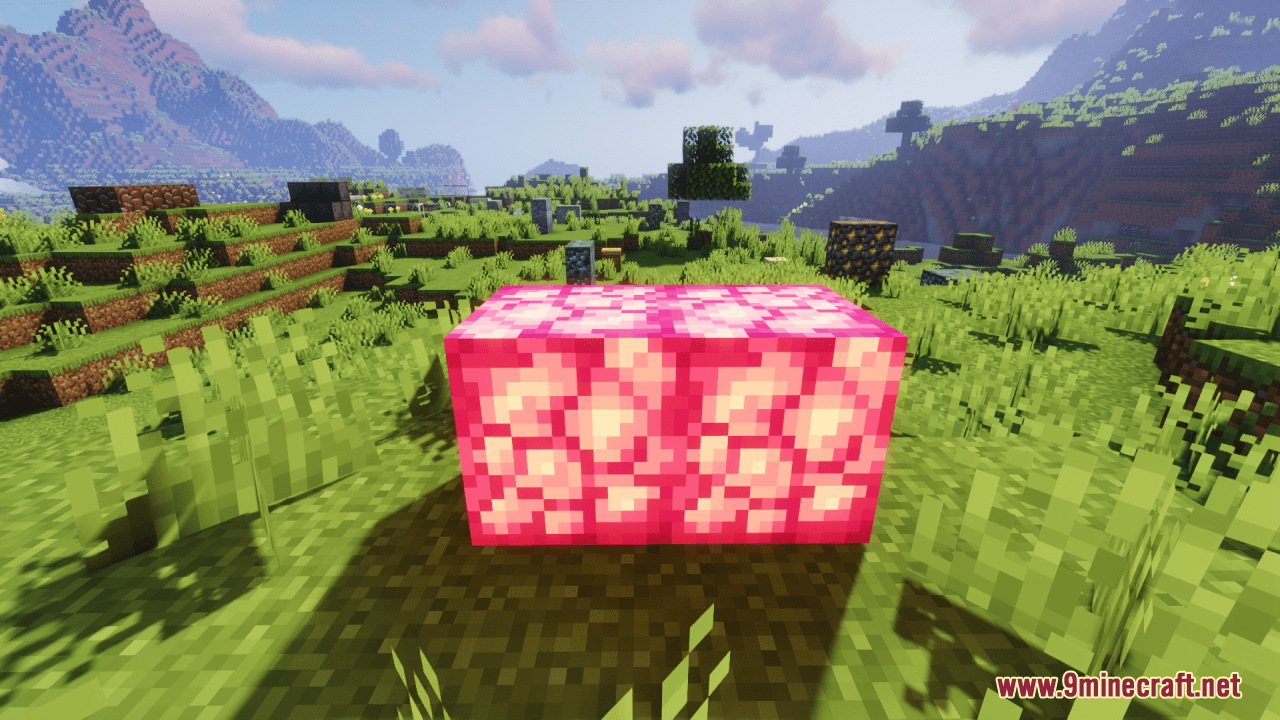
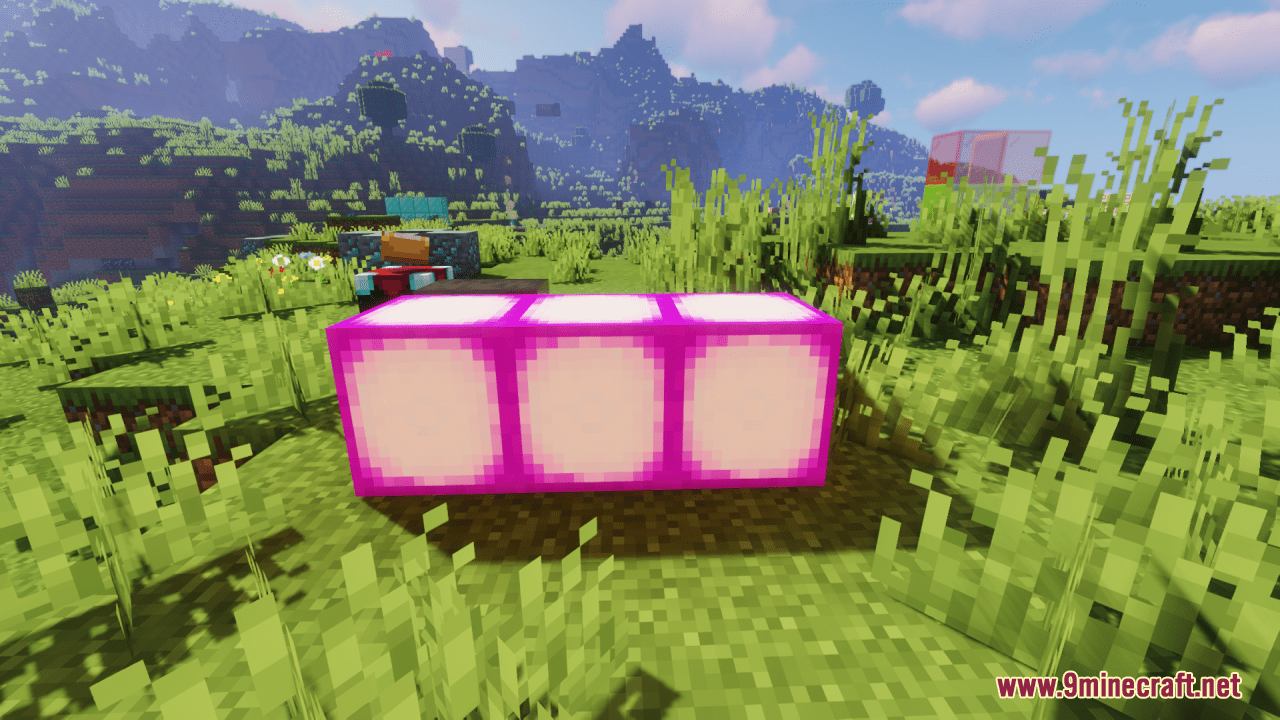
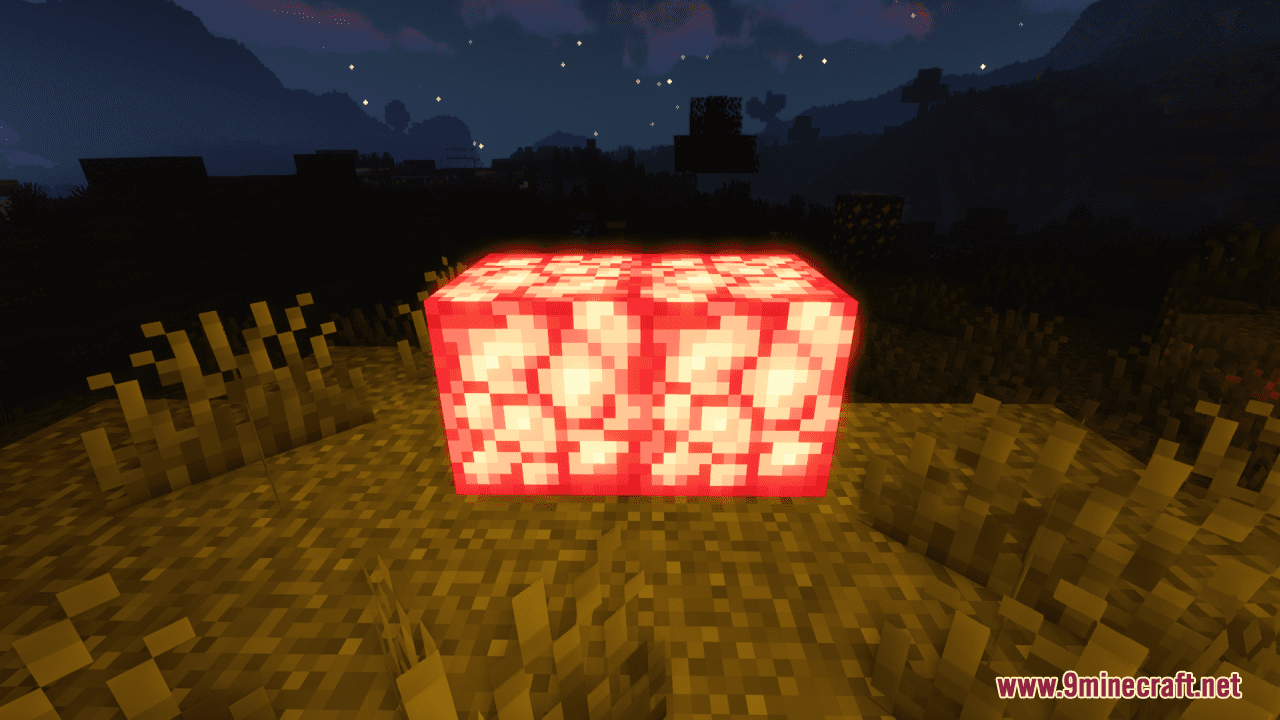
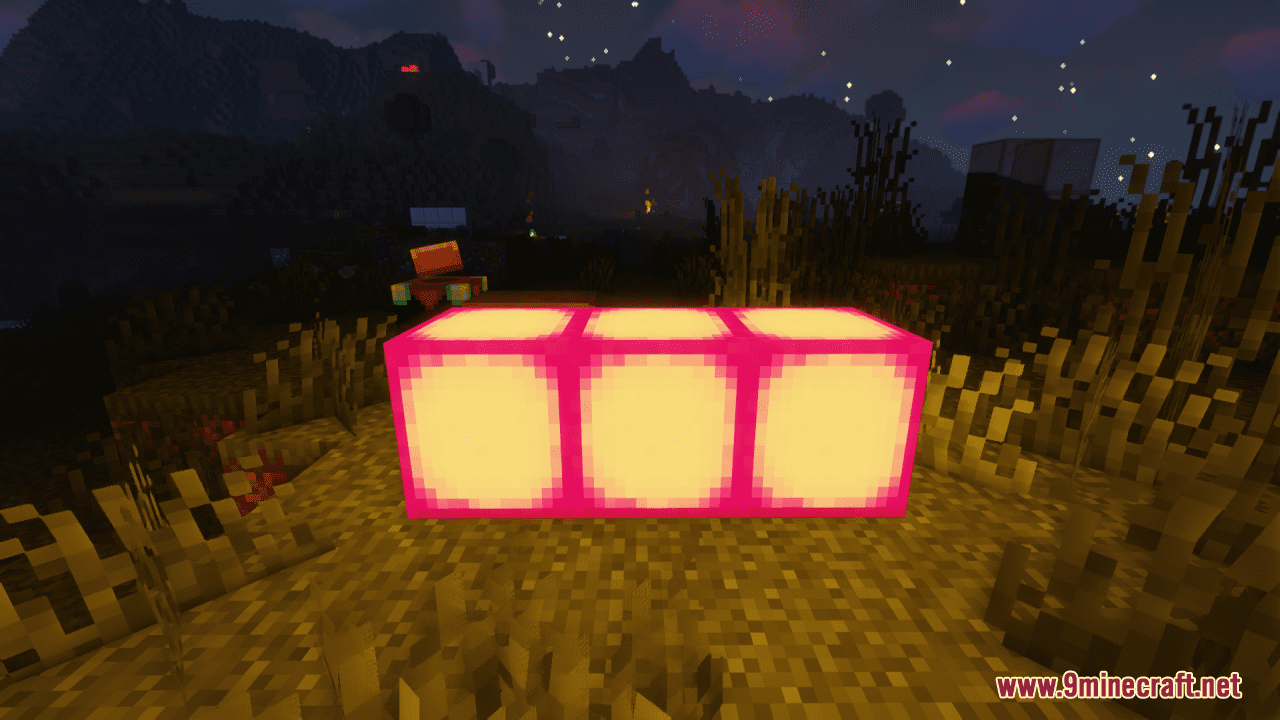
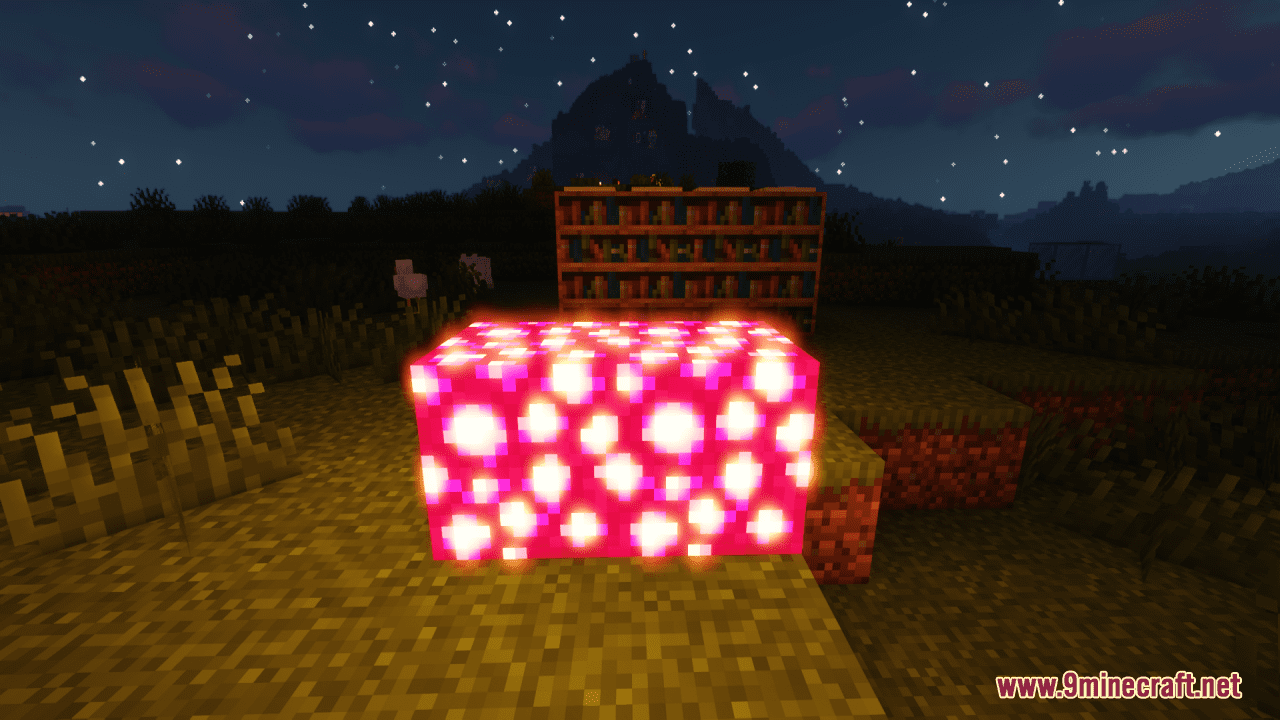
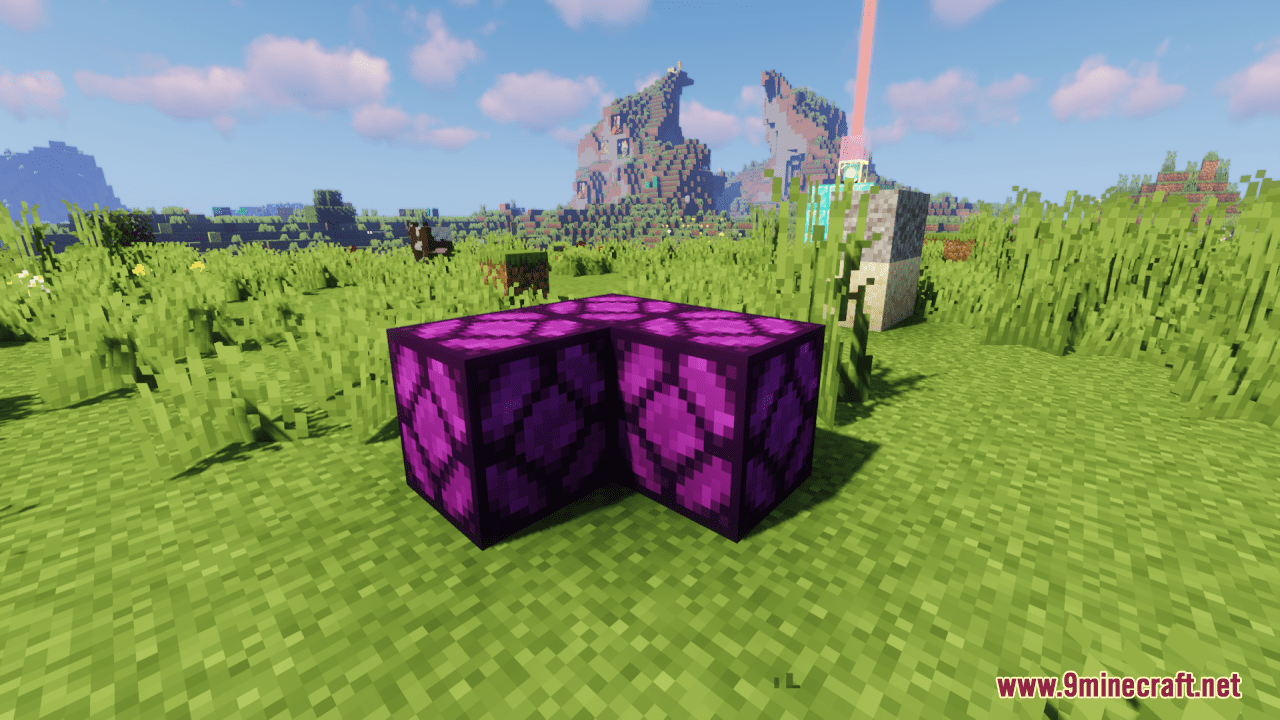
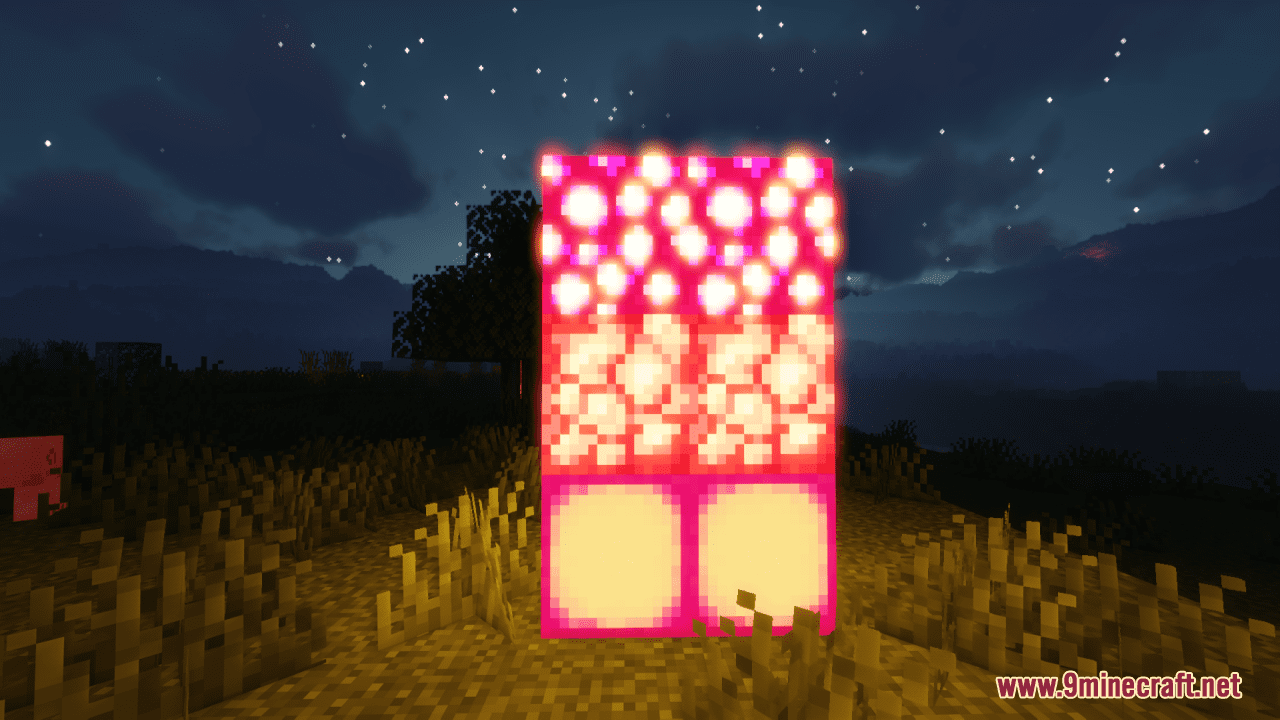
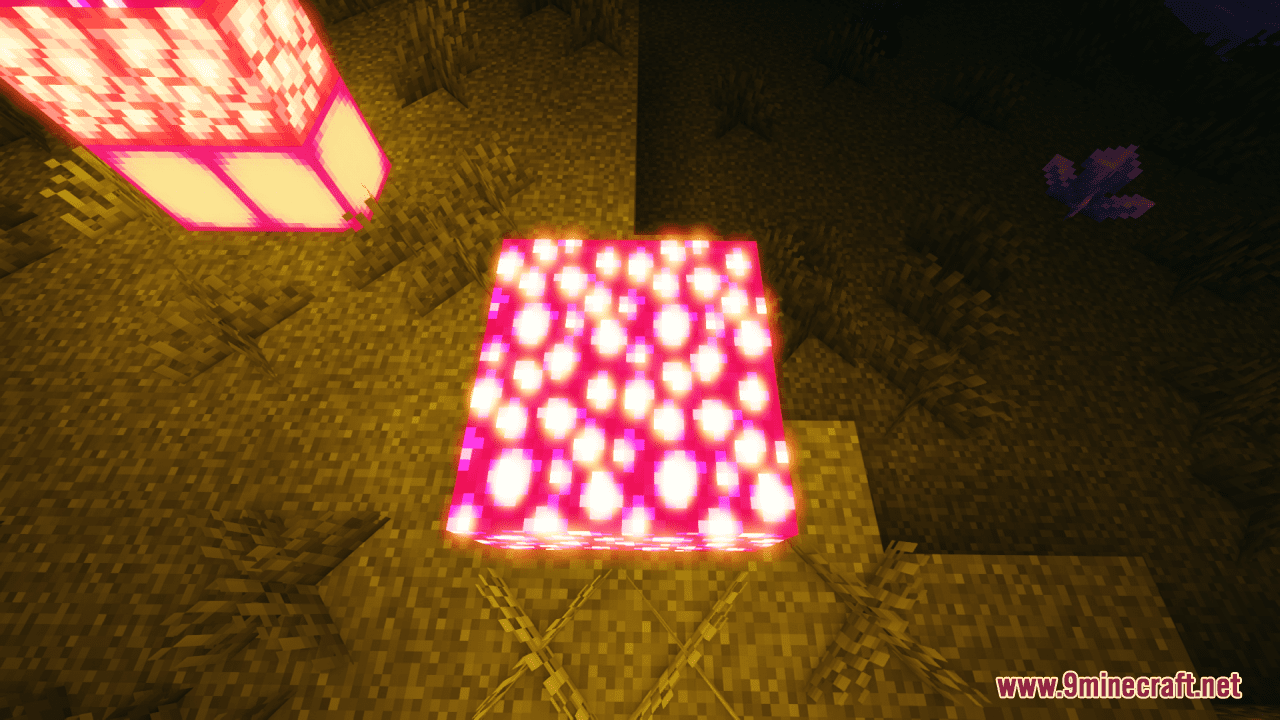
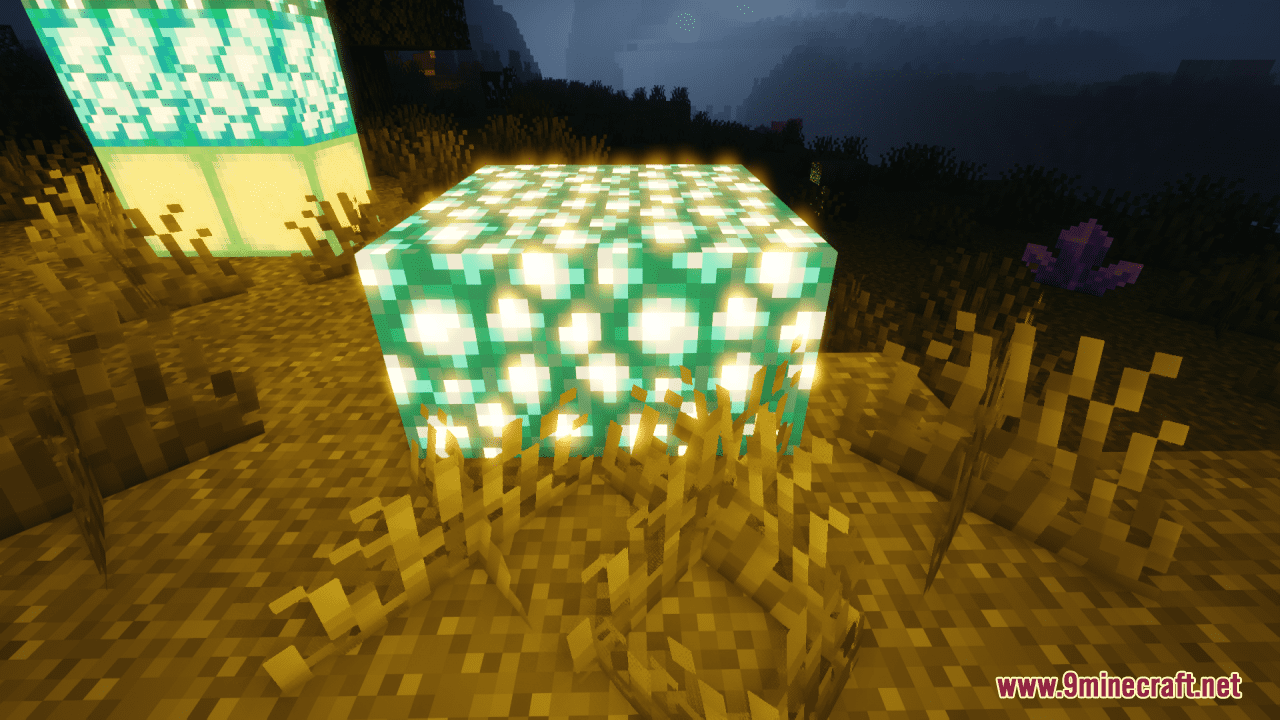
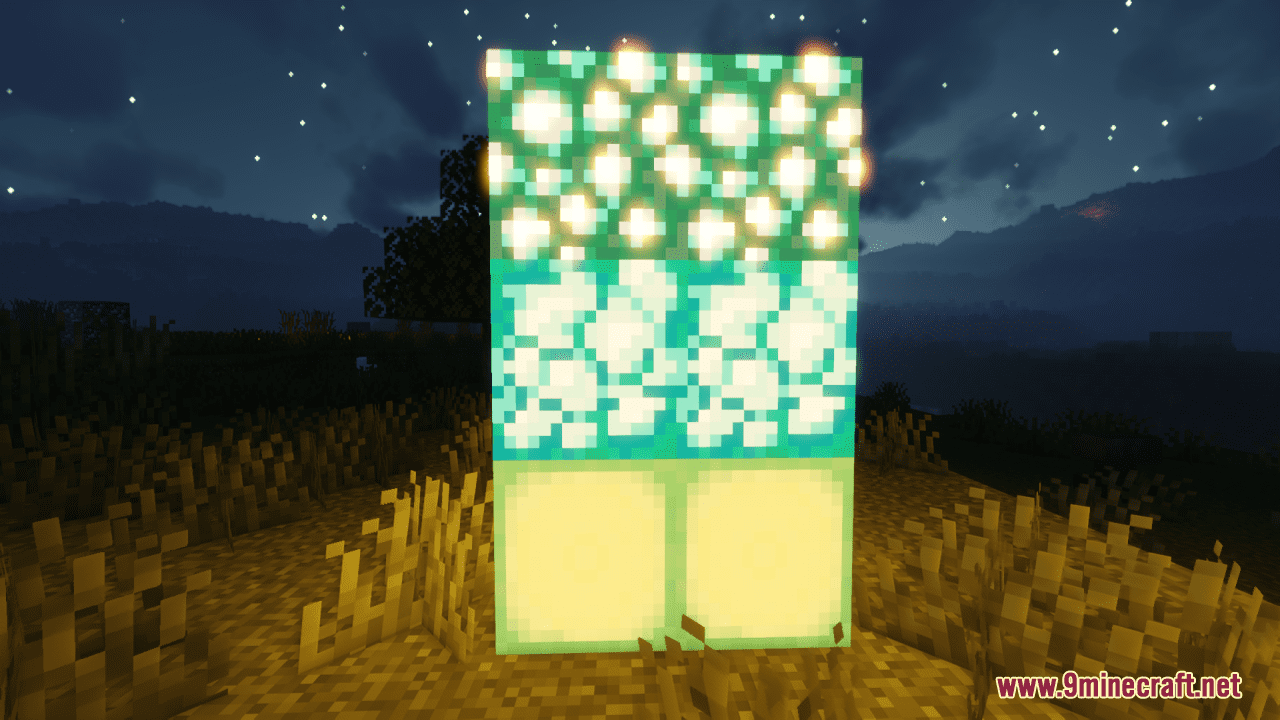
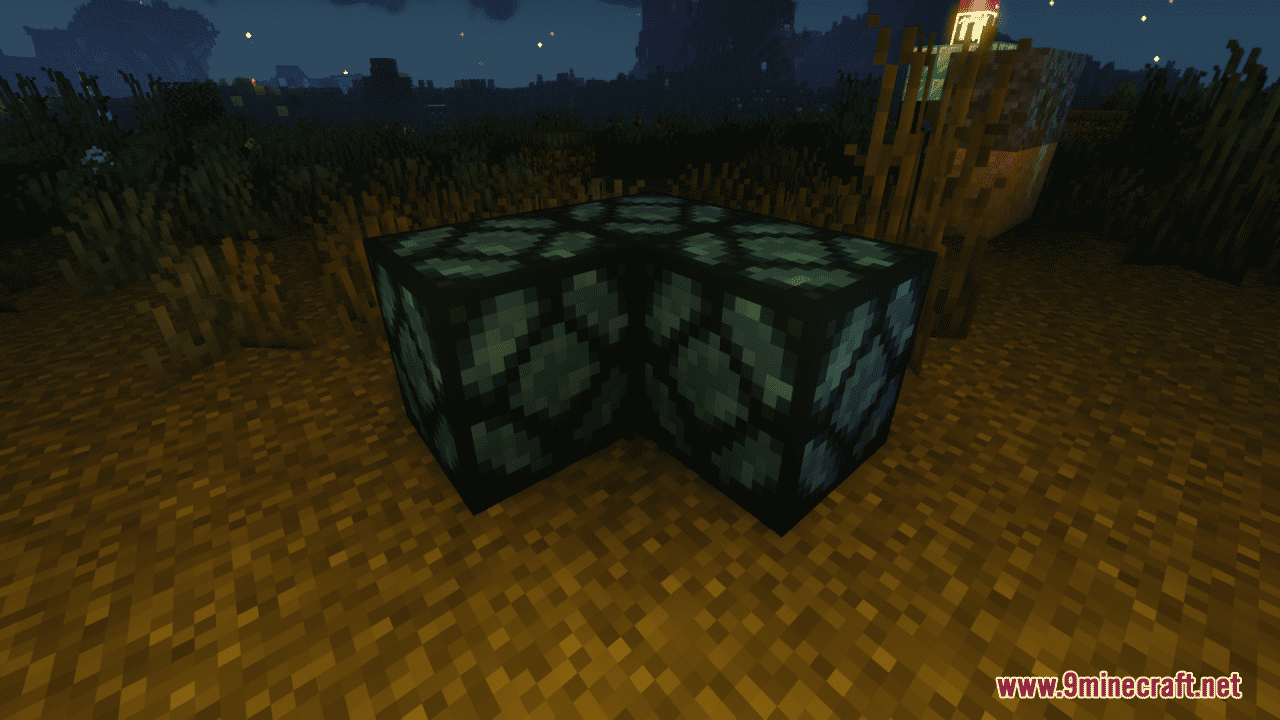
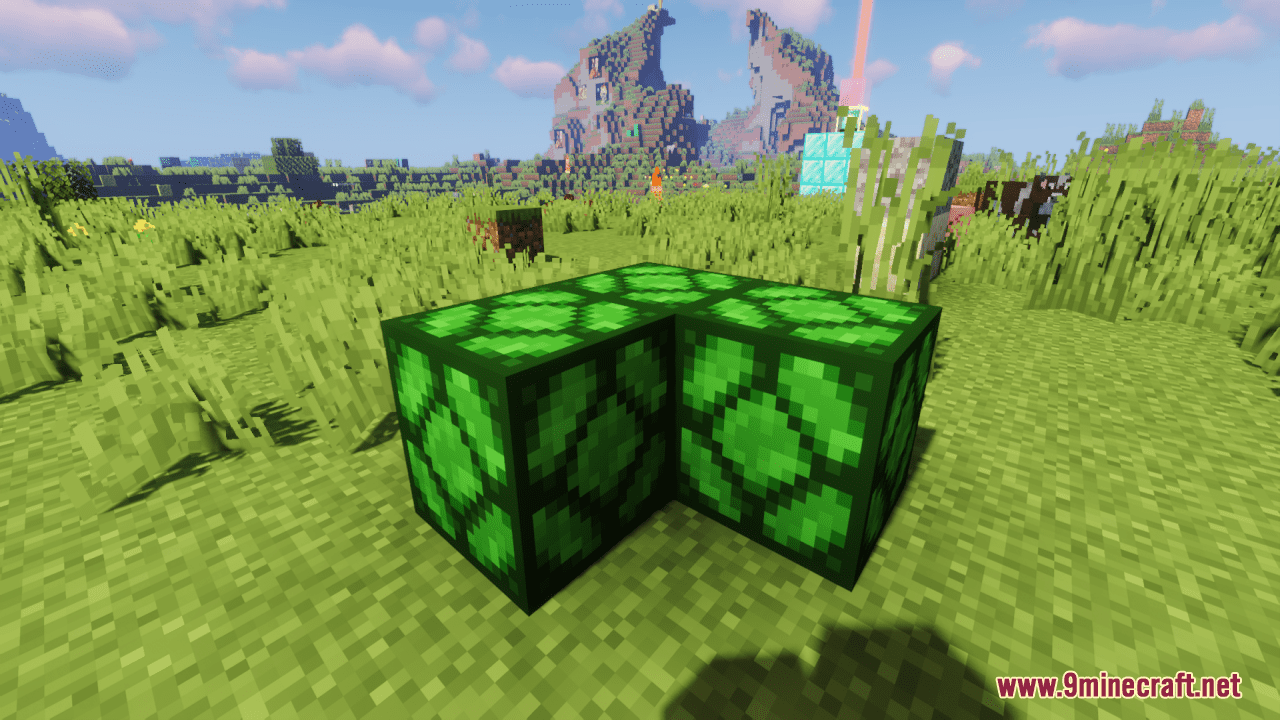
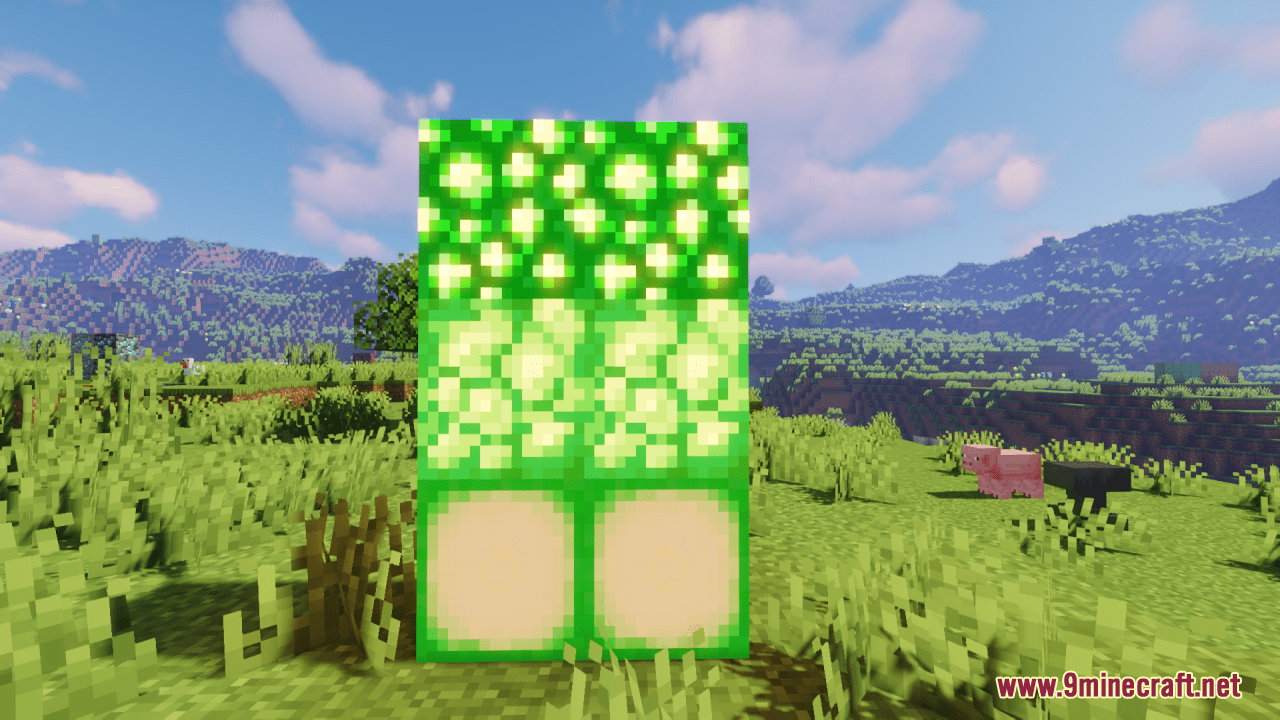
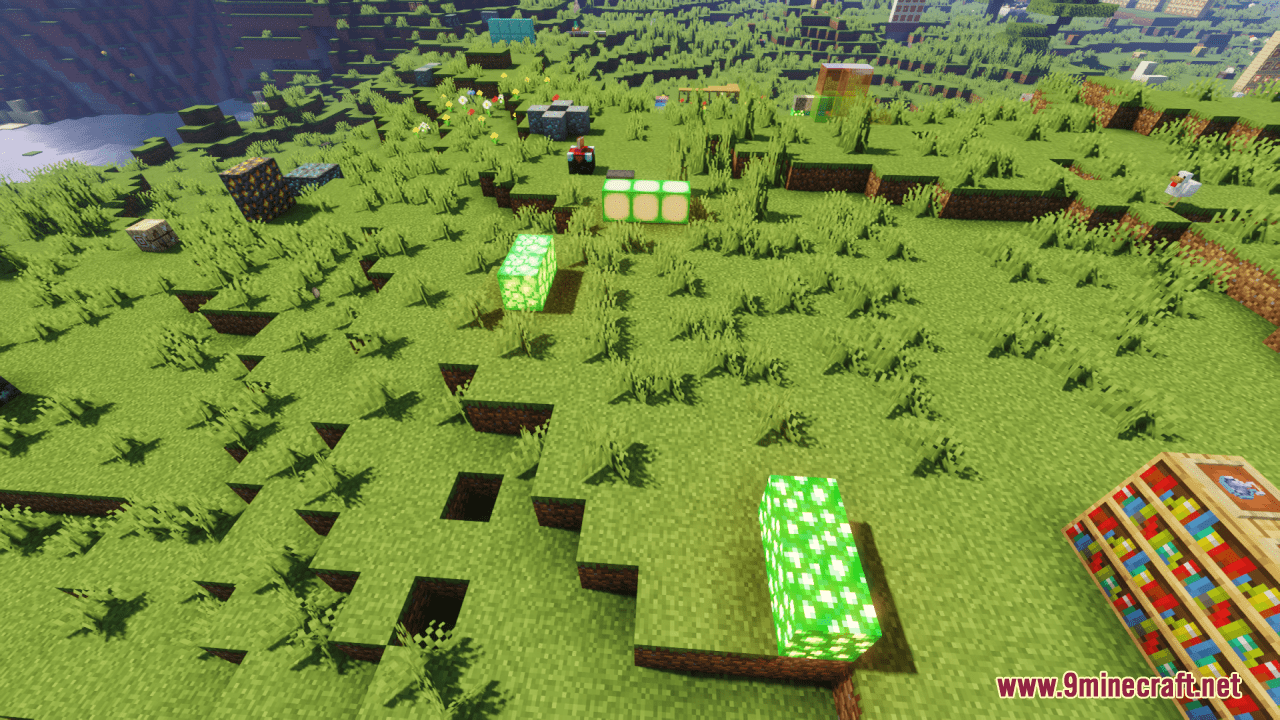
⬇ DownloadOpen in MCModsHubGet it on Google Play →Colorful Lights Resource Pack simply brings a vibrant and mesmerizing transformation to the lighting elements in Minecraft. Each Shroomlight emits a brilliant spectrum of hues, turning underground caves into enchanting realms of color and light. Glowstone also now shimmers with a myriad of colors, bathing your surroundings in a dazzling array of light. From soft blues to vibrant purples, each Glowstone block adds a touch of magic to your Minecraft world, turning ordinary landscapes into extraordinary works of art. With its vibrant hues and immersive lighting effects, this pack is sure to add a touch of magic to your Minecraft experience.
Screenshots:
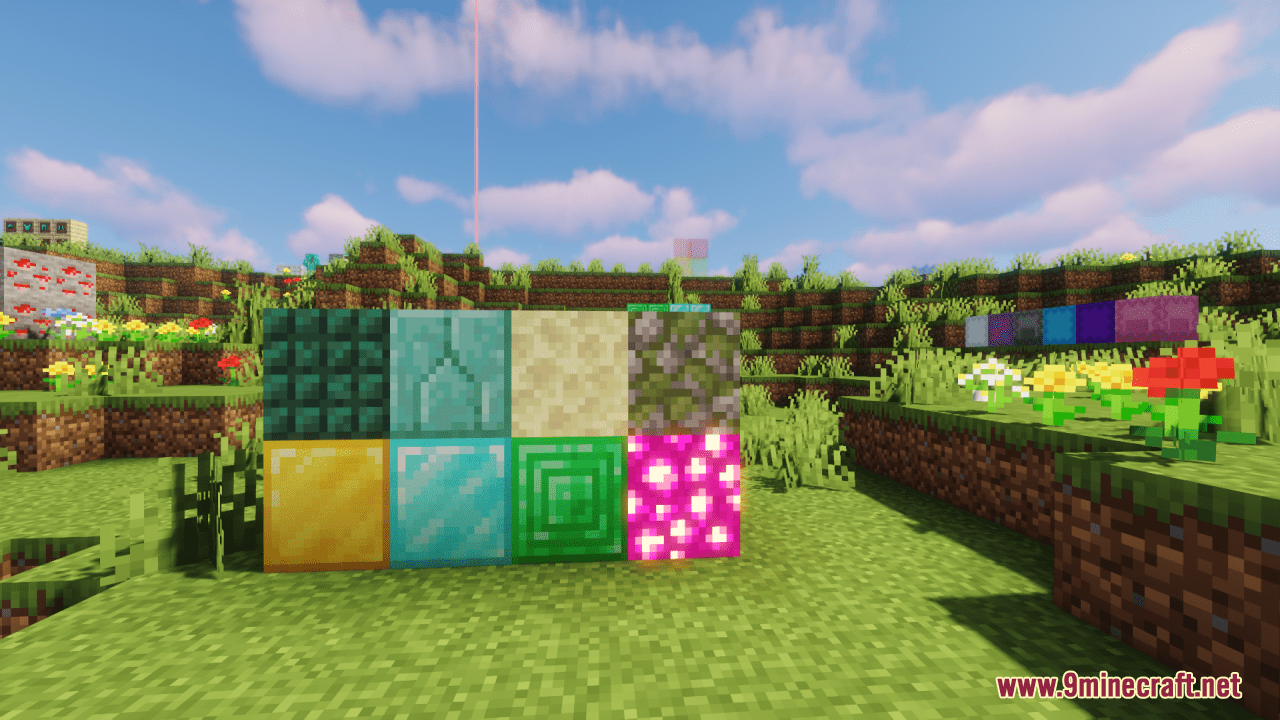
Colorful Lights Resource Pack Download Links
For Minecraft 1.21.x
For Minecraft 1.20.6, 1.20.4, 1.20.2, 1.20.1
Colorful Lights Resource Pack (1.21.1, 1.20.1) – Texture Pack is a free Minecraft Java resourcepack. Compatible with Minecraft 1.21.1, 1.20.1. Download it and open it directly in the game.