
Iconic Resource Pack (1.21.1, 1.20.1) – Texture Pack
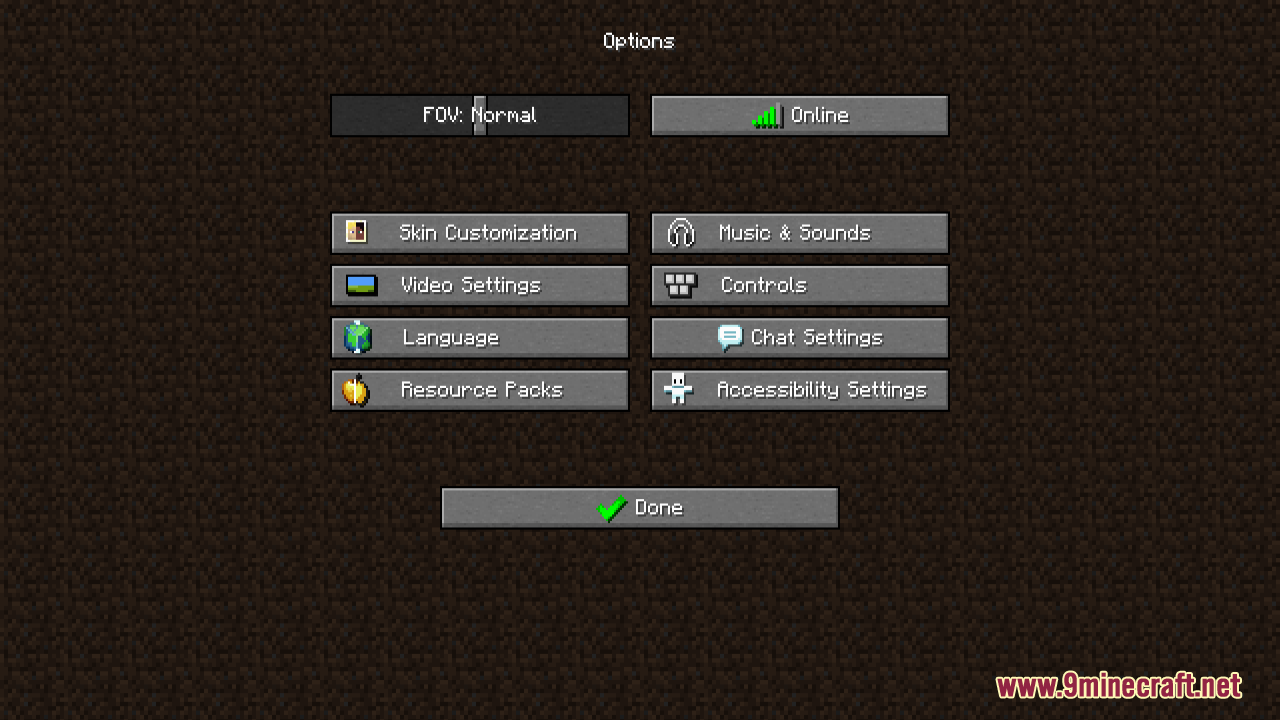
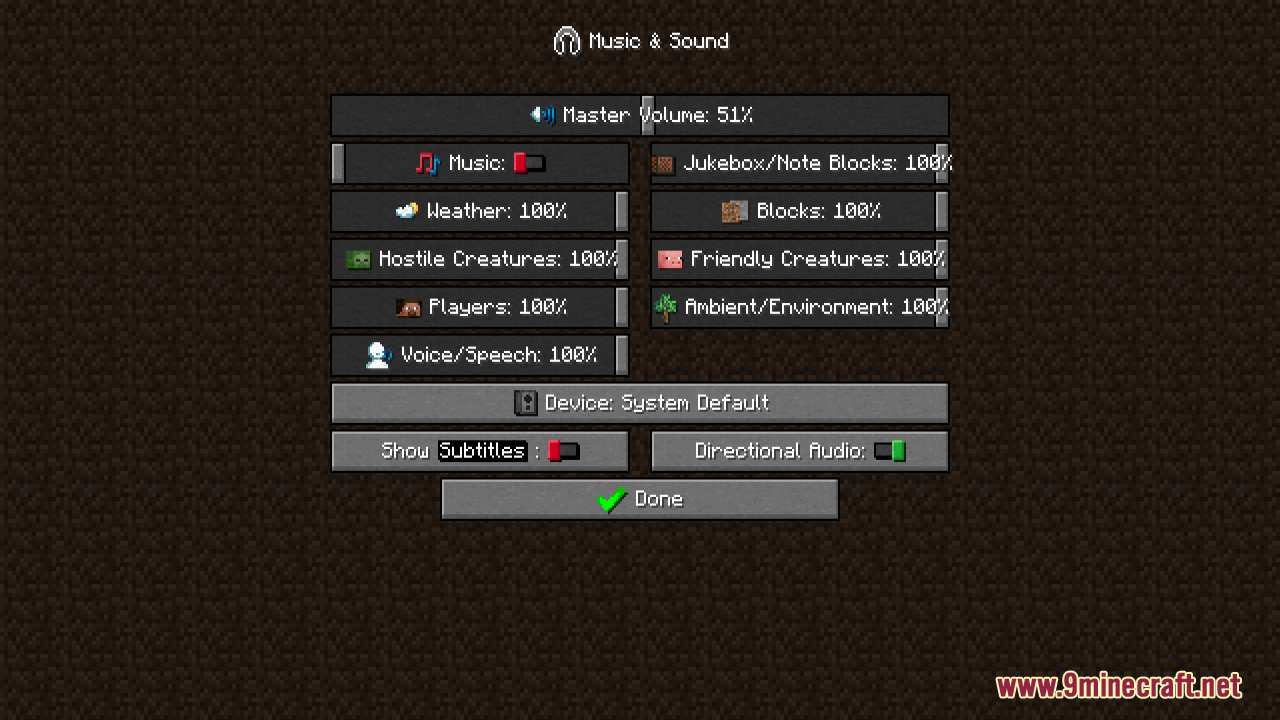
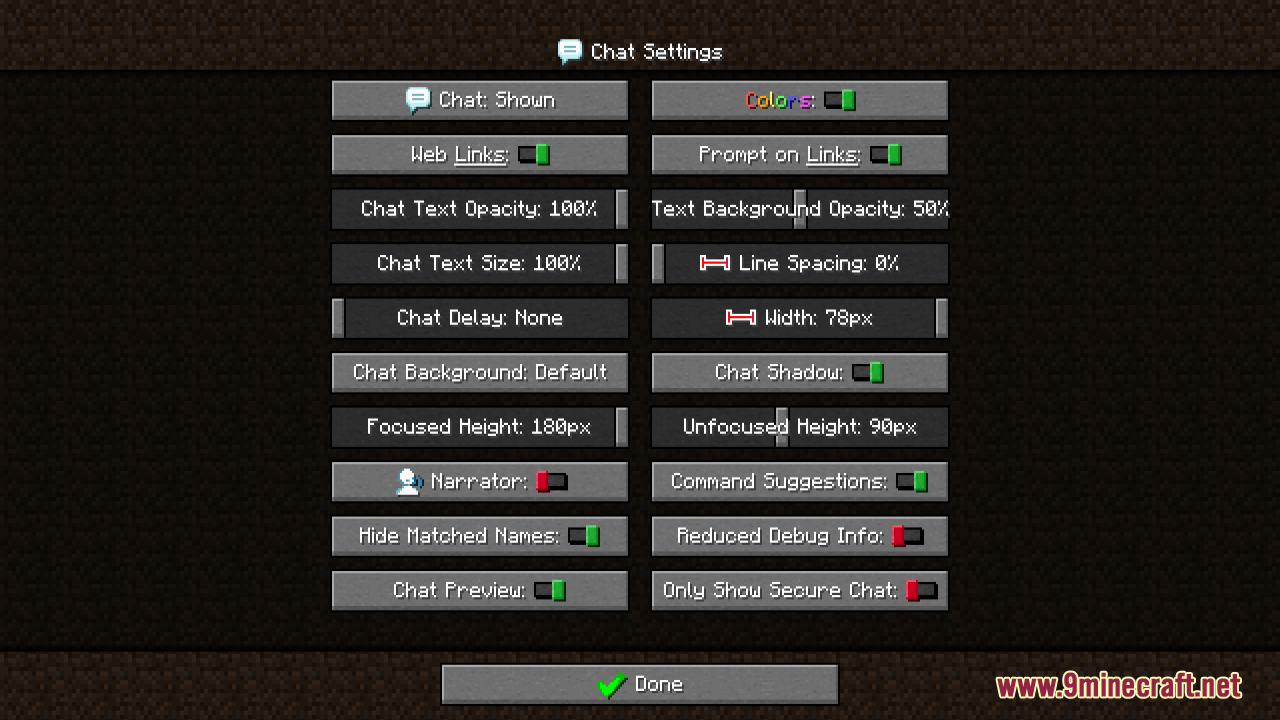
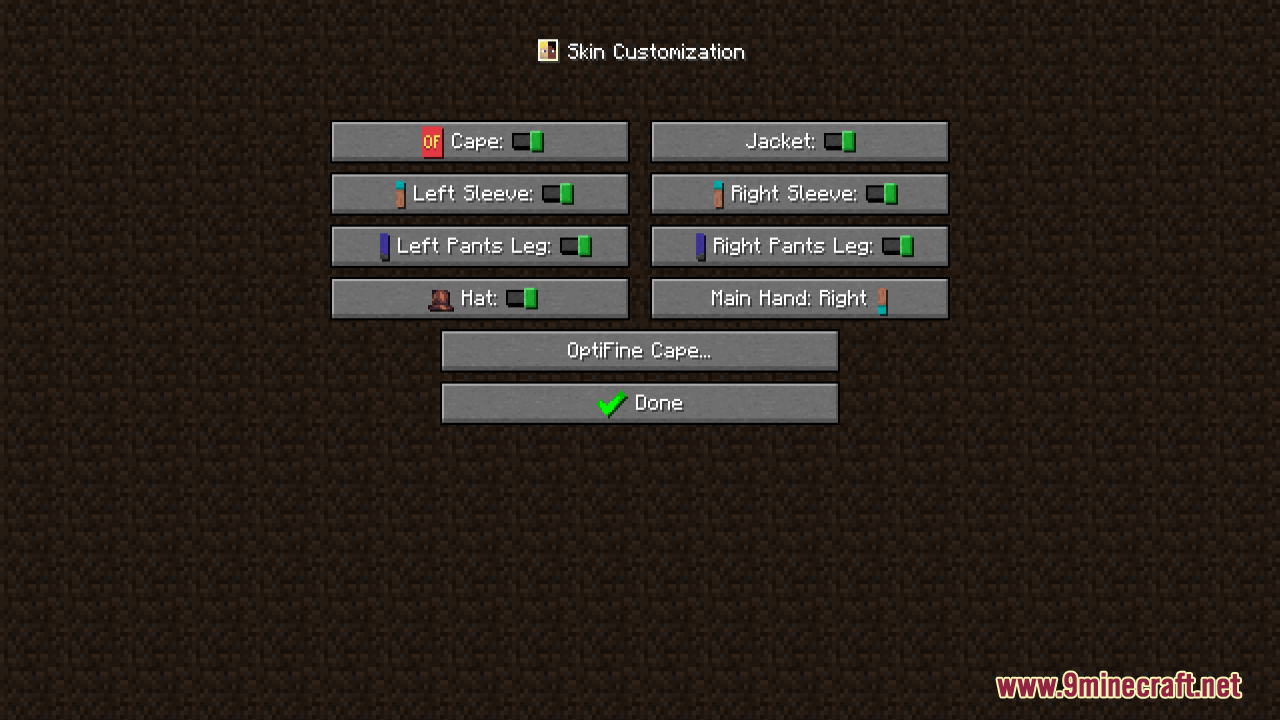
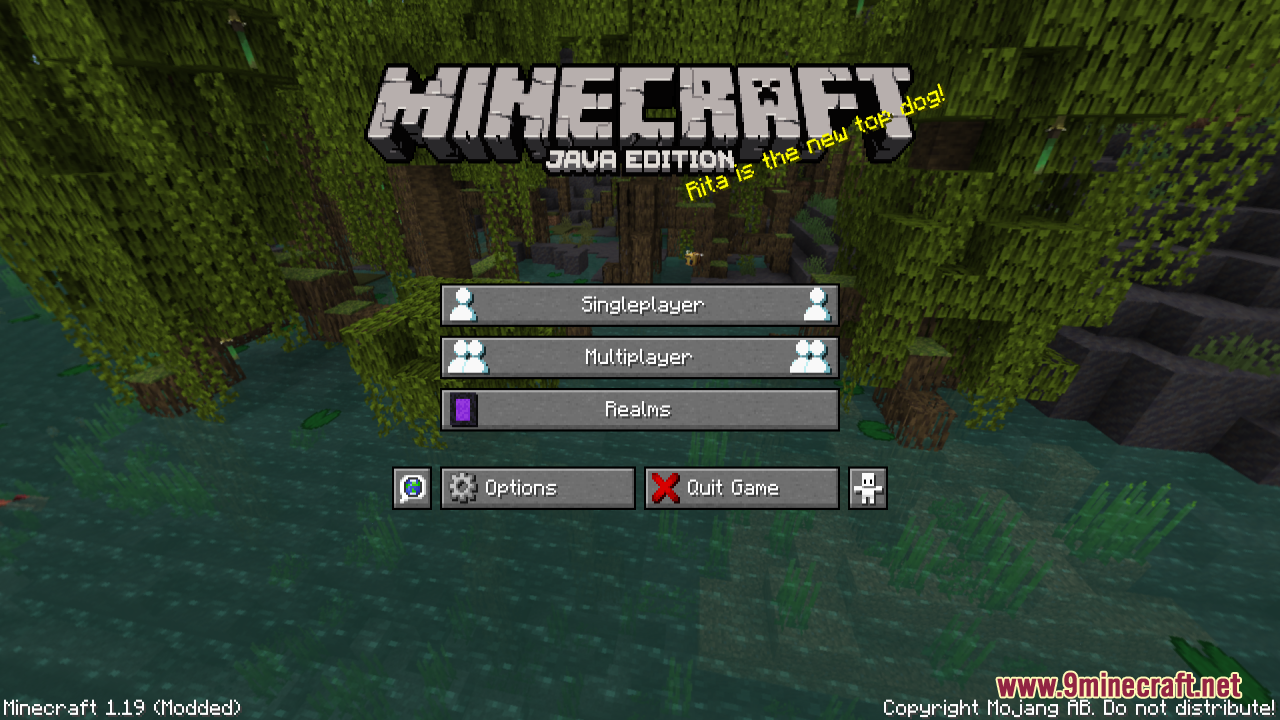
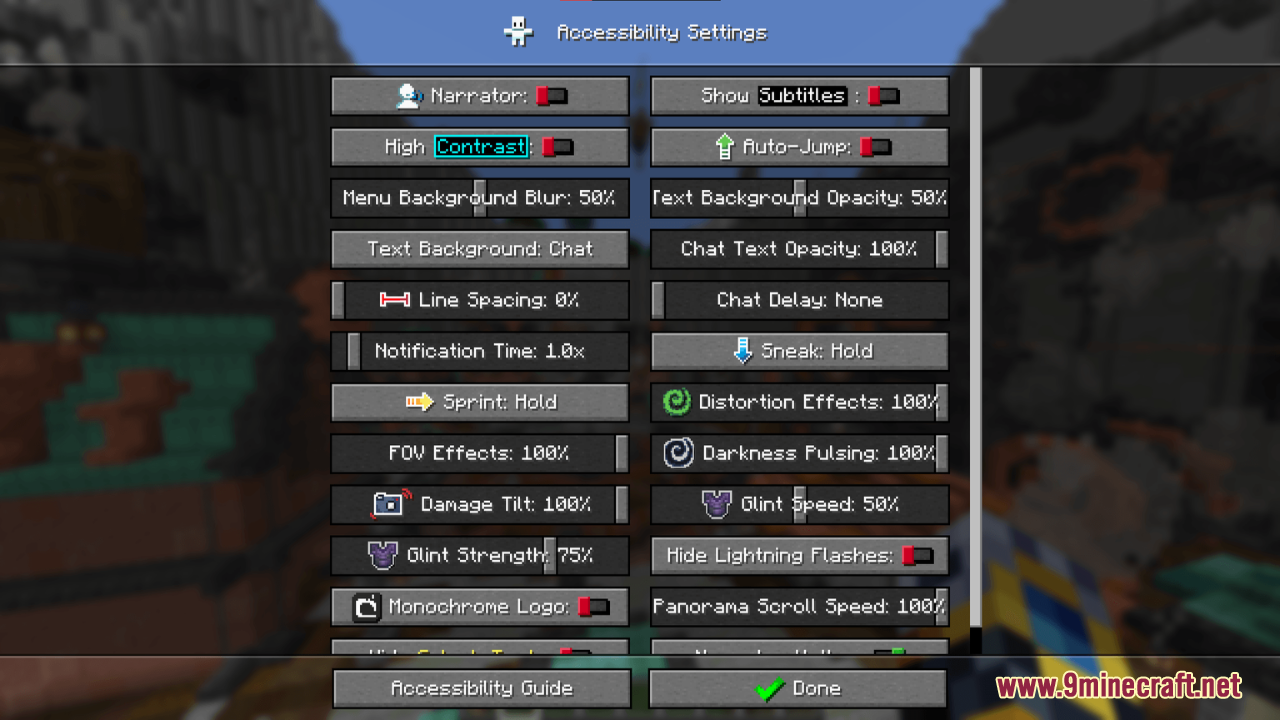
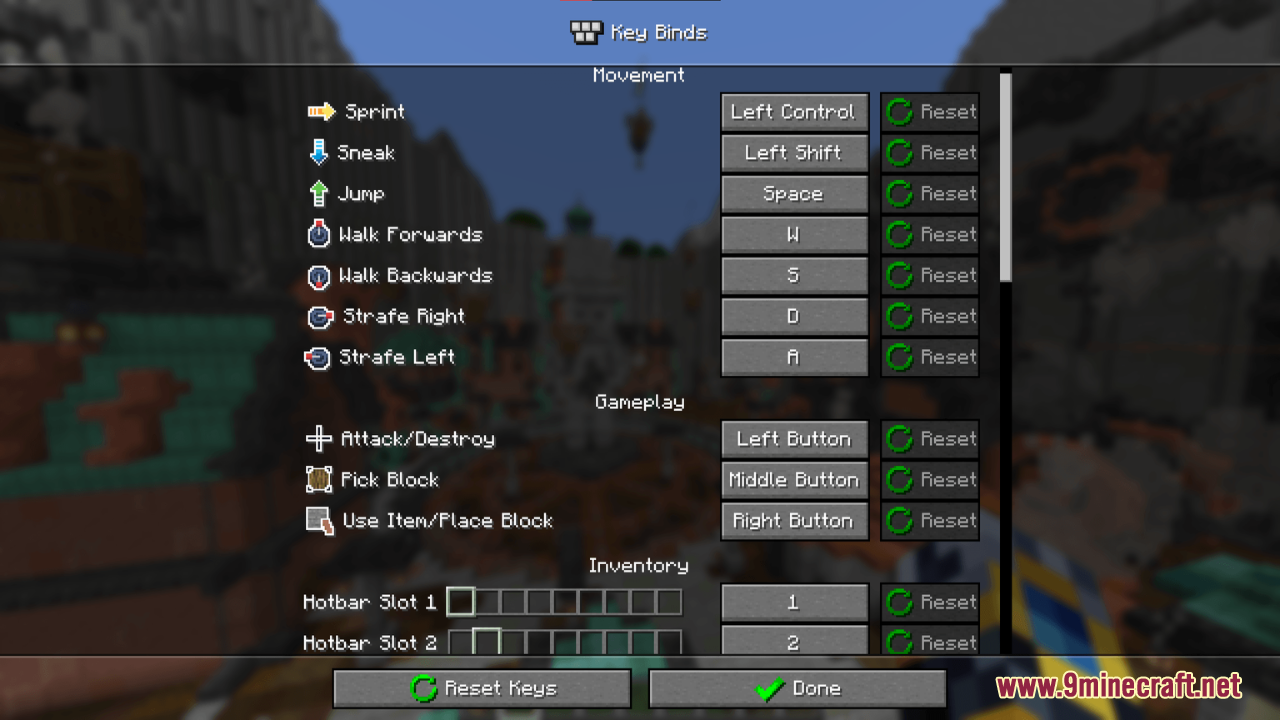
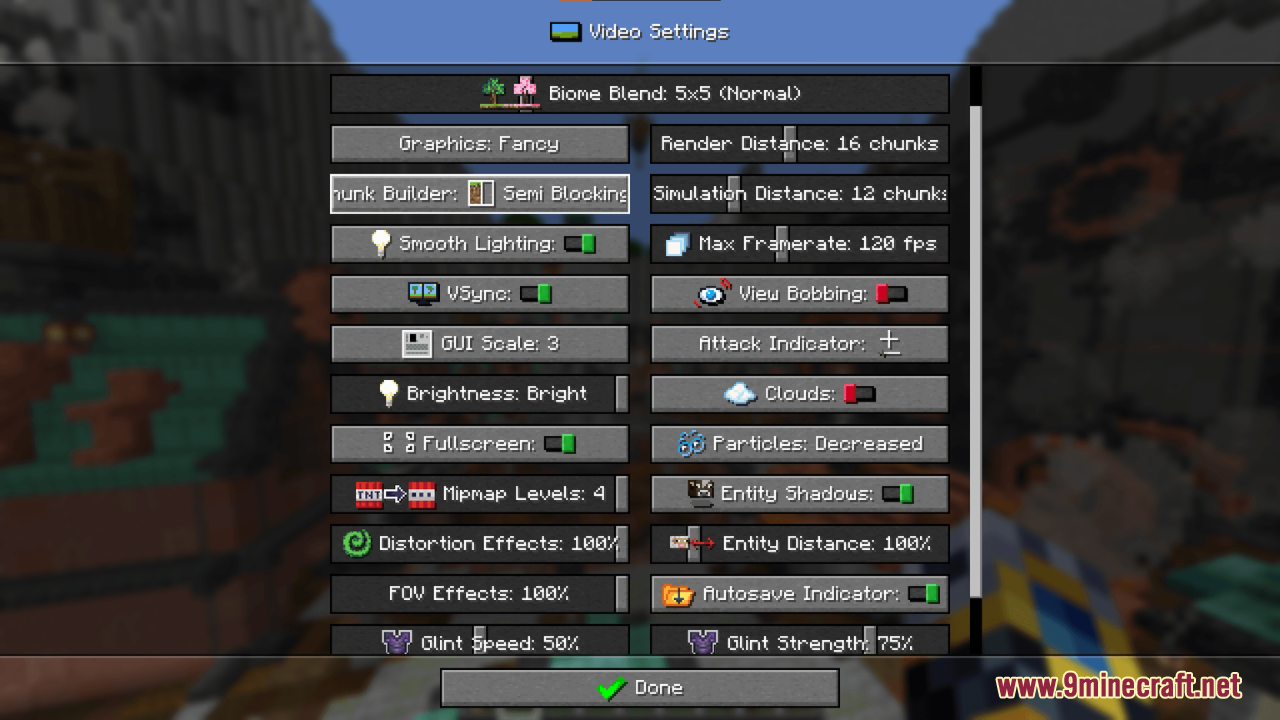
Iconic Resource Pack is a visually engaging modification designed to enhance the user interface (UI) of the game. It focuses on adding graphic icons to…
⬇ DownloadOpen in MCModsHubGet it on Google Play →Iconic Resource Pack is a visually engaging modification designed to enhance the user interface (UI) of the game. It focuses on adding graphic icons to many game interactions, making the menus more intuitive and visually appealing without altering the core gameplay. Then, players can easily recognize menu options and categories at a glance. In general, it is perfect for players looking to improve their user interface experience by making menus more colorful, intuitive, and visually appealing without changing the core gameplay mechanics.
Screenshots:
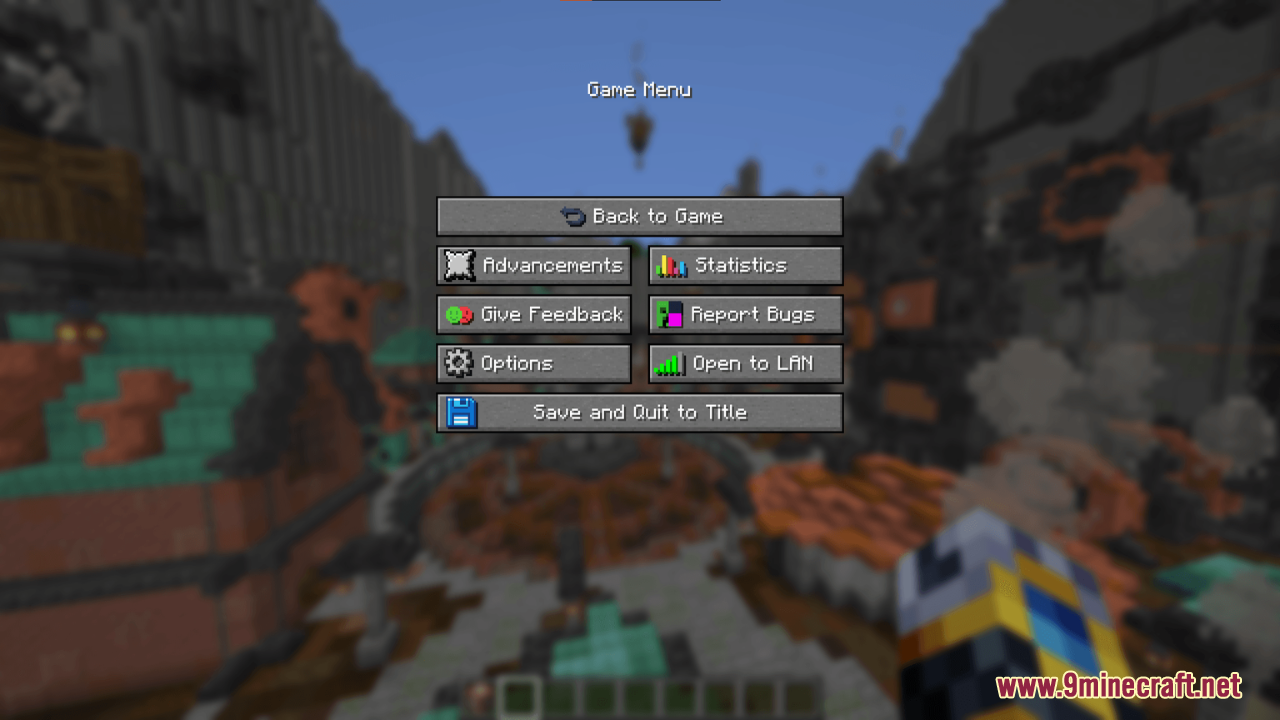
Iconic Resource Pack Download Links
For Minecraft 1.21.x
Iconic Resource Pack (1.21.1, 1.20.1) – Texture Pack is a free Minecraft Java resourcepack. Compatible with Minecraft 1.21.1, 1.20.1. Download it and open it directly in the game.