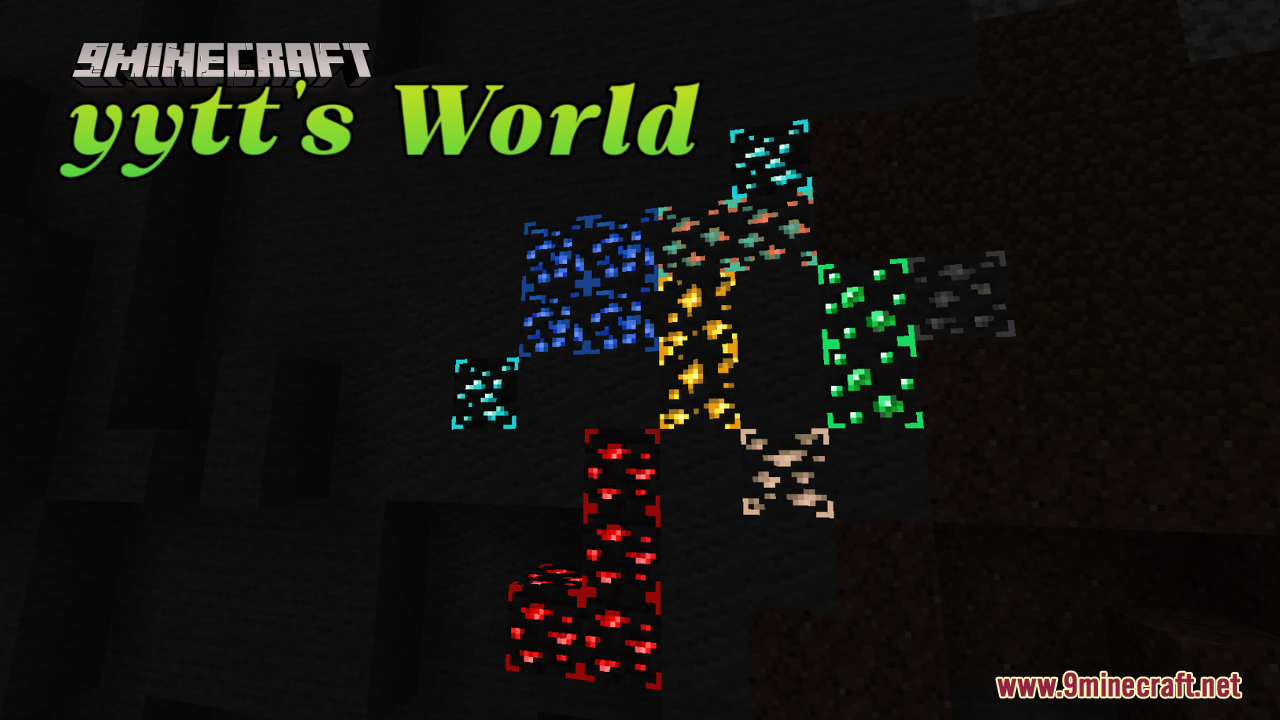
yytt's World Resource Pack (1.21.1, 1.20.1) – Texture Pack
yytt's World Resource Pack is designed to enhance the visual appeal of various elements within Minecraft, focusing on making textures look nicer and more…
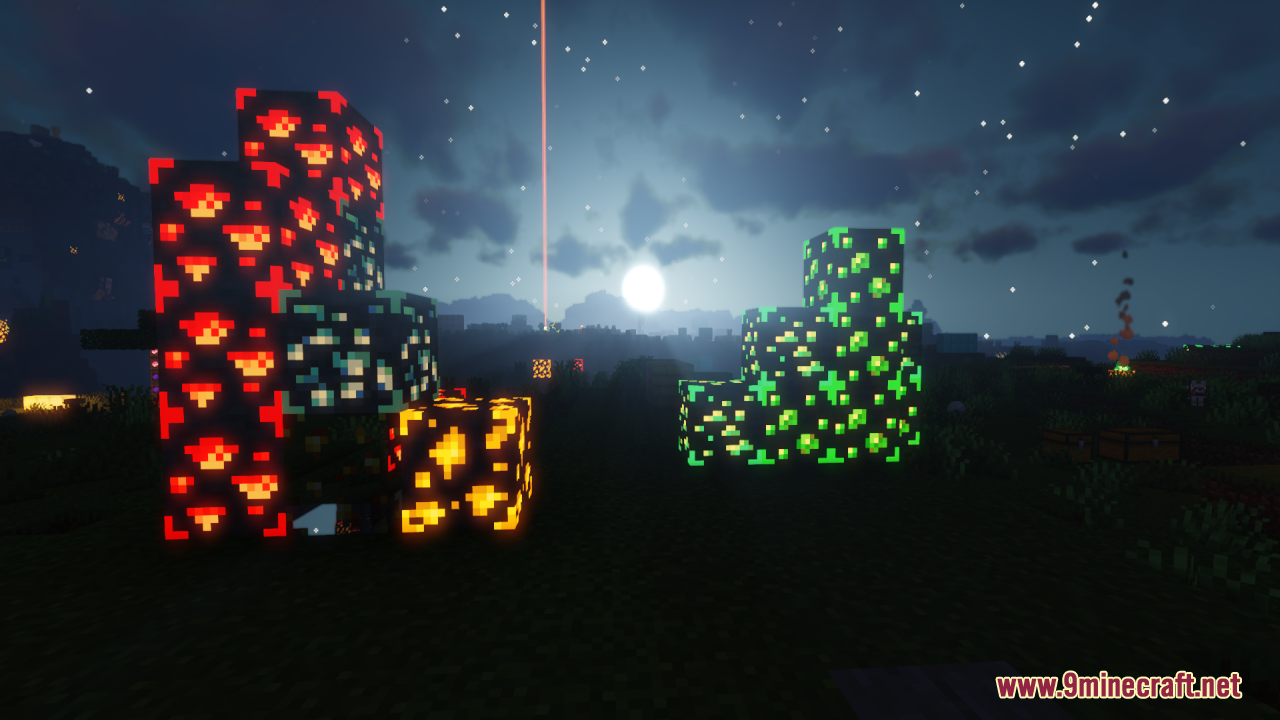
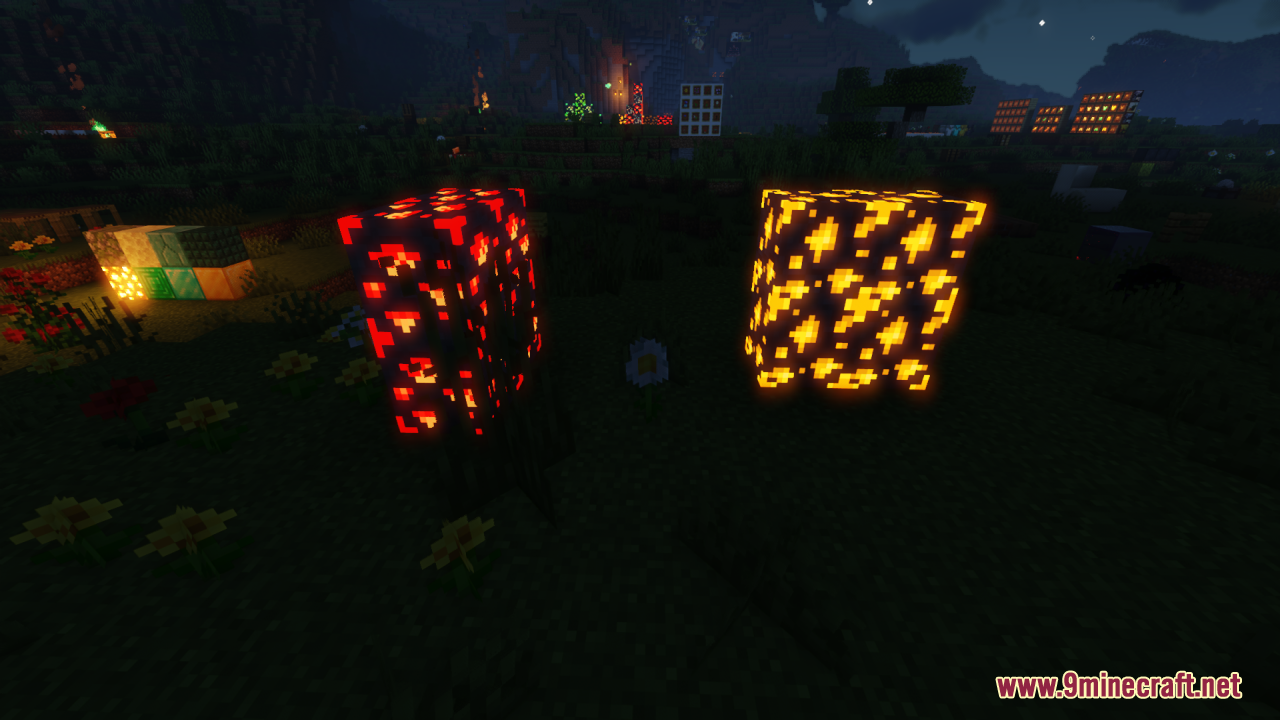
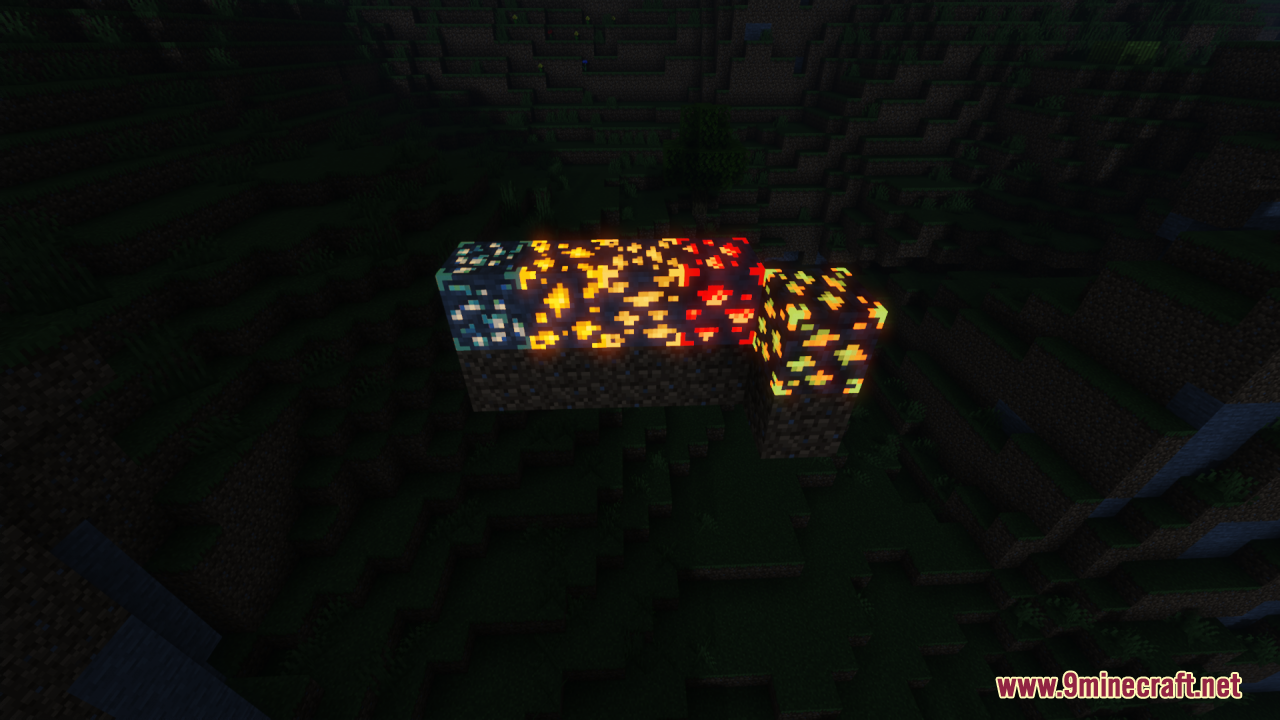
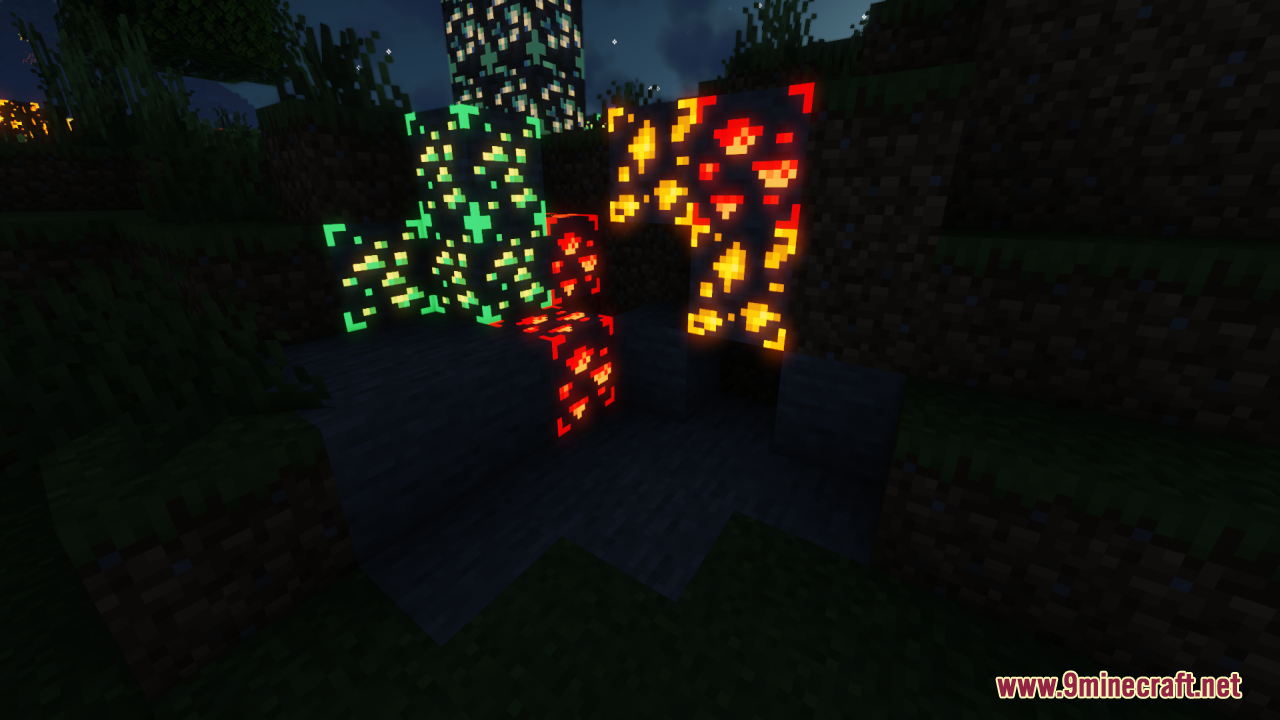
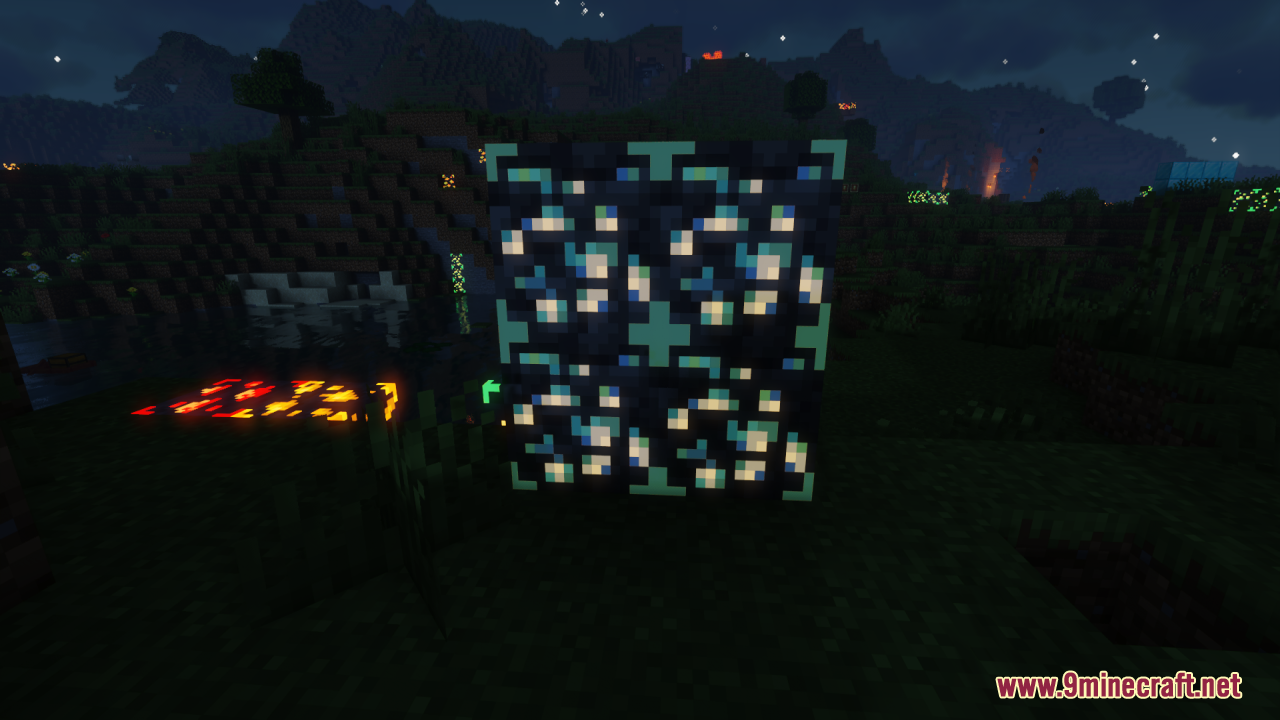
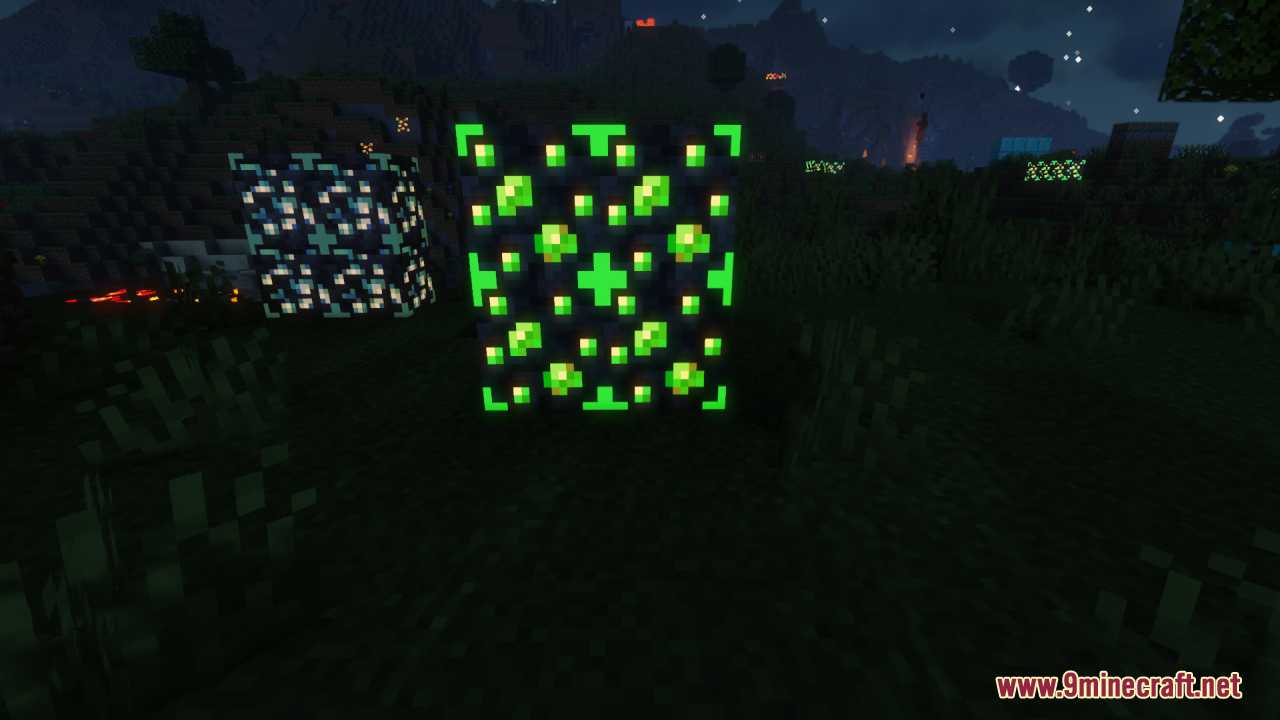
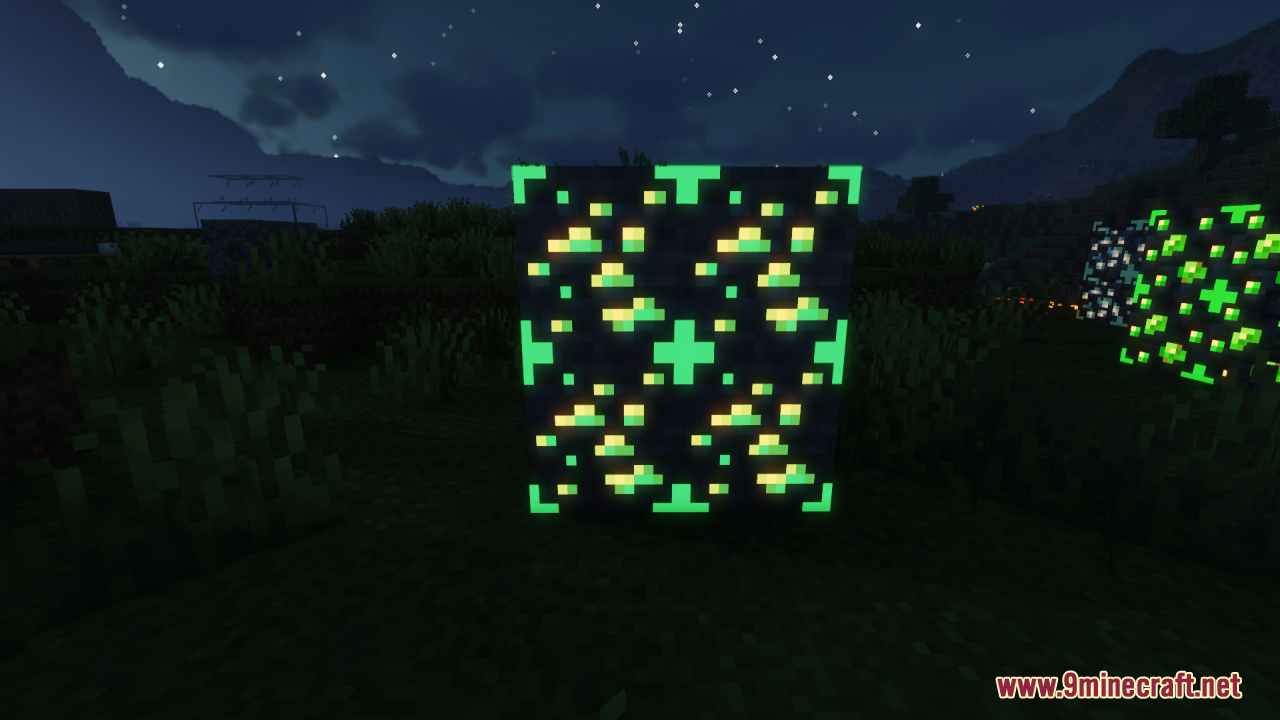
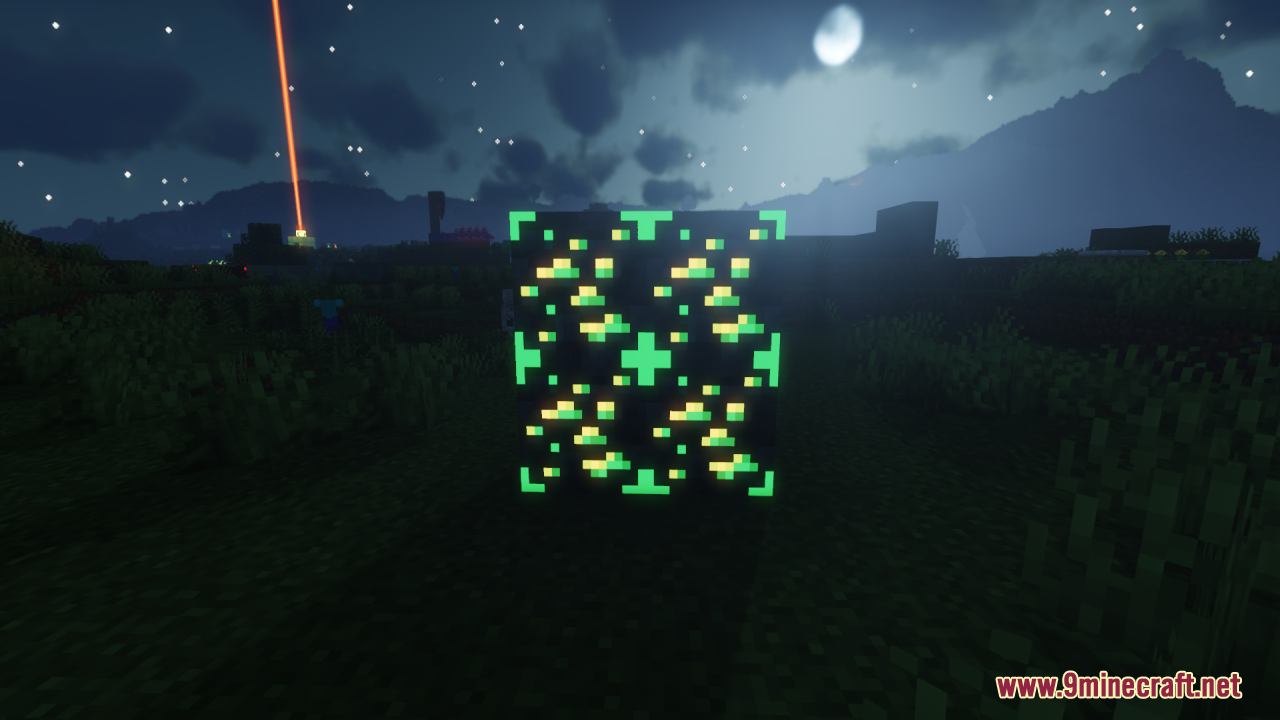
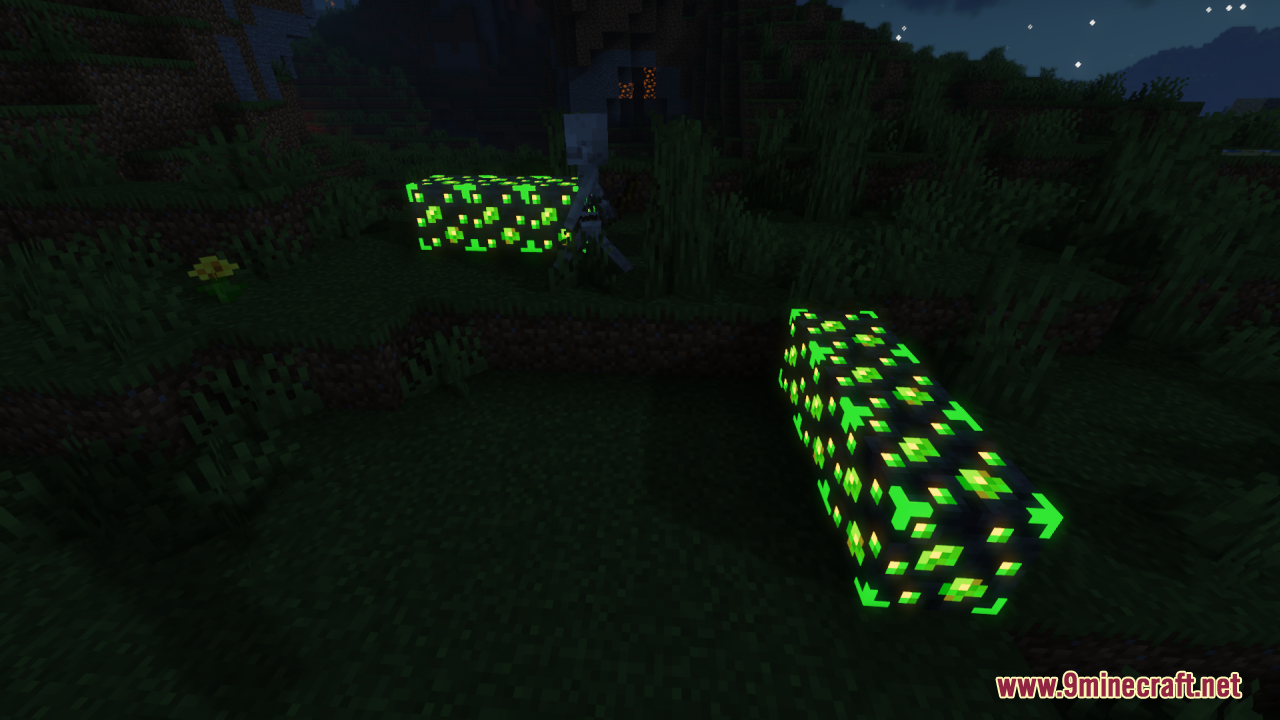
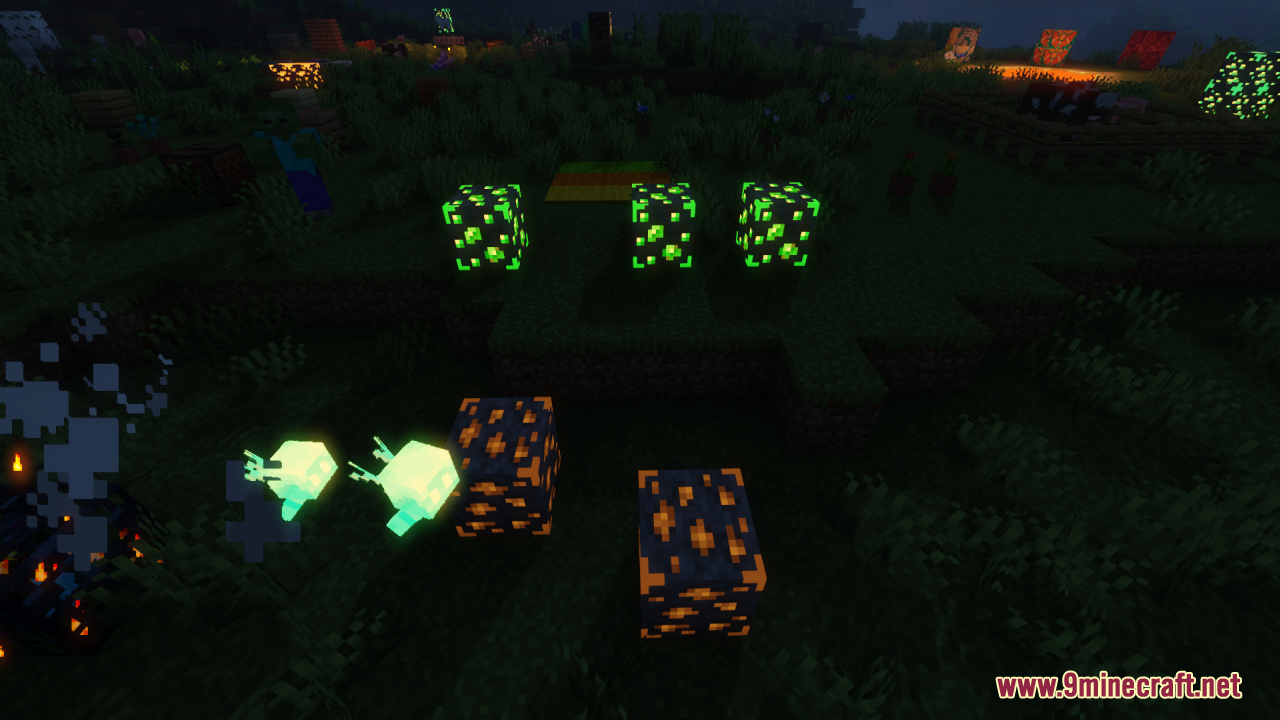
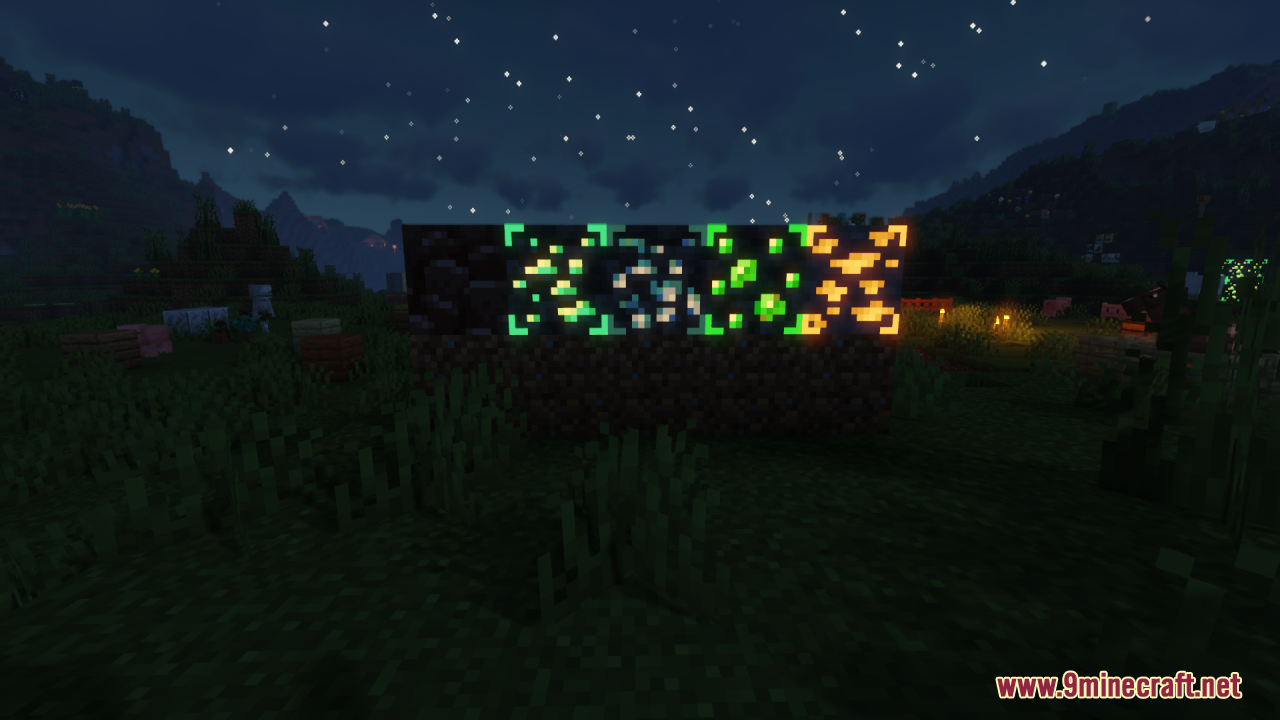
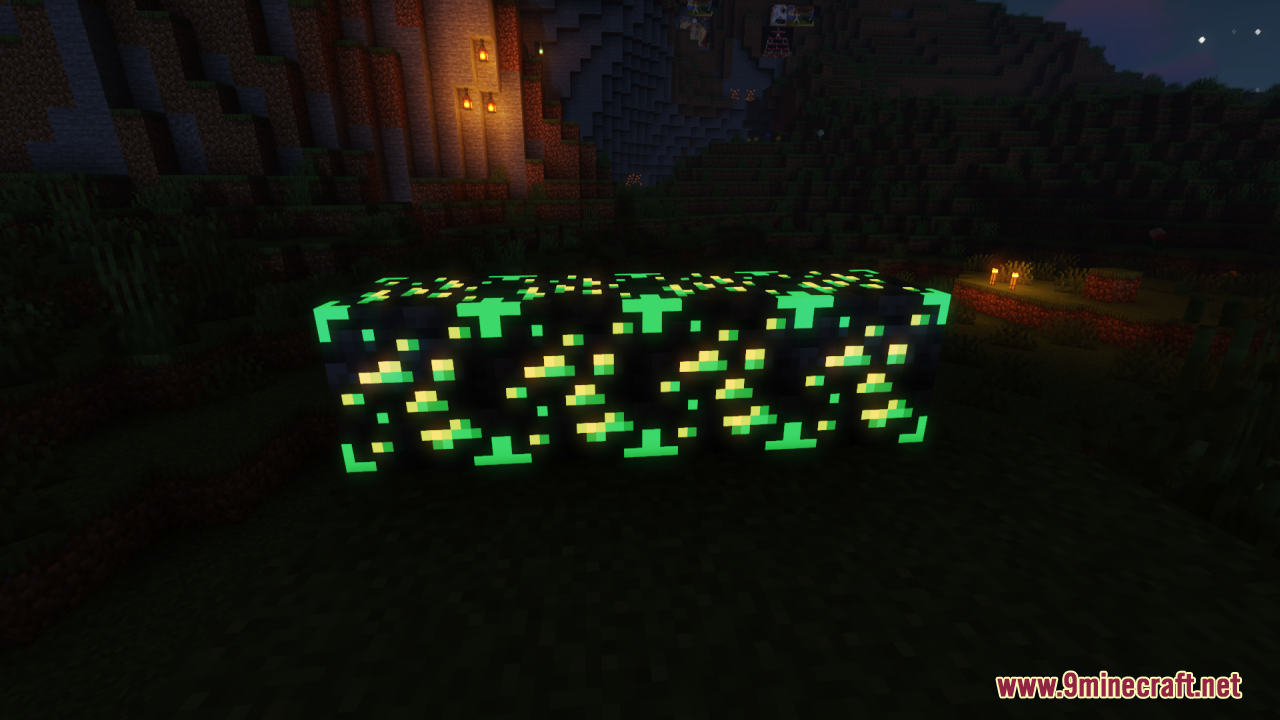
⬇ DownloadOpen in MCModsHubGet it on Google Play →yytt’s World Resource Pack is designed to enhance the visual appeal of various elements within Minecraft, focusing on making textures look nicer and more immersive. Some textures in the game have been enhanced with a glowing effect, making certain objects and items stand out more prominently. This feature not only improves visibility but also adds a magical and immersive quality to the game, especially in low-light environments. This pack is perfect for players who want a more visually pleasing Minecraft experience without straying too far from the game’s original style.
Screenshots:
Requires:
Optifine
yytt’s World Resource Pack Download Links
For Minecraft 1.21.5, 1.21.1, 1.21, 1.20.6, 1.20.1
yytt's World Resource Pack (1.21.1, 1.20.1) – Texture Pack is a free Minecraft Java resourcepack. Compatible with Minecraft 1.21.1, 1.20.1. Download it and open it directly in the game.